|
User Manual for Nikon Coolpix AW100 Waterproof Digital Camera - Refurbished Click to enlarge the picture
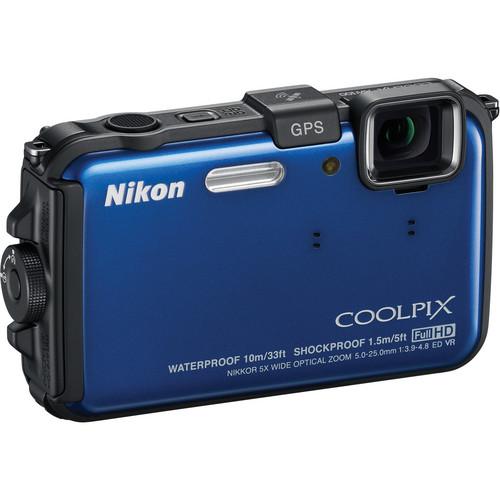 Contents of the user manual for the Nikon Coolpix AW100 Waterproof Digital Camera
- Product category: Uncategorized Nikon
- Brand: Nikon
- Description and content of package
- Technical information and basic settings
- Frequently asked questions – FAQ
- Troubleshooting (does not switch on, does not respond, error message, what do I do if...)
- Authorized service for Nikon Uncategorized
 |
User manual for the Nikon Coolpix AW100 Waterproof Digital Camera contain basic instructions
that need to be followed during installation and operation.
Before starting your appliance, the user manual should be read through carefully.
Follow all the safety instructions and warnings, and be guided by the given recommendations.
User manual is an integral part of any Nikon product,
and if it is sold or transferred, they should be handed over jointly with the product.
Following the instructions for use is an essential prerequisite for protecting
health and property during use, as well as recognition of liability on the part of the manufacturer
for possible defects should you make a warranty claim. Download an official Nikon user manual in which you will find instructions on how to install, use, maintain and service your product.
And do not forget – unsuitable use of a Nikon product will considerably shorten its lifespan!
|
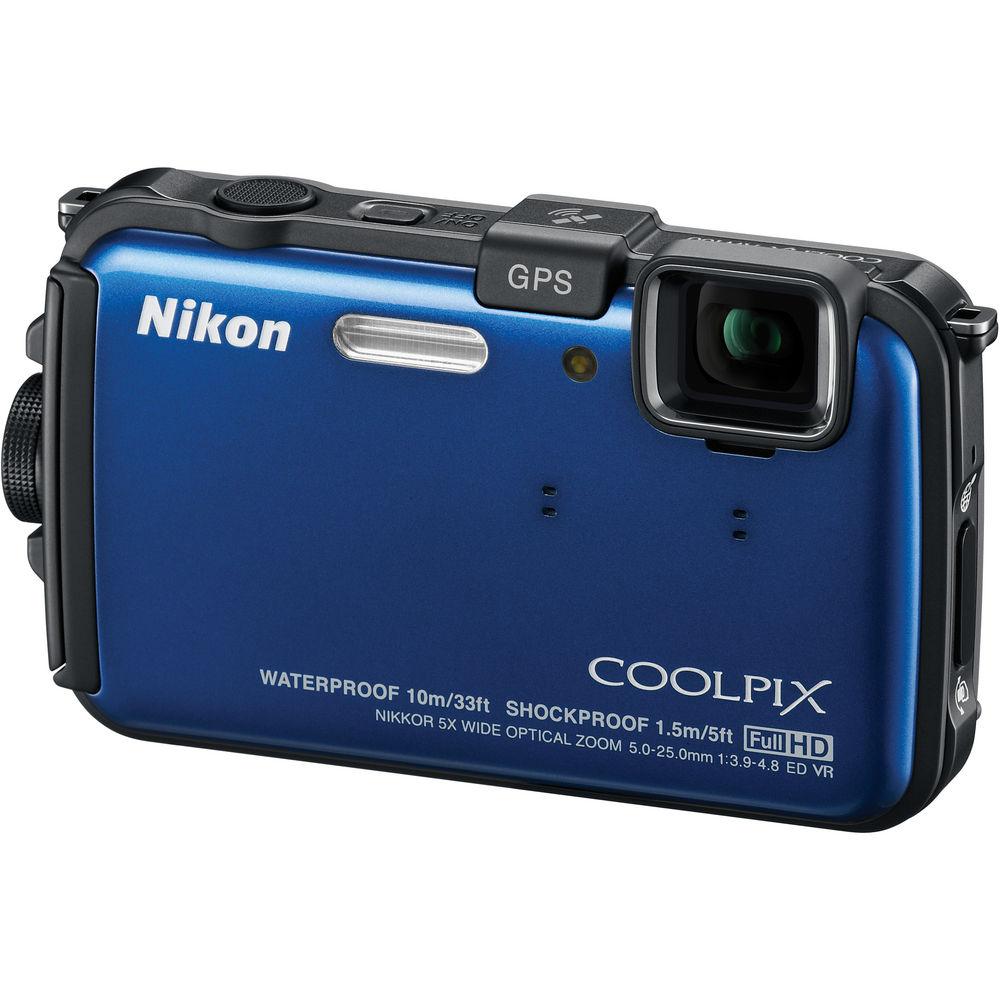
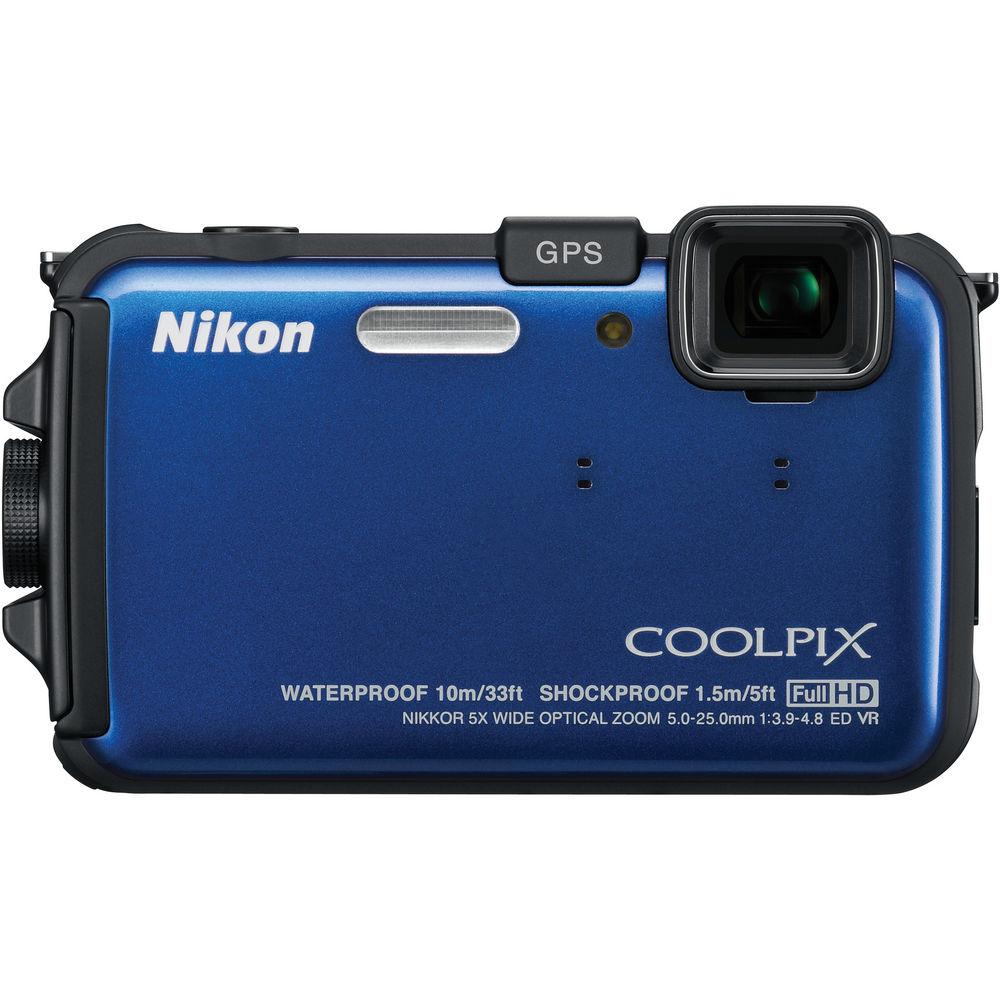
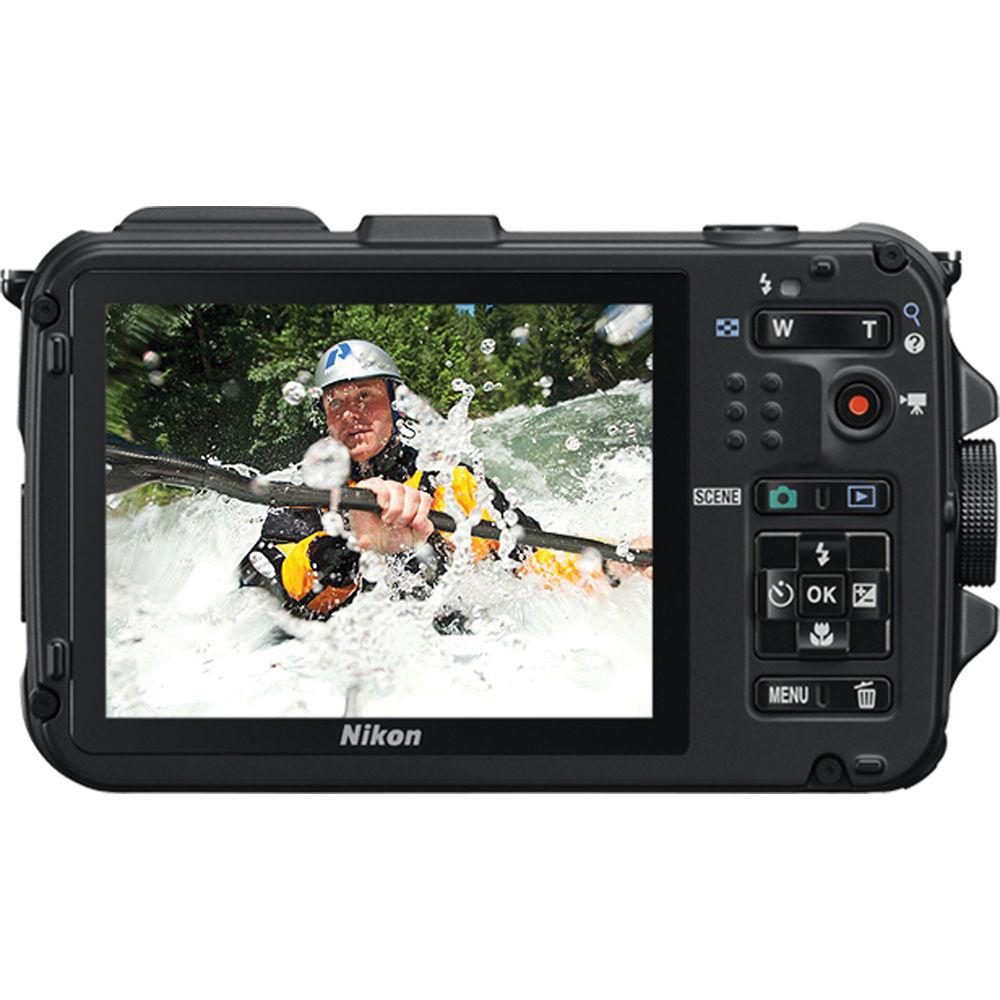
Product description The Nikon Coolpix AW100 Waterproof Digital Camera (Blue) is an action-hungry camera that's rugged enough to take just about anything you want to throw at it – extreme cold (temperatures down to 14 °F), large bodies of water, and even accidental drops up to 5.0' (1.5 m). Featuring a 5x optical zoom lens (28-140mm 35mm equivalent), the AW100 employs a 16 MP CMOS sensor to capture beautiful images underwater, on the ski slopes, or wherever else you'd like to punish this rugged little model.The AW100 is underwater-rated down to 33' (10 m), so you'll be able to take it sailing, snorkeling, or even scuba-diving. Meanwhile, you'll know exactly where you are and where you're headed, thanks to the AW100's built-in GPS and electronic compass functions. If that's not enough to get your bearings, simply access the built-in map on the easy-to-read 3" LCD screen. These functions can help tell the story of the excursion that you cataloged via high-res photos and Full HD 1080p video. Even when you're not recording, the camera's GPS can log your location and record your route. This can also be displayed on the LCD of the AW100. Likewise, the electronic compass enables the recording of the camera's orientation.The AW100 is designed to be easy to operate with one hand while the rest of your body might be otherwise occupied. HD video recording can be triggered by the press of a single button, and the camera's innovative Action Control feature allows you to set select camera functions without even pressing a button – execution is gestural. This will let you focus on the other task at hand, even if it's just keeping your gloves on. - Waterproof, Shock-proof, Freeze-proof: ruggedly built for reliable and comfortable outdoor operation. Waterproof to a depth of 33'. Shockproof if dropped from 5'. Minimum operating temperature is 14 °F
- 16 effective megapixel CMOS sensor is ideal for low-light shooting and fast operation
- Full HD (1080p) movie with stereo sound and movie-record button that enables one-touch recording
- Mini HDMI connection for output to a compatible HDTV or computer display
- GPS and e-Compass functions
- Points of Interest (locations, landmarks, etc.) and location information (latitude and longitude) can be added to your photos
- With the GPS log function, location information is acquired even when you're not shooting, and your route can be recorded and displayed on the LCD monitor as a log
- A built-in map displays the present location during shooting, and shooting sites during playback on the LCD monitor
- Electronic compass enables recording the orientation of the camera
- 5x optical Zoom NIKKOR glass lens 28-140mm (35mm equivalent)
- Beautiful underwater scenes can be captured with the simple setting of the Underwater Scene mode
- Action Control enables one-hand control of selected camera functions
- High-speed continuous shooting captures 3 shots in about one second at full resolution
- Image processing engine EXPEED C2 facilitates enhanced image quality and processing speed
- Large, high-resolution 3" LCD monitor is a 460K-dot Clear Color display with anti-reflection coating
- Smart portrait system automatically creates beautiful portraits
- 20 scene modes (including Easy Auto mode)
- Subject Tracking can continuously track a designated moving subject
In the Box Nikon Coolpix AW100 Waterproof Digital Camera (Blue) AN-CP23 Camera Strap EN-EL12 Rechargeable Lithium-Ion Battery (3.7V, 1050mAh) USB Cable Audio/Video Cable MH-65 Battery Charger UR-E23 Filter Attachment NikonView NX 2 CD-ROM Reference Manual CD 90-Day Refurbished Warranty User Manual PDF 14.1mb Table of Contents
|
Upload User Manual
Have you got an user manual for the Nikon Coolpix AW100 Waterproof Digital Camera - Refurbished in electronic form? Please send it to us and help us expand our library of instruction manuals.
Thank you, too, on behalf of other users.
To upload the product manual, we first need to check and make sure you are not a robot. After that, your "Submit Link" or "Upload File" will appear.
Technical parametersNikon 26292B Specs | | | Pixels | Actual: 16.79 Megapixel
Effective: 16 Megapixel | | Sensor | 1/2.3" CMOS | | File Formats | Still Images: JPEG
Movies: MOV
Audio: AAC, WAV | | Max Resolution | 16 MP: 4608 x 3456 | | Aspect Ratio | 4:3, 16:9 | | Image Stabilization | Optical & Digital | | | | Lens | NIKKOR, 12 Elements in 10 Groups
Effective Focal Length: 5 to 25mm (35 mm Equivalent: 28 to 140mm)
Aperture: f/3.9 (W) to f/4.8 | | Zoom | Optical: 5x
Digital: 4x | | Focus Range | Wide: 19.69" to Infinity / 50.01 cm to Infinity
Telephoto: 39.37" to Infinity / 1 m to Infinity
Macro: 0.39" to Infinity / 0.99 cm to Infinity | | | | ISO Sensitivity | 125 to 3200 | | Shutter | Type: Electronic & Mechanical
Speed: 1 to 1/1500
Type: Electronic & Mechanical
Speed: 4 to 1/1500 Second in Fireworks Mode | | Exposure Metering | Center-Weighted, TTL 256-Zones | | Exposure Modes | Modes: Auto, Program
Compensation: -2 EV to +2 EV (in 1/3 EV Steps) | | White Balance | Auto, Cloudy, Daylight, Flash, Fluorescent, Incandescent, Manual | | Continuous Shooting | Up to 7.1 fps at 16 MP for up to 3 Exposures | | Self-Timer | 10 Sec | | | | Flash Modes | Auto | | Built-In Flash | Yes | | Effective Flash Range | Wide:1 to 11' / 0.3 to 3.35 m
Telephoto:1.64 to 7.22' / 0.50 to 2.20 m | | | | Built-In Memory | 83 MB | | Memory Card Type | SD
SDHC
SDXC | | | | Video Recording | Yes, NTSC/PAL | | | | Audio Recording | With Video + Voice Memo (Stereo) | | | | Viewfinder Type | None | | Screen | 3.0" LCD (460,000 Pixels) | | | | Connectivity | AV Output
HDMI C (Mini)
USB 2.0 | | | | Waterproofing | 33.0' / 10.0 m | | | | Battery | EN-EL12 Rechargeable Lithium-Ion Battery Pack, 3.7 VDC, 1050 mAh | | | | Dimensions (W x H x D) | 4.3 x 2.6 x 0.9" / 109.2 x 66.0 x 22.9 mm | | Weight | 6.3 oz / 178.6 g | | | | Package Weight | 1.6 lb | | Box Dimensions (LxWxH) | 7.8 x 5.3 x 3.4" |
Rating84% users recommend this product to others. And what about you?

This product has already been rated by 04 owners. Add your rating and experience with the product.
Discussion
 Ask our technicians if you have a problem with your settings,
or if anything is unclear in the user manual you have downloaded.
You can make use of our moderated discussion.
The discussion is public and helps other users of our website who may be encountering similar problems.
Ask our technicians if you have a problem with your settings,
or if anything is unclear in the user manual you have downloaded.
You can make use of our moderated discussion.
The discussion is public and helps other users of our website who may be encountering similar problems.
The discussion is empty - enter the first post
Post a new topic / query / comment:
|
|
|
| Request for user manual |
You can’t find the operation manual you are looking for? Let us know and we will try to add the missing manual:
I’m looking for a manual / Request for manual
Current requests for instruction manuals:
Call Of Duty World War Two For Xbox...
controller stratus XL...
stratus XL...
smart whatch serie S11 42mm...
Allen & Heath SQ-6 manual...
|
| Discussion |
Latest contributions to the discussion:
AEW R 4100
Name: MAURICIO ANGARITA
Audio-Technica AEW-R4100 UHF Diversity Receiver for
AEW R 4100 has the mute function blocked and does not allow audio to pass. I tried several times to turn off the mute from the transmitter but it does nothing, the mute stays on. Solution?
Thank you...
Instructions for assembling the 2015 Forecast Image Master Consoles GC3-A
Name: mike elam
Forecast Consoles GC3-A ImageMaster Editing Console
Looking for instructions for assembling this console. ...
EMPTY TONER ERROR MESSAGE AFTER REPLACING TONER
Name: LINDA BAD YELLOW EYES
Brother TN223BK Standard-Yield Toner
I HAD TO CHANGE OUT ALL THREE TONERS DUE TO LEAKS IN THE YELLOW AND CYAN. AFTER I REPLACED THEM, THE MACHINE KEEPS GIVING ME AN EMPTY TONER ERROR MESSAGE. HELP!!...
PS480D 20/24 pin Switching 480W Power Supply
Name: swkargo
Logisys 480W Power Supply
This item states in can run -5vdc .It is NOT listed on the board or I beleive is r4 is missing the resitior. Any body have thid issue. Shawn
...
Help needed
Name: Ann Carter
SanDisk 1TB Extreme Portable USB 3.1
When I click the link to download the user manual for my Sandisk Extreme external hard drive, it gives me the manual for the LG Cricket. Can you please change the link so I can download the Sandisk manual and begin using this drive? Thank you....
|
|


