|
User Manual for Nikon COOLPIX P1000 Digital Camera Click to enlarge the picture
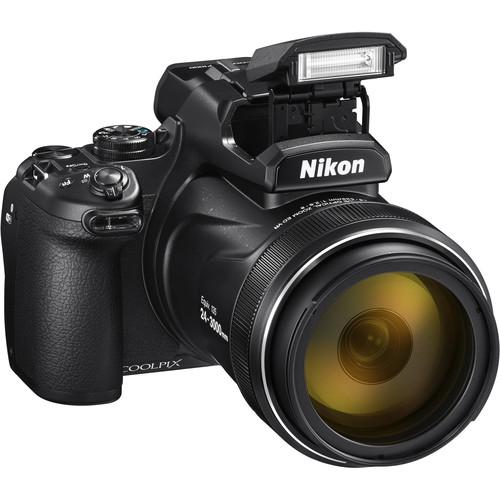 Contents of the user manual for the Nikon COOLPIX P1000 Digital Camera
- Product category: Point & Shoot Cameras Nikon
- Brand: Nikon
- Description and content of package
- Technical information and basic settings
- Frequently asked questions – FAQ
- Troubleshooting (does not switch on, does not respond, error message, what do I do if...)
- Authorized service for Nikon Point & Shoot Cameras
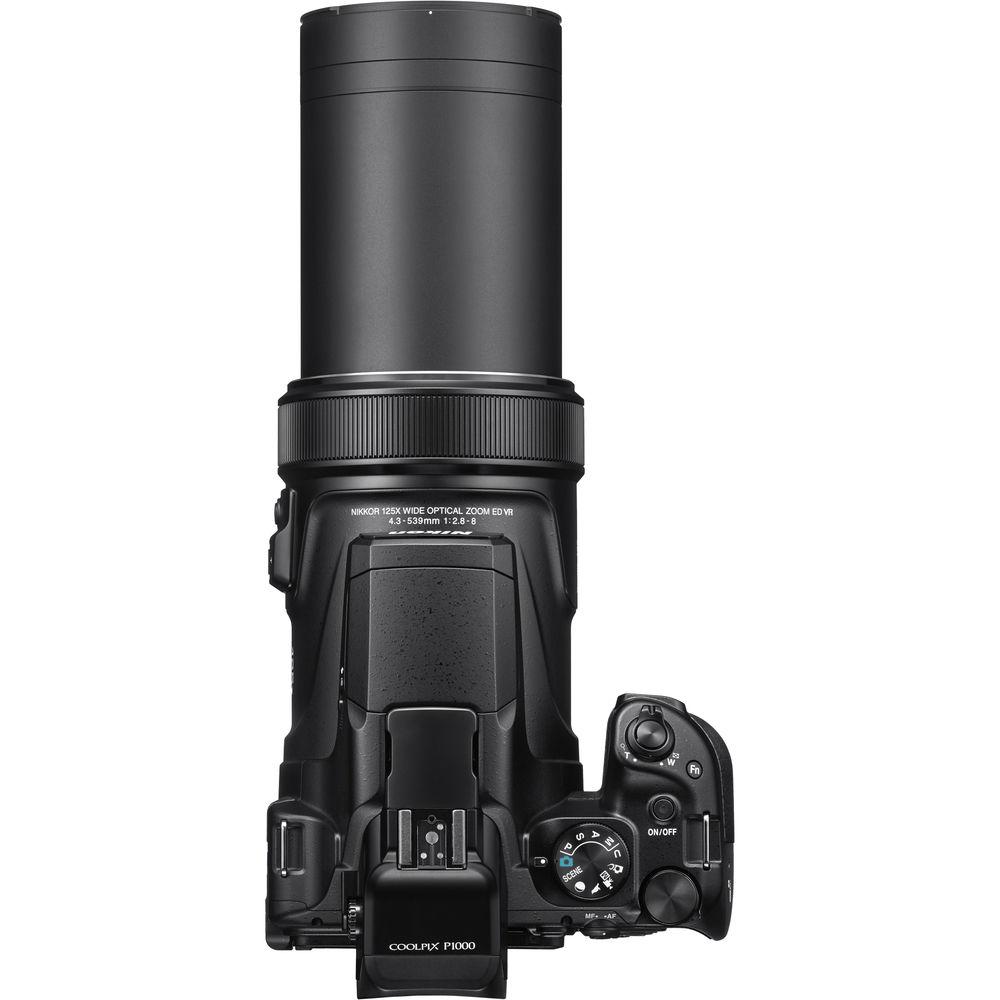
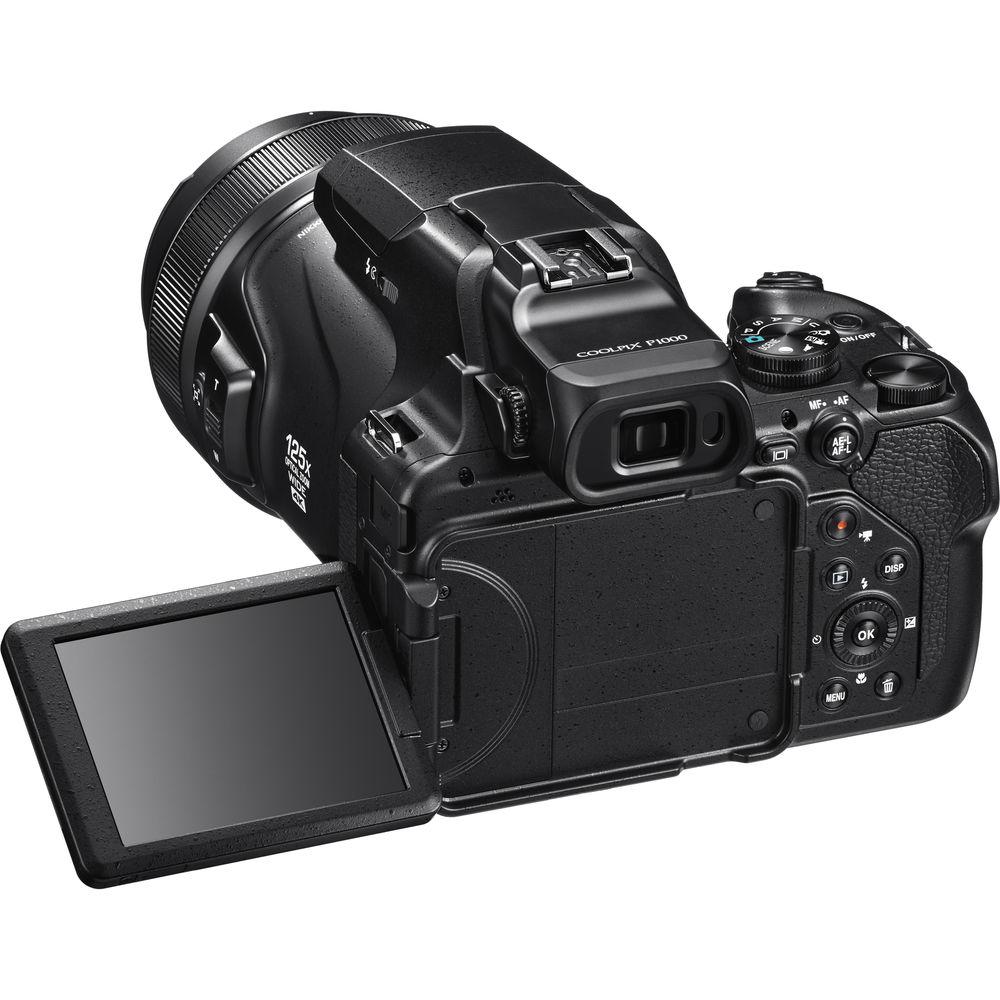 |
User manual for the Nikon COOLPIX P1000 Digital Camera contain basic instructions
that need to be followed during installation and operation.
Before starting your appliance, the user manual should be read through carefully.
Follow all the safety instructions and warnings, and be guided by the given recommendations.
User manual is an integral part of any Nikon product,
and if it is sold or transferred, they should be handed over jointly with the product.
Following the instructions for use is an essential prerequisite for protecting
health and property during use, as well as recognition of liability on the part of the manufacturer
for possible defects should you make a warranty claim. Download an official Nikon user manual in which you will find instructions on how to install, use, maintain and service your product.
And do not forget – unsuitable use of a Nikon product will considerably shorten its lifespan!
|
Product description Get an Incredible 3000mm Zoom with the Nikon P1000 Read More xdqzctrufwedwfsvvewzxsytcbzsdrttxa - First Look - Nikon COOLPIX P1000
- COOLPIX P1000: Product Tour
- Nikon COOLPIX P1000: See Further
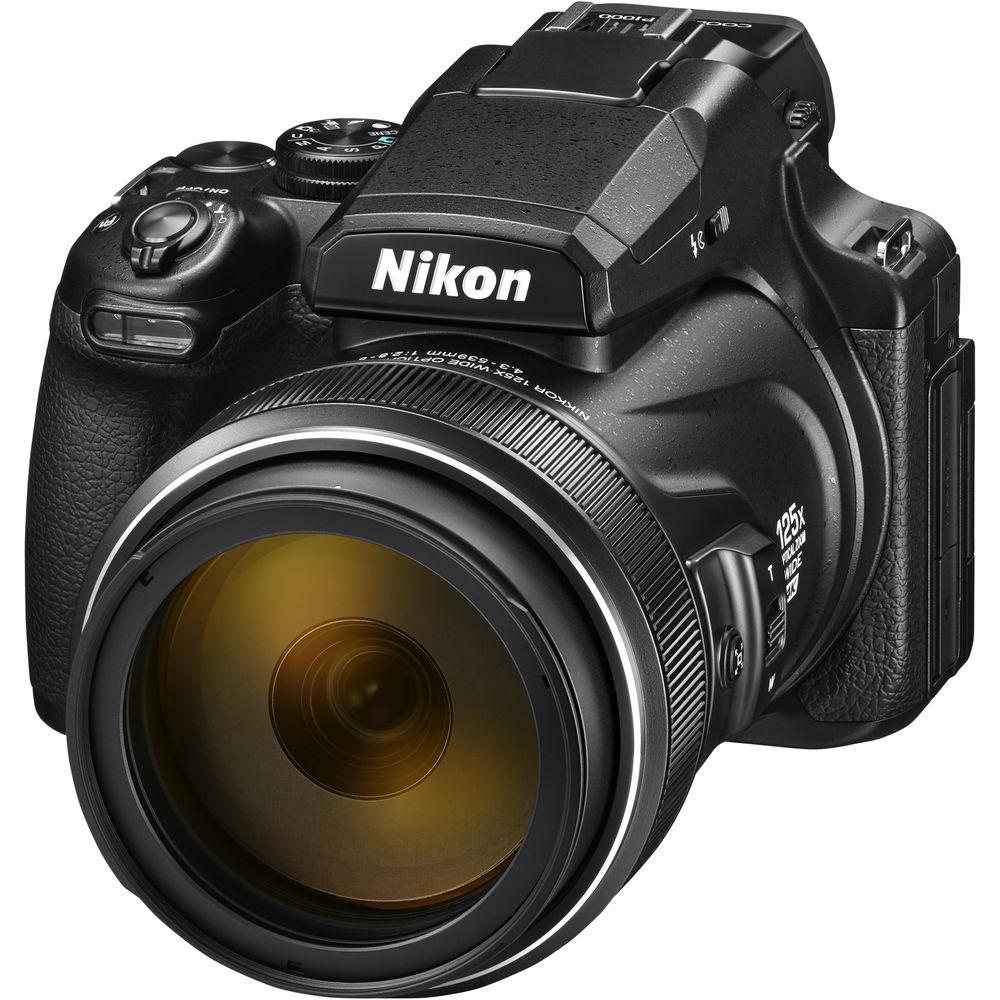
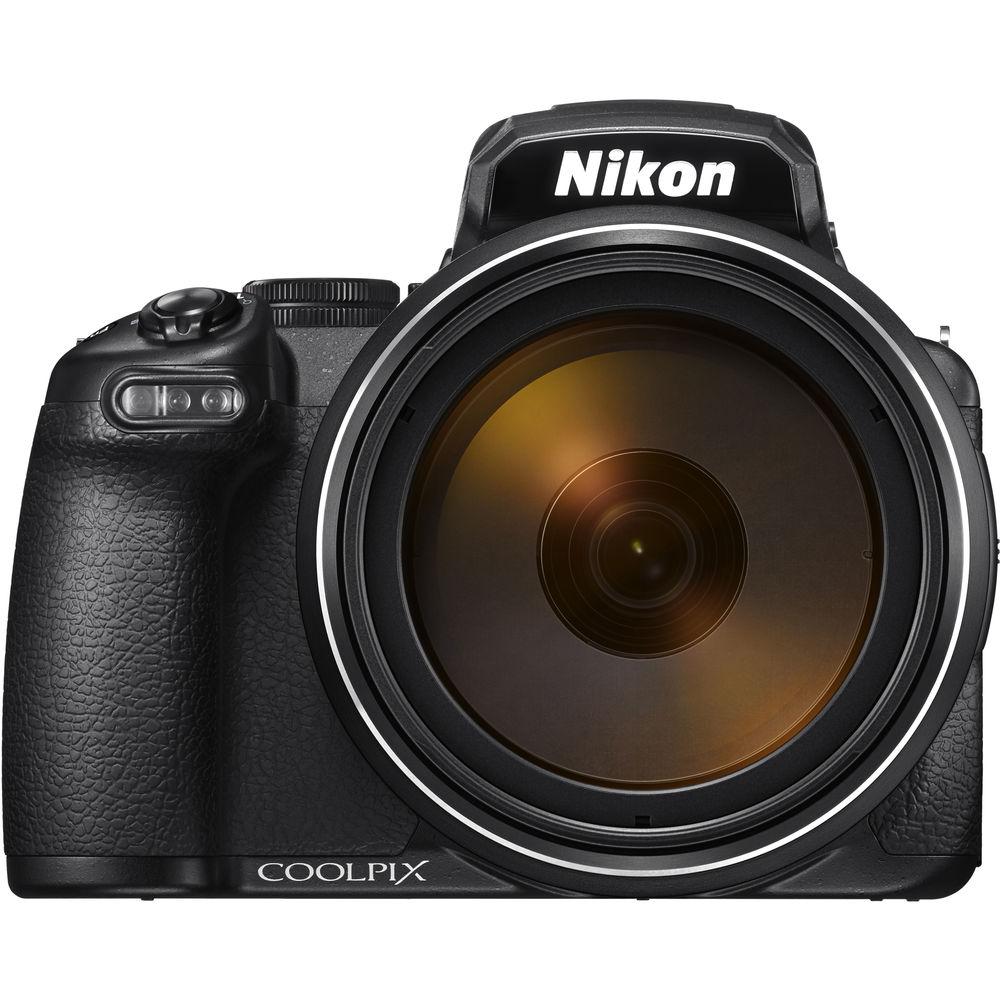
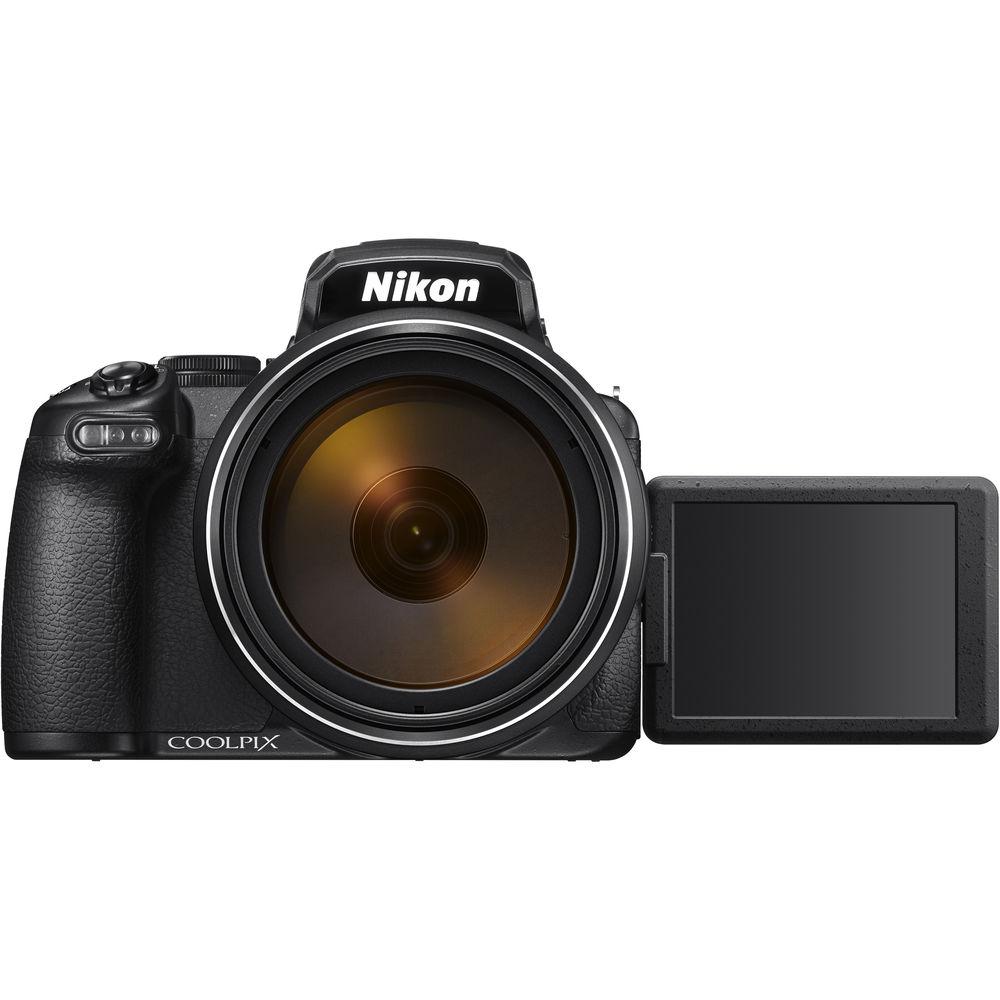
Shoot at staggering distances with the 125x optical zoom COOLPIX P1000 Digital Camera from Nikon. This camera, which has a 16MP backside illuminated CMOS sensor, features a built-in NIKKOR lens with a 35mm equivalent focal length range of 24-3000mm. You can zoom even further with 250x Dynamic Fine digital zoom, which will give you an equivalent focal length of 6000mm. Coupled with these extreme focal lengths is Nikon's Dual Detect Optical Vibration Reduction, which provides 5 stops of optical image stabilization and ensures your telephoto shots are crisp.
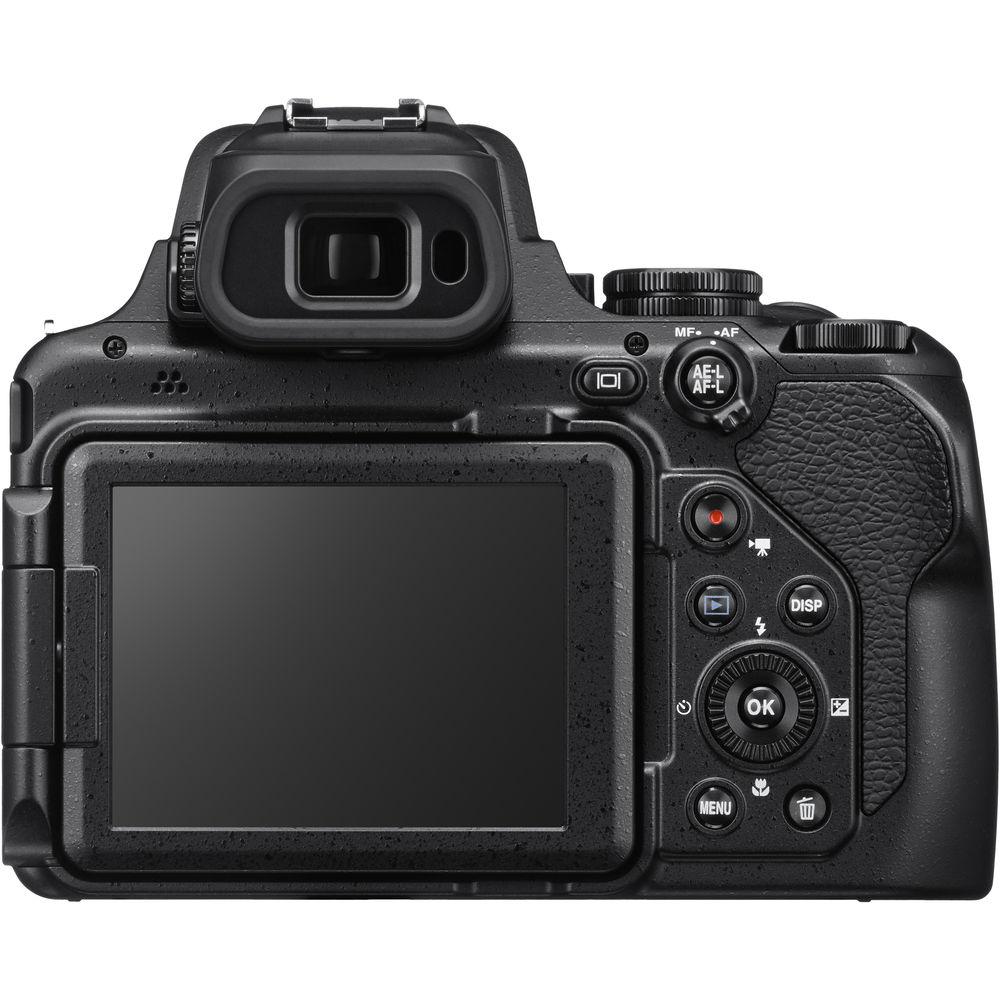
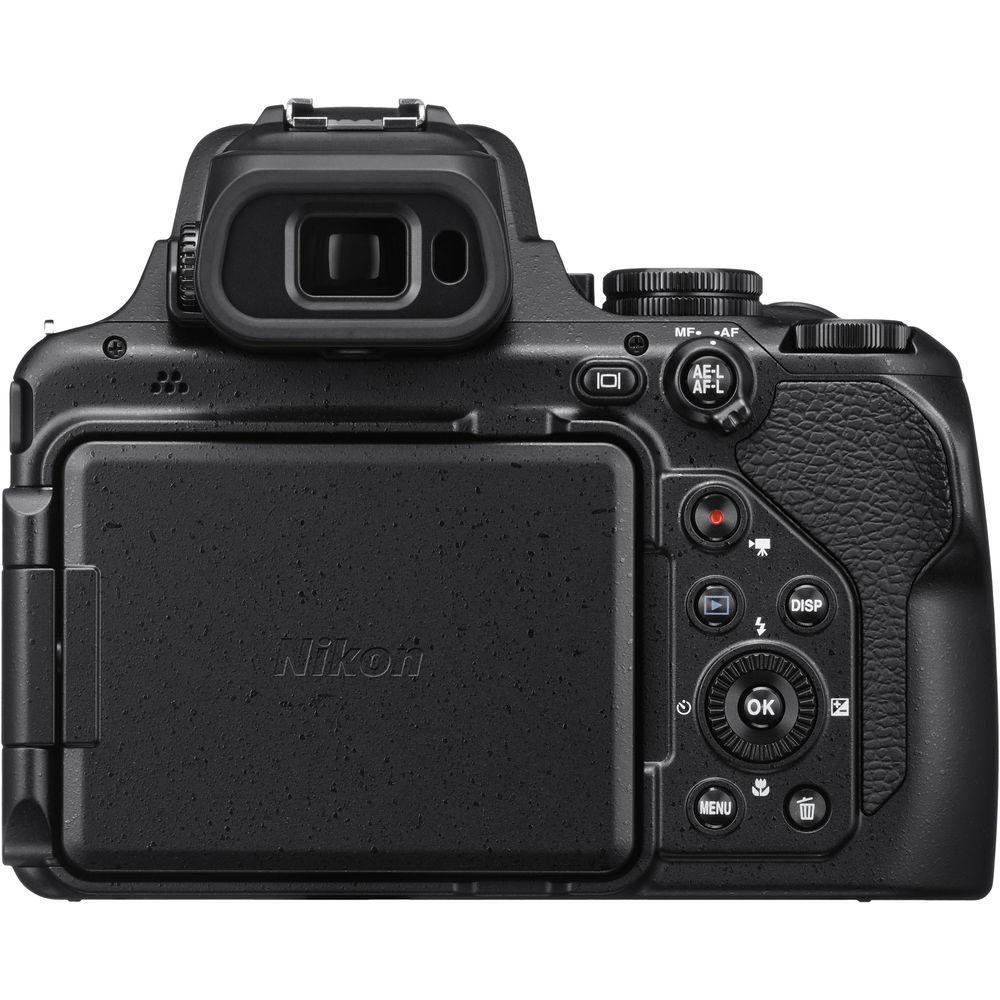
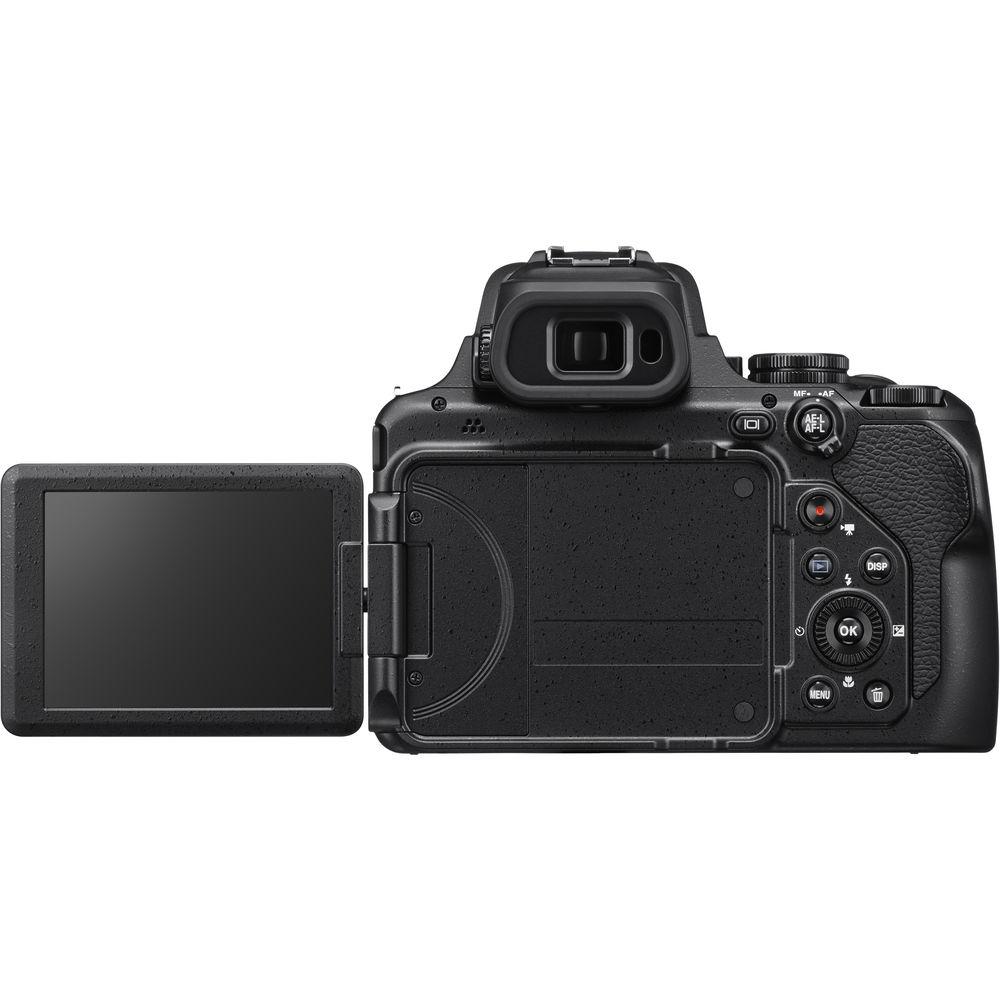
Gracing the back of the camera are a 3.2" vari-angle, 921k-dot LCD monitor and an eye-level 2.36m-dot electronic viewfinder, so your subjects will always be easy to see. The camera is also capable of recording 4K UHD video at 30 or 25 fps and supports an external microphone via a 3.5mm connector.
Camera shake may be a concern while shooting at extreme focal lengths on a tripod. Or, you may need to otherwise remotely operate the P1000. The optional ML-L7 remote satisfies these needs with wireless operation off the camera's zoom, shutter, and other settings. Once you're done with a shoot, immediately access your photos on a paired smartphone via the Nikon SnapBridge app and the camera's built-in Wi-Fi and Bluetooth. - 16MP BSI CMOS Image Sensor
- The backside-illuminated sensor with 16 million effective pixels can output detailed images at sensitivities between ISO 100 and 6400. It can also create 4K UHD movies at 30 or 25 fps.
- 125x Optical Zoom with Dual Detect Optical Vibration Reduction
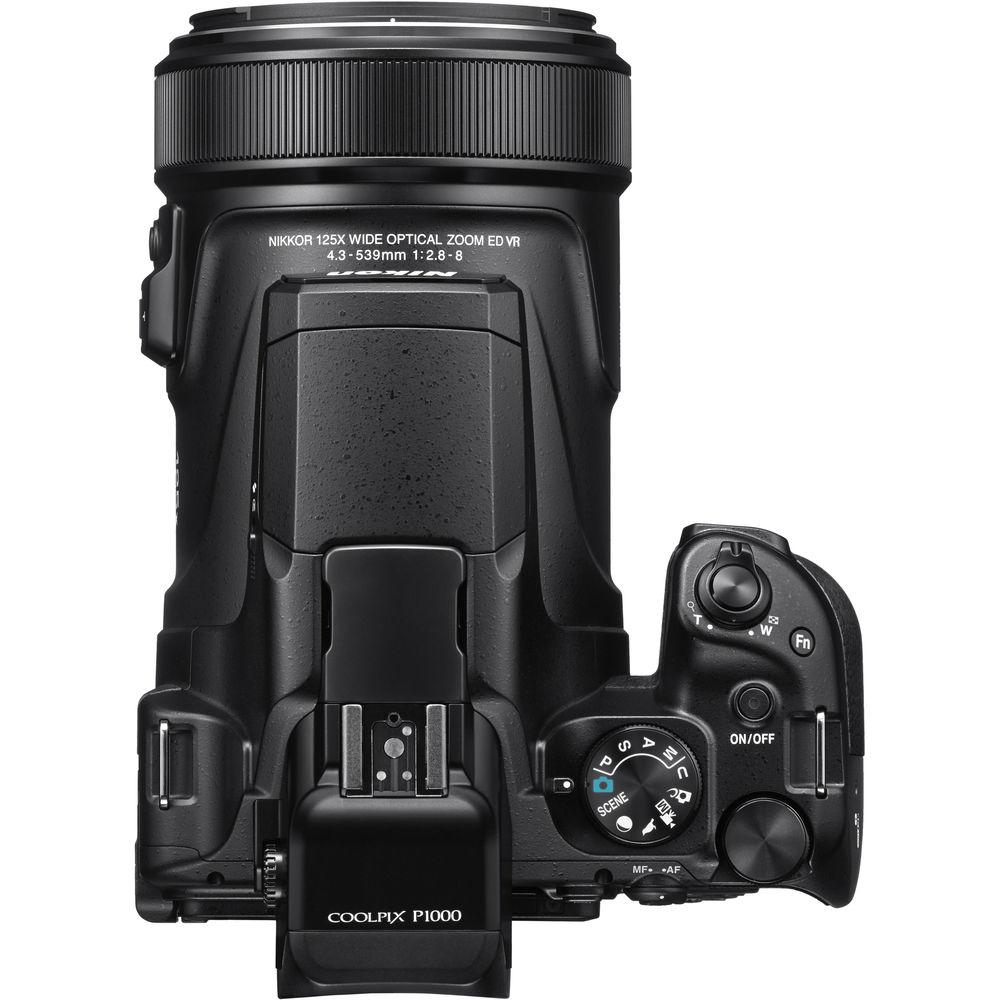
- An absurd 24-3000mm (35mm equivalent) focal range means few, if any, objects are out of the reach of your lens. Zoom is further enhanced by Dynamic Fine digital zoom, which makes the maximum focal length a ridiculous 6000mm. Dual Detect Optical Vibration Reduction provides 5 stops of optical image stabilization so your handheld shots are crisp.
- Dual Viewing Systems
- The P1000 features a bright vari-angle 3.2" LCD display that makes composing and reviewing images and movies a breeze. Also available is the 0.39", 2.36 million-dot OLED electronic viewfinder for a more traditional shooting style.
- Control Ring and Snapback Button
- A control ring at the front of the device can be used for a variety of functions, like adjusting focus, exposure, white balance, and ISO, all from the lens barrel. Also on the barrel is a zoom toggle and a dedicated Snapback button that will make your P1000 quickly zoom out in case you lose sight of your subject at long focal lengths. Releasing the button will return the focal length to its previous position.
- Built-In Wi-Fi and Bluetooth
- Nikon's SnapBridge technology allows for seamless photo sharing directly from your camera to a paired smartphone device.
- Shooting Modes
- The P1000 features a slew of shooting modes that adjust settings for different scenarios like sunsets, fireworks, and portraits. The popular Moon Mode is great for shooting Earth's closest neighbor and the new Bird Mode optimizes the camera for capturing the often bright and colorful creatures.
- Optional ML-L7 Remote
- The ML-L7 remote (not included) can wirelessly adjust a variety of setting such as ISO, zoom, and aperture, in addition to triggering the shutter of the P1000. This lets you maintain precise composition while shooting from a tripod.
- Battery Life
- The EN-EL20a battery is rated for 250 shots per charge. Recharging takes only approximately 3 hours.
UPC: 018208265220 In the Box Nikon COOLPIX P1000 Digital Camera EN-EL20a Rechargeable Lithium-Ion Battery Pack (7.2V, 1110mAh) xdqzctrufwedwfsvvewzxsytcbzsdrttxa EH-73P Charging AC Adapter UC-E21 USB Type-A Male to Type-B Micro Male Cable (Black) AN-DC3 Camera Strap (Black) 77mm Snap-On Lens Cap HB-CP1 Lens Hood Limited 1-Year Warranty Guides & Manuals More from Manufacturer Table of Contents
|
Upload User Manual
Have you got an user manual for the Nikon COOLPIX P1000 Digital Camera in electronic form? Please send it to us and help us expand our library of instruction manuals.
Thank you, too, on behalf of other users.
To upload the product manual, we first need to check and make sure you are not a robot. After that, your "Submit Link" or "Upload File" will appear.
Download User ManualThe user manual for the Nikon COOLPIX P1000 Digital Camera can be downloaded in PDF format at the link stated below.
Technical parametersNikon P1000 Specs | | | Pixels | Actual: 16.8 Megapixel
Effective: 16 Megapixel | | Sensor | 1/2.3" CMOS | | File Formats | Still Images: JPEG, RAW
Movies: MP4
Audio: AAC | | Max Resolution | 16 MP: 4608 x 3456 | | Aspect Ratio | 4:3 | | Image Stabilization | Optical | | | | Lens | NIKKOR, 17 Elements in 12 Groups
(35 mm Equivalent: 24 to 3000mm)
Aperture: f/2.8 (W) to f/2.8 (T) to f/8 | | Filter Thread | 77mm | | Zoom | Optical: 125x
Dynamic: 250x | | Focus Range | Wide: 1' to Infinity / 30.48 cm to Infinity
Telephoto: 23' to Infinity / 7.01 m to Infinity | | | | ISO Sensitivity | 100 to 6400 | | Shutter | 30 to 1/4000 Second in Manual Mode
1 to 1/4000 Second in Auto Mode
1/30 to 1/8000 Second in Movie Mode | | Exposure Metering | Center-Weighted, Matrix, Spot | | Exposure Modes | Modes: Aperture Priority, Auto, Manual, Program, Shutter Priority
Compensation: -2 EV to +2 EV (in 1/3 EV Steps) | | Shooting Modes | Auto
Back Light
Beach
Close Up
Dusk/Dawn
Fireworks
Food
Landscape
Multi-Exposure
Night Landscape
Night Portrait
Panorama
Party/Indoor
Pet Portrait
Portrait
Scene Auto Selector
Snow
Soft
Sports
Sunset
Time-Lapse Movie | | White Balance | Auto, Cloudy, Daylight, Flash, Fluorescent, Incandescent, Preset Manual | | Continuous Shooting | Up to 7 fps at 16 MP for up to 7 Exposures (JPEG Format) | | Self-Timer | 3, 10 Sec | | Interval Recording | Yes | | Remote Control | ML-L7 (Optional) | | | | Flash Modes | Auto | | Built-In Flash | Yes | | Effective Flash Range | Wide:1.0 to 39.37' / 0.3 to 12 m
Telephoto:16.4 to 26.2' / 5 to 8 m | | External Flash Connection | Hot Shoe | | | | Memory Card Type | SD
SDHC
SDXC | | | | Video Recording | Yes, NTSC/PAL | | Resolution | 3840 x 2160p: 30 fps, 25 fps
1920 x 1080p: 60 fps, 50 fps, 30 fps, 25 fps
1280 x 720p: 60 fps, 50 fps, 30 fps, 25 fps | | | | Video Clip Length | Up to 29 Minutes 59 Seconds | | Audio Recording | Built-In Mic: With Video (Stereo)
Optional External Mic: With Video (Stereo) | | | | Viewfinder Type | Electronic | | Diopter Adjustment | -3 to +3 m | | Viewfinder Coverage | 100% | | Screen | 3.2" LCD Rear Screen (921,000 Pixels) | | Screen Coverage | 99% | | | | Connectivity | 1 x 1/8" Microphone, HDMI D (Micro), USB 2.0 Micro-B | | Wi-Fi | Yes | | | | Battery | 1 x EN-EL20a Rechargeable Lithium-Ion Battery Pack | | | | Dimensions (W x H x D) | 5.8 x 4.7 x 7.1" / 146.3 x 118.8 x 181.3 mm excluding projections | | Weight | 3.11 lb / 1415 g with battery and memory card | | | | Package Weight | 4.8 lb | | Box Dimensions (LxWxH) | 11.8 x 7.2 x 7.0" |
Rating86% users recommend this product to others. And what about you?

This product has already been rated by 92 owners. Add your rating and experience with the product.
Discussion
 Ask our technicians if you have a problem with your settings,
or if anything is unclear in the user manual you have downloaded.
You can make use of our moderated discussion.
The discussion is public and helps other users of our website who may be encountering similar problems.
Ask our technicians if you have a problem with your settings,
or if anything is unclear in the user manual you have downloaded.
You can make use of our moderated discussion.
The discussion is public and helps other users of our website who may be encountering similar problems.
Post new comment to Nikon COOLPIX P1000 Digital Camera
| Subject: video stereo sound | | Date: 21.02.2023 04:18:12 | Name: Mike | I have an issue where all video recording sound has moved from stereo to mono sound.
I recently purchased a stereo microphone system Rode Pro which has been working well.
I have tried it on another device, and it is recording stereo sound.
What's Changed?
Recently I swapped an HDMI plug for an extended screen while recording.
I have tried the old plug, but it made no difference.
Can you assist? | | Post reply |
| Subject: mode d'emploie | | Date: 16.12.2022 18:40:40 | Name: Grivel | | en français svp | | Post reply |
Post a new topic / query / comment:
|
|
|
| Request for user manual |
You can’t find the operation manual you are looking for? Let us know and we will try to add the missing manual:
I’m looking for a manual / Request for manual
Current requests for instruction manuals:
Call Of Duty World War Two For Xbox...
controller stratus XL...
stratus XL...
smart whatch serie S11 42mm...
Allen & Heath SQ-6 manual...
|
| Discussion |
Latest contributions to the discussion:
AEW R 4100
Name: MAURICIO ANGARITA
Audio-Technica AEW-R4100 UHF Diversity Receiver for
AEW R 4100 has the mute function blocked and does not allow audio to pass. I tried several times to turn off the mute from the transmitter but it does nothing, the mute stays on. Solution?
Thank you...
Instructions for assembling the 2015 Forecast Image Master Consoles GC3-A
Name: mike elam
Forecast Consoles GC3-A ImageMaster Editing Console
Looking for instructions for assembling this console. ...
EMPTY TONER ERROR MESSAGE AFTER REPLACING TONER
Name: LINDA BAD YELLOW EYES
Brother TN223BK Standard-Yield Toner
I HAD TO CHANGE OUT ALL THREE TONERS DUE TO LEAKS IN THE YELLOW AND CYAN. AFTER I REPLACED THEM, THE MACHINE KEEPS GIVING ME AN EMPTY TONER ERROR MESSAGE. HELP!!...
PS480D 20/24 pin Switching 480W Power Supply
Name: swkargo
Logisys 480W Power Supply
This item states in can run -5vdc .It is NOT listed on the board or I beleive is r4 is missing the resitior. Any body have thid issue. Shawn
...
Help needed
Name: Ann Carter
SanDisk 1TB Extreme Portable USB 3.1
When I click the link to download the user manual for my Sandisk Extreme external hard drive, it gives me the manual for the LG Cricket. Can you please change the link so I can download the Sandisk manual and begin using this drive? Thank you....
|
|



