User Manual for Nikon COOLPIX P7100 Digital Camera - Refurbished Click to enlarge the picture
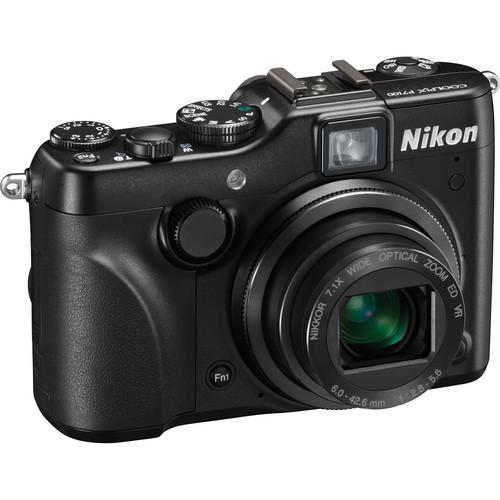 Contents of the user manual for the Nikon COOLPIX P7100 Digital Camera -
- Product category: Uncategorized Nikon
- Brand: Nikon
- Description and content of package
- Technical information and basic settings
- Frequently asked questions – FAQ
- Troubleshooting (does not switch on, does not respond, error message, what do I do if...)
- Authorized service for Nikon Uncategorized
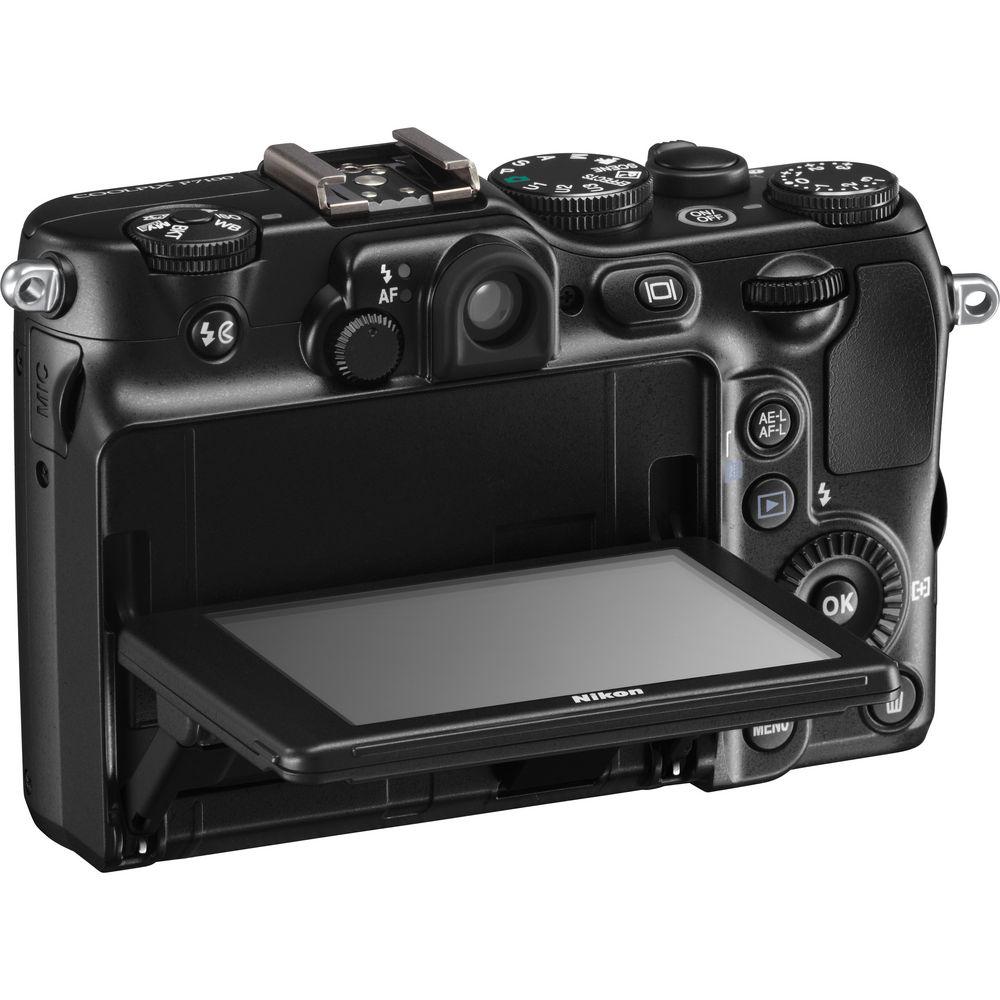
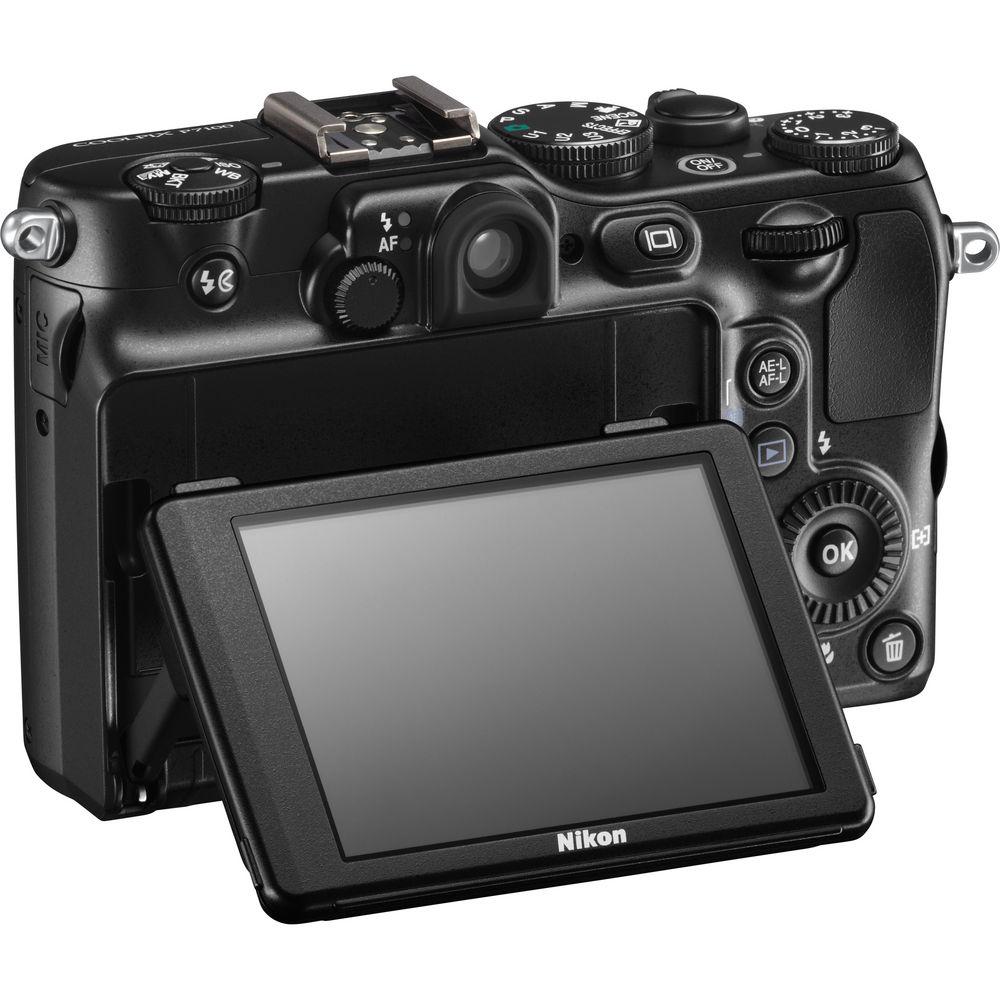 |
User manual for the Nikon COOLPIX P7100 Digital Camera - contain basic instructions
that need to be followed during installation and operation.
Before starting your appliance, the user manual should be read through carefully.
Follow all the safety instructions and warnings, and be guided by the given recommendations.
User manual is an integral part of any Nikon product,
and if it is sold or transferred, they should be handed over jointly with the product.
Following the instructions for use is an essential prerequisite for protecting
health and property during use, as well as recognition of liability on the part of the manufacturer
for possible defects should you make a warranty claim. Download an official Nikon user manual in which you will find instructions on how to install, use, maintain and service your product.
And do not forget – unsuitable use of a Nikon product will considerably shorten its lifespan!
|
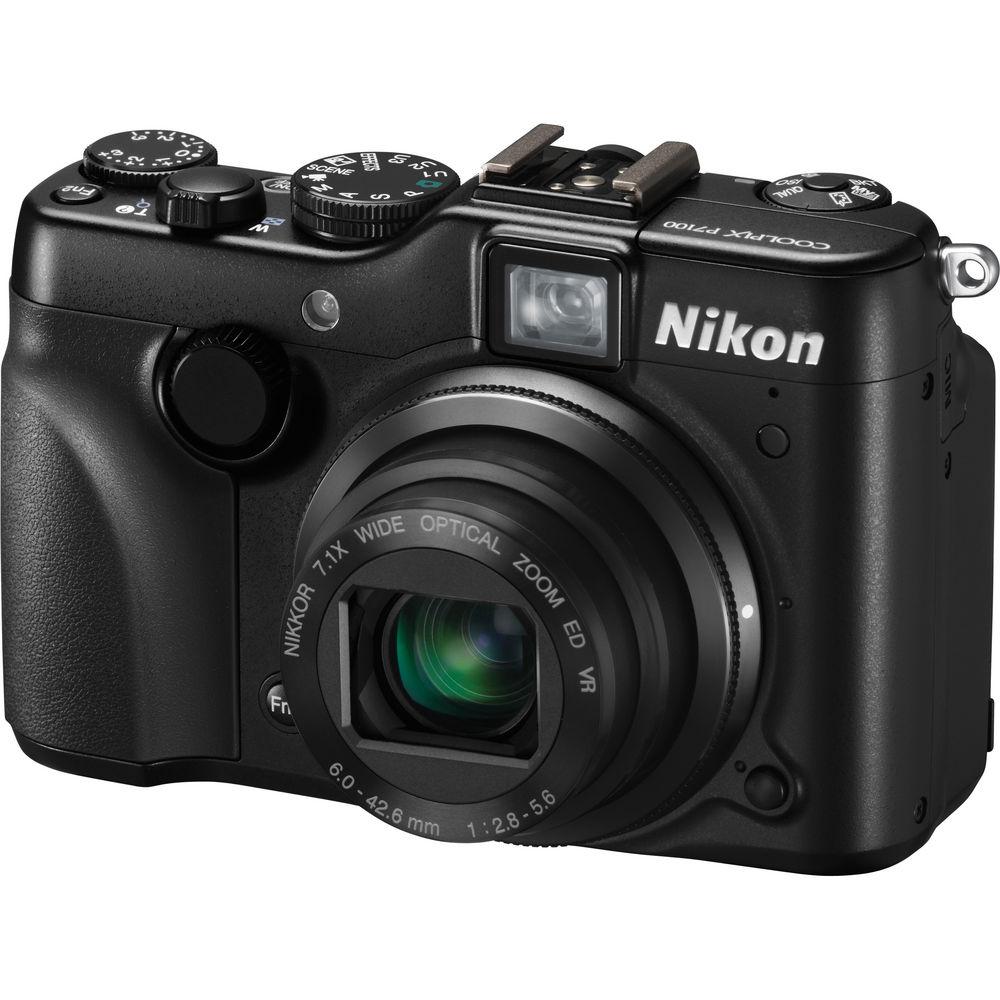
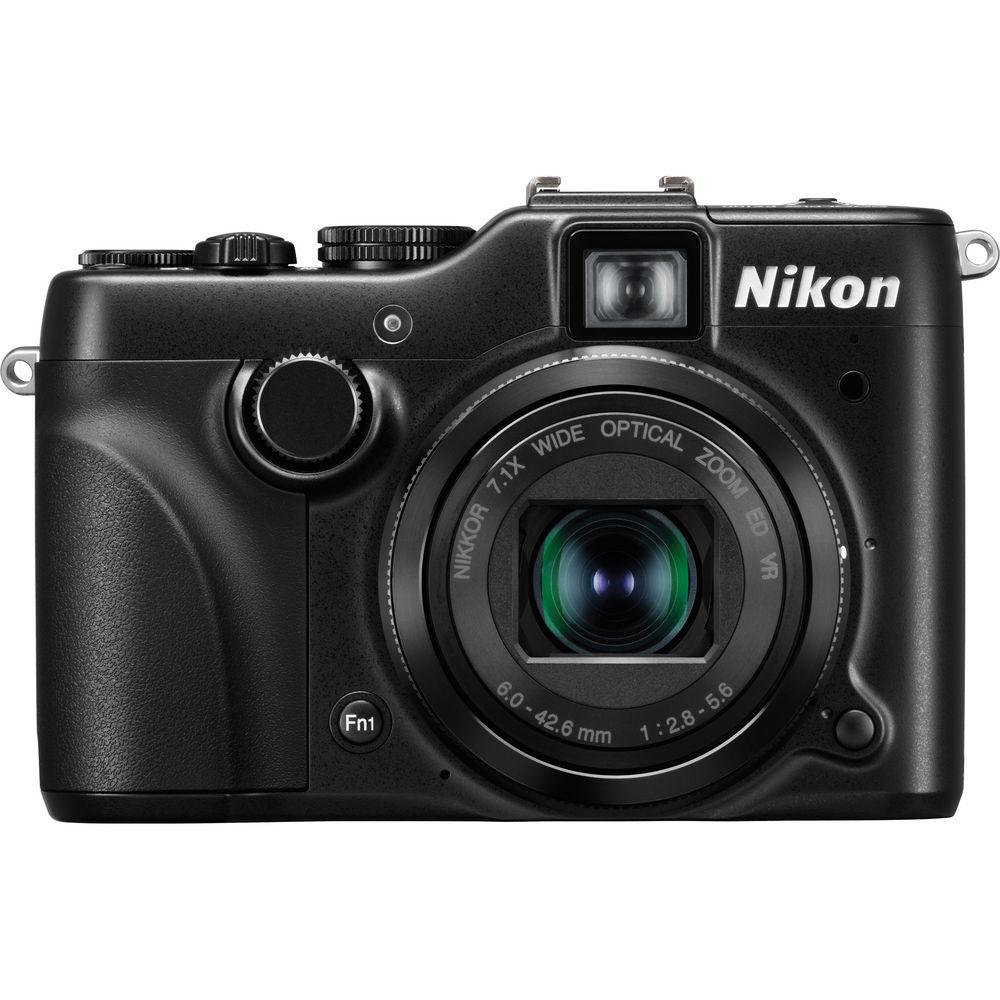
Product description The Nikon COOLPIX P7100 Digital Camera lets you take your creativity wherever you go. Whether you're at a party, on vacation, or you simply want a lightweight option to carry around, the P7100 is ready to go wherever you go! While plenty of cameras can do that, they can't all provide you with the same amazing versatility and creativity options that this compact Nikon can. Before we even get to the in-camera special effects or the manual options, let's consider that this "point-and-shoot" (technically anyway) has 10.1MP of power behind it and a 1/1.7" CCD image sensor. That sensor, along with the EXPEED C2 Image Processor, works to not only create beautiful and incredibly detailed images; the two ensure a fast and efficient camera. Often referred to as the heart of the camera, these two enable features like high-speed continuous shooting and the noise-reduction filter. More than a still camera though, the P7100 also captures 720p high definition video with stereo sound. That translates into great looking and great sounding videos on your HDTV for the whole family to enjoy. Additional movie recording features include optical zoom control and auto focus. Of course, the P7100 wouldn't get you very far without a stellar lens. The 7.1x Zoom-NIKKOR ED glass lens doesn't disappoint. With a 28-200mm (35mm equivalent) focal range you can go from wide-angle to telephoto without even blinking an eye. Those close-up shots and all the sweeping vistas your heart desires will be easily within your reach. The lens also works together with the camera's 4-Way VR image stabilization system for clean, motion-free images. While the hallmark of a pocket camera is the ability to shoot on fully automatic, Nikon knows you want to do more than that with the P7100. That's why they gave the camera versatile manual controls. There's even a front command dial so you're fully in charge of operating the camera at all times. Other features, such as an ISO of 3200, bracketing options, and even a virtual horizon, ensure that you'll get just the shot you want. Of course, the choice of four classic exposure modes (P/S/A/M) is essential to this type of shooting. Add the aforementioned in-camera special effects and other features like macro capture and HDR setting, and you've got one great little camera that puts the joy back into point-and-shoot photography. - Your Passion for Photography Doesn't Take a Vacation
- If you're looking for a compact companion to your DSLR gear for road trips and vacations, grab the Nikon COOLPIX P7100 and keep on shooting. This portable camera doesn't compromise quality or creativity, delivering the versatility, performance and speed that keep you in the game. Get amazing photos and HD (720p) movies with intense detail powered by a large 10.1MP, 1/1.7" CCD sensor and Nikon's imaging technology. Process every moment with faster performance-even minimize image blur with VR image stabilization. Then add in-camera special effects to take your photos in a new direction. You'll keep the photography passion burning
- Superior Nikon Image Quality: Large 10.1MP 1/1.7" CCD Image Sensor
- Perfectly portable, the P7100 delivers high performance to ensure that images and movies astound you with incredible detail and sharpness. A large 10.1-MP, 1/1.7" CCD sensor minimizes image noise and faithfully renders superb color in everything from portraits to travel photos. Fast image processing powers through your most demanding needs for capturing spontaneous shots, frame after frame. The P7100 even minimizes the chance of a blurred shot thanks to VR image stabilization paired to a 7.1x wide angle Zoom-NIKKOR ED glass lens. Keep photography your non-stop passion with a non-stop camera
- Capture the "Decisive Moment": High-Speed Performance
- As a photographer, nothing is more important than capturing "the decisive moment." And nothing is more essential than a camera that can grab the moment. The P7100 captures each photo with incredible responsiveness powered by Nikon's EXPEED C2 image processing engine technology. Fire frame after frame the moment you turn on the camera-compose then shoot. Fast auto focus ensures images are caught in sharp detail. Go ahead, shoot in RAW for greater control. Get high-resolution photos or shoot HD movies with the compact, yet powerful P7100 in your pocket. Heed the creative call when the moment beckons
- Pursue Your Creative Vision: Manual Control Puts You in Charge
- You see an image a certain way. Pursue that vision. Don't let your camera limit what you create. With the P7100, you control the camera's functionality, which means you have the power to customize each shot the way you desire. The P7100 puts you squarely in the driver's seat via dedicated controls for P/S/A/M and a multitude of camera functionality commands. Every exposure nuance is in your hands. Wish to personalize even more? Consider adding in-camera special effects such as the new Cross Process or HDR
- Put Your Vision in Motion: 720p HD Movies with Stereo Sound
- Put your vision in motion with HD movie recording, and make dazzling photojournalism, travel movies, even mini documentaries in HD 720p with stereo sound. The P7100's versatile 7.1x wide angle Zoom-NIKKOR ED glass lens gives you control from wide angle to telephoto to macro. The director in you will love how easy and fun it is to create productions. Tell your own vision
- A New Angle On Your World: Ultra High-Resolution Vari-Angle Monitor
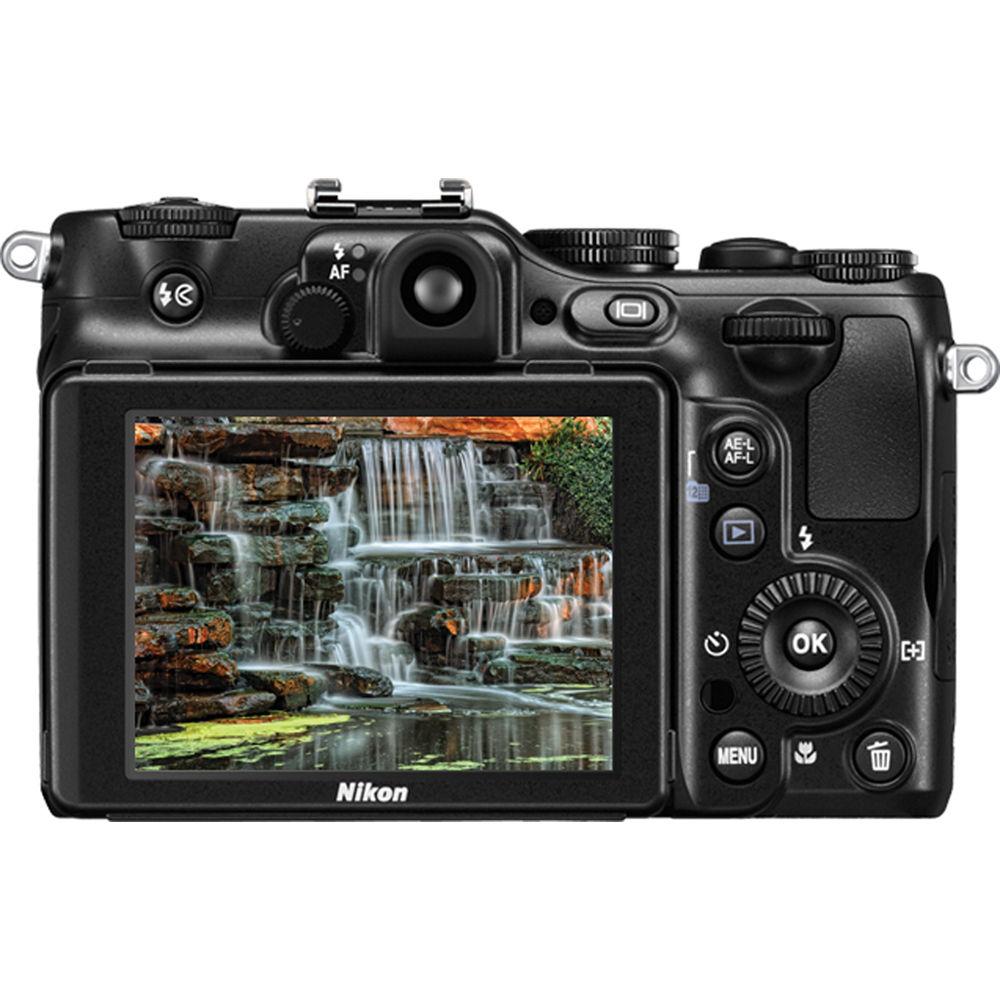
- The P7100's 3" Vari-Angle (921,000-dot) monitor not only delivers great viewing of in-camera still and movie creations, it also lets you take your creative passion to new levels. Whether working indoors or out, capture what you see from most any point of view. Adjust the Vari-Angle monitor, with its Clear Color Display and anti-reflection coating, to observe what the camera sees-even when you're in the most unconventional position or stretching the limits to reach a unique angle
- Level the Playing Field
- Display the Virtual Horizon indicator on the LCD to ensure the camera is level relative to the horizontal plane and also confirm horizontal inclination
- Enhance NRW (RAW) File Format
- Nikon's own NRW (RAW) file format contains the original image information read by the CCD image sensor for each shot. This permanent record of the unprocessed data lets you modify and edit the image freely without worrying about any degradation in image quality
- User-Define Focal Length Settings
- Zoom Memory lets you quickly switch between seven preset focal lengths as though you were choosing instantly between one of seven different prime lenses
- Quick and Precise Image Adjustment
- Tone level information lets you easily confirm tone levels for any point within the framed image, and from there make fine adjustments to exposure compensation, aperture, shutter speed or even ISO settings
- Vibration Reduction
- Lens-shift VR
- Monitor Frame Coverage
- Shooting mode: 96% horizontal, 100% vertical Playback mode: 100% horizontal
- Storage File System
- DCF, EXIF 2.3, DPOF compliant
- Voice Memo Function
- Record notes to self
- Scene Modes
- Back Light, Beach, Black and White Copy, Close Up, Dusk/Dawn, Fireworks Show, Food, Landscape, Museum, Night Landscape, Night Portrait, Panorama Assist, Party/Indoor, Pet Portrait, Portrait, Scene Auto Selector, Snow, Sports, Sunset
- In-Camera Image Editing
- Black Border, Crop, D-Lighting, Filter Effects, NRW (RAW) Processing, Quick Retouch, Skin Softening, Small Pic, Straighten
- Continuous Shooting Options
- Best Shot Selector, Continuous, Continuous Flash, Interval Timer, Multi-Shot 16, Single
- Aperture
- Electronically-controlled 6-blade iris diaphragm
- Accessory Shoe
- Integrated
- Supported Languages
- Arabic, Czech, Chinese (Simplified and Traditional), Danish, Dutch, English, Finnish, French, German, Greek, Hindi, Hungarian, Indonesian, Italian, Japanese, Korean, Norwegian, Polish, Portuguese (European and Brazilian), Romanian, Russian, Spanish, Swedish, Thai, Turkish, Ukrainian, Vietnamese
- Battery Life
- Approximately 350 shots per charge
In the Box Nikon COOLPIX P7100 Digital Camera Strap USB Cable Audio/Video Cable EN-EL14 Lithium-Ion Battery (1030mAh) MH-24 Quick Charger for EN-EL14 Battery NikonView NX 2 CD-ROM Reference Manual CD 90-Day Refurbished Warranty User Manual PDF 24.6mbfyarffwueectvvarbxefbsvwxvwazbrws Table of Contents
|
Upload User Manual
Have you got an user manual for the Nikon COOLPIX P7100 Digital Camera - Refurbished in electronic form? Please send it to us and help us expand our library of instruction manuals.
Thank you, too, on behalf of other users.
To upload the product manual, we first need to check and make sure you are not a robot. After that, your "Submit Link" or "Upload File" will appear.
Technical parametersNikon 26286B Specs | | | Pixels | Actual: 10.4 Megapixel
Effective: 10.1 Megapixel | | Sensor | 1/1.7" CCD | | File Formats | Still Images: JPEG, RAW
Movies: MOV
Audio: AAC, WAV | | Max Resolution | 10 MP: 3648 x 2736 | | Aspect Ratio | 4:3 | | | | Lens | 11 Elements in 9 Groups
Effective Focal Length: 6.0 to 42.6mm (35 mm Equivalent: 28 to 200mm)
Aperture: f/2.8 (W) to f/5.6 (T) | | Zoom | Optical: 7.1x
Digital: 4x | | Focus Range | Wide: 19.69" to Infinity / 50.01 cm to Infinity
Telephoto: 2.62' to Infinity / 79.86 cm to Infinity
Wide Macro: 0.79" to Infinity / 2.01 cm to Infinity | | | | ISO Sensitivity | 100 to 12800 | | Shutter | 60 to 1/4000 | | Exposure Metering | Center-Weighted, Matrix, Spot Also utilizes Spot AF | | Exposure Modes | Modes: Aperture Priority, Manual, Programmed Auto, Shutter Priority
Compensation: -3 EV to +3 EV (in 1/3 EV Steps) | | White Balance | Auto, Cloudy, Daylight, Flash, Fluorescent, Incandescent, Kelvin, Manual | | Continuous Shooting | Up to 1.2 fps at 10 MP for up to 90 Exposures | | Self-Timer | 10 Sec | | | | Flash Modes | Auto TTL auto flash with monitor preflashes | | Built-In Flash | Yes | | Effective Flash Range | Wide:1 to 29.53' / 0.3 to 9.00 m
Telephoto:1 to 14.76' / 0.3 to 4.50 m | | External Flash Connection | Hot Shoe | | | | Built-In Memory | 94 MB | | Memory Card Type | SD
SDHC
SDXC | | | | Video Recording | Yes, NTSC/PAL | | | | Audio Recording | With Video (Stereo) | | | | Viewfinder Type | Optical | | Viewfinder Coverage | 80% | | Screen | 3.0" LCD Rear Screen (921,000 Pixels) | | | | Connectivity | AV Output
HDMI C (Mini)
USB 2.0 | | | | Battery | EN-EL14 Rechargeable Lithium-Ion Battery Pack | | | | Dimensions (W x H x D) | 4.6 x 3.1 x 1.9" / 116.8 x 78.7 x 48.3 mm | | Weight | 13.93 oz / 394.92 g With battery and SD memory card | | | | Package Weight | 2.05 lb | | Box Dimensions (LxWxH) | 7.7 x 5.3 x 5.1" |
Rating90% users recommend this product to others. And what about you?

This product has already been rated by 44 owners. Add your rating and experience with the product.
Discussion
 Ask our technicians if you have a problem with your settings,
or if anything is unclear in the user manual you have downloaded.
You can make use of our moderated discussion.
The discussion is public and helps other users of our website who may be encountering similar problems.
Ask our technicians if you have a problem with your settings,
or if anything is unclear in the user manual you have downloaded.
You can make use of our moderated discussion.
The discussion is public and helps other users of our website who may be encountering similar problems.
The discussion is empty - enter the first post
Post a new topic / query / comment:
|
|


