User Manual for Nikon COOLPIX S8200 Digital Camera - Refurbished Click to enlarge the picture
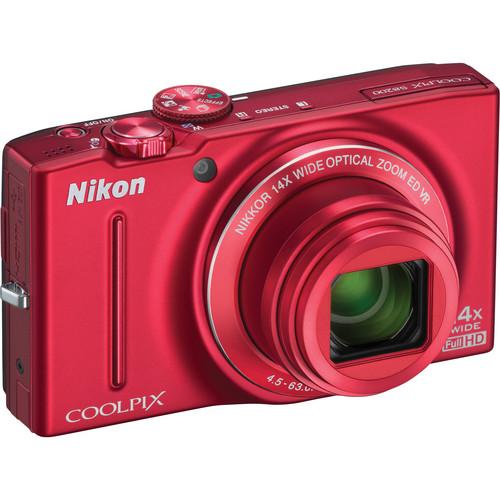 Contents of the user manual for the Nikon COOLPIX S8200 Digital Camera -
- Product category: Uncategorized Nikon
- Brand: Nikon
- Description and content of package
- Technical information and basic settings
- Frequently asked questions – FAQ
- Troubleshooting (does not switch on, does not respond, error message, what do I do if...)
- Authorized service for Nikon Uncategorized
 |
User manual for the Nikon COOLPIX S8200 Digital Camera - contain basic instructions
that need to be followed during installation and operation.
Before starting your appliance, the user manual should be read through carefully.
Follow all the safety instructions and warnings, and be guided by the given recommendations.
User manual is an integral part of any Nikon product,
and if it is sold or transferred, they should be handed over jointly with the product.
Following the instructions for use is an essential prerequisite for protecting
health and property during use, as well as recognition of liability on the part of the manufacturer
for possible defects should you make a warranty claim. Download an official Nikon user manual in which you will find instructions on how to install, use, maintain and service your product.
And do not forget – unsuitable use of a Nikon product will considerably shorten its lifespan!
|
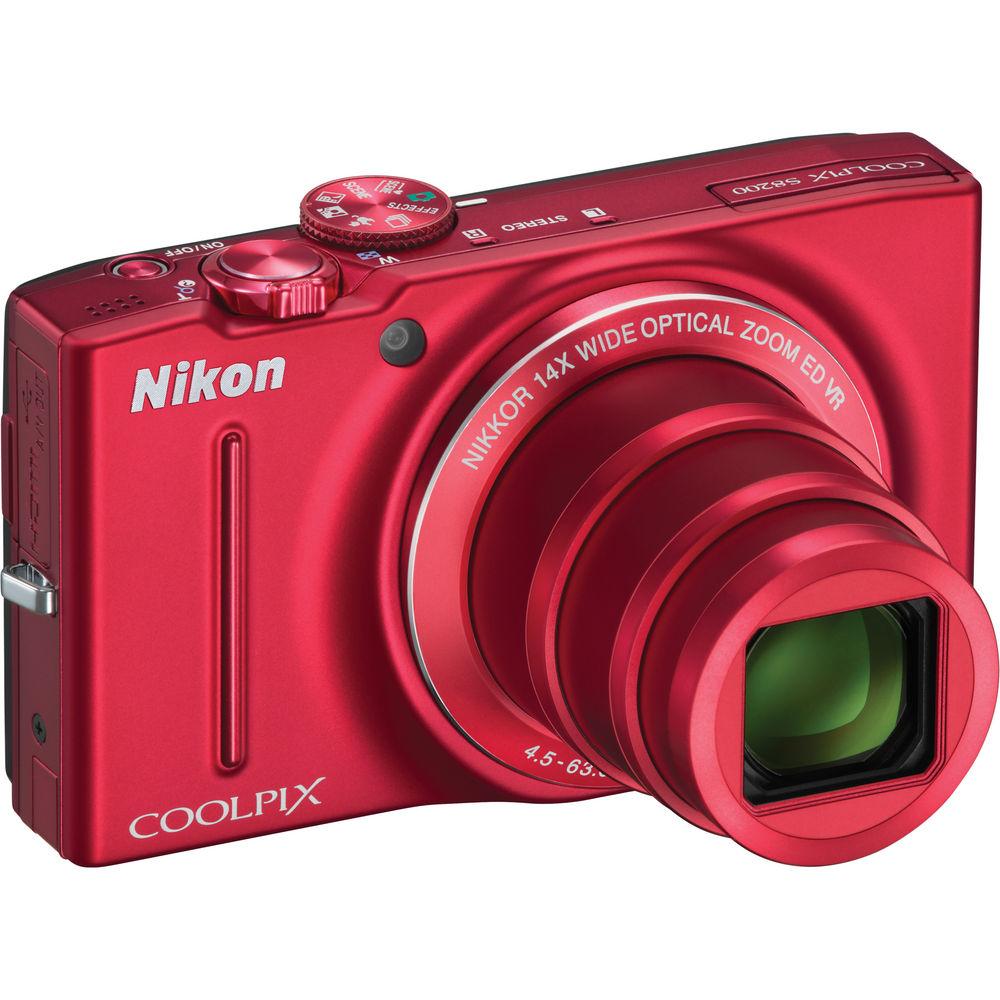
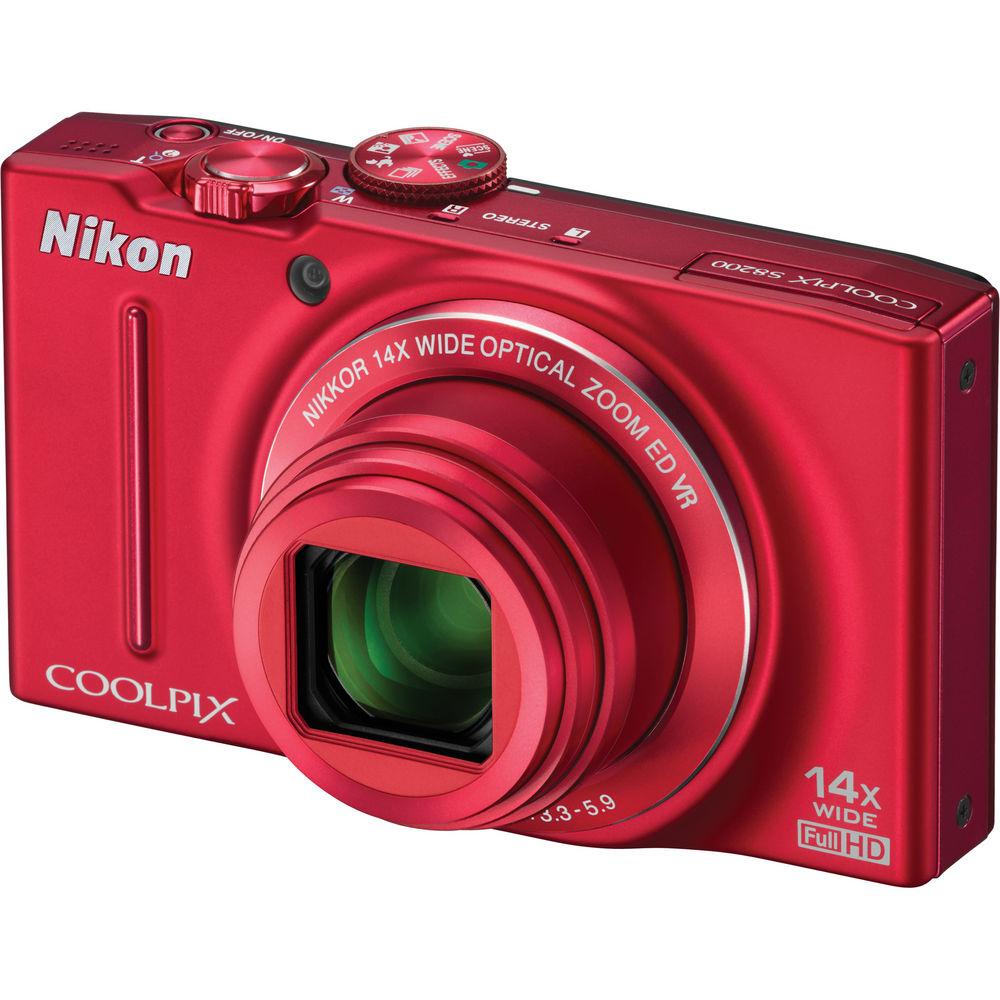
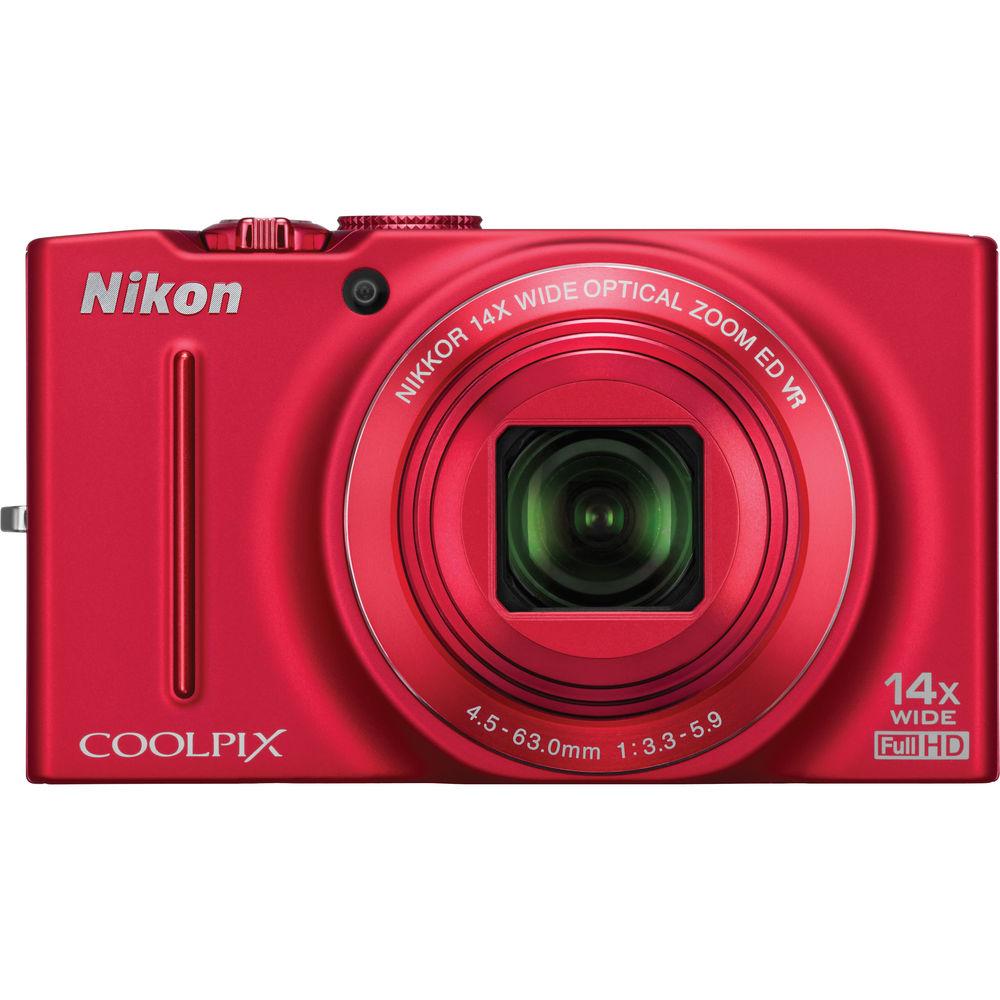
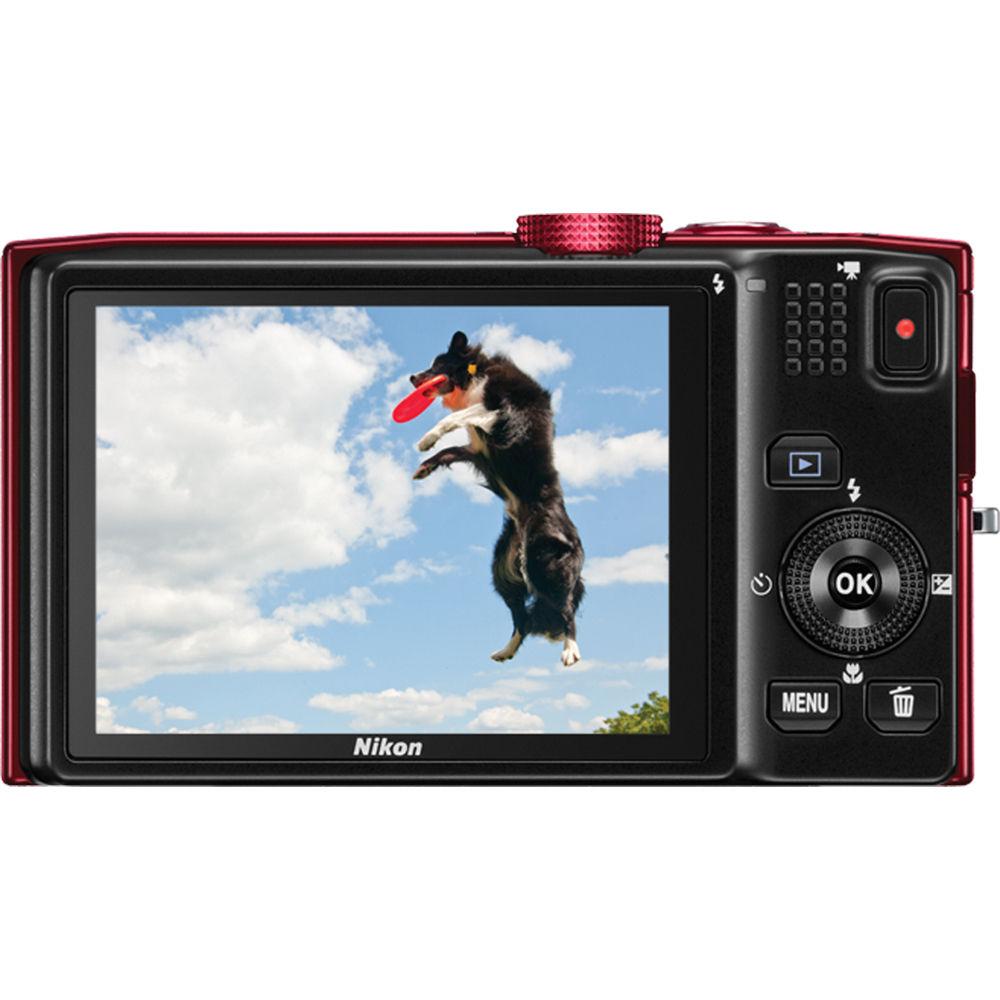
Product description Nikon's COOLPIX S8200 Digital Camera puts ease-of-use and a remarkable 16.1MP CMOS sensor at your fingertips. This marriage of simplicity and an impressive number of pixels gives you multiple options when it comes to documenting the moments of your life. From carrying the camera everywhere you go, so you're ready when the moment strikes, to capturing incredibly detailed images that are ready to be turned into mural-sized works of art, the S8200 gives you the best of both worlds. The camera also boasts a 14x Optical Zoom-NIKKOR ED glass lens with a 25-350mm (35mm equivalent) focal range. That means you can shoot everything from close-up groups to far-off vistas, and everything in-between. The 4-Way Image Stabilization system works to eliminate camera shake for clear images with optical VR, Motion Detection, Best Shot Selector, and High ISO options. In addition, the 3.0" LCD monitor with Nikon's Clear Color display and anti-reflective coating makes for hassle-free composition and review of all your images. Along with capturing high-res photos the S8200 also records 1080p high definition video with stereo sound. Upon playback on the big screen (AKA: your HDTV), your memories will both look and sound great. While shooting, the camera gives you the option of using a one touch record button for starting and stopping video capture, allowing you to catch the moment, instead of missing it because you're navigating through the menu.While the S8200 might be considered a point-and-shoot it definitely offers you a number of options for putting your own mark on things. In-camera effects let you add special masks or filters to your images to evoke a certain look or feel. Smile timer automatically captures a smile, continuous shooting lets you capture up to 5 shots in a second, and Pre-Shooting enables recording of images just before the shutter is released. These, along with the other numerous shooting modes, guarantee a user-friendly yet creative way to capture the world around you. - Go From Ordinary to Extraordinary
- Catch those summer evening shots around the bonfire, or freeze the action of the winning goal. Fast, responsive and boasting an incredible 14x optical Zoom-NIKKOR ED glass lens, the Nikon COOLPIX S8200 will help you capture images you may previously have missed. Its 16.1MP CMOS sensor crisply renders your view of the world-whether low light, far off fast action or sweeping panoramas. Capture sharp, clear photos and Full HD (1080p) movies using Nikon's incredible optics. Spice up stills and movies with special effects, and view everything on a 3-inch, ultra-high resolution (921,000 dot) display
- See What's Possible
- If your old camera never quite captured the moment, the S8200 will! It boasts a high-resolution, 16.1MP CMOS sensor so you get superb image quality-even in low light. With fast, versatile, continuous shooting modes, you can capture those spontaneous moments shot after shot. Then show family and friends your movies and still creations on the 3" ultra-high resolution (921,000 dot) display. Stylish and compact, the S8200 tucks into a pocket but packs brilliant performance and advanced features
- From Macro to Mountains: 14x Optical Zoom-NIKKOR ED Glass Lens
- Despite a slim profile of approximately 1.3 inches, the S8200 delivers amazing versatility with an incredible 14x zoom (25mm to 350mm equivalent). Imagine creating macro images of a bumblebee in a spring flower, then zooming out to frame a mountain range for a panorama. With the S8200, you can go from wide-angle to telephoto to macro/close-up views in an instant, preserving photos or movies of most everything from grandstand crowds to a stage performer's smile
- Put Your Memories in Motion: 1080p HD Movies with Stereo Sound
- A single photo may not always be enough to recreate the moment; sometimes memories are best shared with a movie. Portable and ready when important things happen, the COOLPIX S8200 lets you create stunning Full HD (1080p) movies with stereo sound at the touch of a button. You'll love its ability to zoom in and out at will-while keeping subjects in focus. Stylize your story with one of various special effects or by recording in 15, 60 or 120 fps for fast/motion effects. Life doesn't stand still; neither should your memories
- Automated Versatility: Easy Panorama, Night Modes, HDR & More!
- Maybe you've wanted to create panoramic photos but thought they were too difficult. Maybe you've tried shooting photos at night but they never turn out. The S8200 takes the guesswork out of shots like these and more with handy Scene Modes at the ready. For sweeping panoramas, simply pan the camera and let it detect and automatically combine images to build a gorgeous vista. Going out at night? The S8200 takes great low-light photos. You can even create amazing HDR shots in-camera. The S8200 does the work
- Discover Your Inner Artist: In-Camera Effects For Unique Results
- Let the artist in you go from ordinary to extraordinary! With a variety of in-camera effects, such as Low Key, High Key, Hard Monochrome, Nostalgia Sepia or Selective Color, your world takes on a new dimension. The S8200 provides you the tools to fashion photos and movies with more than just your great eye-just select an effect and go! For your still photography, bring out your creative side with a fisheye, miniature or even an artistic look. Finally, you can make the kinds of photos and movies you've always wanted to make
- Flattering Portraits Every Time
- Nikon's Smart Portrait System includes Smile Timer, which automatically recognizes when a subject is smiling and releases the shutter, Face-Priority AF, which finds and focuses on up to 12 faces, Blink Warning, Red-Eye Fix, Skin Softening and more
- Steady Even When You're Not
- The S8200's four advanced Vibration Reduction (VR) image stabilization functions automatically reduce the streaky images associated with shaky cameras
- High-Speed Continuous Shooting
- You'll never miss a shot with the S8200 because it starts right up, has a quick autofocus and shoots five shots in approximately one second at full resolution
- Strength in Numbers
- You'll always get a great shot with Nikon's Best Shot Selector. Press the shutter once, and the S8200 takes up to ten shots and then selects and saves only the sharpest image
- Supported Languages
- Arabic, Czech, Chinese (Simplified and Traditional), Danish, Dutch, English, Finnish, French, German, Greek, Hindi, Hungarian, Indonesian, Italian, Japanese, Korean, Norwegian, Polish, Portuguese (European and Brazilian), Romanian, Russian, Spanish, Swedish, Thai, Turkish, Ukrainian, Vietnamese
- Battery Life
- Approximately 250 shots per charge
- Continuous Shooting Options
- Best Shot Selector, Continuous, Continuous H 60, Continuous H 120, Multi-shot 16, Pre-shooting cache
- Shutter
- Mechanical and CMOS electronic shutter
- In-Camera Image Editing
- Crop, D-Lighting, Filter Effects, Quick retouch, Skin softening, Small Pic
- Scene Modes
- Back Light, Beach, Black and white Copy, Close Up, Dusk/Dawn, Fireworks Show, Food, Landscape, Museum, Night Landscape, Night Portrait, Panorama, Party/Indoor, Pet Portrait, Portrait, Snow, Sports, Sunset
- Voice Memo Function
- Record notes to self
- Storage File System
- DCF, EXIF 2.3, DPOF compliant
- Monitor Frame Coverage
- Playback and shooting mode: 100% horizontal and vertical
- Autofocus (AF) Focus-Area Selection
- Auto (9-area automatic selection), Center, Face Priority, Manual with 99 focus areas, Subject tracking
- Vibration Reduction
- Lens-shift VR
In the Box Nikon COOLPIX S8200 Digital Camera (Red) Strap USB Cable Audio/Video Cable EN-EL12 Rechargeable Lithium-Ion Battery (3.7V, 1050mAh) EH-69P AC Adapter Charger NikonView NX 2 CD-ROM Reference Manual CD 90-Day Refurbished Warranty User Manual PDF 18mbtyavbvfsyvvqtsyefzezru Table of Contents
|
Upload User Manual
Have you got an user manual for the Nikon COOLPIX S8200 Digital Camera - Refurbished in electronic form? Please send it to us and help us expand our library of instruction manuals.
Thank you, too, on behalf of other users.
To upload the product manual, we first need to check and make sure you are not a robot. After that, your "Submit Link" or "Upload File" will appear.
Technical parametersNikon 26289B Specs | | | Pixels | Actual: 16.8 Megapixel
Effective: 16.1 Megapixel | | Sensor | 1/2.3" CMOS | | File Formats | Still Images: JPEG
Movies: MOV
Audio: AAC, WAV | | Max Resolution | 16 MP: 4608 x 3456 | | Aspect Ratio | 4:3 | | Image Stabilization | Optical | | | | Lens | 11 Elements in 10 Groups
Effective Focal Length: 4.5 to 63.0mm (35 mm Equivalent: 25 to 350mm)
Aperture: f/3.3 (W) to f/5.9 (T) | | Zoom | Optical: 14x
Digital: 2x | | Focus Range | Wide: 1.64' to Infinity / 49.99 cm to Infinity
Telephoto: 3.28' to Infinity / 1 m to Infinity
Macro: 0.39" to Infinity / 0.99 cm to Infinity | | | | ISO Sensitivity | 100 to 3200 | | Shutter | 4 to 1/1600 | | Exposure Metering | Center-Weighted, Matrix | | Exposure Modes | Modes: Programmed Auto
Compensation: -2 EV to +2 EV (in 1/3 EV Steps) | | White Balance | Auto, Cloudy, Daylight, Flash, Fluorescent, Incandescent, Manual | | Continuous Shooting | Up to 6 fps at 16 MP for up to 5 Exposures | | Self-Timer | 2 Sec | | | | Flash Modes | Auto TTL auto flash with monitor preflashes | | Built-In Flash | Yes | | Effective Flash Range | Wide:1.64 to 18.04' / 0.50 to 5.50 m
Telephoto:39.37 to 118.11" / 1.00 to 3.00 m | | | | Built-In Memory | 89 MB | | Memory Card Type | SD
SDHC
SDXC | | | | Video Recording | Yes, NTSC/PAL | | | | Audio Recording | With Video | | | | Screen | 3.0" LCD Rear Screen (921,000 Pixels) | | | | Connectivity | AV Output
HDMI C (Mini)
USB 2.0 | | | | Battery | EN-EL12 Rechargeable Lithium-Ion Battery Pack | | AC Power Adapter | EH-69P (Included) | | | | Dimensions (W x H x D) | 4.1 x 2.4 x 1.3" / 104.1 x 61.0 x 33.0 mm | | Weight | 7.6 oz / 215.5 g With battery and SD memory card | | | | Package Weight | 1.35 lb | | Box Dimensions (LxWxH) | 7.9 x 5.2 x 3.4" |
Rating92% users recommend this product to others. And what about you?

This product has already been rated by 58 owners. Add your rating and experience with the product.
Discussion
 Ask our technicians if you have a problem with your settings,
or if anything is unclear in the user manual you have downloaded.
You can make use of our moderated discussion.
The discussion is public and helps other users of our website who may be encountering similar problems.
Ask our technicians if you have a problem with your settings,
or if anything is unclear in the user manual you have downloaded.
You can make use of our moderated discussion.
The discussion is public and helps other users of our website who may be encountering similar problems.
The discussion is empty - enter the first post
Post a new topic / query / comment:
|
|


