User Manual for Nikon COOLPIX W300 Digital Camera Click to enlarge the picture
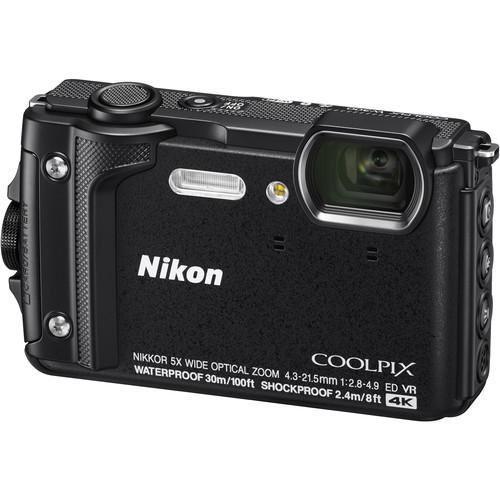 Contents of the user manual for the Nikon COOLPIX W300 Digital Camera
- Product category: Point & Shoot Cameras Nikon
- Brand: Nikon
- Description and content of package
- Technical information and basic settings
- Frequently asked questions – FAQ
- Troubleshooting (does not switch on, does not respond, error message, what do I do if...)
- Authorized service for Nikon Point & Shoot Cameras


 |
User manual for the Nikon COOLPIX W300 Digital Camera contain basic instructions
that need to be followed during installation and operation.
Before starting your appliance, the user manual should be read through carefully.
Follow all the safety instructions and warnings, and be guided by the given recommendations.
User manual is an integral part of any Nikon product,
and if it is sold or transferred, they should be handed over jointly with the product.
Following the instructions for use is an essential prerequisite for protecting
health and property during use, as well as recognition of liability on the part of the manufacturer
for possible defects should you make a warranty claim. Download an official Nikon user manual in which you will find instructions on how to install, use, maintain and service your product.
And do not forget – unsuitable use of a Nikon product will considerably shorten its lifespan!
|
Product description Nikon Reveals Wide-Angle Lenses and COOLPIX W300 Tough Camera Read More tczwcbswa - Nikon COOLPIX W300: Underwater
- Nikon COOLPIX W300: Underwater Reef
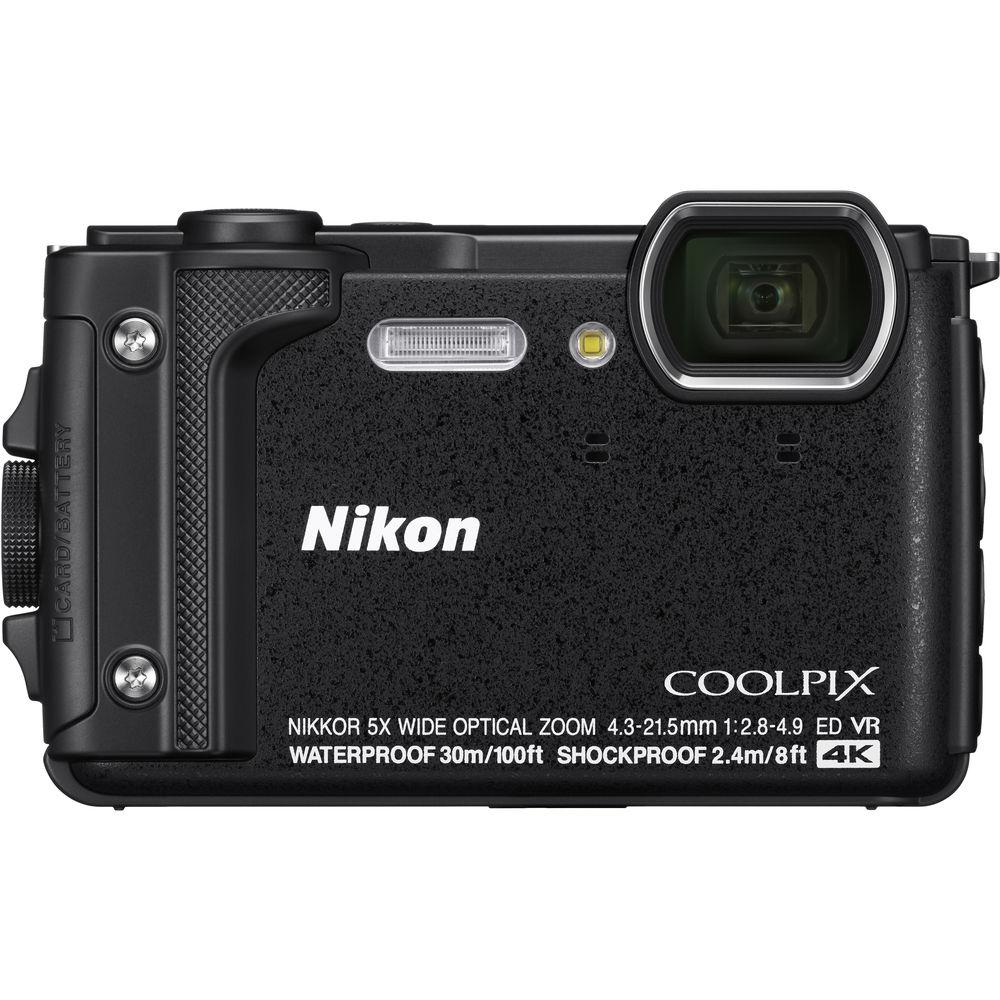
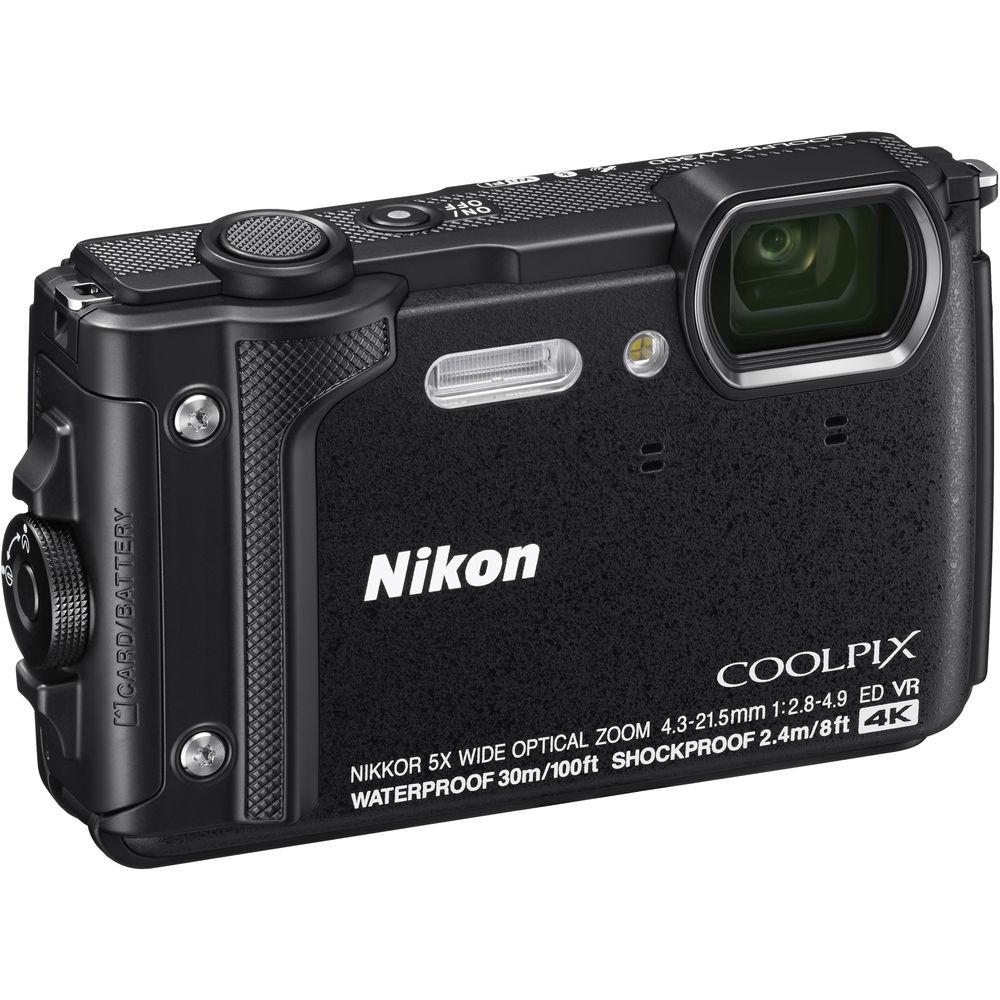
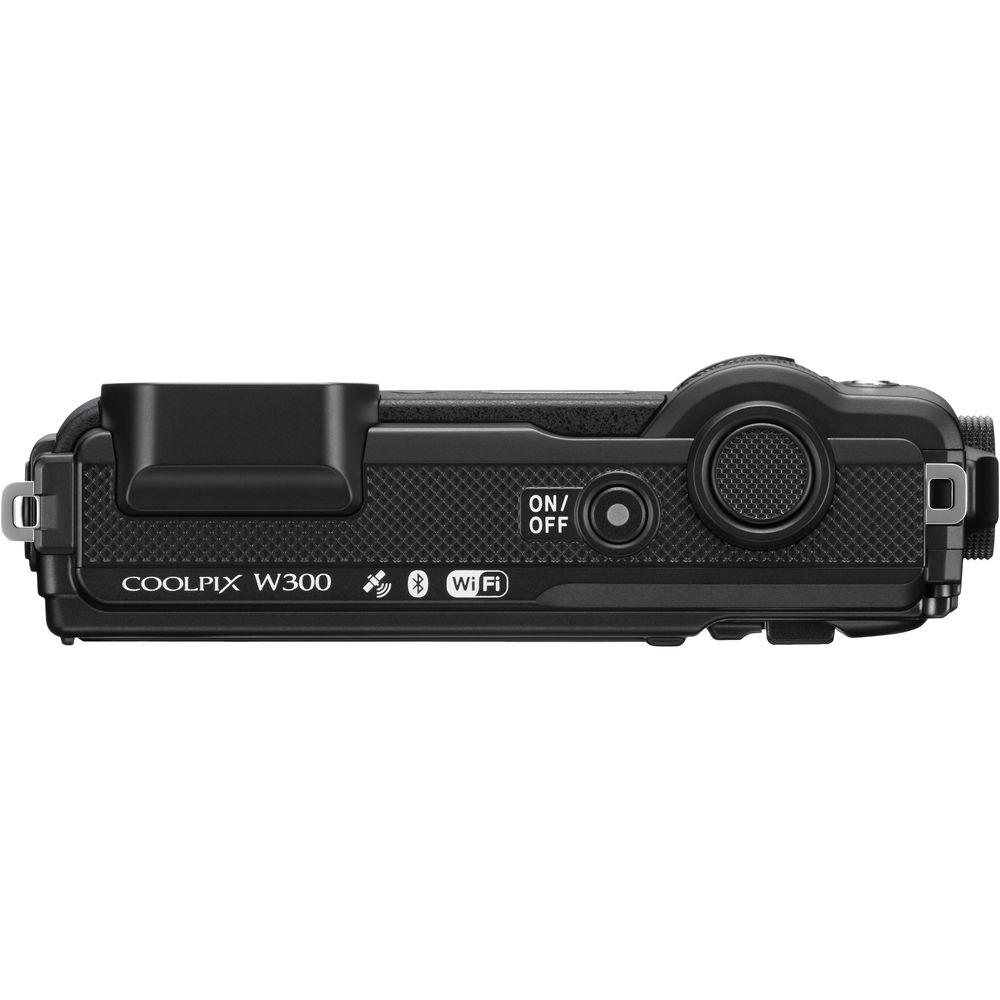
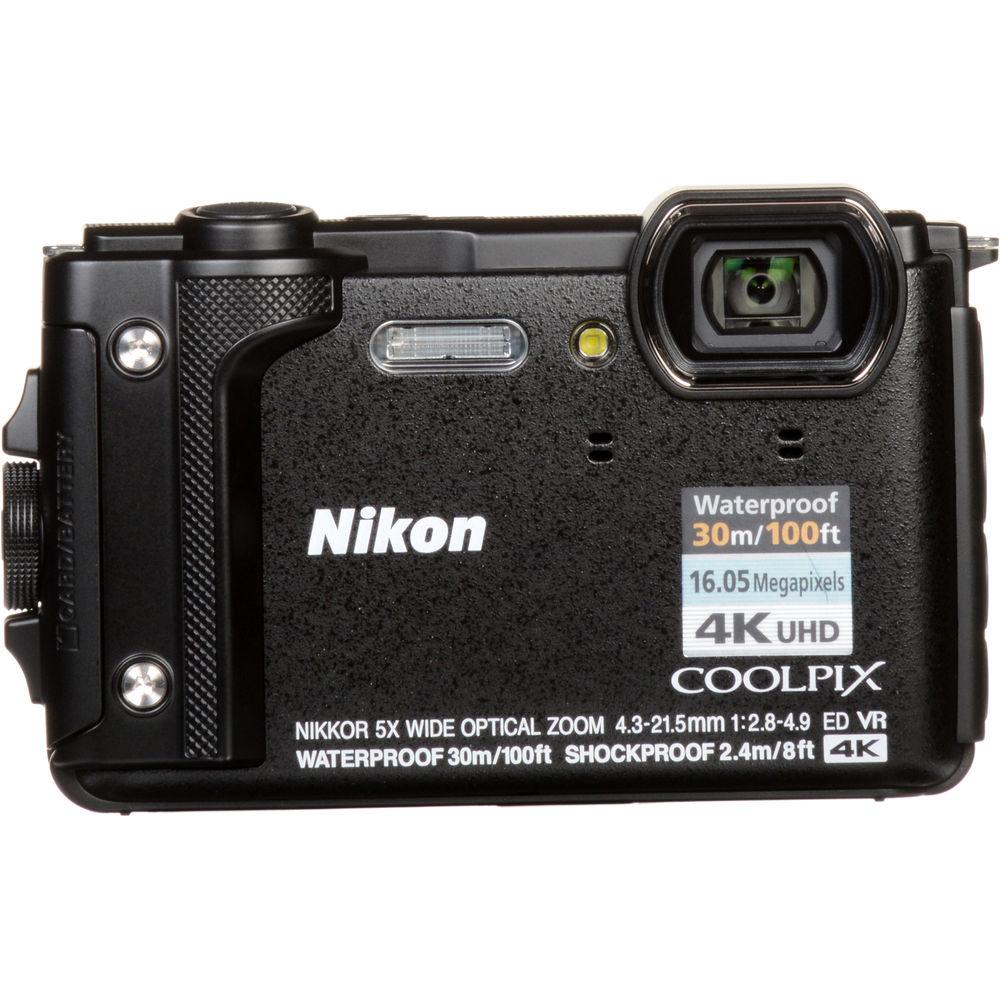
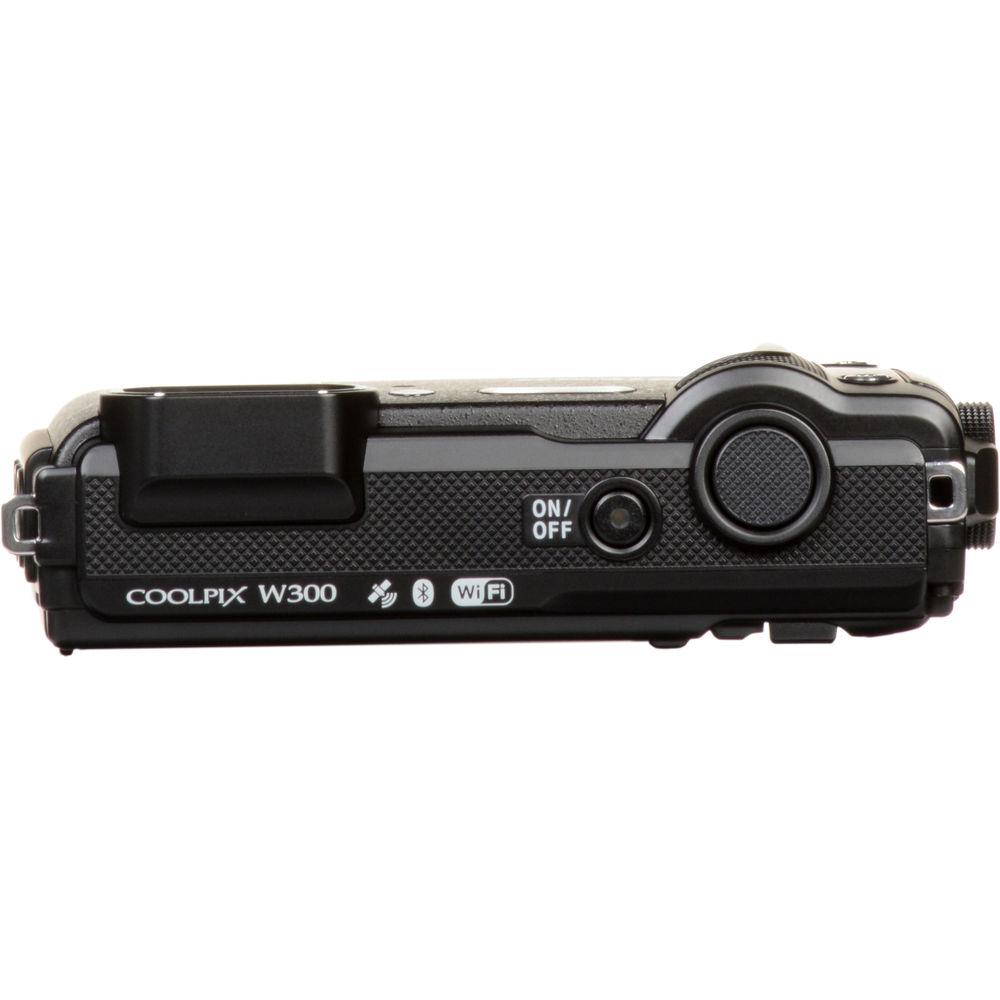
Characterized by its tough exterior, the black Nikon COOLPIX W300 is a sleek point-and-shoot featuring a reinforced physical design, along with apt multimedia imaging capabilities. Designed for adventures, and even everyday mishaps, the camera is waterproof-rated for depths up to 100' as well as shockproof for falls from up to 7.9' high and freezeproof for temperatures down to 14°F. In regard to imaging, a high-resolution 16MP BSI CMOS sensor benefits both stills shooting as well as video recording, with the ability to shoot continuously up to 7 fps, record video at UHD 4K/30p, and produce low noise imagery with a sensitivity range of ISO 100-6400. A 5x optical zoom lens spans wide-angle to telephoto focal lengths, and Vibration Reduction helps to minimize the appearance of camera shake for sharper handheld imagery. Additionally, the W300 also incorporates SnapBridge wireless connectivity, which uses Bluetooth and Wi-Fi for seamlessly sharing imagery and remotely controlling the camera from a linked device. Built-in GPS is also available for geotagging your imagery in-camera. - Rugged Design
- The W300 is designed to withstand a wide variety of conditions, ranging from harsh climates to everyday mishaps:
- Waterproof-rated to IPX8 for use underwater to depths of 100' / 30m (JIS Class 8)
- Freezeproof to temperatures as low as 14°F / -10°C
- Shockproof-rated to MIL-STD 810F Method 516.5-Shock for falls from 7.9' / 2.4m high
- Dustproof to protect the internal components of the camera
- 16MP BSI CMOS Sensor
- Featuring a 16MP 1/2.3" BSI CMOS sensor, the W300 is capable of recording high-resolution stills and UHD 4K/30p video with low noise and high clarity. The sensor also affords a sensitivity range of ISO 100-6400, for working in a variety of lighting conditions, and a continuous shooting rate of 7 fps to suit photographing moving subjects.
- NIKKOR 5x Optical Zoom Lens and Vibration Reduction
- Spanning wide-angle to telephoto focal lengths, the 5x optical zoom lens covers a 24-120mm equivalent range to suit photographing a wide array of subject types. Benefitting the lens's reach, optical VR (Vibration Reduction) helps to minimize the appearance of camera shake when shooting handheld, and Electronic VR is available to help steady movie footage while moving.
- SnapBridge Wi-Fi/Bluetooth and GPS
- SnapBridge wireless connectivity uses Wi-Fi and Bluetooth to permit wireless sharing of images to a linked mobile device, as well as the ability to remotely control the camera from your smartphone or tablet. Built-in GPS also lets you geotag your imagery while shooting, and the camera also features an eCompass, altimeter, depth gauge, and barometer to record the environmental data of your shoot.
- Body Design
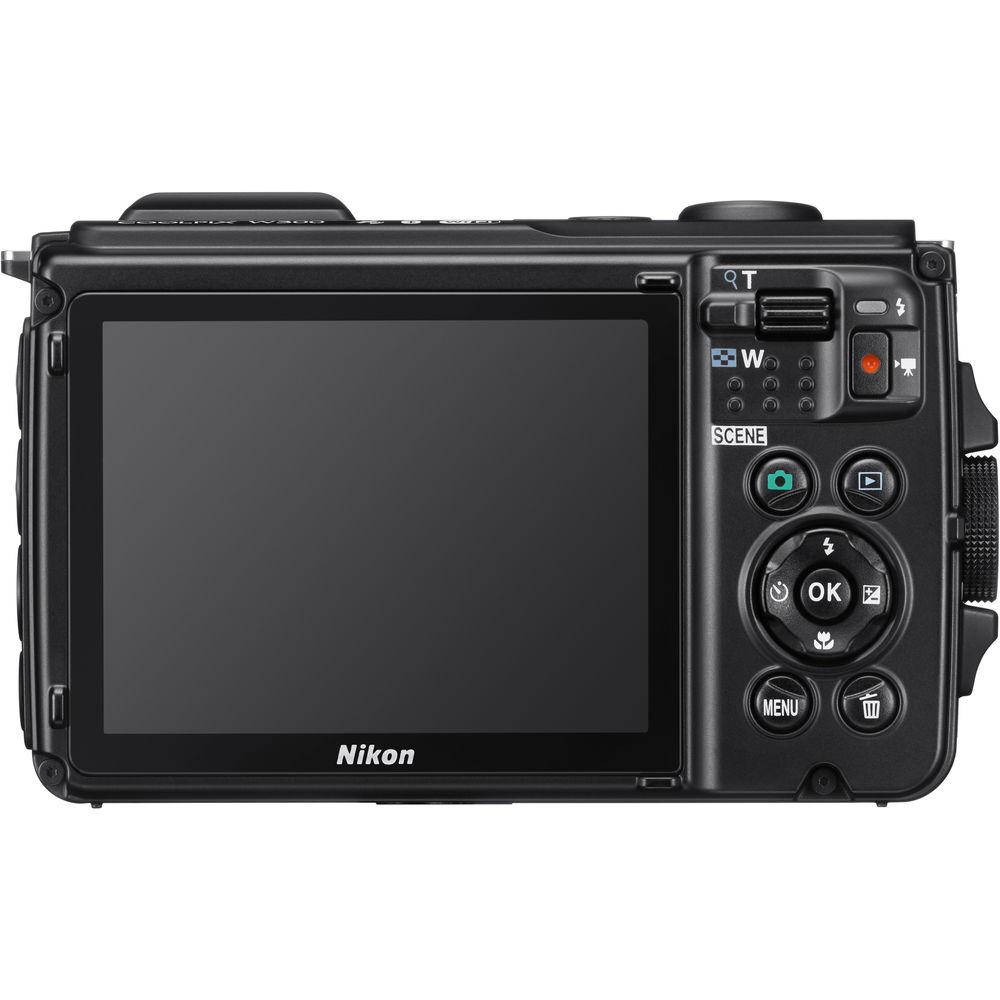
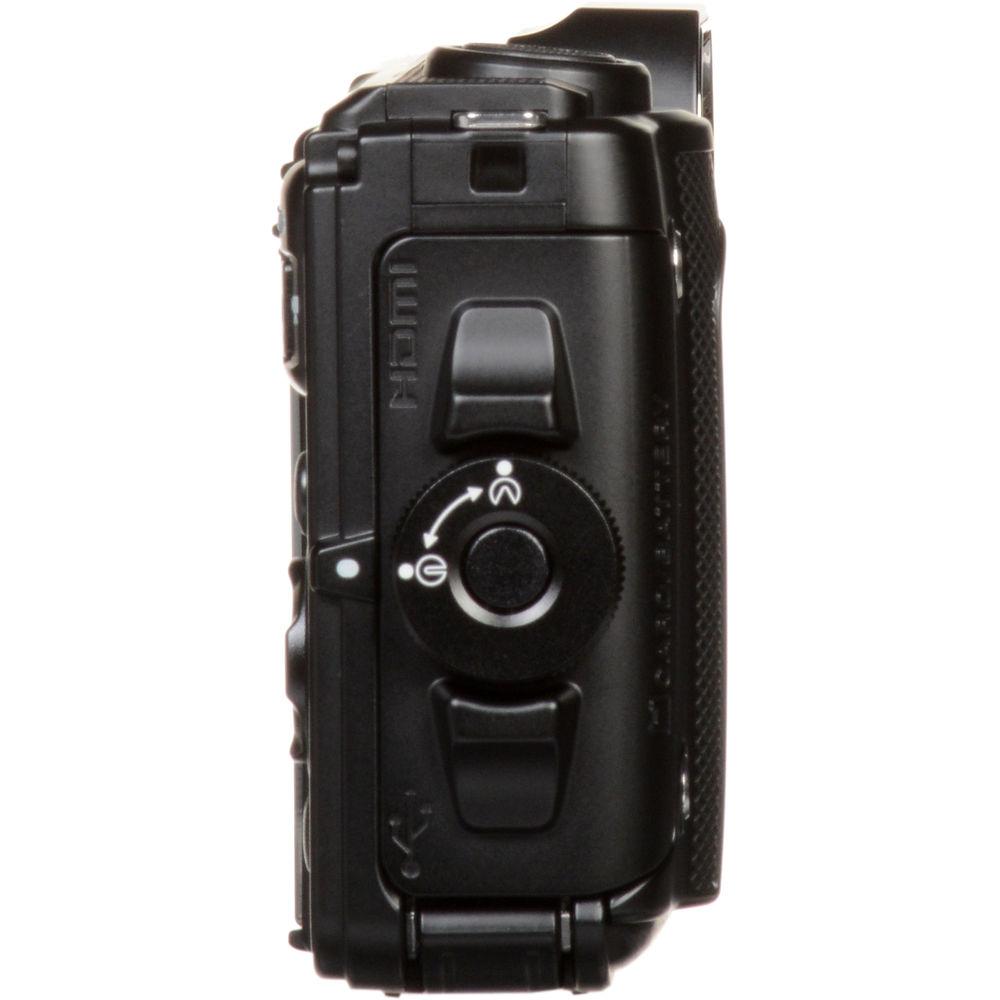
- Beyond the tough construction of the body, it also sports an ergonomic design and large right-hand grip for easy one-handed shooting or for use while wearing gloves. The rear 3.0" 921k-dot LCD monitor has an anti-glare coating for easier viewing in bright conditions, and a dedicated Tool button on the camera body gives you easy access to GPS, eCompass, and other location functions. Additionally, if wearing heavy gloves, camera modes can be changed simply by moving the camera.
- Other Camera Features
-
- Built-in LED light can be used to illuminate close-up subjects or can be used as a flashlight in the dark.
- Creative Mode and Special Effects let you creatively adjust the look of your image in-camera, including the ability to mimic a fisheye lens, miniaturize the scene, or affect the dynamic range or saturation.
- Smart Portrait Mode and Glamour Retouch can be used to optimize your portraits using seven enhancement effects, along with 12 retouch functions, such as teeth whitening and skin softening, to produce the perfect portrait.
- The EN-EL12 rechargeable lithium-ion battery is rated for approximately 280 shots per charge, and can be quickly recharged in just 2 hours 20 minutes.
- Language support: Arabic, Bulgarian, Chinese (Simplified and Traditional), Czech, Danish, Dutch, English, Finnish, French, German, Greek, Hindi, Hungarian, Indonesian, Italian, Japanese, Korean, Norwegian, Persian, Polish, Portuguese (European and Brazilian), Romanian, Russian, Serbian, Spanish, Swedish, Thai, Turkish, Ukrainian.
UPC: 018208265237 In the Box Nikon COOLPIX W300 Digital Camera (Black) EN-EL12 Rechargeable Lithium-Ion Battery (3.7V, 1050mAh) EH-73P Charging AC Adapter UC-E21 USB Type-A Male to Type-B Micro Male Cable (Black) AN-CP23 Strap (Black) BU-2 Cleaning Brush Limited 1-Year Warranty Quick start Guide PDF 3.6mb Table of Contents
|
Upload User Manual
Have you got an user manual for the Nikon COOLPIX W300 Digital Camera in electronic form? Please send it to us and help us expand our library of instruction manuals.
Thank you, too, on behalf of other users.
To upload the product manual, we first need to check and make sure you are not a robot. After that, your "Submit Link" or "Upload File" will appear.
Technical parametersNikon W300 Specs | | | Pixels | Actual: 16.76 Megapixel
Effective: 16 Megapixel | | Sensor | 1/2.3" CMOS | | File Formats | Still Images: JPEG
Movies: MP4,
Audio: AAC | | Max Resolution | 4608 x 3456 | | Aspect Ratio | 4:3 | | Image Stabilization | Optical & Digital | | | | Lens | NIKKOR, 12 Elements in 10 Groups
Effective Focal Length: 4.3 to 21.5mm (35 mm Equivalent: 24 to 120mm)
Aperture: f/2.8 (W) to f/4.9 (T) | | Zoom | Optical: 5x
Digital: 4x | | Focus Range | Normal: 1.64' to Infinity / 50 cm to Infinity
Macro: 0.39" to Infinity / 1 cm to Infinity | | | | ISO Sensitivity | 100 to 6400 | | Shutter | 1 to 1/4000 Second
25 to 0 Second in Night Scene Mode | | Exposure Metering | Center-Weighted, Matrix, Spot | | Exposure Modes | Modes: Auto, Movie, Programmed Auto, Scene Auto Selector, Scene Modes
Compensation: -2 EV to +2 EV (in 1/3 EV Steps) | | Shooting Modes | Back Light
Beach
Close Up
Dusk/Dawn
Fireworks
Food
Landscape
Multi-Exposure
Night Landscape
Night Portrait
Panorama
Party/Indoor
Pet Portrait
Portrait
Snow
Sports
Sunset
Time-Lapse Movie
Underwater | | White Balance | Auto, Cloudy, Daylight, Flash, Fluorescent, Incandescent, Preset Manual | | Continuous Shooting | Up to 7 fps at 16 MP for up to 5 Exposures | | Self-Timer | 2, 5, 10 Sec | | Interval Recording | Yes | | | | Flash Modes | Auto | | Built-In Flash | Yes | | Effective Flash Range | Wide:1.6 to 17.1' / 0.5 to 5.2 m
Telephoto:1.6 to 14.8' / 0.5 to 4.5 m | | External Flash Connection | Proprietary | | | | Memory Card Type | SD
SDHC
SDXC | | | | Video Recording | Yes, NTSC/PAL | | Resolution | 3840 x 2160p: 30 fps, 25 fps
1920 x 1080p: 60 fps, 50 fps, 30 fps, 25 fps
1280 x 720p: 30 fps, 25 fps
640 x 480p: 30 fps, 25 fps | | | | Audio Recording | Built-In Mic: With Video (Stereo) | | | | Screen | 3.0" LCD Rear Screen (921,000 Pixels) | | Screen Coverage | 97% | | | | Connectivity | HDMI D (Micro), USB 2.0 Micro-B, USB 2.0 | | Wi-Fi | Yes Built In | | GPS | Yes | | | | Operating Temperature | 14 to 104°F / -10 to 40°C | | Operating Humidity | 0 to 85% | | Waterproofing | 98.4' / 30.0 m | | | | Battery | 1 x EN-EL12 Rechargeable Lithium-Ion Battery Pack, 3.7 VDC, 1050 mAh | | AC Power Adapter | EH-62F (Not Included) | | | | Dimensions (W x H x D) | 4.4 x 2.6 x 1.1" / 111.5 x 66.0 x 29.0 mm | | Weight | 8.15 oz / 231 g with battery and memory card | | | | Package Weight | 1.25 lb | | Box Dimensions (LxWxH) | 8.5 x 4.6 x 2.6" |
Rating80% users recommend this product to others. And what about you?

This product has already been rated by 86 owners. Add your rating and experience with the product.
Discussion
 Ask our technicians if you have a problem with your settings,
or if anything is unclear in the user manual you have downloaded.
You can make use of our moderated discussion.
The discussion is public and helps other users of our website who may be encountering similar problems.
Ask our technicians if you have a problem with your settings,
or if anything is unclear in the user manual you have downloaded.
You can make use of our moderated discussion.
The discussion is public and helps other users of our website who may be encountering similar problems.
The discussion is empty - enter the first post
Post a new topic / query / comment:
|
|


