User Manual for Nikon D3200 Digital SLR Camera Body - Refurbished Click to enlarge the picture
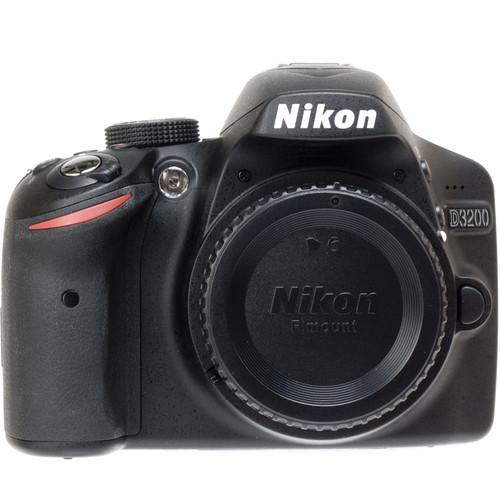 Contents of the user manual for the Nikon D3200 Digital SLR Camera Body
- Product category: Uncategorized Nikon
- Brand: Nikon
- Description and content of package
- Technical information and basic settings
- Frequently asked questions – FAQ
- Troubleshooting (does not switch on, does not respond, error message, what do I do if...)
- Authorized service for Nikon Uncategorized
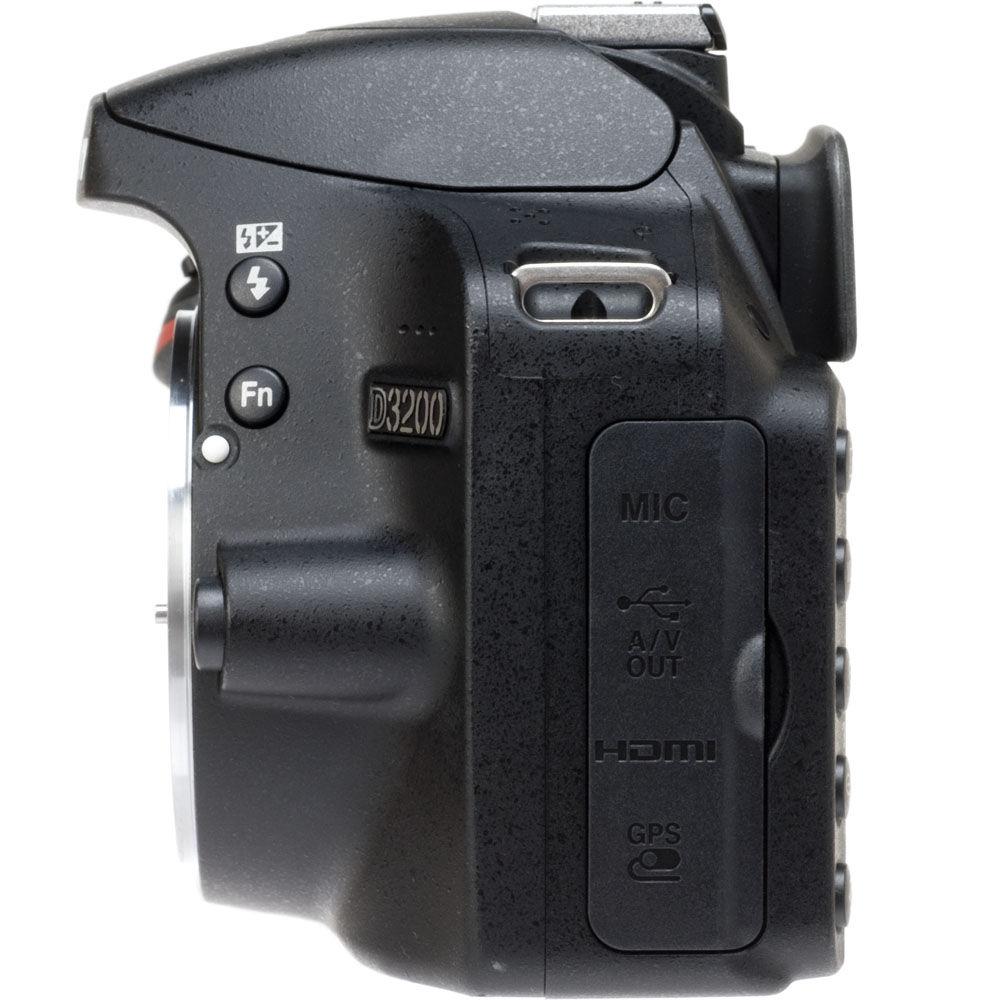
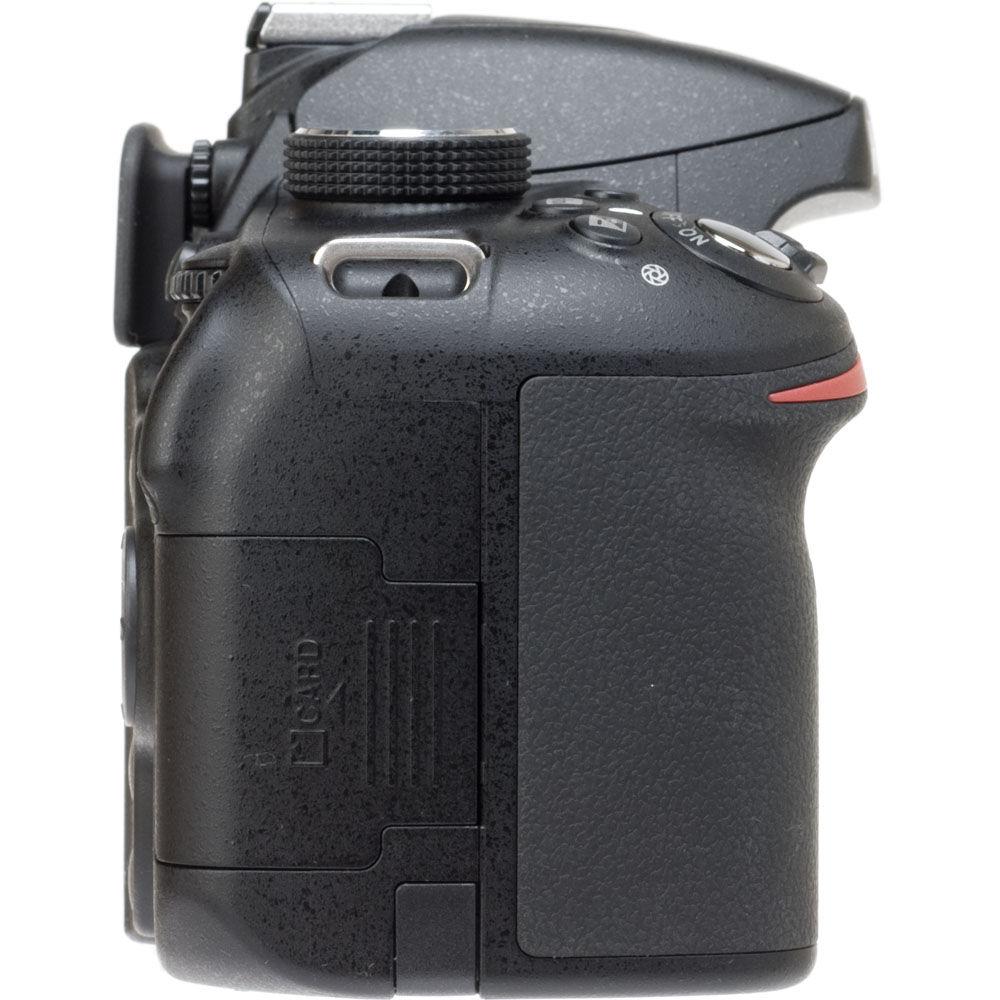
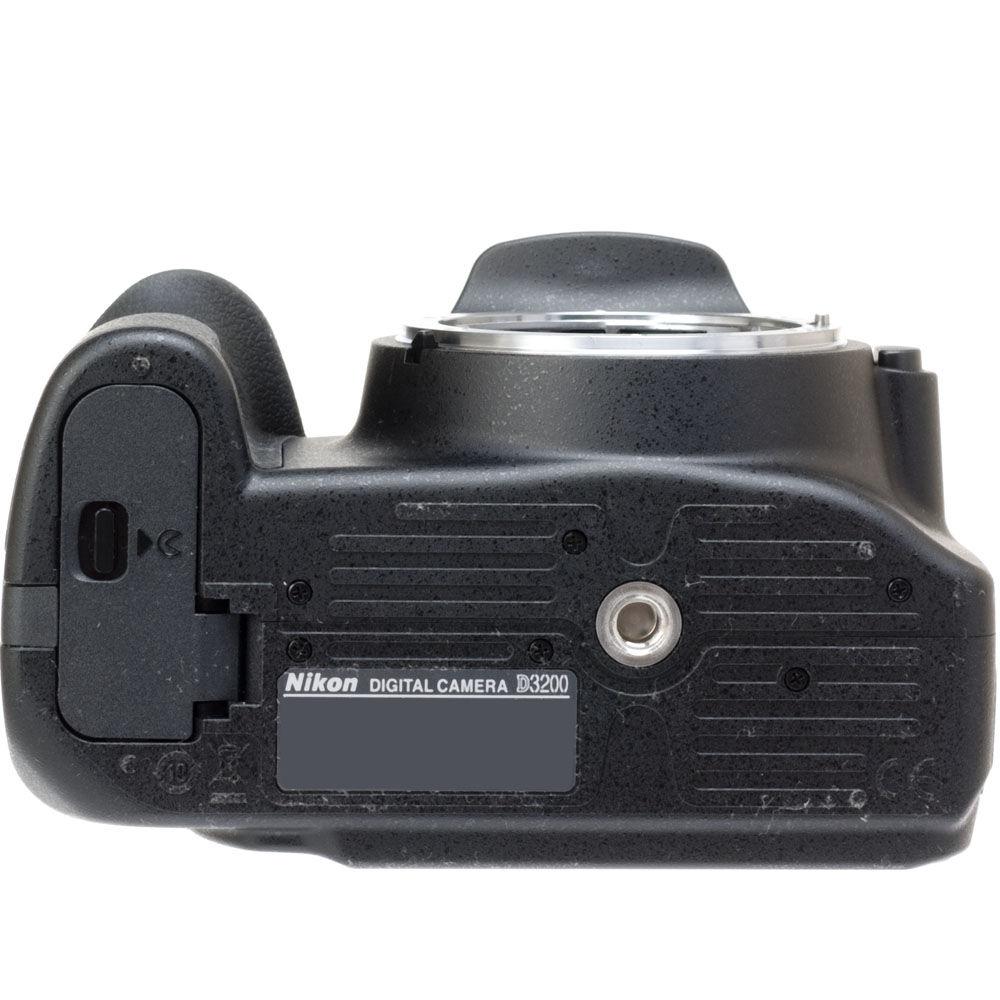 |
User manual for the Nikon D3200 Digital SLR Camera Body contain basic instructions
that need to be followed during installation and operation.
Before starting your appliance, the user manual should be read through carefully.
Follow all the safety instructions and warnings, and be guided by the given recommendations.
User manual is an integral part of any Nikon product,
and if it is sold or transferred, they should be handed over jointly with the product.
Following the instructions for use is an essential prerequisite for protecting
health and property during use, as well as recognition of liability on the part of the manufacturer
for possible defects should you make a warranty claim. Download an official Nikon user manual in which you will find instructions on how to install, use, maintain and service your product.
And do not forget – unsuitable use of a Nikon product will considerably shorten its lifespan!
|
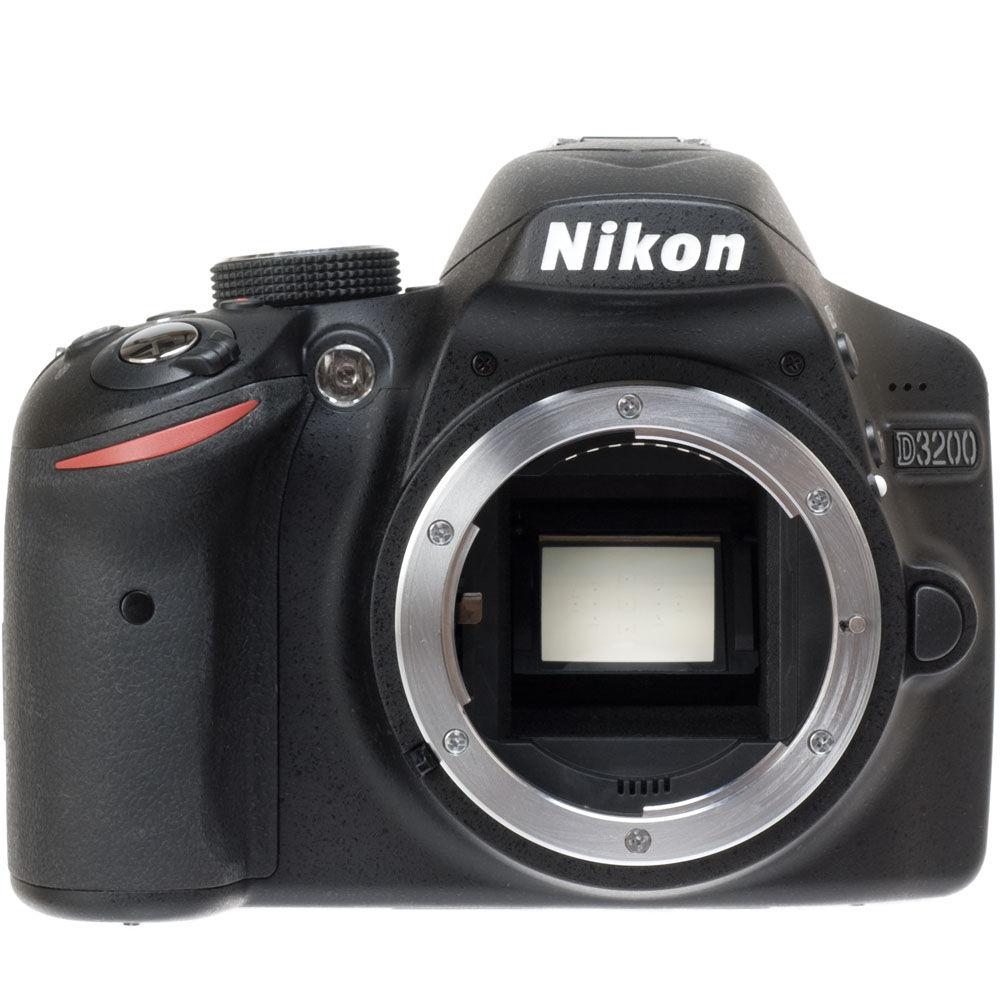
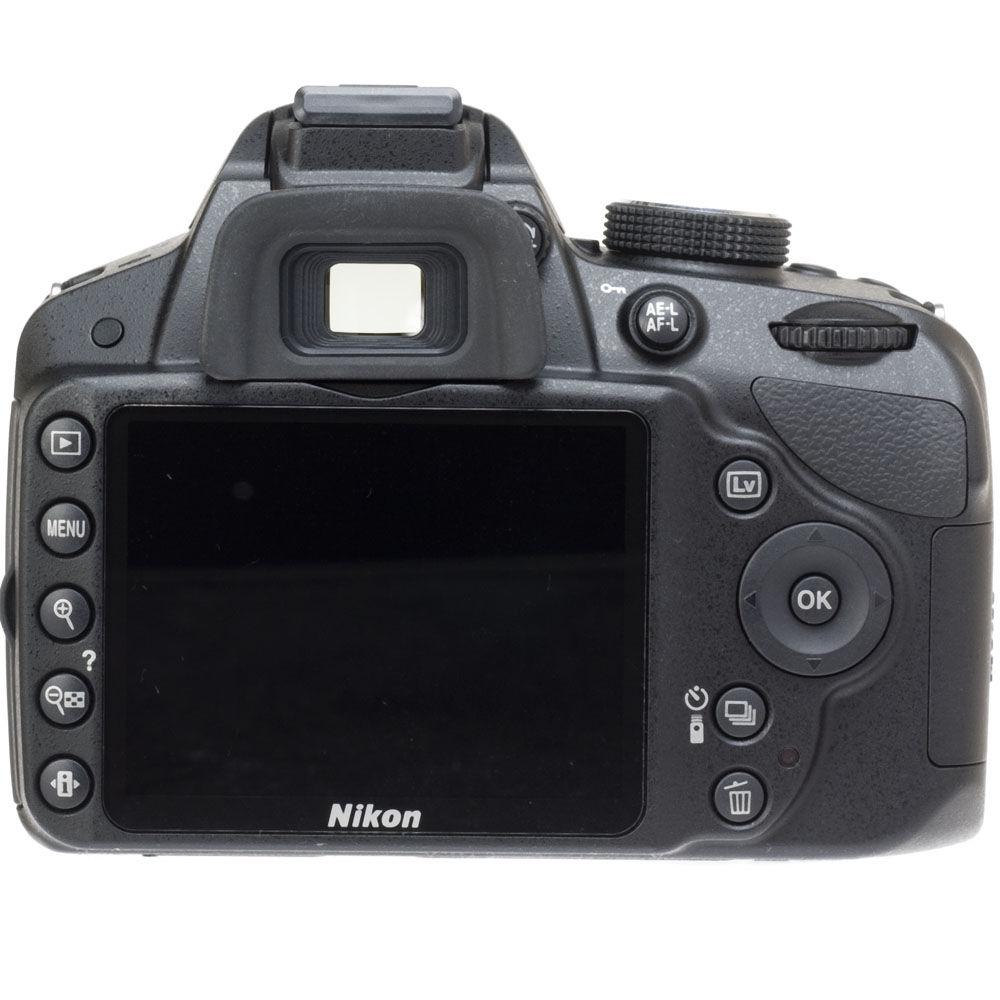
Product description The black Nikon D3200 DSLR Camera is a professional imaging machine in the truest sense. It captures stunning high-resolution JPEG and RAW still photos and HD 1080p video via its 24.2 MP DX-format CMOS sensor. Enjoy superior color and sharpness, make gorgeous adjustments and perform creative cropping without any loss in sharpness. The camera's EXPEED III image processor makes optimal use of the 24.2 MP sensor, producing fine tonal gradations and exceptional color fidelity. The large 3.0" (7.6 cm) 921K-dot LCD allows bright, clear framing, playback, menu navigation and Guide Mode settings.
The camera is compatible with an array of other NIKKOR lenses, as well. The D3200's quick, accurate 11-point autofocusing system with phase-detection AF within the camera finder works to ensure you never miss an opportunity to grab a great shot.
The camera features a wide ISO sensitivity range from 100-6400, which can be increased to as high as 12800. Get great shots and clips under various lighting situations with low noise. Capture full, broadcast-quality 1080p HD video at 30, 25 or 24 fps, and 720p video at 60 or 50 fps. The optional ME-1 Stereo Microphone (not included) provides crystal clear stereo sound to accompany your crisp video. You can shoot up to 4 fps at full resolution to catch those precious moments missed by other cameras.
While the D3200 is a pro-level camera, it's certainly more than accessible by those who are not professionals. In-camera guidance shows you, step-by-step, the way to change camera settings, and provides sample photos for easy comprehension.
With an optional WU-1a wireless mobile adapter, you have the ability to automatically send superb images to your smartphone--or even use the phone to remotely control the camera for still shooting. The easy-to-use app makes it all possible. Now, when you get that great shot you just can't wait to share...you won't have to. Image Quality - 24.2 MP CMOS Sensor
- Delivers stunning detail and depth in each photo and full HD 1080p video, even under low-light conditions
- EXPEED 3 Image Processor
- Same processing power behind the acclaimed Nikon D4 enables blazing-fast operation, superb image capture, full 1080p broadcast-quality HD video, in-camera filter effects, expanded dynamic range and more
- Bright, High-Resolution LCD
- Large 3.0" (7.6 cm) low-temperature polysilicon TFT LCD with 921,000 pixels, 160° viewing angle, approx. 100% frame coverage and brightness adjustment. Enjoy a bright, clear viewing pane for setting up shots, Live View shooting, playing back video or browsing photos, navigating the menu or Guide Mode settings
- Great Sensitivity
- Sensitivity from ISO 100 - 6400 for crisp, clear images in low-light situations without a flash, or in overpowering bright light with wide-aperture lenses. ISO can even be set to 12800 equivalent (Hi 1) for extreme low-light shooting
- HD Video Recording
- Enjoy one-touch high-definition movie recording in full HD 1920 x 1080p at 30 / 25 / 24p or 1280 x 720p at 60 / 50p in AVC format for ultra-smooth slow-motion playback. Also shoot in 640 x 424 at 30 / 25p. Record button located next to shutter-release button. Thanks to full-time autofocus, manual exposure control, external stereo mic jack and more, your new D3200 is a truly cinema-quality movie machine. Attaching optional ME-1 Stereo Microphone enables beautifully clear stereo sound to accompany your dazzling video 1
Please Note: 30 and 60p available in NTSC mode; 25 and 50p available in PAL mode close - Active D-Lighting
- Lets you automatically reveal detail in dark and light regions of high-contrast scenes. Get pictures that more closely mirror the way your own eyes see them. Leave it on for hands-free operation
- Flash
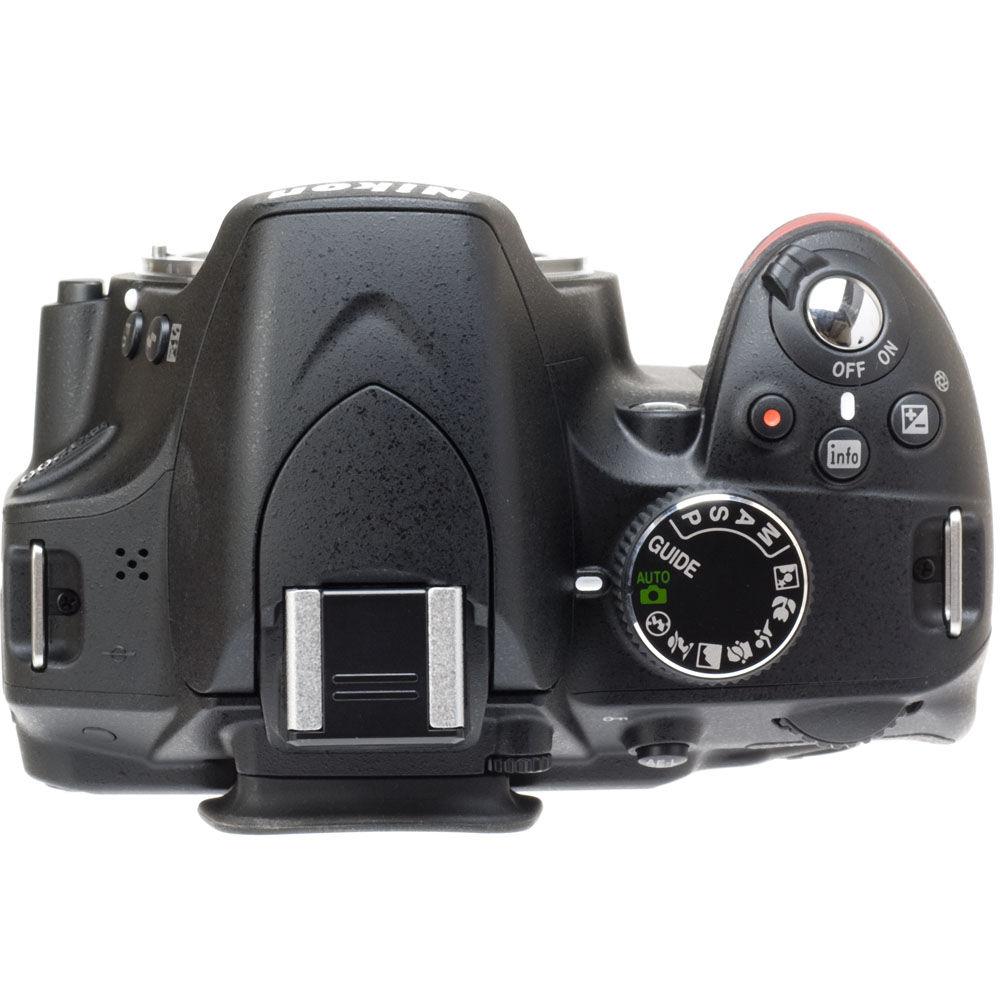
- Convenient, built-in pop-up flash. Auto flash with auto pop-up or manual pop-up with button release. Guide number roughly 12 / 39, 13 / 43 with manual flash (m/ft, ISO 100, 68° F / 20° C). i-TTL flash control via 420-pixel RGB sensor is available with built-in flash and SB-910, SB-900, SB-800, SB-700, SB-600 or SB-400; i-TTL balanced fill-flash for DSLR is used with matrix and center-weighted metering, while standard i-TTL flash used for DSLR with spot metering. Flash compensation is -3 to +1 EV in increments of 1/3 EV. Compatible with optional Speedlights for easier and more creative photography
File Formats - Still Image
- NEF (RAW): 12 bit, compressed
JPEG: JPEG-Baseline compliant with fine (approx. 1:4), normal (approx. 1:8) or basic (approx. 1:16) compression
NEF (RAW) + JPEG: Single image recorded in both NEF (RAW) and JPEG formats - Video
- MOV with H.264 / MPEG-4 Advanced Video Coding (AVC) compression
Usability - Guide Mode
- Walks you through important camera functions and settings and makes recommendations to aid you in quickly mastering your new DSLR and excelling in every type of situation. Choose Easy operation for common subjects like auto, no flash, distant subjects, close-ups, sleeping faces, moving subjects, landscapes, portrait shots and night portrait shots. Choose Advanced for more creative options, such as softening backgrounds, bringing more into focus, freezing motion (people), freezing motion (vehicles), show water flowing, capture reds in sunsets, take bright photos, take dark (low key) photos, and reduce blur
- Smart, Durable Design
- Compact, lightweight and tough camera design affords comfort, places key controls right at your fingertips, and makes toting your D-SLR around to shoots an easy, convenient and pleasant experience
- Infrared for Ease of Use
- Infrared receivers for remote control in both front and rear of camera make for easy self-portrait and close-up shooting
- Optical Viewfinder
- Enables quicker shooting response
- Retouch Menu
- Resize, Color sketch, Selective color and more options for finishing off photos with personalized look: Red-eye correction, Trim, Monochrome (Black-and-white, Sepia and Cyanotype), Filter effects (Skylight, Warm filter, Red intensifier, Green intensifier, Blue intensifier, Cross screen and Soft), Color balance, Image overlay, NEF (RAW) processing, Quick retouch, Straighten, Distortion control, Fisheye, Color outline, Perspective control, Miniature effect, Edit movie
Setting the Scene - Scene Auto Selector
- Functions even during Live-View shooting, automatically activating the most appropriate Scene Mode (e.g., Portrait, Landscape) for the best shot in every type of scenario
- Scene Modes
- Six optimized modes: Portrait, Night Portrait, Landscape, Close up, Child and Sports. Capture each picture and video clip precisely the way you envisioned it--while letting the camera do the heavy lifting so you can just focus on getting your shot
- Picture Control
- Adjust tonality and character of images and full HD video to create more personal touches. Choose from 6 settings: Standard, Neutral, Vivid, Monochrome, Portrait and Landscape. Manually adjust sharpening, contrast, brightness, saturation and color to further fine-tune images to your satisfaction
High Speed and Performance - Highly Accurate Auto Functions
- Precise 420-pixel RGB sensor provides support to Nikon's Scene Recognition System and improves accuracy of all auto functions, including subject tracking AF, full-time AF, exposure, white balance, i-TTL flash, and more
- Continuous Shooting
- Fast continuous shooting captures each and every frame of the action; just aim, hold down shutter button and blast off about 4 fps. Great for sporting events and photographing unpredictable kids and pets
- Autofocusing System
- Quick, accurate 11-point autofocusing system with phase-detection AF within camera finder to make sure you never miss an opportunity to grab a great shot. Choose dynamic-area AF or 3D-tracking (11 points) to capture fast-moving subjects or alter composition freely while keeping your subject sharply focus. With single-point AF, keep a specific area of your subject especially sharp
- Face Detection System
- Applied to Face-priority AF in Live View / Movie mode, AE, AWB and Playback zoom
- Live View
- Dedicated Live View button for fast, easy access. Makes shooting easy; regardless of whether you're capturing stills or video, you've got four AF-area modes to choose from: Face-priority AF, wide-area AF, normal-area AF and subject-tracking AF. Combining subject-tracking AF and full-time servo AF (AF-F) preserves focus point as action progresses
- Memory
- SD memory card is UHS-I compliant for high-speed data transfer
- Integrated Dust Reduction System
- For consistently crisp, clear photos
Management - ViewNX 2
- Supplied tool set serves as convenient way to manage photos on your PC, with useful functions for storage, browsing, editing and sharing photos and video. Labels can be attached to images, making for quicker searches later on. This bundled software also delivers a broad spectrum of editing functions, such as rotate, resize, crop, straighten, auto red-eye correction and more
- my Picturetown
- Nikon's proprietary image-sharing website, my Picturetown, lets you easily save, organize and share images with family and friends across the globe. Membership is free and permits storage of as much as 2GB of stills and / or video. For an extra fee, you can expand your online storage space to 200GB. Also works with certain smart devices
Power - Long-Lasting Battery Life
- Rechargeable EN-EL14 lithium-ion battery gives you roughly 540 shots per charge
Special Features - Wi-Fi Connectivity with Optional WU-1a Wireless Mobile Adapter
- Get terrific pictures on your smartphone with ease via an optional WU-1a wireless mobile adapter. Automatically send pictures to your phone and even utilize your phone for remote image capture with your D3200. Intuitive app makes it all happen instantly.
UPC: 018208104123 In the Box Nikon D3200 Digital SLR Camera Body (Black) 52mm Snap-On Lens Cap EN-EL14 Lithium-Ion Battery MH-24 Quick Charger DK-5 Eyepiece Shield DK-20 Rubber Eyecup UC-E6 USB Cable EG-CP14 A/V Cable AN-DC3 Camera Strap Body Cap BS-1 Hot Shoe Cover Bundled Software: ViewNX 2 CD-ROM 90-Day Refurbished Warranty Table of Contents
|
Upload User Manual
Have you got an user manual for the Nikon D3200 Digital SLR Camera Body - Refurbished in electronic form? Please send it to us and help us expand our library of instruction manuals.
Thank you, too, on behalf of other users.
To upload the product manual, we first need to check and make sure you are not a robot. After that, your "Submit Link" or "Upload File" will appear.
Technical parametersNikon 25490B Specs | | | Package Weight | 2.7 lb | | Box Dimensions (LxWxH) | 8.4 x 7.4 x 4.9" |
Rating70% users recommend this product to others. And what about you?

This product has already been rated by 68 owners. Add your rating and experience with the product.
Discussion
 Ask our technicians if you have a problem with your settings,
or if anything is unclear in the user manual you have downloaded.
You can make use of our moderated discussion.
The discussion is public and helps other users of our website who may be encountering similar problems.
Ask our technicians if you have a problem with your settings,
or if anything is unclear in the user manual you have downloaded.
You can make use of our moderated discussion.
The discussion is public and helps other users of our website who may be encountering similar problems.
The discussion is empty - enter the first post
Post a new topic / query / comment:
|
|


