User Manual for Nitecore i2 v2 Intellicharger Battery Charger Click to enlarge the picture
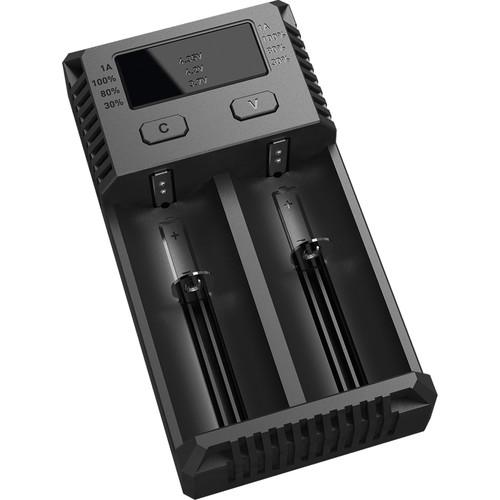 Contents of the user manual for the Nitecore i2 v2 Intellicharger Battery Charger
- Product category: Universal Batteries & Chargers Nitecore
- Brand: Nitecore
- Description and content of package
- Technical information and basic settings
- Frequently asked questions – FAQ
- Troubleshooting (does not switch on, does not respond, error message, what do I do if...)
- Authorized service for Nitecore Universal Batteries & Chargers
 |
User manual for the Nitecore i2 v2 Intellicharger Battery Charger contain basic instructions
that need to be followed during installation and operation.
Before starting your appliance, the user manual should be read through carefully.
Follow all the safety instructions and warnings, and be guided by the given recommendations.
User manual is an integral part of any Nitecore product,
and if it is sold or transferred, they should be handed over jointly with the product.
Following the instructions for use is an essential prerequisite for protecting
health and property during use, as well as recognition of liability on the part of the manufacturer
for possible defects should you make a warranty claim. Download an official Nitecore user manual in which you will find instructions on how to install, use, maintain and service your product.
And do not forget – unsuitable use of a Nitecore product will considerably shorten its lifespan!
|
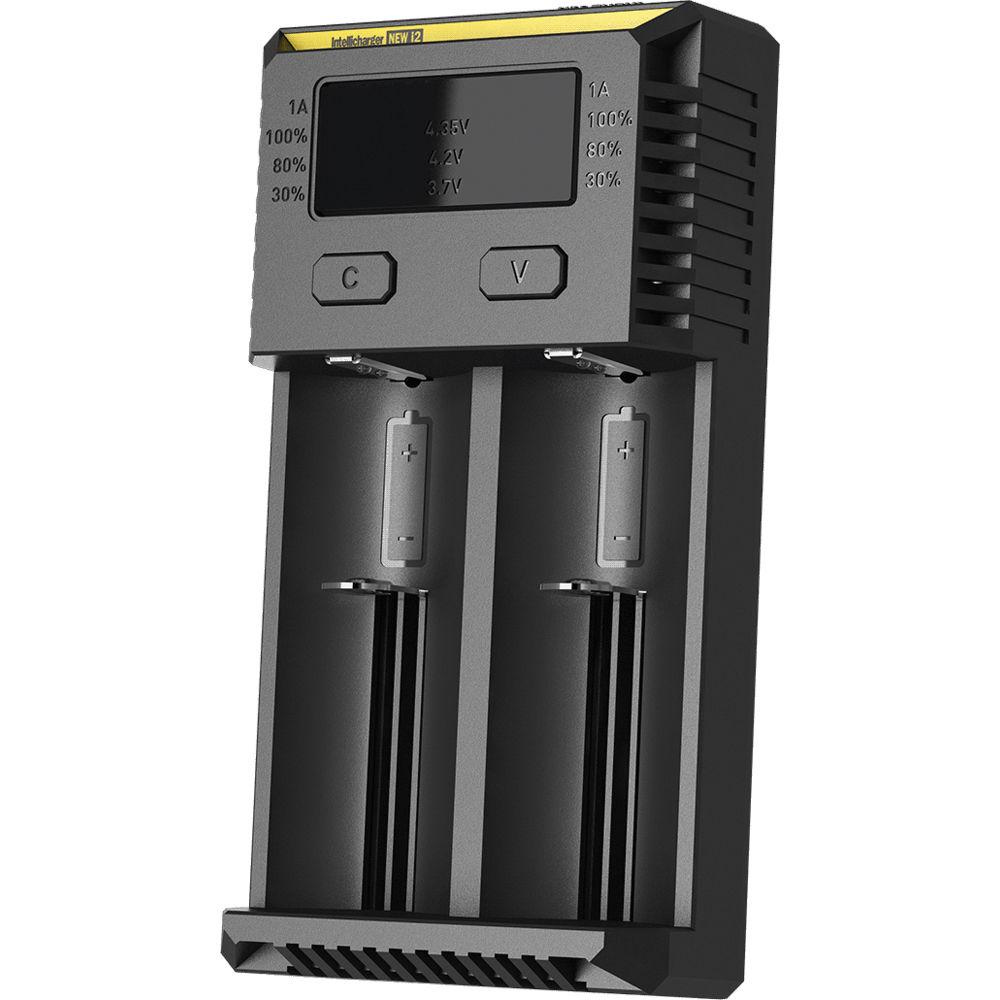
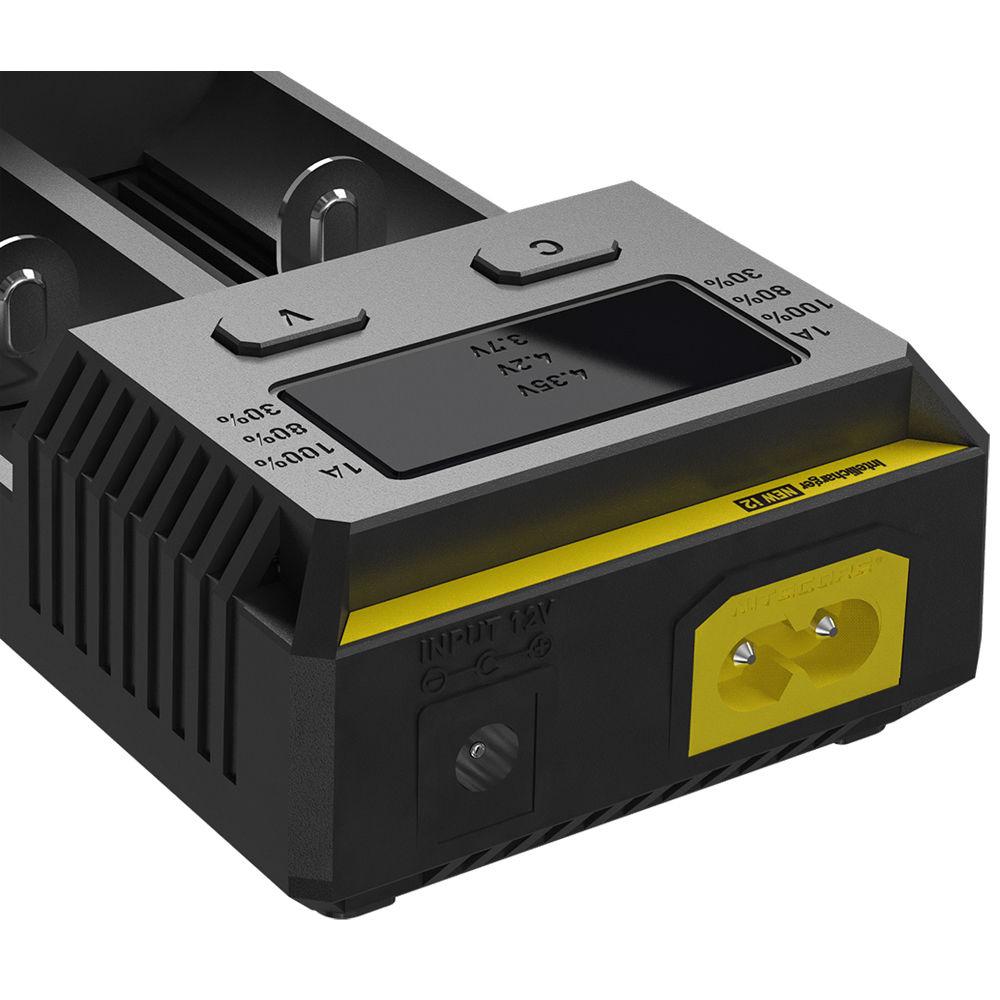
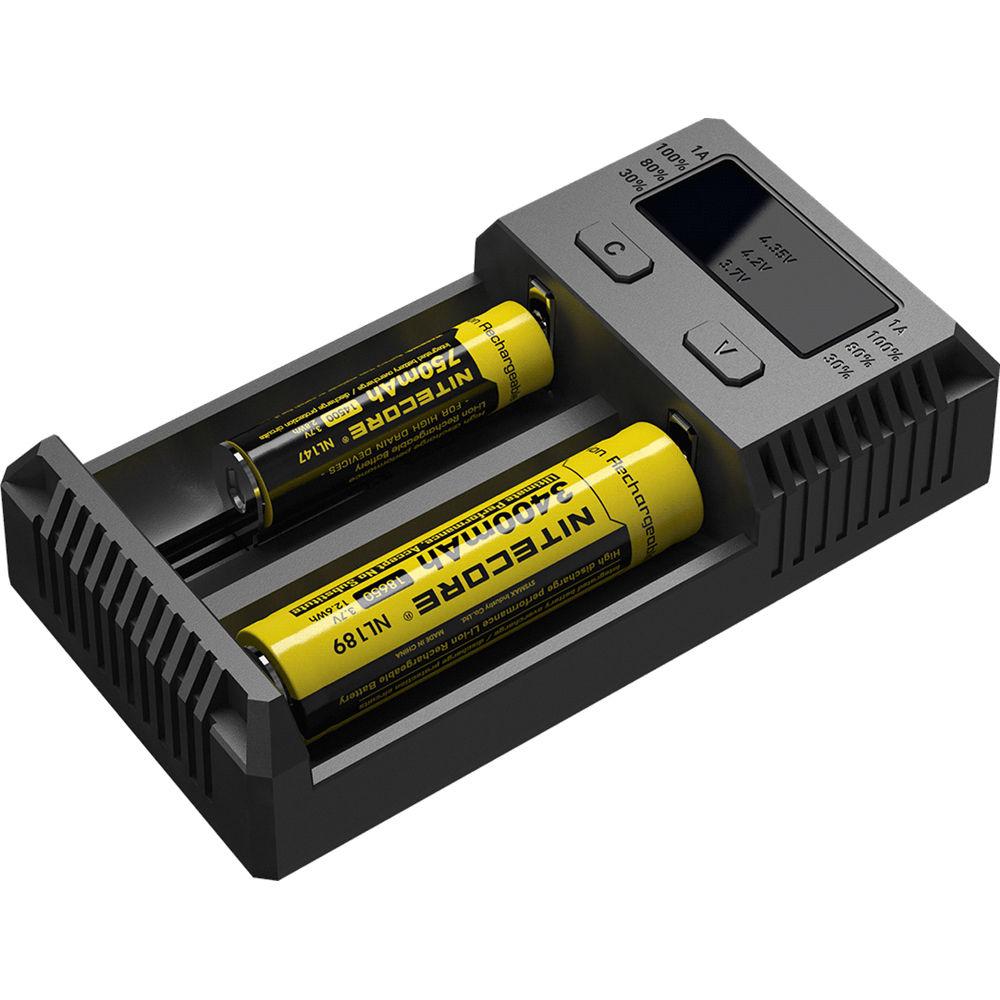
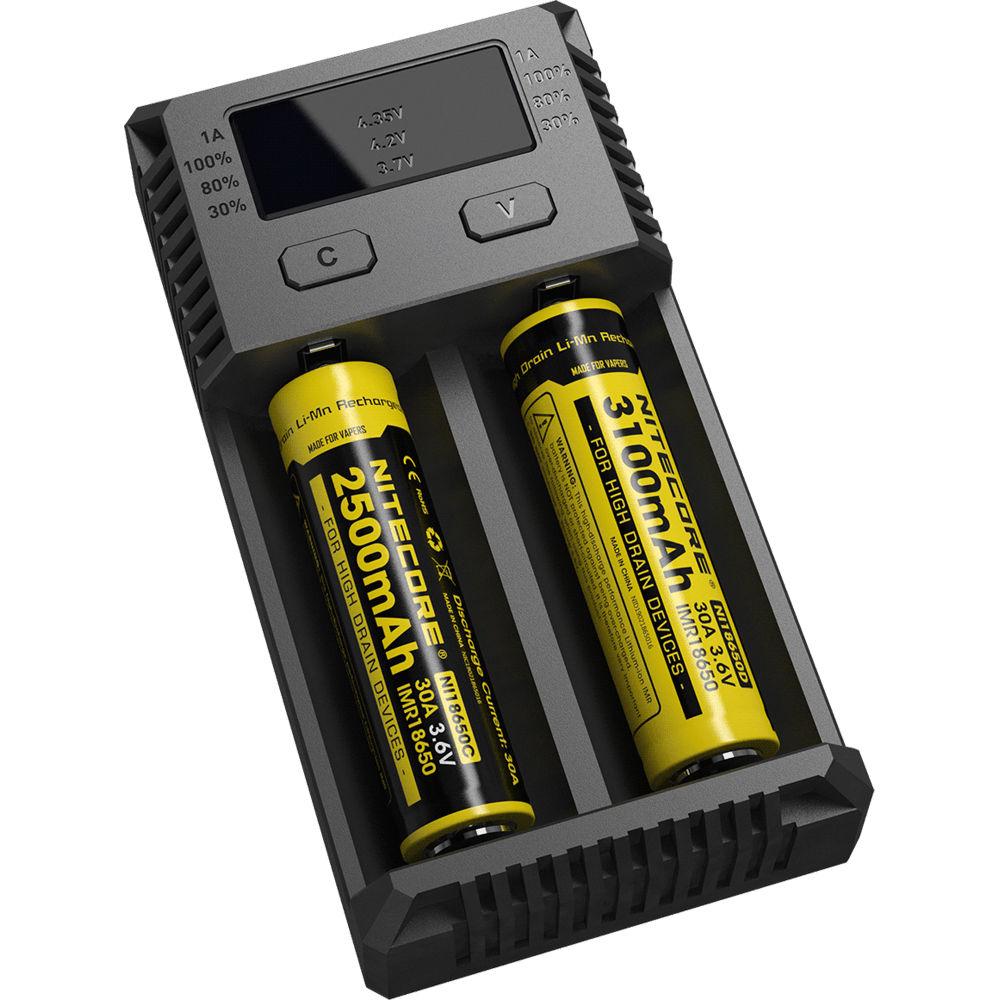
Product description The updated, dual-bay i2 v2 Intellicharger Battery Charger from Nitecore improves on their original with faster charging times, a wider battery compatibility range and improved charging and safety features. An intelligent power management system automatically detects the number of batteries installed, evenly distributes charging power, and selects the appropriate charging current based on the specific needs of each battery installed. LEDs clearly display the charging status and power level of each battery, and output selection. Reverse polarity and over-charge protection, as well as short circuit and non-rechargeable battery detection, prevents damage to the batteries and charger. - Charging
-
- Automatic and manual charging program selection
- Active Current Distribution (ACD) system: Detects and distributes available power to optimize charging in both bays
- Charging program optimized for IMR batteries
- Two independent charging bays: Separate spring-loaded sliders accept different battery sizes and ensures a secure connection
- Automatic current selection based on battery capacity
- Automatically detects battery power status and displays charging progress
- IMR lithium-ion battery activation: Activates fully depleted lithium-ion batteries with protective circuit
- IMR battery recovery
- Safety Features
-
- Automatic detection of non-rechargeable lithium batteries
- Automatically stops charging upon charging completion to prevent battery overcharging
- Reverse polarity protection prevents damage to battery if installed incorrectly
- Short circuit prevention
- Overtime charging protection: Stops charging after 10 hours to prevent damage to battery due to excessive heat
- Certified by RoHS, CE, FCC, and CEC
- Made from fire retardant and flame resistant polycarbonate
- Engineered with heat-dissipating fins to help maintain low charger temperature
- Battery Compatibility
-
Li-ion, IMR, LiFePO4:- 10340, 10350, 10440, 10500
- 12340, 12500, 12650
- 13450, 13500, 13650
- 14350, 14430, 14500, 14650
- 16500, 16340(RCR123), 16650
- 17350, 17500, 17650, 17670
- 18350, 18490, 18500, 18650, 18700
- 20700, 21700, 22500, 22650, 25500, 26500, 26650
Ni-MH, NiCd:- AA, AAA, AAAA
- C-cell
- D-cell
In the Box Nitecore i2 v2 Intellicharger Battery Charger Limited 1-Year Warranty User Manual PDF 2.2mb Table of Contents
|
Upload User Manual
Have you got an user manual for the Nitecore i2 v2 Intellicharger Battery Charger in electronic form? Please send it to us and help us expand our library of instruction manuals.
Thank you, too, on behalf of other users.
To upload the product manual, we first need to check and make sure you are not a robot. After that, your "Submit Link" or "Upload File" will appear.
Technical parametersNitecore INTELLICHARGER NEW I2 Specs | | | AC Input Power | 100 to 240 VAC, 50 / 60 Hz | | Charging Bays | 2 x 17670, 16340, 17335, 26650, AA, 17500, 18650, 18490, AAA, 10440, 14500 | | Charging Voltage | 1.48 VDC
3.7 VDC
4.2 VDC
4.35 VDC | | Charging Amperage | 500 to 1000 mA | | DC Input Power | 9 to 12 VDC | | Charger Dimensions | 5.2 x 2.75 x 1.4" / 132.00 x 70.00 x 35.00 mm | | Charger Weight | 4.4 oz / 126 g | | | | Certifications | CEC, RoHS, as per Manufacturer | | | | Package Weight | 0.615 lb | | Box Dimensions (LxWxH) | 6.5 x 5.35 x 2.75" |
Rating100% users recommend this product to others. And what about you?

This product has already been rated by 44 owners. Add your rating and experience with the product.
Discussion
 Ask our technicians if you have a problem with your settings,
or if anything is unclear in the user manual you have downloaded.
You can make use of our moderated discussion.
The discussion is public and helps other users of our website who may be encountering similar problems.
Ask our technicians if you have a problem with your settings,
or if anything is unclear in the user manual you have downloaded.
You can make use of our moderated discussion.
The discussion is public and helps other users of our website who may be encountering similar problems.
The discussion is empty - enter the first post
Post a new topic / query / comment:
|
|


