User Manual for Nitecore i8 Multi-Slot Intelligent Charger for Lithium-Ion, NiMH, or NiCD Batteries Click to enlarge the picture
 Contents of the user manual for the Nitecore i8 Multi-Slot Intelligent Charger for
- Product category: Universal Batteries & Chargers Nitecore
- Brand: Nitecore
- Description and content of package
- Technical information and basic settings
- Frequently asked questions – FAQ
- Troubleshooting (does not switch on, does not respond, error message, what do I do if...)
- Authorized service for Nitecore Universal Batteries & Chargers
 |
User manual for the Nitecore i8 Multi-Slot Intelligent Charger for contain basic instructions
that need to be followed during installation and operation.
Before starting your appliance, the user manual should be read through carefully.
Follow all the safety instructions and warnings, and be guided by the given recommendations.
User manual is an integral part of any Nitecore product,
and if it is sold or transferred, they should be handed over jointly with the product.
Following the instructions for use is an essential prerequisite for protecting
health and property during use, as well as recognition of liability on the part of the manufacturer
for possible defects should you make a warranty claim. Download an official Nitecore user manual in which you will find instructions on how to install, use, maintain and service your product.
And do not forget – unsuitable use of a Nitecore product will considerably shorten its lifespan!
|
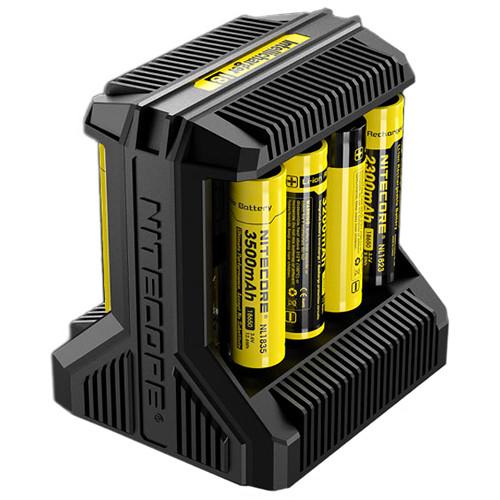
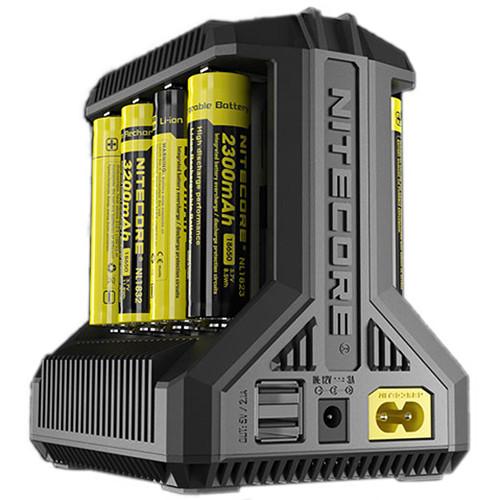
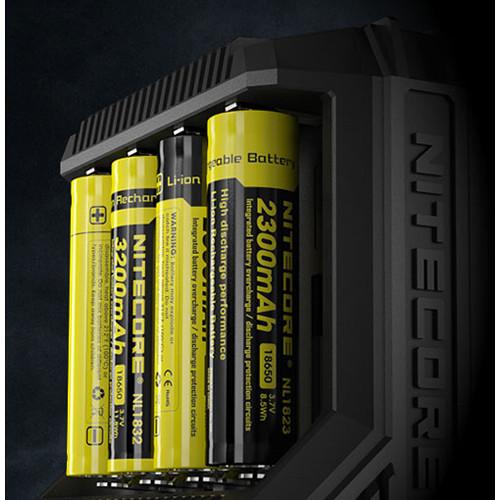
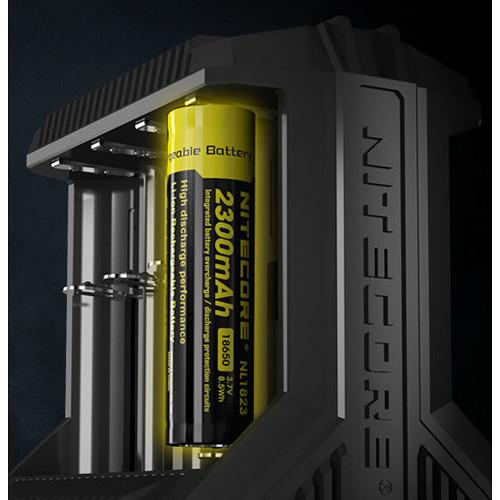
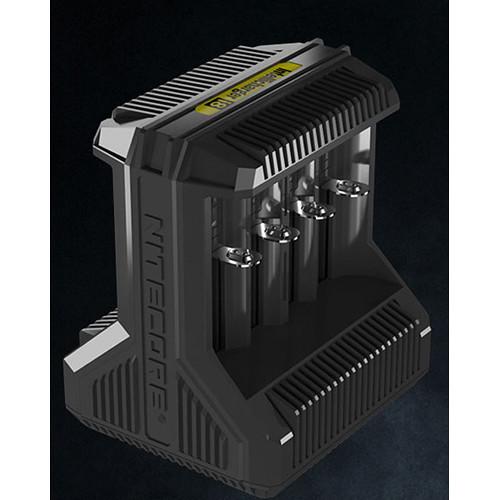
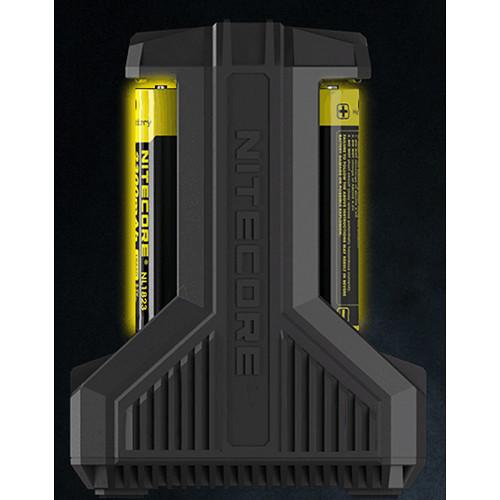
Product description Recharge various lithium-ion, NiMH, or NiCd batteries quickly with the i8 Multi-Slot Intelligent Charger from NITECORE. The unit restores power to as many as 8 batteries simultaneously in individual, independent channels. It automatically detects the cell types and capacities and then selects the appropriate voltage and current. The i8 is compatible with li-ion/IMR batteries from 10340 to 26650, as well as NiMH and NiCD cells from AA to D. It also features a dual-port USB power bank for charging smartphones and other devices.
Active current distribution technology allocates power to the various batteries in a logical and efficient manner, diverting current from cells that are almost fully charged to those with lower power levels. The i8 also revives depleted li-ion batteries with a protective circuit after testing and activating them.
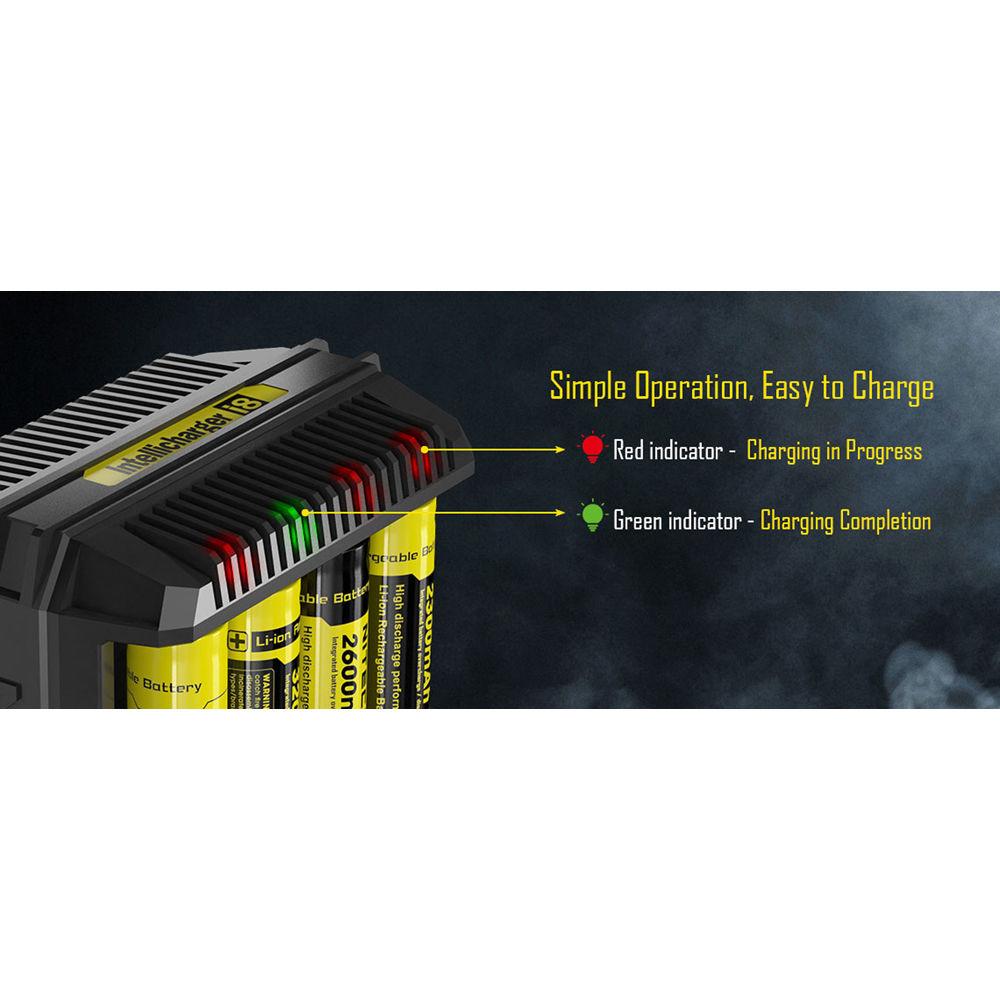
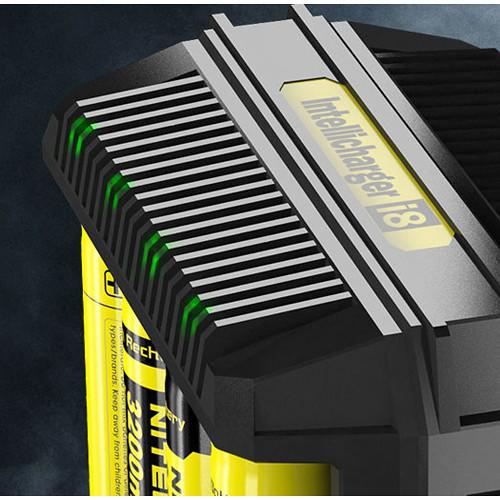
This charger features constant-current and constant-voltage operating modes, as well as negative Delta V and T functions that ensure the delivery of a full charge to Ni-MH and NiCd batteries, while preventing overcharging and overheating. The i8 features overtime protection, which monitors elapsed charging time for each battery and automatically stops the process if a time of 20 h is exceeded, in order to further safeguard against overcharging. It is also designed for optimal heat dissipation as an extra measure to prevent excessive temperature. Additionally, the i8 provides protection against reverse polarity and short-circuiting, and notifies you of these situations via the blinking LED indicators. As a bonus, the vertical orientation of the battery bays in the charger saves space on your desk, table, or countertop. - Compatible Batteries
- Li-ion and IMR: 10340, 10350, 10440, 10500, 12340, 12500, 12650, 13450, 13500, 13650, 14350, 14430, 14500, 14650, 16500, 16650, 16340 (RCR123), 17350, 17500, 17650, 17670, 18350, 18490, 18500, 18650, 22500, 22650, 25500, 26500, and 26650
NiMH and NiCd: AA, AAA, C, and D In the Box Nitecore i8 Multi-Slot Intelligent Charger for Lithium-Ion, NiMH, or NiCD Batteries Power Cord Limited 1-Year Warranty User Manual PDF 2mb Table of Contents
|
Upload User Manual
Have you got an user manual for the Nitecore i8 Multi-Slot Intelligent Charger for Lithium-Ion, NiMH, or NiCD Batteries in electronic form? Please send it to us and help us expand our library of instruction manuals.
Thank you, too, on behalf of other users.
To upload the product manual, we first need to check and make sure you are not a robot. After that, your "Submit Link" or "Upload File" will appear.
Technical parametersNitecore I8 Specs | Configuration | 8x Charging bays for various batteries
Li-ion and IMR: 10340, 10350, 10440, 10500, 12340, 12500, 12650, 13450, 13500, 13650, 14350, 14430, 14500, 14650, 16500, 16650, 16340 (RCR123), 17350, 17500, 17650, 17670, 18350, 18490, 18500, 18650, 22500, 22650, 25500, 26500, and 26650
NiMH and NiCd: AA, AAA, C, and D | | Input Power | 100-240 VAC, 50/60 Hz, 0.6 A (max.), 30 W
12 VDC, 3.0 A | | Output Power | Voltage:
Battery Bays: 1.48-4.2 V +/- 1%
2x USB Ports: 5.0 V +/- 5% each (max.)
Current:
Battery Bays: 2x 1.5 A, 4x 0.75-1.0 A, or 8x 0.5 A
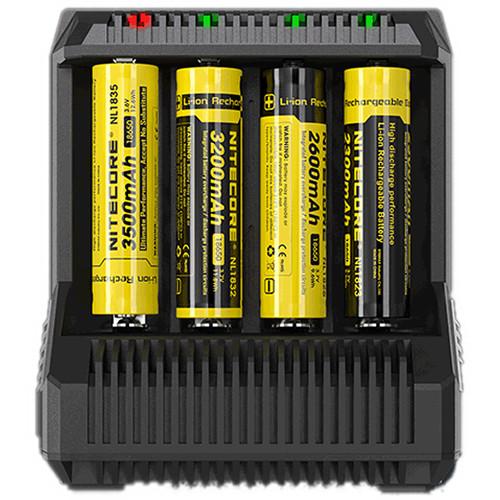
2x USB Ports: 2.1 A each | | Display | None | | Status Indicators | Red Light: Charging in progress
Green Light: Charging complete
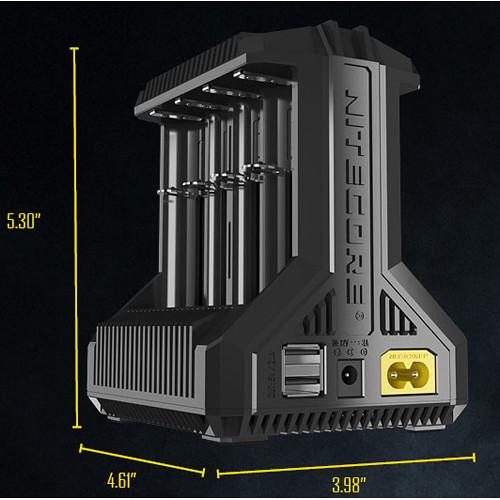
Separate indicators present for each battery bay | | Material of Construction | Flame-retardant/fire-resistant polycarbonate | | Operating Temperature | Not specified by manufacturer | | Certifications | RoHS, CE, FCC, CEC | | Dimensions | 4.6 x 4.0 x 5.3" / 11.7 x 10.1 x 13.5 cm | | Weight | 1.1 lb / 0.5 kg | | | | Package Weight | 1.5 lb | | Box Dimensions (LxWxH) | 5.9 x 5.9 x 5.2" |
Rating90% users recommend this product to others. And what about you?

This product has already been rated by 56 owners. Add your rating and experience with the product.
Discussion
 Ask our technicians if you have a problem with your settings,
or if anything is unclear in the user manual you have downloaded.
You can make use of our moderated discussion.
The discussion is public and helps other users of our website who may be encountering similar problems.
Ask our technicians if you have a problem with your settings,
or if anything is unclear in the user manual you have downloaded.
You can make use of our moderated discussion.
The discussion is public and helps other users of our website who may be encountering similar problems.
The discussion is empty - enter the first post
Post a new topic / query / comment:
|
|


