|
User Manual for Olympus OM-D E-M10 Mark III Mirrorless Micro Four Thirds Digital Camera Click to enlarge the picture
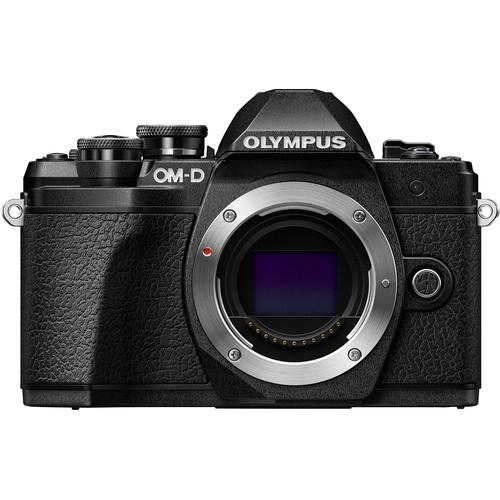 Contents of the user manual for the Olympus OM-D E-M10 Mark III Mirrorless
- Product category: Mirrorless System Cameras Olympus
- Brand: Olympus
- Description and content of package
- Technical information and basic settings
- Frequently asked questions – FAQ
- Troubleshooting (does not switch on, does not respond, error message, what do I do if...)
- Authorized service for Olympus Mirrorless System Cameras
 |
User manual for the Olympus OM-D E-M10 Mark III Mirrorless contain basic instructions
that need to be followed during installation and operation.
Before starting your appliance, the user manual should be read through carefully.
Follow all the safety instructions and warnings, and be guided by the given recommendations.
User manual is an integral part of any Olympus product,
and if it is sold or transferred, they should be handed over jointly with the product.
Following the instructions for use is an essential prerequisite for protecting
health and property during use, as well as recognition of liability on the part of the manufacturer
for possible defects should you make a warranty claim. Download an official Olympus user manual in which you will find instructions on how to install, use, maintain and service your product.
And do not forget – unsuitable use of a Olympus product will considerably shorten its lifespan!
|
Product description Field Test: Olympus OM-D E-M10 MK III Read More - First Look | Olympus E-M10 Mk III
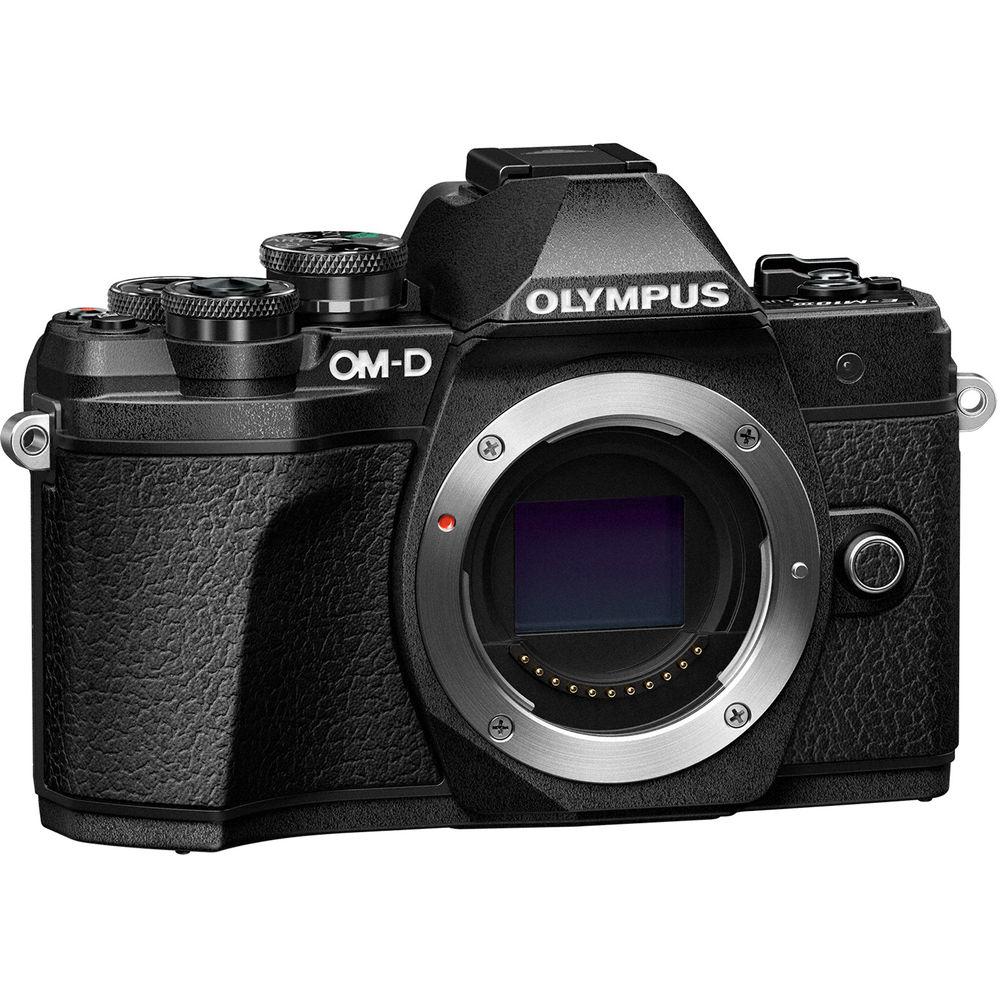
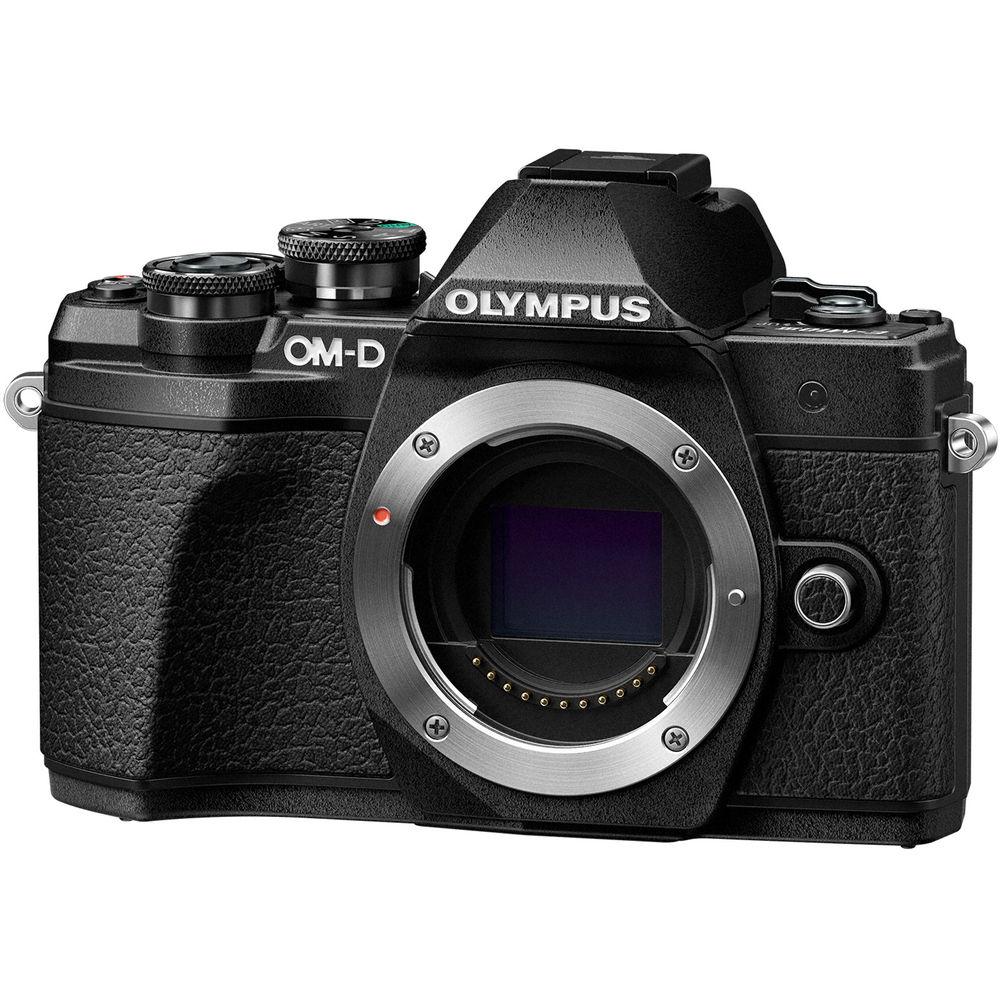
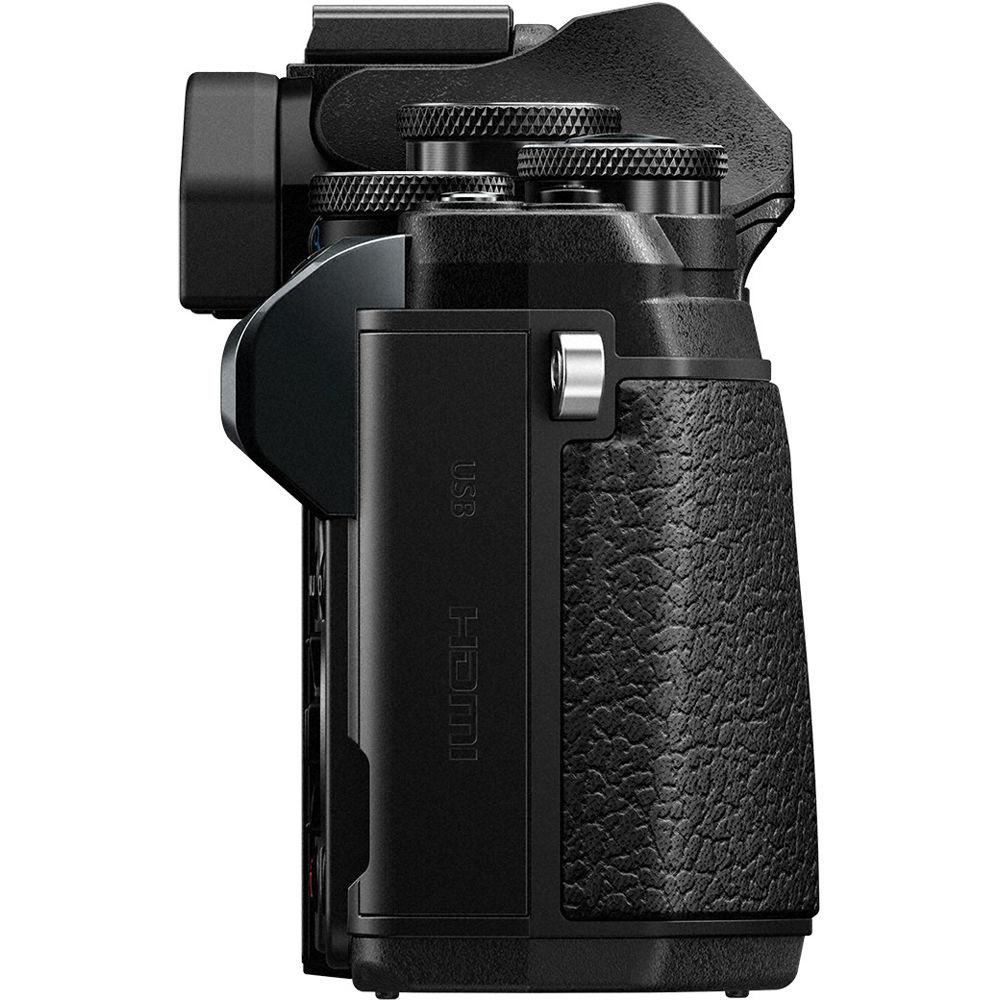
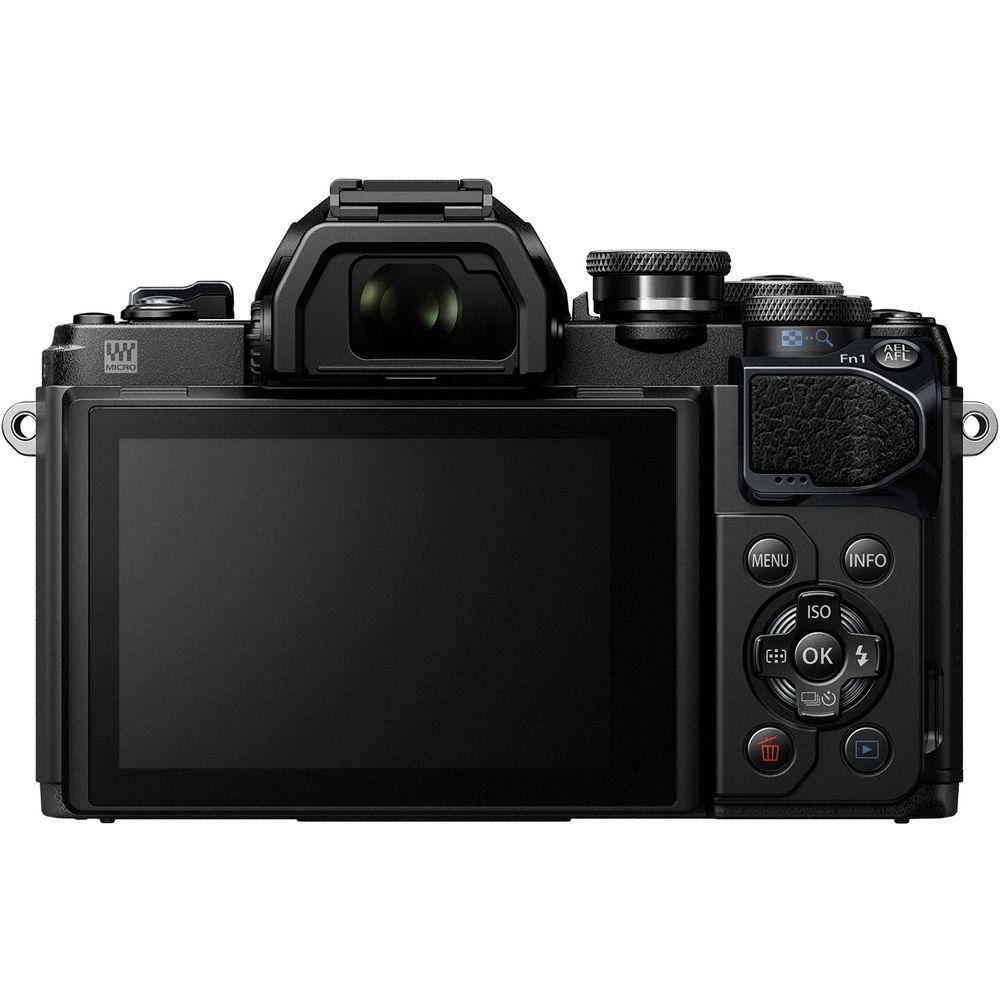
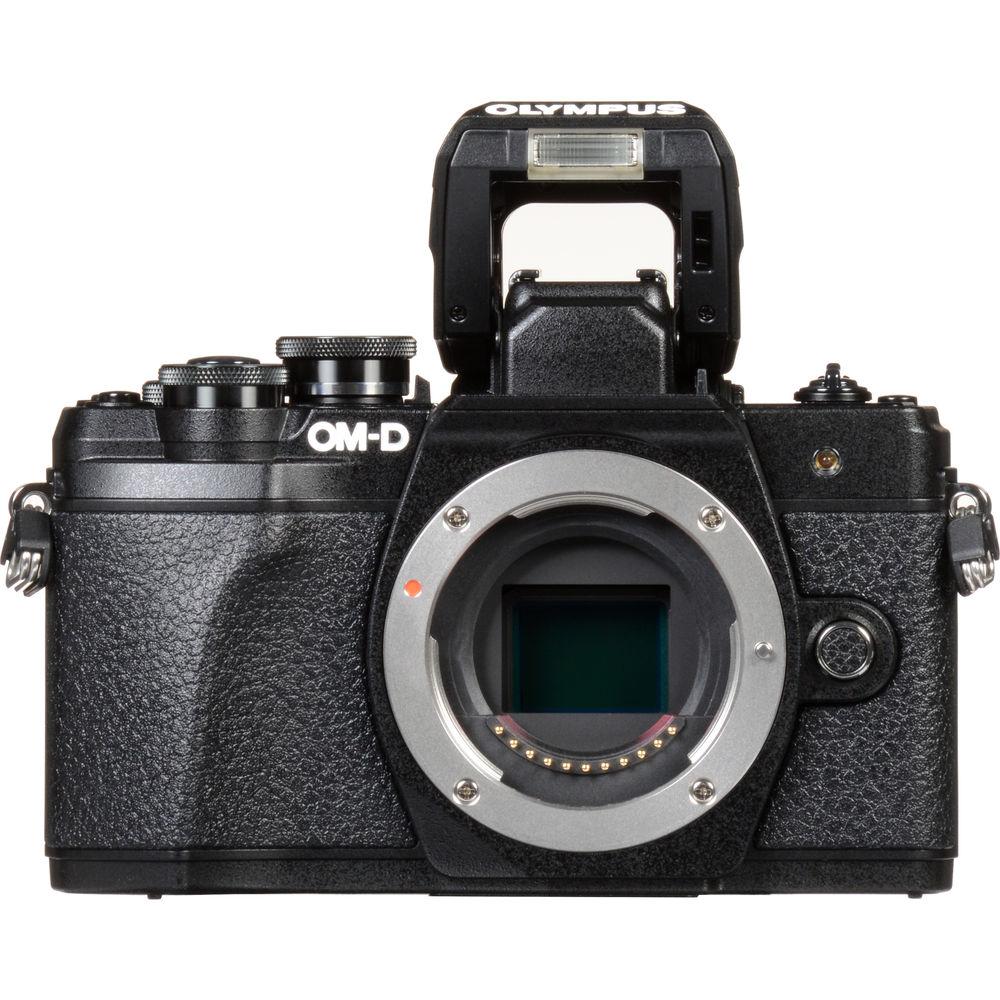
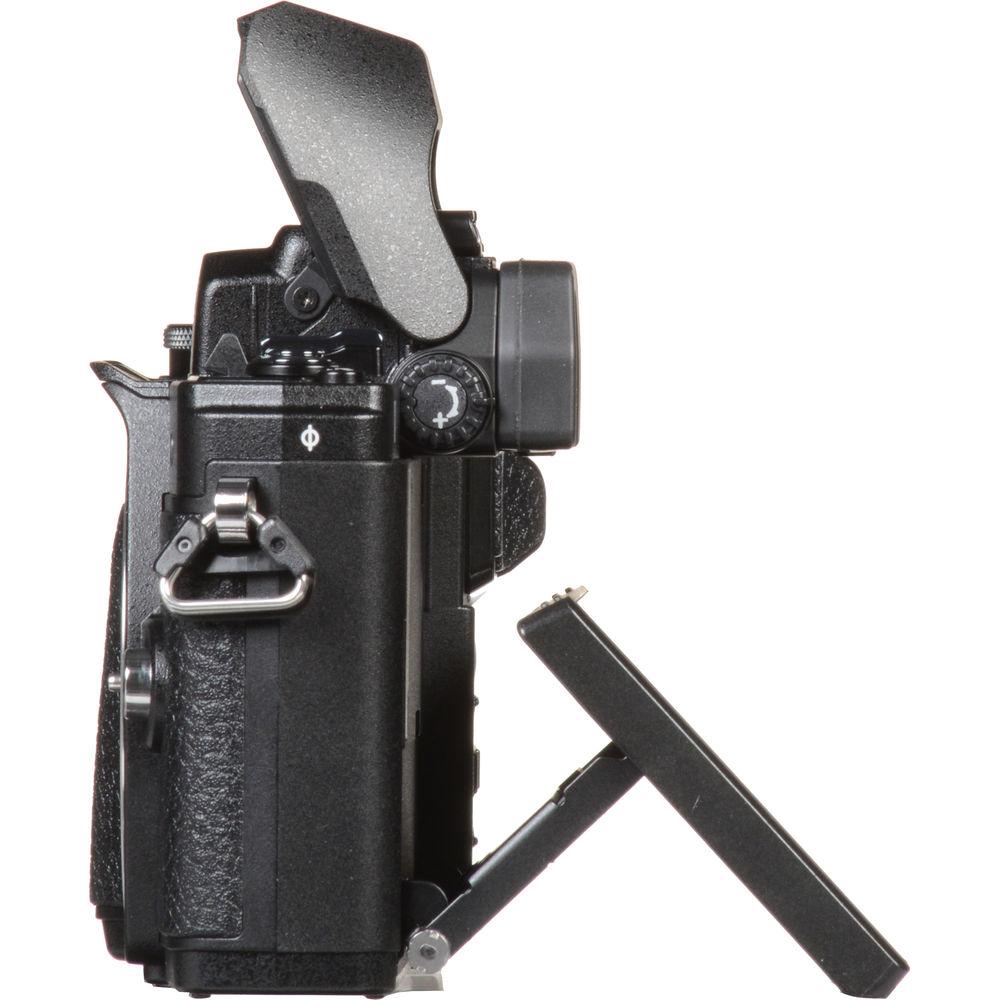
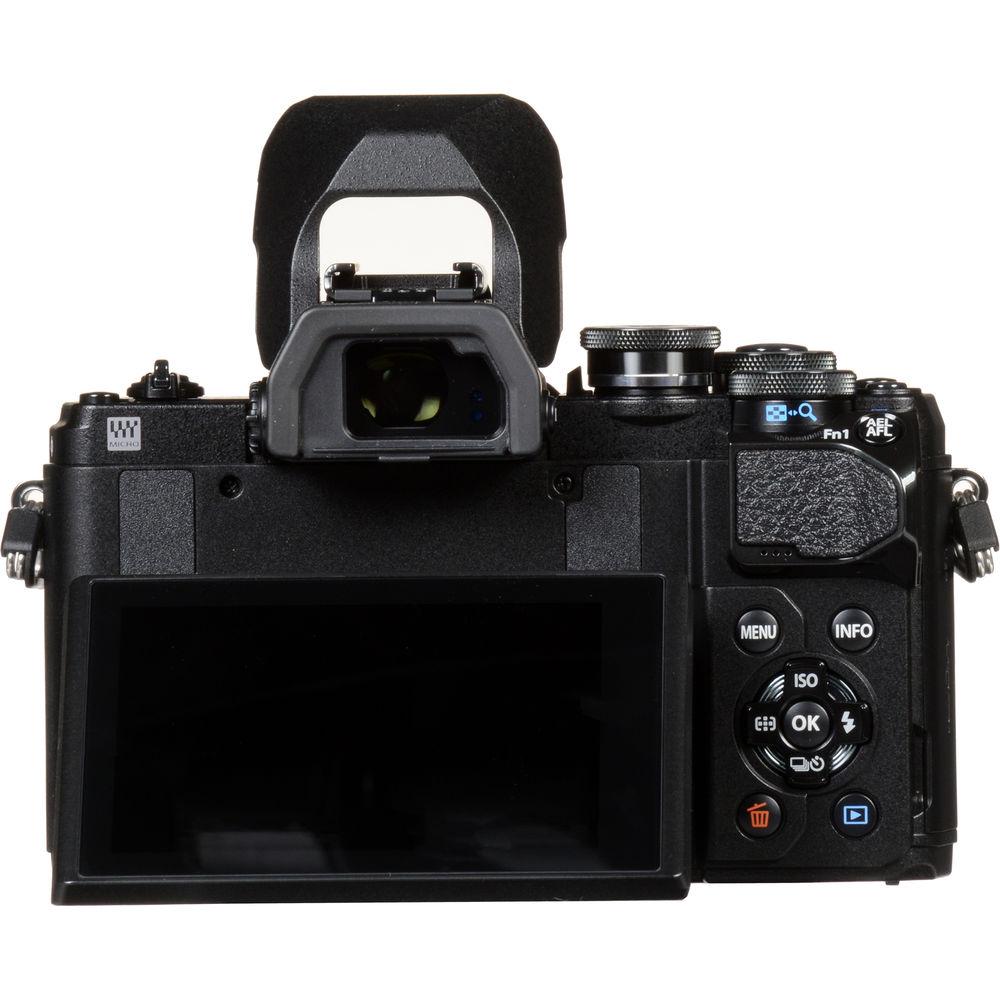
Compact and lightweight, the black OM-D E-M10 Mark III from Olympus takes its place as an extremely capable entry-level option for shooters looking to pick up an SLR-styled mirrorless Micro Four Thirds camera. This iteration incorporates a 16.1MP Four Thirds Live MOS sensor and the Dual Quad-Core TruePic VIII Image Processor, enabling a variety of fast and powerful functions, including video recording at up to UHD 4K. The camera does retain its intuitive and rugged construction, benefitting from many physical controls as well as a 3.0" tilting touchscreen LCD and a 2.36m-dot electronic viewfinder with an improved 1.23x magnification. Additionally, various other functions have been implemented to make shooting more fun, such as 15 Art Filters and a Clips Video Mode that lets you quickly make videos in camera.
The E-M10 Mark III features many capabilities to improve overall image quality. The most significant of these is the inclusion of a robust in-body 5-axis image stabilization system that can compensate for about 4 stops of shutter speed. Along with this, an upgraded 121-point contrast-detect AF system will help you lock on, track, and capture tack-sharp photos of your subjects. Speed has been given a boost as well with up to 8.6 fps continuous shooting and a sensitivity range of up to ISO 25600. An electronic shutter function is present in the Mark III for even faster shutter speeds and silent shooting. Beyond all this, the camera of course features built-in Wi-Fi, this time with a QR Code function for even faster setup. - 16.1MP Live MOS Sensor & TruePic VIII Image Processor
- In order to create high-resolution imagery, the OM-D E-M10 Mark III is blessed with a Four Thirds 16.1MP Live MOS Sensor and the Dual Quad-Core TruePic VIII Image Processor, a combination designed to maximize speed and quality. It helps users create sharp photos and video in a wide range of situations using sensitivities ranging from ISO 200-25600, and which can be extended to ISO 100-25600. It also provides an electronic shutter function for faster shutter speeds and completely silent operation and can record uncompressed 12-bit raw image files.
- UHD 4K Video Recording
- The added processing power of the TruePic VIII provides the E-M10 Mark III with greater video capabilities in addition to stills, this time permitting the creation of high-resolution UHD 4K video at up to 30p. Users can enjoy a high bit rate of 102 Mbps for crisp, detailed imagery and there are options for both NTSC and PAL frame rates. Full HD and HD recording features increased speed with options in Full HD for up to 60p and high-speed HD 720p at up to 120 fps.
In addition to video recording, a Time-lapse Movie mode is also available for recording up to 4K UHD resolution with a 5 fps shooting rate to highlight subject changes or movement over a longer period of time. Full HD and HD time-lapse settings are available, too. Also, there is a Clips Video Mode present for in-camera video creation, including the ability to use audio transferred to your SD card. - In-Body 5-Axis Image Stabilization
- In-body, sensor-shift image stabilization helps to minimize the appearance of camera shake by up to 4 stops with any lens in use and compensates for camera movements that become especially noticeable when working with telephoto shots, macro imagery, and long exposures. Furthermore, this unique image stabilization system works across five axes to compensate for vertical angle rotation, horizontal angle rotation, horizontal shift, vertical shift, and rolling camera shake movement. This range of detected movements serves to benefit traditional still image shooting as well as movie recording and working with moving subjects more effectively. Additionally, image stabilization can also be used when framing shots, for more accurate compositions, by half-pressing the shutter button.
- 121-Point Contrast-Detect AF System and 8.5 fps Shooting
- Lock on and track subject matter quickly and effectively in order to guarantee tack-sharp imagery by using the E-M10 Mark III's upgraded 121-point contrast-detect high-speed imager AF system. Users can also access Touch AF functions via the rear LCD and will benefit from excellent tracking performance. Also, the E-M10 III can shoot at speeds of up to 8.5 fps with the ability to record burst of up to 22 raw frames or 36 JPEGs. A low-speed 4.8 fps setting is available with no limit to the buffer.
- Body Design and Built-In Wi-Fi
-
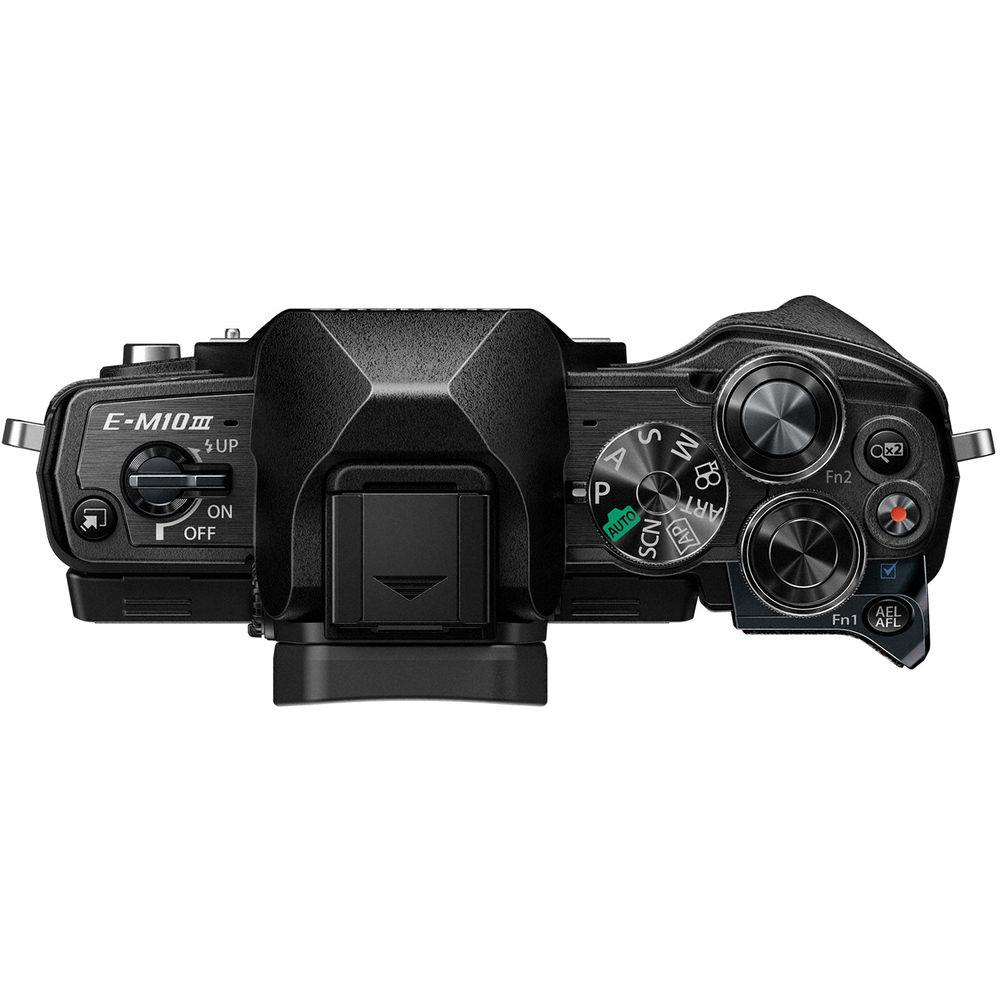
- Durable body features two dials, a directional pad, and shortcut button for fast, intuitive control.
- Built-in Wi-Fi is available for direct connection to a smart device and a QR code setting can be accessed for faster connection and setup.
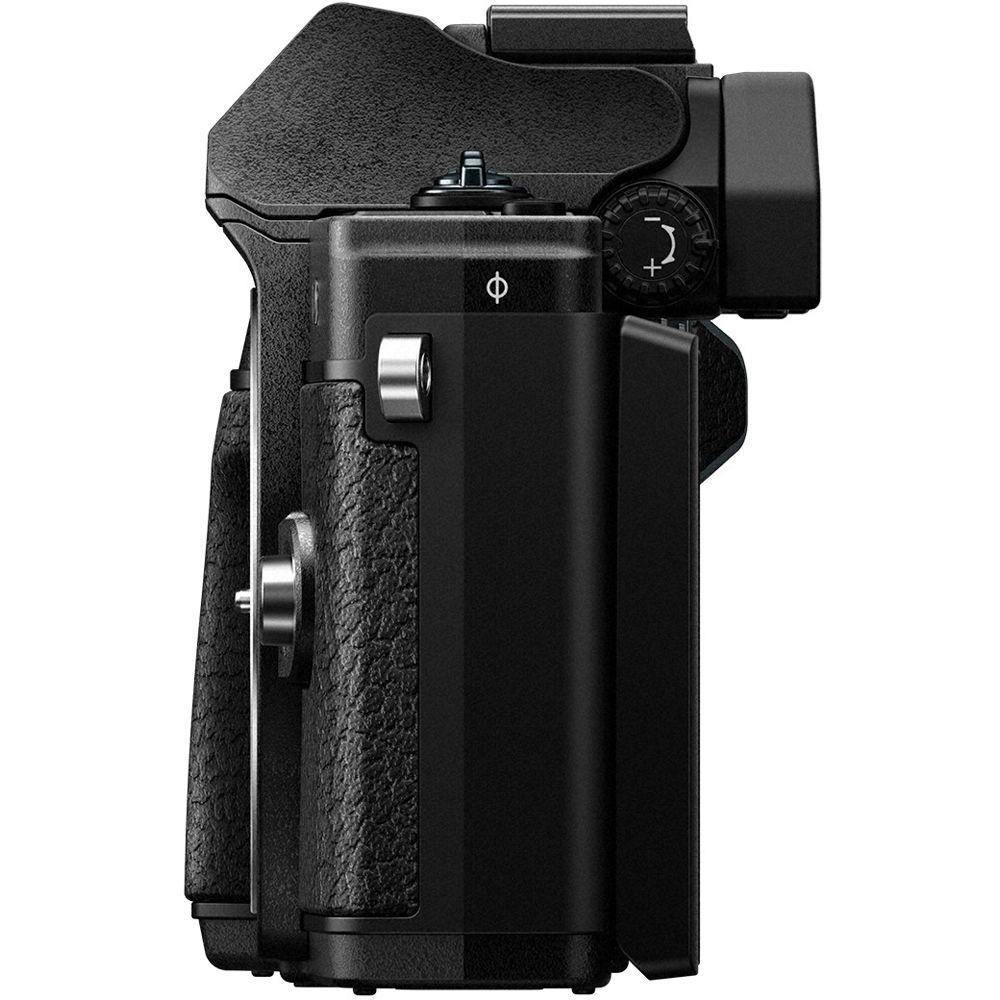
- The 3.0" 1.04m-dot touchscreen LCD can tilt downward 45° and upward 85° for use at odd angles.
- Touch control provides direct access to various functions: shutter release, AF area selection, AF area size adjustment, AF touch pad, frame forward/backward, magnified playback, Live Guide, Super Control Panel, Art Filter, Wi-Fi connection, video controls, video effects, video teleconverter, and timer.
- For eye-level viewing a 2.36m-dot EVF is available, which features an improved magnification of 1.23x for increased comfort during use.
- A mechanical shutter with a 1/4000 to 60 second range is present alongside a silent electronic shutter function with a 1/16000 to 30 second range.
- Built-in flash with guide number of 19' at ISO 100 for illuminating dark scenes.
- One SD card slot is available with support for UHS-II media.
- External flash units can be used via the hot shoe.
- Other Camera Features
-
- Silent Shutter Mode eliminates shutter noise and other electronic sounds to benefit working in nature, concert halls, or other sound-sensitive locations.
- Advanced Auto Mode analyzes the scene and subject in order to select the best possible settings.
- Scene Mode features various presets for optimizing camera performance to your subject matter, including People, Motion, Indoors, Nightscapes, Scenery, Close-Up, and more.
- Fifteen Art filters are available to add some flair to your images, including a new Bleach Bypass option to provide an old film feel with a silvery, glossy feel on metal textures.
- Advanced Photography (AP) Mode offers access to various creative modes, including Live Composite, Live Time, Panorama, HDR, Silent, Keystone Compensation, Focus Bracketing, Multiple Exposure, and AE Bracketing.
- Live Bulb and Live Time settings can be used to produce creative long exposure imagery. Live Bulb lets you hold the shutter open for up to one minute and Live Time lets you press the shutter button once to open the shutter and then press again within a minute to end the exposure.
- Live Composite is a unique long exposure mode that allows you to gradually build up an exposure over time without overexposing key elements within the frame. This mode works to only record newly detected light sources over time, and allows you to watch as an image develops, making it ideally suited for photographing star trails or other moving light sources.
- Interval shooting is supported for up to 999 frames with 1 second to 24-hour exposure intervals.
UPC: 050332191525 In the Box Olympus OM-D E-M10 Mark III Mirrorless Micro Four Thirds Digital Camera (Body Only, Black) - BLS-50 Lithium-Ion Battery (7.2V, 1175mAh) ezszczuacacqbuzywewrwqaeazvr
- BCS-5 Lithium-Ion Battery Charger
- USB Cable
- Shoulder Strap
- Limited 1-Year Warranty
Table of Contents
|
Upload User Manual
Have you got an user manual for the Olympus OM-D E-M10 Mark III Mirrorless Micro Four Thirds Digital Camera in electronic form? Please send it to us and help us expand our library of instruction manuals.
Thank you, too, on behalf of other users.
To upload the product manual, we first need to check and make sure you are not a robot. After that, your "Submit Link" or "Upload File" will appear.
Technical parametersOlympus E-M10 Mark III Specs | | | Lens Mount | Micro Four Thirds | | Camera Format | Micro Four Thirds (2x Crop Factor) | | Pixels | Actual: 17.2 Megapixel
Effective: 16.1 Megapixel | | Maximum Resolution | 4608 x 3456 | | Aspect Ratio | 4:3 | | Sensor Type | MOS | | Sensor Size | 17.4 x 13 mm | | Image File Format | JPEG, RAW | | Bit Depth | 12-Bit | | Image Stabilization | Sensor-Shift, 5-Axis | | | | ISO Sensitivity | Auto, 200 to 25600 (Extended: 100 to 25600) | | Shutter Speed | Mechanical Shutter
1/4000 to 60 Seconds
0.5 to 60 Minutes in Bulb Mode
Electronic Front Curtain Shutter
1/320 to 60 Seconds
Electronic Shutter
1/16000 to 30 Seconds | | Metering Method | Center-Weighted Average, Multi-Zone, Spot | | Exposure Modes | Aperture Priority, Auto, Manual, Program, Shutter Priority | | Exposure Compensation | -5 to +5 EV (1/3 EV Steps) | | Metering Range | -2 to 20 EV | | White Balance | Auto, Custom | | Continuous Shooting | Up to 8.6 fps at 16.1 MP for up to 22 Exposures (Raw Format)
Up to 8.6 fps at 16.1 MP for up to 36 Exposures (JPEG Format)
Up to 4.8 fps at 16.1 MP for Unlimited Exposures | | Interval Recording | Yes | | Self Timer | 2/12-Second Delay | | | | Recording Modes | MOV/H.264
UHD 4K (3840 x 2160) at 23.976p/25p/29.97p [102 Mb/s]
Full HD (1920 x 1080) at 23.976p/25p/29.97p/50p/59.94p [18 to 52 Mb/s]
HD (1280 x 720) at 23.976p/25p/29.97p [18 to 52 Mb/s] | | Recording Limit | Up to 29 Minutes | | Video Encoding | NTSC/PAL | | Audio Recording | Built-In Microphone (Stereo) | | Audio File Format | Linear PCM (Stereo), WAV | | | | Focus Type | Auto and Manual Focus | | Focus Mode | Continuous-Servo AF (C), Manual Focus (M), Single-Servo AF (S) | | Autofocus Points | Contrast Detection: 121 | | | | Viewfinder Type | Electronic | | Viewfinder Resolution | 2,360,000 Dot | | Viewfinder Eye Point | 19.2 mm | | Viewfinder Coverage | 100% | | Viewfinder Magnification | Approx. 1.23x | | Diopter Adjustment | -4 to +2 m | | Monitor Size | 3" | | Monitor Resolution | 1,040,000 Dot | | Monitor Type | Tilting Touchscreen LCD | | | | Built-in Flash | Yes | | Flash Modes | Auto, Fill Flash, Manual, Red-Eye Reduction, Slow Sync, Slow Sync/Red-Eye Reduction | | Guide Number | 19.03' / 5.8 m at ISO 100 | | Maximum Sync Speed | 1/250 Second | | Flash Compensation | -3 to +3 EV (1/3 EV Steps) | | Dedicated Flash System | TTL | | External Flash Connection | Hot Shoe | | | | Memory Card Slot | 1 x SD/SDHC/SDXC | | Internal Memory | None | | Connectivity | HDMI D (Micro), USB 2.0 Micro-B | | Wireless | Wi-Fi | | GPS | None | | | | Operating Temperature | 14 to 104°F / -10 to 40°C | | Operating Humidity | 30 to 90% | | | | Battery | 1 x BLS-50 Rechargeable Lithium-Ion Battery Pack, 7.2 VDC, 1175 mAh | | Dimensions (W x H x D) | 4.8 x 3.3 x 1.9" / 121.5 x 83.6 x 49.5 mm | | Weight | 14.46 oz / 410 g (Body with Battery and Memory) | | | | Package Weight | 2.3 lb | | Box Dimensions (LxWxH) | 7.4 x 6.4 x 4.6" |
Rating76% users recommend this product to others. And what about you?

This product has already been rated by 91 owners. Add your rating and experience with the product.
Discussion
 Ask our technicians if you have a problem with your settings,
or if anything is unclear in the user manual you have downloaded.
You can make use of our moderated discussion.
The discussion is public and helps other users of our website who may be encountering similar problems.
Ask our technicians if you have a problem with your settings,
or if anything is unclear in the user manual you have downloaded.
You can make use of our moderated discussion.
The discussion is public and helps other users of our website who may be encountering similar problems.
The discussion is empty - enter the first post
Post a new topic / query / comment:
|
|
|
| Request for user manual |
You can’t find the operation manual you are looking for? Let us know and we will try to add the missing manual:
I’m looking for a manual / Request for manual
Current requests for instruction manuals:
Call Of Duty World War Two For Xbox...
controller stratus XL...
stratus XL...
smart whatch serie S11 42mm...
Allen & Heath SQ-6 manual...
|
| Discussion |
Latest contributions to the discussion:
AEW R 4100
Name: MAURICIO ANGARITA
Audio-Technica AEW-R4100 UHF Diversity Receiver for
AEW R 4100 has the mute function blocked and does not allow audio to pass. I tried several times to turn off the mute from the transmitter but it does nothing, the mute stays on. Solution?
Thank you...
Instructions for assembling the 2015 Forecast Image Master Consoles GC3-A
Name: mike elam
Forecast Consoles GC3-A ImageMaster Editing Console
Looking for instructions for assembling this console. ...
EMPTY TONER ERROR MESSAGE AFTER REPLACING TONER
Name: LINDA BAD YELLOW EYES
Brother TN223BK Standard-Yield Toner
I HAD TO CHANGE OUT ALL THREE TONERS DUE TO LEAKS IN THE YELLOW AND CYAN. AFTER I REPLACED THEM, THE MACHINE KEEPS GIVING ME AN EMPTY TONER ERROR MESSAGE. HELP!!...
PS480D 20/24 pin Switching 480W Power Supply
Name: swkargo
Logisys 480W Power Supply
This item states in can run -5vdc .It is NOT listed on the board or I beleive is r4 is missing the resitior. Any body have thid issue. Shawn
...
Help needed
Name: Ann Carter
SanDisk 1TB Extreme Portable USB 3.1
When I click the link to download the user manual for my Sandisk Extreme external hard drive, it gives me the manual for the LG Cricket. Can you please change the link so I can download the Sandisk manual and begin using this drive? Thank you....
|
|


