|
User Manual for Open-Mesh A62 Tri-Band Enterprise Wi-Fi Access Point Click to enlarge the picture
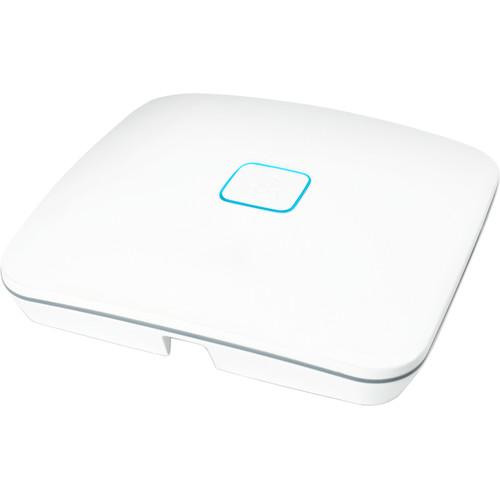 Contents of the user manual for the Open-Mesh A62 Tri-Band Enterprise Wi-Fi Access
- Product category: Wireless Access Points Open-Mesh
- Brand: Open-Mesh
- Description and content of package
- Technical information and basic settings
- Frequently asked questions – FAQ
- Troubleshooting (does not switch on, does not respond, error message, what do I do if...)
- Authorized service for Open-Mesh Wireless Access Points
 |
User manual for the Open-Mesh A62 Tri-Band Enterprise Wi-Fi Access contain basic instructions
that need to be followed during installation and operation.
Before starting your appliance, the user manual should be read through carefully.
Follow all the safety instructions and warnings, and be guided by the given recommendations.
User manual is an integral part of any Open-Mesh product,
and if it is sold or transferred, they should be handed over jointly with the product.
Following the instructions for use is an essential prerequisite for protecting
health and property during use, as well as recognition of liability on the part of the manufacturer
for possible defects should you make a warranty claim. Download an official Open-Mesh user manual in which you will find instructions on how to install, use, maintain and service your product.
And do not forget – unsuitable use of a Open-Mesh product will considerably shorten its lifespan!
|
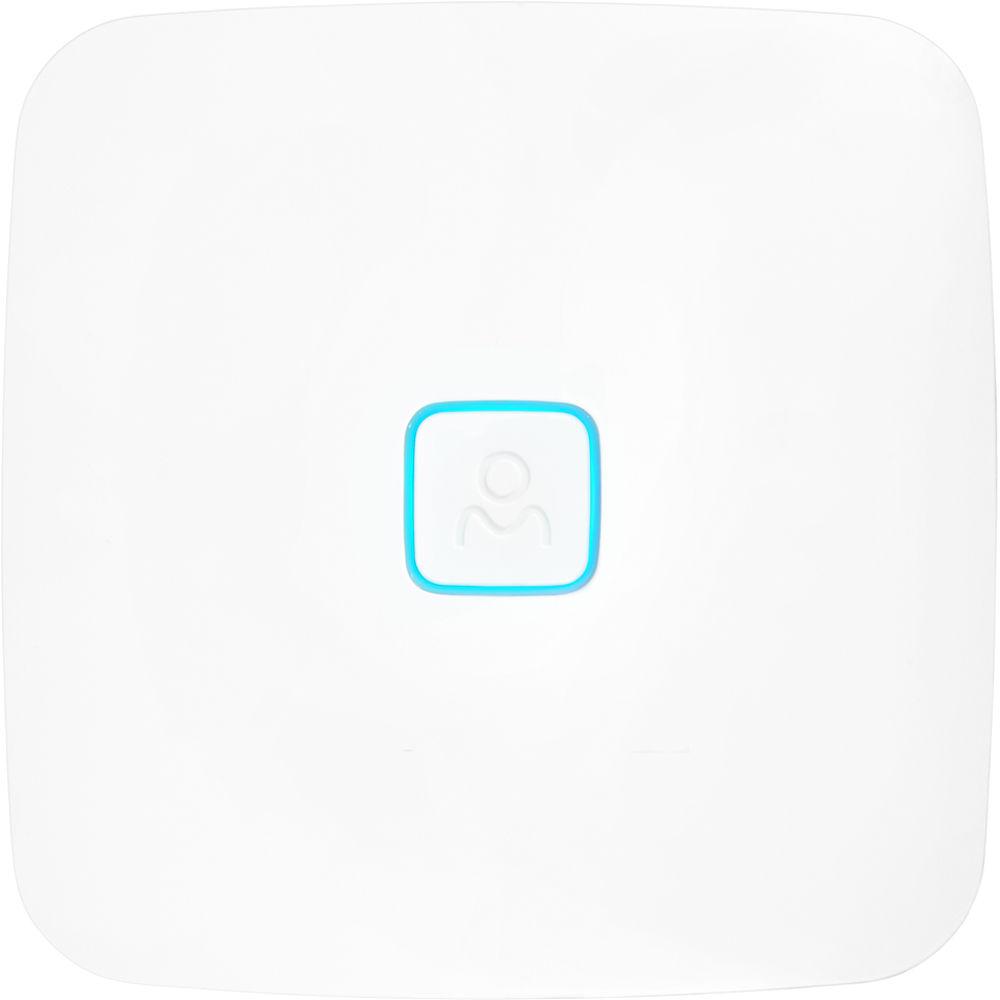
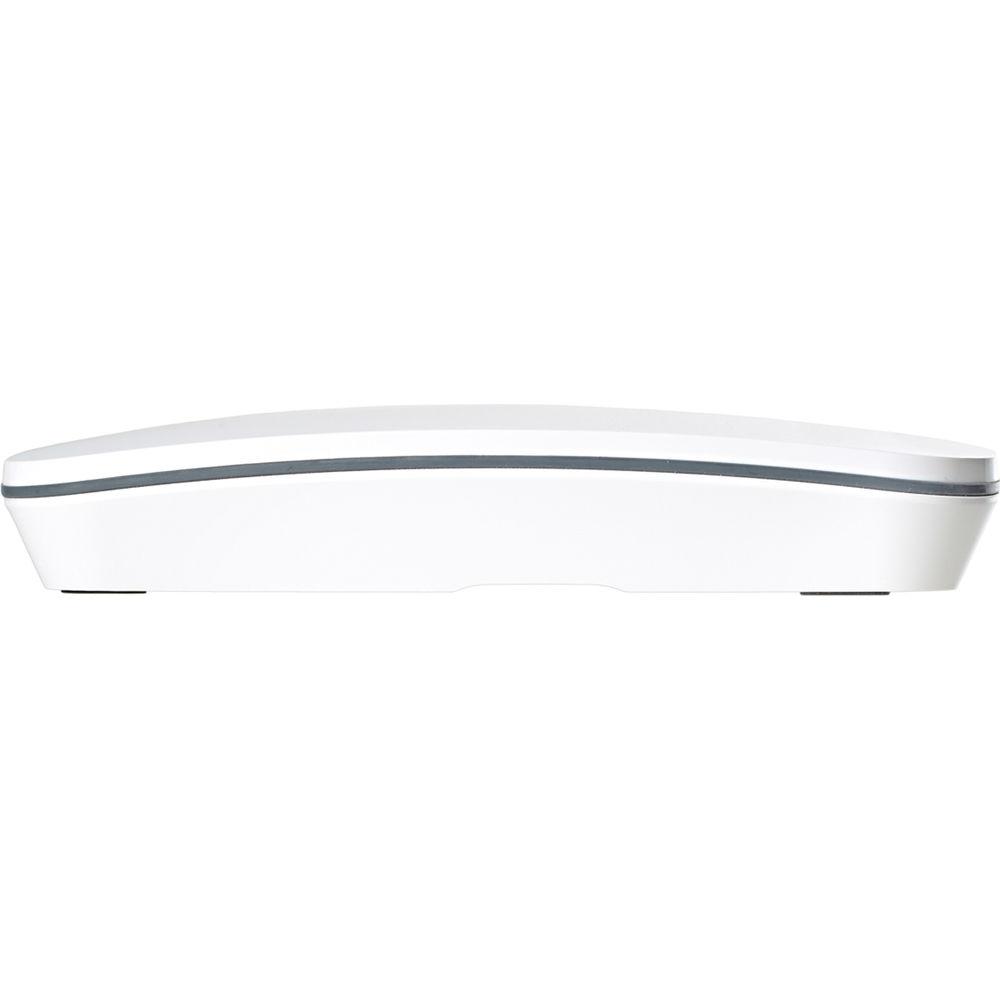
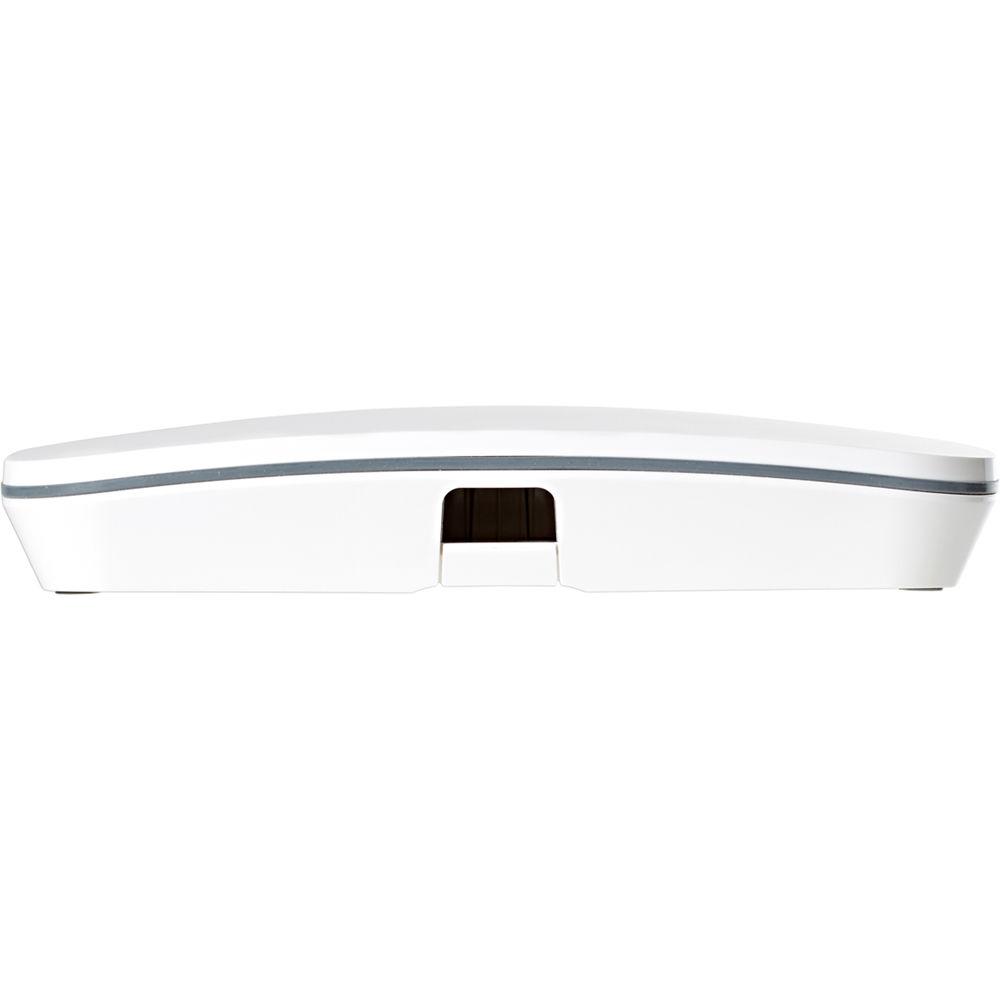
Product description With the A62 Tri-Band Enterprise Wi-Fi Access Point from Open-Mesh, the possibilities are virtually endless. You can utilize just a single access point to provide wireless network access to a small office or conference room or add additional access points to meet the demands of more users while covering a larger space.
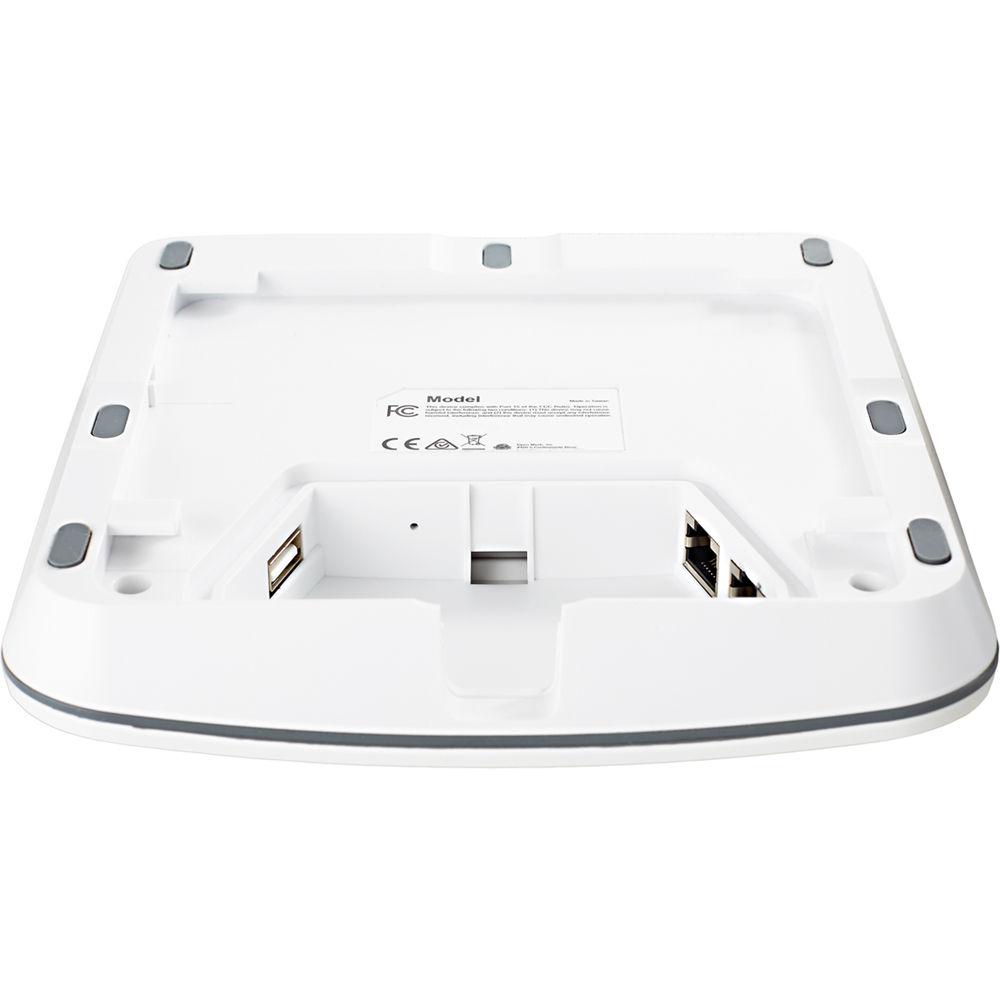
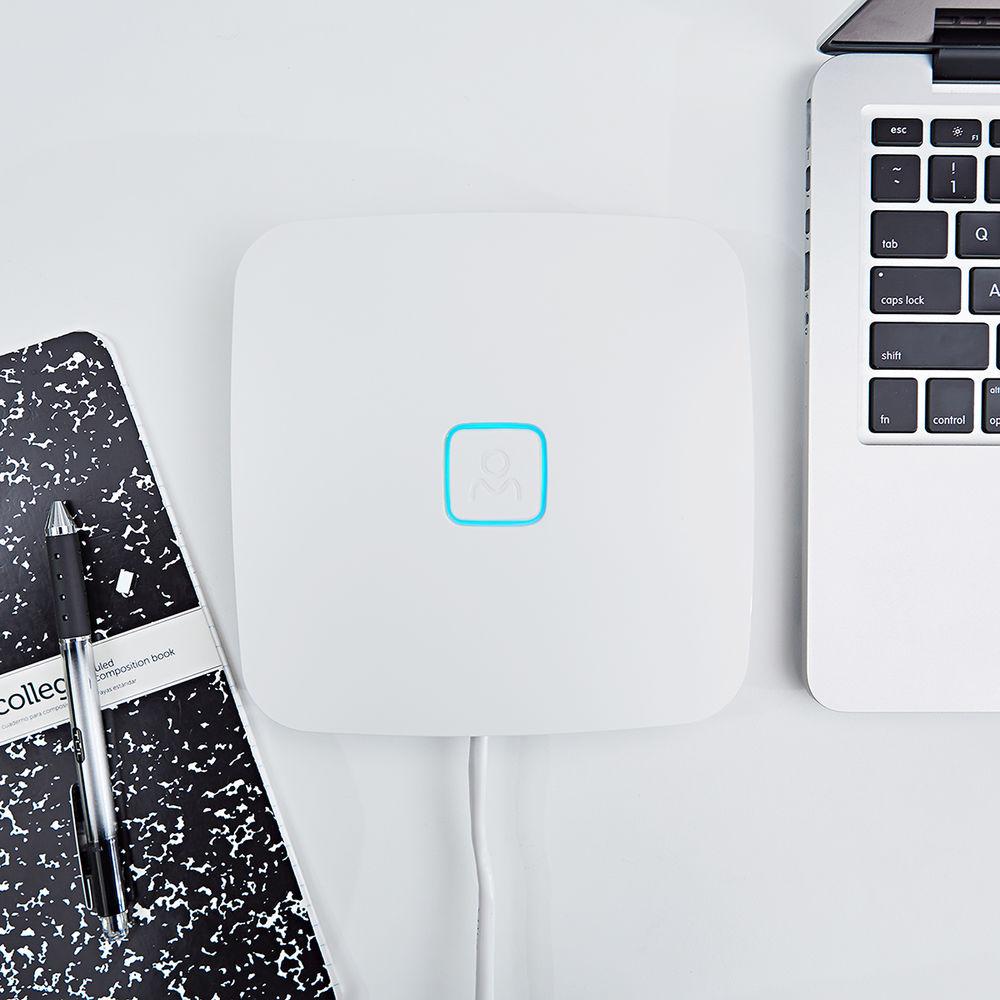
Setup is simple, thanks to zero-config plug-and-play networking allowing you to get your network off the ground quickly. The A62 comes equipped with two Gigabit Ethernet ports and a single USB 2.0 port plus LED status indicators so you can see the status of your network. Once plugged in, the A62 features easy scalability thanks to Open-Mesh CloudTrax software which virtually eliminates the hassle involved in configuring your network. You can also access your network while on the go with the CloudTrax app available for both iOS and Android devices. If you're concerned with keeping tabs on your network but don't want to constantly monitor its status, automated alerts notify you via email if an access point goes down and doesn't come up within an hour. - Features
-
- Zero config, plug-and-play networking
- One USB port and 2 Gigabit Ethernet ports
- LED status indicator
- Self-forming, self-healing mesh
- Free cloud-based dashboard for complete management
- Free iOS and Android apps
- Hardware watchdog auto-restarts after power spikes and outages
- Single point of configuration for one access point or thousands
- Automatic reporting and alerts
- Usage statistics and control with client device fingerprinting
- Full captive portal / voucher system
- Free iOS and Android apps
- Zero cost license
- Full CloudTrax API (additional cost)
- Simplified Deployments
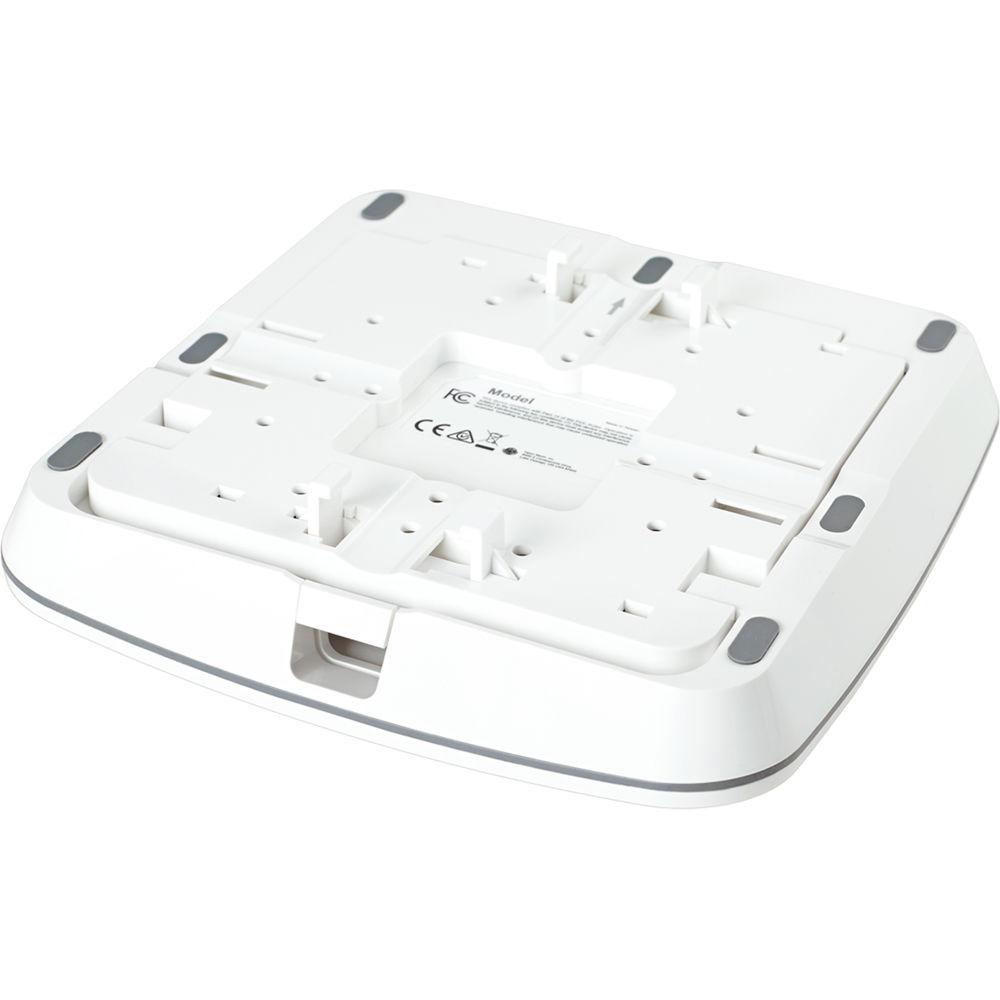
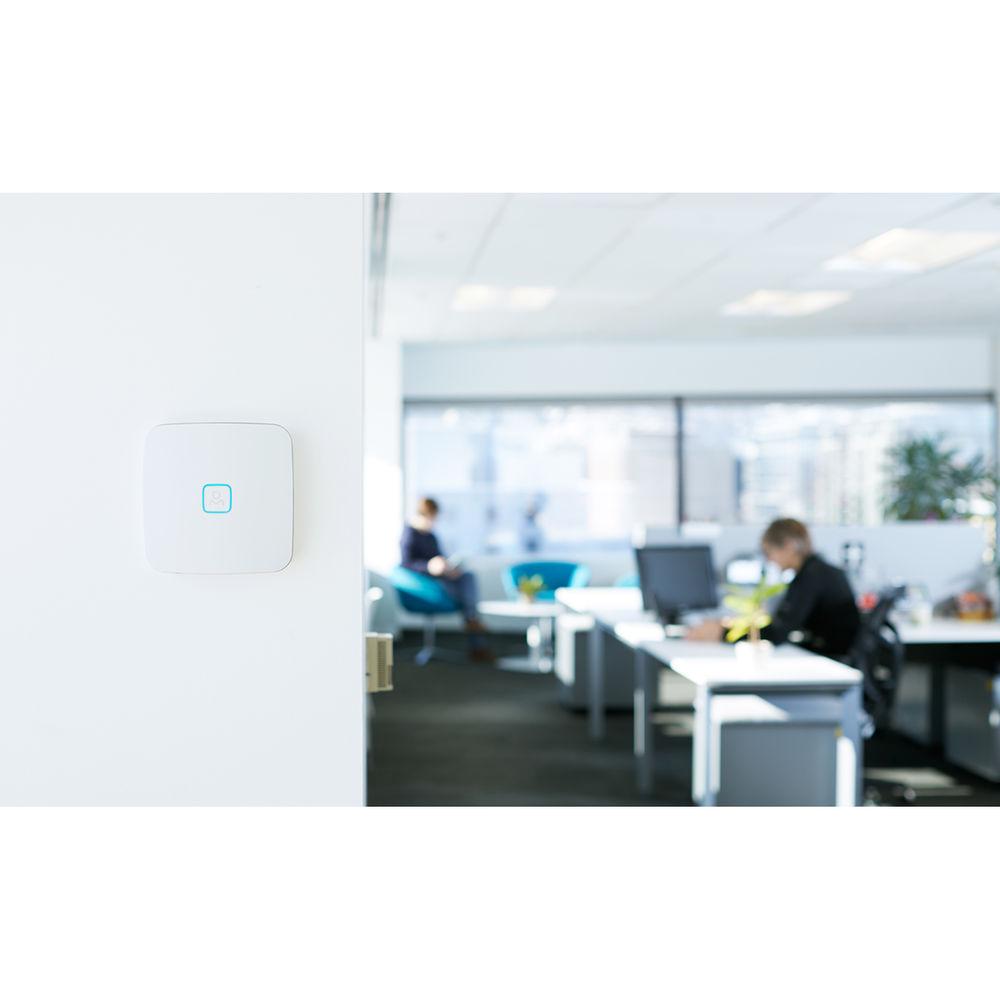
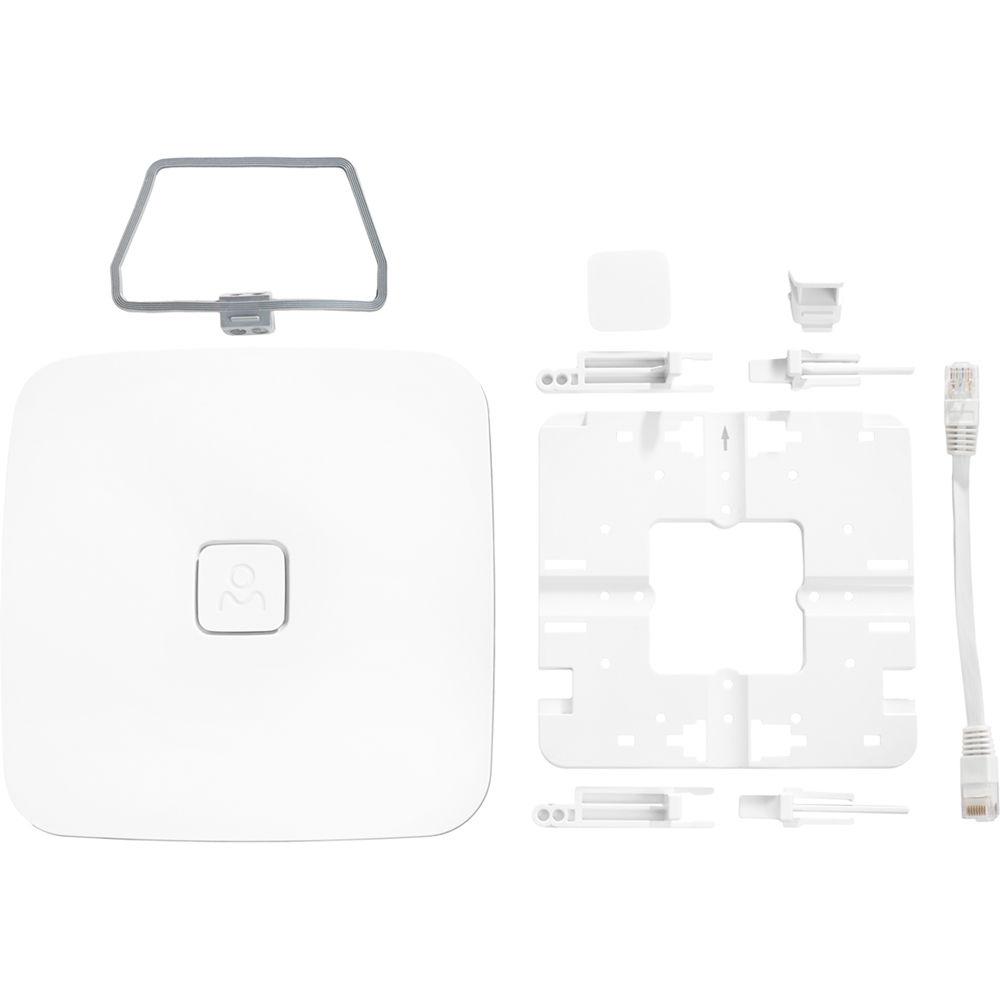
- Simplify deployments with zero config, plug-and-play networking, automatic channel configuration, and automatic meshing to extend Wi-Fi signals to dead spots. With flexible mounting options, the same AP can be installed indoors and out: on ceilings, walls, Ethernet jacks, and more, making deployment planning easy.
- Intuitive Management
- Open Mesh is powerful enough for pros, but easy enough for almost anyone. With free, centralized cloud management, view and manage all your networks across large sites and multiple locations from a single dashboard. Create splash pages, manage bandwidth, reboot devices, block clients, and more in just a few clicks.
- Serious Reliability
- From automatic failover and safe over-the-air upgrades, to a hardware watchdog chip and out-of-band management, this solution is built to reduce truck rolls, so you can deploy with confidence. And with automated email alerts and scheduled maintenance windows you control, you can avoid disruption during critical times.
- Custom Brandable
- Open Mesh is ideal for MSPs, resellers, and IT consultants because it is easy to add your logo to this solution. The A-Series includes a blank center tab you can swap in molded with your own logo, or with a sticker added for custom branding. Even CloudTrax can be branded as your own cloud solution.
- Easy Scalability
- Whether you're managing one site or thousands, CloudTrax is built to grow with you. Because there's nothing to configure on site, adding new access points and network locations takes just seconds. Create new networks by cloning existing ones and provision new access points in just a click. CloudTrax makes it easy to get all of your networks behind a single pane of glass.
- Mobile Apps
- CloudTrax includes free iOS and Android apps, so you can build, manage, and monitor your networks while on the go. Create new networks in seconds, add new APs by simply scanning them, and swap old APs with new with zero typing or configuration. You have access to the full functionality at cloudtrax.com and can switch between mobile and desktop seamlessly.
- Multiple SSIDs
- CloudTrax can broadcast multiple unique networks, some public and others private. Public networks can be customized with powerful captive portal features, while private networks work seamlessly as an extension of your LAN. Each network can be uniquely named, left visible or hidden, and left open or password-protected with WPA2 encryption.
- Automated Alerts
- Don't have time to check the network status every day? Don't worry. If any access point goes down and doesn't come back up within an hour, CloudTrax will automatically email you (and anyone else you designate). Outage alerts are easy to turn on and off, always keeping you in-the-know when it comes to the health of your wireless network.
UPC: 842145100340 In the Box Open-Mesh A62 Tri-Band Enterprise Wi-Fi Access Point Universal Installation Kit Limited 1-Year Warranty Table of Contents
|
Upload User Manual
Have you got an user manual for the Open-Mesh A62 Tri-Band Enterprise Wi-Fi Access Point in electronic form? Please send it to us and help us expand our library of instruction manuals.
Thank you, too, on behalf of other users.
To upload the product manual, we first need to check and make sure you are not a robot. After that, your "Submit Link" or "Upload File" will appear.
Technical parametersOpen-Mesh A62 Specs | Recommended User Support | 75 to 150 per AP | | Speed | 300 + 867 + 867 Mb/s | | Frequency | 2.4 GHz
2 Stream, 802.11 b/g/n (max rate: 300 Mb/s)
5 GHz
2 Stream, 802.11 a/b/g/n/ac (max rate: 867 Mb/s)
+
2 Stream, 802.11 a/b/g/n/ac (max rate: 867 Mb/s)
Wave 2, MU-MIMO | | Range | 75.0 to 150.0' / 22.9 to 45.7 m indoor (3-4 walls)
400.0 to 600.0' / 121.9 to 182.9 m outdoor | | Antennas | Internal
2 x Dual-band
2 x Single-band | | Processor | Qualcomm Dakota IPQ4019 | | Ports | 2 x Gigabit Ethernet
1 x USB | | Memory | 256 MB DRAM DDR3 | | Hardware Watchdog | Yes | | PoE | Standard 802.3af/at or passive 18-24 V (mode A, B, A+B) | | Mounting Options | Ethernet or junction box (EU, UK, US), solid wall, solid ceiling, t-rail ceiling, outdoor wall or pole
(universal installation kit included) | | LEDs | Multi-color LED status indicator for easy troubleshooting | | Operating Temperature | -4 to 122°F / -20 to 50°C | | Indoor/Outdoor | CE marked for indoor/outdoor use, IP55 | | Dimensions | 6.5 x 6.5 x 1.2" / 16.5 x 16.5 x 3.0 cm | | Weight | 0.9 lb / 0.4 kg | | | | Package Weight | 1.5 lb | | Box Dimensions (LxWxH) | 7.9 x 7.4 x 2.3" |
Rating70% users recommend this product to others. And what about you?

This product has already been rated by 01 owners. Add your rating and experience with the product.
Discussion
 Ask our technicians if you have a problem with your settings,
or if anything is unclear in the user manual you have downloaded.
You can make use of our moderated discussion.
The discussion is public and helps other users of our website who may be encountering similar problems.
Ask our technicians if you have a problem with your settings,
or if anything is unclear in the user manual you have downloaded.
You can make use of our moderated discussion.
The discussion is public and helps other users of our website who may be encountering similar problems.
The discussion is empty - enter the first post
Post a new topic / query / comment:
|
|
|
| Request for user manual |
You can’t find the operation manual you are looking for? Let us know and we will try to add the missing manual:
I’m looking for a manual / Request for manual
Current requests for instruction manuals:
Call Of Duty World War Two For Xbox...
controller stratus XL...
stratus XL...
smart whatch serie S11 42mm...
Allen & Heath SQ-6 manual...
|
| Discussion |
Latest contributions to the discussion:
AEW R 4100
Name: MAURICIO ANGARITA
Audio-Technica AEW-R4100 UHF Diversity Receiver for
AEW R 4100 has the mute function blocked and does not allow audio to pass. I tried several times to turn off the mute from the transmitter but it does nothing, the mute stays on. Solution?
Thank you...
Instructions for assembling the 2015 Forecast Image Master Consoles GC3-A
Name: mike elam
Forecast Consoles GC3-A ImageMaster Editing Console
Looking for instructions for assembling this console. ...
EMPTY TONER ERROR MESSAGE AFTER REPLACING TONER
Name: LINDA BAD YELLOW EYES
Brother TN223BK Standard-Yield Toner
I HAD TO CHANGE OUT ALL THREE TONERS DUE TO LEAKS IN THE YELLOW AND CYAN. AFTER I REPLACED THEM, THE MACHINE KEEPS GIVING ME AN EMPTY TONER ERROR MESSAGE. HELP!!...
PS480D 20/24 pin Switching 480W Power Supply
Name: swkargo
Logisys 480W Power Supply
This item states in can run -5vdc .It is NOT listed on the board or I beleive is r4 is missing the resitior. Any body have thid issue. Shawn
...
Help needed
Name: Ann Carter
SanDisk 1TB Extreme Portable USB 3.1
When I click the link to download the user manual for my Sandisk Extreme external hard drive, it gives me the manual for the LG Cricket. Can you please change the link so I can download the Sandisk manual and begin using this drive? Thank you....
|
|


