User Manual for OWC Other World Computing Envoy Pro USB 3.0 SSD Enclosure for Macs Click to enlarge the picture
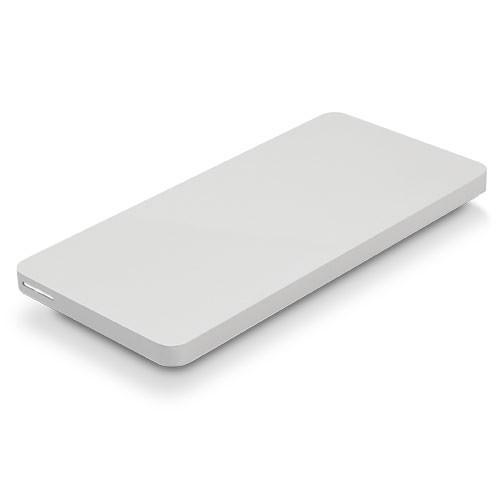 Contents of the user manual for the OWC Other World Computing Envoy Pro
- Product category: Hard Drive Enclosures & Docks OWC / Other World Computing
- Brand: OWC / Other World Computing
- Description and content of package
- Technical information and basic settings
- Frequently asked questions – FAQ
- Troubleshooting (does not switch on, does not respond, error message, what do I do if...)
- Authorized service for OWC / Other World Computing Hard Drive Enclosures & Docks
 |
User manual for the OWC Other World Computing Envoy Pro contain basic instructions
that need to be followed during installation and operation.
Before starting your appliance, the user manual should be read through carefully.
Follow all the safety instructions and warnings, and be guided by the given recommendations.
User manual is an integral part of any OWC / Other World Computing product,
and if it is sold or transferred, they should be handed over jointly with the product.
Following the instructions for use is an essential prerequisite for protecting
health and property during use, as well as recognition of liability on the part of the manufacturer
for possible defects should you make a warranty claim. Download an official OWC / Other World Computing user manual in which you will find instructions on how to install, use, maintain and service your product.
And do not forget – unsuitable use of a OWC / Other World Computing product will considerably shorten its lifespan!
|
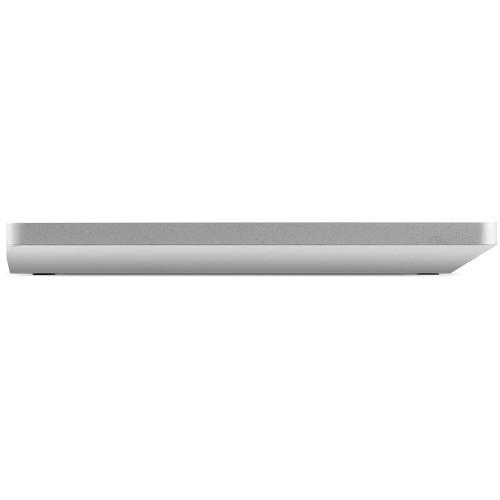
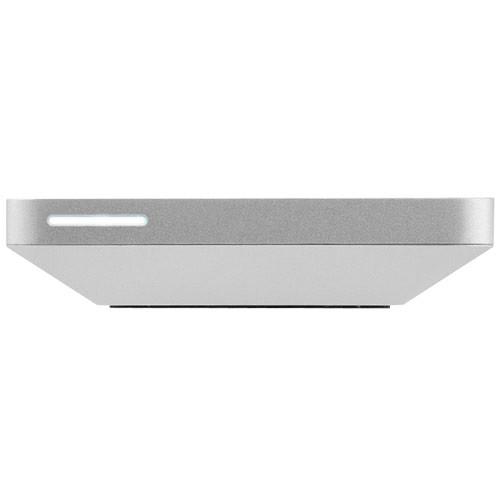
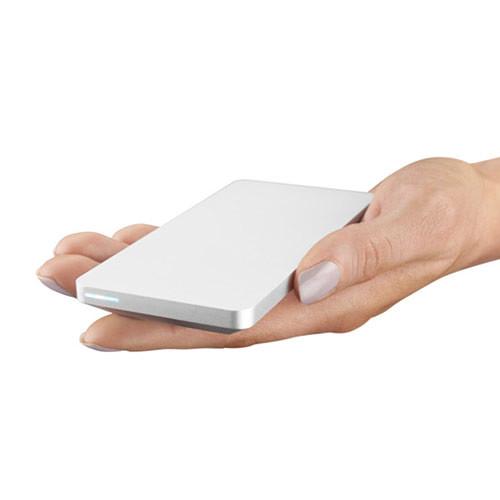
Product description The Envoy Pro USB 3.0 Enclosure from Other World Computing is an external enclosure that is designed to house the original SSD found in select MacBook Pros, MacBook Airs, iMacs, Mac Pros, and Mac Minis. This enclosure connects via an included USB 3.0 cable and lets you transfer the contents on the stock drive to your new drive. With USB bus-powered support, it draws power from the port. Furthermore, the aluminum body protects and passively cools the drive. Envoy Pro Features - USB 3.0 interface USB 2.0 backwards compatible
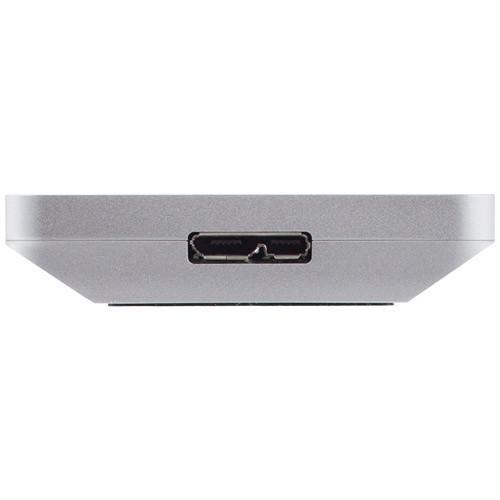
- USB 3.0 micro-B port with transfer rates of up to 500 MB/s
- Bus-powered design means no AC power adapter is required, making it a portable plug-and-play solution
- Durable aluminum construction
- Non-skid rubber feet for secure placement on any surface
- Silent, fanless operation
Compatible with SSDs from - Mac Pro (Late 2013)
Model ID: MacPro6,1
2.7 GHz 3.0 GHz, 3.5 GHz, 3.7 GHz - MacBook Air 13" (Early 2015)
Model ID: MacBookAir7,2
1.6 GHz i5, 2.2 GHz i7 - MacBook Air 11" (Early 2015)
Model ID: MacBookAir7,1
1.6 GHz i5, 2.2 GHz i7 - MacBook Air 13" (Early 2014)
Model ID: MacBookAir6,2
1.4 GHz, 1.7 GHz - MacBook Air 11" (Early 2014)
Model ID: MacBookAir6,1
1.4 GHz, 1.7 GHz - MacBook Air 13" (Mid 2013)
Model ID: MacBookAir6,2
1.3 GHz, 1.7 GHz - MacBook Air 11" (Mid 2013)
Model ID: MacBookAir6,1
1.3 GHz, 1.7 GHz - MacBook Pro 15" Retina display (Mid 2015)
Model ID: MacBookPro11,5
2.5 GHz, 2.8 GHz - MacBook Pro 15" Retina display (Mid 2015)
Model ID: MacBookPro11,4
2.2 GHz - MacBook Pro 13" Retina display (Early 2015)
Model ID: MacBookPro12,1
2.7 GHz, 2.9 GHz, 3.1 GHz - MacBook Pro 15" Retina Display (Mid 2014)
Model ID: MacBookPro11,3
2.5 GHz, 2.8 GHz - MacBook Pro 15" Retina Display (Mid 2013 to Mid 2014)
Model ID: MacBookPro11,2
2.0 GHz, 2.2 GHz, 2.5 GHz, 2.8 GHz - MacBook Pro 13" Retina Display (Late 2013 to Mid 2014)
Model ID: MacBookPro11,1
2.4 GHz, 2.6 GHz, 2.8 GHz, 2.9 GHz, 3.0 GHz - iMac with Retina 5K display 27" (Late 2014)
Model ID: iMac15,1
3.5 GHz i5, 4.0 GHz i7 - iMac 27" (Late 2013)
Model ID: iMac14,2
3.2 GHz i5, 3.4 GHz i5, 3.5 GHz i7 - iMac 21.5" (Late 2013)
Model ID: iMac14,1; iMac14,3
2.7 GHz i5, 2.9 GHz i5, 3.1 GHz i7 - iMac 21.5" (Mid 2014)
Model ID: iMac14,4
1.4 GHz i5 - Mac mini (Late 2014)
Model ID: Macmini7,1
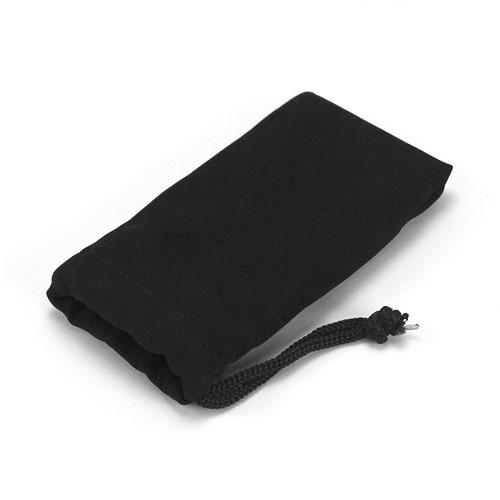
1.4 GHz, 2.6 GHz, 2.8 GHz, 3.0 GHz UPC: 812437021219 In the Box OWC / Other World Computing Envoy Pro USB 3.0 SSD Enclosure for Macs USB 3.0 (Micro-B to Standard-A) Cable Storage Bag Limited 1-Year Warranty Table of Contents
|
Upload User Manual
Have you got an user manual for the OWC Other World Computing Envoy Pro USB 3.0 SSD Enclosure for Macs in electronic form? Please send it to us and help us expand our library of instruction manuals.
Thank you, too, on behalf of other users.
To upload the product manual, we first need to check and make sure you are not a robot. After that, your "Submit Link" or "Upload File" will appear.
Technical parametersOWC / Other World Computing OWCMAU3ENPRPCI Specs | Connections | 1 x USB Micro-B (USB 3.1 Gen 1 (5 Gb/s)) | | Operating System Support | Linux, Windows, macOS/OS X | | | | Bridge Chipset | PLX USB 3380 | | Dimensions (W x H x D) | 2.1 x 4.5 x 0.4" / 5.4 x 11.4 x 1.1 cm | | Weight | 3.4 oz / 96.4 g | | | | Package Weight | 0.5 lb | | Box Dimensions (LxWxH) | 6.1 x 4.5 x 2.2" |
Rating84% users recommend this product to others. And what about you?

This product has already been rated by 87 owners. Add your rating and experience with the product.
Discussion
 Ask our technicians if you have a problem with your settings,
or if anything is unclear in the user manual you have downloaded.
You can make use of our moderated discussion.
The discussion is public and helps other users of our website who may be encountering similar problems.
Ask our technicians if you have a problem with your settings,
or if anything is unclear in the user manual you have downloaded.
You can make use of our moderated discussion.
The discussion is public and helps other users of our website who may be encountering similar problems.
The discussion is empty - enter the first post
Post a new topic / query / comment:
|
|


