User Manual for Panasonic DMP-BDT270 Smart Network 3D Blu-ray Disc Player Click to enlarge the picture
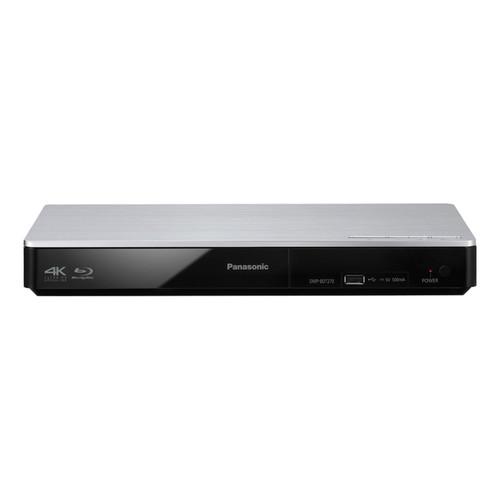 Contents of the user manual for the Panasonic DMP-BDT270 Smart Network 3D Blu-ray
- Product category: Blu-ray Disc Players Panasonic
- Brand: Panasonic
- Description and content of package
- Technical information and basic settings
- Frequently asked questions – FAQ
- Troubleshooting (does not switch on, does not respond, error message, what do I do if...)
- Authorized service for Panasonic Blu-ray Disc Players
 |
User manual for the Panasonic DMP-BDT270 Smart Network 3D Blu-ray contain basic instructions
that need to be followed during installation and operation.
Before starting your appliance, the user manual should be read through carefully.
Follow all the safety instructions and warnings, and be guided by the given recommendations.
User manual is an integral part of any Panasonic product,
and if it is sold or transferred, they should be handed over jointly with the product.
Following the instructions for use is an essential prerequisite for protecting
health and property during use, as well as recognition of liability on the part of the manufacturer
for possible defects should you make a warranty claim. Download an official Panasonic user manual in which you will find instructions on how to install, use, maintain and service your product.
And do not forget – unsuitable use of a Panasonic product will considerably shorten its lifespan!
|
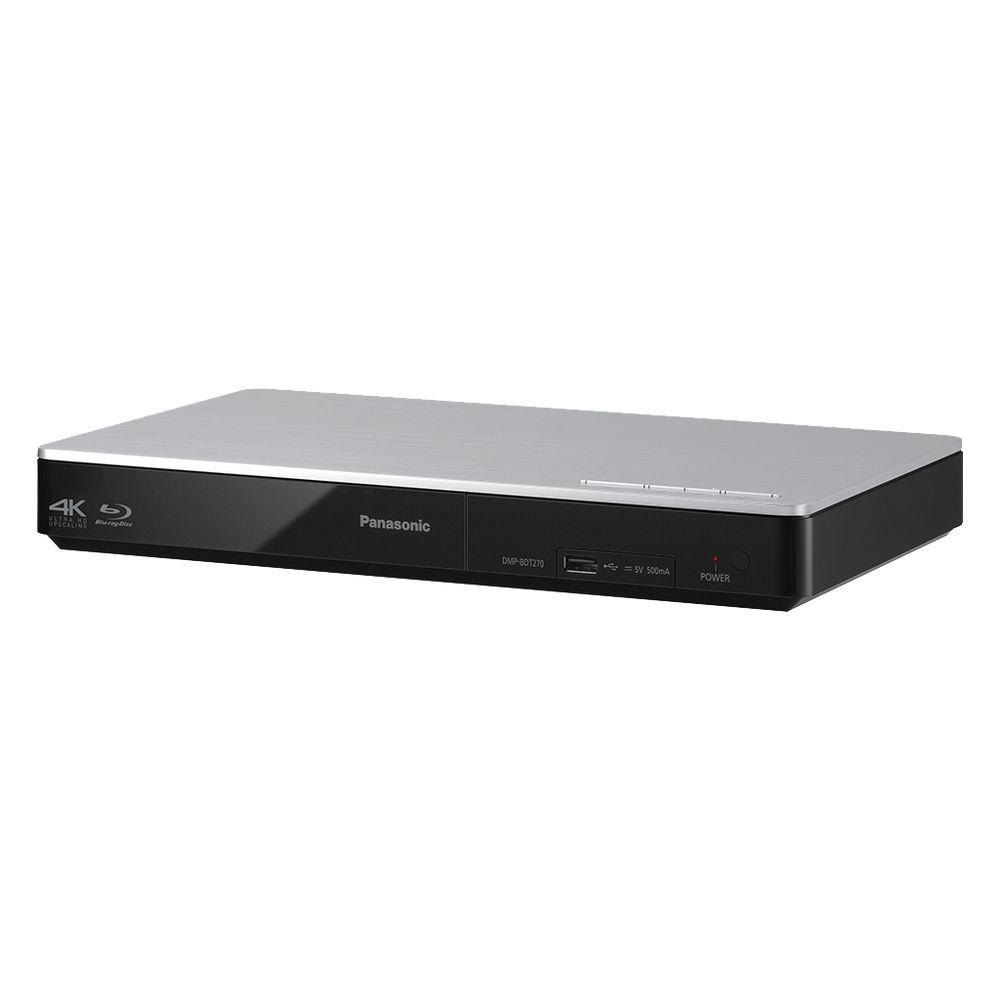
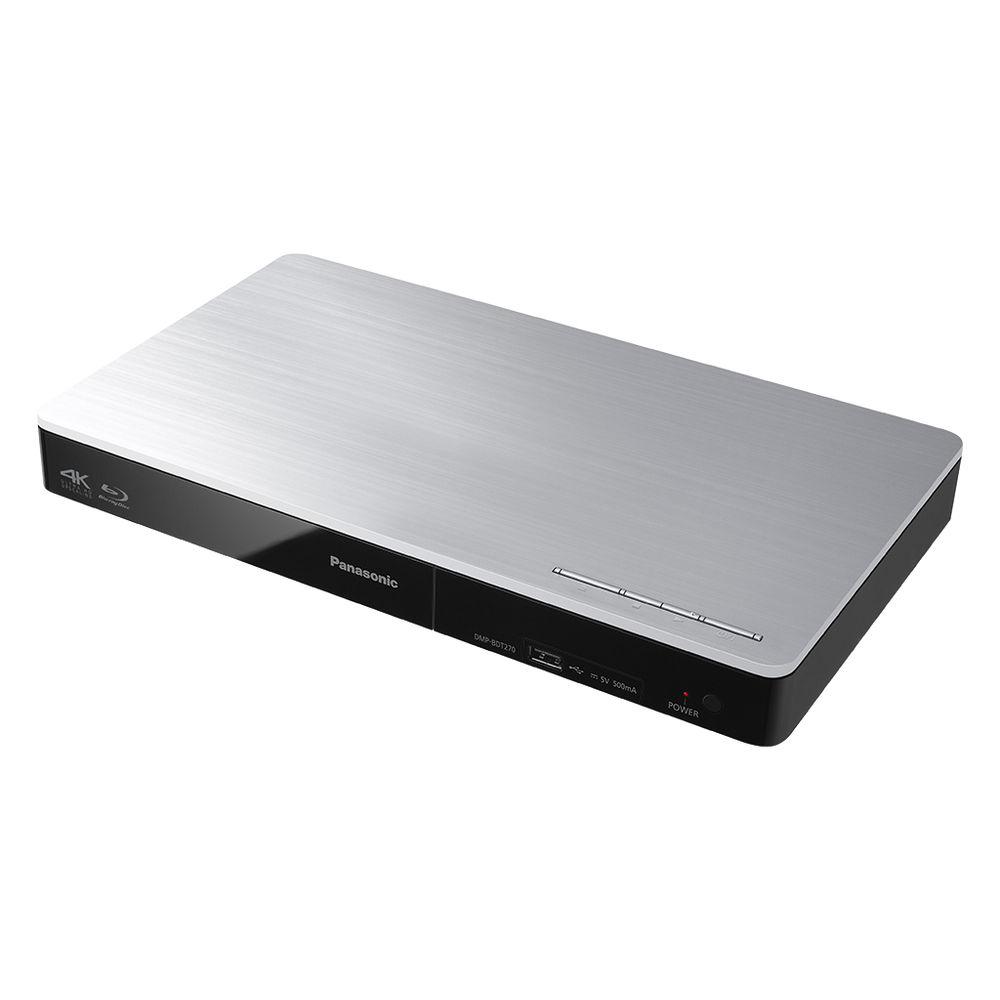
Product description Achieve near-4K resolution from your Blu-ray discs with the Panasonic DMP-BDT270 Smart Network 3D Blu-ray Disc Player. It will upconvert your Blu-ray discs to near-4K resolution when connected to your 4K TV via HDMI. The player does so by analyzing and adjusting the image's luminance and color, and adding pixels, which boosts sharpness. It can also convert your 2D content to 3D, as well as play back standard Blu-ray discs in 1080p via HDMI.
The DMP-BDT270 has built-in Wi-Fi and Ethernet connectivity to provide access to BD-Live and DLNA content. Its Wi-Fi and Ethernet also allow the player's apps to provide access to a wide variety of sports, music, streaming services, and other content. If your chosen content is on your smart device, the DMP-BDT270 has Miracast functionality built in, which will allow you to wirelessly stream media from your phone or tablet directly to your TV through the Blu-ray player.
The DMP-BDT270 supports a number of file formats from different sources. It will play back AVCHD, JPEG, MKV, MP3, WAV, WMA, and more from BD-Rs, DVD-Rs, CD-Rs, and other disc formats, or an external compatible HDD connected via USB. - Built-In Upscaling to Near-4K Resolution
- The DMP-BDT270 boosts the picture quality of your favorite Blu-ray movies to near-4K resolution when connected to a 4K TV via HDMI. The processor not only analyzes and adjusts luminance and color but also adds millions of extra pixels, boosting sharpness.
- External HDD Playback Through USB
- Directly access content stored on external hard disk drives without the need for an intermediary computer. Enjoy your favorite music, photos, or video files in a variety of formats, with notable formats including high-resolution audio and 4K JPEG. External HDD playback works with maximum 2TB drives that store data using the NT File System (NTFS) and FAT32 formats.
- Enjoy a World of Online Content with Internet Apps
- The DMP-BDT270 Blu-ray Player lets you easily access a wide variety of sports, music, and other Internet multi-media content and streaming services. Apps and accessory availability may vary by location.
- Smart Device Mirroring with Miracast
- The Miracast feature uses Wi-Fi Direct technology to connect to your smart device directly to let you "mirror" your smartphone or tablet screen to your TV. By connecting directly to your device via Wi-Fi Direct technology and Miracast, you can share photos and videos from your portable device on your TV screen without requiring a Wi-Fi access point in your home.
- Multi-Format Playback
- Flexible entertainment options are yours with playback of your favorite music, photo, and video multimedia, from various file types including MKV, MP4, and more. Or stream high-resolution audio files over your wireless home network.
UPC: 885170230767 In the Box Panasonic DMP-BDT270 Smart Network 3D Blu-ray Disc Player Remote Control with Batteries AC Power Supply Cord Limited 1-Year Warranty Table of Contents
|
Upload User Manual
Have you got an user manual for the Panasonic DMP-BDT270 Smart Network 3D Blu-ray Disc Player in electronic form? Please send it to us and help us expand our library of instruction manuals.
Thank you, too, on behalf of other users.
To upload the product manual, we first need to check and make sure you are not a robot. After that, your "Submit Link" or "Upload File" will appear.
Technical parametersPanasonic DMP-BDT270 Specs | | | System | NTSC | | Region | Blu-ray: A
DVD: 1 | | Progressive Scan | Yes | | HD Upconversion | Yes, 4K | | | | Dolby Digital/DTS Compatibility | DTS, DTS-HD High Resolution Audio, DTS-HD Master Audio Essential, Dolby Digital, Dolby Digital Plus, Dolby TrueHD | | Built-in Decoder | Yes | | HDCD Decoding | No | | LPCM | Yes | | Bass Management | No | | THX Certified | No | | | | Video | 3D Blu-ray, BD-R, BD-RE, CD-DA, DVD, DVD+R, DVD+R DL, DVD+RW, DVD-R, DVD-R DL, DVD-RW, DVD-Video | | Audio | CD, CD-DA, CD-R, CD-RW | | Pictures | CD-R
CD-RW
DVD+R
DVD+R DL
DVD+RW
DVD-R
DVD-R DL
DVD-RW | | File Formats Supported | AAC, AVCHD, AVI, FLAC, H.264, JPEG, M2TS, M4A, MKV, MOV, MP3, MP4, MPEG TS, MPEG-4 AAC, MPG, MPO, MTS, WAV, WMA, XVID | | DivX Certified | No | | | | Digital Media Slot | No | | Slow Motion Playback | Yes | | Frame-by-Frame Playback | Yes | | Bookmarking | No | | Zoom | Yes | | | | Network Access | Yes, Built-in Wi-Fi | | BD-Live | Yes | | BONUSVIEW | No | | Support for Streaming Services | Yes | | Skype Ready | No | | Mobile Device Control | No | | DLNA Home Network Sharing | Yes | | | | Analog | None | | Digital | 1 x HDMI Audio/Video Output
1 x Ethernet Input
1 x USB 2.0 Input | | Other | None | | | | Tray Type | Single Disc Horizontal | | Remote | Yes | | Power Requirements | 120 VAC, 60 Hz | | Power Consumption | Operational: 13 W
Quick Start Mode: 5 W
Standby: 0.5 W | | Operating/Storage Temperature | Operating
41 to 95°F (5 to 35°C)
Humidity: 10 - 80% | | Energy Star Compliant | Yes | | Dimensions (W x H x D) | 12.3 x 1.7 x 7.1" / 312.0 x 43.0 x 180.0 mm Approximate | | Weight | 2.2 lb / 1.0 kg Approximate | | | | Package Weight | 3.3 lb | | Box Dimensions (LxWxH) | 13.6 x 10.4 x 3.0" |
Rating54% users recommend this product to others. And what about you?

This product has already been rated by 72 owners. Add your rating and experience with the product.
Discussion
 Ask our technicians if you have a problem with your settings,
or if anything is unclear in the user manual you have downloaded.
You can make use of our moderated discussion.
The discussion is public and helps other users of our website who may be encountering similar problems.
Ask our technicians if you have a problem with your settings,
or if anything is unclear in the user manual you have downloaded.
You can make use of our moderated discussion.
The discussion is public and helps other users of our website who may be encountering similar problems.
The discussion is empty - enter the first post
Post a new topic / query / comment:
|
|


