|
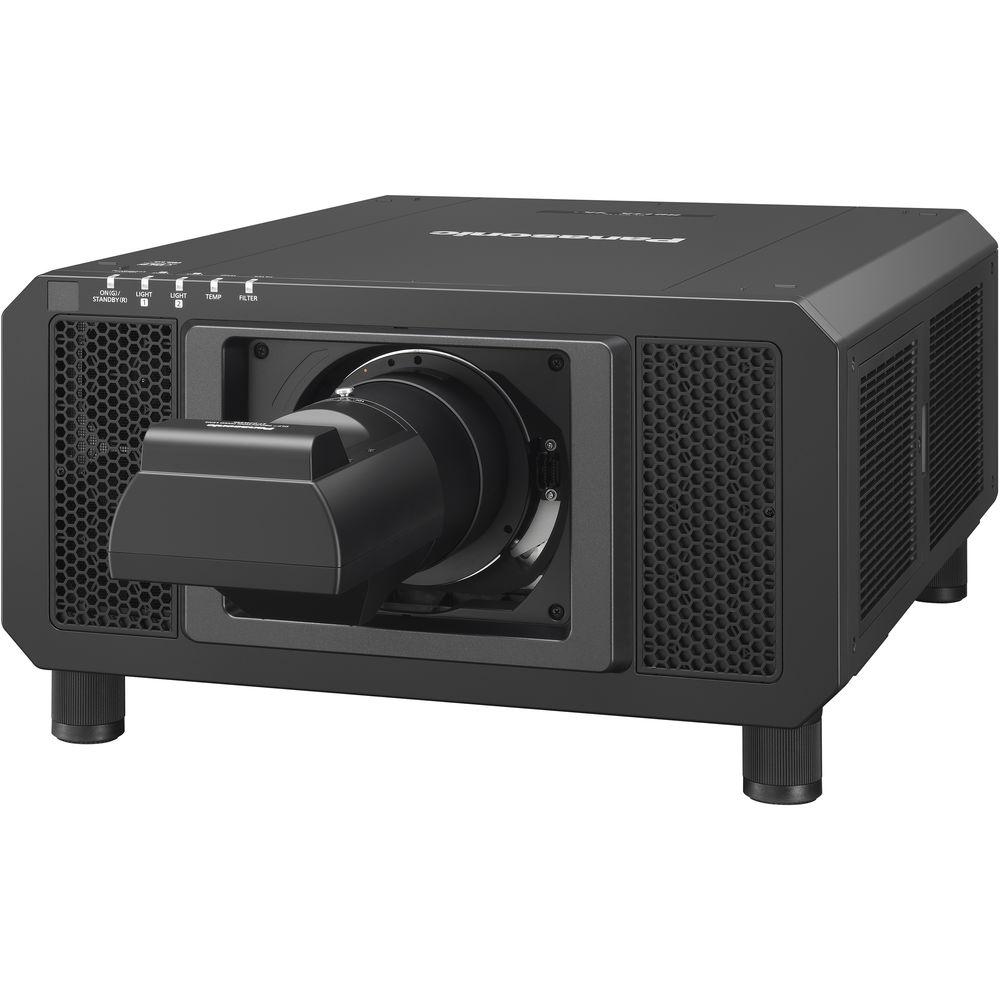
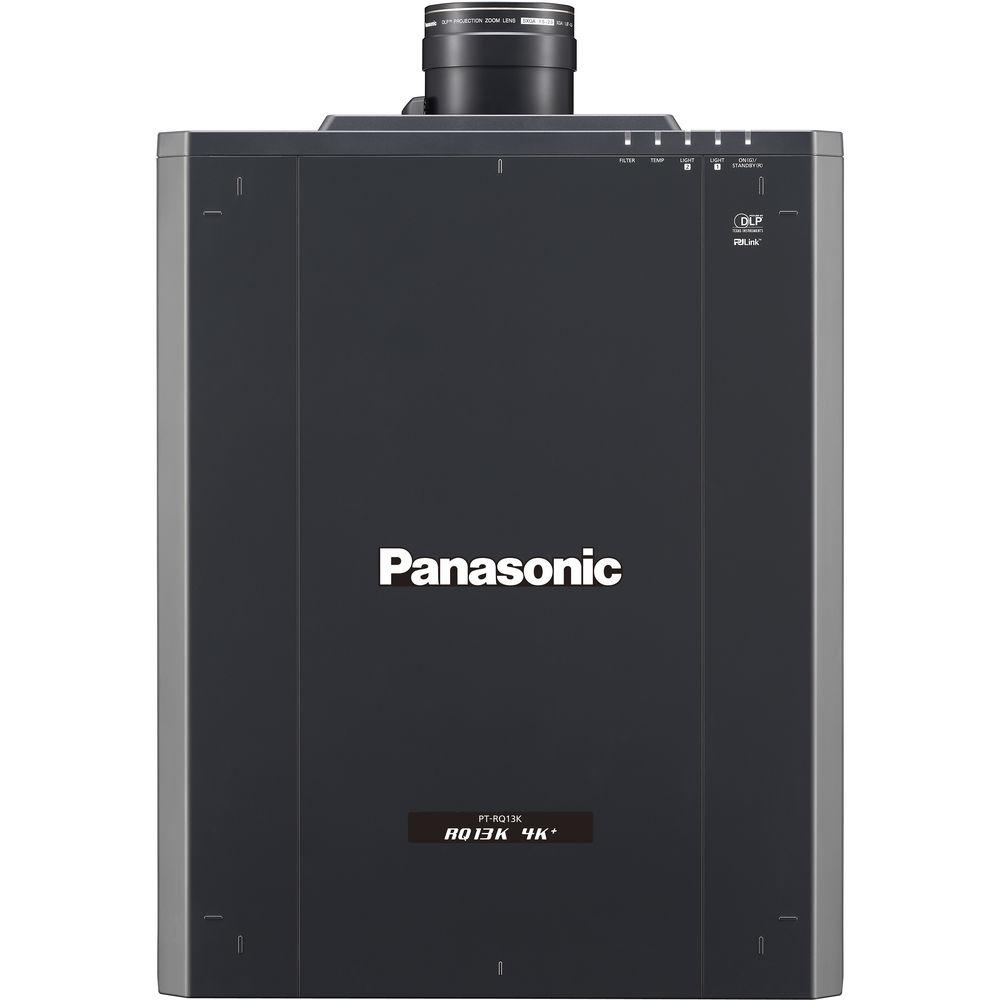
User Manual for Panasonic PT-RQ13K 10,000-Lumen 3DLP 4K Laser Projector Click to enlarge the picture
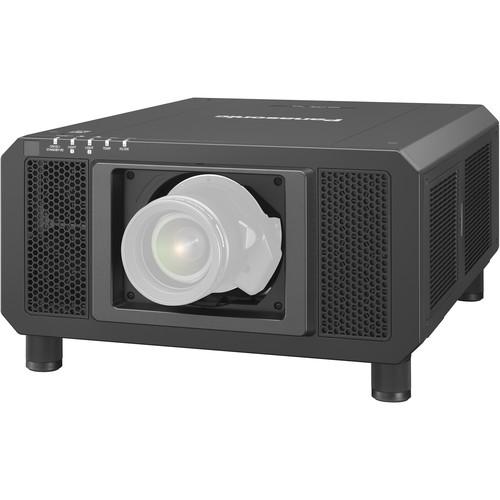 Contents of the user manual for the Panasonic PT-RQ13K 10,000-Lumen 3DLP 4K Laser
- Product category: Multimedia Projectors Panasonic
- Brand: Panasonic
- Description and content of package
- Technical information and basic settings
- Frequently asked questions – FAQ
- Troubleshooting (does not switch on, does not respond, error message, what do I do if...)
- Authorized service for Panasonic Multimedia Projectors
 |
User manual for the Panasonic PT-RQ13K 10,000-Lumen 3DLP 4K Laser contain basic instructions
that need to be followed during installation and operation.
Before starting your appliance, the user manual should be read through carefully.
Follow all the safety instructions and warnings, and be guided by the given recommendations.
User manual is an integral part of any Panasonic product,
and if it is sold or transferred, they should be handed over jointly with the product.
Following the instructions for use is an essential prerequisite for protecting
health and property during use, as well as recognition of liability on the part of the manufacturer
for possible defects should you make a warranty claim. Download an official Panasonic user manual in which you will find instructions on how to install, use, maintain and service your product.
And do not forget – unsuitable use of a Panasonic product will considerably shorten its lifespan!
|
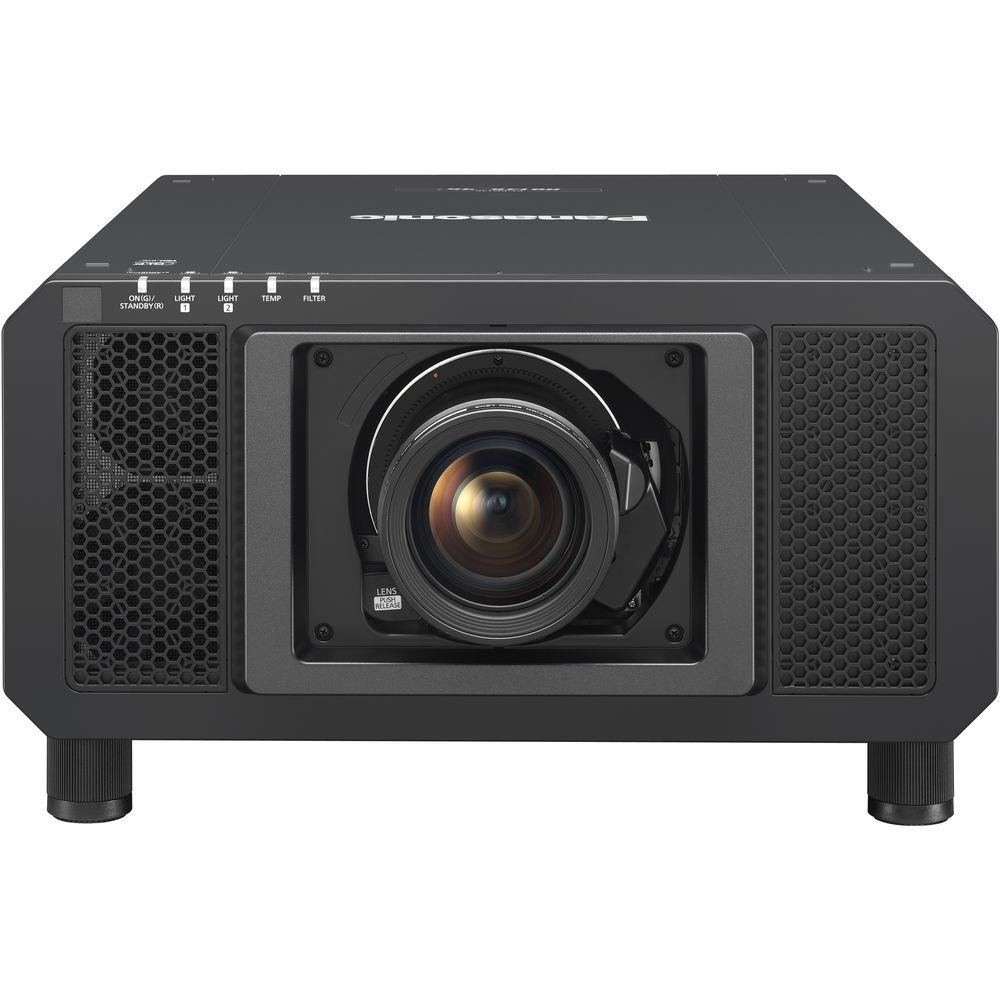
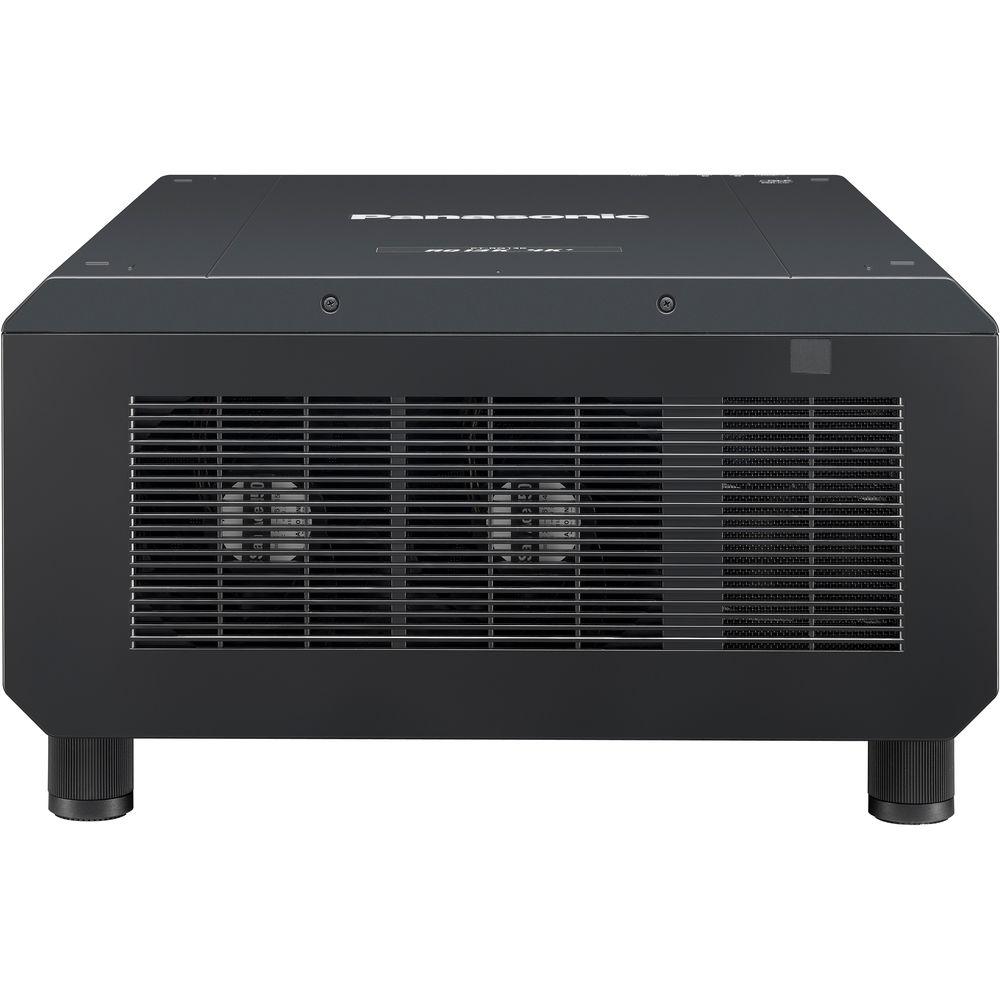
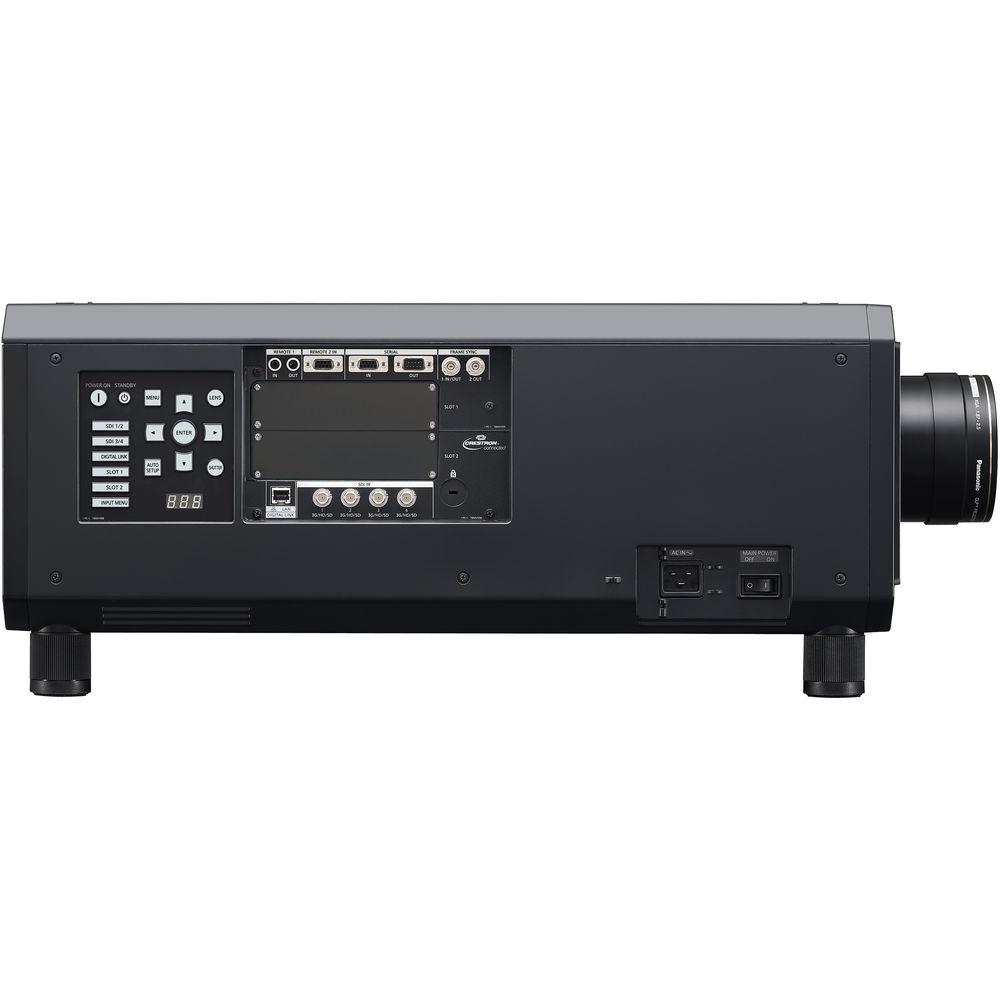
Product description The PT-RQ13K 10,000-Lumen 3DLP 4K Laser Projector from Panasonic allows you to add 4K projection to any venue. Combining 3-chip DLP imaging with Panasonic's original SOLID SHINE Laser technology, the PT-RQ13K achieves 4K+ resolution with a high 10,000-lumen brightness level. Two powerful solid-state laser light-source modules and three independent DLP chips for red, green, and blue ensure high brightness, color accuracy, and contrast.The PT-RQ13K achieves better-than-4K resolution by employing a high-speed 2560 x 1600-pixel (WQXGA) DMD chip that shifts each pixel vertically and horizontally, effectively quadrupling the pixel count. Working together with Real Motion Processor 240 Hz frame-creation technology, Quad Pixel Drive pixel-quadrupling technology produces detailed 5120 x 3200 pixel (4K+, 16:10) images that retain natural sharpness and clarity. As well as producing liquid-smooth and accurate video, the added detail also makes small text clearly legible on images used in presentations and lectures.Unlike conventional lamp-based projectors, the PT-RQ13K's SOLID SHINE laser system allows free 360° installation through any axis. Together with extra-wide-range powered lens shift and a big range of optional lenses shared by Panasonic's 3-chip DLP projector family, the PT-RQ13K can be mounted in any way desired without picture distortion.The PT-RQ13K features four built-in 3G-SDI inputs and a DIGITAL LINK terminal. The projector also features Panasonic's SLOT NX to accommodate optional terminal boards that offer a range of connections, including HDMI, DVI, and SDI. SOLID SHINE Laser Technology - Accurate Color Reproduction
- The PT-RQ13K captures more accurate Rec 709-compliant color space than comparable laser projectors. A blue laser ensures better precision, while an expanded color gamut improves white balance accuracy.
- Laser Optical Engine for Continuous 24-Hour Operation
- The dual-drive laser optical engine uses two discrete light sources grouping laser diodes into modules. A laser light source redundancy circuit ensures minimal reduction in brightness and color uniformity in the event of laser diode failure, making the PT-RQ13K suitable for applications where maintaining vision is critical. Further, brightness decreases gradually and in a linear rather than exponential fashion (as is common to lamp-based projectors) over its 20,000-hour maintenance-free service life.
- Lower TCO
- Expect up to 20,000 hours maintenance-free service at full power with no filters to clean or replace, thanks to a fully sealed optical block and redesigned air intake. Energy consumption has also been more than halved.
- Dustproof for Endurance
- The PT-RQ13K has hermetically sealed laser modules, a long-life Eco filter, and a new air intake system to extend life and maintain picture quality in dusty locations. SOLID SHINE laser products exceed rigorous dustproofing requirements for operation in environments containing 0.150mg of dust per cubic meter.
- Efficient Cooling System Assures Reliable Operation
- The PT-RQ13K employs a direct liquid cooling system for the laser light source that features a redesigned air intake, and a solid aluminum heat sink to suppress temperature rises. This allows stable operation in ambient temperatures of up to 113°F while reducing operating noise to just 46 dB.
- Eco Filter Extends Replacement Cycle to 20,000 Hours
- The Eco filter includes an electrostatic Micro Cut filter that collects minute dust particles with an ion effect. It joins with a dust-resistant cabinet to enable long-term use even in punishing conditions. A long maintenance cycle of up to 20,000 hours reduces hassle, while the eco-friendly washable filter can be reused to reduce cost and waste.
- Safety Ensured
- Panasonic laser light is no more harmful to eyesight than a regular lamp-based projector, as a diffusing lens reduces the concentration of beam energy. Accidental direct exposure will not result in damage to eyesight.
Image Quality and Reliability - Real Motion Processor
- Panasonic's high-speed 240 Hz frame-creation technology, for up to 5120 x 3200 pixel (16:10) images, ensures smooth reproduction of fast-moving 4K+ sequences. Real motion processor uses sophisticated algorithms to create three additional frames for each image, boosting native 60 fps footage to 240 frames per second. The result is smooth and realistic motion rendering, particularly useful for the broadcast of sporting events and other fast-paced video. Further, images of up to 240 Hz can be displayed with SDI, DVI-D, and HDMI simultaneous inputs. A refined optical engine enhances focus performance for a lifelike sense of resolution, contrast, and fluidity.
- Detail Clarity Processor 5+ Clarifies and Enhances Fine Details
- Panasonic's circuit technology analyzes each individual image frame by frame to clarify areas containing fine details and textures. Powerful algorithms extract hidden information from the super high, high, medium, and low frequency video bands, sharpening outlines, correcting contours, and reducing ringing noise to improve the sense of resolution. The PT-RQ13K adds a Refine Enhancer algorithm designed to clean and enhance the finest details contained in 4K+ images.
- Dynamic Contrast Function for High 20,000:1 Contrast
- The PT-RQ13K projector directly modulates laser power output to enable high contrast while reducing power consumption. Digitally controlled frame-by-frame scene-linking modulation ensures highly precise light output adjustment, and accurate 20,000:1 contrast (with Dynamic Contrast mode set to 3) is achieved even when bright and dark scenes suddenly or frequently interchange.
- System Daylight View 3 Improves Color Perception
- Panasonic's proprietary technology optimizes image quality to improve color perception of images projected onto walls and other exotic surface materials (suitable for mapping applications), as well as in environments with bright ambient light. Combined with high 10,000-lumen brightness, the PT-RQ13K delivers clear and comfortable viewing in challenging applications.
- Selectable Operational Modes Maintain Image Quality Longer
- In Normal mode with a maximum 10,000-lumen brightness, PT-RQ13K can operate continuously for approximately 20,000 hours. In Eco mode at 8000 lumens, this is extended to approximately 24,000 hours of continuous operation. These modes are suitable for education or signage applications.
- Up to 10-Year Operation with Constant Brightness Modes
- In environments where very high brightness is not necessary, such as surveillance, control, and simulation rooms, constant operation modes extend light source replacement up to 87,600 hours in Long Life 3 mode, with consistent brightness and color.
- User Operating Mode
- In addition to preset operating modes, the PT-RQ13K can be customized to achieve your preferred balance of brightness or extended life. Brightness can be set from 1900 to 10,000 lumens, or the lifetime set to a maximum of ten years.
- Waveform Monitor Function
- When the source device output level fluctuates due to the performance of the device or its cable connections, the original black and white levels of the image cannot be reproduced correctly. The PT-RQ13K displays the waveforms on screen where they can be adjusted either automatically or manually as preferred.
- DICOM Simulation Mode
- This imaging mode is similar to the DICOM Part 14 medical imaging standard. It lends a film-like resolution to X-ray images, making the PT-RQ13K suitable for medical presentations and training. 1
Please Note: This product is not a medical instrument. Do not use for actual medical diagnosis. close - Advanced Technologies for Better Image Quality
- The PT-RQ13K supports various other technologies such as 3D color management system, Full 10-bit image processing, progressive cinema scan (3:2 pull-down), dynamic sharpness control, digital noise reduction, IP conversion, AI scene control, 2:2 pull-down mode, and sRGB compatibility.
Installation Flexibility - Single-Cable 4K DIGITAL LINK Connection
- Based on HDBaseT technology, DIGITAL LINK supports transmission of 4K video signals and control commands through a single cable for distances of up to 164'. An optional ET-YFB200G DIGITAL LINK Switcher or ET-YFB100G Digital Interface Box further simplify installation in large venues while reducing costs and improving reliability.
- Multi-Screen Support System Seamlessly Connects Multiple Screens
- With edge blending support, the edges of adjacent screens can be blended and their luminance controlled. The Color Matching function corrects for slight variations in the color reproduction range of individual projectors. PC software assures easy, accurate control.
- Digital Image Enlarging
- PT-RQ13K features a digital zoom function that allows images to be enlarged up to approximately ten times (horizontally and vertically). Up to 100 units (10 x 10) can be edge-blended at a time to create large, multi-screen images.
- Multi-Unit Brightness and Color Control
- This function automatically corrects brightness and color fluctuations that occur over time in individual projectors in a multi-screen system. Up to eight projectors connected by a hub can be controlled, increasing to a maximum of 2,048 projectors with Multi-Monitoring & Control Software.
- Geometric Adjustment for Specially Shaped Screens
- This adjusts the image for projection onto spherical, cylindrical, and other specially shaped screens. Adjustments can be easily made using only the remote control, with no external equipment needed. Four-Corner Adjustment and Keep Aspect Off functions also simplify fine adjustment.
- Geometry Manager Pro and Optional Upgrade Kit
- Geometry Manager Pro software enables more flexible and complex adjustment to expand built-in geometric adjustment functionality. The free software package includes functions such as color matching and edge blending for multi-screen projection and easy adjustment of multiple screens over the network. An optional ET-UK20 Upgrade Kit adds creative masking capability using four lines or bitmap data as well as uniformity correction. Furthermore, the PT-RQ13K projector supports the optional ET-CUK10 Auto Screen Adjustment Upgrade kit.
- Backup Input Setting Assures Reliability and Optimizes Performance
- In the event of signal disruption, a Backup Input setting allows the primary signal to be switched to a backup input signal (combination of primary/secondary input terminals is fixed). This function ensures reliability and is suitable for mission-critical control rooms, projection mapping, staging, and other applications where image display should not be interrupted. Supported standard combination is SDI 1 (primary) and SDI 2 (secondary), with a variety of combinations available with the addition of optional terminal boards, excluding the combination of DVI-D and HDMI. 2
Please Note: The Backup Input setting is enabled only when the input signal to the primary and secondary terminals is the same for both. close - Four-Input Multi-Display Function with No Processor Required
- A four-Input multi-display function allows users to switch from a single full-screen image to a four-way split screen mode displaying images from up to four source devices, all without need of a dedicated external processor. This adds versatility for use in a wide range of applications, such as videoconferencing, digital signage, monitoring and surveillance, and education. This function does not support 4K signals, dual or quad-link inputs, resolutions above 1920 x 1200 (WUXGA), and dot-clock frequencies above 162 MHz.
- Quick Start and Quick Off
- The laser light source does not require any warm-up time, so images appear almost instantly. There's also no cooling time required when turning the power off. Users can turn the projector on and off immediately as many times as necessary.
- Art-Net DMX Compatible
- The PT-RQ13K is compatible with Art-Net DMX protocol for lighting management. Art-Net compatibility allows the projector to be connected to a lighting console with easy control of functions, such as shutter on/off, input change, power on/off, and more, together with lighting control.
- Multi-Monitoring & Control Software
- This software lets you control and monitor multiple projectors at the same time over wired LAN. If a problem occurs, an alert is sent to the monitoring/controlling PC.
- Early Warning Software ET-SWA100 Series (Optional)
- Early Warning software monitors the status of projectors and displays connected to an intranet, informing the operator when an abnormality is detected or predicted, and when there are symptoms of trouble. This minimizes downtime to provide more stable operation.
Other Features -
- Lens-centered design
- Shutter effect with fade in/out
- Image rotation function
- Scheduling function
- Long-range 98.4' wireless remote control with LED backlight
- Anti-theft features with chain opening
- Control device setup function
- ID assignment for up to 64 units
- Built-in test pattern
- Selectable ten-language on-screen menu
In the Box Panasonic PT-RQ13K 10,000-Lumen 3DLP 4K Laser Projector (No Lens) Power Cord Wireless/Wired Remote with Batteries Lens Drop-Prevention Screw Software CD-ROM Limited 3-Year Warranty Limited 10,000-Hour Warranty on Lamp Limited 30-Day Warranty on Accessories Table of Contents
|
Upload User Manual
Have you got an user manual for the Panasonic PT-RQ13K 10,000-Lumen 3DLP 4K Laser Projector in electronic form? Please send it to us and help us expand our library of instruction manuals.
Thank you, too, on behalf of other users.
To upload the product manual, we first need to check and make sure you are not a robot. After that, your "Submit Link" or "Upload File" will appear.
Technical parametersPanasonic PT-RQ13KU Specs | | | Display System | 3-Chip 0.9" DLP | | Native Chip Resolution | 5120 x 3200 With Quad Pixel Drive set to On. | | Max Brightness | 10,000 Lumens | | Uniformity | 90% Center-to-corner uniformity. | | Aspect Ratio | 16:10 | | Dynamic Contrast Ratio | 20,000:1 | | | | Ceiling Mountable | Yes | | Rear Screen Projection | Yes | | | | Inputs/Outputs | 6 x 5BNC Video
3 x Unspecified Signal (DE-9) Video
1 x M3 Control | | | | Light Source | Laser Phosphor | | Expected Lamp Life | Medium Brightness: 20,000 Hours
Low Brightness: 24,000 Hours At half luminance. | | Fan Noise | Medium Brightness: 46 dB | | AC Input Power | 120 to 240 VAC, 50 / 60 Hz | | Power Consumption | Medium Brightness: 1270 W
Standby Mode (Lamp Off): 0.3 W
Standby Mode (Lamp Off): 4 W | | Max Operating Altitude | 13779' / 4200 m | | Temperature | Operating
32 to 113°F (0 to 45°C) 32 to 104°F (0 to 40°C) at altitude 4593 to 13,779' (1400 to 4200 m). | | Dimensions (W x H x D) | 22.7 x 10.6 x 28.5" / 57.7 x 26.9 x 72.4 cm without lens, feet, or projections. | | Weight | 108.00 lb / 48.988 kg without lens. |
Rating80% users recommend this product to others. And what about you?

This product has already been rated by 47 owners. Add your rating and experience with the product.
Discussion
 Ask our technicians if you have a problem with your settings,
or if anything is unclear in the user manual you have downloaded.
You can make use of our moderated discussion.
The discussion is public and helps other users of our website who may be encountering similar problems.
Ask our technicians if you have a problem with your settings,
or if anything is unclear in the user manual you have downloaded.
You can make use of our moderated discussion.
The discussion is public and helps other users of our website who may be encountering similar problems.
The discussion is empty - enter the first post
Post a new topic / query / comment:
|
|
|
| Request for user manual |
You can’t find the operation manual you are looking for? Let us know and we will try to add the missing manual:
I’m looking for a manual / Request for manual
Current requests for instruction manuals:
Call Of Duty World War Two For Xbox...
controller stratus XL...
stratus XL...
smart whatch serie S11 42mm...
Allen & Heath SQ-6 manual...
|
| Discussion |
Latest contributions to the discussion:
AEW R 4100
Name: MAURICIO ANGARITA
Audio-Technica AEW-R4100 UHF Diversity Receiver for
AEW R 4100 has the mute function blocked and does not allow audio to pass. I tried several times to turn off the mute from the transmitter but it does nothing, the mute stays on. Solution?
Thank you...
Instructions for assembling the 2015 Forecast Image Master Consoles GC3-A
Name: mike elam
Forecast Consoles GC3-A ImageMaster Editing Console
Looking for instructions for assembling this console. ...
EMPTY TONER ERROR MESSAGE AFTER REPLACING TONER
Name: LINDA BAD YELLOW EYES
Brother TN223BK Standard-Yield Toner
I HAD TO CHANGE OUT ALL THREE TONERS DUE TO LEAKS IN THE YELLOW AND CYAN. AFTER I REPLACED THEM, THE MACHINE KEEPS GIVING ME AN EMPTY TONER ERROR MESSAGE. HELP!!...
PS480D 20/24 pin Switching 480W Power Supply
Name: swkargo
Logisys 480W Power Supply
This item states in can run -5vdc .It is NOT listed on the board or I beleive is r4 is missing the resitior. Any body have thid issue. Shawn
...
Help needed
Name: Ann Carter
SanDisk 1TB Extreme Portable USB 3.1
When I click the link to download the user manual for my Sandisk Extreme external hard drive, it gives me the manual for the LG Cricket. Can you please change the link so I can download the Sandisk manual and begin using this drive? Thank you....
|
|


