|
User Manual for Parrot Anafi Work 4K Portable Drone Click to enlarge the picture
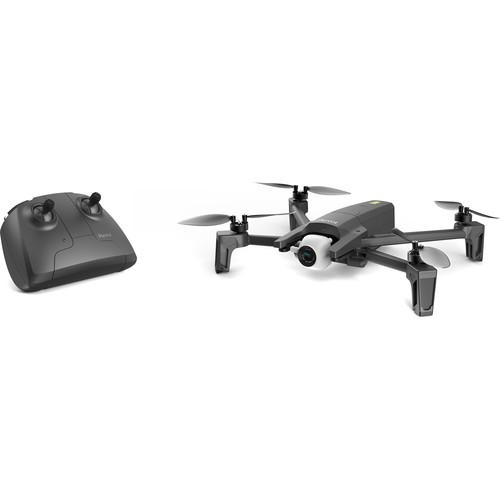 Contents of the user manual for the Parrot Anafi Work 4K Portable Drone
- Product category: See All Drones Parrot
- Brand: Parrot
- Description and content of package
- Technical information and basic settings
- Frequently asked questions – FAQ
- Troubleshooting (does not switch on, does not respond, error message, what do I do if...)
- Authorized service for Parrot See All Drones

 |
User manual for the Parrot Anafi Work 4K Portable Drone contain basic instructions
that need to be followed during installation and operation.
Before starting your appliance, the user manual should be read through carefully.
Follow all the safety instructions and warnings, and be guided by the given recommendations.
User manual is an integral part of any Parrot product,
and if it is sold or transferred, they should be handed over jointly with the product.
Following the instructions for use is an essential prerequisite for protecting
health and property during use, as well as recognition of liability on the part of the manufacturer
for possible defects should you make a warranty claim. Download an official Parrot user manual in which you will find instructions on how to install, use, maintain and service your product.
And do not forget – unsuitable use of a Parrot product will considerably shorten its lifespan!
|
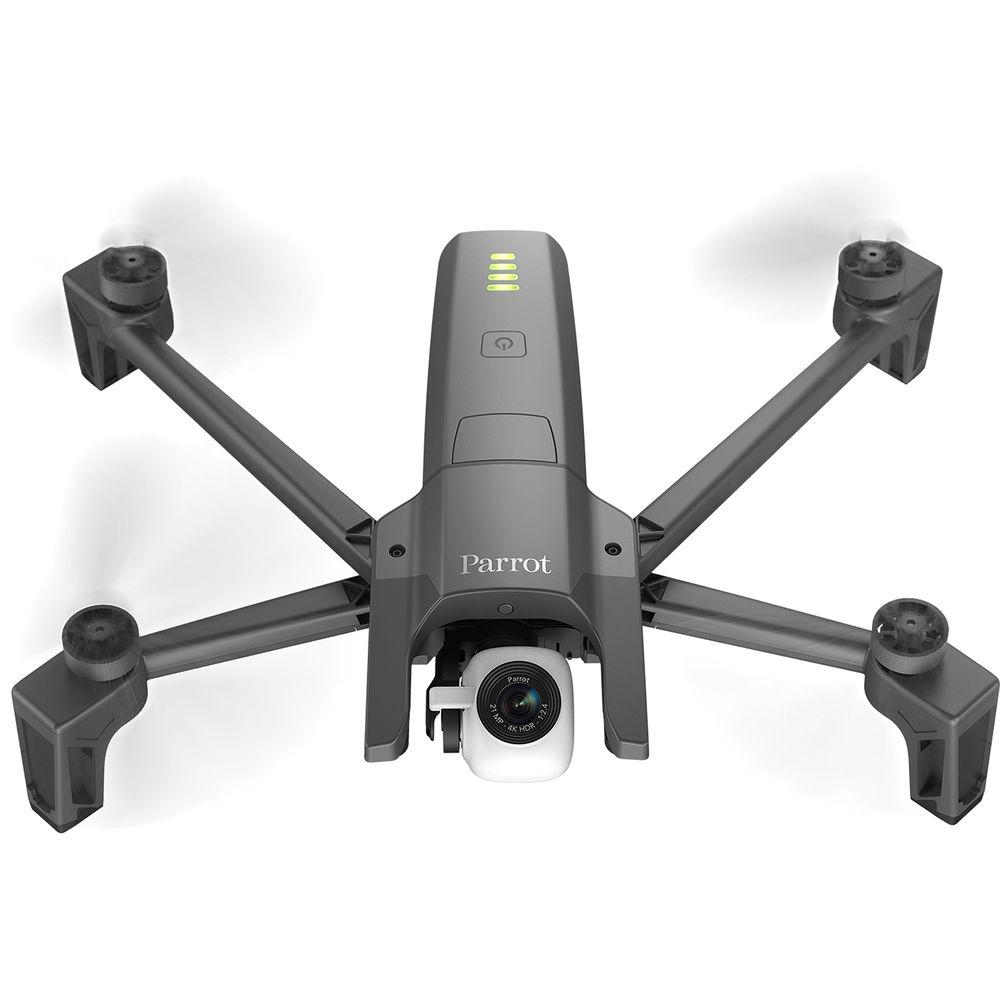
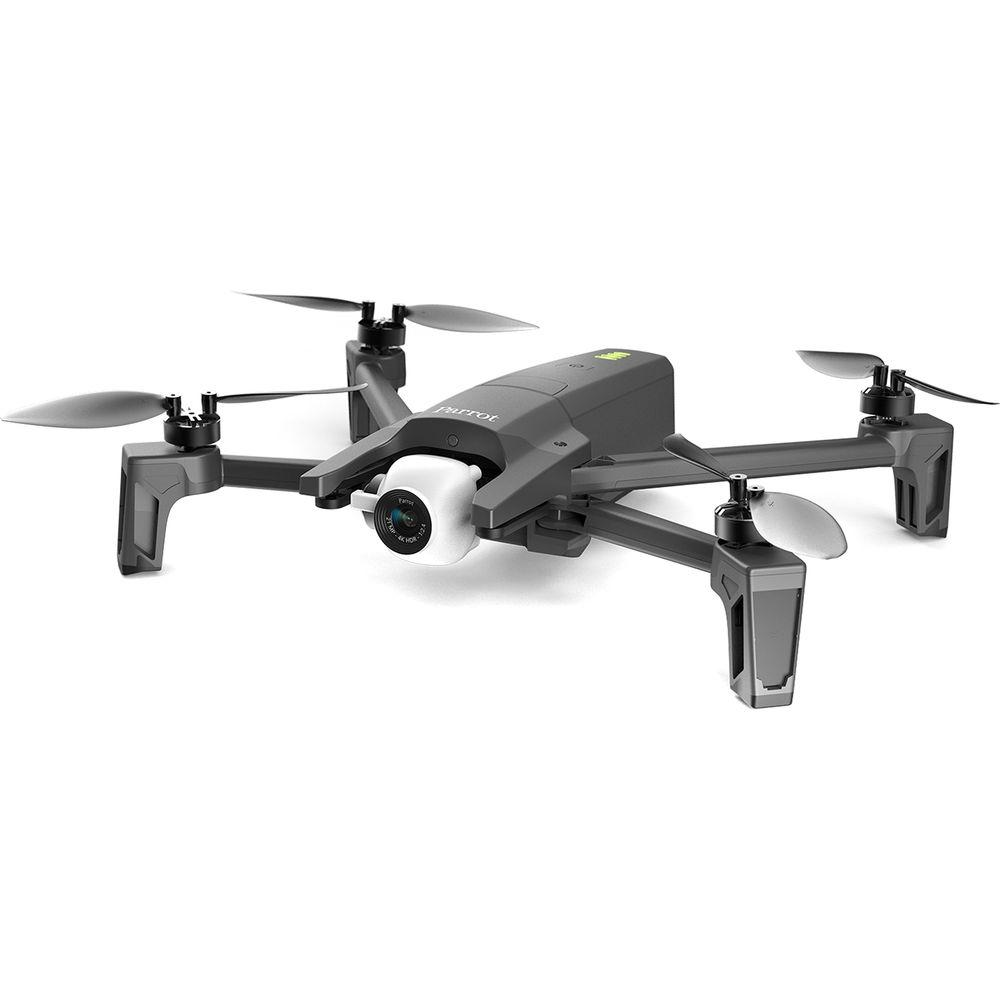
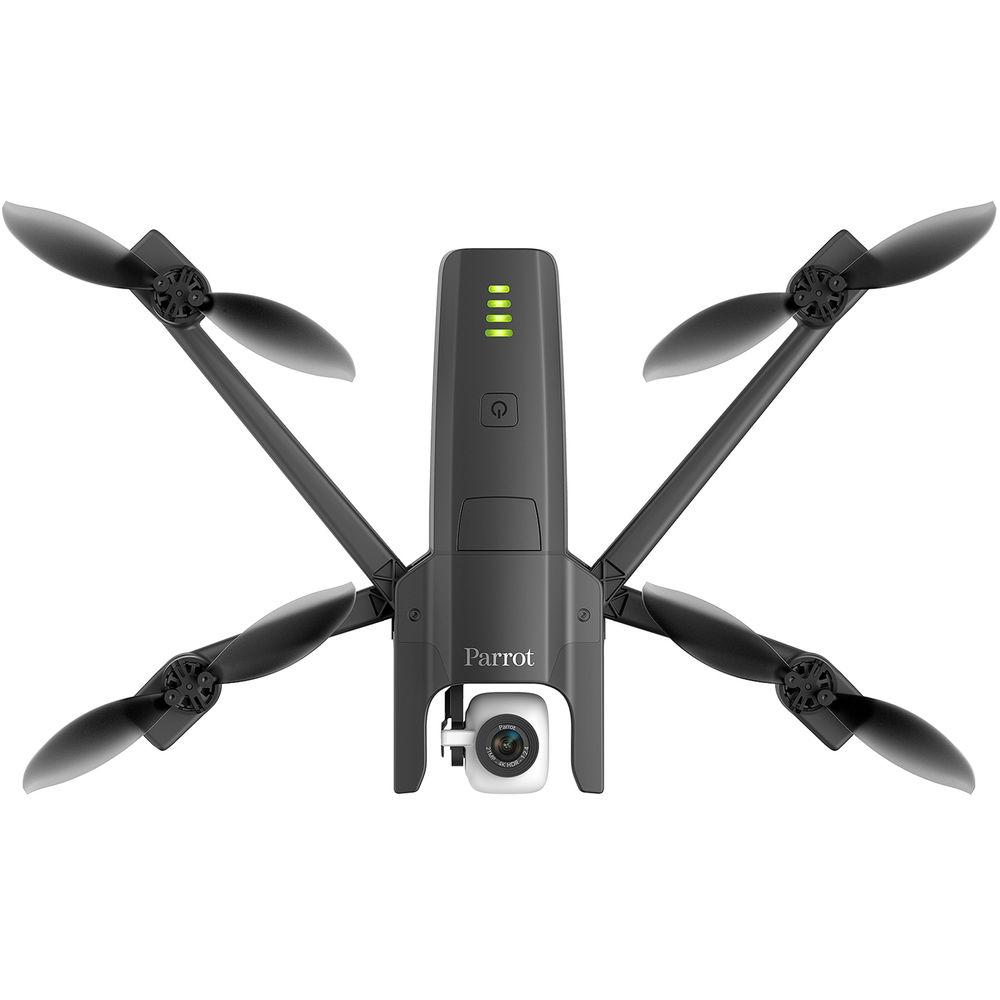
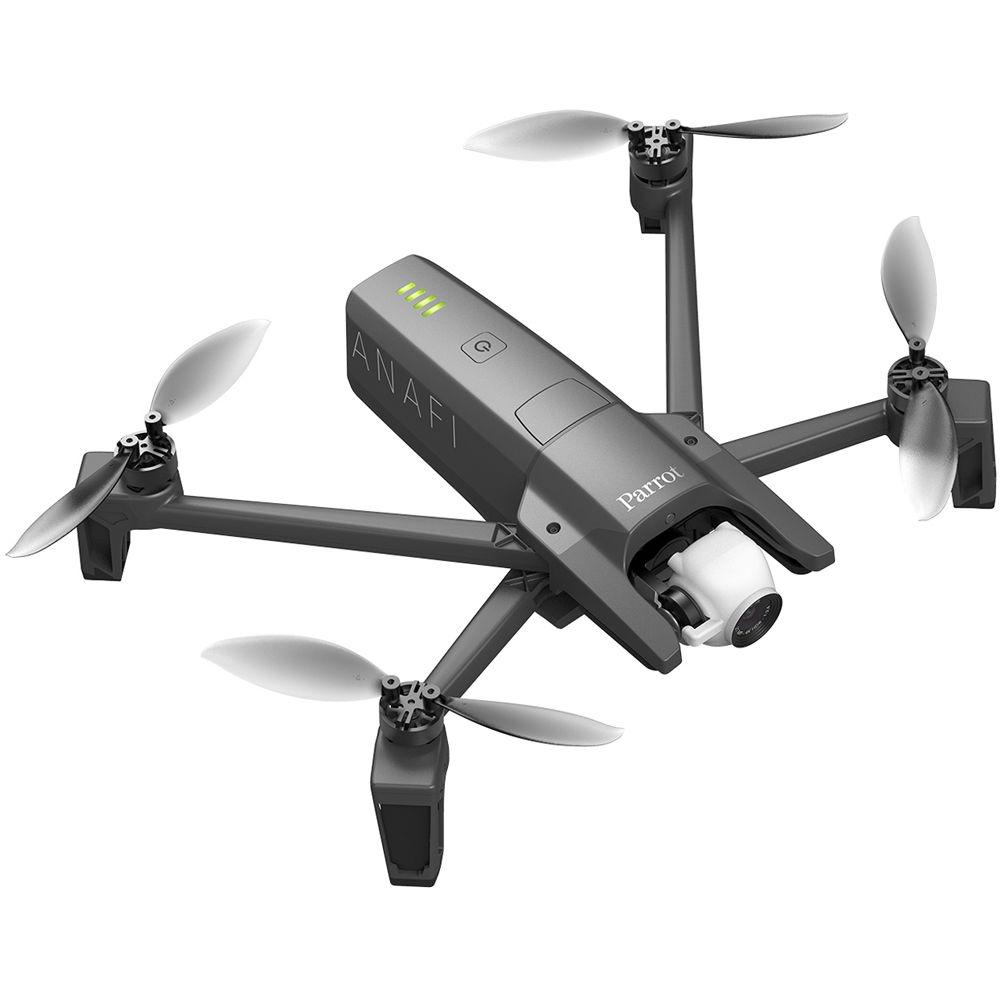
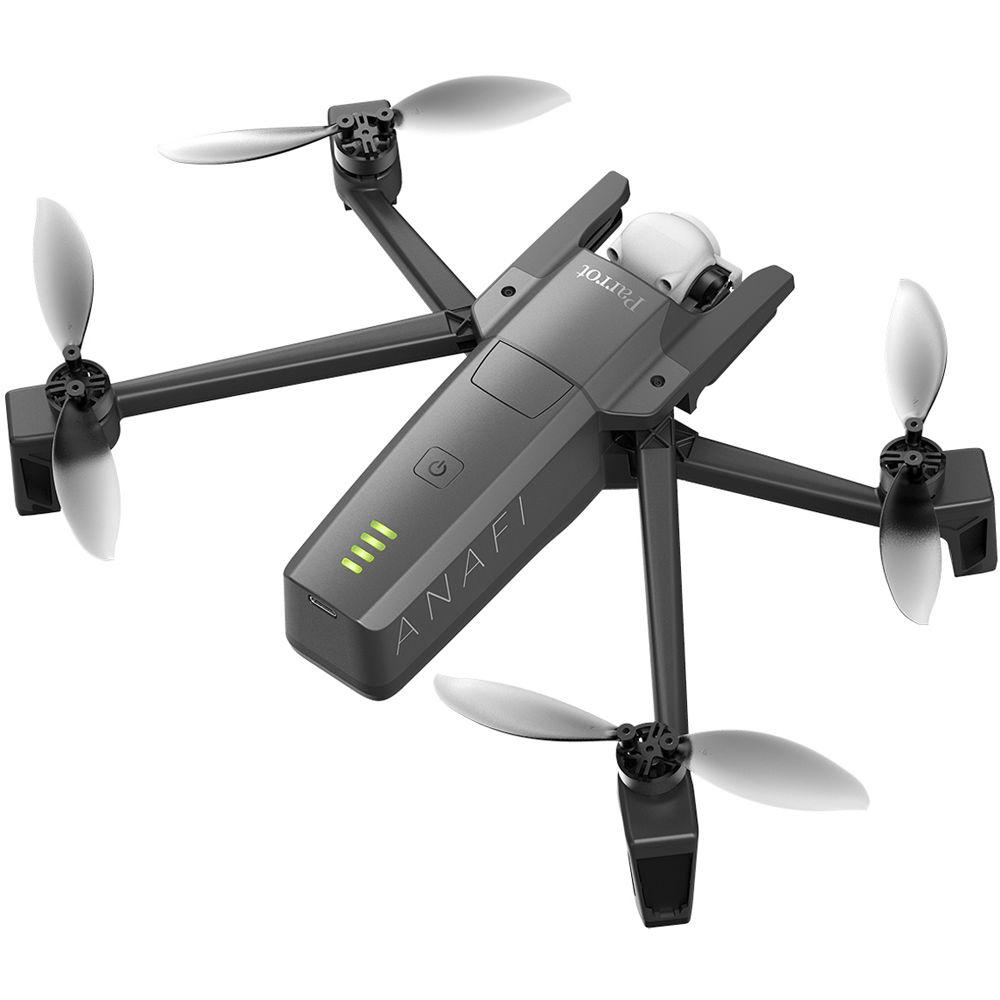
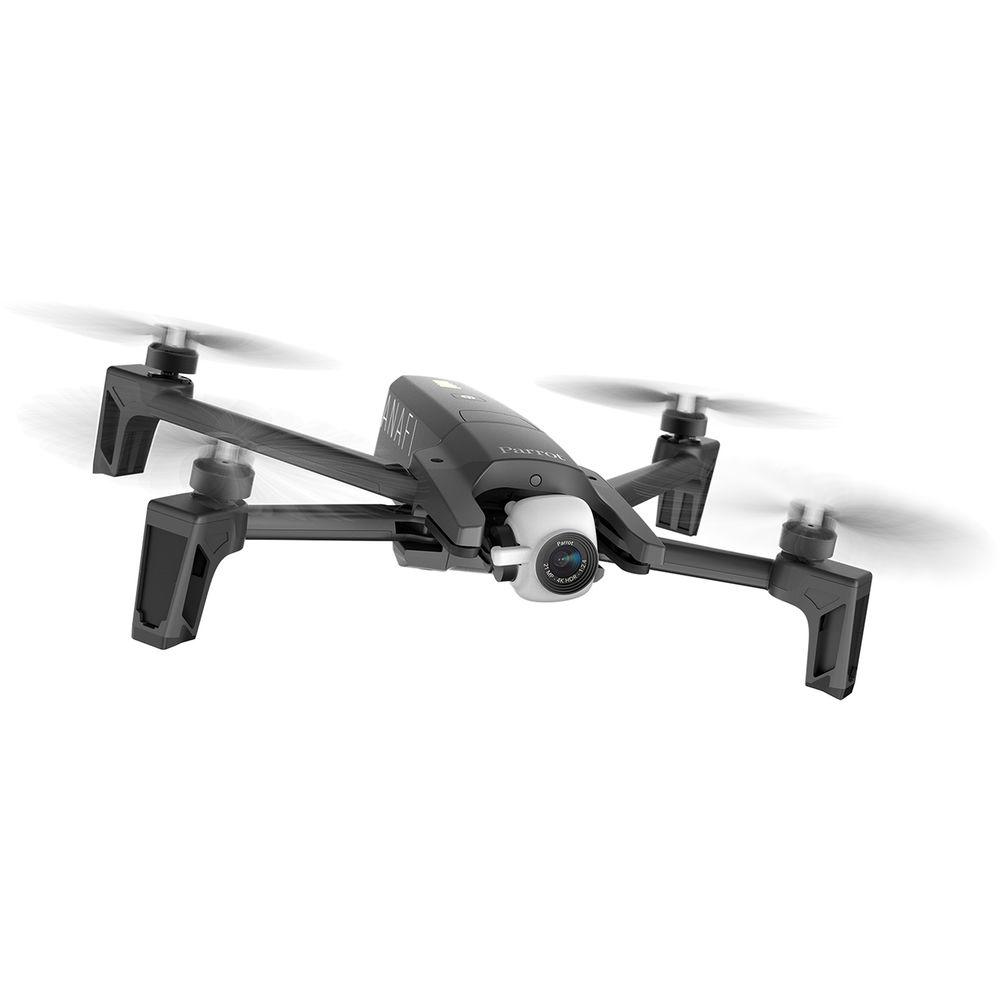
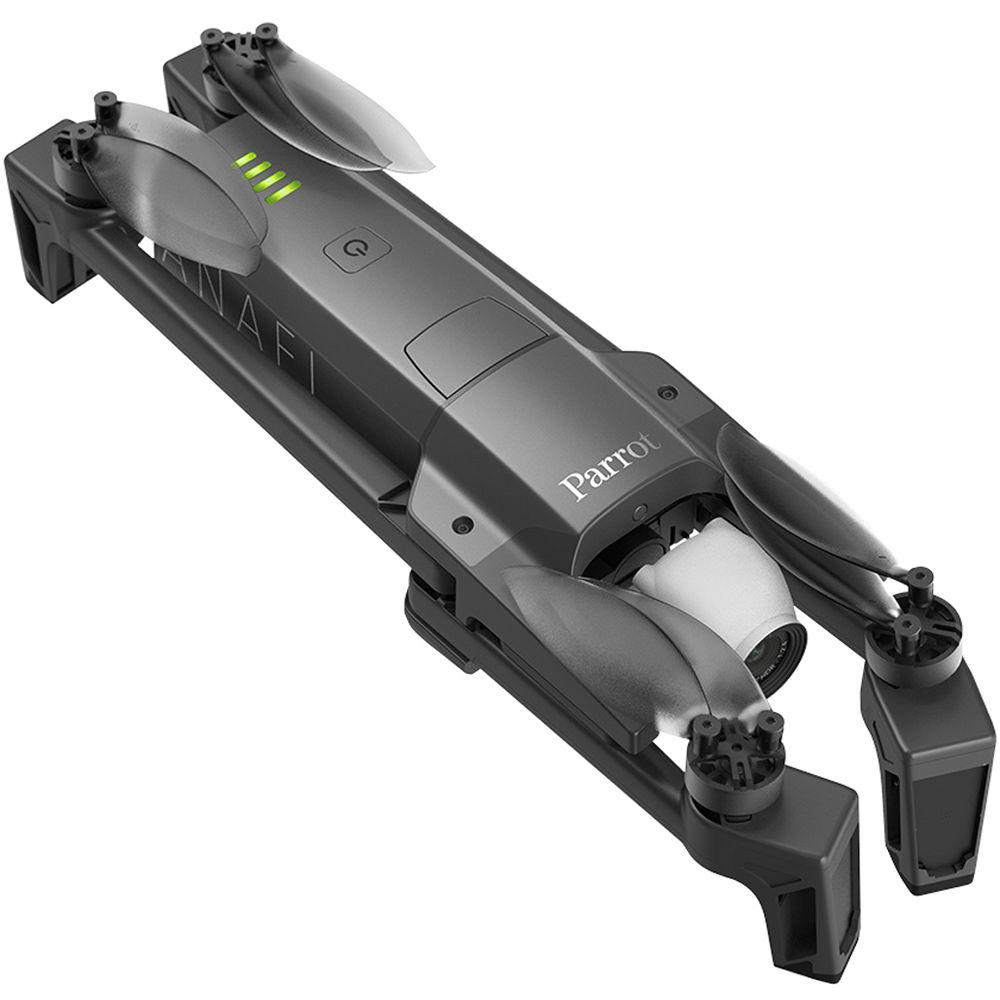
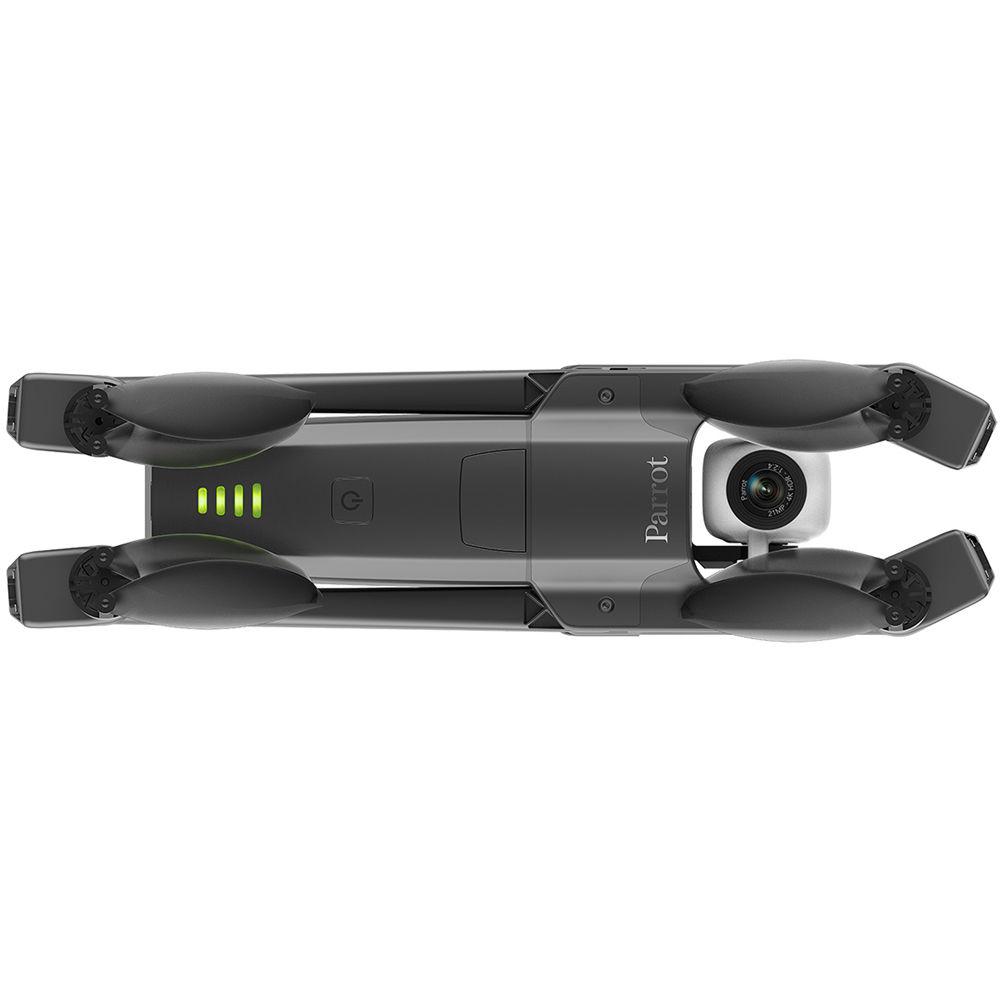
Product description Aerial Photography and Drone Glossary Read More The Anafi Work 4K Portable Drone from Parrot is a compact high-resolution aerial photography and videography solution for everything from entertainment productions to industrial applications. Whether you're in need of aerial assistance in public safety, inspections, or site surveillance, the Anafi Work gives you the ability to capture 4K videos with 100 Mb/s bit rate, and 21MP HDR-enhanced still photos. The 3-axis stabilization helps keep all your footage and pictures stable and clear. With the addition of a 180° gimbal, tracking A.I., and a host of photo modes, the Anafi can give you professional-quality results anytime, anywhere. - One Year of Pix4Dmodel Included
- With the purchase of an Anafi Work you will receive a one-year subscription to Pix4Dmodel software, capable of turning your drone footage into extremely accurate 3D models. These 3D models can be exported in a variety of formats including MP4, MKV, and AVI for fly-through videos. Your 3D compositions will be compatible with a variety of 3D modeling, animation, VR, and 3D printing applications. You can also use Pix4Dmodel to confirm measurements, post flight inspections for reporting, or export models for draft projects.
- Industrial Uses
- The Anafi Work can be applied to a host of industrial applications, helping to make on-site work safer, quicker, and more comprehensive. Some advantages of using an Anafi Work include:
- Inspections: View hard-to-reach locations without the need for climbing or using scaffolding.
- Work Site Monitoring: Track site evolution with consecutive aerial shots, monitor from the sky quickly for safer and cost-effective operations, and share images with others.
- Site Surveillance: Aerial imaging reduces risk to personnel on the ground. Cover wider areas at once, view blind spots more easily, and coordinate with live streaming.
- Public Safety: Gather critical information quickly with no risk to personnel, gain detailed information for post operation reporting, detect situations that could be missed by ground crews.
- Easy to Use for Everyone
- Parrot understands that not everyone who needs to fly the Anafi Work on-site will be an accomplished and professional drone pilot. Therefore they made the Anafi Work easy to operate for all skill levels with the FreeFlight 6 app, and built-in automated and autonomous flight modes. It's also easy to transport on location with the included compact and water-resistant shoulder bag.
- 180° Tilt Gimbal
- With the ability to go from -90 to +90 degrees, this gimbal lets you take impressive low-angle shots, helping to make your videos stand out and opening a host of filming possibilities.
- 2.8x Lossless Zoom
- Anafi lets you get close while staying safe by giving you the ability to digitally zoom in up to 2.8x on your subject in Full HD resolution (1.4x in Ultra HD 4K). Whichever resolution you choose, Parrot has crafted its zoom technology to be lossless so whether you pull back or push in, your images won't lose any detail.
- Foldable Skycontroller 3 Included
- Working with your Android or iOS smartphone and the FreeFlight 6 app, the compact and ergonomic Skycontroller 3 lets you take full control of Anafi's capabilities. Dual thumbsticks let you pilot the Anafi, and FreeFlight 6 gives you a variety of flight solutions that are adaptable to your level of expertise.
- Automatic A.I. Shooting and Tracking
-
- CineShots: Automatically execute up to four cinematic video movies. Choose from Reveal, Epic, Rise, and 360-Degree.
- SmartDronies: Lets you take selfies from the sky.
- Dolly Zoom Effect: Automatically uses Anafi's unique zoom capabilities and its advanced visual tracking system to create a perspective deformation of the background.
- Slow-Motion: This mode records automatically, instantly adding a slow-motion result, ideal for action-based videos.
- Hyperlapse: This mode immediately accelerates your videos so you can capture a sunset, a sunrise, or even passing clouds.
- Cameraman: An automatic framing assistant for aerial videos. All you do is control the movement of the Anafi while your subject is automatically framed.
- Follow Me: An in-app purchase inside FreeFlight 6, this enables you to stay in the heart of the action at all times. Anafi films you on the go without anyone piloting the drone directly. In complete autonomy, Anafi follows you and moves at your pace both horizontally and vertically.
- Dual-Band Transmission System
- Anafi features a 2.4/5 GHz dual-band antenna in each leg to help maintain connection for HD streaming from up to 2.5 miles away.
- Superior Performance
- The Anafi has been engineered to resist winds up to 31 mph, and can reach speeds up to 33 mph in Sport mode.
- Safe Flight Features
-
- Geofence: Lets you define your very own virtual perimeter that stops Anafi from flying out of a designated area.
- Smart RTH (Return to Home): If the drone ever loses connection or if the battery life is low, it will automatically come back to its starting point.
- Find My Drone: Should you lose sight of your drone, you can easily make it beep at the tap of a button or find it on the map to locate and retrieve it.
- Carbon Fiber Construction
- The carbon fibers of the drone are charged with empty glass microbeads that are then filled with air to resist bumps and knocks. This material helps keep Anafi durable and lightweight, coming in at only 11.3 oz.
- USB Type-C Charging
- The built-in USB Type-C port lets you recharge the Anafi from your smartphone, computer, or optional power bank. Anafi is compatible with Power Delivery, letting you quickly charge up to 60% faster than a typical 5W USB Type-A connection.
- Additional Features
-
- 1 hour 40 minutes of flight time per charge (of all four batteries)
- LED battery level indicators
- Wide-angle aspherical lens
- Optics engineered to reduce lens flair and chromatic aberrations in all situations
In the Box Parrot Anafi Work 4K Portable Drone Foldable Parrot Skycontroller 3 1-Year Subscription to Pix4Dmodel 4 x Smart Battery 5-Port USB Charger Shoulder Bag 8 x Propeller Blade 16GB microSD Card USB Type-A to USB Type-C Cable Limited 1-Year Warranty on Parts That Do Not Wear Out Limited 6-Month Warranty on Parts That Wear Out Camera in the Sky: Using Drones in Wedding Photography and Videos Peter Ward_1 02/29/2016 Some Good News for Photographers and Filmmakers Who Use Drones Peter Ward_1 02/23/2015 Table of Contents
|
Upload User Manual
Have you got an user manual for the Parrot Anafi Work 4K Portable Drone in electronic form? Please send it to us and help us expand our library of instruction manuals.
Thank you, too, on behalf of other users.
To upload the product manual, we first need to check and make sure you are not a robot. After that, your "Submit Link" or "Upload File" will appear.
Technical parametersParrot Anafi Specs | | | Maximum Horizontal Speed | 33 mph / 53.1 km/h (Sport) | | Maximum Ascent Speed | 13.2 ft/s / 4 m/s | | Maximum Wind Resistance | 31 mph / 50 km/h | | Flight Ceiling | 14,255' / 4345 m | | Maximum Flight Time | 25 Minutes | | Maximum Tilt Angle | 180° | | | | GNSS Support | GPS, GLONASS | | | | Vision System | Downward, Forward | | | | Operating Frequency | 2.4 GHz
5.8 GHz | | Maximum Operating Distance | 2.50 mi / 4023 m | | Connectivity | 1 x USB Type-A
1 x USB Type-C | | Battery Type | 1 x Built-In | | Battery Chemistry | Lithium-Ion Polymer (LiPo) | | Battery Capacity | 2500 mAh | | Battery Configuration | 1 S / 3.6 V | | Mobile Device Compatibility | Devices up to 6" / 15.24 cm Wide | | App Operating System Requirements | Android
iOS | | | | Sensor | 1/2.4" CMOS | | Effective Pixels | 21 MP | | Focal Length | 23mm / 78mm (35mm Equivalent) | | Lens Field of View | Horizontal: 69° | | Aperture | f/2.4 | | Minimum Focusing Distance | 5.0' / 1.5 m | | Photo ISO Range | 100 - 3200 (Auto) | | Video ISO Range | 100 - 3200 (Auto) | | Electronic Shutter Speed | 1 - 1/10000 Second | | Photo Resolution | 4:3: 5344 x 4016
4:3: 4608 x 3456 | | Photo Format | JPEG, DNG | | Video Format | 4096 x 2160p at 24 fps (MP4 via H.264/AVC)
3840 x 2160p at 24/25/30 fps (100 Mb/s MP4 via H.264/AVC)
1920 x 1080p at 24/25/30/48/50/60 fps (MP4 via H.264/AVC) | | Recording Media | microSD (Up to 128 GB) | | | | Number of Axes | 3 (Pitch, Roll, Yaw) | | Control Range | Pitch: -90 to 90° | | | | Battery Chemistry | Lithium-Ion Polymer (LiPo) | | Capacity | 2700 mAh / 20.52 Wh | | Battery Configuration | 2 S / 7.6 V | | Maximum Charging Power | 24 W | | | | Number of Rotors | 4 | | Operating Temperature | 14 to 104°F / -10 to 40°C | | Overall Dimensions | 2.6 x 2.5 x 9.6" / 6.6 x 6.3 x 24.4 cm (Folded)
6.9 x 2.5 x 9.4" / 17.5 x 6.3 x 23.9 cm (Unfolded) | | Weight | 11.3 oz / 320 g | | | | Package Weight | 6.08 lb | | Box Dimensions (LxWxH) | 12.4 x 8.6 x 5.3" |
Rating80% users recommend this product to others. And what about you?

This product has already been rated by 02 owners. Add your rating and experience with the product.
Discussion
 Ask our technicians if you have a problem with your settings,
or if anything is unclear in the user manual you have downloaded.
You can make use of our moderated discussion.
The discussion is public and helps other users of our website who may be encountering similar problems.
Ask our technicians if you have a problem with your settings,
or if anything is unclear in the user manual you have downloaded.
You can make use of our moderated discussion.
The discussion is public and helps other users of our website who may be encountering similar problems.
The discussion is empty - enter the first post
Post a new topic / query / comment:
|
|
|
| Request for user manual |
You can’t find the operation manual you are looking for? Let us know and we will try to add the missing manual:
I’m looking for a manual / Request for manual
Current requests for instruction manuals:
Call Of Duty World War Two For Xbox...
controller stratus XL...
stratus XL...
smart whatch serie S11 42mm...
Allen & Heath SQ-6 manual...
|
| Discussion |
Latest contributions to the discussion:
AEW R 4100
Name: MAURICIO ANGARITA
Audio-Technica AEW-R4100 UHF Diversity Receiver for
AEW R 4100 has the mute function blocked and does not allow audio to pass. I tried several times to turn off the mute from the transmitter but it does nothing, the mute stays on. Solution?
Thank you...
Instructions for assembling the 2015 Forecast Image Master Consoles GC3-A
Name: mike elam
Forecast Consoles GC3-A ImageMaster Editing Console
Looking for instructions for assembling this console. ...
EMPTY TONER ERROR MESSAGE AFTER REPLACING TONER
Name: LINDA BAD YELLOW EYES
Brother TN223BK Standard-Yield Toner
I HAD TO CHANGE OUT ALL THREE TONERS DUE TO LEAKS IN THE YELLOW AND CYAN. AFTER I REPLACED THEM, THE MACHINE KEEPS GIVING ME AN EMPTY TONER ERROR MESSAGE. HELP!!...
PS480D 20/24 pin Switching 480W Power Supply
Name: swkargo
Logisys 480W Power Supply
This item states in can run -5vdc .It is NOT listed on the board or I beleive is r4 is missing the resitior. Any body have thid issue. Shawn
...
Help needed
Name: Ann Carter
SanDisk 1TB Extreme Portable USB 3.1
When I click the link to download the user manual for my Sandisk Extreme external hard drive, it gives me the manual for the LG Cricket. Can you please change the link so I can download the Sandisk manual and begin using this drive? Thank you....
|
|


