|
User Manual for Phoenix Audio Ascent One EQ Class-A Mono Microphone Preamplifier DI Click to enlarge the picture
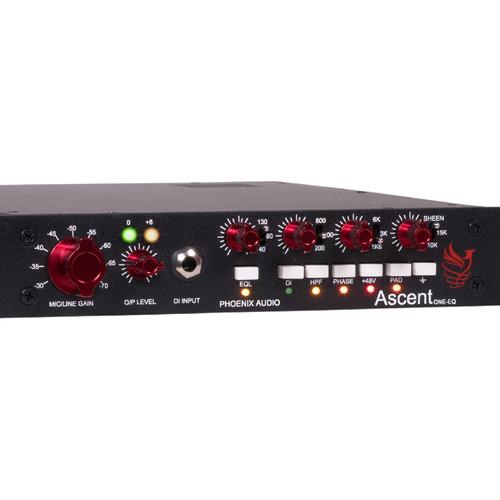 Contents of the user manual for the Phoenix Audio Ascent One EQ Class-A
- Product category: Microphone Preamps Phoenix Audio
- Brand: Phoenix Audio
- Description and content of package
- Technical information and basic settings
- Frequently asked questions – FAQ
- Troubleshooting (does not switch on, does not respond, error message, what do I do if...)
- Authorized service for Phoenix Audio Microphone Preamps
 |
User manual for the Phoenix Audio Ascent One EQ Class-A contain basic instructions
that need to be followed during installation and operation.
Before starting your appliance, the user manual should be read through carefully.
Follow all the safety instructions and warnings, and be guided by the given recommendations.
User manual is an integral part of any Phoenix Audio product,
and if it is sold or transferred, they should be handed over jointly with the product.
Following the instructions for use is an essential prerequisite for protecting
health and property during use, as well as recognition of liability on the part of the manufacturer
for possible defects should you make a warranty claim. Download an official Phoenix Audio user manual in which you will find instructions on how to install, use, maintain and service your product.
And do not forget – unsuitable use of a Phoenix Audio product will considerably shorten its lifespan!
|
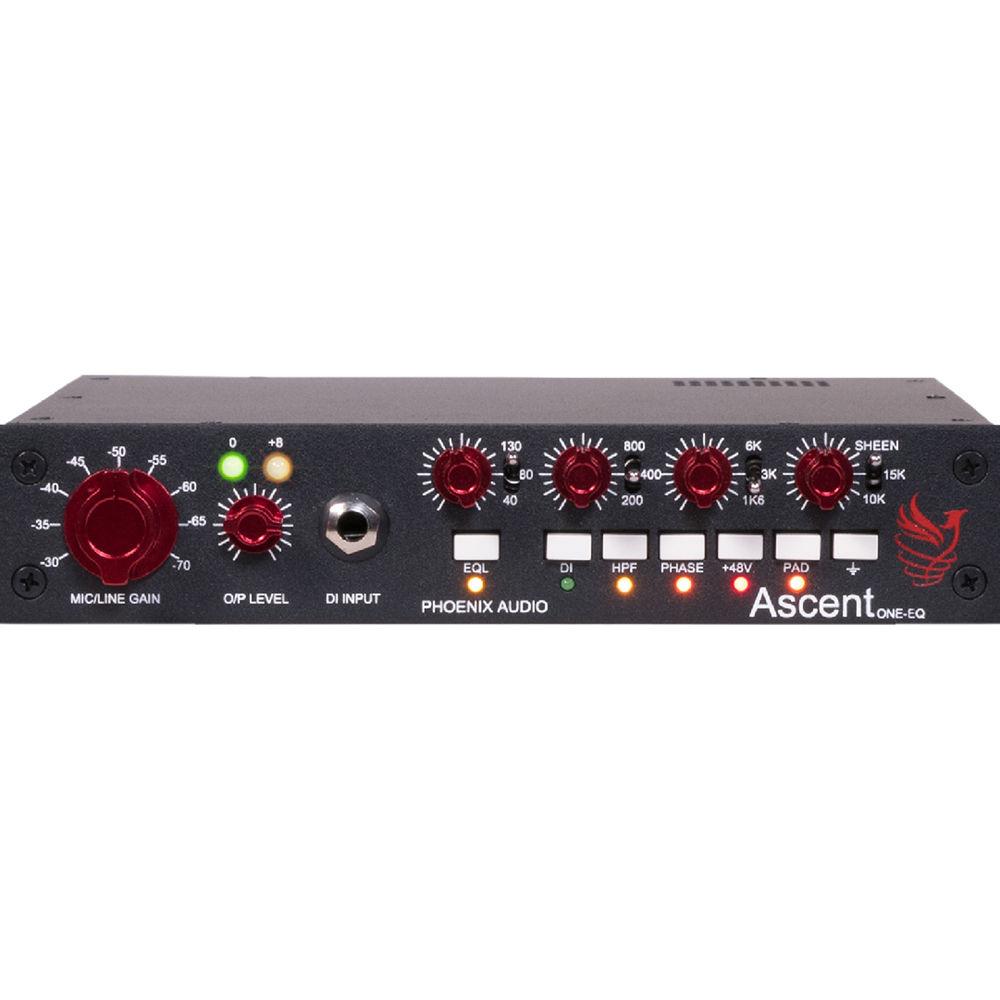
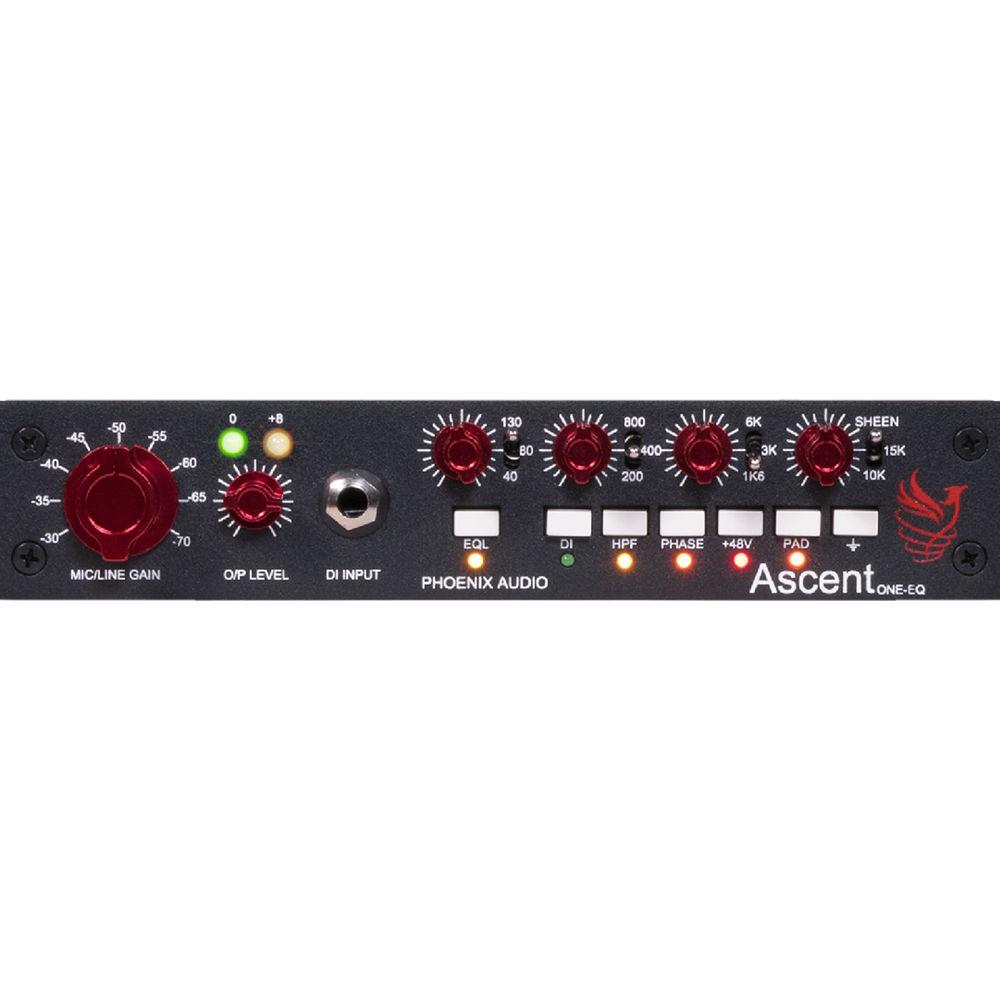
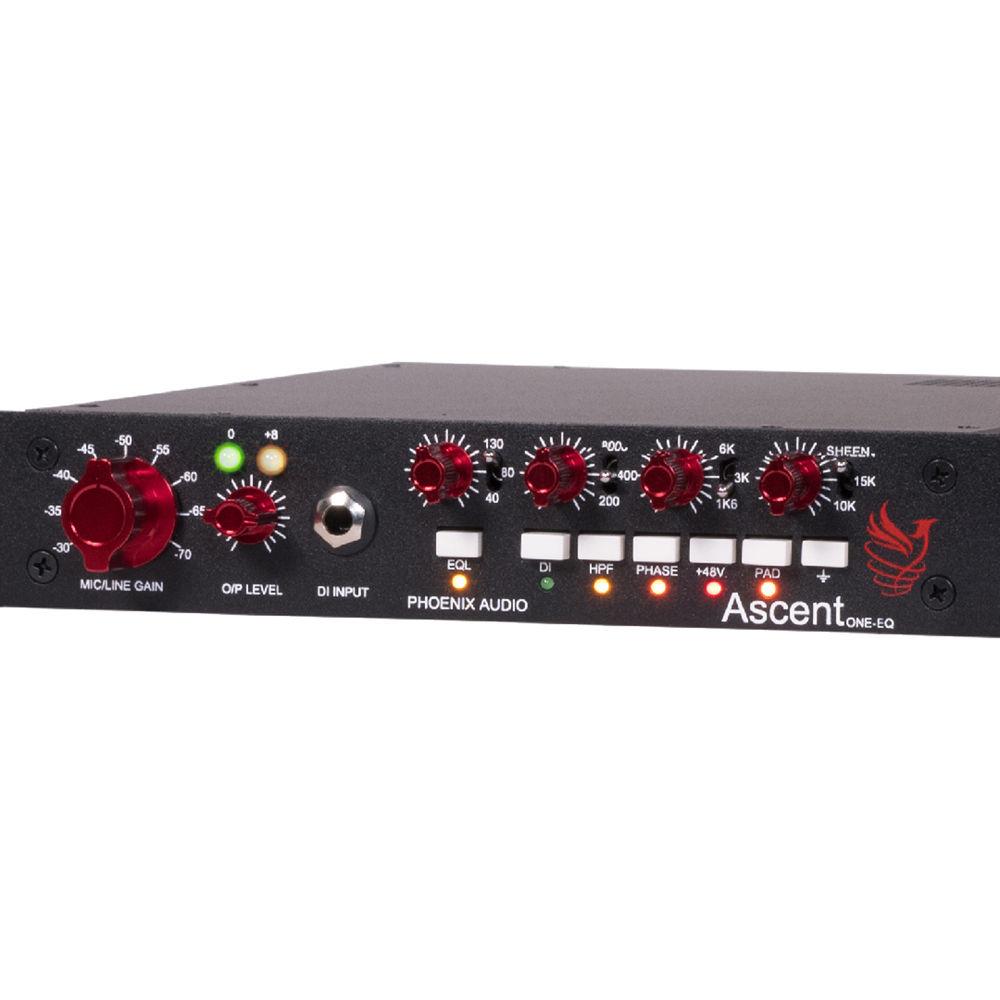
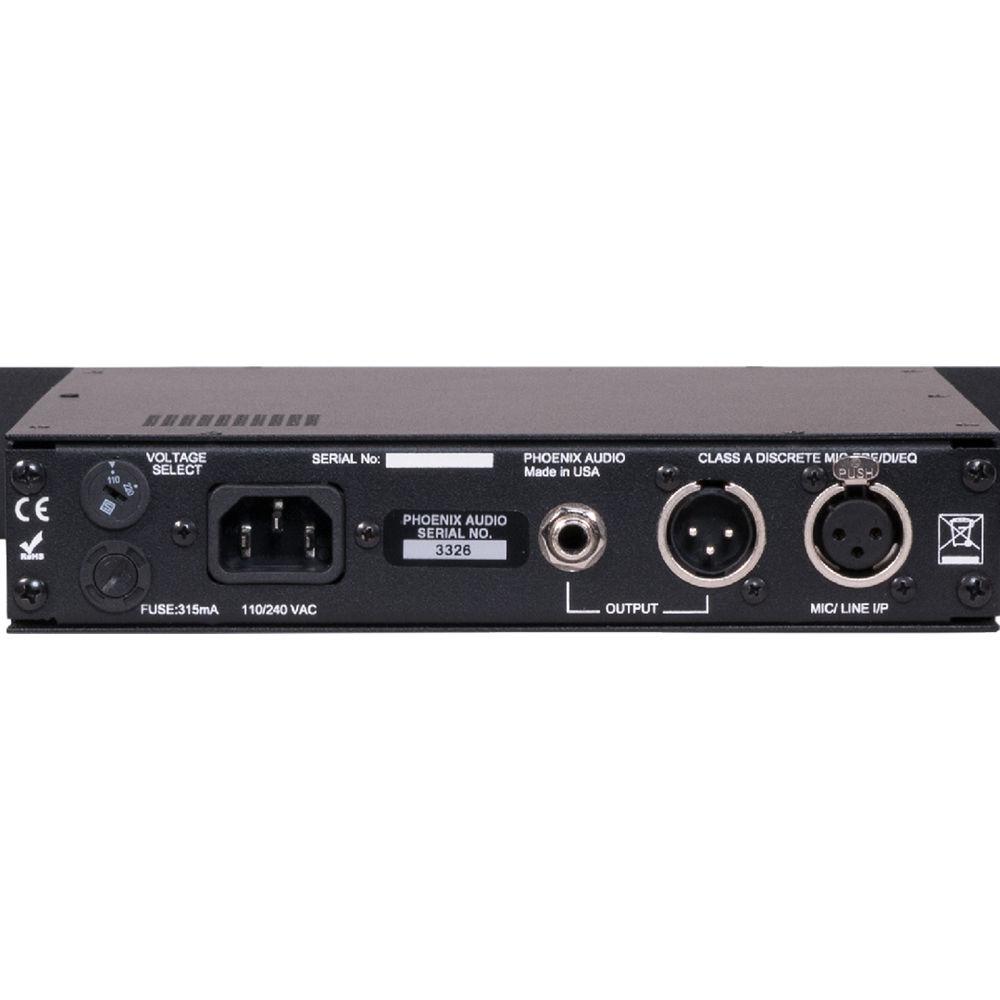
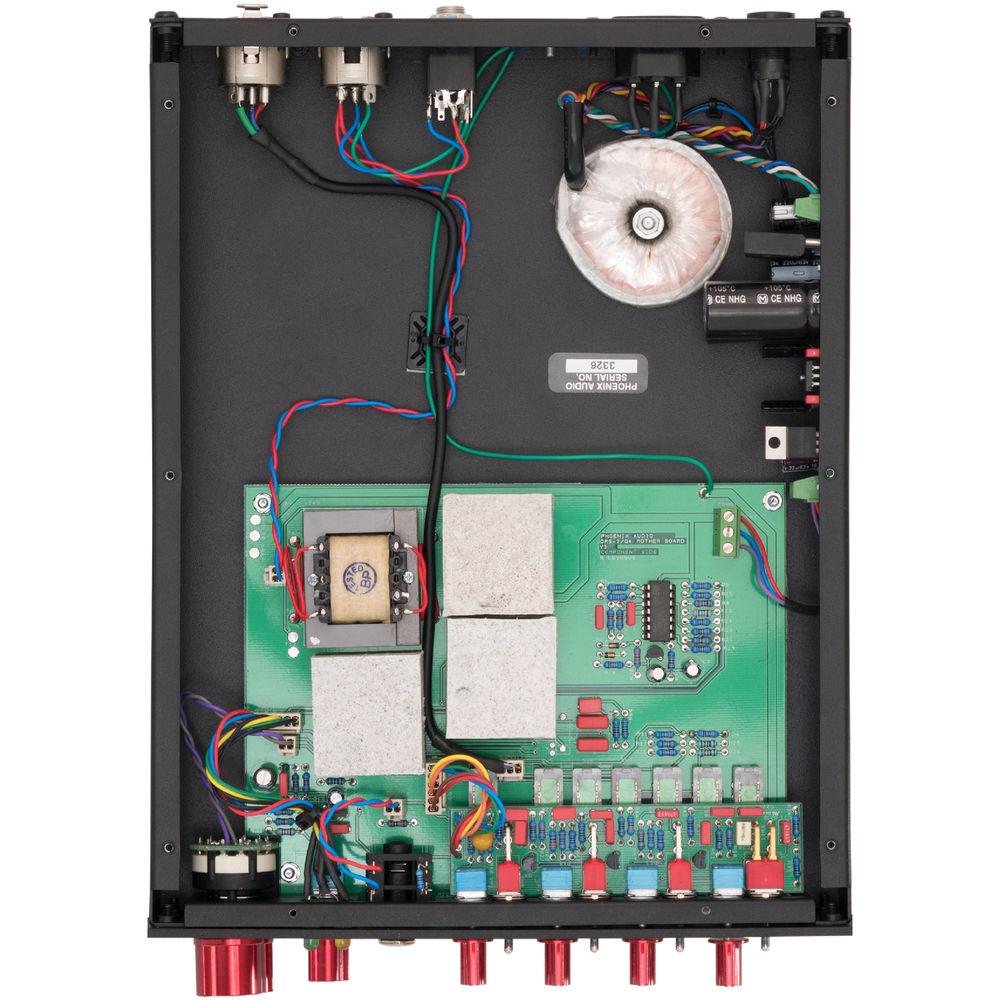
Product description The Ascent One EQ Class-A Mono Microphone Pre-Amplifier/DI from Phoenix Audio takes a modern approach to Class-A circuit design and adds a gyrator-based EQ with frequency centers to deliver a wide range of tones without sacrificing the beloved vibe of true Class-A design. It can be used to tailor your sound with all microphones including ribbons and dynamic mics to drive the output stage for a vast range of pure Class-A tones—from bold clarity to vintage warmth—in broadcast TV or recording studio applications.Featuring a -15 dB input pad, LED gain metering, and push buttons for Hi-Pass Filter, Phase Reverse, and 48V phantom power, the Ascent One EQ microphone preamplifier offers a frequency response of 20 Hz to 20 kHz. Other features include: XLR and TS 1/4" DI input connectors, XLR and TRS 1/4" output jacks on the rear panel. Additionally, the Vari-Filter Control allows you to control and shape tones of all types.The Ascent One EQ Class-A Mono Microphone Preamplifier/DI EQ section offers 16 dB of EQ cut/boost per band with fully detented pots in 21 frequency positions. The gyrator-based EQ frequency centers include 4 bands: High—25, 15, and 10 kHz; Hi Mid—6, 3, and 1 kHz; Low Mid—800, 400, and 200 Hz; and Low—130, 80, and 40 Hz. Finally, the unit is wired with PTFE silver-plated military-grade cable, and a power cord is included. - Versatile, Modern Class-A Mic Preamp/DI
- The Phoenix Ascent One EQ takes a modern approach to Class-A circuit design that delivers a wide range of tones without sacrificing the beloved vibe of true Class-A design. The Ascent circuit can go from ultraclean sounds suitable for audiophile recordings all the way to the warm, saturated tones reminiscent of the UK's most heralded vintage designs.
- Hi-Fi Transformerless Mic Input Stage
- The mic preamp's electronically-balanced, transformerless mic input circuit delivers fast transients and the full-frequency spectrum (from sub-bass to the highest air band), while still delivering the full, warm, and smooth characteristics that make engineers love Class-A mic preamps. Boldly outperforming transformer-based designs in both the frequency response and slew rate, the Ascent One EQ delivers articulate, punchy, and full-bodied input signals, allowing you to drive the output stage for a vast range of pure Class-A tones, from bold clarity to vintage warmth and everything in-between.
- Transformer-Balanced Output Stage
- The DB694 output transformer is coupled to Phoenix's proprietary, fully discrete DSOP-2 output amplifier. The DSOP-2 is a direct descendent of the venerable TF1 amp which Phoenix's head designer, David Rees, developed as an upgrade for vintage Neve modules. Going beyond the TF1, the DSOP2 is the pinnacle of Class-A output circuit design, offering up a smooth transition from ultra-clean to beautifully saturated tones.
- Ultra-High Impedance DI Circuit
- The Ascent mic pre series include very high input impedance DI circuits (10 MOhms) on every channel, remarkably featuring no FETs. This design means that guitar and bass pickups are not loaded, allowing the natural sound of both modern and vintage instruments to shine and enhance the sound, sparkle, and growl as if they were plugged into your favorite amp. Synths, drum machines, and even laptops can likewise be sweetened by the Ascent's DI.
- Easy and Intuitive in the Studio
- Working with a clean, robust, electronically-balanced input signal, the Ascent Mic Preamp/DI makes dialing in your exact sound easy, intuitive, and quick. By working the familiar stepped input gain control (up to 70 dB alone) and the -30 dB pad against the variable output fader (which can also provide an additional 10 dB of gainif you need it), you can dial in your preferred tones without having to consider an overly complex gain architecture. It's all about driving the versatile DSOP-2 output stage to your exacting tastes, whatever they may be in any given moment.
- Vari-Filter Control
- Powerful variable high-pass filter from 80 Hz to 400 Hz allowing you the ability to control and shape tones of all types.
- An EQ As Versatile As It Is Unique
- Phoenix Audio's Mono Ascent Gyrator EQ is one of today's most unique and musical EQs, allowing a variety of sounds useful for everything from clean high-headroom mixbus tone-shaping, to deep frequency carving, to smooth Class-A circuit saturation.
- 4-Bands of Gyration
- The modern day Phoenix Ascent Gyrator EQ gives you High, High-Mid, Low-Mid, and Low-frequency bands, each notched to proven frequencies from a shimmering 25 kHz down to 40 Hz. There's also a high-pass filter at 80 Hz, which can eliminate rumble or be used against low-end boosts for an extra range of unique EQ curves (think: Pultec). Even at extreme boosts and cuts, the Ascent Gyrator EQ's musical filters maintain the core quality of your original signal, allowing you to make bold, gut-level EQ moves that won't sound harsh, slurred, or out of phase.
- Drive the Output Circuit for More Tone Shaping
- Phoenix Audio's DSOP-2 output amplifier, with its custom wound transformer, can deliver everything from ultraclean signals with abundant headroom to fat, fully-saturated tones. By lowering the input attenuator and boosting the output signal, one can drive the DSOP-2 output stage for a wide variety of lush, Class-A saturation. Or, do the opposite—back off on the output while boosting the input—and you'll get huge, clean, hi-fi tones
- Versatile and Effortless, Day After Day
- The Ascent Gyrator EQ keeps the input signal clean, making it possible for an engineer to keep tones transparent or saturate them to taste. Importantly, doing so is effortless and intuitive due to the Ascent Gyrator's straightforward design and unerring musicality.
- Sheen Control
- The sheen control brings life and vitality to your vocals and instruments by adding a super high-frequency boost or cut and adding a sheen.
UPC: 757440437483 In the Box Phoenix Audio Ascent One EQ Class-A Mono Microphone Preamplifier/DI AC Power Cord Limited 2-Year Warranty Table of Contents
|
Upload User Manual
Have you got an user manual for the Phoenix Audio Ascent One EQ Class-A Mono Microphone Preamplifier DI in electronic form? Please send it to us and help us expand our library of instruction manuals.
Thank you, too, on behalf of other users.
To upload the product manual, we first need to check and make sure you are not a robot. After that, your "Submit Link" or "Upload File" will appear.
Technical parametersPhoenix Audio Ascent One Specs | Frequency Response | 20 Hz to 20 kHz ±0.5 dB | | Maximum Output | +26 dBu @ 1 kHz | | Noise | -90 dB @ 20 Hz to 20 kHz | | Output Connectors | XLR and 1/4" / 6.3 mm TRS Jack on Rear | | Mic Input | Class-A, Transformerless Balanced Mic Input Stage: XLRs on Front and Rear Panels | | Microphone Impedance | 10 kOhms | | Transformer Outputs | Balanced Class-A DSOP-2 | | Ground Lift | Push-Button Switches | | Gain Range | Mic Input: -30 to -70 in 5 dB Steps with 10 dB more Available on the Fader. | | Gain Reduction | -15 dB Push-Button Pad Switch (Mic Input Only) | | Input Impedance | DI: Mono 1/4" / 6.3 mm Jack on Front Panel | | Gain Meter | LED Metering. (Green = 0 dB, Red = +8 dB, Corresponding to 4 and 6 on a PPM Meter) | | Phantom Power | +48 V Switchable on Push-Button Switches | | High-Pass Filter | One Push-Button Switch | | Phase Reverse | On Push-Button Switch | | Frequency Response | Mic Input Stage: 0.4 dB @ 40 Hz, -0.3 dB @ 25 kHz
DI Input Stage: 0.3 dB @ 40 Hz, - 0.5 dB @ 25 kHz | | Headroom | +26 dB on Mic-Pre Stage | | DI Stage Gain | Maximum of 30 dB | | EQ Frequency Bands (Fixed) | 4 Bands:
High: 25, 15, 10 kHz
Hi Mid: 6, 3, and 1 kHz
Low Mid: 800, 400, and 200 Hz
Low: 130, 80, and 40 Hz | | EQ Cut/Boost Levels | 16 dB Per Band with Fully Detented Pots in 21 Positions | | Power | 110/240 V Mains Voltage | | Rack Size | 1 RU Half-Rack Space | | Dimensions | Not Specified by Manufacturer | | Weight | Not Specified by Manufacturer |
Rating80% users recommend this product to others. And what about you?

This product has already been rated by 87 owners. Add your rating and experience with the product.
Discussion
 Ask our technicians if you have a problem with your settings,
or if anything is unclear in the user manual you have downloaded.
You can make use of our moderated discussion.
The discussion is public and helps other users of our website who may be encountering similar problems.
Ask our technicians if you have a problem with your settings,
or if anything is unclear in the user manual you have downloaded.
You can make use of our moderated discussion.
The discussion is public and helps other users of our website who may be encountering similar problems.
The discussion is empty - enter the first post
Post a new topic / query / comment:
|
|
|
| Request for user manual |
You can’t find the operation manual you are looking for? Let us know and we will try to add the missing manual:
I’m looking for a manual / Request for manual
Current requests for instruction manuals:
Call Of Duty World War Two For Xbox...
controller stratus XL...
stratus XL...
smart whatch serie S11 42mm...
Allen & Heath SQ-6 manual...
|
| Discussion |
Latest contributions to the discussion:
AEW R 4100
Name: MAURICIO ANGARITA
Audio-Technica AEW-R4100 UHF Diversity Receiver for
AEW R 4100 has the mute function blocked and does not allow audio to pass. I tried several times to turn off the mute from the transmitter but it does nothing, the mute stays on. Solution?
Thank you...
Instructions for assembling the 2015 Forecast Image Master Consoles GC3-A
Name: mike elam
Forecast Consoles GC3-A ImageMaster Editing Console
Looking for instructions for assembling this console. ...
EMPTY TONER ERROR MESSAGE AFTER REPLACING TONER
Name: LINDA BAD YELLOW EYES
Brother TN223BK Standard-Yield Toner
I HAD TO CHANGE OUT ALL THREE TONERS DUE TO LEAKS IN THE YELLOW AND CYAN. AFTER I REPLACED THEM, THE MACHINE KEEPS GIVING ME AN EMPTY TONER ERROR MESSAGE. HELP!!...
PS480D 20/24 pin Switching 480W Power Supply
Name: swkargo
Logisys 480W Power Supply
This item states in can run -5vdc .It is NOT listed on the board or I beleive is r4 is missing the resitior. Any body have thid issue. Shawn
...
Help needed
Name: Ann Carter
SanDisk 1TB Extreme Portable USB 3.1
When I click the link to download the user manual for my Sandisk Extreme external hard drive, it gives me the manual for the LG Cricket. Can you please change the link so I can download the Sandisk manual and begin using this drive? Thank you....
|
|


