User Manual for PhotoFast TubeDrive Portable YouTube Storage & Playback USB Flash Drive for iOS Click to enlarge the picture
 Contents of the user manual for the PhotoFast TubeDrive Portable YouTube Storage &
- Product category: Memory Storage PhotoFast
- Brand: PhotoFast
- Description and content of package
- Technical information and basic settings
- Frequently asked questions – FAQ
- Troubleshooting (does not switch on, does not respond, error message, what do I do if...)
- Authorized service for PhotoFast Memory Storage

 |
User manual for the PhotoFast TubeDrive Portable YouTube Storage & contain basic instructions
that need to be followed during installation and operation.
Before starting your appliance, the user manual should be read through carefully.
Follow all the safety instructions and warnings, and be guided by the given recommendations.
User manual is an integral part of any PhotoFast product,
and if it is sold or transferred, they should be handed over jointly with the product.
Following the instructions for use is an essential prerequisite for protecting
health and property during use, as well as recognition of liability on the part of the manufacturer
for possible defects should you make a warranty claim. Download an official PhotoFast user manual in which you will find instructions on how to install, use, maintain and service your product.
And do not forget – unsuitable use of a PhotoFast product will considerably shorten its lifespan!
|
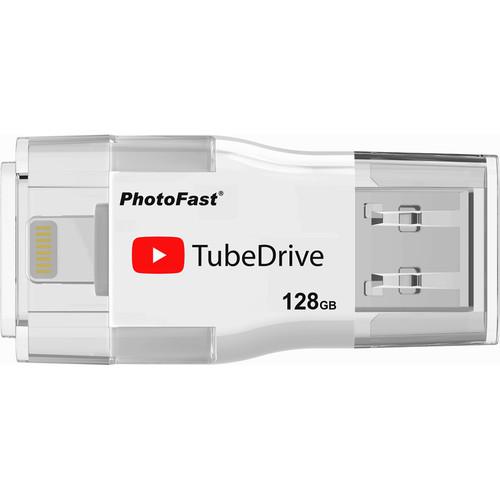
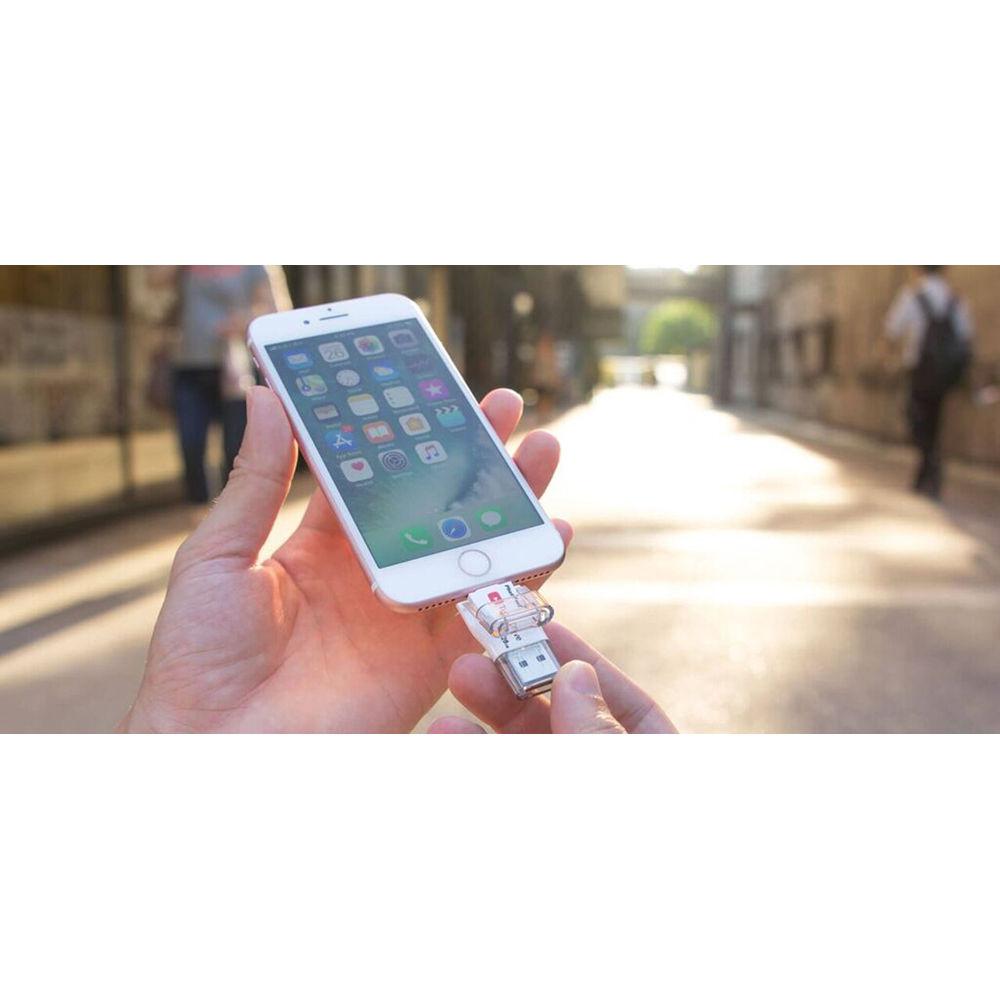
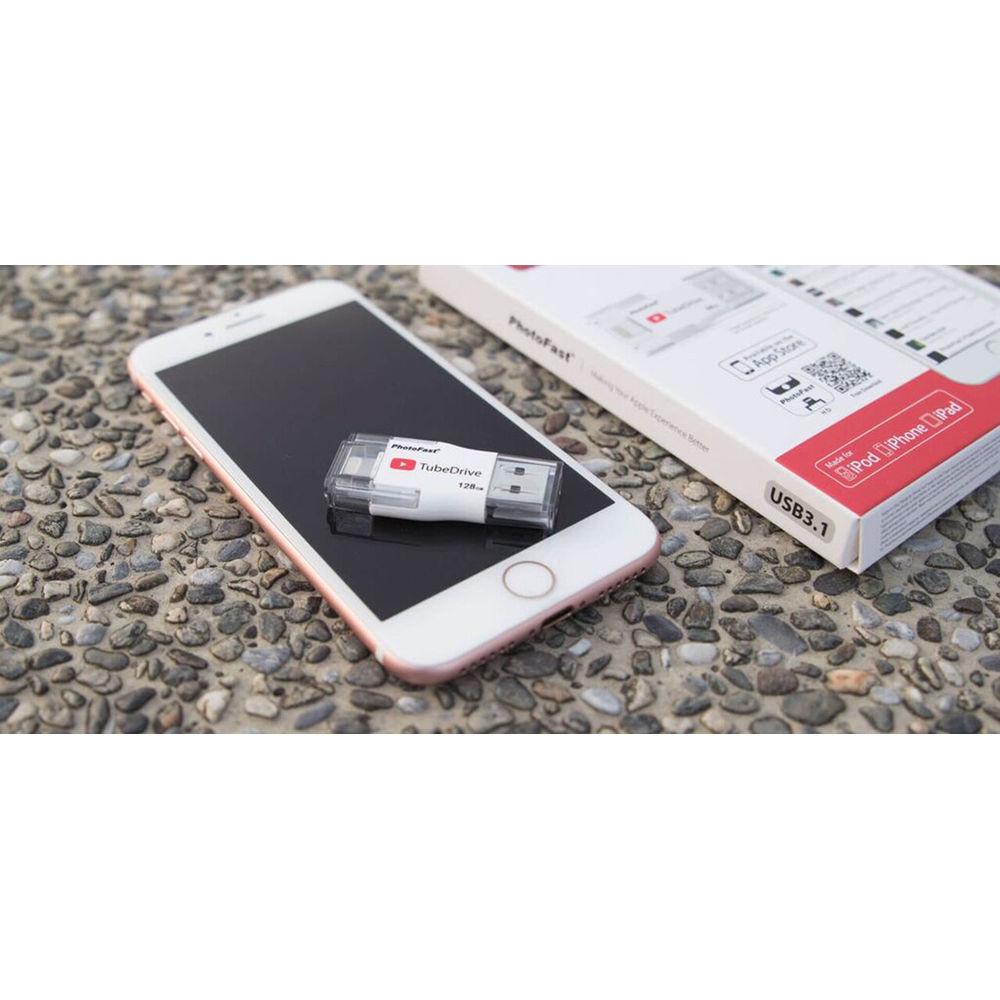
Product description The 128GB TubeDrive Portable YouTube Storage Playback from PhotoFast is a 2-in-1 capacity expansion solution for Apple devices, including macOS and iOS. It is compatible with MacBook and MacBook Pro systems, as well as Windows laptops, while the TubeDrive's Lightning connector ensures compatibility with your iPhone, iPad, and iPod. The TubeDrive's standout feature is its direct caching capability for YouTube videos, which allows for downloading, library building, and data backup. Transfer files across platforms via the TubeDrive's USB 3.1 interface. Using this flash drive's USB Type-A and Lightning connectors provides plug-and-play data transfer at up to 5 Gb/s.
The PhotoFast TubeDrive supports various file types for audio, video, images, and documents. It also provides users with data management opportunities so you can access and organize your device's media, while built-in encryption keeps your information safe. Additionally, the TubeDrive works with third-party apps, including Dropbox, Google Drive, OneDrive, Facebook, Instagram, Tumblr, and more. When you need a charge, the TubeDrive can pass power to your Apple device from a USB Type-A port. Each connector is protected by a flip cover cap when you're not using this portable accessory. The TubeDrive works in concert with the PhotoFast iFiles+ app for customized functions. - USB 3.1 Gen 1
- USB 3.1 Gen 1 features a maximum throughput of 5 Gb/s. USB 3.1 Gen 1 and USB 3.0 are synonymous.
- Designed for Apple Devices
- The TubeDrive is compatible with MacBook and MacBook Pro systems to transfer your data. Its Lightning connector provides extra storage capacity to your iPhone and iPad.
- Direct File Transfer
- The TubeDrive works with the PhotoFast iFiles+ app and makes file transfer easy without concern for file types, conversions, or syncing between devices. Copy your files to the TubeDrive, remove, and plug into the device you wish to copy the files to.
- Network Free
- PhotoFast's TubeDrive and iFiles+ app works without a network connection, so you can access and share your files anywhere, anytime.
- Back Up Data to Free Up Space
- Back up your data and free up space on your iPhone, iPad, and iPod. Press one button to back up your contacts, calendars, and photos. Through the TubeDrive and PhotoFast iFiles+ app, transfer all your valuable information without the need to synchronize with iTunes.
- Access and Back Up Popular Social Media Content
- The TubeDrive offers direct access to popular social media platforms and media backups for Facebook, Instagram, and Tumblr, and YouTube.
- App Support for iPhone and iPad
- Downloading the PhotoFast iFiles+ app you gain an accessory available for your iPhone and iPad. Bring your files together, including music, video, photos, and documents into one convenient place.
- Compatibility
-
- iOS 9, 10, 11
- macOS
- Windows XP, 7, 8, 10
- Supported Models
-
- iPhone 5, 5c, 5s, 6, 6 Plus, 6s, 6s Plus, 7, 7 Plus, SE
- iPad Air, Air 2, mini, Pro
- iPod Touch 6
- Supported File Formats
-
- Document: Pages, Numbers, Keynote, DOC, DOCX, XLS, XLSX, PPT, PPTX, RTF, TXT, HTML, PDF
- Image: JPG, PNG, BMP, GIF, TIF, TIFF, ICO, XBM, CUR
- Audio: MP3, AAC, AIF, AIFF, WAV, M4A, CAF
- Video: MP4, MOV, M4V (without DRM), MKV, AVI, FLV, RM, RMVB, WMV, VOB, 3GP
- Others: Zip
UPC: 848661013898 In the Box PhotoFast TubeDrive Portable YouTube Storage & Playback USB Flash Drive for iOS (128GB) Limited 1-Year Warranty Table of Contents
|
Upload User Manual
Have you got an user manual for the PhotoFast TubeDrive Portable YouTube Storage & Playback USB Flash Drive for iOS in electronic form? Please send it to us and help us expand our library of instruction manuals.
Thank you, too, on behalf of other users.
To upload the product manual, we first need to check and make sure you are not a robot. After that, your "Submit Link" or "Upload File" will appear.
Technical parametersPhotoFast PhotoFast TubeDrive Specs | Storage Capacity | 128 GB | | Interface | USB 3.0/3.1 Gen 1 (5 Gb/s) | | Connector | USB Type-A, Lightning | | Resistance | None | | Dimensions | 1.9 x 0.9 x 0.3" / 48.4 x 22.5 x 7.5 mm | | Weight | 0.02 oz / 0.5 g | | | | Package Weight | 0.89 lb | | Box Dimensions (LxWxH) | 6.0 x 4.0 x 1.0" |
Rating90% users recommend this product to others. And what about you?

This product has already been rated by 66 owners. Add your rating and experience with the product.
Discussion
 Ask our technicians if you have a problem with your settings,
or if anything is unclear in the user manual you have downloaded.
You can make use of our moderated discussion.
The discussion is public and helps other users of our website who may be encountering similar problems.
Ask our technicians if you have a problem with your settings,
or if anything is unclear in the user manual you have downloaded.
You can make use of our moderated discussion.
The discussion is public and helps other users of our website who may be encountering similar problems.
The discussion is empty - enter the first post
Post a new topic / query / comment:
|
|


