|
User Manual for Pixologic ZBrushCore for Mac Click to enlarge the picture
 Contents of the user manual for the Pixologic ZBrushCore for Mac
- Product category: Animation & CAD Software Pixologic
- Brand: Pixologic
- Description and content of package
- Technical information and basic settings
- Frequently asked questions – FAQ
- Troubleshooting (does not switch on, does not respond, error message, what do I do if...)
- Authorized service for Pixologic Animation & CAD Software


 |
User manual for the Pixologic ZBrushCore for Mac contain basic instructions
that need to be followed during installation and operation.
Before starting your appliance, the user manual should be read through carefully.
Follow all the safety instructions and warnings, and be guided by the given recommendations.
User manual is an integral part of any Pixologic product,
and if it is sold or transferred, they should be handed over jointly with the product.
Following the instructions for use is an essential prerequisite for protecting
health and property during use, as well as recognition of liability on the part of the manufacturer
for possible defects should you make a warranty claim. Download an official Pixologic user manual in which you will find instructions on how to install, use, maintain and service your product.
And do not forget – unsuitable use of a Pixologic product will considerably shorten its lifespan!
|
Product description - 2016 ZBrush Summit - ZBrushCore Presentation
- ZBrushCore - Joseph Drust - Conceptual Sculpting Tutorial
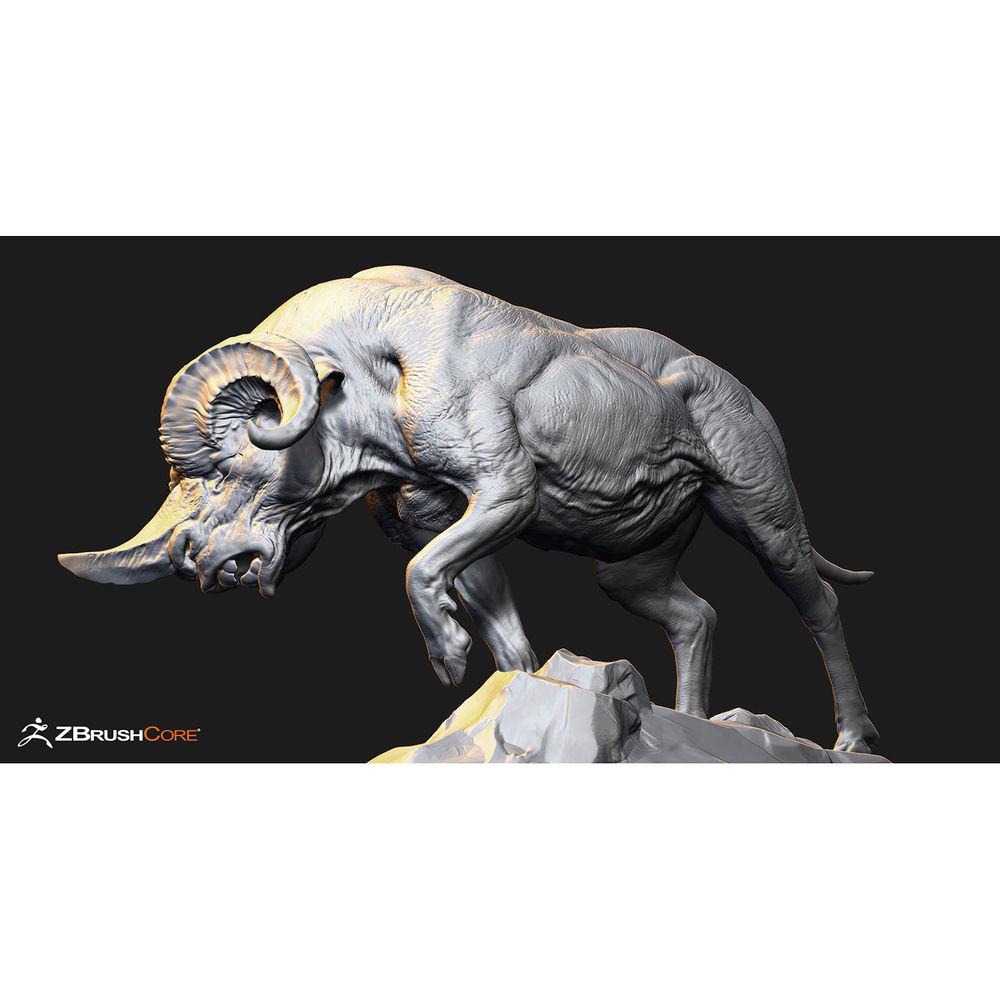
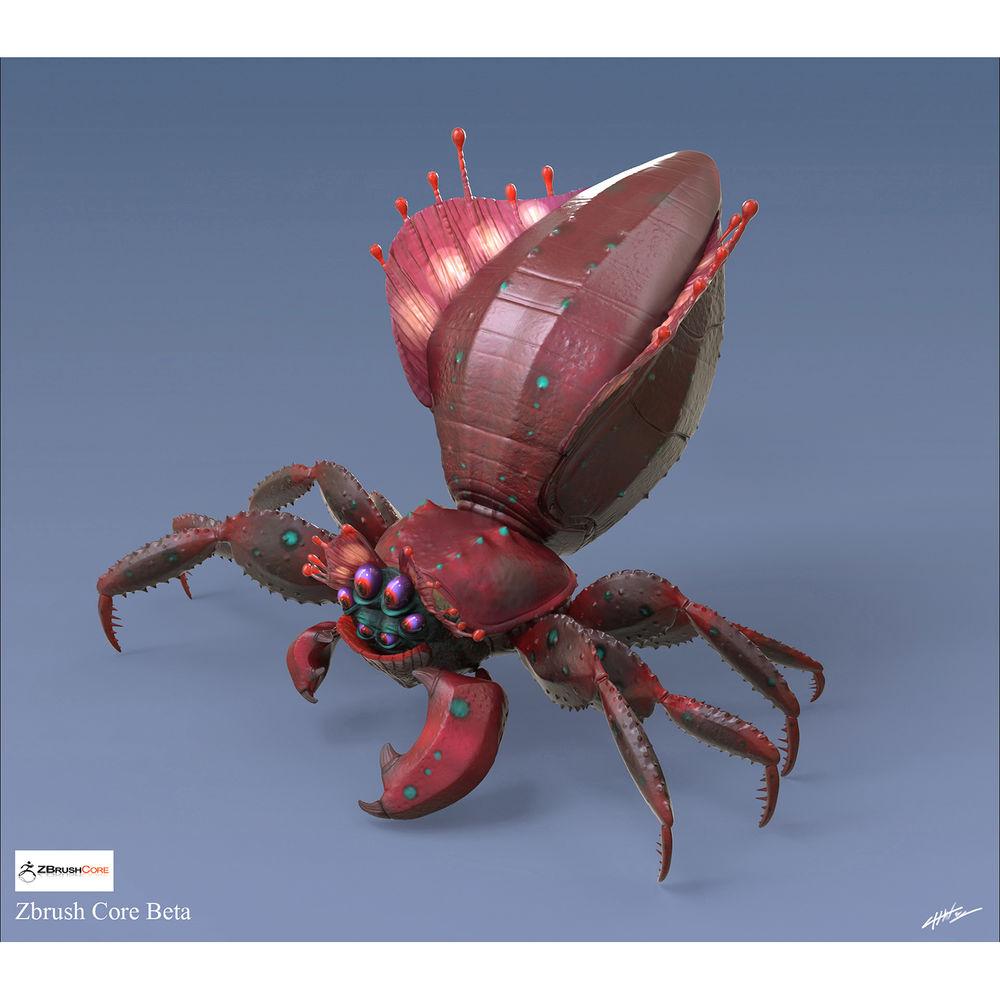
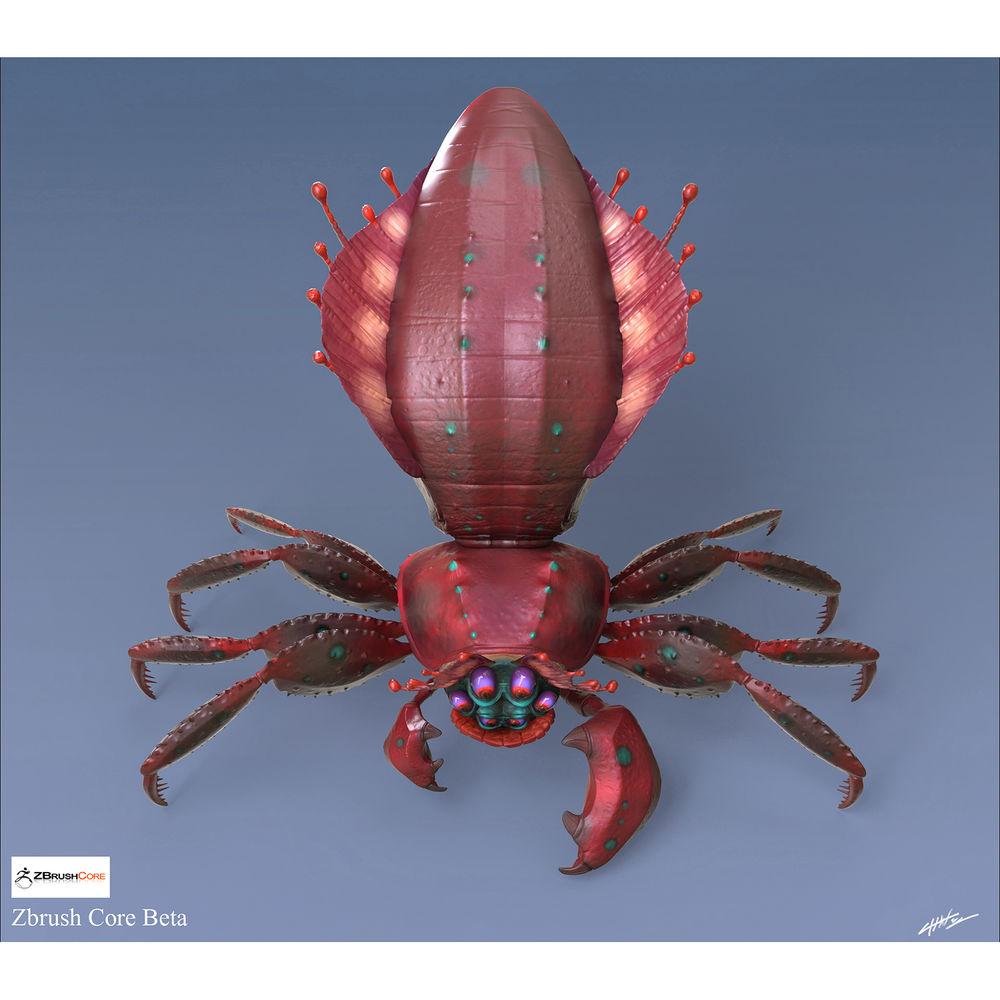
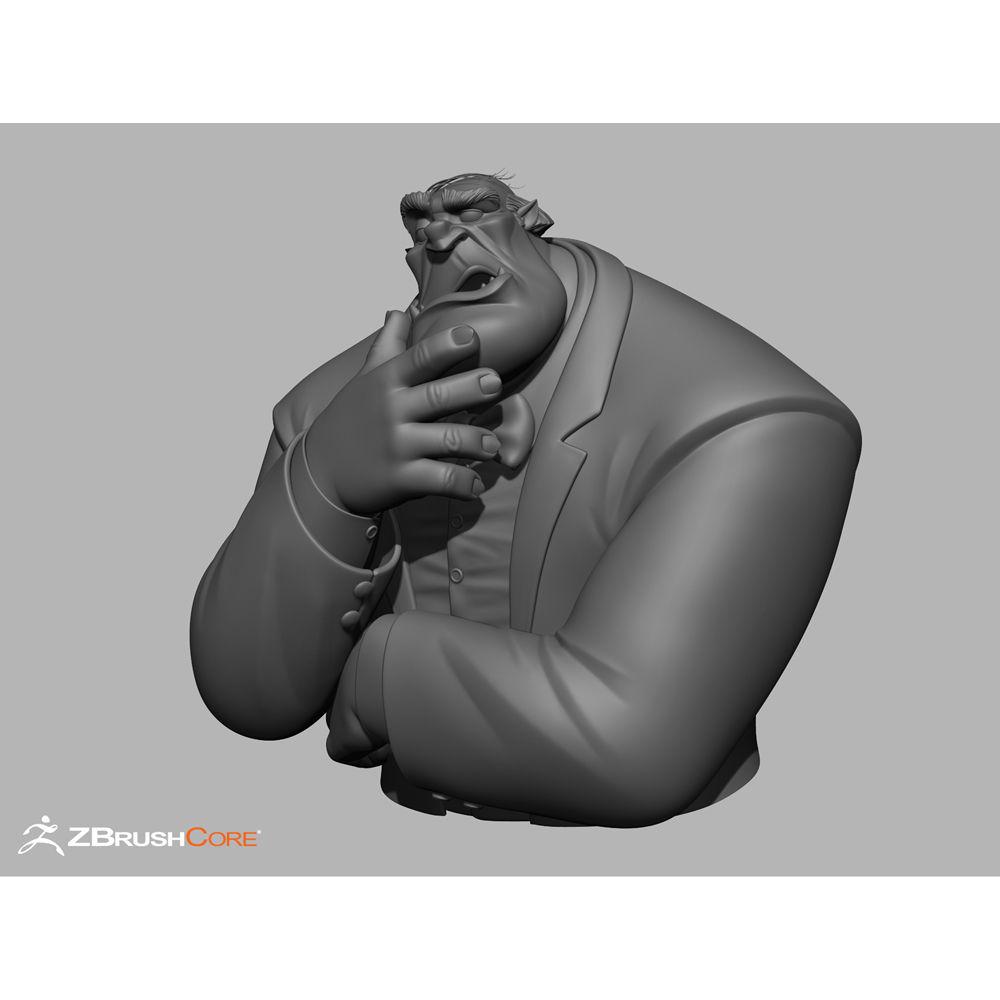
Pixologic ZBrushCore features the most essential elements of the award-winning Zbrush sculpting and painting software. It's designed for users of all experience levels and offers easy-to-use tools that let you quickly create models and then paint them. You can create models of people, animals, or objects.
Whether you are creating an illustration, a game character, a toy, a figure for 3D printing, or designing jewelry, ZBrushCore gives you the basic platform to easily make it happen. If after mastering ZBrushCore you want to take your art to the next level, you can move on to ZBrush itself and find the move hassle-free. Everything you learn in ZBrushCore can be directly applied to ZBrush.
A large library of hundreds of in-depth video tutorials, such as one showing how to make a key chain for 3D printing, is available to you for free from Pixologic to guide you through your user experience. Note: This volume license requires a minimum purchase of five units and uses a single serial number for all units. It's a node-locked license and must be activated separately on each computer where it will be run. The price per seat is identical to that of a single-user license. Additional seats may be added in any quantity at any time. Platforms may not be mixed. Mac and PC volume licenses must be purchased separately. Volume licenses are not eligible for upgrade to ZBrush Pro. Key Features - Powerful Brush System
- ZBrushCore's brushes allow you to shape, sculpt, refine, and detail your models or insert pre-made shapes.
- Ready-to-Use Content
- Included with ZBrushCore is a library of content to help you as a jumping off point for your own creations.
- DynaMesh: Digital Clay
- DynaMesh is a helpful tool for trying out your design ideas while keeping an optimum sculpting surface. Reshape your models and add or remove parts, all on the fly.
- ZSpheres
- Quickly build complex organic shapes, characters and creatures by linking the unique ZSpheres together. It's like drawing a stick figure and letting ZBrushCore give it volume. When you're ready to start sculpting, a single click converts the structure into a sculptable mesh.
- High Detail
- ZBrushCore allows you to create extremely high definition meshes for the very finest details, while still being able to change the overall shape if you wish.
- Surface Noise
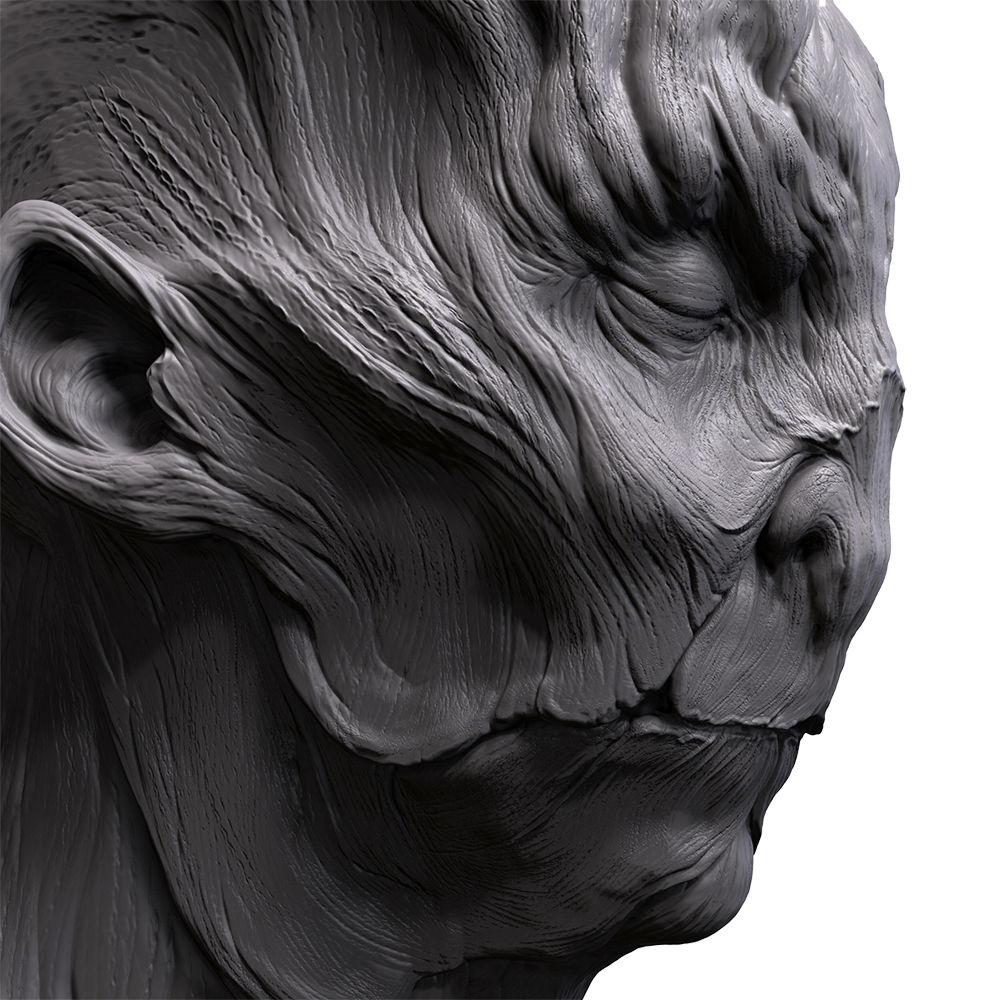
- For quick surface effects, ZBrushCore includes a powerful noise generator. Want to make your model look as though it's made of stone? Just a couple of clicks and it's done!
- Shape Extraction
- The Extract tool allows you to quickly create new shapes by painting a mask on the model. This is perfect for creating armor and other close-fitting pieces.
- 3D Print Ready
- ZBrushCore comes complete with a button to optimize your model, getting it ready for 3D printing.
- Render Beautiful Images
- Use ZBrushCore to produce a final image of your sculpted and painted model that you can then edit with your favorite 2D software. Alternatively, you can use the optional ZBrush to KeyShot Bridge, sending your model to KeyShot with a single click for a photorealistic render.
All Features - Base Mesh Generation
-
- Dynamesh
- ZSpheres
- Mannequin
- Primitives
- Mesh Extract
- Sculpting
-
- 20 million polygons per mesh
- Multi-resolution mesh editing (subdivision surface sculpting)
- Insert Multi-Mesh
- 30 brushes
- Multiple-Mesh support (Subtools)
- Surface Noise
- Boolean-type operations with DynaMesh
- 3D Surface Effect ClayPolish
- Reference Image support
- Illustration
-
- Document resolution: screen size
- Texturing
-
- 3D painting capabilities (PolyPaint): Basic
- Rendering
-
- Basic BPR
- ZBrush to KeyShot Bridge support
- Import/Export
-
- Export: OBJ, MA, STL, VRML (STL/VRML export file size is limited to 200,000 polygons. Larger models must be decimated before these formats can be used.)
- Import: OBJ, MA
- Basic export settings for 3D printing
- Model hollowing for 3D printing
- Opens all files created by ZBrushCore
- General
-
- 64-bit architecture
- CPU-based - no special graphics card needed
- Graphics tablet support
- Library of 3D startup models
- Works in English, Chinese, French, German, Japanese, and Spanish (selectable)
- Advanced
-
- Basic Masking capabilities
- Basic polygroup capabilities
Table of Contents
|
Upload User Manual
Have you got an user manual for the Pixologic ZBrushCore for Mac in electronic form? Please send it to us and help us expand our library of instruction manuals.
Thank you, too, on behalf of other users.
To upload the product manual, we first need to check and make sure you are not a robot. After that, your "Submit Link" or "Upload File" will appear.
Technical parametersPixologic 83048200321080 Specs | | | Delivery Method | Download | | Version | Standard | | | | Supported Operating Systems | macOS X 10.7 or Later | | Memory Requirement | 4 GB (16 GB Recommended) | | Storage Requirement | 8 GB | | CPU Requirement | Intel Core 2 Duo and Faster | | Display Resolution Requirement | 1280 x 1024 (1920 x 1200 Recommended) | | Supported Languages | English
French
German
Japanese
Spanish
Traditional Chinese |
Rating80% users recommend this product to others. And what about you?

This product has already been rated by 82 owners. Add your rating and experience with the product.
Discussion
 Ask our technicians if you have a problem with your settings,
or if anything is unclear in the user manual you have downloaded.
You can make use of our moderated discussion.
The discussion is public and helps other users of our website who may be encountering similar problems.
Ask our technicians if you have a problem with your settings,
or if anything is unclear in the user manual you have downloaded.
You can make use of our moderated discussion.
The discussion is public and helps other users of our website who may be encountering similar problems.
The discussion is empty - enter the first post
Post a new topic / query / comment:
|
|
|
| Request for user manual |
You can’t find the operation manual you are looking for? Let us know and we will try to add the missing manual:
I’m looking for a manual / Request for manual
Current requests for instruction manuals:
Call Of Duty World War Two For Xbox...
controller stratus XL...
stratus XL...
smart whatch serie S11 42mm...
Allen & Heath SQ-6 manual...
|
| Discussion |
Latest contributions to the discussion:
AEW R 4100
Name: MAURICIO ANGARITA
Audio-Technica AEW-R4100 UHF Diversity Receiver for
AEW R 4100 has the mute function blocked and does not allow audio to pass. I tried several times to turn off the mute from the transmitter but it does nothing, the mute stays on. Solution?
Thank you...
Instructions for assembling the 2015 Forecast Image Master Consoles GC3-A
Name: mike elam
Forecast Consoles GC3-A ImageMaster Editing Console
Looking for instructions for assembling this console. ...
EMPTY TONER ERROR MESSAGE AFTER REPLACING TONER
Name: LINDA BAD YELLOW EYES
Brother TN223BK Standard-Yield Toner
I HAD TO CHANGE OUT ALL THREE TONERS DUE TO LEAKS IN THE YELLOW AND CYAN. AFTER I REPLACED THEM, THE MACHINE KEEPS GIVING ME AN EMPTY TONER ERROR MESSAGE. HELP!!...
PS480D 20/24 pin Switching 480W Power Supply
Name: swkargo
Logisys 480W Power Supply
This item states in can run -5vdc .It is NOT listed on the board or I beleive is r4 is missing the resitior. Any body have thid issue. Shawn
...
Help needed
Name: Ann Carter
SanDisk 1TB Extreme Portable USB 3.1
When I click the link to download the user manual for my Sandisk Extreme external hard drive, it gives me the manual for the LG Cricket. Can you please change the link so I can download the Sandisk manual and begin using this drive? Thank you....
|
|


