|
User Manual for Plustek OpticBook 4800 Click to enlarge the picture
 Contents of the user manual for the Plustek OpticBook 4800
- Product category: Flatbed & Document Scanners Plustek
- Brand: Plustek
- Description and content of package
- Technical information and basic settings
- Frequently asked questions – FAQ
- Troubleshooting (does not switch on, does not respond, error message, what do I do if...)
- Authorized service for Plustek Flatbed & Document Scanners
 |
User manual for the Plustek OpticBook 4800 contain basic instructions
that need to be followed during installation and operation.
Before starting your appliance, the user manual should be read through carefully.
Follow all the safety instructions and warnings, and be guided by the given recommendations.
User manual is an integral part of any Plustek product,
and if it is sold or transferred, they should be handed over jointly with the product.
Following the instructions for use is an essential prerequisite for protecting
health and property during use, as well as recognition of liability on the part of the manufacturer
for possible defects should you make a warranty claim. Download an official Plustek user manual in which you will find instructions on how to install, use, maintain and service your product.
And do not forget – unsuitable use of a Plustek product will considerably shorten its lifespan!
|
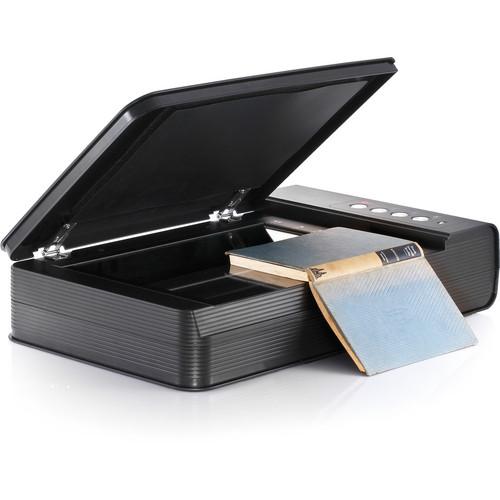
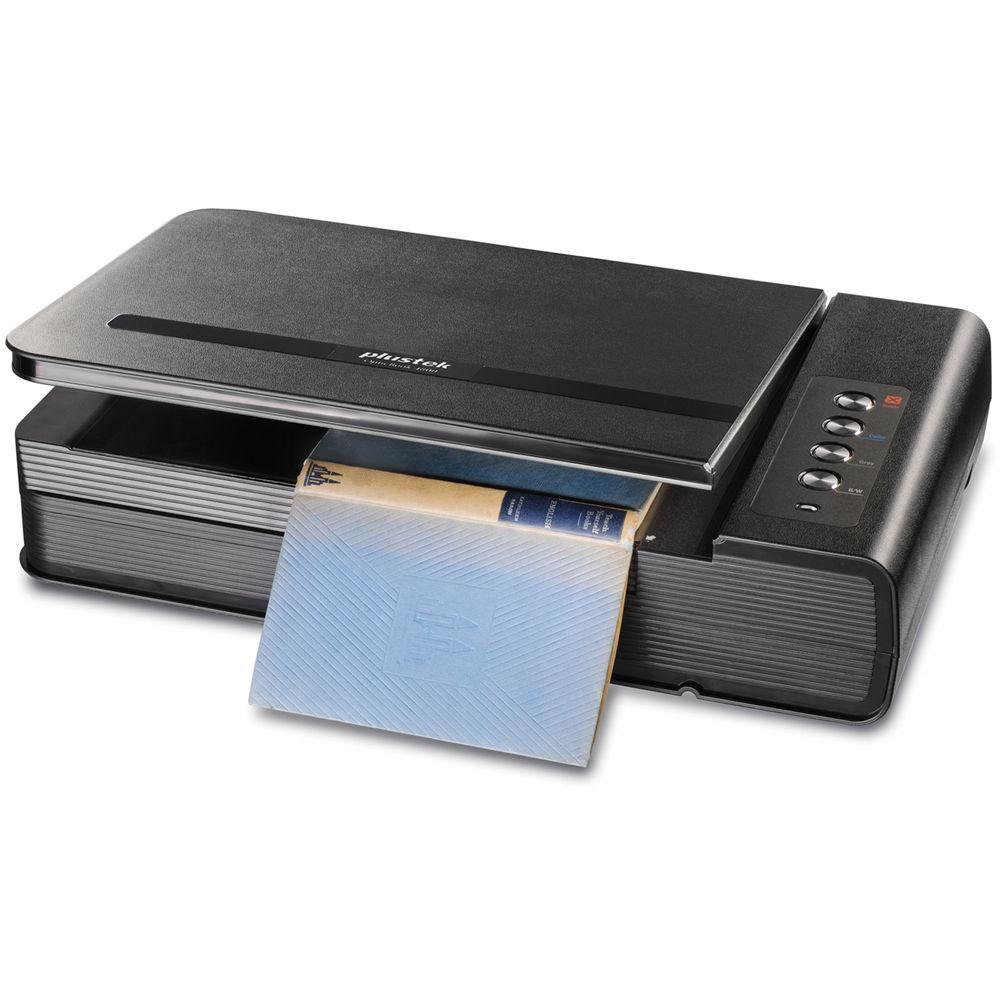
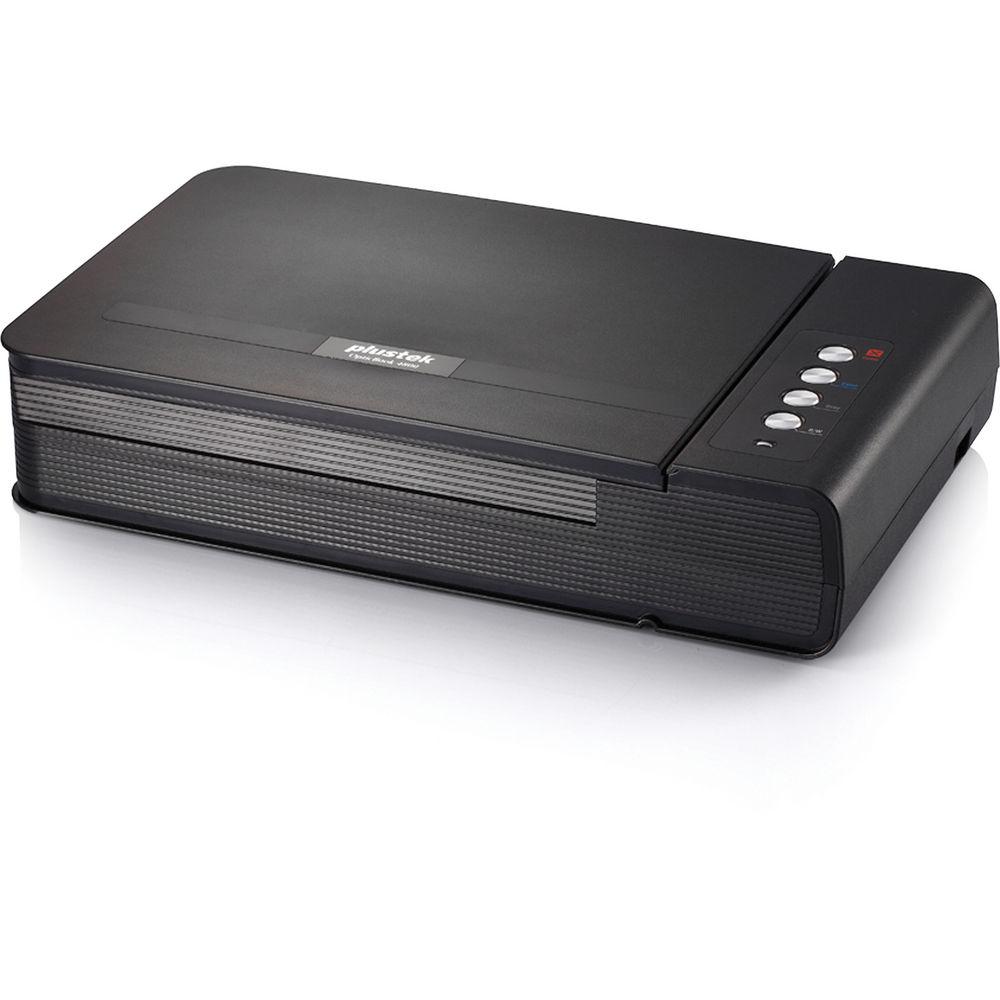
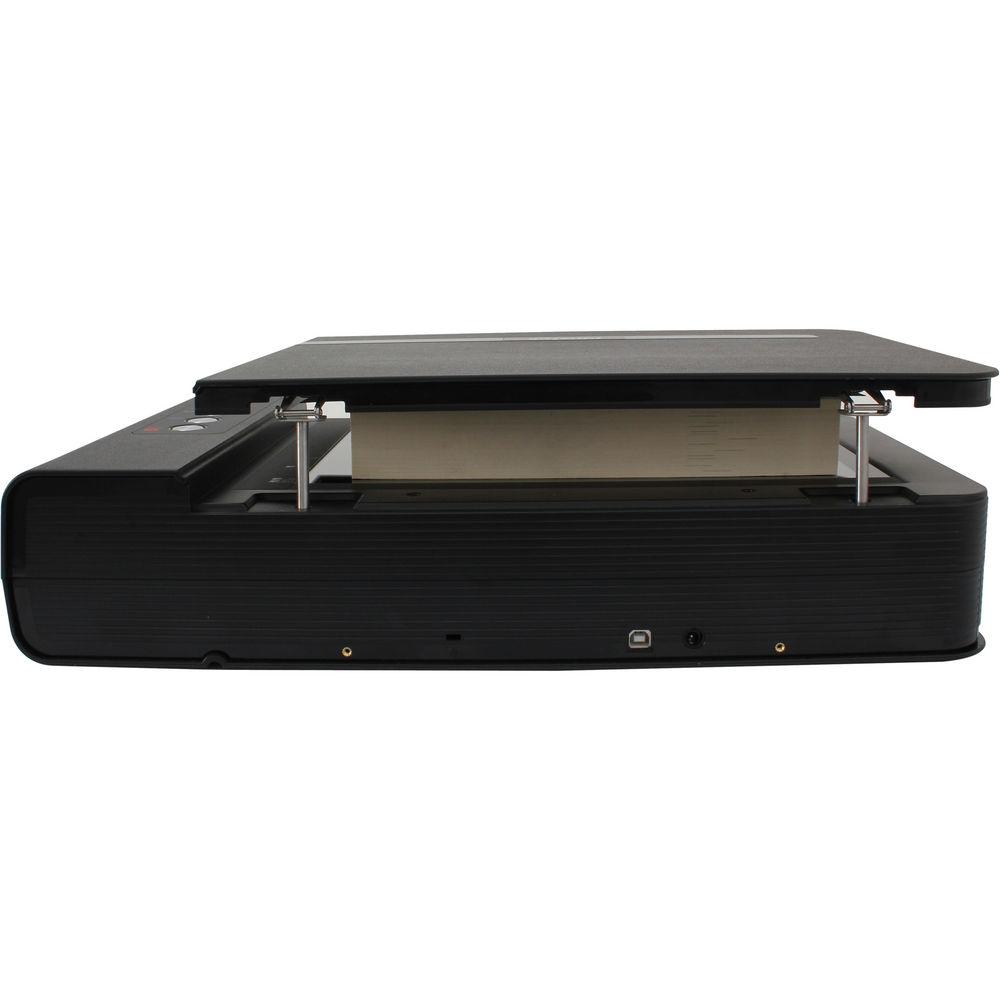
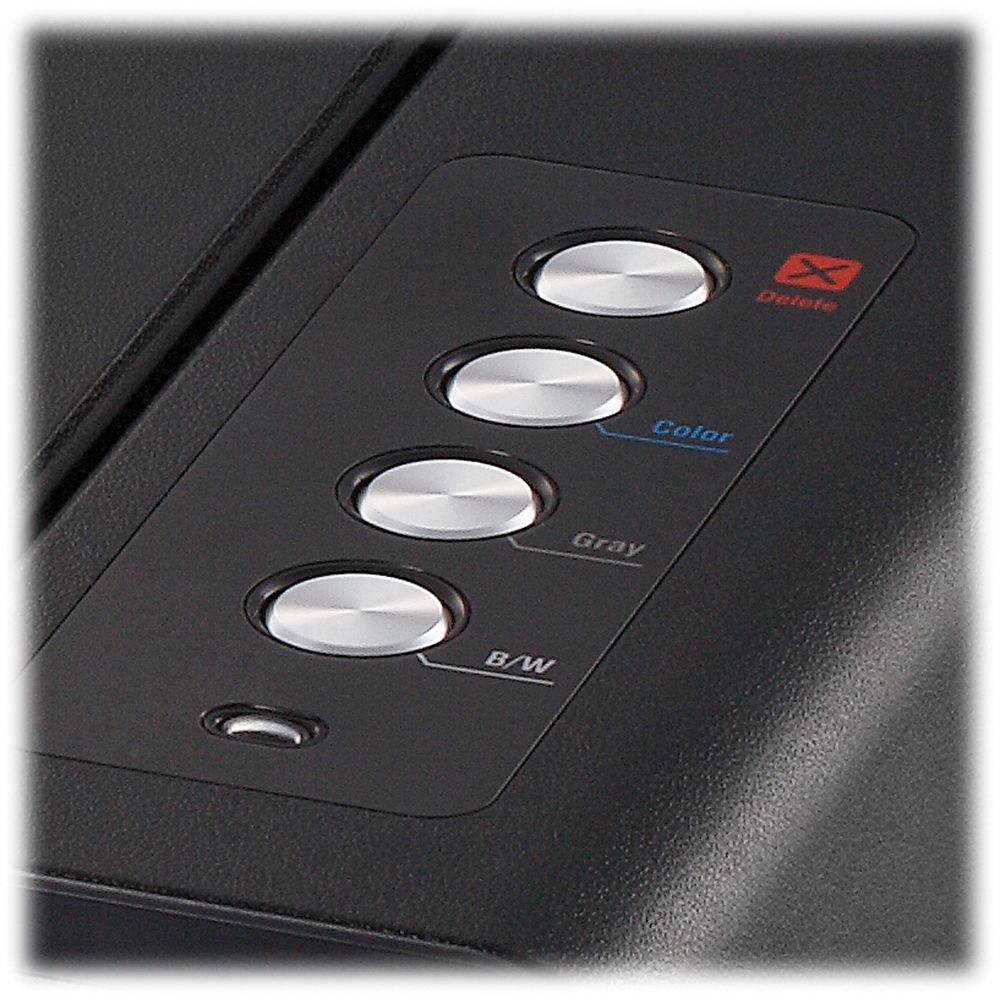
Product description The OpticBook 4800 from Plustek is a cost-effective way to convert books and other printed material into editable text. The scanner's unique book edge elimination design gets rid of spine shadow, providing you with a clean scan without the need for an expensive overhead scanner or image editing software. The convenient one-touch function buttons simplify the scanning process and the included software suite helps you get the most out of your scanner. A key component of the OpticBook 4800 system is its extensive software suite: ABBYY FineReader 9.0 Sprint uses OCR technology to convert your scanned images into editable text, searchable PDF, Microsoft Word, or Microsoft Excel file. Also part of PageManager is a file management system to help you keep track of scanned documents. The software is compatible with up to 183 languages so you can easily OCR texts in most languages. The software even has multi-language recognition and auto language detection so you don't have to specify the import language each time. Also included is Presto! ImageFolio 4.5 which walks you through the process of digitizing and fine-tuning your image collection. Plustek Book Pavilion converts printed books into the most common electronic formats used by eReaders, including searchable PDF, PDF, TIF, JPG, and BMP. The software's user-friendly design makes it easy to put your printed books on an eReader, saving you the expense of buying digital copies of books you already own. While most book scanners necessitate physically cutting the pages off the spine, the OpticBook's unique edge shadow elimination technology obviates the need for cutting while still providing you with a clean shadow-free scan. Designed for book scanning - The Shadow Elimination Element (SEE) eliminates the book spine shadow and text distortion associated with books scanned on flatbeds and copiers.
Create Searchable PDFs - Quickly create searchable PDF files
Fast - Scanning speed of 7 seconds at 300 dpi for an A4 size color page
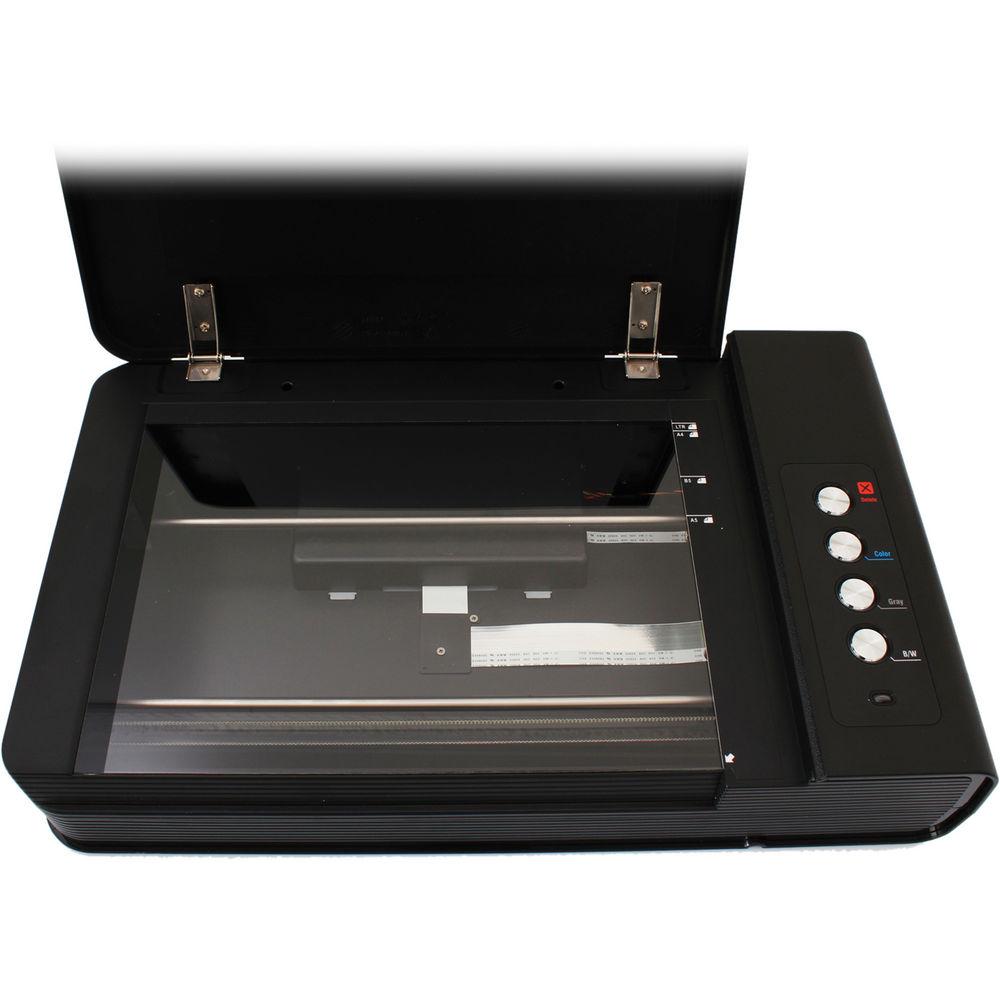
Easy To Use - One-touch buttons for performing pre-set functions to improve efficiency and reduce scan time
User-Friendly software - Simple-to-use image processing and document management software bundled for fast and secure Searchable PDF conversion, image and photo editing, thumbnail viewer for locating files easily, sharing files over the network, and highly accurate Optical Character Recognition
NewSoft Presto! ImageFolio 4.5 - ImageFolio is a comprehensive multimedia image-processing program. You can create new images by using the ImageFolio's powerful tools. This sophisticated set of image-editing tools enables you to quickly create new images or enhance pre-existing ones
- Complete image-tuning functions
- Easy to manage and preview image files
- TWAIN interface support for automatic fine-tuning during scanning
- Support TIF, PCX, BMP, TGA, JPG, PCD, WMF, and PNG file format (PC)
- Image Manager functions as an image database and uses folders to manage and preview files
NewSoft Presto! PageManager 7.10 - Powerful document management software for OCR, PDF creation, or format conversion to Microsoft Word or Excel. TWAIN-Express makes it easy to connect with your scanner
- Built-in award-winning OCR
- Supports over 100 popular applications
- Unlimited nested folders to easily organize files
- Full-text search with adjustable fuzzy logic and index search
- Easy image editing QuickFix tools with real-time preview
- New annotation tools include sticky notes and rubber stamps
- Share photos via e-mail easily with Presto! Wrapper
- Share photos via the Internet by connecting to PhotoNet
- Works with any TWAIN scanner
Plustek DI Capture - Image capture and management software featured with indexed archives. It also makes it easy to import, export, edit, and organize documents and images in an efficient way
Plustek DocTWAIN - Industry standard TWAIN drivers ensure compatibility with thousands of image enabled applications including: document management, document capture, enterprise content management, forms processing, photographic imaging and image management applications
Plustek Book Pavilion - Plustek Book Pavilion is an easy to use application that transforms your printed books, magazines and bound material into electronic formats such as: searchable PDF, PDF, TIF, JPG and BMP. The user interface is designed to simplify the scanning process and create electronic copies of your bound material in the fewest number of steps
ABBYY FineReader 9.0 Sprint - Comes with simple user interface, supports recognition up to 183 languages and has the following features:
- Convert scanned document and images into Microsoft Word, Excel, searchable PDF and other formats
- Superior recognition accuracy & layout retention in 183 languages
- One-click smart conversion for easy access - no learning curve
- Multi-language recognition with automatic language detection
- Instant on-screen OCR and capture with bonus ABBYY Screenshot Reader
Plustek DI Express - OCR software for 4 main Asian languages, Traditional Chinese, Simplify Chinese, Japanese and Korean. Better and faster recognizer for documents
UPC: 783064354660 In the Box Plustek OpticBook 4800 USB Cable Power Adapter Quick Guide Set-Up/Application CD-ROM:- NewSoft Presto! ImageFolio 4.5
- NewSoft Presto! PageManager 7.10
- Plustek DI Capture
- Plustek DI Express
- Plustek DocTWAIN
- Plustek Book Pavilion
- ABBYY FineReader 9.0 Sprint
Brochure PDF 587kb Table of Contents
|
Upload User Manual
Have you got an user manual for the Plustek OpticBook 4800 in electronic form? Please send it to us and help us expand our library of instruction manuals.
Thank you, too, on behalf of other users.
To upload the product manual, we first need to check and make sure you are not a robot. After that, your "Submit Link" or "Upload File" will appear.
Technical parametersPlustek 4800 Specs | Maximum dpi Resolution | 1200 dpi | | Simplex Speed | 17 ppm (Color)
17 ppm (Grayscale) | | Maximum Document Width | 8.5" / 21.6 cm | | Maximum Document Length | 11.7" / 29.7 cm | | Color Depth | 24-Bit (External)
48-Bit (Internal) | | Grayscale Bit-Depth | 16-Bit (Internal) | | Document Feeding | Flatbed | | Operating System Compatibility | Windows | | Light Source | LED | | Control Panel | 4 Buttons | | Drivers | TWAIN | | Duty Cycle | 2500 Scans | | Environmental Compliance | WEEE | | Operating Temperature | 50 to 104°F / 10 to 40°C | | Maximum Power Consumption | 18 W | | Power Source | AC Adapter | | Dimensions | 17.8 x 11.2 x 4.1" / 45.3 x 28.5 x 10.5 cm | | Weight | 8.5 lb / 3.9 kg | | | | Package Weight | 11.65 lb | | Box Dimensions (LxWxH) | 22.5 x 18.0 x 8.3" |
Rating94% users recommend this product to others. And what about you?

This product has already been rated by 55 owners. Add your rating and experience with the product.
Discussion
 Ask our technicians if you have a problem with your settings,
or if anything is unclear in the user manual you have downloaded.
You can make use of our moderated discussion.
The discussion is public and helps other users of our website who may be encountering similar problems.
Ask our technicians if you have a problem with your settings,
or if anything is unclear in the user manual you have downloaded.
You can make use of our moderated discussion.
The discussion is public and helps other users of our website who may be encountering similar problems.
The discussion is empty - enter the first post
Post a new topic / query / comment:
|
|
|
| Request for user manual |
You can’t find the operation manual you are looking for? Let us know and we will try to add the missing manual:
I’m looking for a manual / Request for manual
Current requests for instruction manuals:
Call Of Duty World War Two For Xbox...
controller stratus XL...
stratus XL...
smart whatch serie S11 42mm...
Allen & Heath SQ-6 manual...
|
| Discussion |
Latest contributions to the discussion:
AEW R 4100
Name: MAURICIO ANGARITA
Audio-Technica AEW-R4100 UHF Diversity Receiver for
AEW R 4100 has the mute function blocked and does not allow audio to pass. I tried several times to turn off the mute from the transmitter but it does nothing, the mute stays on. Solution?
Thank you...
Instructions for assembling the 2015 Forecast Image Master Consoles GC3-A
Name: mike elam
Forecast Consoles GC3-A ImageMaster Editing Console
Looking for instructions for assembling this console. ...
EMPTY TONER ERROR MESSAGE AFTER REPLACING TONER
Name: LINDA BAD YELLOW EYES
Brother TN223BK Standard-Yield Toner
I HAD TO CHANGE OUT ALL THREE TONERS DUE TO LEAKS IN THE YELLOW AND CYAN. AFTER I REPLACED THEM, THE MACHINE KEEPS GIVING ME AN EMPTY TONER ERROR MESSAGE. HELP!!...
PS480D 20/24 pin Switching 480W Power Supply
Name: swkargo
Logisys 480W Power Supply
This item states in can run -5vdc .It is NOT listed on the board or I beleive is r4 is missing the resitior. Any body have thid issue. Shawn
...
Help needed
Name: Ann Carter
SanDisk 1TB Extreme Portable USB 3.1
When I click the link to download the user manual for my Sandisk Extreme external hard drive, it gives me the manual for the LG Cricket. Can you please change the link so I can download the Sandisk manual and begin using this drive? Thank you....
|
|


