|
User Manual for PocketWizard MultiMAX II Transceiver Click to enlarge the picture
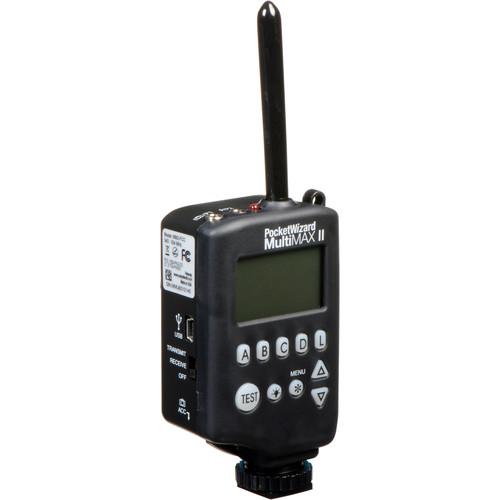 Contents of the user manual for the PocketWizard MultiMAX II Transceiver
- Product category: Radio & Infrared Transmitters PocketWizard
- Brand: PocketWizard
- Description and content of package
- Technical information and basic settings
- Frequently asked questions – FAQ
- Troubleshooting (does not switch on, does not respond, error message, what do I do if...)
- Authorized service for PocketWizard Radio & Infrared Transmitters
 |
User manual for the PocketWizard MultiMAX II Transceiver contain basic instructions
that need to be followed during installation and operation.
Before starting your appliance, the user manual should be read through carefully.
Follow all the safety instructions and warnings, and be guided by the given recommendations.
User manual is an integral part of any PocketWizard product,
and if it is sold or transferred, they should be handed over jointly with the product.
Following the instructions for use is an essential prerequisite for protecting
health and property during use, as well as recognition of liability on the part of the manufacturer
for possible defects should you make a warranty claim. Download an official PocketWizard user manual in which you will find instructions on how to install, use, maintain and service your product.
And do not forget – unsuitable use of a PocketWizard product will considerably shorten its lifespan!
|
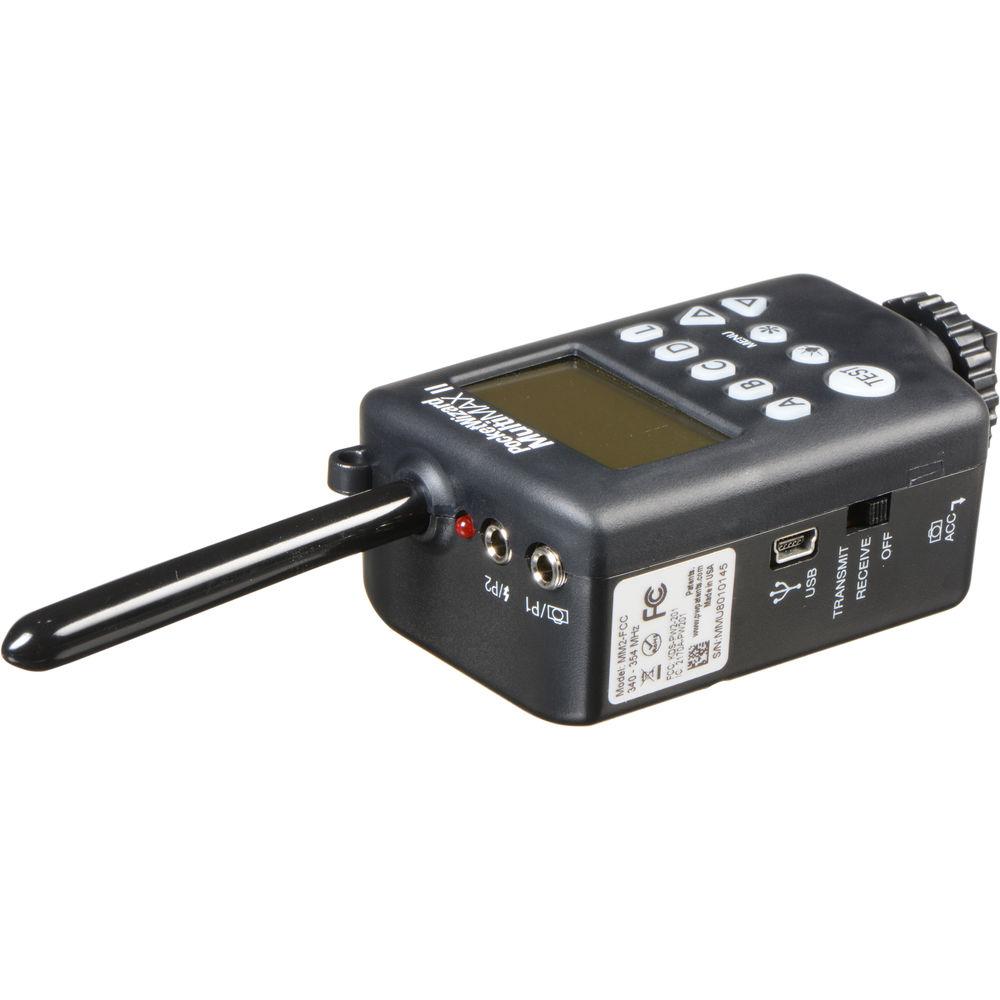
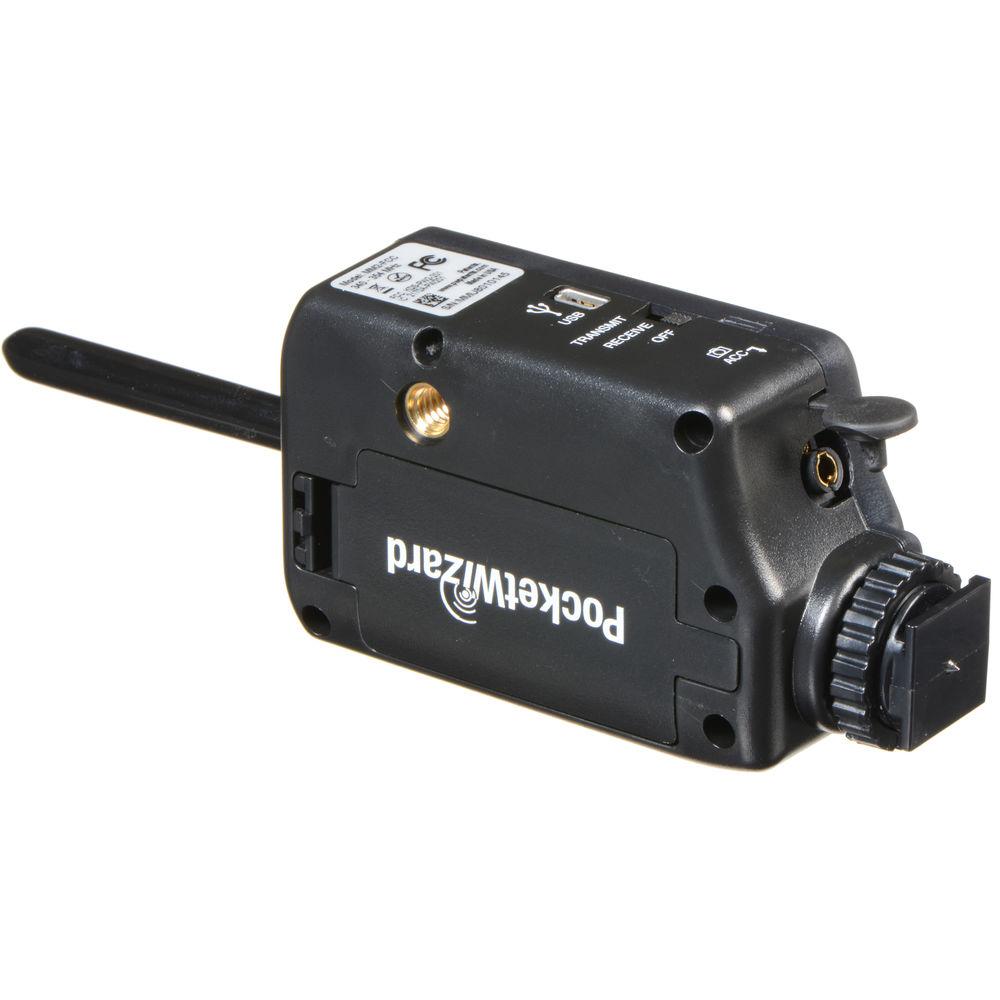
Product description Sometimes simple triggering just isn't going to cut it, in those cases you can find salvation in the MultiMAX II Transceiver from the always reliable PocketWizard. Operating on the FCC-approved 340-354 MHz frequency range, the MultiMAX II can easily be added to existing kits as it works with many existing PocketWizard radios. Also, this unit is exceptionally powerful with a range of 1600' that can be boosted to 3200' in a Long Range Mode. A key to the MultiMAX II's success is its reliability, which is bolstered by the ability to select between 32 standard channels with four zones in Selective Quad-Triggering or 20 ControlTL channels with three zones.
Where the MultiMAX II separates itself from the competition is in its vast amount of modes, which each allow for very specific control over the radio's functionality. This includes modes such as Infinite Intervalometer and Multi-Pop Mode which can be used for creative imaging and effects as well as settings such as SpeedCycler and Lag Time Equalizer that help ensure precise timing between all of your camera and flash equipment. Users even have access to settings such as Rear Curtain Sync and Precision Delay Times. Additionally, it has a max sync speed of 1/125 to 1/1000 second, depending on your camera, and it runs on two easily found AA batteries. - The MultiMAX II uses a frequency range of 340-354 MHz and has a standard range of about 1600'. A Long Range Mode is available that can boost the range to 3200'. It also works with many other PocketWizard radios that operate on the same frequency.
- fifty-two standard channels are available along with four separately controllable zones as a part of Selective Quad-Triggering. For ControlTL there are twenty channels along with three zones. This ability to select from so many options ensures minimal interference and maximum reliability, even in crowded locations.
- With ControlTL compatible flashes, users will be able to remotely adjust the power settings using the MultiMAX II. Also, there are three zones which can support an unlimited number of flashes.
- Selective Quad-Triggering lets users turn on and off flashes and cameras which are set in four separate zones using the MultiMAX II.
- An Auto-Relay Mode will permit the MultiMAX II to function as both a transmitter and receiver where when it receives a signal it then switches to transmit mode and fires and flashes and cameras synced to the system.
- Trigger from even further distances by using several MultiMAX II radios in Repeater Mode.
- When the receiver and transmitter are positioned close to one another, a Close Range Mode will reduce the output to avoid overwhelming the receiver.
- True Trigger Confirmation allows you to quickly verify successful triggering via audio and/or visual indicators.
- Signal Strength Indicator serves two functions: first, it displays bars to indicate interference when in standby mode and second, it can display the strength of the signal from a transmitter.
- A Noise Sniffer setting can show you interference on each channel, allowing you to pick the channel with the lowest interference for maximum reliability.
- A blue backlit LCD provides a clear and easy-to-see display for viewing and changing settings via the rubberized keypad. The keypad can also be locked to prevent unwanted changes.
- An optional Custom ID service can be performed by PocketWizard to install a unique digital code on your device to prevent any accidental triggering in crowded venues.
- Rear Curtain Sync is a mode that allows you to delay the sync time so that the flash is triggered near the end of the exposure. It features pre-programmed shutter speeds of 1 to 1/60 second and can be configured for additional settings to within 1/10,000 second.
- Multi-Pop allows you to trigger a flash up to 9999 times during a single exposure. Users can set recycle times from 1/100 second to 16.6 minutes.
- An Infinite Intervalometer is present for creating elaborate and accurate time-lapses for an infinite amount of time.
- Users can set Precision Delay Times in order to create elaborate effects.
- SpeedCycler will help perform sequential triggering for up to sixteen cameras or flash units. This is designed for multi-angle shots and multi-camera shoots.
- A Lag Time Equalizer will help more perfectly sync up multiple flashes and cameras.
- Additional features includes Multi-Zone Receiver, Custom ID Move, Patterns, Hibernate, Auto-Power Off Control, Hot Shoe Toggle, Beep Control, Contact Time, Local Flash, and a Trigger Counter.
- A micro-USB connection is available for AC power or for installing firmware updates.
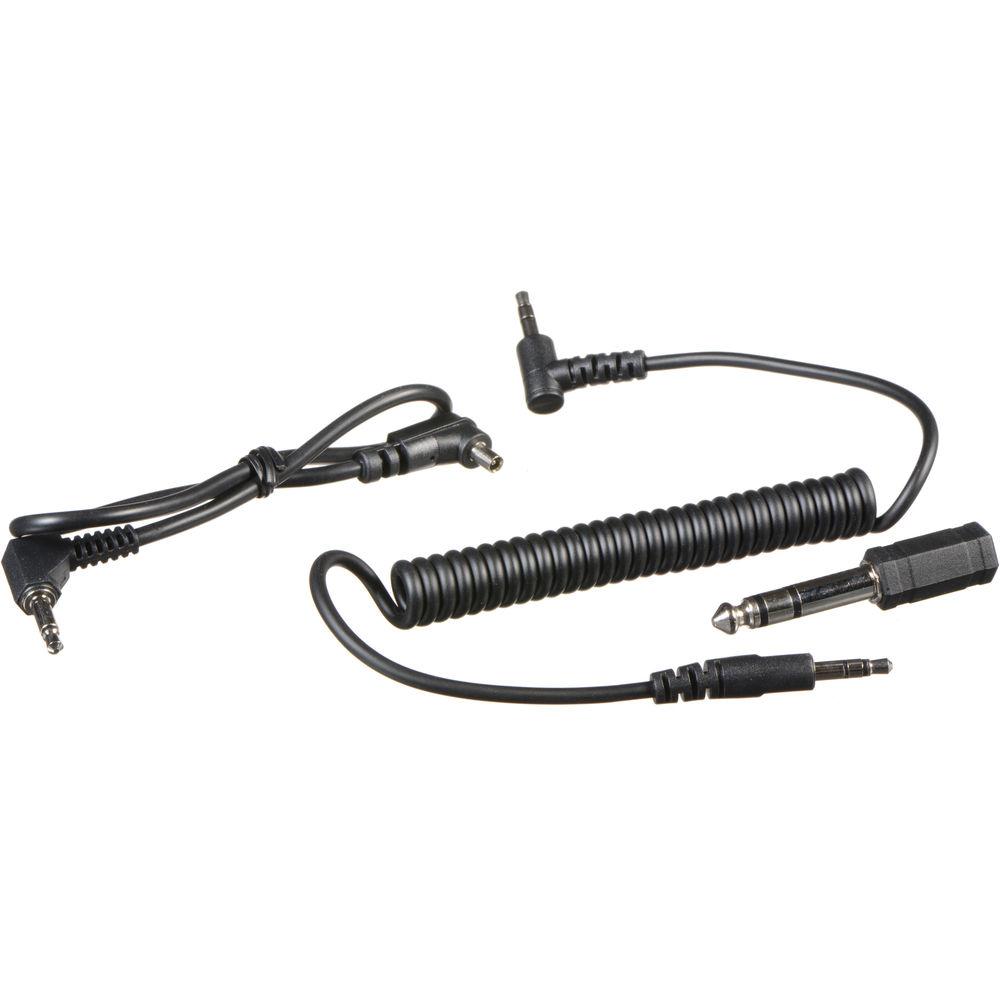
UPC: 850386005669 In the Box PocketWizard MultiMAX II Transceiver MM1 Miniphone to Miniphone Cable -12" PC1N Locking PC Sync Cable (1') MFPM Adapter Lanyard Limited 1-Year Warranty Table of Contents
|
Upload User Manual
Have you got an user manual for the PocketWizard MultiMAX II Transceiver in electronic form? Please send it to us and help us expand our library of instruction manuals.
Thank you, too, on behalf of other users.
To upload the product manual, we first need to check and make sure you are not a robot. After that, your "Submit Link" or "Upload File" will appear.
Technical parametersPocketWizard FW-MULTIMAX2-FCC Specs | | | Channels | 32 | | Groups | 4 | | Wireless Range | 1600 to 3200' / 500 to 1000 m | | Radio Frequency | 340 to 354 MHz | | | | Flash Interval | 12 Flashes per Sec | | Sync Speed | 1/250 Sec (Normal)
1/500 Sec (Leaf)
1/1000 Sec (High-Speed) | | | | Ports | 1 x 3.5 mm (Flash)
x 4-Pin (Accessory)
1 x Micro-USB (Power) | | | | Bottom Mount | Hot Foot (Locking) | | | | Operating Temperature | 5 to 120°F / -15 to 50°C | | Storage Temperature | -22 to 185°F / -30 to 85°C | | | | Dimensions | 4 x 2.1 x 1.4" / 10.2 x 5.5 x 3.7 cm (Transmitter) | | Weight | 5.4 oz / 153.1 g | | | | Package Weight | 0.4 lb | | Box Dimensions (LxWxH) | 6.7 x 3.9 x 1.9" |
Rating80% users recommend this product to others. And what about you?

This product has already been rated by 61 owners. Add your rating and experience with the product.
Discussion
 Ask our technicians if you have a problem with your settings,
or if anything is unclear in the user manual you have downloaded.
You can make use of our moderated discussion.
The discussion is public and helps other users of our website who may be encountering similar problems.
Ask our technicians if you have a problem with your settings,
or if anything is unclear in the user manual you have downloaded.
You can make use of our moderated discussion.
The discussion is public and helps other users of our website who may be encountering similar problems.
The discussion is empty - enter the first post
Post a new topic / query / comment:
|
|
|
| Request for user manual |
You can’t find the operation manual you are looking for? Let us know and we will try to add the missing manual:
I’m looking for a manual / Request for manual
Current requests for instruction manuals:
Call Of Duty World War Two For Xbox...
controller stratus XL...
stratus XL...
smart whatch serie S11 42mm...
Allen & Heath SQ-6 manual...
|
| Discussion |
Latest contributions to the discussion:
AEW R 4100
Name: MAURICIO ANGARITA
Audio-Technica AEW-R4100 UHF Diversity Receiver for
AEW R 4100 has the mute function blocked and does not allow audio to pass. I tried several times to turn off the mute from the transmitter but it does nothing, the mute stays on. Solution?
Thank you...
Instructions for assembling the 2015 Forecast Image Master Consoles GC3-A
Name: mike elam
Forecast Consoles GC3-A ImageMaster Editing Console
Looking for instructions for assembling this console. ...
EMPTY TONER ERROR MESSAGE AFTER REPLACING TONER
Name: LINDA BAD YELLOW EYES
Brother TN223BK Standard-Yield Toner
I HAD TO CHANGE OUT ALL THREE TONERS DUE TO LEAKS IN THE YELLOW AND CYAN. AFTER I REPLACED THEM, THE MACHINE KEEPS GIVING ME AN EMPTY TONER ERROR MESSAGE. HELP!!...
PS480D 20/24 pin Switching 480W Power Supply
Name: swkargo
Logisys 480W Power Supply
This item states in can run -5vdc .It is NOT listed on the board or I beleive is r4 is missing the resitior. Any body have thid issue. Shawn
...
Help needed
Name: Ann Carter
SanDisk 1TB Extreme Portable USB 3.1
When I click the link to download the user manual for my Sandisk Extreme external hard drive, it gives me the manual for the LG Cricket. Can you please change the link so I can download the Sandisk manual and begin using this drive? Thank you....
|
|


