User Manual for Porta Brace CC-HD1V Quick Draw Camera Case Click to enlarge the picture
 Contents of the user manual for the Porta Brace CC-HD1V Quick Draw Camera
- Product category: Pro Camcorder Cases Porta Brace
- Brand: Porta Brace
- Description and content of package
- Technical information and basic settings
- Frequently asked questions – FAQ
- Troubleshooting (does not switch on, does not respond, error message, what do I do if...)
- Authorized service for Porta Brace Pro Camcorder Cases
 |
User manual for the Porta Brace CC-HD1V Quick Draw Camera contain basic instructions
that need to be followed during installation and operation.
Before starting your appliance, the user manual should be read through carefully.
Follow all the safety instructions and warnings, and be guided by the given recommendations.
User manual is an integral part of any Porta Brace product,
and if it is sold or transferred, they should be handed over jointly with the product.
Following the instructions for use is an essential prerequisite for protecting
health and property during use, as well as recognition of liability on the part of the manufacturer
for possible defects should you make a warranty claim. Download an official Porta Brace user manual in which you will find instructions on how to install, use, maintain and service your product.
And do not forget – unsuitable use of a Porta Brace product will considerably shorten its lifespan!
|
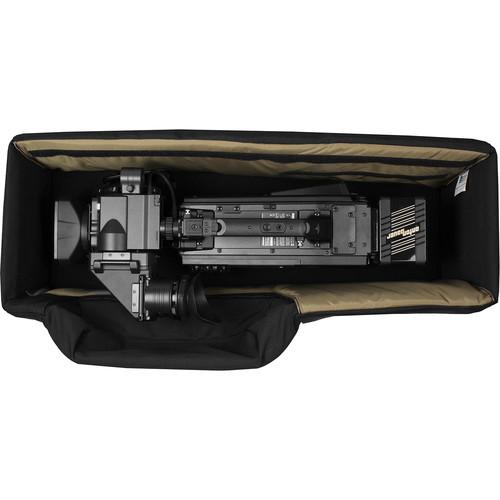
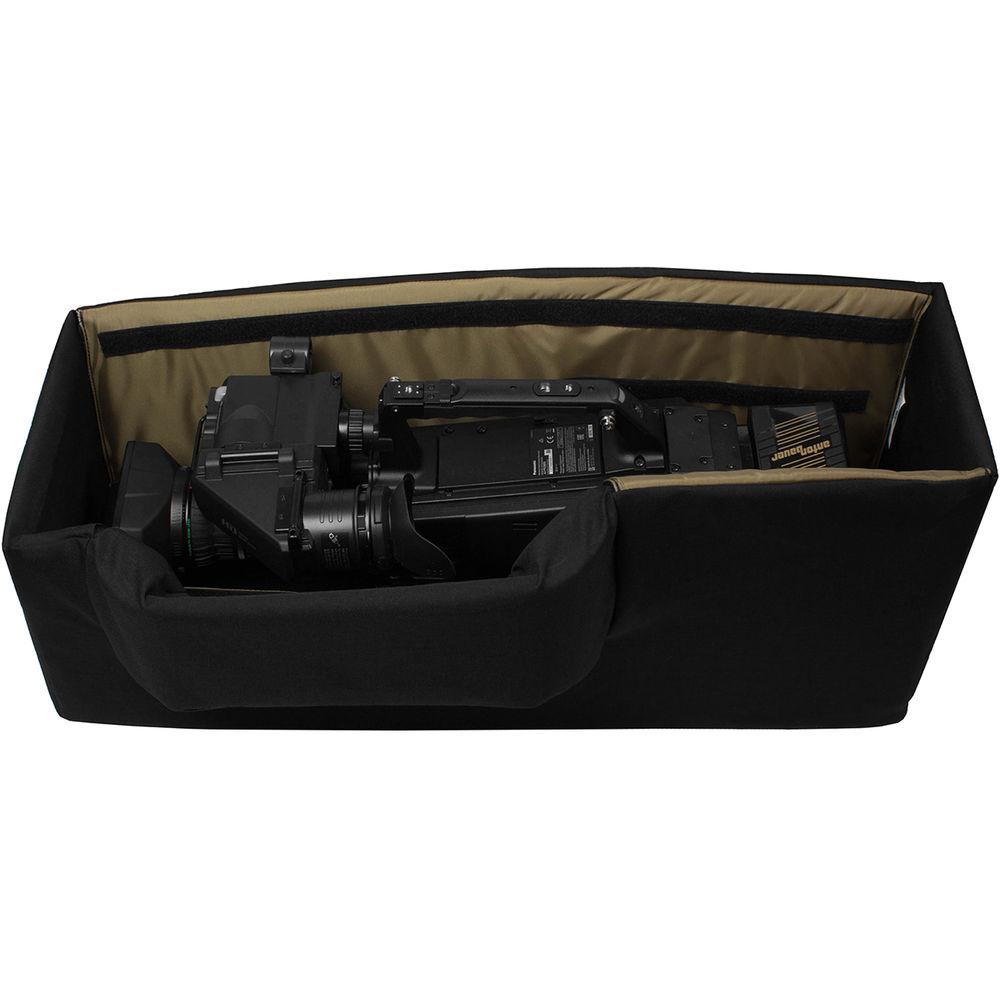
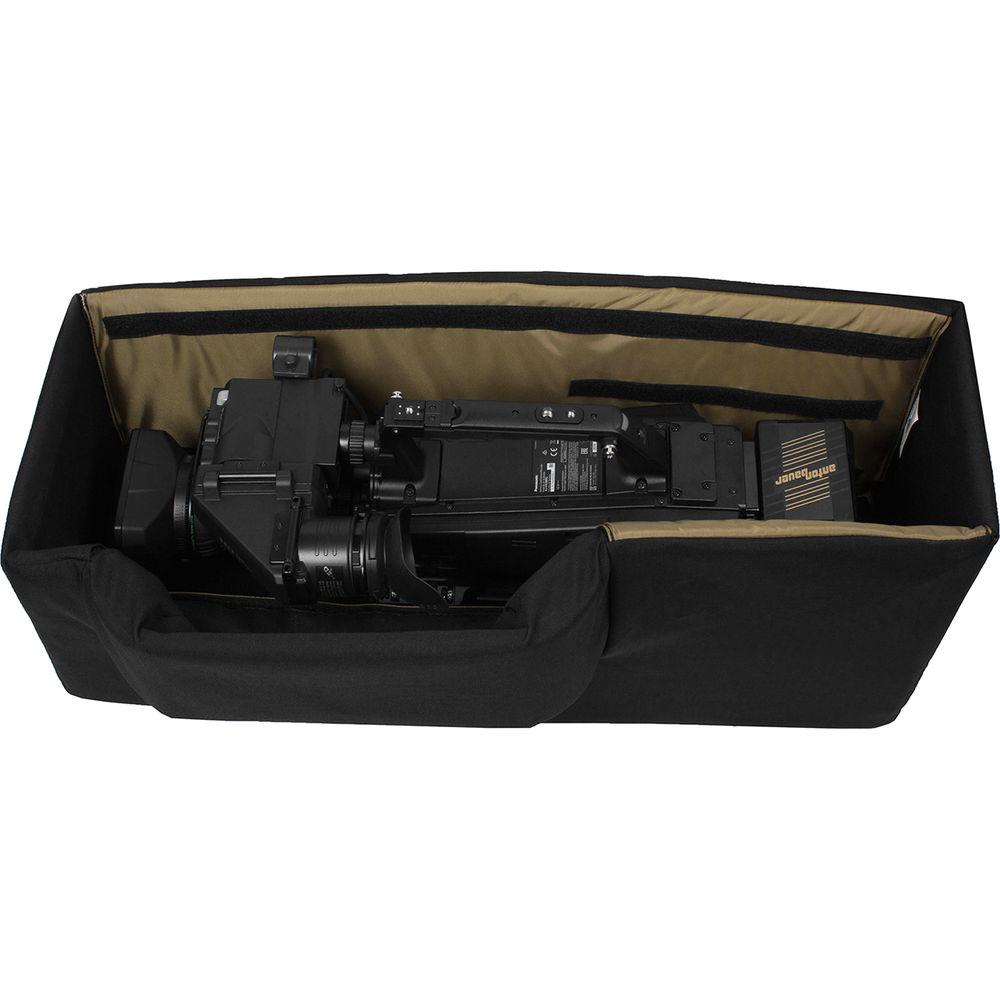
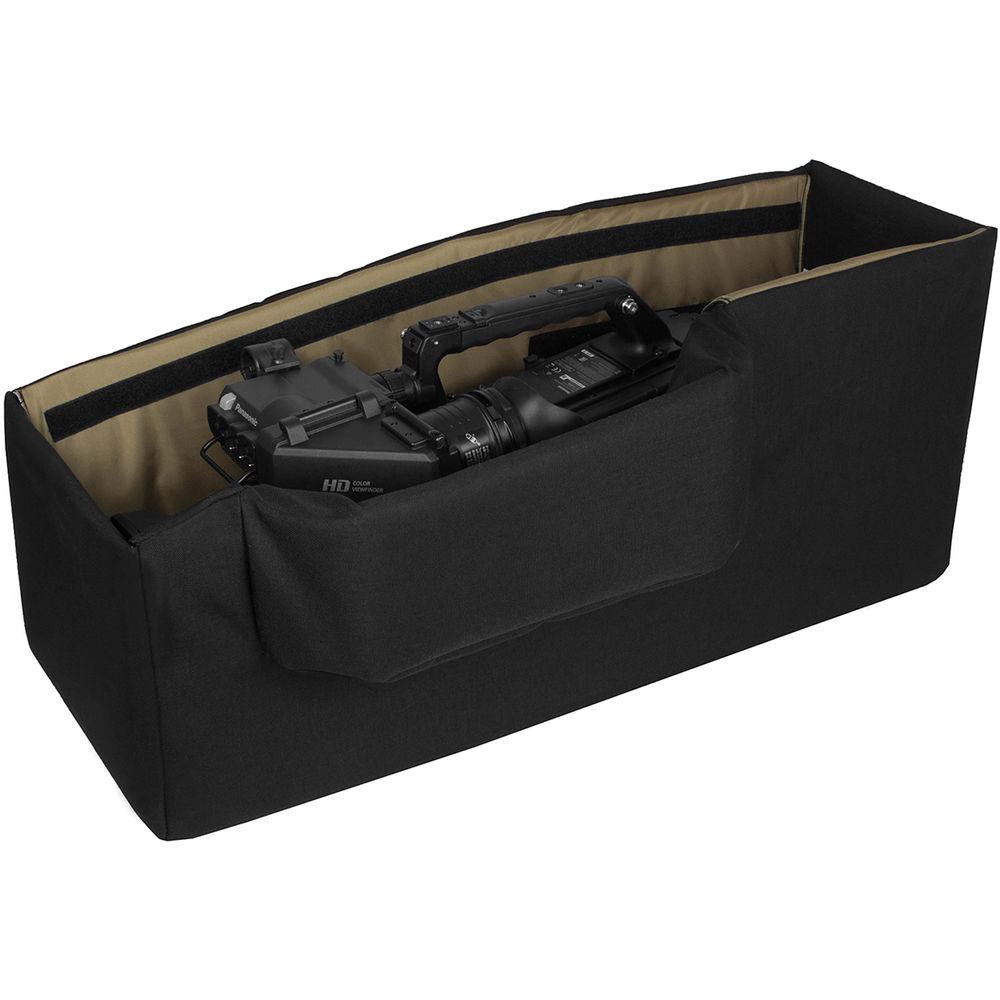
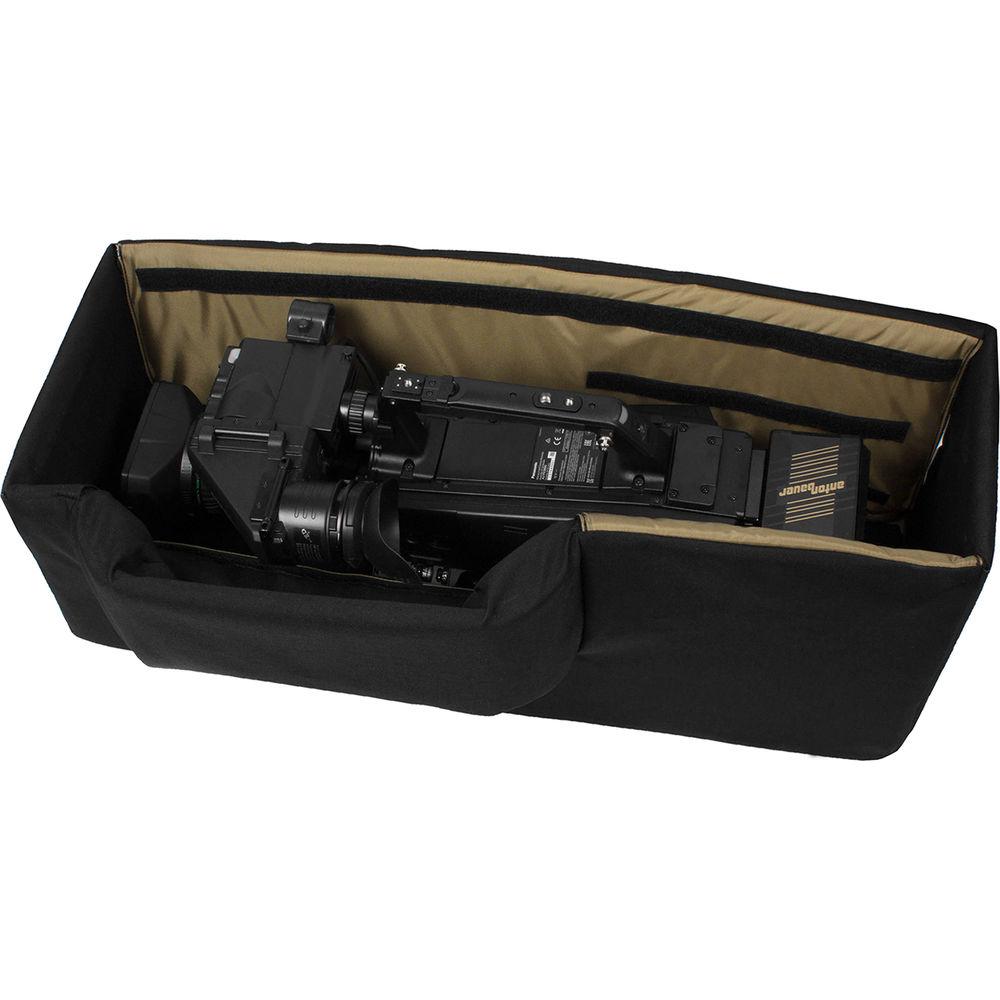
Product description The Porta Brace CC-HD1V Quick Draw Camera Case, Van Version (Signature Blue) is a top load case without a lid that provides easy access to a camcorder in a car, van or truck. This padded 1000 denier waterproofed Cordura nylon case has a rigid, reinforced core that resists crushing and puncturing. There are two foam blocks for lens and camera side support. The case holds a camcorder with an on-board battery and most wireless configurations attached. There is an aluminum viewfinder guard for protection and security. The case fits in car trunk or in the back of a van or truck and fastens securely using a seat belt and the Quick-Draw seat belt loops This Porta Brace case is made in Vermont, USA. - Construction
-
- 1000 denier Waterproofed Cordura nylon
- Extra heavy-duty interior padding
- Rigid, reinforced core resists crushing and puncturing
- Dirt and skid resistant "slip-not" bottom panel for superior impact cushioning
- Two foam blocks hold camera in place and provide lens support
- Top-loading design lets ready-to-use camera slide out quickly
- Holds camera with on-board battery attached
- Crush-proof aluminum guard protects viewfinder
- Fits in car trunk or in the back of a van or truck and fastens securely using the seat belt and Quick-Draw seat belt loops
- Compatible with
-
- Ikegami DNS-201, DNS-33 camcorders
- Ikegami HDL-V90 camcorders
- Ikegami HL-DV5, HL-DV7WHL-V55, HL-V59, HL-V73, HL-V75W, HL-V77, HL-V77W, HL-V79W camcorders
- JVC GY-DV5001U, GY-DV5000U camcorders
- Panasonic AJ-D200, AJ-D210, AJ-D215, AJ-D400, AJ-D415, AJ-D610, AJ-D610WA, AJ-D700, AJ-D800, AJ-D810, AJ-D900, AJ-D910, AJ-D913 camcorders
- Panasonic AJ-HDC20A, AJ-HDC27A, AJ-HDC27F camcorders
- Panasonic AJ-HDX400, AJ-HDX900 camcorders
- Panasonic AJ-HPX2000, AJ-HPX2100, AJ-HPX2700, AJ-HPX3000, AJ-HPX3700, AJ-HPX500, AJ-HPX502 camcorders
- Panasonic AJ-SDC915, AJ-SDC615, AJ-SDC905, AJ-SDC915, AJ-SDX900, AJ-SPC700, AJ-SPX800 camcorders
- Sony BVW-D200, BVW-D300, BVW-D400, BVW-D600 camcorders
- Sony DNW7, DNW709WS, DNW7P, DNW9, DNW90, DNW90P, DNW90WS, DNW90WSP camcorders
- Sony DSR-130P, DSR-135P, DSR-400, DSR-450 camcorders
- Sony DVW-700, DVW-707, DVW-709WS, DVW-790WS, DVW-970 camcorders
- Sony HDW-700, HDW-730, HDW-730S, HDW-750, HDW-900, HDW-F900, HDW-F900R camcorders
- Sony MPEG-50 camcorder
- Sony MSW-900, MSW-900P, MSW-970 camcorders
- Sony PDW-510, PDW-510P, PDW-530, PDW-700, PDW-F330, PDW-F350, PDW-F355 camcorders
- Sony UVW-100 camcorder
- Similar size Professional/Broadcast camcorders `
UPC: 877547011123 In the Box Porta Brace CC-HD1V Quick Draw Camera Case (Van Version) 1-Year Warranty Table of Contents
|
Upload User Manual
Have you got an user manual for the Porta Brace CC-HD1V Quick Draw Camera Case in electronic form? Please send it to us and help us expand our library of instruction manuals.
Thank you, too, on behalf of other users.
To upload the product manual, we first need to check and make sure you are not a robot. After that, your "Submit Link" or "Upload File" will appear.
Technical parametersPorta Brace CC-HD1V Specs | Case Type | Soft Case | | Interior Dimensions (L x W x H) | 29.00 x 11.5 x 12.00" / 73.66 x 29.21 x 30.48 cm | | Type of Closure | None | | Material of Construction | Cordura Nylon | | Exterior Dimensions (L x W x H) | 31.5 x 14.5 x 14.00" / 80.01 x 36.83 x 35.56 cm | | Weight | 11 lb / 5 kg | | | | Package Weight | 9.5 lb | | Box Dimensions (LxWxH) | 34.0 x 16.0 x 13.5" |
Rating100% users recommend this product to others. And what about you?

This product has already been rated by 14 owners. Add your rating and experience with the product.
Discussion
 Ask our technicians if you have a problem with your settings,
or if anything is unclear in the user manual you have downloaded.
You can make use of our moderated discussion.
The discussion is public and helps other users of our website who may be encountering similar problems.
Ask our technicians if you have a problem with your settings,
or if anything is unclear in the user manual you have downloaded.
You can make use of our moderated discussion.
The discussion is public and helps other users of our website who may be encountering similar problems.
The discussion is empty - enter the first post
Post a new topic / query / comment:
|
|


