User Manual for Porta Brace Quick-Draw Camera Case Click to enlarge the picture
 Contents of the user manual for the Porta Brace Quick-Draw Camera Case
- Product category: Pro Camcorder Cases Porta Brace
- Brand: Porta Brace
- Description and content of package
- Technical information and basic settings
- Frequently asked questions – FAQ
- Troubleshooting (does not switch on, does not respond, error message, what do I do if...)
- Authorized service for Porta Brace Pro Camcorder Cases
 |
User manual for the Porta Brace Quick-Draw Camera Case contain basic instructions
that need to be followed during installation and operation.
Before starting your appliance, the user manual should be read through carefully.
Follow all the safety instructions and warnings, and be guided by the given recommendations.
User manual is an integral part of any Porta Brace product,
and if it is sold or transferred, they should be handed over jointly with the product.
Following the instructions for use is an essential prerequisite for protecting
health and property during use, as well as recognition of liability on the part of the manufacturer
for possible defects should you make a warranty claim. Download an official Porta Brace user manual in which you will find instructions on how to install, use, maintain and service your product.
And do not forget – unsuitable use of a Porta Brace product will considerably shorten its lifespan!
|
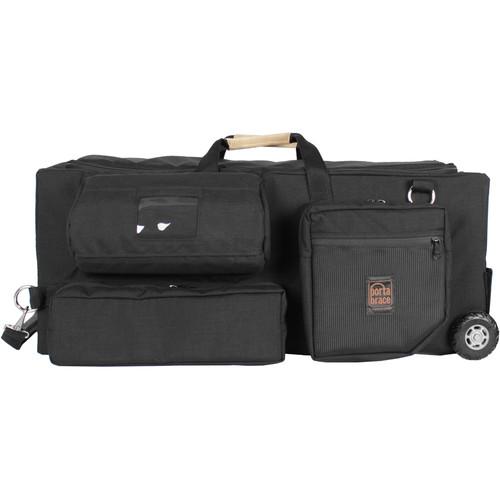
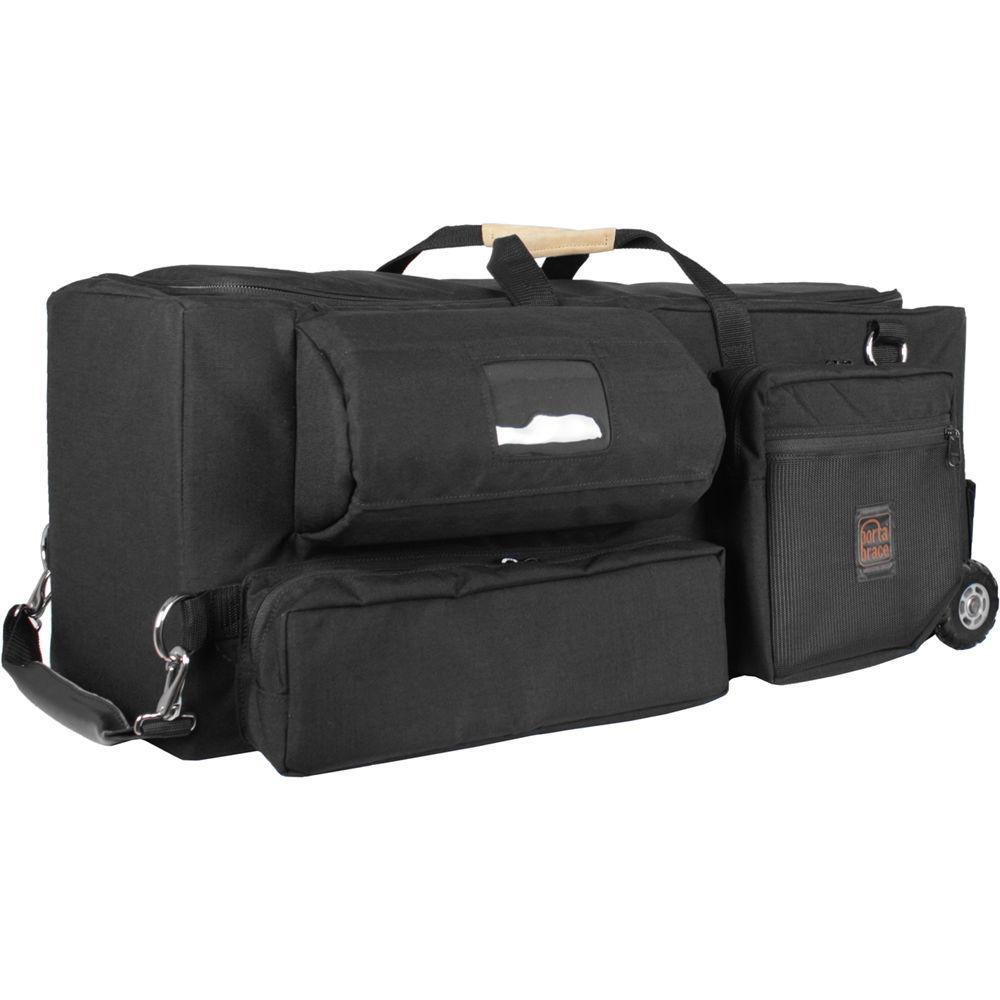
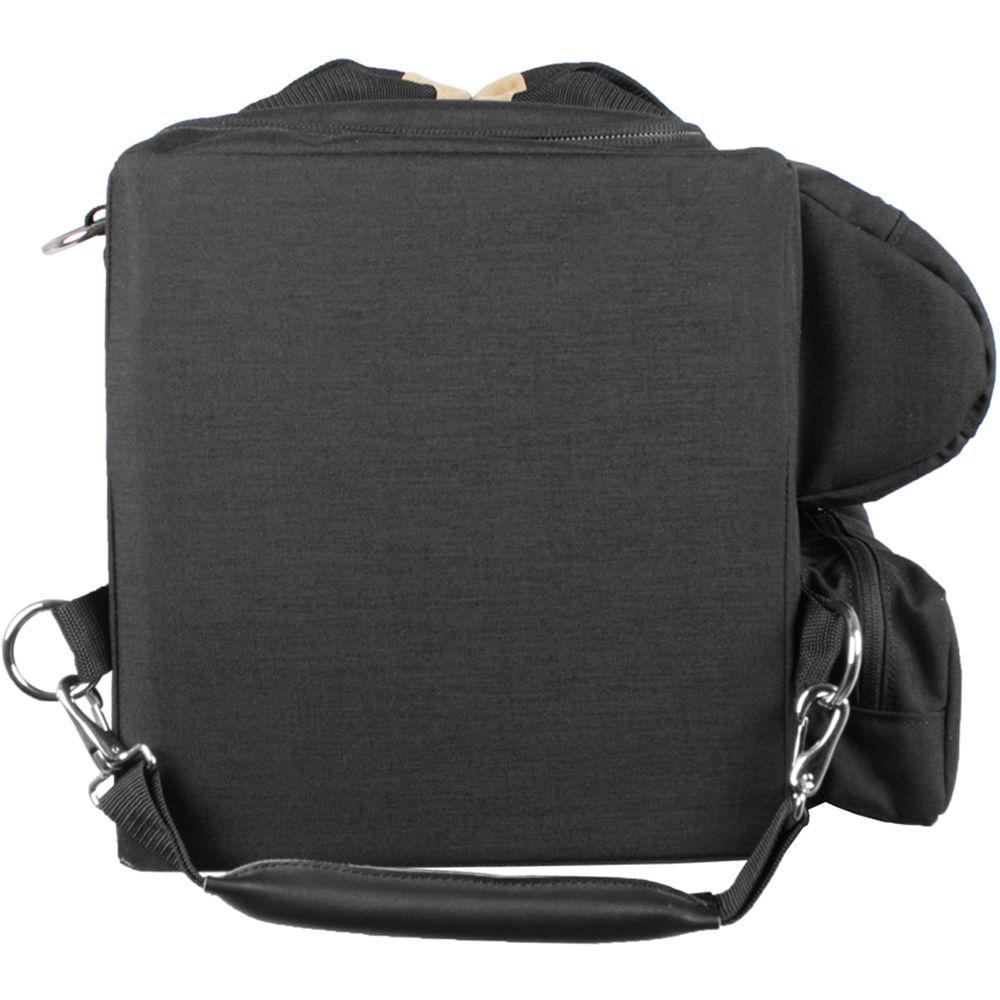
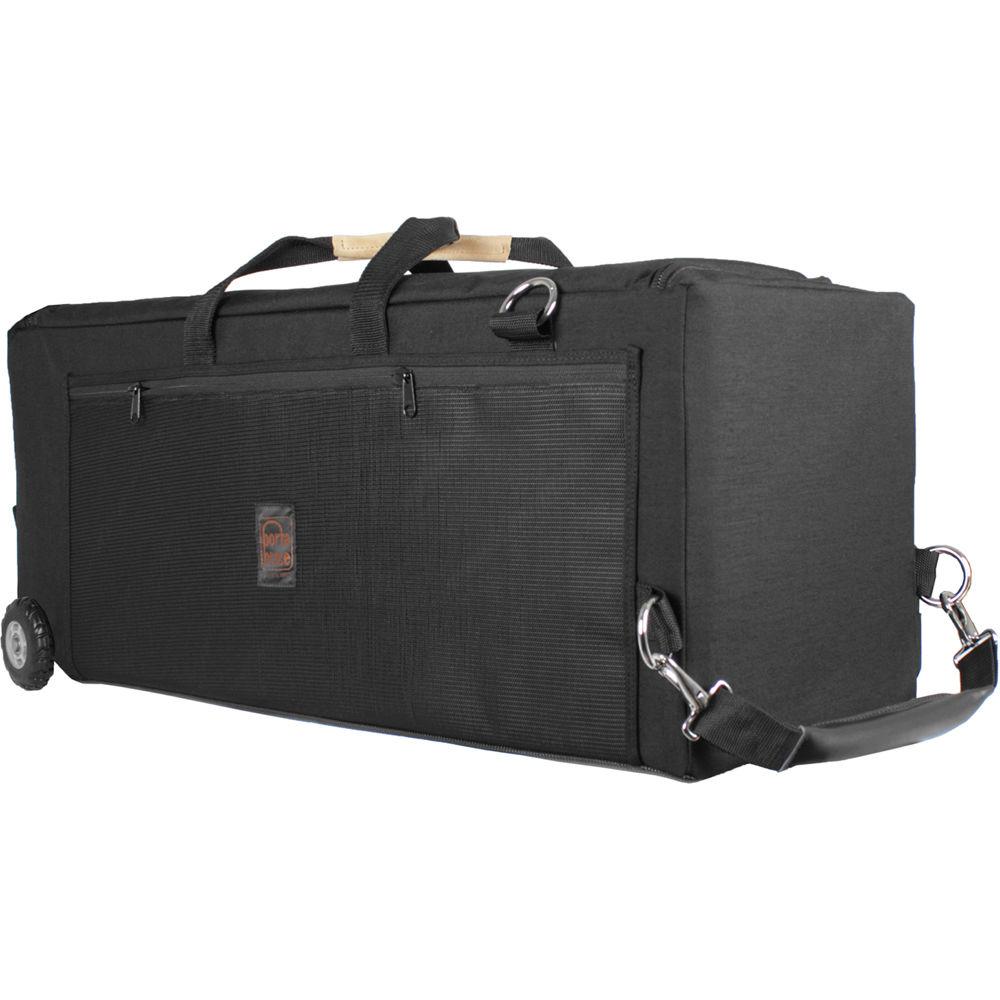
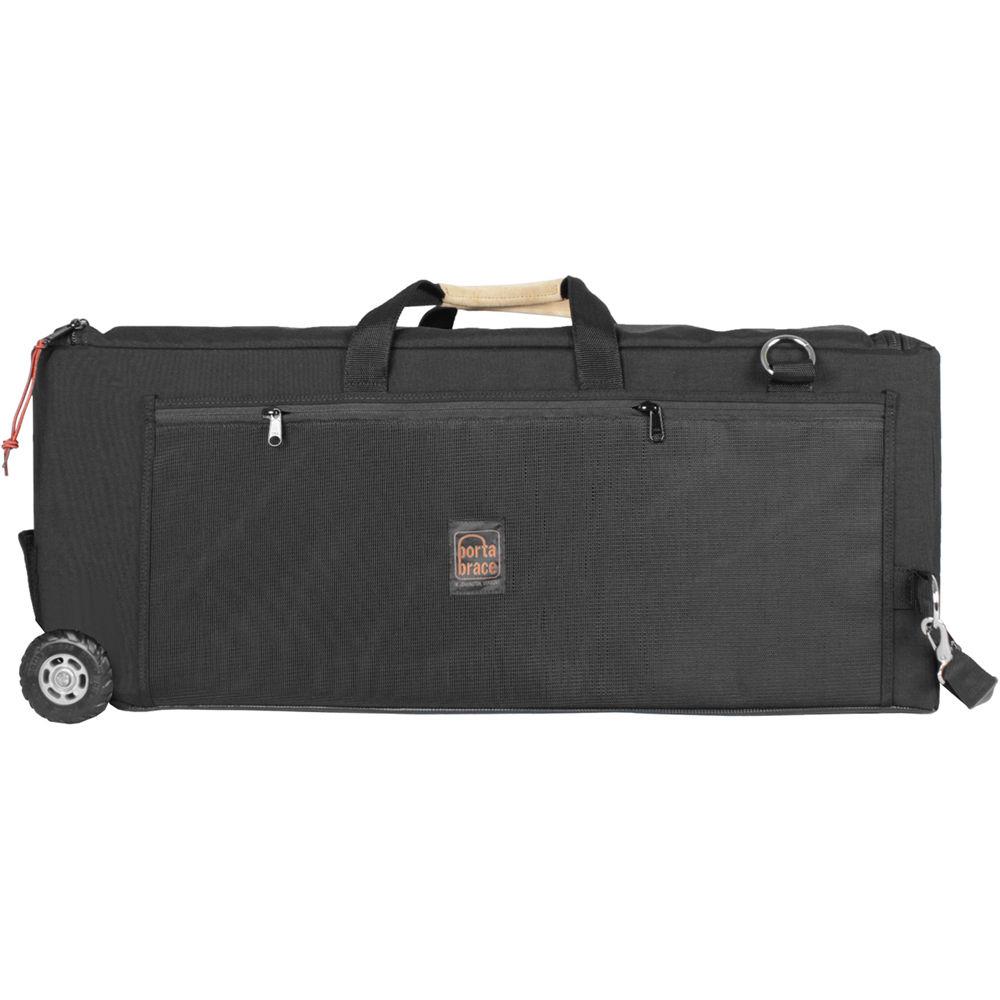
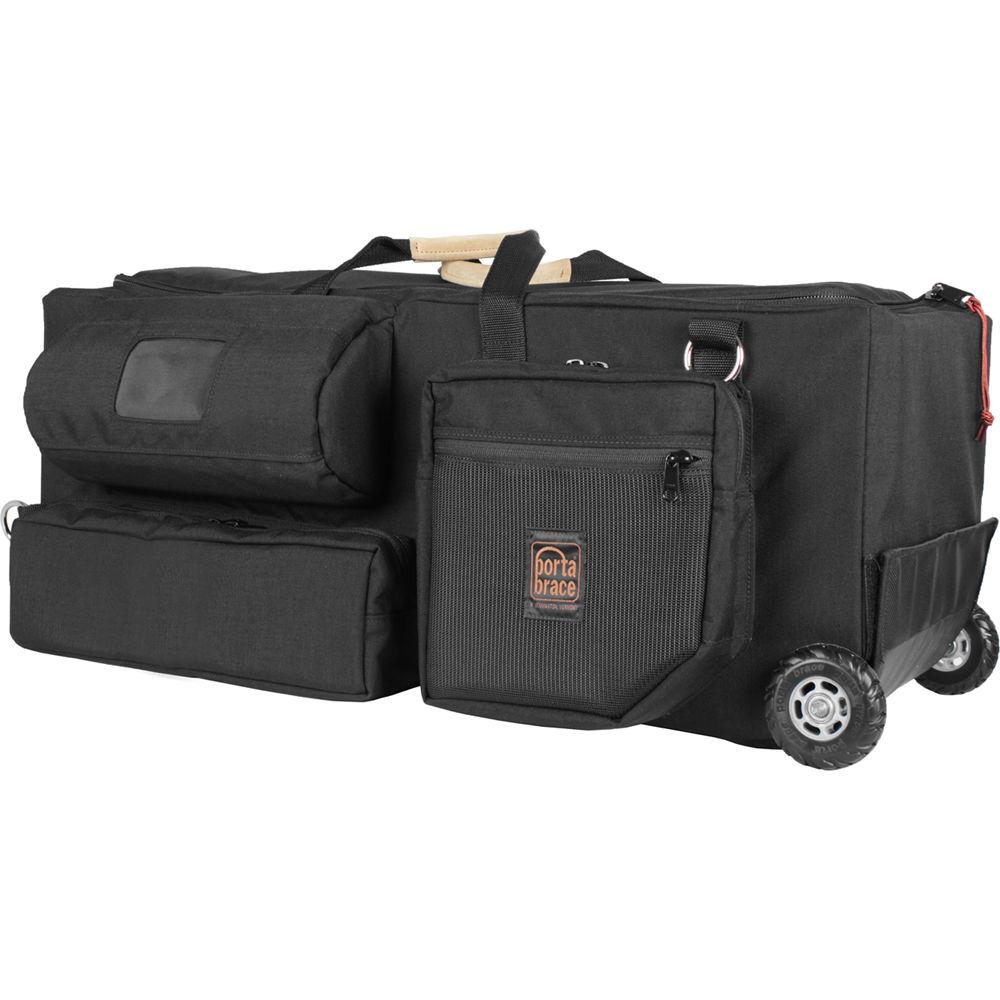
Product description The Porta Brace Quick-Draw Camera Case is a rigid-frame, ENG-style camera case with a lightweight removable wheel system. Whenever you want to wheel the case along, simply pull it by the designated leather handle. When you want to carry it, easily pull the wheels off and carry the case using designated suede handles. The wheels can meanwhile be kept inside the case. The off-road inline skate wheels feature solid rubber tires and ball bearings, and roll smoothly over almost any surface.
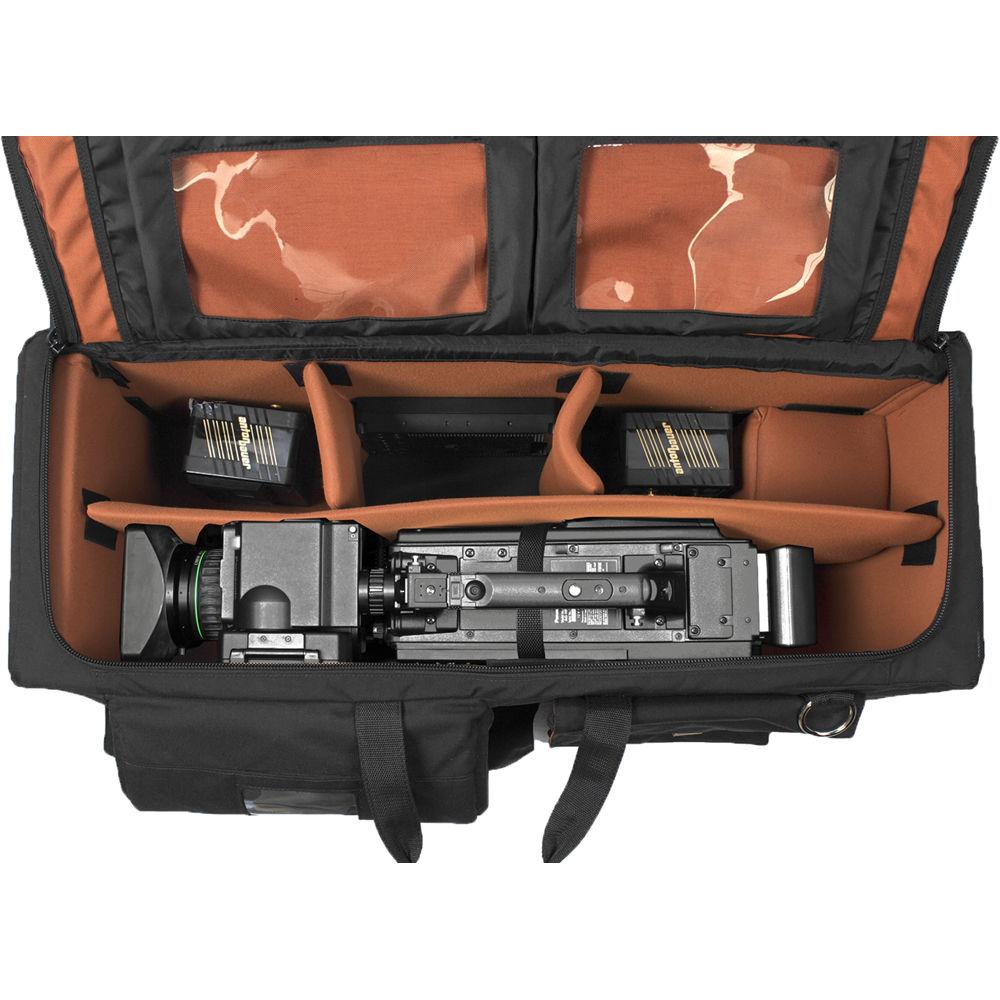
The Quick-Draw Case is designed with a lightweight, hollow-core rigid frame that's surrounded by a layer of padding and ballistic-grade 1000-denier Cordura material. On the exterior, the case offers two large pockets that fit tablets, microphones, cables, and other accessories. The interior is fully lined with soft copper-colored loop fabric that allows you to position the included divider panels anywhere along the inside of the case. The fabric also provides an additional layer of protection for your equipment.
Four padded dividers are supplied and can be used to create compartments for accessories. One divider is 24" long for the length of the case, while the other three are 6" long and attach on the sides of the 24" divider. The interior width of the case is 16.5" when counting the extender area.
The Quick-Draw Case has anti-skid material on both the inside and outside of the base, and dirt and skid-resistant bottom panel for superior impact cushioning. To better support matte boxes, it also has a flared-wall design. The case also has an expandable back, and offers heavy-gauge aluminum viewfinder protection. - Key Features
-
- Rigid-frame, ENG-style camera case
- Lightweight, removable wheel system
- Leather pull-handle
- Suede carry handles
- Max interior width of 16.5"
- Anti-skid material on both the inside and outside of the base
- Dirt and skid-resistant bottom panel for superior impact-cushioning
- Flared-wall design for matte boxes
- Expandable back
- Heavy-gauge aluminum viewfinder protection
- Two large exterior pockets for tablets, microphones, and other accessories
- Lightweight, hollow-core rigid frame surrounded by a layer of padding and ballistic-grade 1000D Cordura material
- Interior is fully lined with soft copper-colored loop fabric
- Includes 24" padded divider and three 6" padded dividers
- Select Compatible Cameras
- Ikegami
DNS-201, DNS-33, HDK-727P, HDK-77EC, HDK-77EX, HDK-79EXIII, HDL-V90, HDN-X10, HDS-V10, HL-DV5, HL-DV7W, HL-V55, HL-V59, HL-V73 , HL-V75W, HL-V77, HL-V77W, and HL-V79W
JVC
GY-DV5000U, GY-DV5100U, GY-HM70, GY-HM710U, and GY-HM750U
Panasonic
AG-3DP1, AG-AC7, AG-HMC80, AG-HPX300, AG-HPX301, AG-HPX370, AG-HPX500, AG-HPX600, AG-HPX600P, AJ-D200, AJ-D210, AJ-D215, AJ-D400, AJ-D415, AJ-D610, AJ-D610WA, AJ-D700 , AJ-D800, AJ-D810, AJ-D900, AJ-D910, AJ-D913, AJ-HDC20A, AJ-HDC27A, AJ-HDC27F, AJ-HDX400, AJ-HDX900, AJ-HPX2000, AJ-HPX2100, AJ-HPX2700, AJ-HPX3000, AJ-HPX3100, AJ-HPX3100G, AJ-HPX3700, AJ-HPX502, AJ-SDC615, AJ-SDC905, AJ-SDC915, AJ-SDX900, AJ-SPC700, AJ-SPX800, and AJ-SPX900
Sony
DSR-130P, DSR-135P, DSR-400, DSR-450, DVW-700, DVW-707, DVW-709WS, DVW-790WS, DVW-970, HDW-650, HDW-700, HDW-730, HDW-730S, HDW-750, HDW-790, HDW-900, HDW-970, HDW-F900, HDW-F900R, HVR-HD1000E, HVR-HD1000P, HVR-HD1000U, HXC-100, HXR-MC2000U, MPEG-50, MSW-900, MSW-900P, MSW-970, PDW-510, PDW-510P, PDW-530, PDW-680, PDW-700, PDW-F330, PDW-F335, PDW-F350, PDW-F355, PDW-F800, PMW-320K, PMW-350, PMW-400, PMW-500, PMW-TD300, and UVW-100 UPC: 877547020897 In the Box Porta Brace Quick-Draw Camera Case 2 x 4" Padded Veltex Divider (Copper Finish) CC-STUFFER Camera & Lens Stabilizer Block CARA-BRNZ Carabiner with Flashlight White Balance Card Cradle Cinch for Camera Case Stability Custom Divider for Length of the Case Leather Handle Limited Lifetime Warranty Table of Contents
|
Upload User Manual
Have you got an user manual for the Porta Brace Quick-Draw Camera Case in electronic form? Please send it to us and help us expand our library of instruction manuals.
Thank you, too, on behalf of other users.
To upload the product manual, we first need to check and make sure you are not a robot. After that, your "Submit Link" or "Upload File" will appear.
Technical parametersPorta Brace CC-3ENGOR Specs | Case Type | Soft Case | | Interior Dimensions (L x W x H) | 30.5 x 10.75 x 13.00" / 77.5 x 27.3 x 33.00 cm | | Material of Construction | Cordura, Suede | | Exterior Dimensions (L x W x H) | 32.75 x 17.00 x 14.00" / 83.2 x 43.2 x 35.5 cm | | Weight | 10.8 lb / 4.9 kg | | | | Package Weight | 17.95 lb | | Box Dimensions (LxWxH) | 41.0 x 17.4 x 14.0" |
Rating90% users recommend this product to others. And what about you?

This product has already been rated by 83 owners. Add your rating and experience with the product.
Discussion
 Ask our technicians if you have a problem with your settings,
or if anything is unclear in the user manual you have downloaded.
You can make use of our moderated discussion.
The discussion is public and helps other users of our website who may be encountering similar problems.
Ask our technicians if you have a problem with your settings,
or if anything is unclear in the user manual you have downloaded.
You can make use of our moderated discussion.
The discussion is public and helps other users of our website who may be encountering similar problems.
The discussion is empty - enter the first post
Post a new topic / query / comment:
|
|


