|
User Manual for Profoto A1 Duo Kit for Canon Click to enlarge the picture
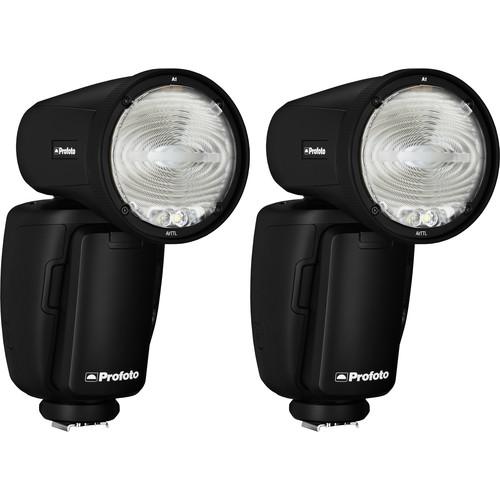 Contents of the user manual for the Profoto A1 Duo Kit for Canon
- Product category: On Camera Flashes Profoto
- Brand: Profoto
- Description and content of package
- Technical information and basic settings
- Frequently asked questions – FAQ
- Troubleshooting (does not switch on, does not respond, error message, what do I do if...)
- Authorized service for Profoto On Camera Flashes

 |
User manual for the Profoto A1 Duo Kit for Canon contain basic instructions
that need to be followed during installation and operation.
Before starting your appliance, the user manual should be read through carefully.
Follow all the safety instructions and warnings, and be guided by the given recommendations.
User manual is an integral part of any Profoto product,
and if it is sold or transferred, they should be handed over jointly with the product.
Following the instructions for use is an essential prerequisite for protecting
health and property during use, as well as recognition of liability on the part of the manufacturer
for possible defects should you make a warranty claim. Download an official Profoto user manual in which you will find instructions on how to install, use, maintain and service your product.
And do not forget – unsuitable use of a Profoto product will considerably shorten its lifespan!
|
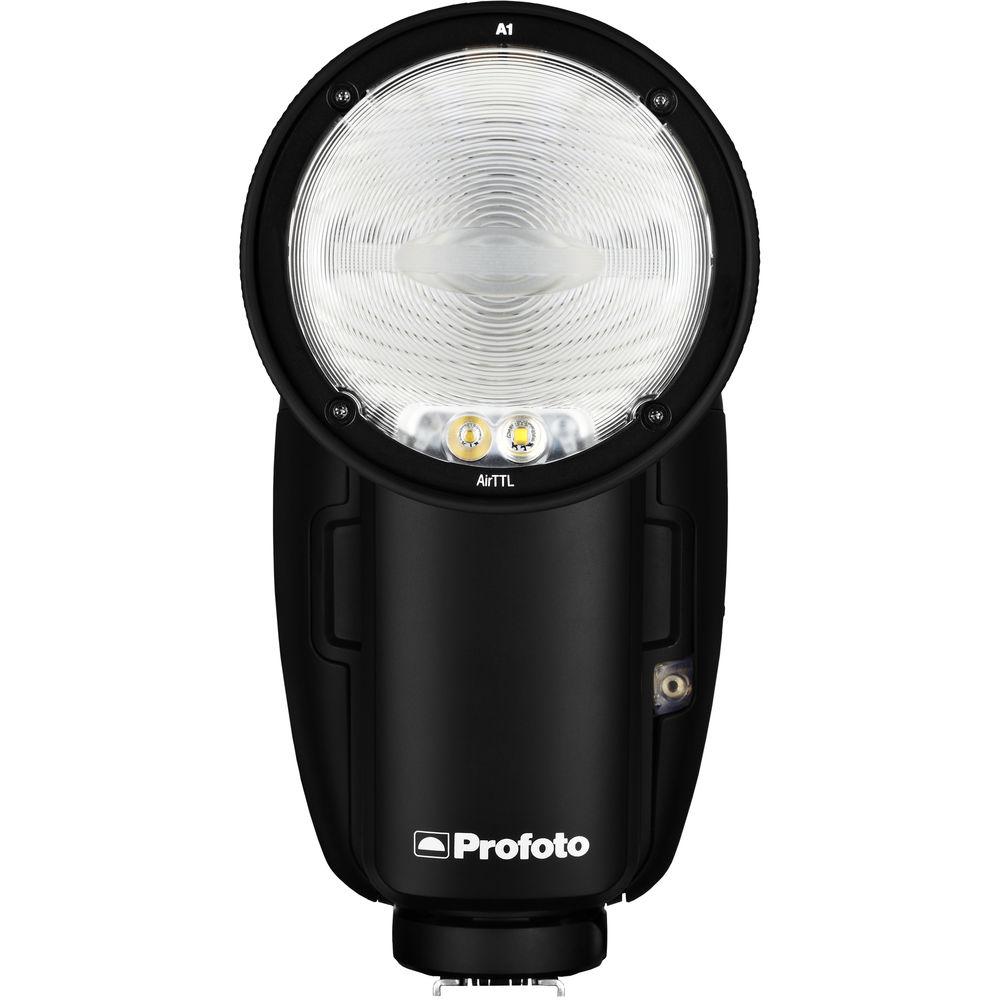
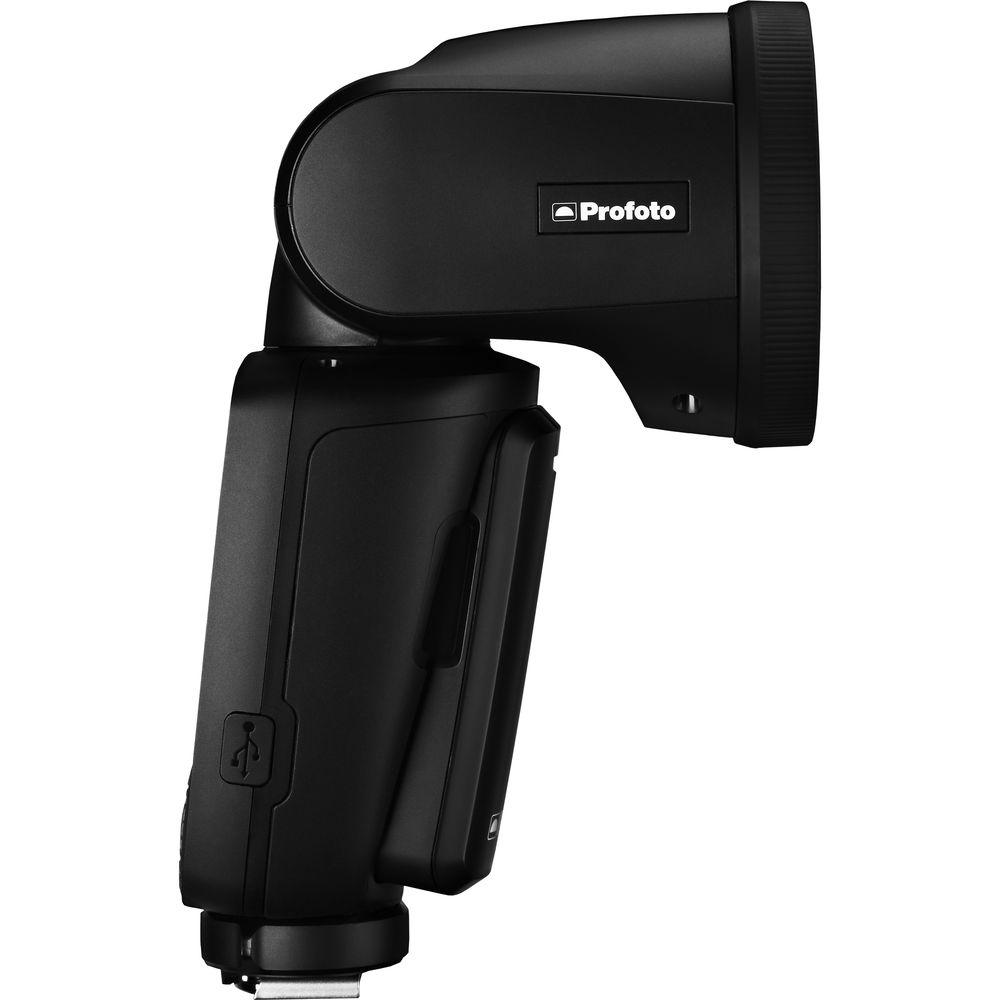
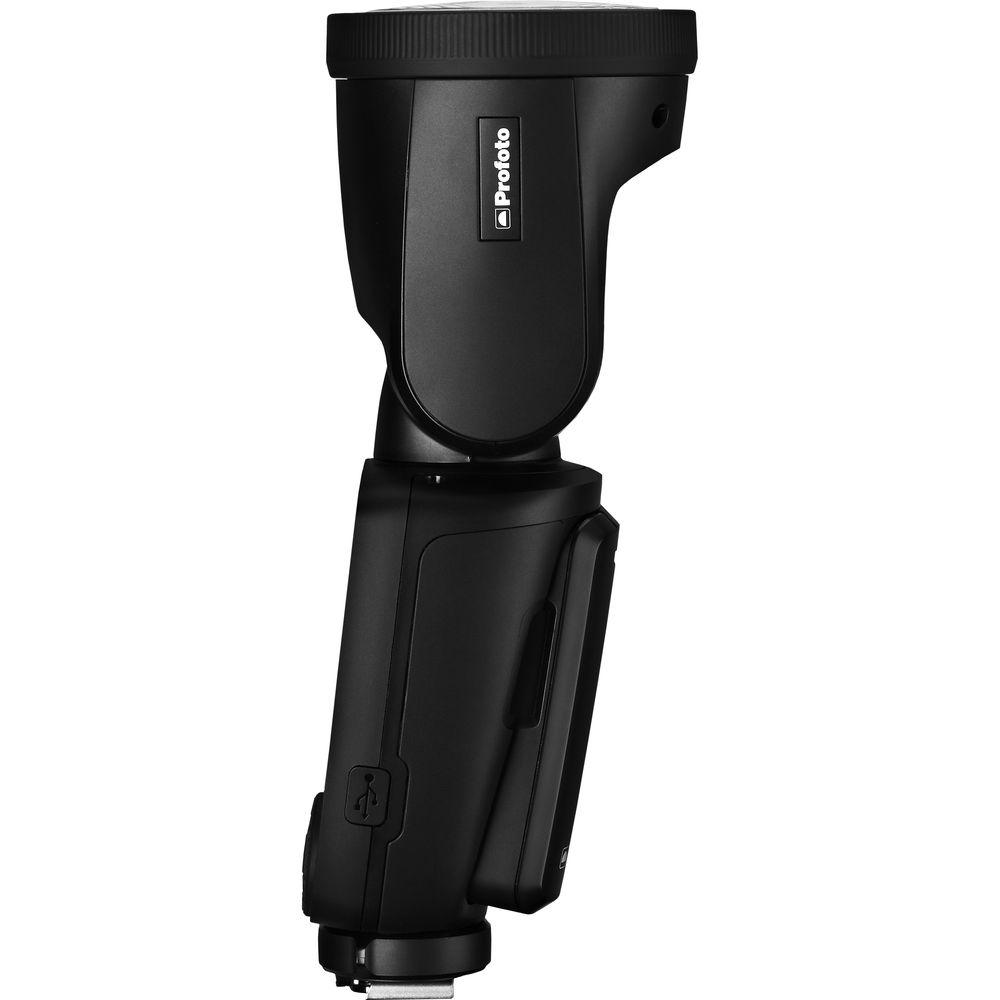
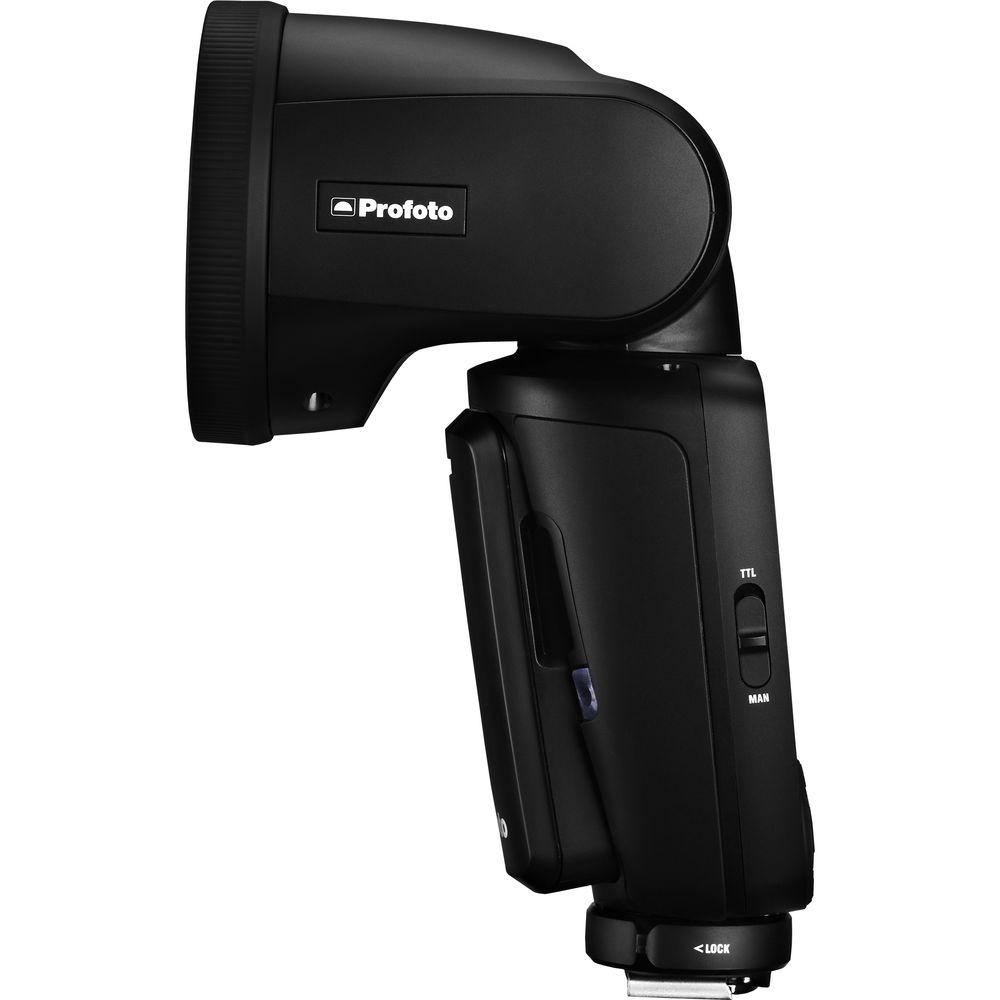
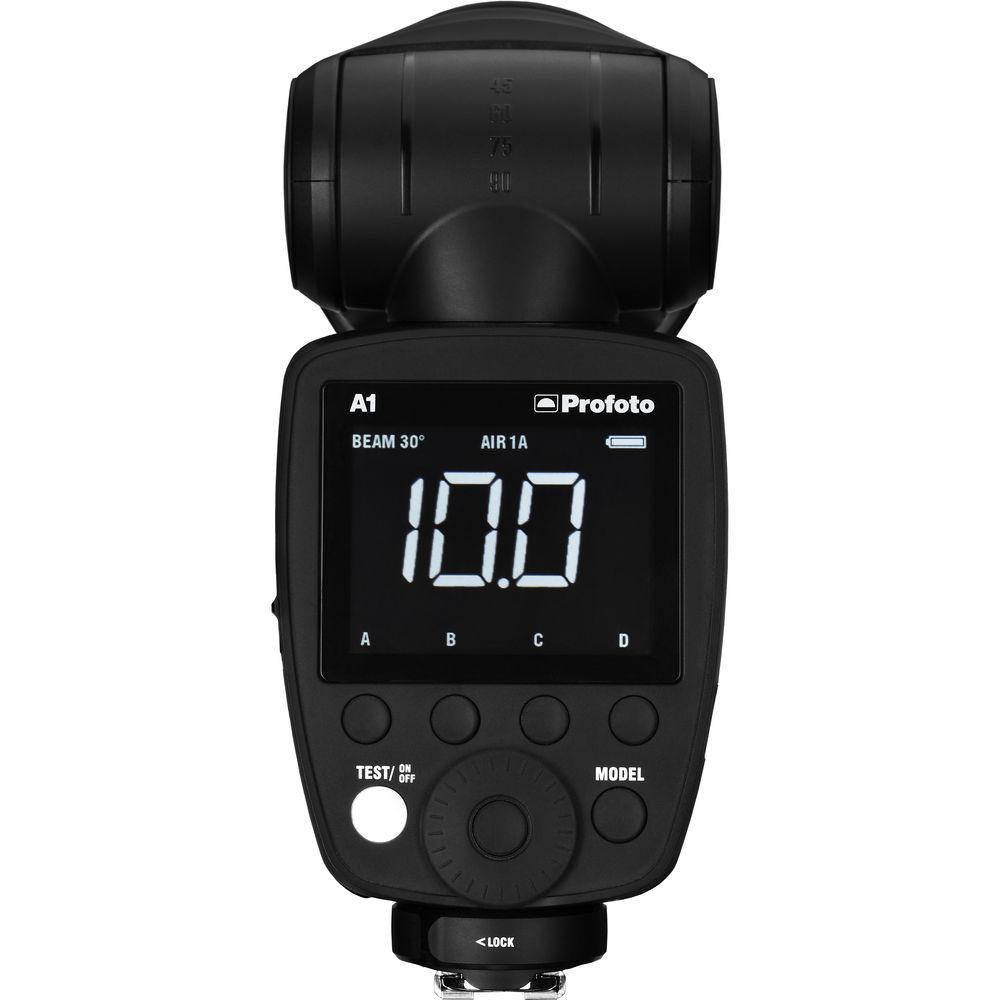
Product description A Guide to On-Camera Flash Read More Profoto has put together this A1 Duo Kit for Canon for photographers looking for a lightweight, on or off-camera mini-system with advanced features including TTL and total wireless freedom. The Duo kit includes two A1 AirTTL-C Flash Heads, each with a Li-ion battery that gets 350 full power flashes, a Dome Diffuser, Flash Stand, and a bag with shoulder strap. A charger that tops up the battery in 80 minutes is also included. Optional accessories include an Air Remote TTL transmitter for wireless control up to 300', a Soft Bounce, Bounce Card, Gel Kit, and Wide Angle Lens. The A1 was created for the professional photographer looking for portability and performance features or the ambitious non-professional who recognizes quality lighting but wants it comfortably and easily without the hassle of an overly technical interface. The A1 is easy to use. You can literally take it out of the box and start shooting. Your first shot is nearly always a keeper. The old adage about not judging a book by its cover simply doesn't apply here. The A1 is a good-looking flash, in fact, even its packaging could compete with Apple for design. Weighing 1.2 lb including its battery, the A1's sleek matte black finish not only appeals to the eye but to the tactile sense as well. The first thing you'll notice about the A1 is its 2.75" round, tilting, rotating head which is the physical feature most responsible for the A1's natural-looking light with its soft gradual fall-off. While we rarely use superlatives, we've heard the light quality described as "beautiful". The auto-zoom built into the head handles focal lengths from 32 to 105mm. You can override the auto-zoom function at any time and make your adjustments manually. A filter kit with graduated CTO conversion filters and a fluorescent filter is also separately available to modify the unit's daylight color temperature. The A1 performs as well as it looks and feels. It recycles in 0.05 to 1.2 seconds - significantly faster than most flash units in its class and has action-stopping flash durations from 1/800 to 1/20,000 second. The A1 supports HSS (High Speed Sync) allowing you to shoot at shutter speeds as short a 1/8000 second instead of 1/250 to blur a distracting background using a wide aperture while controlling strong ambient light behind your subject. The 76Ws head has an LED modeling light that can give you a preview of how the light is falling on your subject. It can be turned on or off, set to automatically adjust proportionally to the power level selected or just switched to manual where it can be modified by hand. All adjustments are indicated on the exceptionally readable white on black LCD display The A1 is powered by an included lithium-ion battery that has a capacity of 350 full power flashes and thousands of partial power shots. Power is topped up on an exhausted battery in about 80 minutes with the included 100-240 VAC charger. The battery doesn't fade as its power is used, operating at peak performance until it's exhausted. Purchase of an additional battery is recommended. So far, we've been discussing the A1 used on-camera but when used off-camera it really earns its name as a "Studio Light." The flash has a built-in transceiver that allows it to be used with other A1s, B2s or D2, B1 and B1X monolights. All the Air Remote wireless controllers can trigger the A1 at distances up to 1,000' and the Air Sync will give you simple wireless triggering, while the Air Remote will let you wirelessly adjust power, grouping, channel selection and modeling light on/off. It's the Air Remote TTL however, that allows you to explore and control the A1's full capabilities. It wirelessly allows assignment of channels and groups as well as TTL and power level. In fact, the A1 has a switch that allows you to set your main light to TTL, switch to manual operation to adjust manual units in other groups to ratio their output, then switch back to TTL and return to the original TTL setting which was stored for you. The A1 also has +/-3 stops of exposure compensation that can be modified from the remote for your specific needs. - Benefits
-
- Round head with soft, smooth and natural fall off
- AirTTL and HSS for fast professional images
- Smart magnetic click-on mount for A1 Light Shaping Tools
- 5 dedicated A1 Light Shaping Tools available
- LED modeling light integrated to the head
- Air Remote built-in (3 groups, 8 channels)
- Rechargeable and exchangeable Li-Ion battery
- 1.2 sec recycling time to full power
- TTL/MAN switch
- Built-in auto-zoom in head with manual override handles lenses from 32 to 105mm
- Auto focus (AF) assist
- Large Hi-Res LCD display
- TTL Support for Canon
- Compatible with all Profoto Air Remotes, wireless range up to 1000'
In the Box Profoto A1 Duo Kit for Canon 2 x A1 Flash heads for Canon 2 x Dome Diffuser for A1 Flash Battery Charger for A1 Flash 2 x Li-Ion Battery for A1 Flash 2 x Bag with Shoulder Strap for A1 Flash 2 x Flash Stand for A1 Flash Limited 2-Year Warranty Table of Contents
|
Upload User Manual
Have you got an user manual for the Profoto A1 Duo Kit for Canon in electronic form? Please send it to us and help us expand our library of instruction manuals.
Thank you, too, on behalf of other users.
To upload the product manual, we first need to check and make sure you are not a robot. After that, your "Submit Link" or "Upload File" will appear.
Technical parametersProfoto A1 Specs | Mount | Shoe | | Exposure Control | Manual, TTL | | Bounce Head | Yes | | Swivel Head | Yes | | Zoom Head | Full Frame: 32 - 105 mm | | Recycle Time | Approximately 0.05 to 1.2 Seconds | | Flash Duration | 1/800 to 1/20000 sec | | Flash-Ready Indicator | Yes | | Compensation | -3 EV to +3 EV (in 1/3 EV steps) | | Wireless Operation | Method: RF
Distance: Up to 1000' / 304.80 m
Mode: Master, Slave | | Wireless Communication Channels | 8 Channels | | Wireless Groups | 3 Groups | | Dimensions (W x H x D) | 8.6 x 10.2 x 3.5" / 21.8 x 25.9 x 8.9 cm | | Weight | 1.23 lb / 560 g Including Battery | | | | Package Weight | 5.86 lb | | Box Dimensions (LxWxH) | 12.2 x 10.35 x 3.85" |
Rating86% users recommend this product to others. And what about you?

This product has already been rated by 92 owners. Add your rating and experience with the product.
Discussion
 Ask our technicians if you have a problem with your settings,
or if anything is unclear in the user manual you have downloaded.
You can make use of our moderated discussion.
The discussion is public and helps other users of our website who may be encountering similar problems.
Ask our technicians if you have a problem with your settings,
or if anything is unclear in the user manual you have downloaded.
You can make use of our moderated discussion.
The discussion is public and helps other users of our website who may be encountering similar problems.
The discussion is empty - enter the first post
Post a new topic / query / comment:
|
|
|
| Request for user manual |
You can’t find the operation manual you are looking for? Let us know and we will try to add the missing manual:
I’m looking for a manual / Request for manual
Current requests for instruction manuals:
Call Of Duty World War Two For Xbox...
controller stratus XL...
stratus XL...
smart whatch serie S11 42mm...
Allen & Heath SQ-6 manual...
|
| Discussion |
Latest contributions to the discussion:
AEW R 4100
Name: MAURICIO ANGARITA
Audio-Technica AEW-R4100 UHF Diversity Receiver for
AEW R 4100 has the mute function blocked and does not allow audio to pass. I tried several times to turn off the mute from the transmitter but it does nothing, the mute stays on. Solution?
Thank you...
Instructions for assembling the 2015 Forecast Image Master Consoles GC3-A
Name: mike elam
Forecast Consoles GC3-A ImageMaster Editing Console
Looking for instructions for assembling this console. ...
EMPTY TONER ERROR MESSAGE AFTER REPLACING TONER
Name: LINDA BAD YELLOW EYES
Brother TN223BK Standard-Yield Toner
I HAD TO CHANGE OUT ALL THREE TONERS DUE TO LEAKS IN THE YELLOW AND CYAN. AFTER I REPLACED THEM, THE MACHINE KEEPS GIVING ME AN EMPTY TONER ERROR MESSAGE. HELP!!...
PS480D 20/24 pin Switching 480W Power Supply
Name: swkargo
Logisys 480W Power Supply
This item states in can run -5vdc .It is NOT listed on the board or I beleive is r4 is missing the resitior. Any body have thid issue. Shawn
...
Help needed
Name: Ann Carter
SanDisk 1TB Extreme Portable USB 3.1
When I click the link to download the user manual for my Sandisk Extreme external hard drive, it gives me the manual for the LG Cricket. Can you please change the link so I can download the Sandisk manual and begin using this drive? Thank you....
|
|


