|
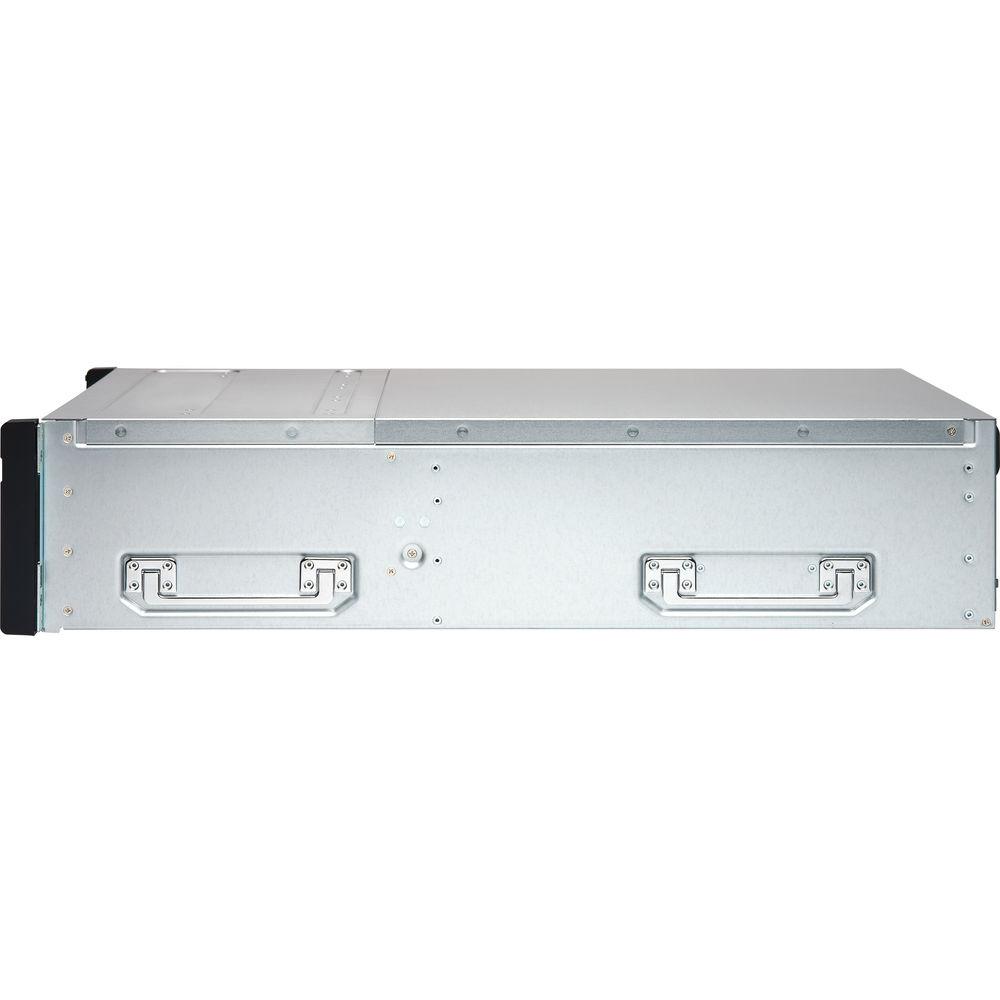
User Manual for QNAP ES1640dc v2 16-Bay NAS Enclosure with Dual Active Controllers Click to enlarge the picture
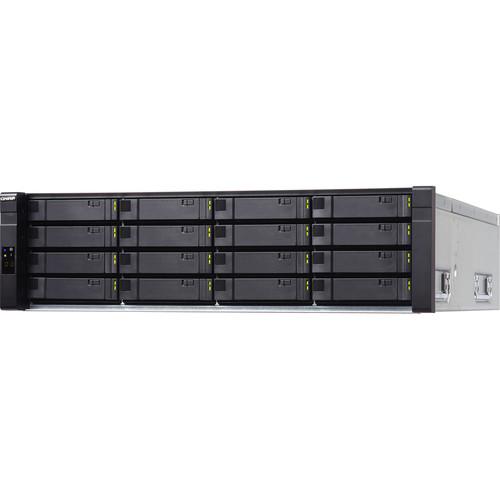 Contents of the user manual for the QNAP ES1640dc v2 16-Bay NAS Enclosure
- Product category: NAS Enclosures QNAP
- Brand: QNAP
- Description and content of package
- Technical information and basic settings
- Frequently asked questions – FAQ
- Troubleshooting (does not switch on, does not respond, error message, what do I do if...)
- Authorized service for QNAP NAS Enclosures
 |
User manual for the QNAP ES1640dc v2 16-Bay NAS Enclosure contain basic instructions
that need to be followed during installation and operation.
Before starting your appliance, the user manual should be read through carefully.
Follow all the safety instructions and warnings, and be guided by the given recommendations.
User manual is an integral part of any QNAP product,
and if it is sold or transferred, they should be handed over jointly with the product.
Following the instructions for use is an essential prerequisite for protecting
health and property during use, as well as recognition of liability on the part of the manufacturer
for possible defects should you make a warranty claim. Download an official QNAP user manual in which you will find instructions on how to install, use, maintain and service your product.
And do not forget – unsuitable use of a QNAP product will considerably shorten its lifespan!
|
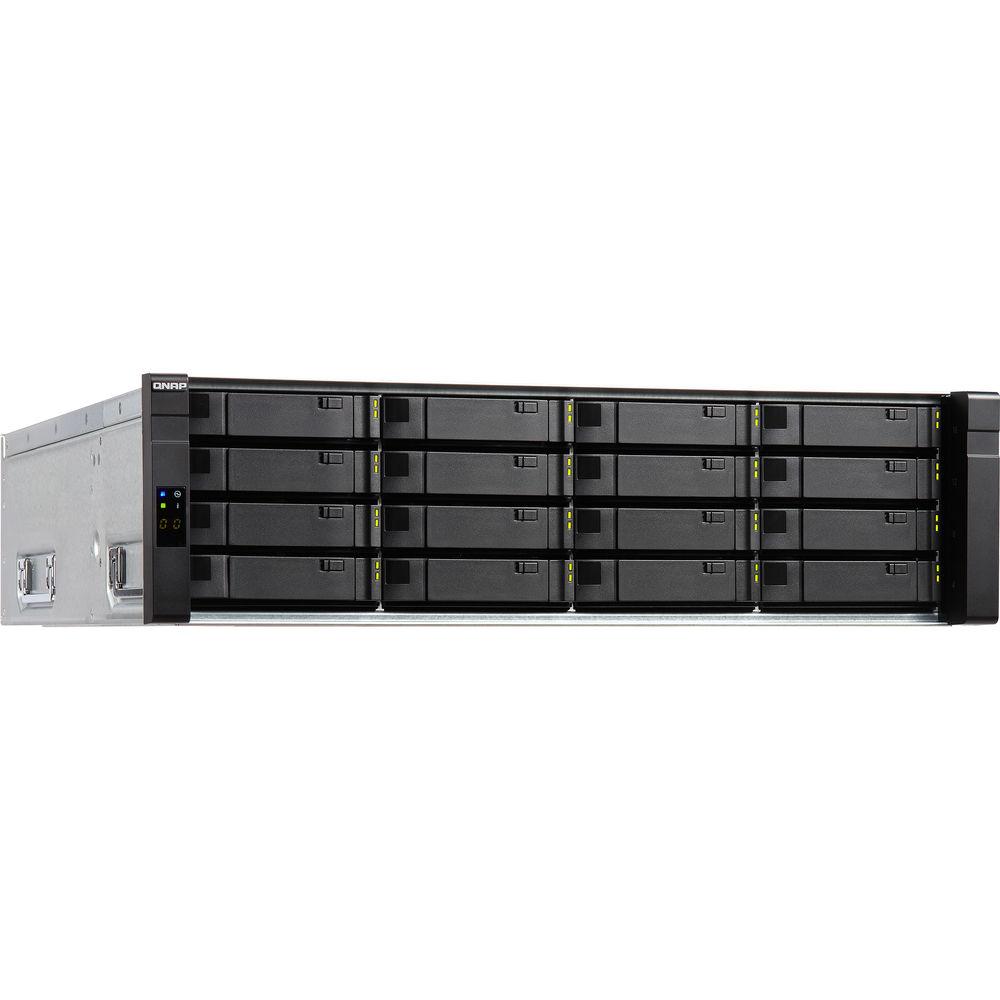
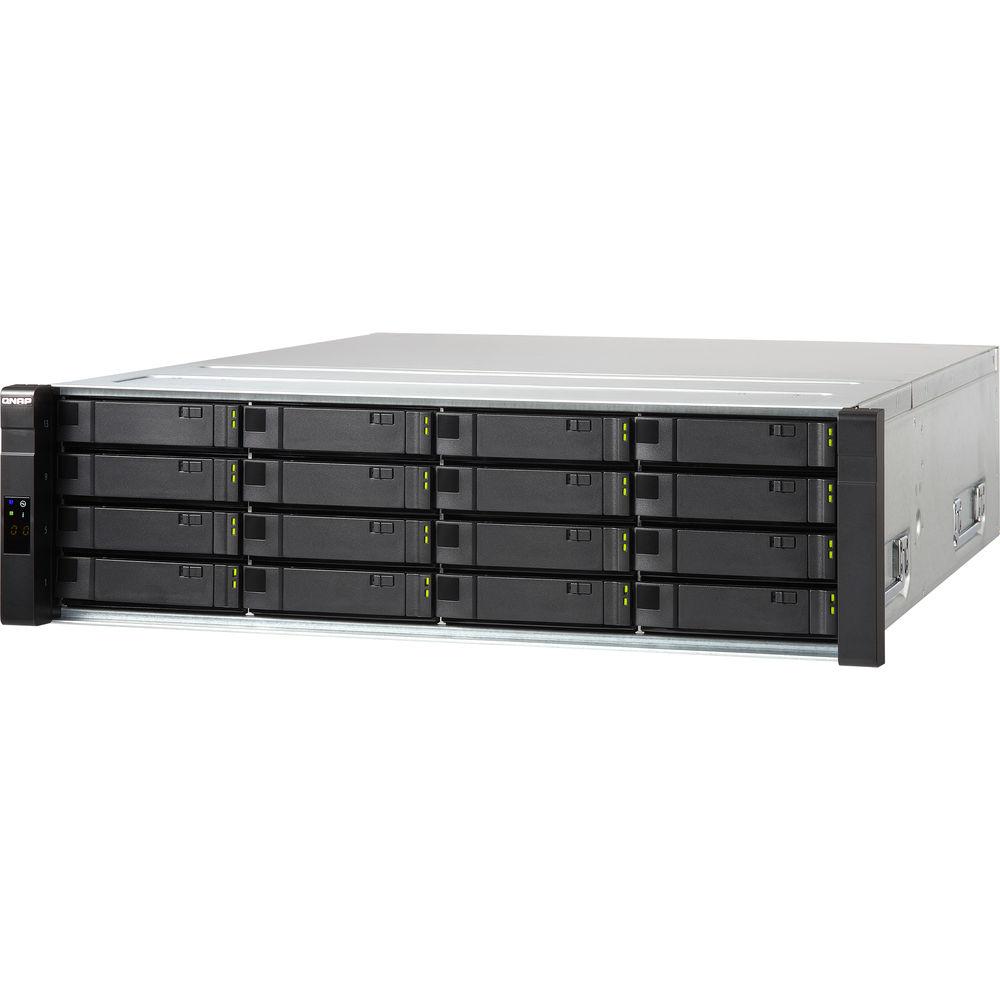
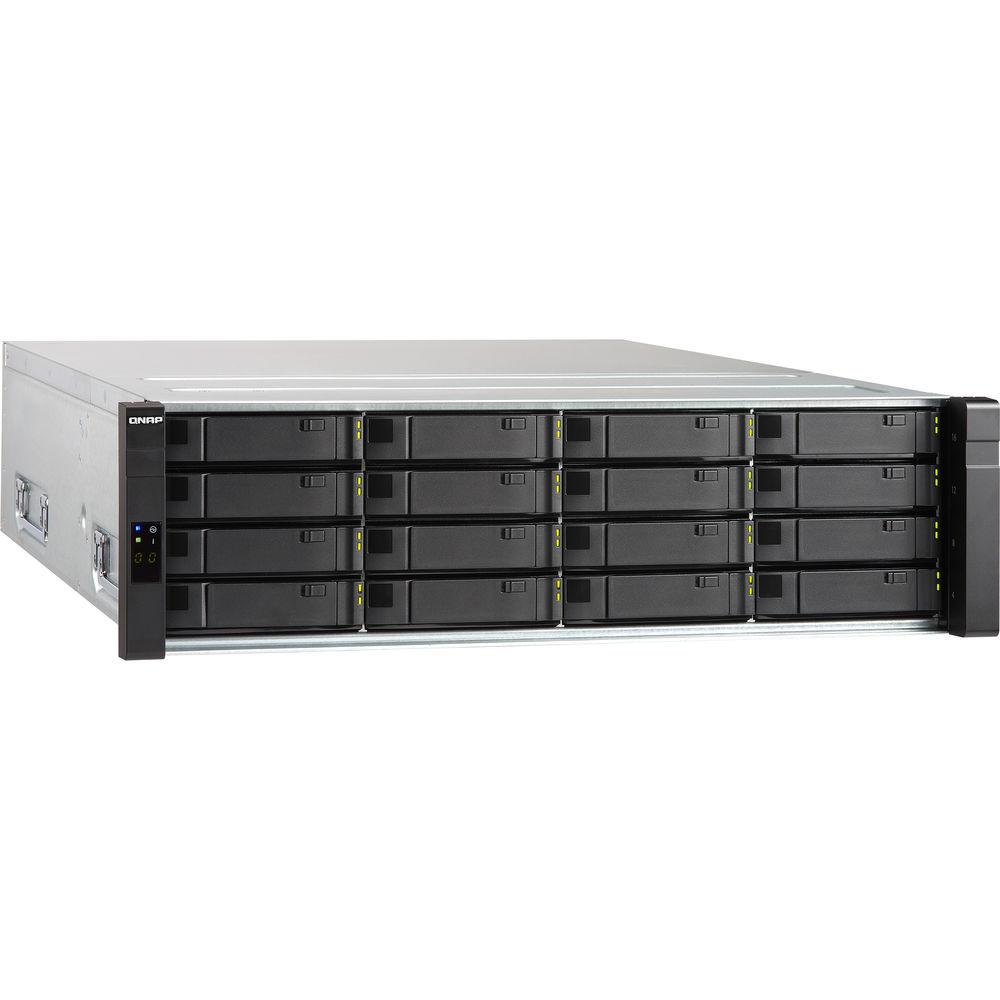
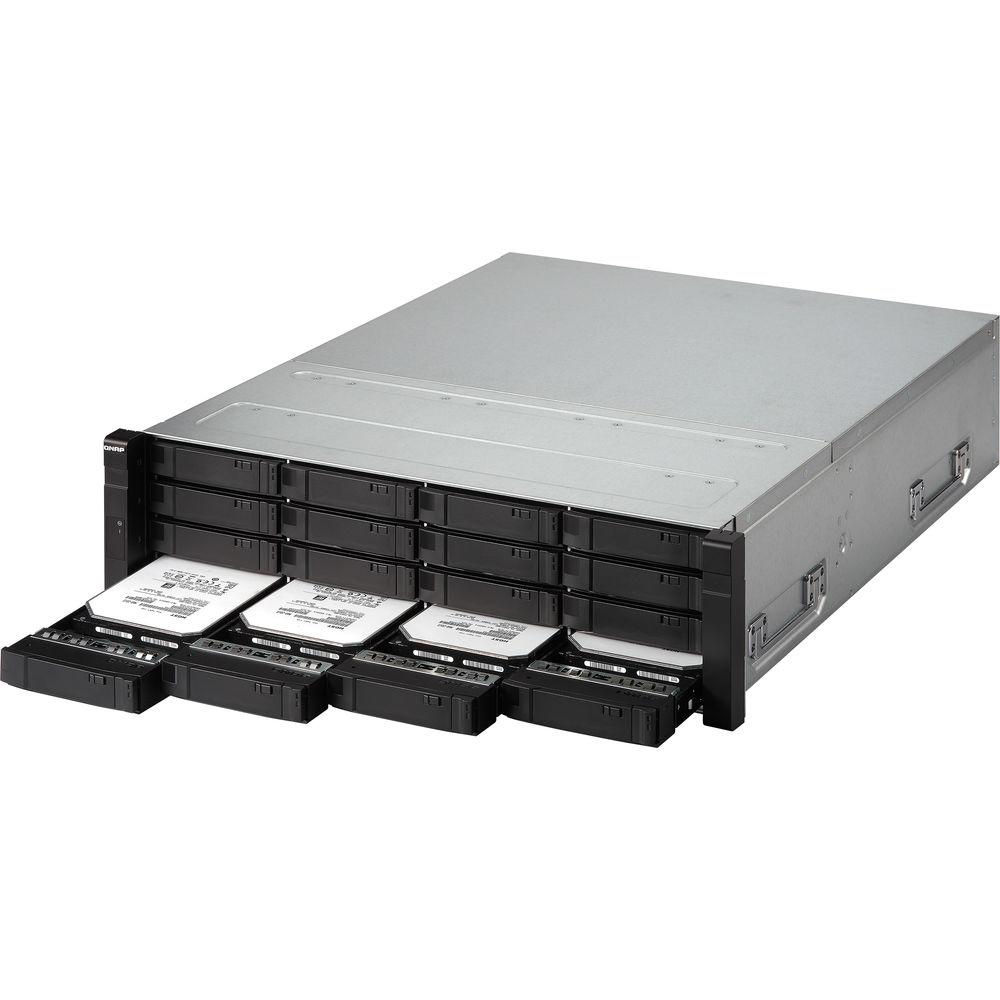
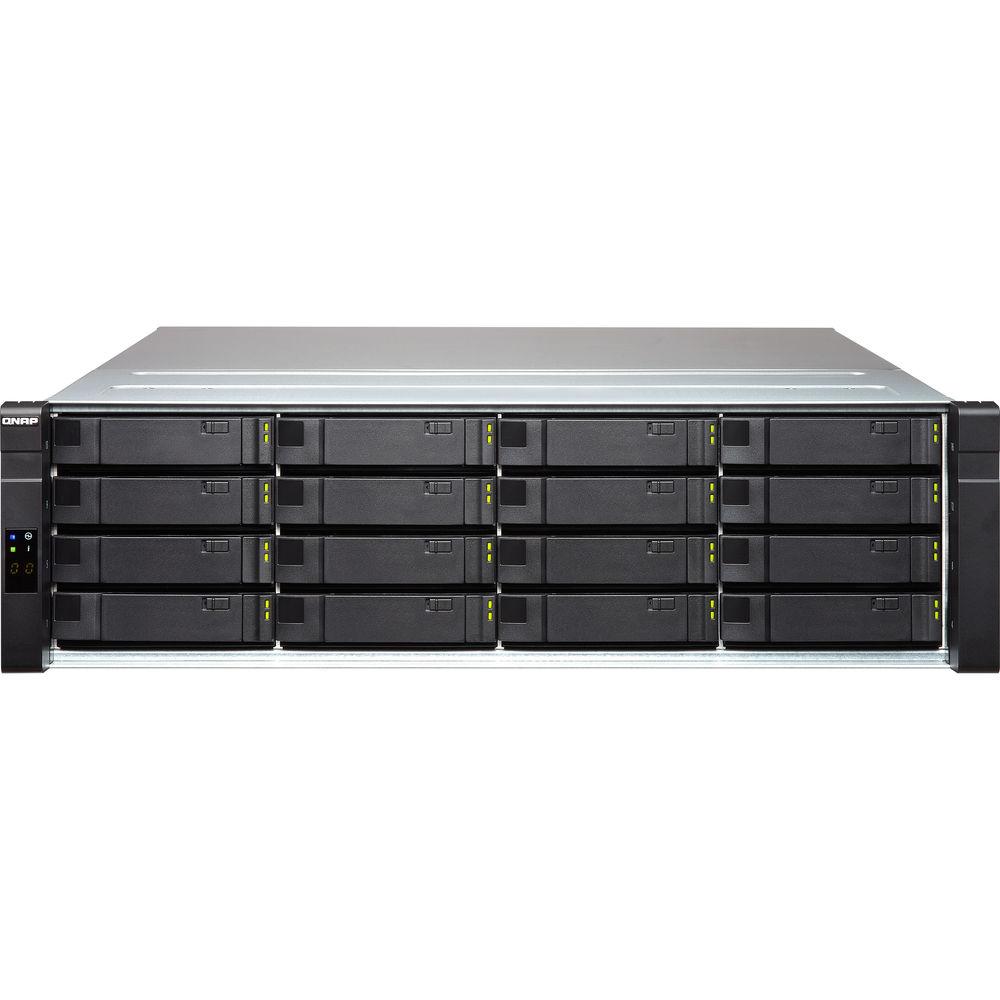
Product description The ES1640dc v2 16-Bay NAS Enclosure from QNAP features two active controllers and sixteen drive bays to provide networks with a customizable, highly-available storage solution. Each of the controllers is armed with an Intel Xeon E5-2420 v2 six-core processor and 32GB of DDR3 ECC RDIMM to provide redundancy in the event one fails. The sixteen bays are outfitted with SAS 12 Gb/s drive interfaces and support 2.5" and 3.5" hard drives as well as SSDs. To increase random write performance, 16GB NVRAM modules are on board for caching data. Additionally, the controllers can function in an active/active configuration for increasing throughputs by balancing workloads across the nodes.
QNAP's ES1640dc v2 comes preinstalled with the QNAP Enterprise Storage operating system, which is built on a FreeBSD kernel and a ZFS file system for data protection. In the event of a power failure, the data stored on the 16GB of NVRAM cache stays active with the help of a backup battery unit, so the data can then be transferred to a 64GB mSATA SSD. Moreover, the data stored on the NVRAM cache is mirrored across both controllers.
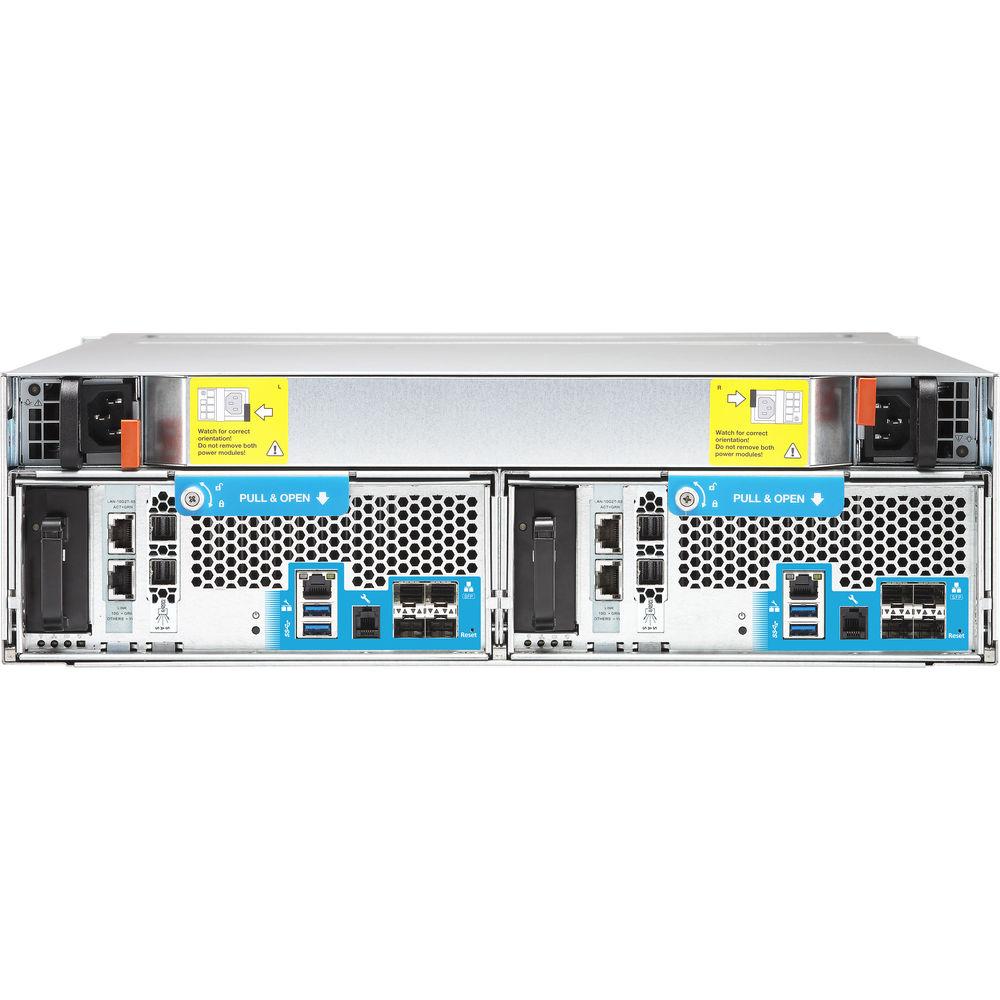
The ES1640dc v2 comes with four 10Gb SFP+ ports for quickly accessing networks. In addition, its PCIe 3.0 x8 and PCIe 2.0 x4 slots are occupied by a LAN-10G2T-X550 NIC and a dual-port mini-SAS adapter, which lets you expand the ES1640dc v2's storage capabilities while protecting this connection due to a cable failure. You can replace the LAN-10G2T-X550 NIC, which provides two 10GbE ports, in the PCIe 3.0 x8 slot with an optional 40GbE NIC. There's also a pair of USB 3.0 ports. - Intel Xeon E5 Processor and Dual Controllers
- The ES1640dc v2 is powered by two Intel Xeon E5-2400 v2 processors and features a dual active-active controller architecture, ensuring nearly zero downtime with high availability as the standby controller can quickly take over if one controller breaks down. The ES1640dc v2 connects to an optional JBOD enclosure (EJ1600) via a dual-path mini-SAS design, which offers continuous operations even if an external JBOD cable is disconnected.
- NVRAM Cache
- To increase random write performance and reliability, the ES1640dc v2 features NVRAM modules (DRAM Write Cache with Copy-to-flash) to protect write data. When data is written into NVRAM, there are dedicated backup battery units to protect writing to the cache, and at the same time, the data is replicated to a backup controller to achieve 100% data integrity. NVRAM-backed write cache in the dual-controller architecture presents high-performance as well as fault-tolerance and helps reduce flash SSD write amplification.
- QES Operating System with ZFS File System
- The ES1640dc v2 features a QNAP Enterprise Storage (QES) operating system that is based on the FreeBSD kernel and the ZFS file system, which has been proven to be suitable for high-end enterprise applications. QES supports a dual active controller architecture and remote disaster recovery, which can be directly integrated into OpenStack cloud environments, and is designed for intensive virtualization and VDI applications with optimal performance. Continuing the same user experience with the QTS operating system, QES provides business users with an easy learning curve to quickly deploy the ES1640dc v2 and a suitable storage solution jointly with the current QNAP NAS.
- ZFS
- The ES1640dc v2 features ZFS, a combined file system and logical volume manager, to support various advanced functions for high-end enterprise storage, including storage expansion, flexible storage pools, simplified management, high-performance SSD cache, nearly limitless snapshots and cloning, data deduplication, in-line compression, and thin provisioning with reclaim for optimized utilization for virtual machine storage. ZFS is designed with a focus on data integrity and uses its end-to-end checksums to detect and correct silent data corruption caused by hardware defects, bugs in firmware, or metadata errors.
- Deduplication and Compression to Maximize VDI Storage Performance
- There could be over 90% of duplicate data from OS images and applications spread out over virtual desktops. The ES1640dc v2 supports block-based data deduplication to optimize storage usage from redundant data. Deduplicated virtual desktops become easier to be cached to achieve optimal virtual desktop performance. In-line data compression helps shrink the size of data to further optimize storage usage. For mastering storage in a virtualized environment, the ES1640dc v2 provides businesses with a remote virtual desktop platform and mission-critical information warehousing.
- Snapshots and SnapSync
- The ES1640dc v2 supports up to 65,536 snapshots for iSCSI LUN and shared folders. When executing a remote snapshot backup, it only needs to transfer changed data and can use deduplication and compression to significantly reduce the amount of transferred data. The ES1640dc v2 can provide remote backup SnapSync for snapshots at an interval of every five minutes. It supports VMware vCenter Site Recovery (SRM) technology and provides Storage Replication Adapter (SRA) for SRM and enterprise-class remote backup & disaster recovery.
- Backup Solutions to Secure Data
- QNAP Netbak Replicator is an easy-to-use, VSS-aware backup software that helps businesses to create complete backups in datacenter and virtualization environments without needing to purchase expensive and complex commercial software. To build a QNAP Snap Agent and VSS Hardware Provider operating environment, all applications (including VSS Service, Requestor, Provider and QNAP Snap Agent) can be deployed with VSS-Aware applications on the same server. An ES1640dc v2 and a server need to be operational for the QNAP Netbak Replicator to function.
- Comprehensive Virtualization Applications
- The ES1640dc v2 is certified for VMware vSphere 6.0 and is compatible with Microsoft Hyper-V and KVM, benefiting flexible deployment and management in virtualization environments. The ES1640dc v2 supports VMware VAAI and Microsoft ODX to increase performance by offloading server loading for ESXi server and Hyper-V respectively. It supports QNAP vSphere Client plug-in, Web plug-in, and QNAP SMI-S provider with enhanced efficiency of operations and management in virtualization applications.
- OpenStack Ready
- As a QNAP "OpenStack Ready" product line, the ES1640dc v2 is not only designed for virtualization and virtual desktop environments but also a suitable choice for cloud applications. QES supports OpenStack Cinder along with iSCSI Cinder Node drivers and provides block-level storage space to virtual machines. It accelerates the deployment of virtual machines and enhances virtual machine image access efficiency through iSCSI. In addition, it is easy to integrate into commercial cloud storage platforms.
- QNAP x Platform9: Deploy a Hybrid Cloud with OpenStack
- Platform9 is a cloud-based OpenStack management platform. While a pure OpenStack environment can take weeks to properly deploy, deployment with Platform9 can be done in minutes. QNAP and Platform9 have joined forces to provide an optimal storage solution that is easy to deploy and easy to use for OpenStack environments. By adopting the joint QNAP ES1640dc v2 and Platform9 solution, you can deploy OpenStack in a very short time with the integrated QNAP Cinder driver (no manual installation required), attain highly-available QNAP storage for on-site data, and benefit from comprehensive functions and applications that are available on QNAP's enterprise-grade and affordable business-class storage solutions.
- Capacity Expansion
- The ES1640dc v2 supports efficient capacity expansion by cascading multiple QNAP RAID expansion enclosures to meet the needs of growing business data, providing businesses a cost-efficient storage solution for large data archiving and virtualization applications.
Featuring dual controllers and a dual-loop architecture, the ES1640dc v2 and the corresponding JBOD expansion enclosures all provide dual-channel (Dual Path) to tolerate single node failure. Even if an external JBOD cable is disconnected due to external damage to the mini-SAS cable, it can still run normally. UPC: 885022012466 In the Box QNAP ES1640dc v2 16-Bay NAS Enclosure with Dual Active Controllers 4 x 10 GbE Cables 2 x Gigabit Ethernet Cables 2 x Power Cords Package of Drive Screws Rail Kit RJ11 to RS-232 Console Cable 2 x Battery Backup Units for NVRAM Set of Drive Stickers Limited 5-Year Warranty More info from QNAP Table of Contents
|
Upload User Manual
Have you got an user manual for the QNAP ES1640dc v2 16-Bay NAS Enclosure with Dual Active Controllers in electronic form? Please send it to us and help us expand our library of instruction manuals.
Thank you, too, on behalf of other users.
To upload the product manual, we first need to check and make sure you are not a robot. After that, your "Submit Link" or "Upload File" will appear.
Technical parametersQNAP ES1640DC-V2-E5-96G-US Specs | | | Processor | Intel Xeon 6-core processor E5-2420 v2 (15 MB Cache, 2.2 GHz) for each controller | | Memory | Total memory slots: 6 (Dual controllers; 2 x main memory DIMM and 1 x write cache DIMM for NVRAM for each controller.)
32 GB/64 GB of DDR3 RDIMM for main memory and 16 GB write cache DIMM per controller | | Flash Memory | 2 GB DOM | | USB Ports | 2 x USB 3.0 | | Drive Bays | 16 x 3.5"/2.5" SAS 12 Gb/s hard drive or 2.5" SAS SSD; lockable tray | | Drive Interface | SAS 12 Gb/s, backwards compatible with SAS 6 Gb/s | | Networking Ports | 4 x SFP+ (Intel XL710-AM1) and 2 x RJ45 (LAN-10G2T-X550) for each controller | | PCIe Slots | PCIe 3.0 x8 slot [Pre-installed with a LAN-10G2T-X550 NIC (2 x 10GbE RJ45 ports), replaceable with a 40 GbE NIC]
PCIe 2.0 x4 slot (Pre-installed with a dual-port Mini-SAS adapter) | | NVRAM | 64 GB M.2 2280 SSD dedicated to NVRAM, SATA signaling | | Sound Level | Sound pressure (LpAm) (bystander position): 66.1 dB | | Power Consumption | Sleep Mode: 314.86 W
In Operation: 501.4 W | | Power Supply | 770 W (Redundancy for fault tolerance) | | Cooling | 2.4 x 2.4 x 1.5" / 60 x 60 x 38 mm hot-swappable fan module (16,000 rpm, 12 V, 2.8 A x 3) | | Certification | FCC Class A
CE Mark (EN55022 Class A, EN55024)
EN60950
BSMI
VCCI
CB
LVD | | | | Operating system | QES 1.1.3 (based on FreeBSD) | | Supported Operating Systems | Windows 7 (32/64-bit), Windows 8 (32/64-bit), Windows 10 (32/64-bit), Windows Server 2008 R2/2012/2012R2
Apple Mac OS X
Linux & UNIX | | Supported Browsers | Microsoft Internet Explorer 10+
Mozilla Firefox 8+
Apple Safari 4+
Google Chrome | | Multilingual Support | Chinese (Traditional & Simplified), Czech, Danish, Dutch, English, Finnish, French, German, Greek, Hungarian, Italian, Japanese, Korean, Norwegian, Polish, Portuguese (Brazil), Romanian, Russian, Spanish, Swedish, Thai, Turkish | | File System | ZFS | | Networking | TCP/IP (IPv4 & IPv6)
10 Gigabit NICs with jumbo frame (LACP, Load Balance, Failover, Round Robin)
Service binding based on network interfaces
Proxy client
DHCP client
Protocols: CIFS/SMB2/SMB3, NFS v3/NFS v4, FTP, FTPS, TFTP, HTTP, HTTPS, SSH, iSCSI, SNMP, SMTP, and SMSC
Bonjour Discovery | | Security | Network access protection with auto-blocking: SSH, HTTP(S), FTP, CIFS/SMB
CIFS/SMB host access control for shared folders
FIPS 140-2 validated AES 256-bit volume-based and shared folder data encryption
Importable SSL certificates
Instant alert via E-mail, SMS, beep | | Storage Management | Storage space utilization monitoring
Storage pool with RAID 0, 1, 5, 6, 10, 50, 60, RAID TP, triple Mirror
Global hot spare
SSD read cache
NVRAM write cache (BBU-protected)
Scheduled Backup Battery Unit (BBU) learning
Supports share folder/LUN with thin provisioning
Supports LUN with instant provisioning
Supports share folder quota
Supports space reclaim
Supports snapshots
-Supports Shared Folder/LUN snapshot
-Snapshot manager
-Snapshot clone
-Snapshot agent for Windows VSS and VMware
Support inline deduplication for Shared Folder/LUN
Support inline compression for Shared Folder/LUN
Support inline encryption for Shared Folder/LUN
Support WORM (Write Once Read Many) for Shared Folder
Online LUN expansion
Online Share Folder quota expansion
Online storage pool expansion
Hard drive S.M.A.R.T.
SMART predict data migration
Time-Limited Error Recovery (TLER)
Storage expansion via QNAP EJ-1600 series expansion
JBOD ID Reinitialized
JBOD enclosure roaming
RAID recovery
Checksum for end-to-end data integrity
Silence error detection and self-healing
Pool scrub for data verification | | High Availability | Active-Active/Active-Standby dual controller for NAS
Active-Active dual controller for JBOD expander
Automatically hardware error detection and failover
Automatically failback when hardware recovered
Data port network failover
Management port network failover
Near zero downtime high availability
Dual SAS link loop
MPIO and ALUA for iSCSI high availability
Link aggregation for network high availability
Support SMB3 Continuous Availability (CA) | | Power Management | Wake on LAN
Internal hard drive standby mode
Automatic power on after power recovery
Network UPS support with SNMP management | | Access Right Management | Batch users creation
Import/Export users
User quota management
Local user access control for CIFS/SMB and FTP
Subfolder permissions support for CIFS/SMB, FTP, and File Station | | Domain Authentication Integration | Microsoft Active Directory support
LDAP client
Domain users login via CIFS/SMB, FTP, and File Station | | Administration | Multi-window, multi-tasking based system management
Movable Icons and personalized desktop
Smart toolbar and dashboard for neat system status display
Smart fan Control
SNMP (v2 & v3)
Resource monitor
Network recycle bin for file deletion via CIFS/SMB and File Station
-Automatic Cleanup
-File Type Filter
Comprehensive logs (events & connection)
Syslog client
System settings backup and restore
Restore to factory default
Command Line Interface (CLI) | | File Server | Shared folder for CIFS/SMB, NFS and FTP
File sharing across Windows, Mac, and Linux/UNIX
Windows ACL | | FTP Server | FTP over SSL/TLS (Explicit)
FXP support
Passive ftp port range control | | Backup Station | Remote replication server over Rsync
Remote replication server over Snapsync
Scheduled backup
Snapshot support for Rsync
Compression, Dedup, and transfer rate limitation over Snapsync
Desktop backup with QNAP NetBak Replicator for Windows
Third party backup software support: Veeam backup & replication, Acronis True Image, Arcserve backup, emc retrospect, Symantec Backup Exec, etc. | | | | Form Factor | 3 RU | | Dimensions (D x W x H) | 24.3 x 17.6 x 5.2" / 618 x 446.2 x 132 mm (excluding front grips) | | Weight | 59.1 lb / 26.8 kg | | | | Package Weight | 81.5 lb | | Box Dimensions (LxWxH) | 29.5 x 23.3 x 14.7" |
Rating60% users recommend this product to others. And what about you?

This product has already been rated by 89 owners. Add your rating and experience with the product.
Discussion
 Ask our technicians if you have a problem with your settings,
or if anything is unclear in the user manual you have downloaded.
You can make use of our moderated discussion.
The discussion is public and helps other users of our website who may be encountering similar problems.
Ask our technicians if you have a problem with your settings,
or if anything is unclear in the user manual you have downloaded.
You can make use of our moderated discussion.
The discussion is public and helps other users of our website who may be encountering similar problems.
The discussion is empty - enter the first post
Post a new topic / query / comment:
|
|
|
| Request for user manual |
You can’t find the operation manual you are looking for? Let us know and we will try to add the missing manual:
I’m looking for a manual / Request for manual
Current requests for instruction manuals:
Call Of Duty World War Two For Xbox...
controller stratus XL...
stratus XL...
smart whatch serie S11 42mm...
Allen & Heath SQ-6 manual...
|
| Discussion |
Latest contributions to the discussion:
AEW R 4100
Name: MAURICIO ANGARITA
Audio-Technica AEW-R4100 UHF Diversity Receiver for
AEW R 4100 has the mute function blocked and does not allow audio to pass. I tried several times to turn off the mute from the transmitter but it does nothing, the mute stays on. Solution?
Thank you...
Instructions for assembling the 2015 Forecast Image Master Consoles GC3-A
Name: mike elam
Forecast Consoles GC3-A ImageMaster Editing Console
Looking for instructions for assembling this console. ...
EMPTY TONER ERROR MESSAGE AFTER REPLACING TONER
Name: LINDA BAD YELLOW EYES
Brother TN223BK Standard-Yield Toner
I HAD TO CHANGE OUT ALL THREE TONERS DUE TO LEAKS IN THE YELLOW AND CYAN. AFTER I REPLACED THEM, THE MACHINE KEEPS GIVING ME AN EMPTY TONER ERROR MESSAGE. HELP!!...
PS480D 20/24 pin Switching 480W Power Supply
Name: swkargo
Logisys 480W Power Supply
This item states in can run -5vdc .It is NOT listed on the board or I beleive is r4 is missing the resitior. Any body have thid issue. Shawn
...
Help needed
Name: Ann Carter
SanDisk 1TB Extreme Portable USB 3.1
When I click the link to download the user manual for my Sandisk Extreme external hard drive, it gives me the manual for the LG Cricket. Can you please change the link so I can download the Sandisk manual and begin using this drive? Thank you....
|
|


