|
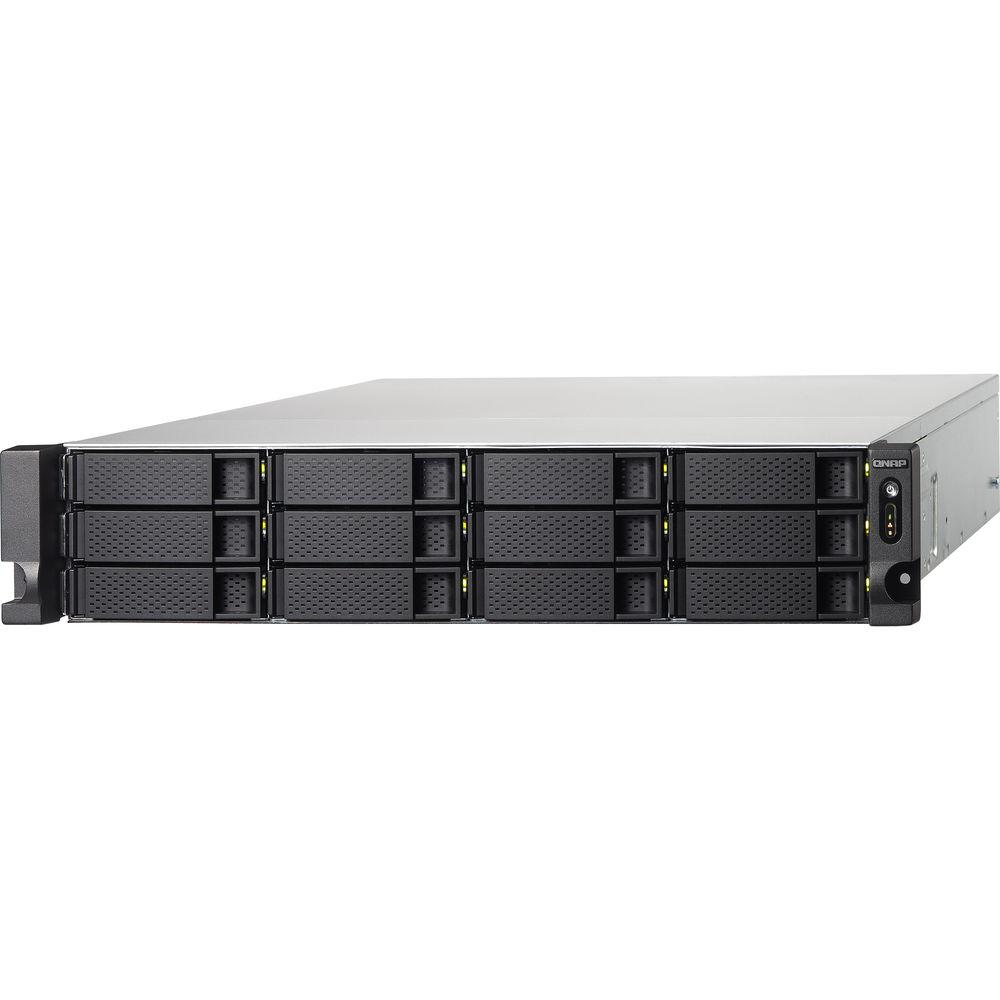
User Manual for QNAP TS-1263U-RP-4G Turbo NAS 12-Bay NAS Enclosure Click to enlarge the picture
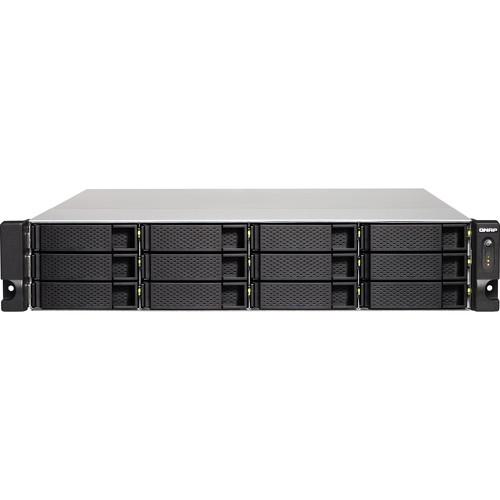 Contents of the user manual for the QNAP TS-1263U-RP-4G Turbo NAS 12-Bay NAS
- Product category: NAS Enclosures QNAP
- Brand: QNAP
- Description and content of package
- Technical information and basic settings
- Frequently asked questions – FAQ
- Troubleshooting (does not switch on, does not respond, error message, what do I do if...)
- Authorized service for QNAP NAS Enclosures
 |
User manual for the QNAP TS-1263U-RP-4G Turbo NAS 12-Bay NAS contain basic instructions
that need to be followed during installation and operation.
Before starting your appliance, the user manual should be read through carefully.
Follow all the safety instructions and warnings, and be guided by the given recommendations.
User manual is an integral part of any QNAP product,
and if it is sold or transferred, they should be handed over jointly with the product.
Following the instructions for use is an essential prerequisite for protecting
health and property during use, as well as recognition of liability on the part of the manufacturer
for possible defects should you make a warranty claim. Download an official QNAP user manual in which you will find instructions on how to install, use, maintain and service your product.
And do not forget – unsuitable use of a QNAP product will considerably shorten its lifespan!
|
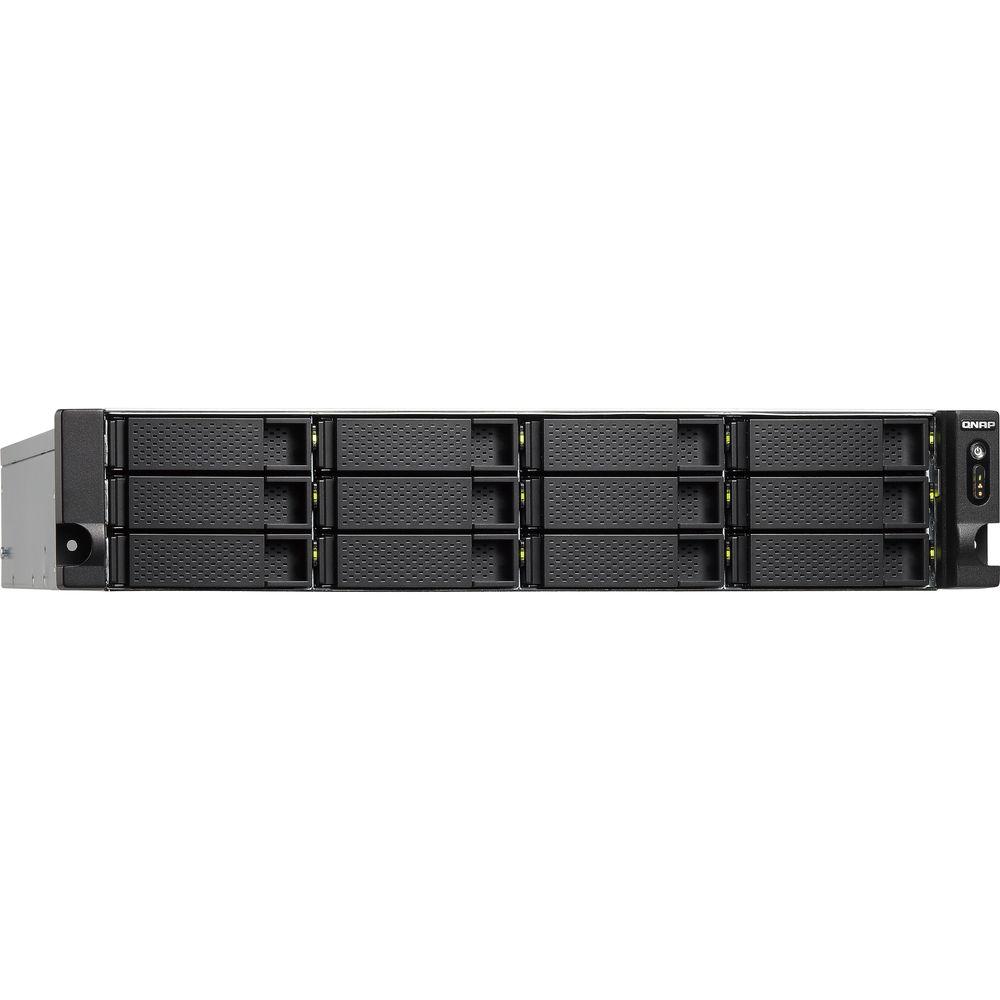
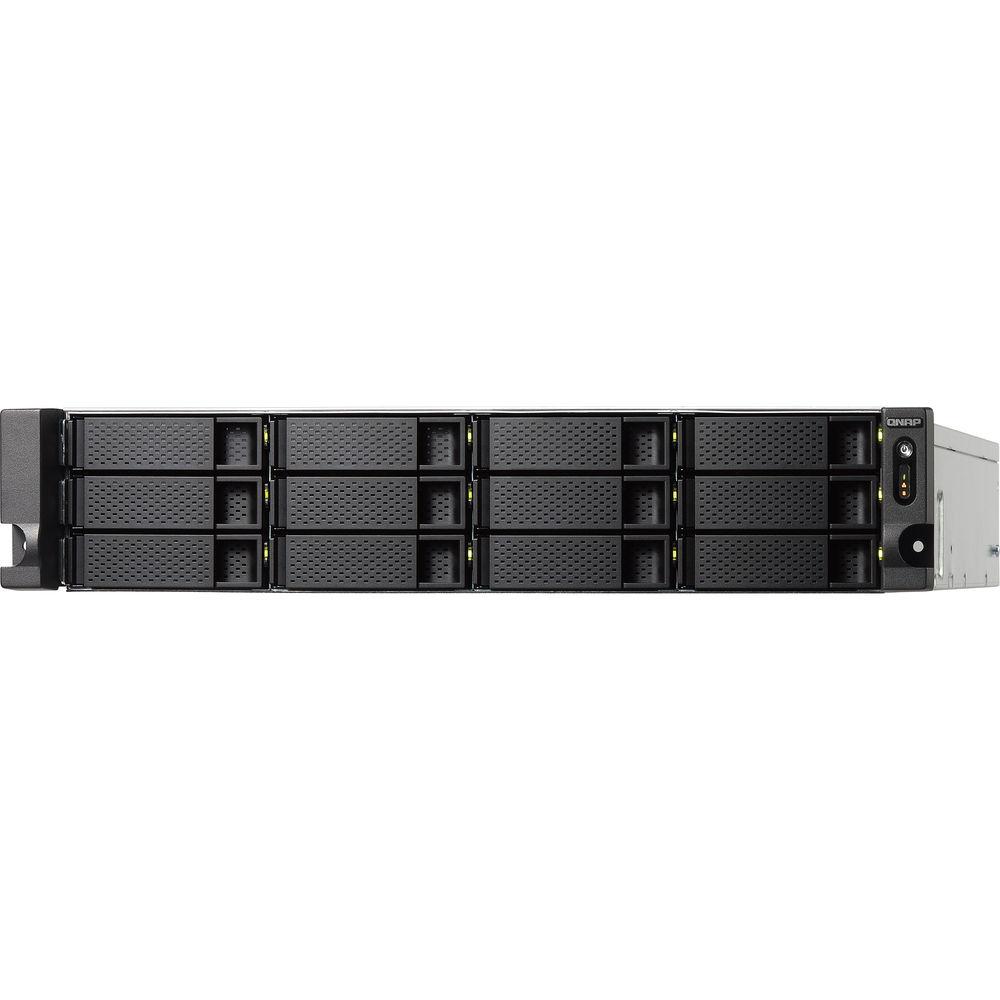
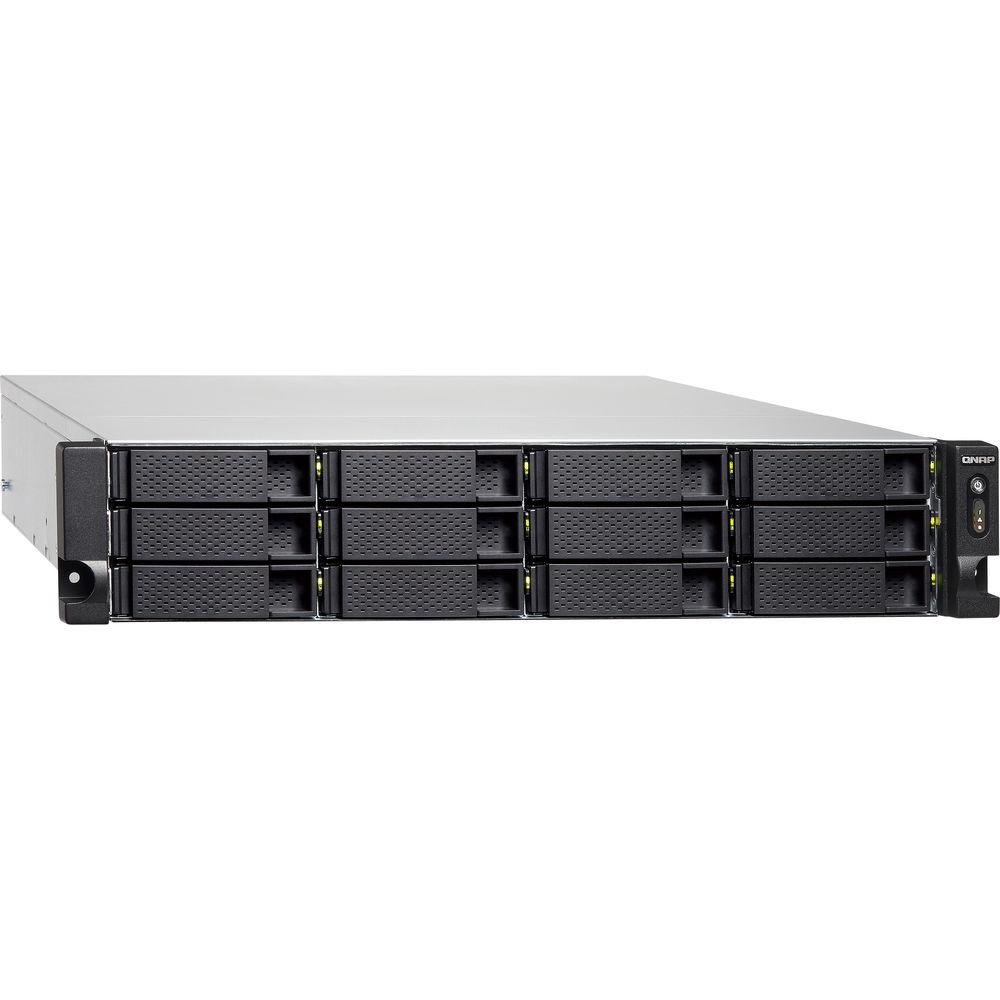
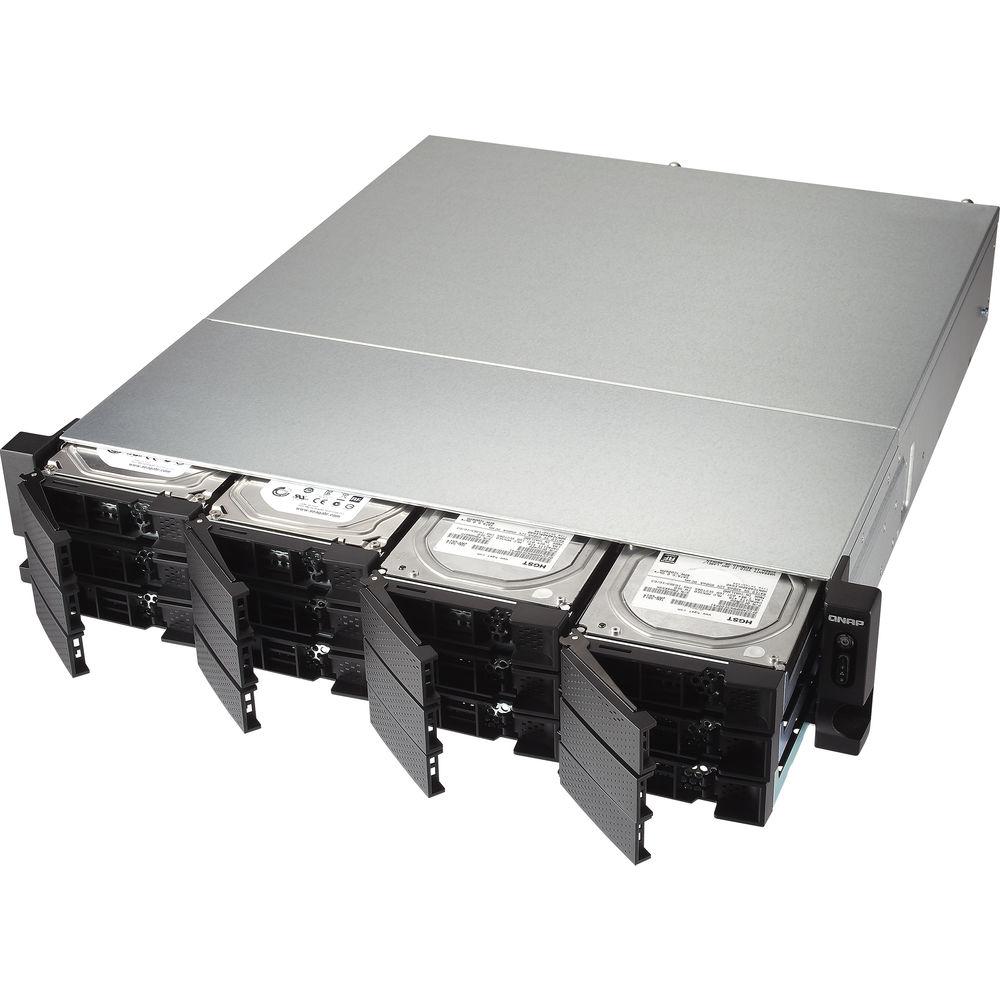
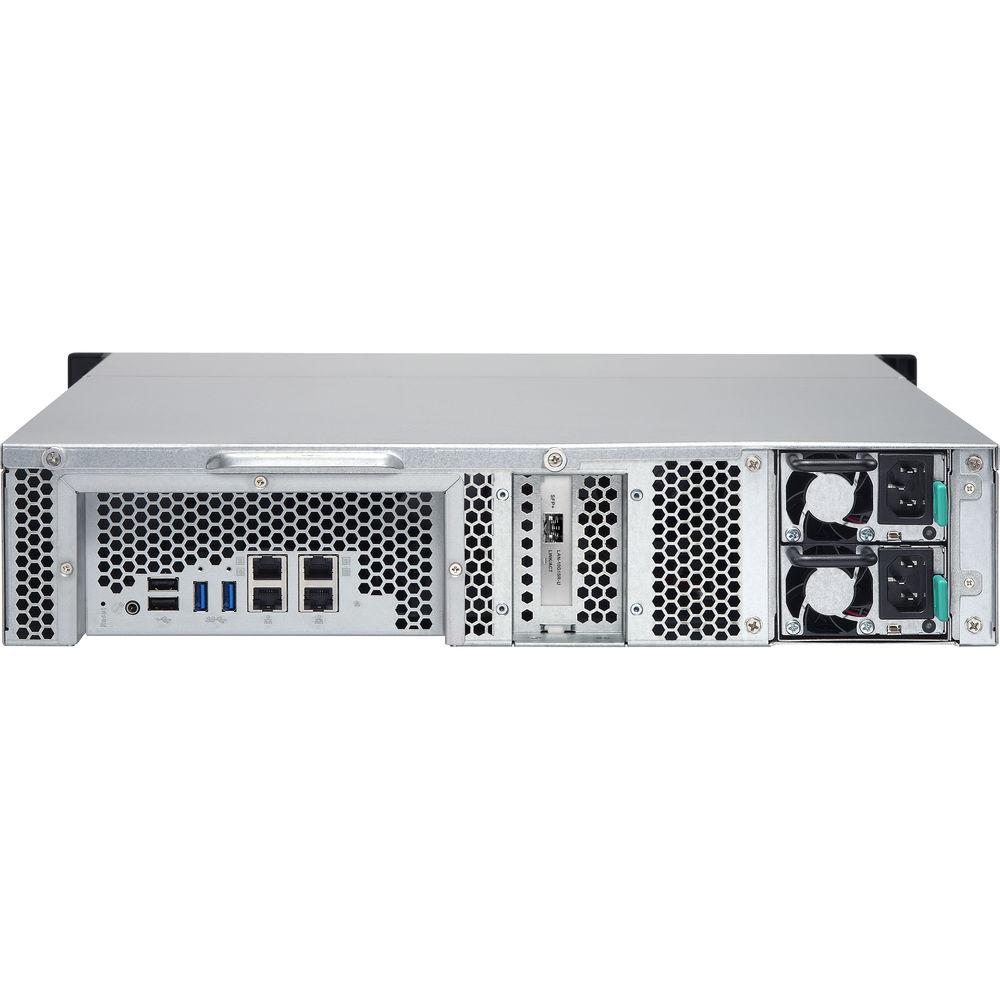
Product description Designed for a variety of storage tasks such as file management, sharing, and data backup, and featuring redundant power supplies the TS-1263U-RP-4G Turbo NAS 12-Bay NAS Enclosure from QNAP comes equipped with twelve storage bays capable of housing 2.5" or 3.5" SATA 6 Gb/s or 3 Gb/s hard drives or solid state drives. Accompanying the drive bays, this NAS enclosure also comes equipped with a single 10GbE SFP+ port and four GbE ports for enhanced network connectivity and data transfer rates of up to 1059 MB/s. In addition to the network ports, users can also connect additional storage devices to any of the two USB 3.0 ports or three USB 2.0 ports.
Inside the TS-1263U-RP-4G you will find a 2.0 GHz AMD G-Series Quad-Core 64-bit CPU along with 4GB of DDR3L RAM and 512MB of flash storage for optimal system performance. If the included RAM memory isn't sufficient it can be upgraded to a total of 16GB using both memory slots. Once configured, the unit can be monitored via the dedicated LED indicators depicting power, status, LAN, USB, and HDD 1-12 operating conditions. Additionally, the TS-1263U-RP-4G features power and reset buttons to easily control basic functions of the NAS enclosure. Installation is simple thanks to the 2 RU form factor making it easy to install into a variety of rackmount configurations. - 64-Bit Quad-Core Processor with AES-NI Support
- The TS-x63U is equipped with a fast 64-bit AMD x86 quad-core 2.0 GHz processor with 4GB DDR3L-1600 RAM (upgradable to 16GB), SATA 6Gb/s, and quad Gigabit LAN ports (expandable to 6 x GbE ports or 4 x GbE + 2 x 10GbE ports) for fast multi-tasking performance with SSD cache support. The TS-x63U delivers up to 1059 MB/s read speeds and 405 MB/s write speeds with 1 x 10GbE port configuration. The TS-x63U's hardware-accelerated encryption engine provides enhanced encryption performance, up to 822 MB/s with AES-256 bit full NAS volume encryption, boosting system performance and security while ensuring the safety of sensitive business data.
- Built-In 10GbE Connectivity
- The TS-x63U series supports 10 Gigabit high-speed networks with the included single-port SFP+10GbE network adapter in addition to the default 4 x Gigabit Ethernet ports. The 10GbE ready TS-x63U series delivers fast data throughput for businesses that demand higher bandwidth for virtualization and fast backup/restoration for an ever-growing amount of data. Users can also upgrade to a two-port 10GBASE-T or SFP+ NIC by replacing the pre-installed SFP+ NIC.
- Bridge Between 1 & 10GbE
- With Qswitch the NAS supports bridging 1 Gigabit and 10 Gigabit networks naturally like a network switch. Users can connect 1GbE devices to the NAS to attain the 10GbE working environment for data transmission without buying an expensive 1/10 Gbps Ethernet switch. The NAS assists in saving money on 10GbE network deployment and maximizes your flexibility and bandwidth.
- Capacity Expansion
- The TS-x63U offers a high performance yet affordable storage solution to fulfill the needs of businesses for archiving rapidly-growing data and large files. The TS-x63U supports capacity expansion by connecting a QNAP expansion enclosure. Utilize the 8 Bay UX-800U-RP or 12 Bay UX-1200U-RP with the QNAP scale-up solution, the raw storage capacity can be expanded on demand, making the TS-x63U an ideal file center for storage-intensive business applications such as video surveillance, data archiving, TV broadcast storage, and more.
- High Reliability Design
- The NAS is designed to provide 24/7 operations and services. The support for comprehensive RAID configurations and hot-swapping allow for replacing hard drives without service interruption. QNAP's advanced RAID recovery technology also helps if any healthy drives are mistakenly removed from a degraded RAID volume. The system can be recovered by reinserting the wrongly removed hard drives so the data can still be accessed. The NAS delivers high reliability and efficiency with a 4 X GbE and one 10GbE LAN ports design for multiple port-trunking modes including fail-over support. The TS-x63U-RP also features a hot-swappable redundant power supply to ensure maximum system uptime.
- QTS 4.2 - Efficient NAS OS
- The QTS 4.2 NAS operating system features a modern flat design that streamlines loading times, and the intelligent desktop allowing you to quickly find desired functions, create desktop shortcuts or group shortcuts, monitor important system information on a realtime basis, and multitask by opening multiple application windows at the same time, bringing greater operating efficiency.
- Cross-Platform File Sharing & Centralized Storage
- The TS-x63U supports SMB/CIFS, AFP, and NFS protocols for file sharing across Windows, Mac, Linux/UNIX networks. Data, logs and ISO images of CDs and DVDs can be centrally stored on the TS-x63U and protected by an integrated antivirus solution. The Windows AD and LDAP services enable system administrators to configure user permissions by using an existing Windows AD server, LDAP server or built-in LDAP service. The TS-x63U supports SAMBA v4 and can act as a Windows domain controller to manage privilege settings.
- Run Additional Operating Systems
- The TS-x63U supports Virtualization Station 2.0, transforming it into a 2-in-a-box device that can function as an all-in-one NAS and a virtualization platform. Virtualization Station supports multiple operating systems which includes Windows, Linux/UNIX and Android, virtual machine creation, VM import/ export, snapshot, and enables desktop operations on web browsers. By adopting a Software Defined Network approach, VMs can share the network interface with the NAS to maintain the best data transmission speed. You can also download VMs on demand from online VM marketplaces and import them to the NAS without any complex procedures.
- Q'center for Multi-NAS Management
- The QNAP Q'center CMS (Central Management System) offers a platform to centrally manage multiple NAS units. The visualized statistics and messages allow you to rapidly gain a clear picture on the system statuses of all QNAP NAS units, including disk usage, shared folder space usage, HDD IOPS, HDD delays and CPU usages and use them as the basis of your system utilization trend analysis. You can use Q'center to enable network services and other settings on a group of NAS units at once or a specific NAS unit.
- Container Station - LXC and Docker Containers
- The TS-x63U is empowered by QNAP Container Station that integrates LXC and Docker lightweight virtualization technologies, allowing you to operate multiple isolated Linux systems on the NAS and to download apps from the built-in Docker Hub registry. It supports container import/export and permission settings, and features an informative dashboard and flexible user interface for you to manage multiple containers.
- File Synchronization Across Multiple Devices
- The Qsync utility turns your NAS into a high-capacity, safe data center for file synchronization. Any file uploaded to the NAS will be made available for all linked devices, such as computers, laptops or mobile devices. With central configuration mode, you can directly manage user privileges, set up Qsync client configurations, and apply customized or default settings effortlessly to all devices at once from one device. If your NAS is stolen or lost, you can remotely erase the Qsync folder to avoid data breaches. Qsync provides multiple ways of file synchronization and group file sharing, greatly enhancing the flexibility of collaboration.
- Comprehensive Security Options
- In open network environments, business data may be exposed in a potential hack. The TS-x63U provides numerous security options, such as encrypted access, IP blocking, and more. IT administrators can also control the access rights of each user to different folders, preventing unauthorized access to important files. The NAS supports AES 256-bit volume or folder encryption, preventing sensitive business data from unauthorized access and breach even if the hard drives or the entire system were stolen.
- File Station and Cloud Service Integrated
- Now you can use File Station to centrally manage files not just on your NAS but also on other devices and popular cloud solutions with just a web browser. You can also view files with Office Online and Google Docs or directly open them with a Google Chrome office extension. The new media viewer provides a frameless mode for you to enjoy a better browsing experience. Easily share files via email, CloudLink, and a shared space where your friends can upload files after receiving a link from you.
- Disaster Recovery Solutions
- The TS-x63U offers various data recovery options. RTRR (RealTime Remote Replication) supports real time or scheduled data backup to a remote Turbo NAS or FTP server and synchronizes files to a remote folder from a local folder with better backup efficiency and reduced backup time. The TS-x63U also supports the rsync protocol to back up data to another remote server on a scheduled basis. Data can also be backed up to and restored from a range of cloud storage services, including Amazon S3/Glacier, OneDrive, Microsoft Azure, ElephantDrive, Dropbox, Google Drive and Google Cloud Storage.
- Qsirch - A Smarter, Faster, Way to Search
- Quickly and easily find documents, photos, videos, and music with Qsirch, QNAP's new built-in NAS search application lets you find what you need by real-time, natural search. Simply type in as much as you know about what you are trying to find, including parts of the file name or even words/phrases in the document, and Qsirch will display a list of matches - complete with thumbnails - as you type. Qsirch is a huge productivity boost that greatly reduces the time spent looking for files on the NAS, allowing you to focus on other tasks.
- Comprehensive Backup Solutions with Versioning Support
- With backup versioning, multiple versions of files can be backed up to local or remote sites and rolled back to a specific point of time whenever needed. Furthermore, QNAP NetBak Replicator supports real-time and scheduled data backup on Windows. Apple Time Machine is also supported to provide Mac OS X users with a solution to effortlessly back up data to the TS-x63U. A wide range of third-party backup software such as Acronis True Image and Symantec Backup Exec are also supported.
- Powerful QNAP Flexible Volume
- QNAP's flexible volume provides a more secure and flexible way to store NAS data. This next-generation volume offers powerful features such as storage pooling with multiple RAID group protection, thin provisioned volumes with space reclaim, blocklevel iSCSI LUN, and online capacity expansion. The QTS Storage Manager neatly presents tools and options for managing system storage which greatly simplifies the process of NAS capacity expansion and QNAP RAID expansion enclosure management.
- Volume & LUN Snapshot
- QTS Storage Manager adds an easy-to-use web-based snapshot tool for you to easily back up and restore data on the NAS back to any point of time to prevent loss of important data. You can take snapshots for both volumes and LUN, efficiently replicate volume/LUN snapshots to remote servers by copying only the changes made, and quickly clone a volume /LUN snapshot as a local volume without interrupting the current system operation. You can even set up the system to automatically take a snapshot of the volume before backup via RTRR/rsync, even when the file is opened.
- Storage for Virtualization Applications
- The TS-x63U supports VMware and Citrix, and is compatible with Microsoft Hyper-V and Windows Server 2012, benefiting flexible deployment and management in the virtualization environments. The TS-x63U supports VMware VAAI and Microsoft ODX to increase performance by offloading server loading for ESXi server and Hyper-V respectively, and supports QNAP vSphere Client plug-in and QNAP SMI-S provider for enhanced operational efficiency and management in virtualization applications.
- Cloud-Ready 24/7 Surveillance Solution
- Surveillance Station is a professional network surveillance Video Management System (VMS) that offers a user-friendly management interface, compatibility with over 3,000 IP camera models, and expandable IP camera channel licenses. It supports real-time monitoring, video and audio recording and playback with a wide range of customizable settings. You can also install the Vmobile mobile app on your iOS or Android devices to manage the monitored channels anytime and anywhere to safeguard your office environment, or install the Vcam mobile app to turn your device into a network camera to instantly record to your TS-x63U. The TS-x63U offers 4 free IP camera channels and you can expand up to 40 channels by purchasing additional licenses.
UPC: 885022009220 In the Box QNAP TS-1263U-RP-4G Turbo NAS 12-Bay NAS Enclosure Limited 3-Year Warranty Table of Contents
|
Upload User Manual
Have you got an user manual for the QNAP TS-1263U-RP-4G Turbo NAS 12-Bay NAS Enclosure in electronic form? Please send it to us and help us expand our library of instruction manuals.
Thank you, too, on behalf of other users.
To upload the product manual, we first need to check and make sure you are not a robot. After that, your "Submit Link" or "Upload File" will appear.
Technical parametersQNAP TS-1263U-RP-4G-US Specs | CPU | 64-Bit Quad-Core AMD G-Series 2.0 GHz | | Memory | 4 GB DDR3L (4 GB x 1)
Total Memory Slots: 2 SODIMM; memory expandable up to 16 GB DDDR3L (8 GB x 2)
512 MB (DOM) flash memory | | Drive Bays | 12 | | Drive Type | 2.5" or 3.5" SATA 6 Gb/s, 3 Gb/s; hot-swappable | | Expansion Unit | Max 1 expansion unit (12-bay UX-1200U-RP or 8-bay UX-800U-RP) | | LAN Ports | 1 x 10 GbE SFP+ & 4 x GbE ports
(Expandable up to 6 x GbE ports or 4 x GbE & 2 x 10 GbE ports) | | USB Ports | 2 x USB 3.0
3 x USB 2.0 | | PCIe Slot | 1 x PCIe 2.0 x 4 slot, pre-installed 1-port SFP+ 10 GbE NIC | | LED Indicators | Power, Status, LAN, USB, HDD 1-8 | | Buttons | Power, Reset | | Form Factor | 2 RU Rackmount | | RAID | RAID 0,1, 5, 6, 10, + hot spare | | Operating System | QTS 4.2 (embedded Linux) | | Supported Operating Systems | Windows 7 (32/64-bit), Windows 8 (32/64-bit)
Windows Server 2003/2008 R2/2012/2012R2
Apple Mac OS X
Linux & UNIX | | Networking | TCP/IP
Quad Gigabit NICs with jumbo frame
(failover, multi-IP settings, port trunking/NIC teaming)
Service binding based on network interfaces
Proxy client & Squid Proxy server
DHCP client, DHCP server
Protocols: CIFS/SMB, AFP (v3.3), NFS(v3), FTP, FTPS, SFTP, TFTP, HTTP(S), Telnet, SSH, iSCSI, SNMP, SMTP, and SMSC
UPnP & Bonjour Discovery
USB Wi-Fi Adapter Support | | Temperature & Humidity | Temperature
32 to 104°F / 0 to 40°C
Humidity
5 to 95% non-condensing, wet bulb: 80.6°F / 27°C | | Power | Input: 100-240 VAC, 50/60 Hz; Output: 250 W
Power Supply: 2 x 250 W | | File Sharing | Max. Users: 4096
Max. User Groups: 512
Max. Shared Folders: 512
Max. Concurrent Connections (CIFS): 800 | | Performance | Windows Download/Upload (1 x 10 GbE)
1059/405 MB/s
AES 256-Bit Encrypted Windows (1 x 10 GbE)
822/334 MB/s | | Dimensions | 3.50 x 18.97 x 21.02" / 89 x 482 x 534 mm | | Weight | 16.14 lb / 19.41 kg | | | | Package Weight | 34.4 lb | | Box Dimensions (LxWxH) | 28.2 x 22.1 x 10.5" |
Rating70% users recommend this product to others. And what about you?

This product has already been rated by 18 owners. Add your rating and experience with the product.
Discussion
 Ask our technicians if you have a problem with your settings,
or if anything is unclear in the user manual you have downloaded.
You can make use of our moderated discussion.
The discussion is public and helps other users of our website who may be encountering similar problems.
Ask our technicians if you have a problem with your settings,
or if anything is unclear in the user manual you have downloaded.
You can make use of our moderated discussion.
The discussion is public and helps other users of our website who may be encountering similar problems.
The discussion is empty - enter the first post
Post a new topic / query / comment:
|
|
|
| Request for user manual |
You can’t find the operation manual you are looking for? Let us know and we will try to add the missing manual:
I’m looking for a manual / Request for manual
Current requests for instruction manuals:
Call Of Duty World War Two For Xbox...
controller stratus XL...
stratus XL...
smart whatch serie S11 42mm...
Allen & Heath SQ-6 manual...
|
| Discussion |
Latest contributions to the discussion:
AEW R 4100
Name: MAURICIO ANGARITA
Audio-Technica AEW-R4100 UHF Diversity Receiver for
AEW R 4100 has the mute function blocked and does not allow audio to pass. I tried several times to turn off the mute from the transmitter but it does nothing, the mute stays on. Solution?
Thank you...
Instructions for assembling the 2015 Forecast Image Master Consoles GC3-A
Name: mike elam
Forecast Consoles GC3-A ImageMaster Editing Console
Looking for instructions for assembling this console. ...
EMPTY TONER ERROR MESSAGE AFTER REPLACING TONER
Name: LINDA BAD YELLOW EYES
Brother TN223BK Standard-Yield Toner
I HAD TO CHANGE OUT ALL THREE TONERS DUE TO LEAKS IN THE YELLOW AND CYAN. AFTER I REPLACED THEM, THE MACHINE KEEPS GIVING ME AN EMPTY TONER ERROR MESSAGE. HELP!!...
PS480D 20/24 pin Switching 480W Power Supply
Name: swkargo
Logisys 480W Power Supply
This item states in can run -5vdc .It is NOT listed on the board or I beleive is r4 is missing the resitior. Any body have thid issue. Shawn
...
Help needed
Name: Ann Carter
SanDisk 1TB Extreme Portable USB 3.1
When I click the link to download the user manual for my Sandisk Extreme external hard drive, it gives me the manual for the LG Cricket. Can you please change the link so I can download the Sandisk manual and begin using this drive? Thank you....
|
|


