|
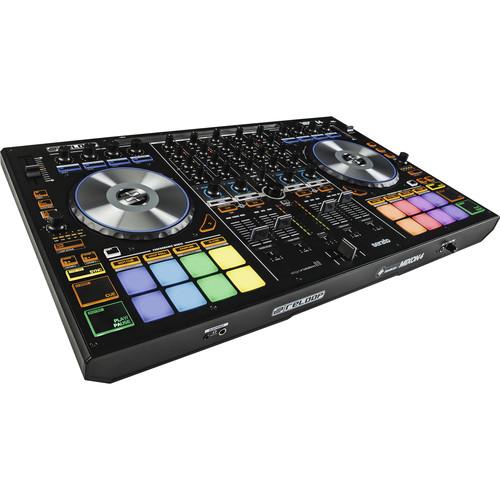
User Manual for Reloop MIXON 4 DJ Controller for Serato DJ and Algoriddim djay Software Click to enlarge the picture
 Contents of the user manual for the Reloop MIXON 4 DJ Controller for
- Product category: DJ Controllers Reloop
- Brand: Reloop
- Description and content of package
- Technical information and basic settings
- Frequently asked questions – FAQ
- Troubleshooting (does not switch on, does not respond, error message, what do I do if...)
- Authorized service for Reloop DJ Controllers

 |
User manual for the Reloop MIXON 4 DJ Controller for contain basic instructions
that need to be followed during installation and operation.
Before starting your appliance, the user manual should be read through carefully.
Follow all the safety instructions and warnings, and be guided by the given recommendations.
User manual is an integral part of any Reloop product,
and if it is sold or transferred, they should be handed over jointly with the product.
Following the instructions for use is an essential prerequisite for protecting
health and property during use, as well as recognition of liability on the part of the manufacturer
for possible defects should you make a warranty claim. Download an official Reloop user manual in which you will find instructions on how to install, use, maintain and service your product.
And do not forget – unsuitable use of a Reloop product will considerably shorten its lifespan!
|
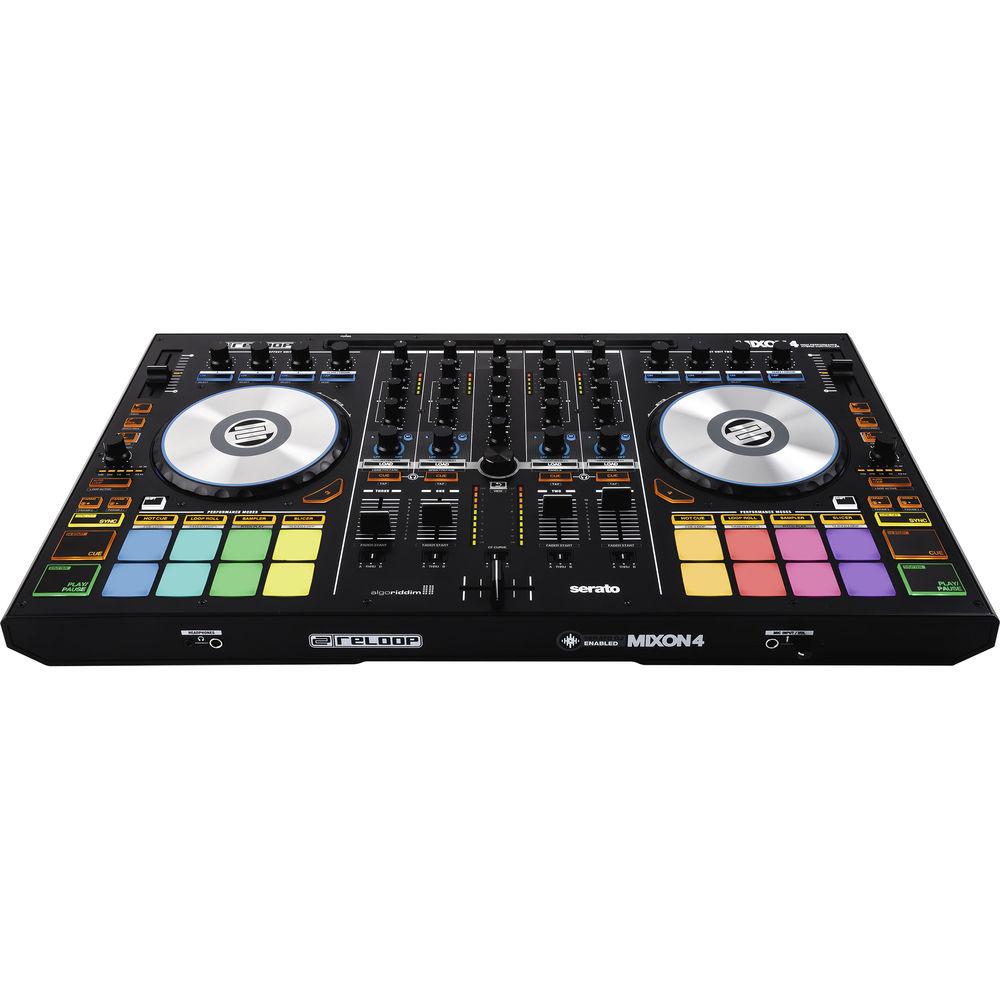
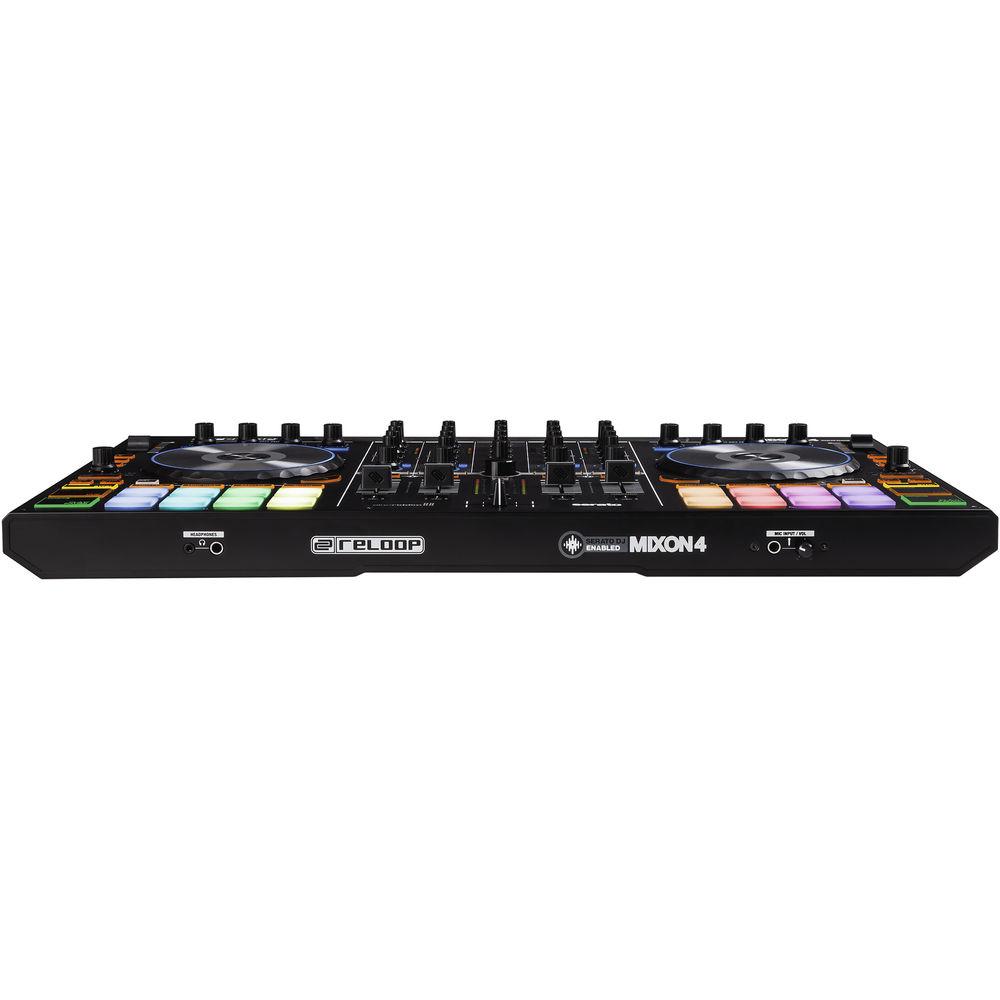
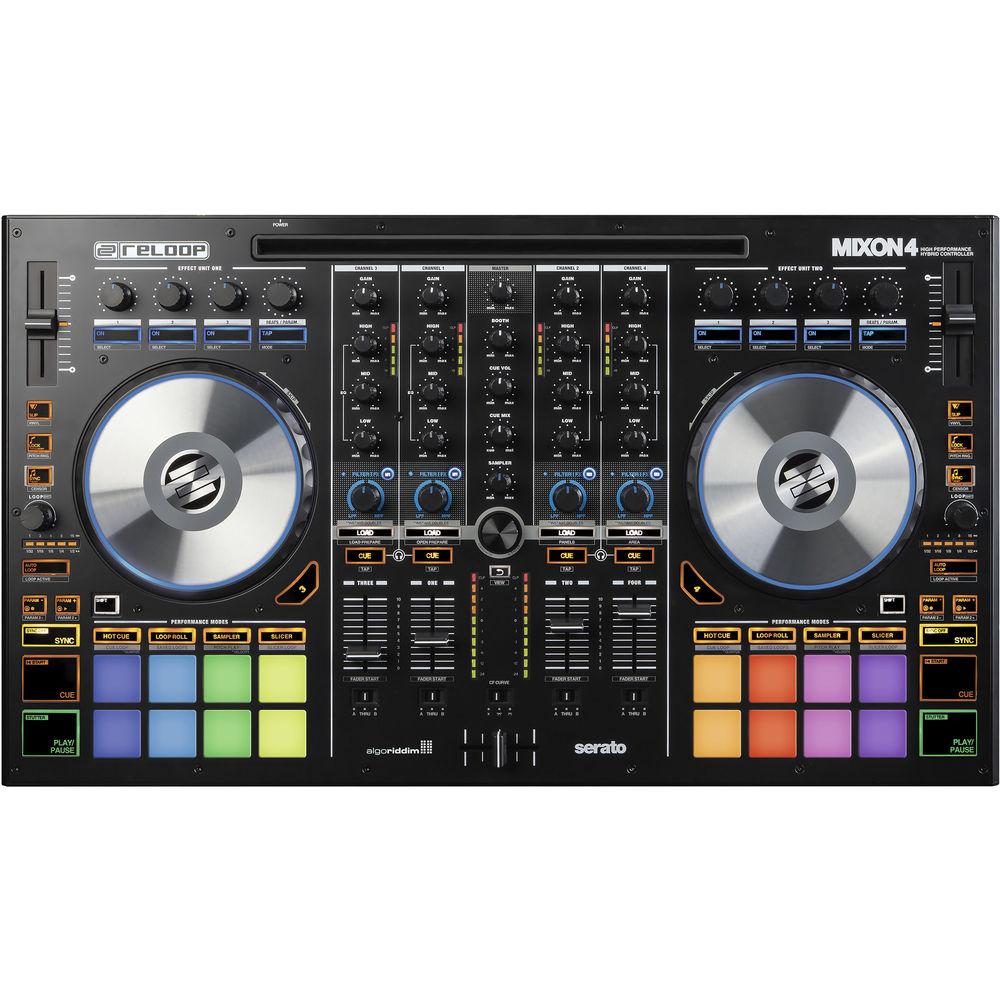
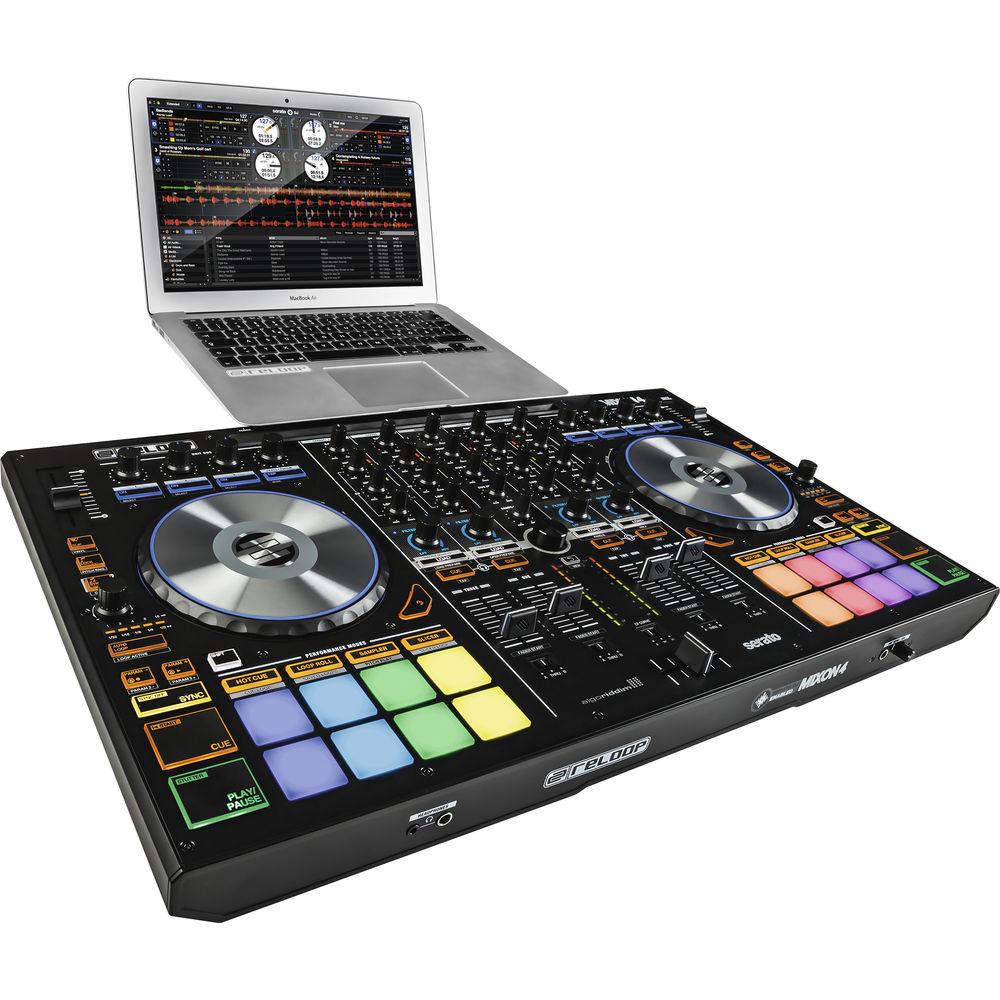
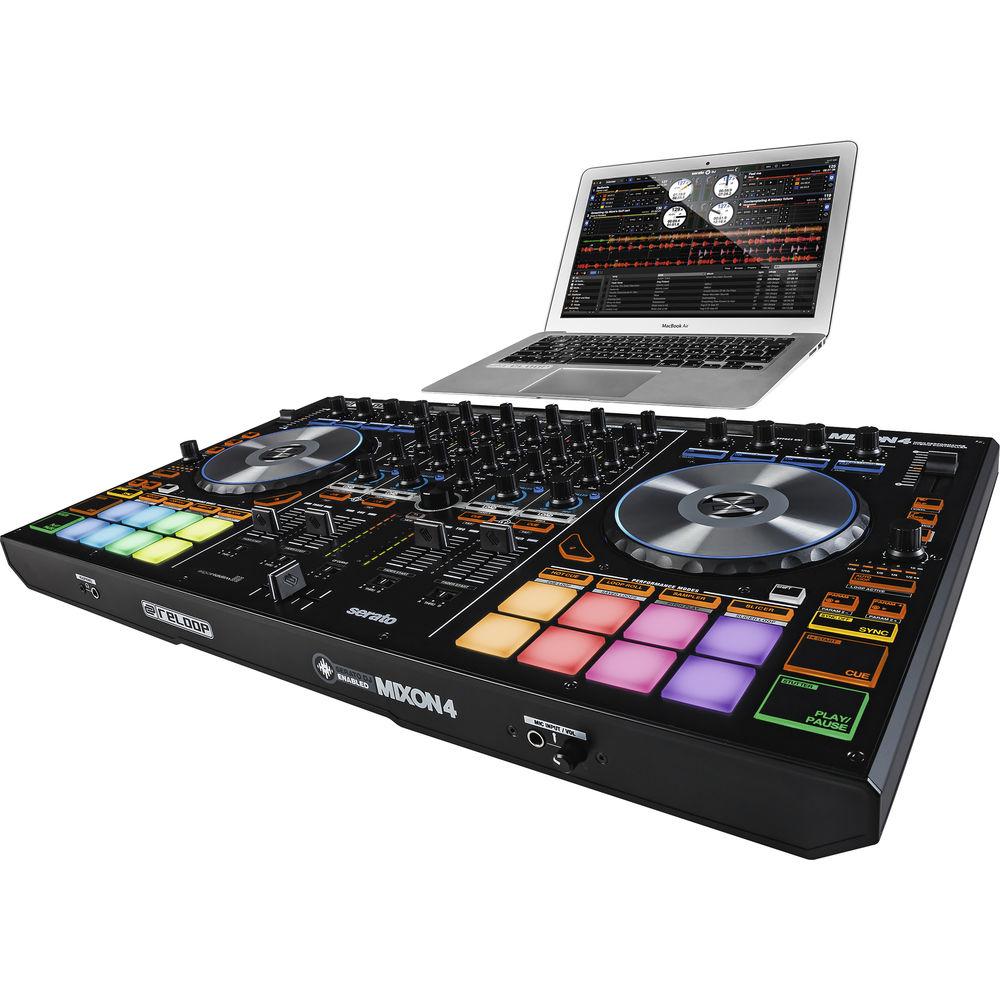
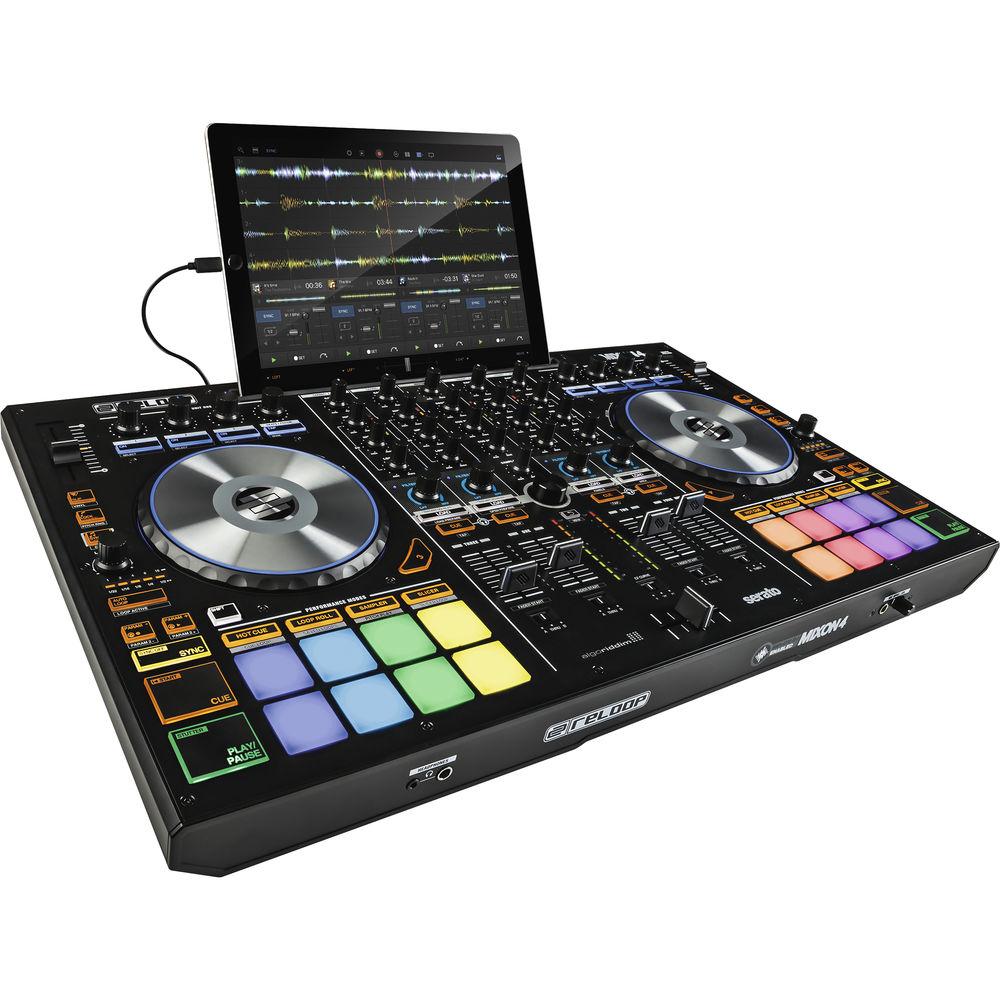
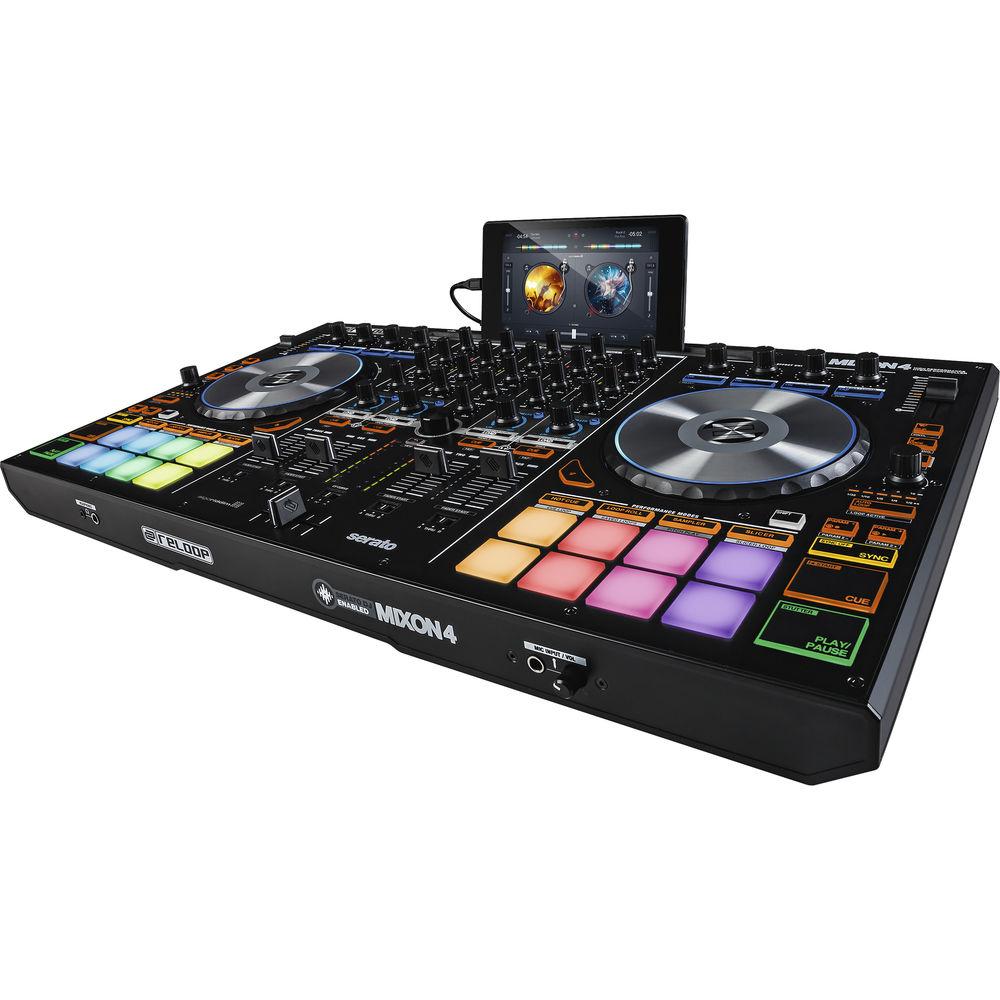
Product description The Reloop MIXON 4 DJ Controller for Serato DJ and Algoriddim djay Software is designed for live performance applications such as DJing at a party or in the club. The controller features four decks of control within Serato DJ software or Algoriddim djay PRO with four physical faders, a crossfader with assignable curve, and four 3-band EQ knobs plus a filter knob for mixing and performing. The controller features an integrated iPad Pro docking station.
The unit includes sixteen touch-sensitive RGB drum pads that can be used to trigger different modes including Hot Cue, Loop Roll, Sampler, Slicer, Flip* and Cue & Slicer Loop modes. The Pitch Play mode allows for playful and creative live remixing of cue points at different tones and pitches. The drum pads are especially useful when using the controller's slice and loop modes. When activating slice mode, the controller will chop a track into eight equal parts that are in turn distributed across the drum pads for on-the-fly mashups. In Loop mode, the pads can be used to store and trigger up to 8 loops with different lengths, controllable with a loop size encoder.
The controller also makes full use of Serato DJ's SP-6 Sampler enabling all banks from Serato to be accessed and triggered from the controller with eight savable cue points per track. The drum pads are color coded with LED illumination and provide visual feedback to distinguish which mode or combination of dual modes the controller is operating in. The unit's effect section features three rotary knobs, an endless rotary encoder, and 4 buttons for intuitive control over Serato DJ's iZotope- and Sugar Bytes-powered effects.
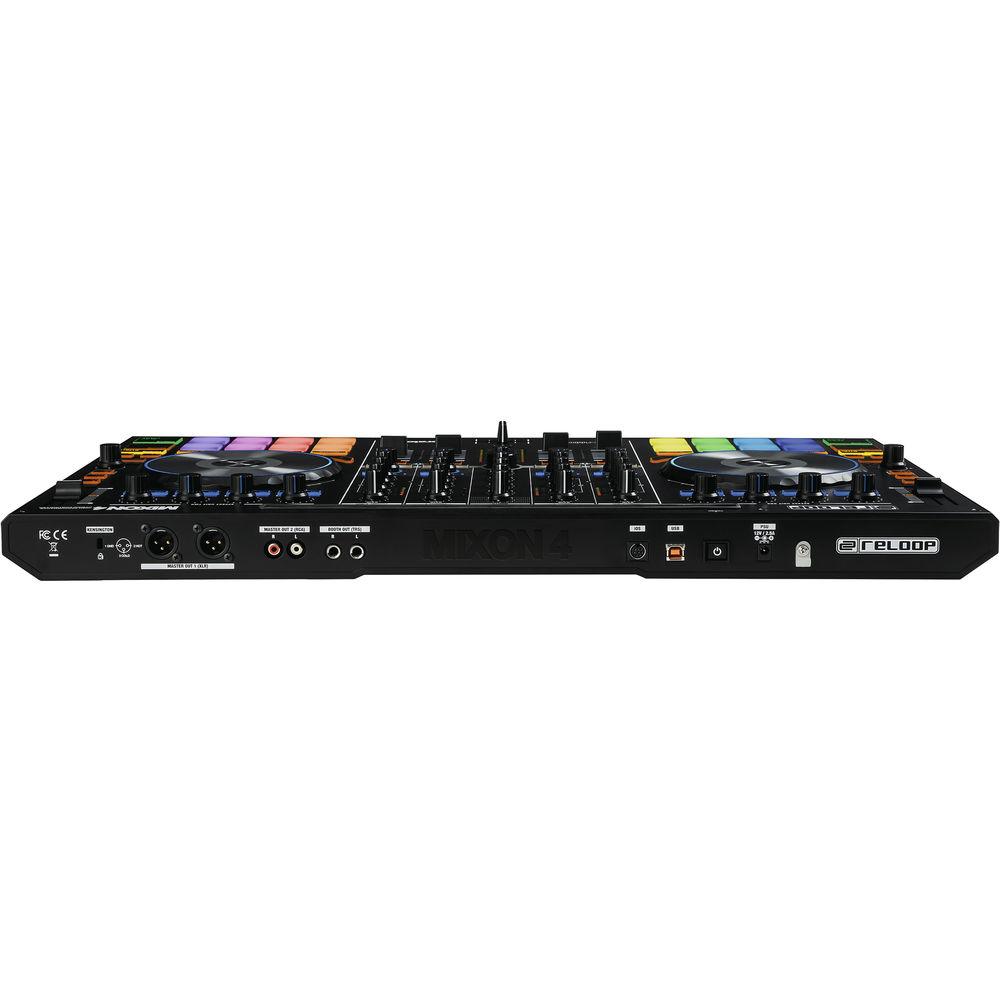
For performance the unit includes two 6.1" / 15.5 cm diameter touch-sensitive aluminum jog wheels with LED virtual needle illumination to inform you of the play-head position. The high-resolution 14-bit 100mm pitch faders provide accurate control over your music for seamless beat matching. Other features include a play and pause button, a cue button, and a stutter button. For audio, the controller includes an integrated USB audio interface with unbalanced RCA and balanced master outputs via XLR connectors. Additionally, a pair of booth outputs is offered via two 1/4" TRS jacks. A Kensington lock slot can be used to secure the device, and two headphone connections enable cueing on either 3.5mm or 6.3mm connectors. The controller comes with the latest full version of Serato DJ, Algoriddim djay Pro, and is also compatible with most other MIDI compatible DJ software such as Traktor Pro 2, Virtual DJ, and more. Note: - Serato Pitch Play, Key Sync, and Key Shift requires optional Serato DJ Pitch'n'Time expansion pack
- Serato FLIP control for recording Hot Cue remixes and re-looping them live requires optional Serato FLIP expansion pack
- A Spotify Premium subscription and an Internet connection is required to access the Spotify music catalog from djay. A 7-day FREE trial of Spotify Premium is available to all djay 2 / Pro users
-
- 4-Channel flagship controller designed & co-developed with Serato & Algoriddim
- Industry first hybrid design to work plug 'n' play with djay PRO and Serato DJ (enabled)
- Multi-Platform support for iOS/Android/PC/Mac
- First, integrated docking station that holds up to an iPad PRO (12.9'')
- Plug'n'Play: Simply connect your Laptop, iOS or Android device and start mixing your music files or Spotify tracks in the cloud
- Large 1.2 x 1.2" drum pads with multi-colored backlit LEDs and velocity sensitive technology
- 8 color-coded performance modes including Pitch Play
- Slicer performance modes for cutting and mashing up your tracks
- Up to eight Hot Cues and Cue Loops can be triggered on each deck
- Access and fire up to eight saved Loops and Loop Rolls
- Mighty SP-6 sample bank control with dedicated volume
- Serato FLIP control for recording Hot Cue remixes and re-looping them live
- Slip mode for creative live remixing
- Dedicated Sound Color filter (LPF/HPF) on each channel
- Macro FX Mode: Combine any effect with filters on each channel
- Dedicated Loop Control Section with Length Indication LED-Bar
- Large (6.1" / 155mm) aluminum jog wheels with 2-part touch-sensitive technology
- Visual feedback on Jog Wheels through LED illumination for Virtual Needle position & Track Time Elapsed
- Harmonic mixing with Key Sync, Key Shift and Pitch Play
- Hi-Res 14-bit pitch fader with range and Key Lock control
- Mix millions of tracks instantly with award-winning djay 2 and Spotify integration
- Large transport section
- Independent Level meters for In- and Outputs
- Fader-start feature
- Quick-Skip: Fast search within a track
- Sturdy metal-panel construction with performance faders & knobs in club size and quality
- Extreme tight vinyl emulation for superior scratching experience
- Control DJ effects (FX engine by iZotope / Sugar Bytes) on two independent effect units
- Crossfader curve & assignment controls
- Shift buttons for second layer control
- Anti-Theft: Kensington lock slot
- ASIO drivers (CORE compliant) with minimal latency and high audio quality (PC/Mac)
- MIDI-Ready: Compatible with every DJ software; Mappings available for Traktor Pro 2 and Virtual DJ
- Master Output: Stereo XLR and Stereo RCA
- Booth Output: Stereo 1/4"
- Mic Input: One 1/4" with volume control knob
- Headphone Output: 1x 1/4" and 1x 1/8"
- Integrated 4-channel USB audio club soundcard with High Retention connection port
- USB-, Lightning-, Android-, OTG-cable and external power supply with grounding included
In the Box Reloop MIXON 4 DJ Controller for Serato DJ and Algoriddim djay Software USB Cable OTG Cable iOS Lighting Cable Power Supply Limited 1-Year Warranty Table of Contents
|
Upload User Manual
Have you got an user manual for the Reloop MIXON 4 DJ Controller for Serato DJ and Algoriddim djay Software in electronic form? Please send it to us and help us expand our library of instruction manuals.
Thank you, too, on behalf of other users.
To upload the product manual, we first need to check and make sure you are not a robot. After that, your "Submit Link" or "Upload File" will appear.
Technical parametersReloop MIXON 4 Specs | Input | Microphone: 1x 1/4" / 6.35 mm with volume knob | | Output | Master Out 1: 2x XLR
Master Out 2: 2x RCA
Booth Out: 2x 1/4" / 6.35 mm TRS
Headphone: 1x 1/4" / 6.35 mm, 1x 1/8" / 3.5 mm | | Kensington Lock Support | Yes | | Output Level | Master Out (RCA): 2.0 (±0.2 V) (0 dB, 1 kHz no audio from PC, no microphone input)
Booth Out: 2.0 (±0.2 V) (0 dB, 1 kHz, no audio from PC, no microphone input)
Master Out Balanced: 3.9 (±0.2 V) (0 dB, 1 kHz, no audio from PC, no microphone input)
Headphone: 1.5 V (±0.2 V) (0 dB, 1 kHz, no audio from PC, no microphone input
headphone) (load 32 ohms)
Mic (RCA) Max: 1.5 (±0.1 V) (no audio from PC, + 3 mV Vrms microphone input, 50 Ohms unbalanced AP audio generator output) | | Mac Requirements | Mac OS X 10.9.+ / 10.10.+ / 10.11.+ (check serato.com / algoriddim.com for updates on OS)
32 bit/64 bit: i3 / i5 / i7 with min. 1.07 GHz
Minimum 4 GB RAM (If you have a large library, you will benefit from having more RAM)
5 GB free HDD space
Min. screen resolution 1280 x 720
Available USB 2.0 port
Download latest Serato DJ / djay PRO versions on serato.com / algoriddim.com | | Windows Requirements | Windows 7 / 8.1 / 10 (check serato.com for updates on OS)
32 bit/64 bit: i3 / i5 / i7 with min. 1.07 GHz
AMD processors are not recommended and not officially supported
Minimum 4 GB RAM (If you have a large library, you will benefit from having more RAM)
5 GB free HDD space
Min. screen resolution 1280 x 720
Available USB 2.0 port
Download latest Serato DJ / djay PRO versions on serato.com / algoriddim.com | | iOS System Requirements | iOS device (iPad or iPhone generation 4 or higher) with 8-Pin Lightning connection
iOS 8 or higher (check algoriddim.com for updates on OS)
Download latest djay 2 / djay PRO version from the App Store
Note: iOS devices will be charged when connected | | Android System Requirements | Compatible Android device (check reloop.com for further compatibility details)
Android 5 or higher (check algoriddim.com for updates on OS)
Download latest djay 2 version from the Google Play Store
Google Nexus series recommended
Note: Android Devices will not be charged via OTG | | Power | Power Adapter: 12 VDC, 3 A | | Dimensions | 25.9 x 14.8 x 1.8" / 657.0 x 376.0 x 45.0 mm | | Weight | 11.7 lb / 5.3 kg | | | | Package Weight | 19.0 lb | | Box Dimensions (LxWxH) | 32.4 x 18.8 x 6.5" |
Rating100% users recommend this product to others. And what about you?

This product has already been rated by 08 owners. Add your rating and experience with the product.
Discussion
 Ask our technicians if you have a problem with your settings,
or if anything is unclear in the user manual you have downloaded.
You can make use of our moderated discussion.
The discussion is public and helps other users of our website who may be encountering similar problems.
Ask our technicians if you have a problem with your settings,
or if anything is unclear in the user manual you have downloaded.
You can make use of our moderated discussion.
The discussion is public and helps other users of our website who may be encountering similar problems.
The discussion is empty - enter the first post
Post a new topic / query / comment:
|
|
|
| Request for user manual |
You can’t find the operation manual you are looking for? Let us know and we will try to add the missing manual:
I’m looking for a manual / Request for manual
Current requests for instruction manuals:
Call Of Duty World War Two For Xbox...
controller stratus XL...
stratus XL...
smart whatch serie S11 42mm...
Allen & Heath SQ-6 manual...
|
| Discussion |
Latest contributions to the discussion:
AEW R 4100
Name: MAURICIO ANGARITA
Audio-Technica AEW-R4100 UHF Diversity Receiver for
AEW R 4100 has the mute function blocked and does not allow audio to pass. I tried several times to turn off the mute from the transmitter but it does nothing, the mute stays on. Solution?
Thank you...
Instructions for assembling the 2015 Forecast Image Master Consoles GC3-A
Name: mike elam
Forecast Consoles GC3-A ImageMaster Editing Console
Looking for instructions for assembling this console. ...
EMPTY TONER ERROR MESSAGE AFTER REPLACING TONER
Name: LINDA BAD YELLOW EYES
Brother TN223BK Standard-Yield Toner
I HAD TO CHANGE OUT ALL THREE TONERS DUE TO LEAKS IN THE YELLOW AND CYAN. AFTER I REPLACED THEM, THE MACHINE KEEPS GIVING ME AN EMPTY TONER ERROR MESSAGE. HELP!!...
PS480D 20/24 pin Switching 480W Power Supply
Name: swkargo
Logisys 480W Power Supply
This item states in can run -5vdc .It is NOT listed on the board or I beleive is r4 is missing the resitior. Any body have thid issue. Shawn
...
Help needed
Name: Ann Carter
SanDisk 1TB Extreme Portable USB 3.1
When I click the link to download the user manual for my Sandisk Extreme external hard drive, it gives me the manual for the LG Cricket. Can you please change the link so I can download the Sandisk manual and begin using this drive? Thank you....
|
|


