User Manual for Rising Software Musition 5 Cloud Edition - Music Theory Software Click to enlarge the picture
 Contents of the user manual for the Rising Software Musition 5 Cloud Edition
- Product category: Instructional & Tutorial Rising Software
- Brand: Rising Software
- Description and content of package
- Technical information and basic settings
- Frequently asked questions – FAQ
- Troubleshooting (does not switch on, does not respond, error message, what do I do if...)
- Authorized service for Rising Software Instructional & Tutorial
 |
User manual for the Rising Software Musition 5 Cloud Edition contain basic instructions
that need to be followed during installation and operation.
Before starting your appliance, the user manual should be read through carefully.
Follow all the safety instructions and warnings, and be guided by the given recommendations.
User manual is an integral part of any Rising Software product,
and if it is sold or transferred, they should be handed over jointly with the product.
Following the instructions for use is an essential prerequisite for protecting
health and property during use, as well as recognition of liability on the part of the manufacturer
for possible defects should you make a warranty claim. Download an official Rising Software user manual in which you will find instructions on how to install, use, maintain and service your product.
And do not forget – unsuitable use of a Rising Software product will considerably shorten its lifespan!
|
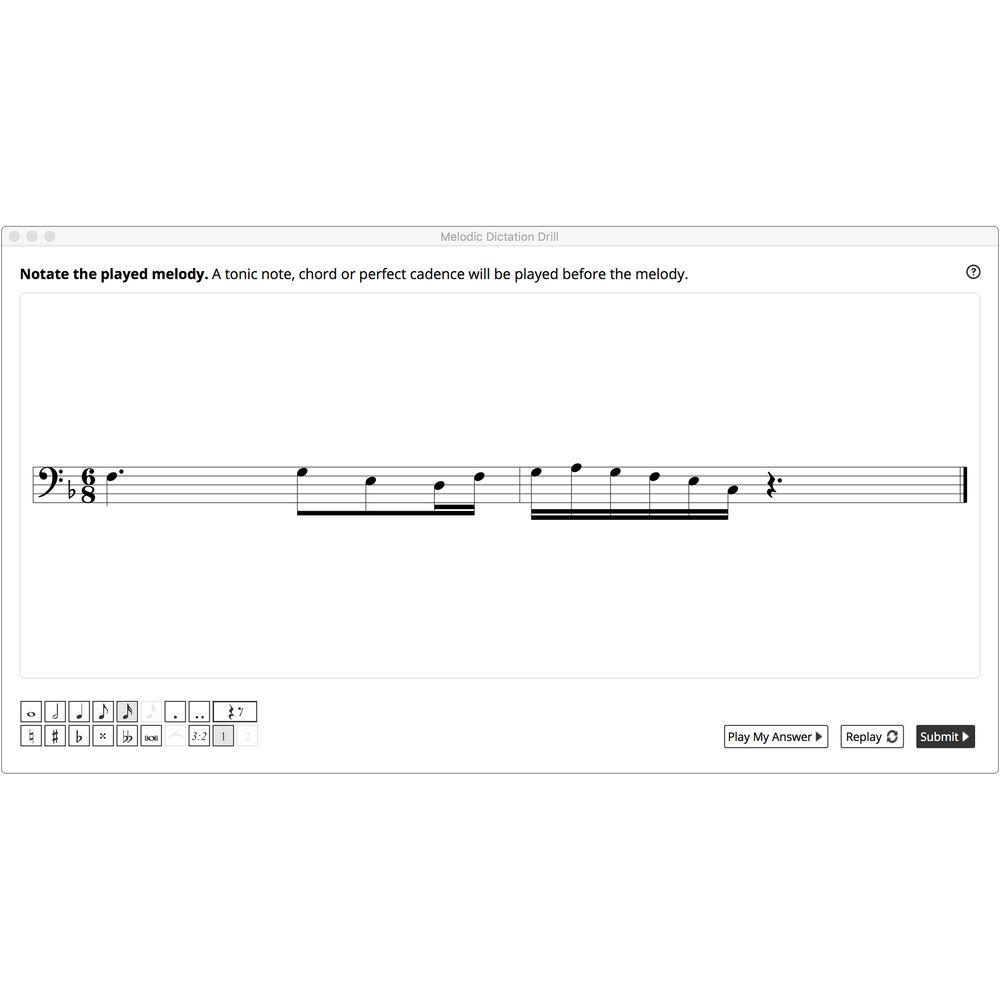
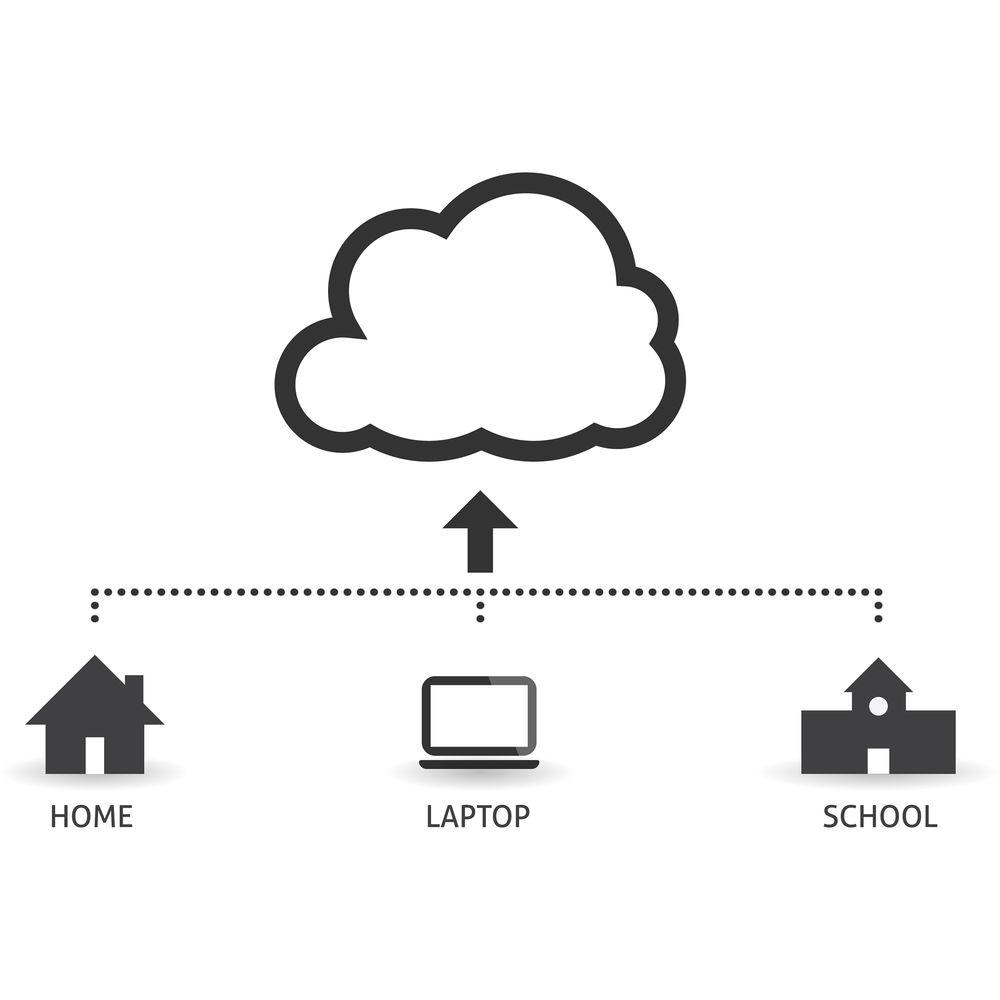
Product description Musition 5 Cloud Edition from Rising Software is a comprehensive music theory learning software designed to teach musicians the skills to read sheet music, recognize time signatures, notate rhythms, understand intervals, match key signatures, and more. It offers students of all ages and abilities a drill-based approach to contextual learning, and a fun, engaging way to expand their knowledge and practice. It gives teachers powerful tools to create customized syllabuses, set tasks and assignments, run exams, and track and assess the progress of their students. This annual license of the Cloud Edition provides flexible usage, allowing students to learn music theory at school, at home, or on the go. Musition 5 comes with 38 topics divided into five groups: Pitch, Rhythm, Terms & Symbols, Harmony, and Instruments. Each topic has an accompanying lesson module where students can learn to read and write music, understand scale and chord structures, improve their sense of rhythm, understand instrument keys and transposition, comprehend musical terms and symbols, and more. Teachers can use the included library of notations and questions, or import their own content, to create high-quality questions for their students. The clean and elegant interface is designed to provide students with feedback while keeping them focused on the essential training tasks. The software provides carefully sequenced levels that gradually introduce students to more difficult drills, allowing them to learn at their own pace. It also records student's activities such as what and when they practiced, how long they practiced, and their scores. Summary and detailed reports showing student progress can be easily generated and reviewed by both teacher and student, with no grading to be done. Note: This product is an educational discounted version available to qualified, accredited academic institutions only (not for individual teachers or students). Proof of current educational status is required. A Cloud License has a minimum of ten (10) students, and can be used on computers within the school or at home. Pricing is per student/license, and is for an annual subscription. All student records are stored in the Cloud. - What's New in Version 5
-
- New content library has hundreds of pieces of repertoire ready to use: notation excerpts, images, questions
- Import notation and images to create questions and map content to curriculum
- Library questions: any library item can be used to create high-quality questions, from simple, multiple choice to harmonic analysis including notation entry, notation highlighting, chord symbol entry, tapping
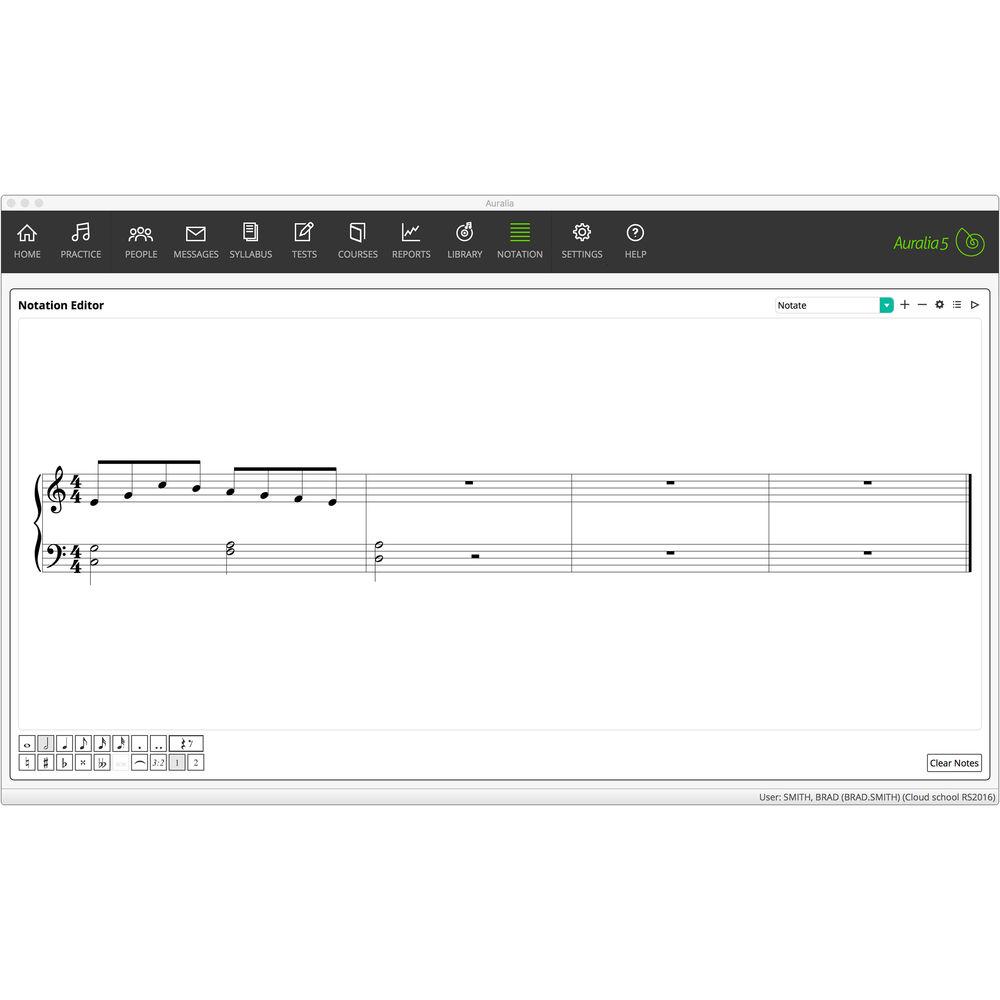
- Notation editor: create simple scores inside Musition, save them to the library, and use the score in your own questions with unlimited parts, unlimited bars, beaming options & anacrusis support, ties & tuplets, MusicXML import, and chord symbols (both contemporary and classical)
- Tests & courses: integrated library questions, question banks using library questions, time limits (entire test or individual entries), custom courses (perfect for school curriculum mapping), test & course groups for easier navigation, enhanced reports
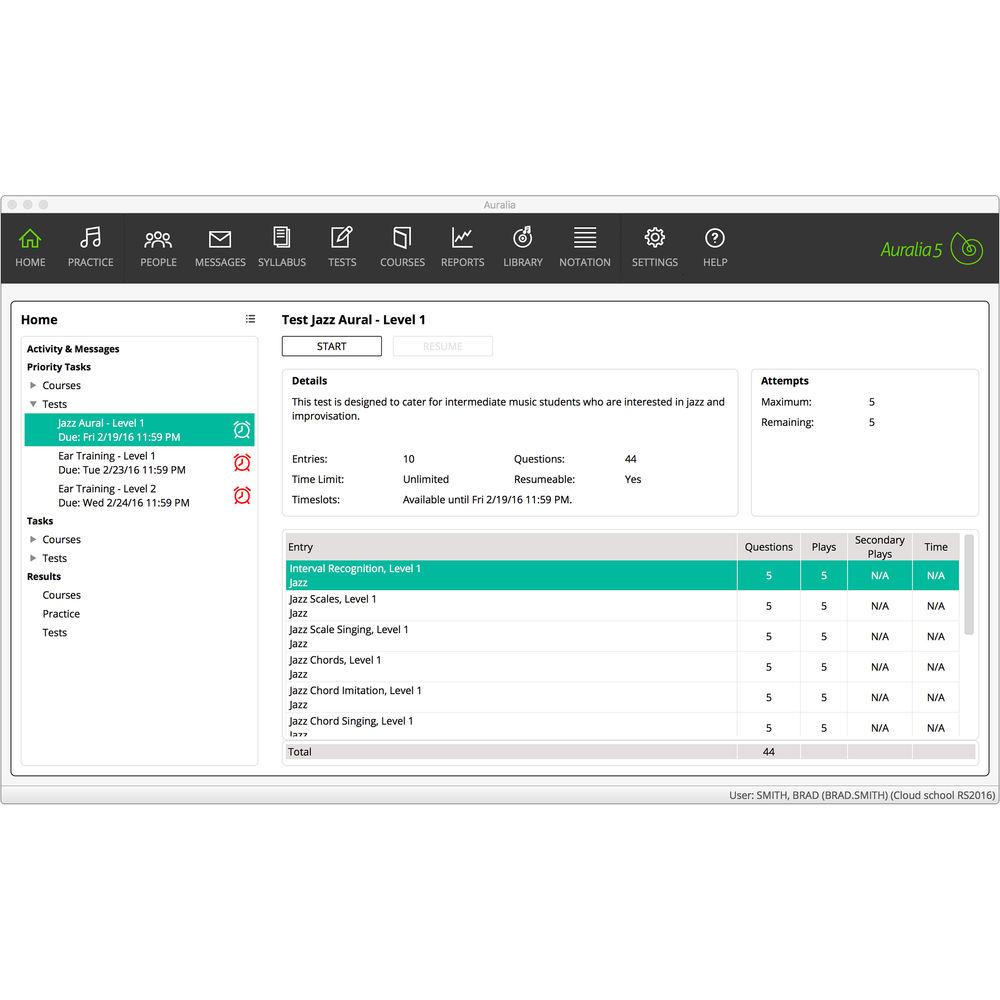
- Student tasks: new student Home area shows all tasks, tests, and courses that have been assigned to each student including the most urgent tasks which are right at the top of the list
- Students can see their most recent practice and task activity complete with scores and timing information including messages from their teacher appear right below
- Historical practice, test, and course results are also available, allowing students to review their progress over time
- New interface blends simplicity with a modern clean feel
- Interface features include improved student feedback (simpler with less clutter), drill revisions with an emphasis on consistency, and administrative changes (workflow improvements and handy shortcuts)
- Cloud Highlights
- Teachers
- Set and track assignments
- Student scores automatically recorded
- Cost effective
- Practice ear training and theory on the go
- Complete worksheets and tests at school or home
- Teacher monitoring and advice
- High-quality content
- Platforms and Browser
-
- Cloud client allows you to run ear training and theory tools directly in your web browser
- Browser client is completely integrated with existing Cloud services which allow simultaneous use of the traditional Windows and Mac client is supported
- Compatibility: Windows, Mac, Chromebook, iPad, iPhone, Android
- Flexible Usage and Comprehensive Assessment
-
- All student results are stored in the Cloud, allowing you to easily track progress and provide meaningful feedback
- Students can work through courses, review lessons, complete tests, and take drills in many areas
- Topics provided are suitable for jazz, contemporary, and classical students, from beginners through to college level
- Practicing
-
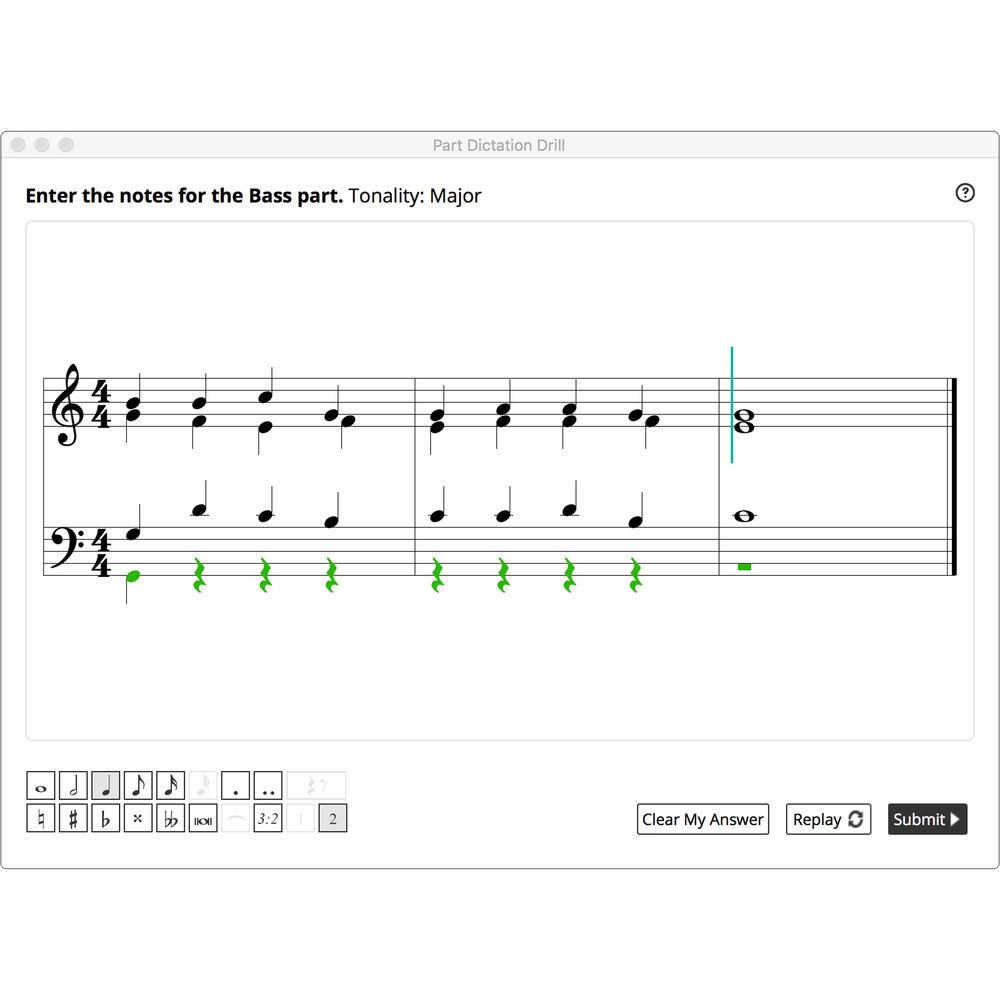
- Drill-based learning provides a fun and easy way to practice, assess, and teach music theory
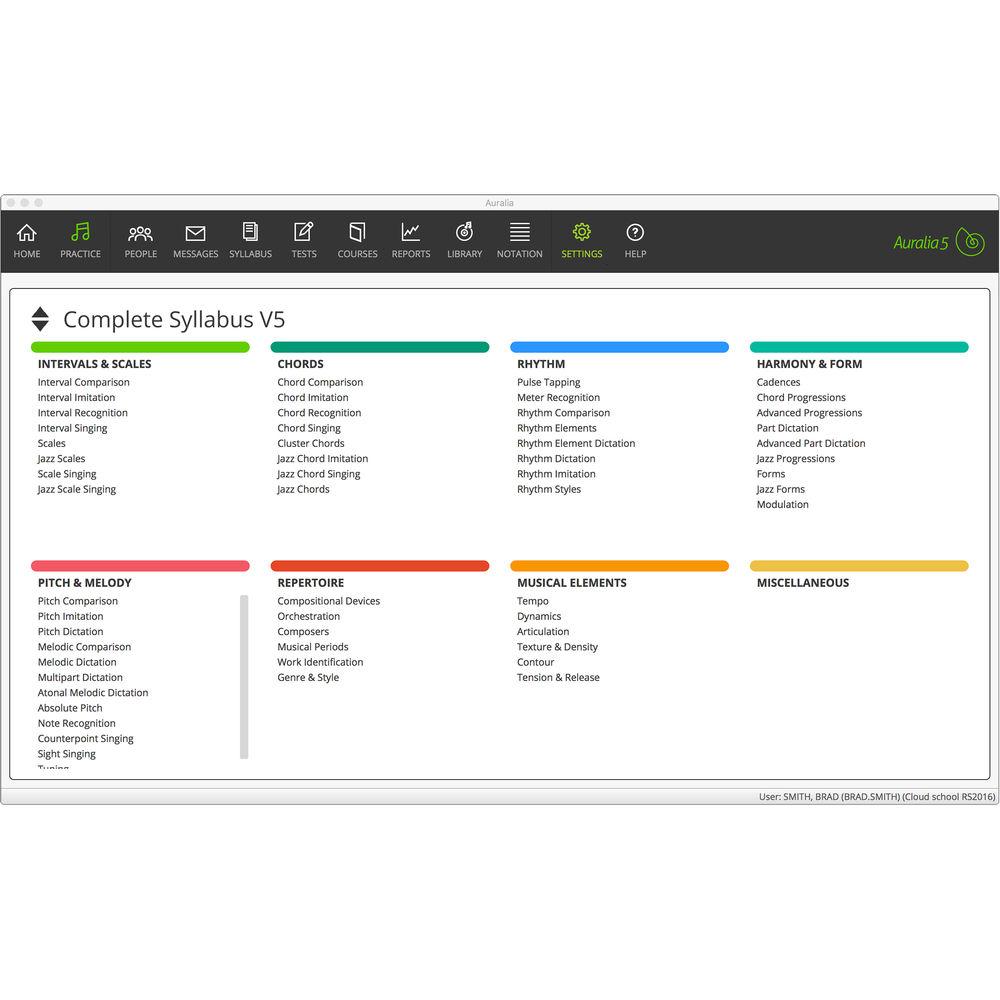
- 38 music theory topics, each with carefully sequenced levels that gradually introduce students to more difficult drills. Beginners and advanced students learn at their own pace
- In addition to the provided syllabuses, teachers can easily create their own syllabus and custom levels
- Students receive feedback when answering incorrectly
- Includes playback, notation, and text explanations
- Content
-
- Content library contains hundreds of audio recordings, notation excerpts, and questions for your students to practice
- Teachers can import their own items into the library and use them in any topic, test or course, ensuring that curriculum requirements are met
- Integrated notation editor includes unlimited parts and bars, control over beaming and grouping, anacrusis support, and ties, that allow you to create examples quickly and easily
- Import and export MusicXML files: reuse any existing notation that you may have
- In the Classroom
-
- Students have virtually unlimited theory drills to practice. All questions, scores, and progress is recorded and automatically graded
- Assessment is simple using the tests and courses, and curriculum customization ensures that students stay on track
- Easy creation of worksheets, quizzes, and tests
- Flexible and comprehensive administrative tools
- Syllabus Support
-
- Designed to support multiple syllabi, so that students can practice ear training topics relevant to the curriculum they are using
- Create your own syllabi that match your curriculum and use it in your tests and courses
- Once you have assigned a syllabus to your classes, students only see topics that you have chosen for them, ensuring focused practice
- Syllabi Included
-
- Musition 5 Complete
- AP* Music Theory
- Band
- Jazz
- Florida State MTA
- GCSE
- New Zealand
- Trinity
- VCE
- Western Australia
- Queensland
- Solfege: Fixed Do
- Solfege: Moveable Do La
- Solfege: Moveable Do
- South Australia
- Lessons
-
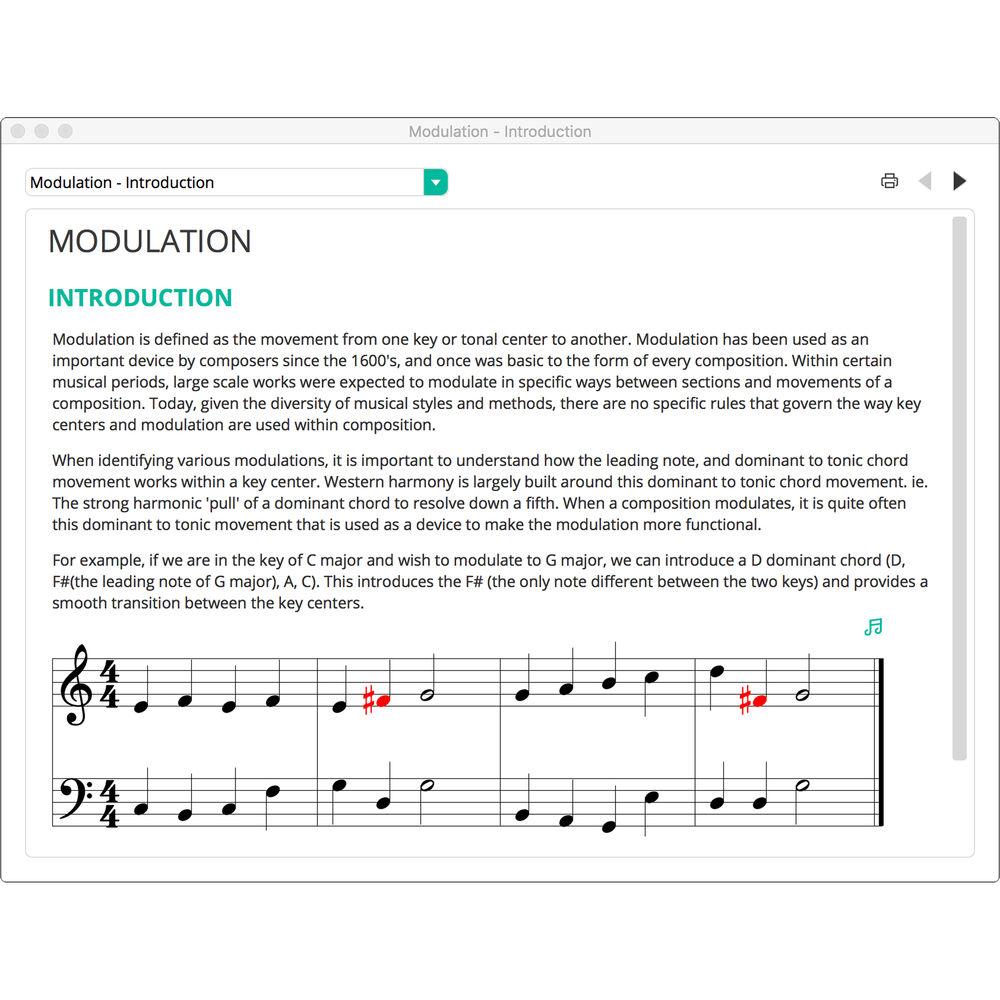
- Each topic has an accompanying Lesson screen containing notation and audio examples plus detailed explanations of the relevant music theory subject
- Topics such as Instrument Recognition, Chords, and Scales also feature a reference page where all instruments, chords, and scales can be viewed and played back
- Reference pages also automatically show any customized chords or scales that you may have entered into Musition
- Courses
-
- Courses provide a structured learning sequence for your students, allowing you to integrate lessons, drills, library questions, and tests, in the one task
- Create your own course, assign them to your students, and monitor their progress
- Teacher can set thresholds that must be hit before a student can progress to the next stage
- Solfege, Piano, and Guitar Input
-
- Onscreen Solfege controller allows students to enter their answers using Solfege note names (Do, Re, Mi, Fa, etc.), as well as allowing questions to be displayed on the Solfege controller
- Allows students to see their correct and incorrect answers in two ways, using both traditional notation and Solfege note names
- Choice of onscreen piano keyboard or guitar fretboard
- Pitch
-
- Note Reading: identify notes on a staff, or enter notes on a staff
- Scale Degrees: recognize a key signature and then identify the scale degree that a given note occupies within the key
- Enharmonic Notes: identify enharmonic variations of notes
- Advanced Note Reading: identify notes on a staff, or enter notes using the tenor and alto clef
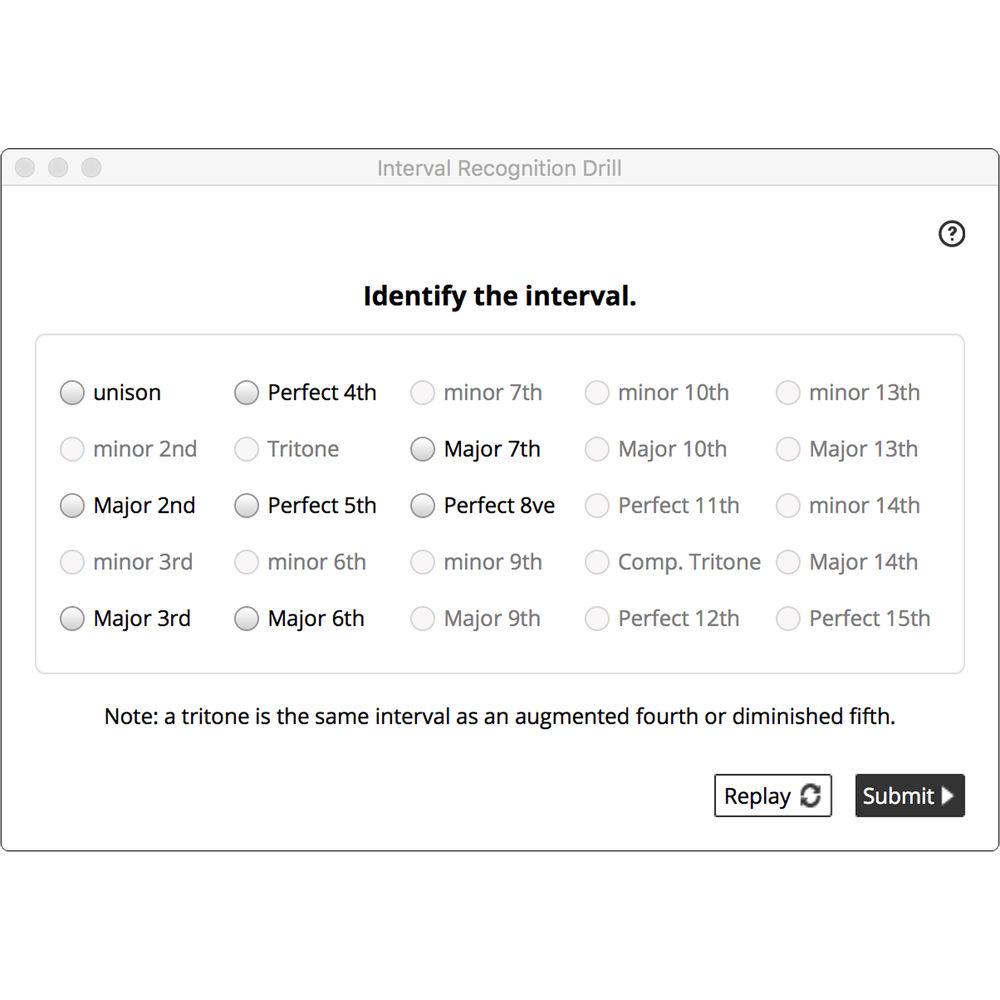
- Intervals: identify an interval that is shown on a staff, or enter an interval on a staff
- Jazz Scales: identify a scale shown on screen, fix incorrect notes in the scale, or enter the scale on a staff
- Scale Home Keys: relate a mode to its parent major or minor scale
- Scales: identify a scale shown on screen, fix incorrect notes in the scale, or enter the scale on a staff
- Solfege Signing: identify the displayed Solfege hand signs
- Rhythm
-
- Beaming: a rhythm without beams is shown on screen, and you are asked to enter the correct beams
- Meter Recognition: identify time signatures and their characteristics
- Drum Sticking: tap back a rhythmic pattern with your left and right hands
- Drum Styles: tap back the rhythmic pattern shown on screen – the pattern is one part of a rhythmic style that would commonly be played on a drum kit
- Rhythm Notation: test your knowledge of note and rest values
- Rhythmic Subdivision: test your knowledge of note and rest values, and the concept of subdivision
- Rhythm Tapping: tap back the rhythmic pattern shown on screen. You may also tap the rhythm using an external MIDI device such as a keyboard or wind controller, if connected
- Polyrhythms: practice tapping more complex rhythms with one or two hands. Many common patterns such as 3 against 2 are included
- Terms & Symbols
-
- Guitar Symbols: identify the chord that is represented by the guitar symbol
- Ornaments: identify ornaments such as trills, acciaccatura, appoggiatura, and more
- Concepts: test your knowledge of common musical concepts, the fundamentals of written vocabulary. Questions are multiple choice
- Jazz Chord Symbols: identify chord symbols and the structure of the chord that they represent
- Symbols: test your knowledge of common symbols that are found on scores. Questions are multiple choice
- Terms: test your knowledge of common terms that are found on scores. Questions are multiple choice
- Harmony
-
- Chords: identify a chord that is shown on a staff or enter a chord on a staff
- Key Signatures: assess your knowledge of keys, in particular, the number and type of accidentals that keys have and the order in which they appear on a staff
- Cadences: visually identify cadence types and the chords which form them
- Chord Progressions: in Chord Progressions, 4-part harmonic progressions are shown, and you are asked to identify the chords. You need to identify the chord quality as well as the position
- Chord/Scale Relationships: relate chords and scales, in a jazz context
- Diatonic Chords: identify a chord that is shown on a staff, or enter a chord on a staff. The chords are based on the scale degrees of the Major and Harmonic Minor scales
- Jazz Chords: identify a chord that is shown on a staff, or enter a chord on a staff.
- Advanced Chord Progressions: in Advanced Chord Progressions, 4 part harmonic progressions containing chromatic and mixture chords are shown, and you are asked to identify the chords. You need to identify the chord quality as well as the position
- Modulation: identify the type of modulation (e.g. Major Tonic – Relative Minor) or identify the final key of the example
- Instruments
-
- Clef Transposition: transpose short melodies from one clef to another
- Range: identify the range of various instruments
- Keys: identify the keys of various instruments, and identify the most common key
- Knowledge: test your general knowledge of instruments. Questions have multiple choice answers
- Recognition: instrument examples are played (WAV files) and you must identify the instrument from several choices
- Transposition: transpose to and from concert pitch and the correct key for a particular instrument
- Student Scores
-
- Records what the students practiced, for how long they practiced, and what they scored
- The instructor can pull up summary and other detailed reports showing student progress, without grading
- Class Management
-
- Group your students and choose content that is most appropriate for each group
- Classes allow you to select available topics, assign appropriate syllabuses, set tests & worksheets, assign courses
- The professor feature offers a simple and effective tool for guiding students through practice levels, with thresholds set by the instructor
- Students can belong to multiple classes
- Tasks & Worksheets
-
- Create theory worksheets in minutes with automatic grading and assessment
- Allows teachers to set a particular task for their students
- Testing feature contains questions from any syllabus, topic or level, and may include library questions
- Assessment & Reports
-
- Reporting system allows you to easily monitor progress and provide the best direction for your students
- Scores are kept separately for the following areas: practice, tests, courses
- Student reports include: student summary, student activity log, practice results (overall score), test score (overall), course results (overall)
- Reports have many intelligent filters to reduce the amount of information to review: Percentage (highlight weak or strong students), Class (only look at your students), Date (with handy presets), Test Attempts (best, last, combined scores)
- Any report can be exported as PDF or CSV files
Table of Contents
|
Upload User Manual
Have you got an user manual for the Rising Software Musition 5 Cloud Edition - Music Theory Software in electronic form? Please send it to us and help us expand our library of instruction manuals.
Thank you, too, on behalf of other users.
To upload the product manual, we first need to check and make sure you are not a robot. After that, your "Submit Link" or "Upload File" will appear.
Technical parametersRising Software MUCEL Specs | System Requirements | Windows 7, 8, or 10
500 Mb hard disk space (initial without media downloads)
Internet connection required for initial activation
Internet connection required for ongoing media downloads & Cloud edition
Screen Resolution – Students: 1024 x 768 or 1152 x 720 (minimum)
Screen Resolution – Instructors: 1280 x 768 (minimum)
Mac OS X 10.9 or later
500 Mb hard disk space (initial without media downloads)
Internet connection required for initial activation
Internet connection required for ongoing media downloads & Cloud edition
Screen Resolution Students: 1152 x 720 (minimum)
Screen Resolution Instructors: 1280 x 800 (minimum) |
Rating90% users recommend this product to others. And what about you?

This product has already been rated by 03 owners. Add your rating and experience with the product.
Discussion
 Ask our technicians if you have a problem with your settings,
or if anything is unclear in the user manual you have downloaded.
You can make use of our moderated discussion.
The discussion is public and helps other users of our website who may be encountering similar problems.
Ask our technicians if you have a problem with your settings,
or if anything is unclear in the user manual you have downloaded.
You can make use of our moderated discussion.
The discussion is public and helps other users of our website who may be encountering similar problems.
The discussion is empty - enter the first post
Post a new topic / query / comment:
|
|


