User Manual for Rob Papen Blade Virtual Synth Software for Composers, Producers, and Sound Designers Click to enlarge the picture
 Contents of the user manual for the Rob Papen Blade Virtual Synth Software
- Product category: Virtual Instruments Rob Papen
- Brand: Rob Papen
- Description and content of package
- Technical information and basic settings
- Frequently asked questions – FAQ
- Troubleshooting (does not switch on, does not respond, error message, what do I do if...)
- Authorized service for Rob Papen Virtual Instruments
 |
User manual for the Rob Papen Blade Virtual Synth Software contain basic instructions
that need to be followed during installation and operation.
Before starting your appliance, the user manual should be read through carefully.
Follow all the safety instructions and warnings, and be guided by the given recommendations.
User manual is an integral part of any Rob Papen product,
and if it is sold or transferred, they should be handed over jointly with the product.
Following the instructions for use is an essential prerequisite for protecting
health and property during use, as well as recognition of liability on the part of the manufacturer
for possible defects should you make a warranty claim. Download an official Rob Papen user manual in which you will find instructions on how to install, use, maintain and service your product.
And do not forget – unsuitable use of a Rob Papen product will considerably shorten its lifespan!
|
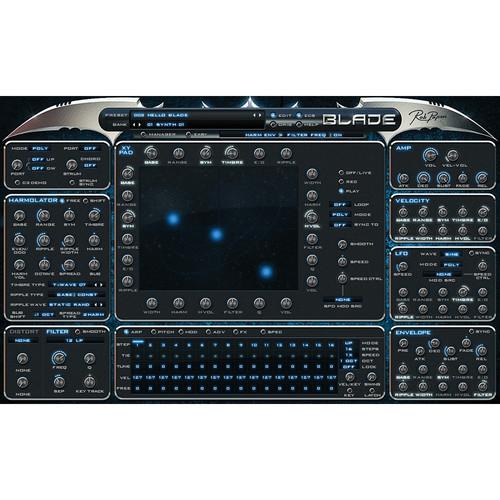
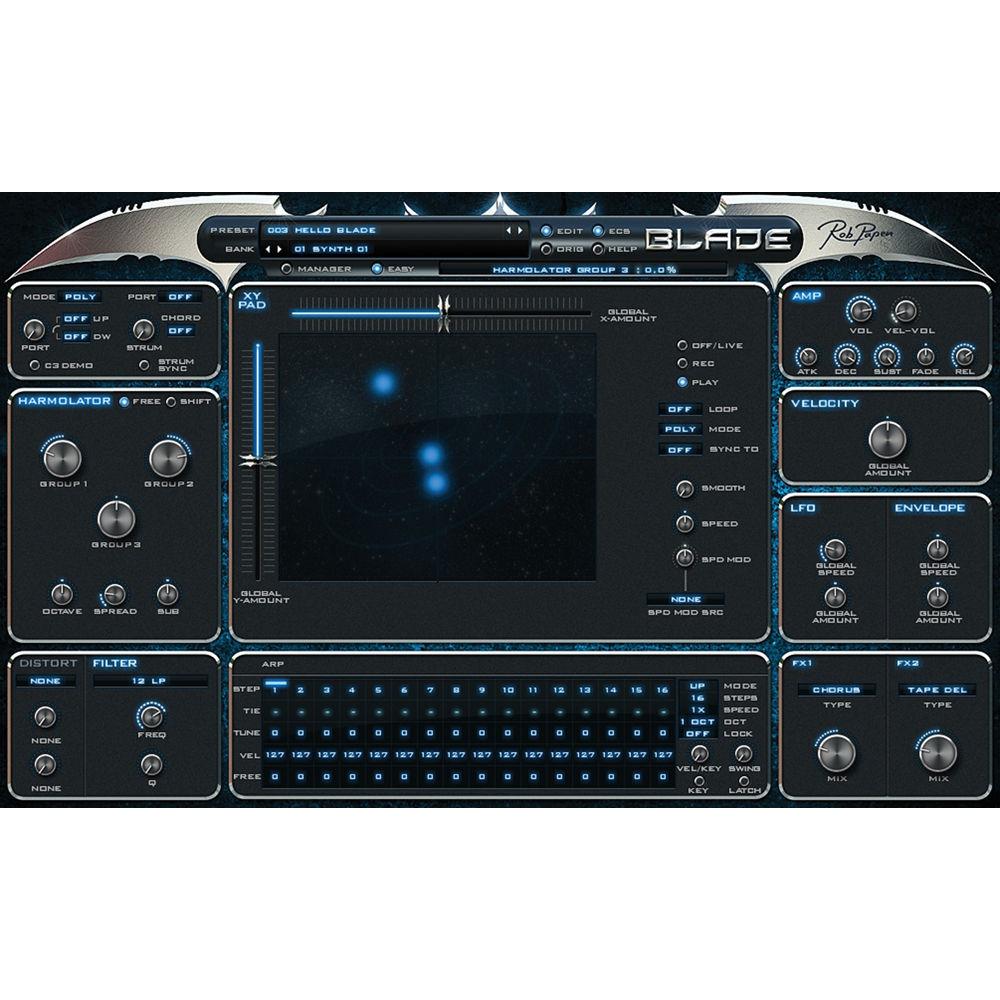
Product description Designed for electronic musicians, producers, and sound designers, Rob Papen’s Blade is a downloadable soft-synth designed around a feature Mr. Papen has dubbed the Harmolator. The Harmolator is your oscillator section foregoing classic waveforms like saw and square-waves for a more ground-up approach based around nine variable controls and several global setting options. The nine controls each impart their own characteristic on the sound and can be set to a static level with your mouse. Prominently featured in the soft-synth is an X/Y pad, which can control all the parameters in any way you see fit. Indeed, you’ll find nearly every Harmolator control listed twice—once along the vertical axis and again along the horizontal axis so you can fully manipulate how the X/Y pad interacts with your given set of parameters.The X/Y pad can also be recorded so you can apply modulation to every note that you play. Once recorded, X/Y-pad movements can be synced to tempo, polarized in both directions, looped, sped up, and otherwise manipulated, allowing interesting possibilities in the creation and in the sound design of timbres, parts, and whole songs. You can assign X/Y pad controls to your MIDI controller.In addition to the Harmolator section, Blade gives you a sub-oscillator, a multimode filter, a distortion module, a modulation matrix, an LFO, an envelope section and more. Blade provides a plethora of presets which you can access using a search function or by using a temporary browser that automatically lists your last ten accessed presets. You can also save your own presets.Blade is compatible with Mac and Windows systems, and operates in AU, VST, and AAX formats. - Key Features at a Glance
-
- Full MIDI control over all parameters including the X/Y pad
- 16 voices, operating in poly, mono 1/2, legato 1/2, and arp modes
- Harmolator oscillator with 9 controls including wave settings, two types of spread functions, and extended sub-oscillator
- 21 distortion units operating before the filter
- 14 filter types including 6/12/18/24 low/high pass, 12/24 bandpass/notch, vocal, and comb filter
- Filter-separation function
- Sound/amp section with volume, velocity, and envelope control
- X/Y pad with 12 controls for each X and Y, which can modulate the 9 Harmolator parameters, as well as filter cutoff, filter Q, and volume
- X/Y pad which can operate directly or with recorded paths, in poly, mono or free modes
- X/Y pad playback can be tempo-synced, with different tempo settings, and with loop & bi-directional loop options.
- X/Y-pad movement speed control
- X/Y editing options triggered with right mouse click
- Dedicated Harmolator velocity, LFO and envelope controls
- Pitch LFO and pitch envelope, 2 Harmolator control sources, 2 envelopes, 2 LFOs and 4 modulation sources
- All of Blade's controls can be used as modulation destinations with a full range of modulation sources including MIDI and internal controls
- 2 FX units with 27 effects including distortion, reverb, tape delay, and more
- 16-step arpeggiator with separately-definable pitch, velocity, and free amount; sequencer can also be used for modulation purposes
- Easy page allows control of the main parameters in a flexible, simplified way
- Preset handling with copy, paste, clear and compare function
- Quick browser, recently browsed, and favorite functions
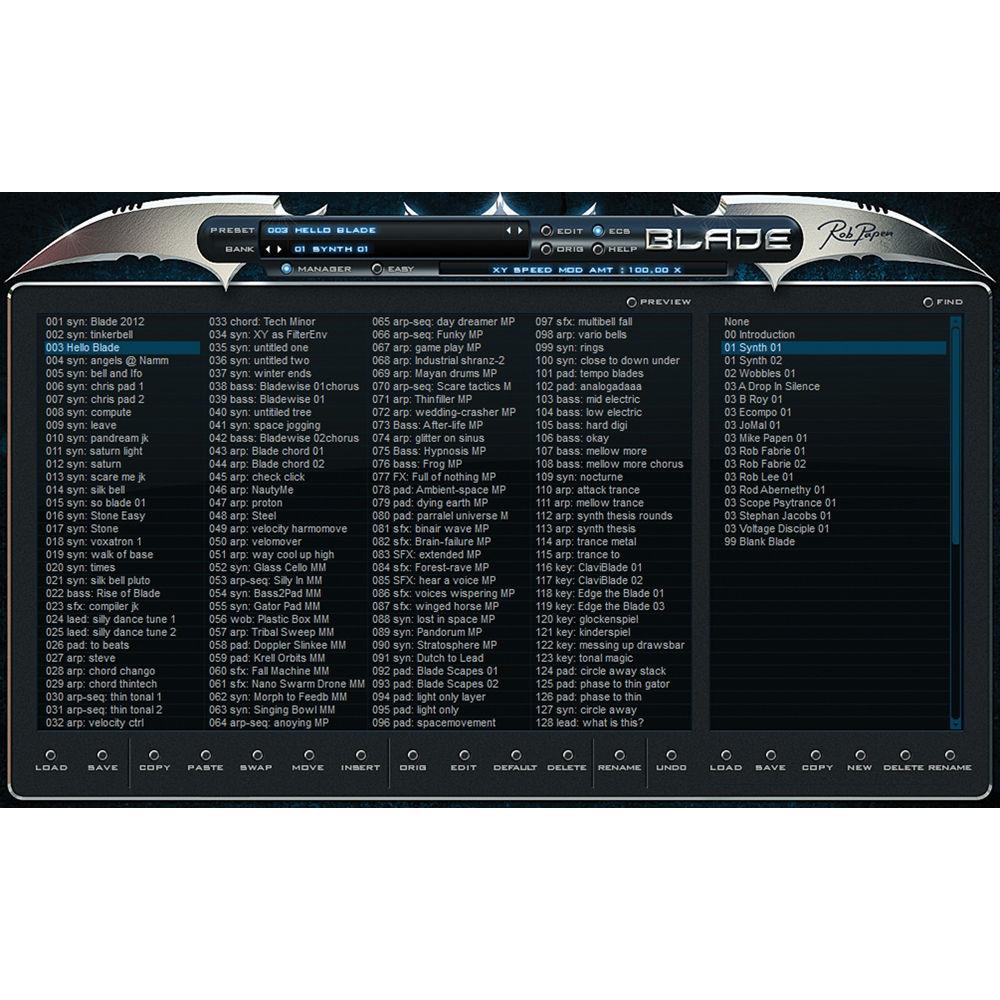
- Preset manager screen allows you to find and organize presets and banks easily and quickly
Table of Contents
|
Upload User Manual
Have you got an user manual for the Rob Papen Blade Virtual Synth Software for Composers, Producers, and Sound Designers in electronic form? Please send it to us and help us expand our library of instruction manuals.
Thank you, too, on behalf of other users.
To upload the product manual, we first need to check and make sure you are not a robot. After that, your "Submit Link" or "Upload File" will appear.
Technical parametersRob Papen Blade Specs | Mac Requirements | Mac OS X 10.6 or later
32- / 64-bit AU, VST, and AAX | | System Requirements (Windows) | Windows Vista, 7, 8, or 10
32- / 64-bit VST and AAX (AAX for Pro Tools 12 and later) | | Additional Information | Compatible with NI NKS system
Serial/license system
2nd serial for a secondary computer/laptop is available upon registering original product's serial number or license |
Rating50% users recommend this product to others. And what about you?

This product has already been rated by 90 owners. Add your rating and experience with the product.
Discussion
 Ask our technicians if you have a problem with your settings,
or if anything is unclear in the user manual you have downloaded.
You can make use of our moderated discussion.
The discussion is public and helps other users of our website who may be encountering similar problems.
Ask our technicians if you have a problem with your settings,
or if anything is unclear in the user manual you have downloaded.
You can make use of our moderated discussion.
The discussion is public and helps other users of our website who may be encountering similar problems.
The discussion is empty - enter the first post
Post a new topic / query / comment:
|
|


