|
User Manual for Roland 6-Channel HD Video Switcher with Audio Mixer & PTZ Camera Control Click to enlarge the picture
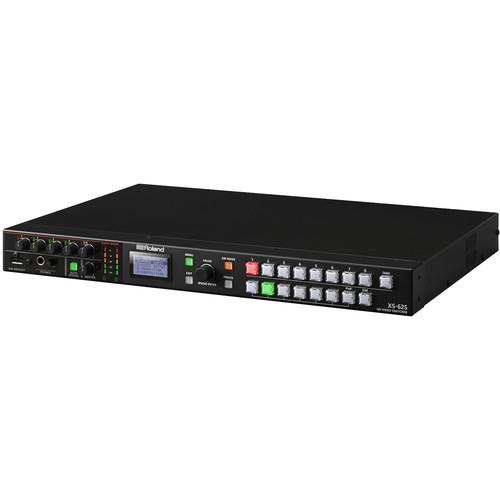 Contents of the user manual for the Roland 6-Channel HD Video Switcher with
- Product category: Production Switchers Roland
- Brand: Roland
- Description and content of package
- Technical information and basic settings
- Frequently asked questions – FAQ
- Troubleshooting (does not switch on, does not respond, error message, what do I do if...)
- Authorized service for Roland Production Switchers
 |
User manual for the Roland 6-Channel HD Video Switcher with contain basic instructions
that need to be followed during installation and operation.
Before starting your appliance, the user manual should be read through carefully.
Follow all the safety instructions and warnings, and be guided by the given recommendations.
User manual is an integral part of any Roland product,
and if it is sold or transferred, they should be handed over jointly with the product.
Following the instructions for use is an essential prerequisite for protecting
health and property during use, as well as recognition of liability on the part of the manufacturer
for possible defects should you make a warranty claim. Download an official Roland user manual in which you will find instructions on how to install, use, maintain and service your product.
And do not forget – unsuitable use of a Roland product will considerably shorten its lifespan!
|
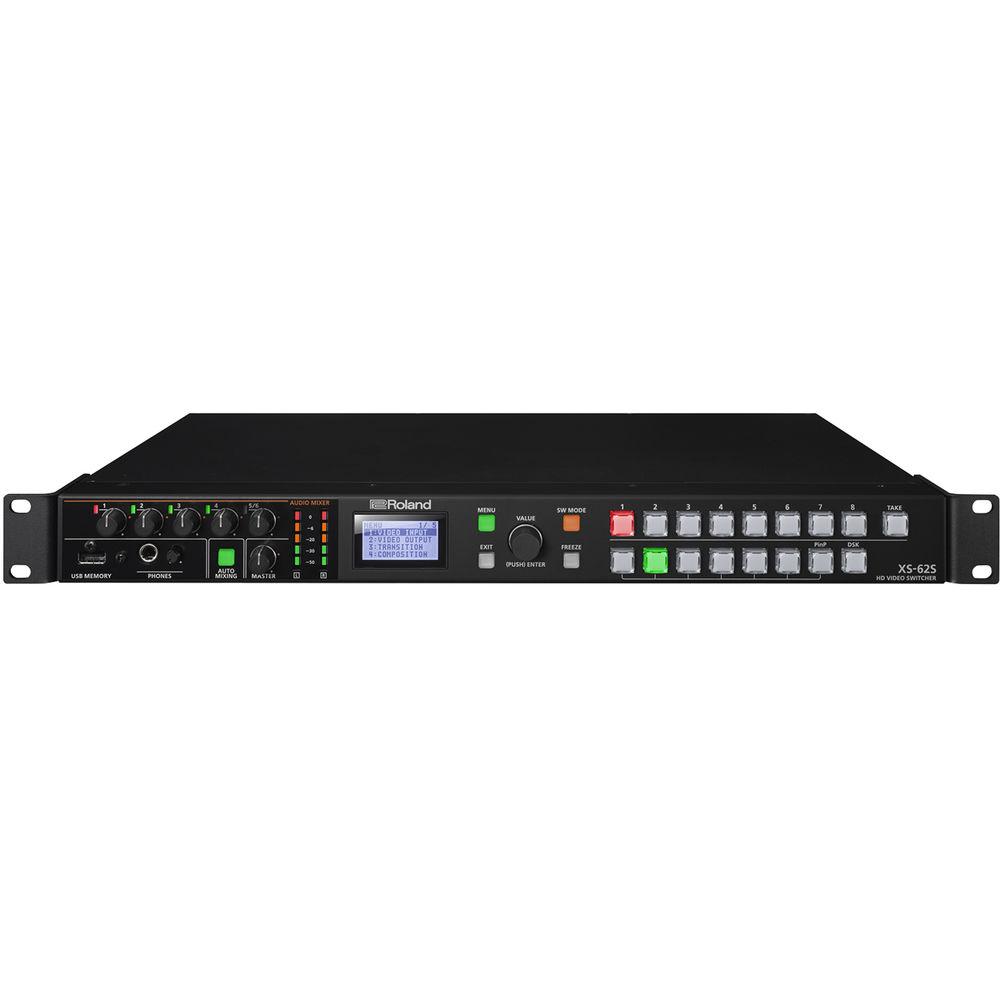
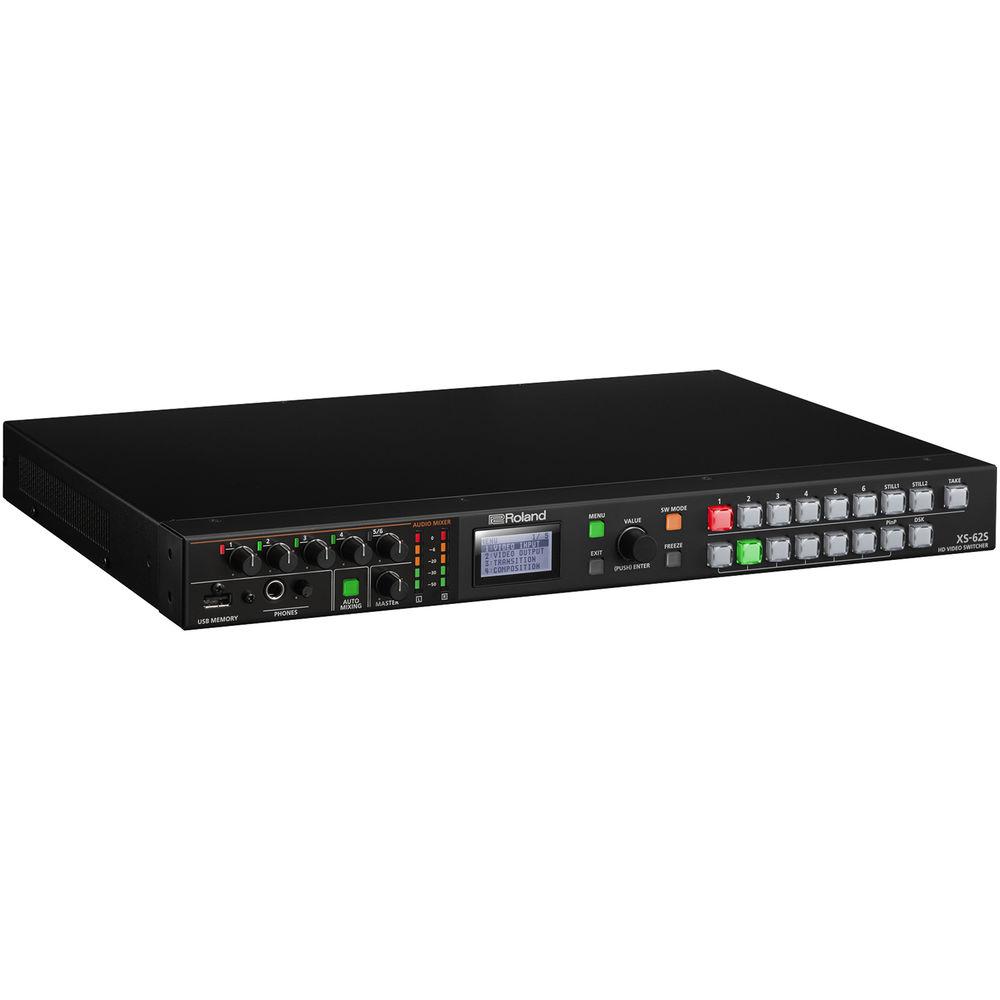
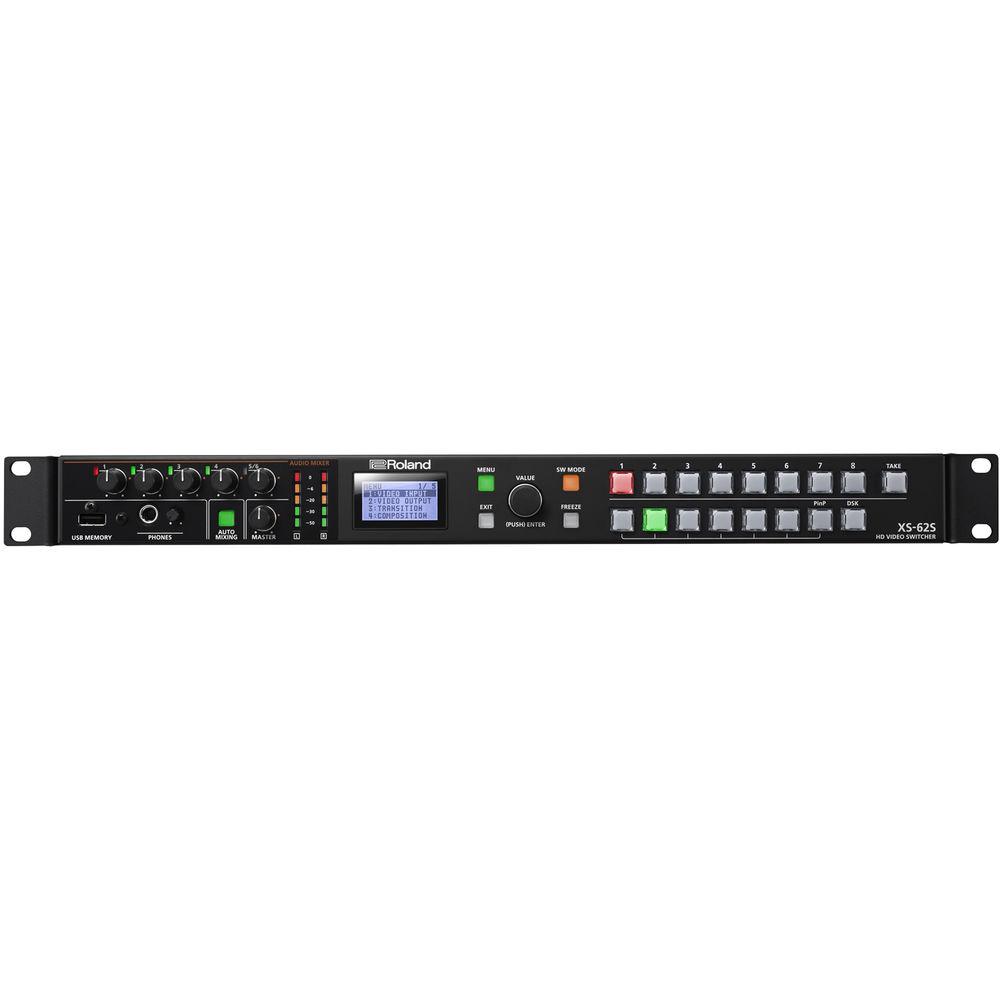
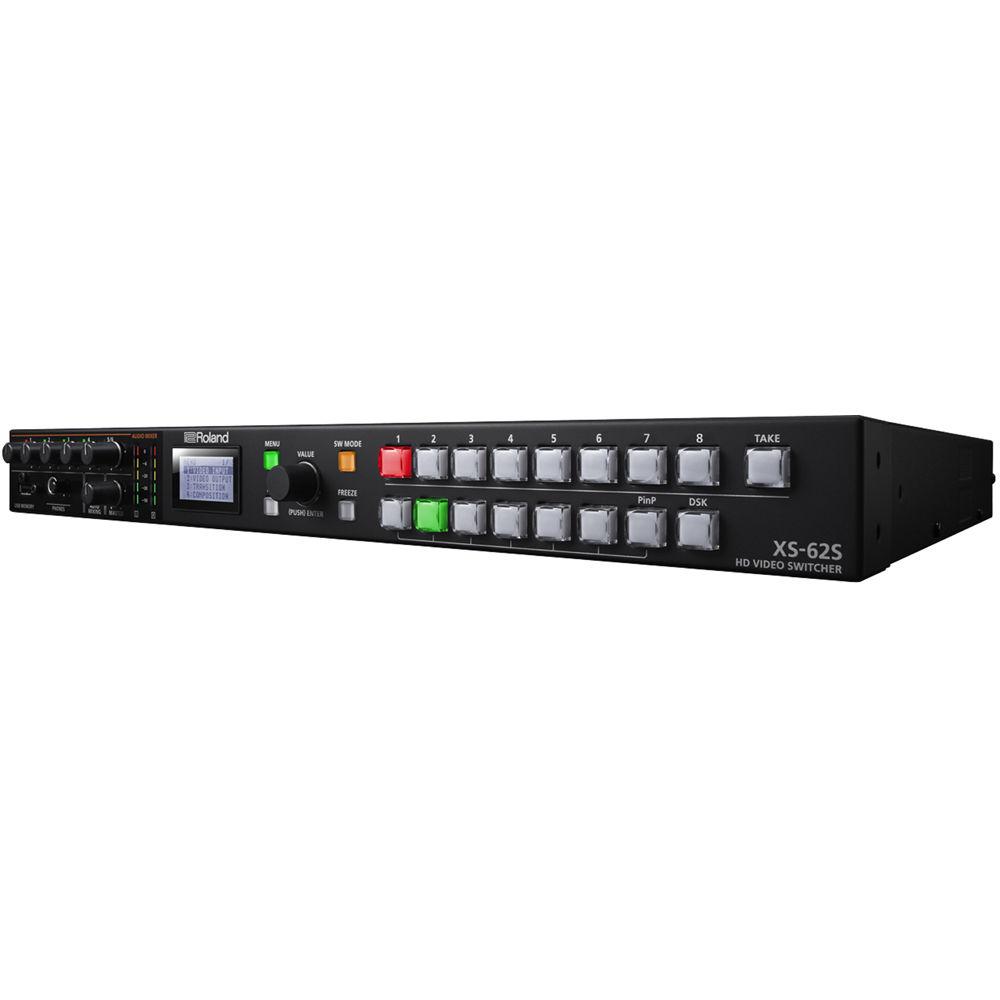
Product description This compact, rack-mountable 6-Channel HD Video Switcher from Roland can switch between 3G-SDI, HDMI, and RGB sources along with two still images stored in the internal memory. PGM/PST, dissolve, and matrix video switching modes can be selected, allowing for a wide range of applications. The XS-62S features an 18-channel audio mixer which includes four TRS jacks, RCA stereo pair, and audio de-embedding from the six video inputs.
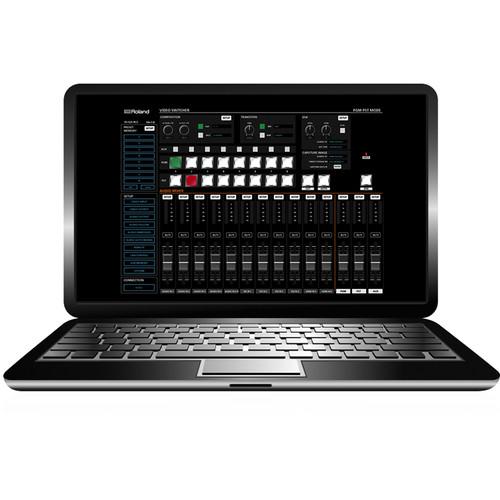
This integrated solution supports presentation/performance/special event venues, corporate AV conferences, and classrooms for e-learning. The XS-62S is a 1 RU unit with front panel control buttons and a menu screen. It can also be controlled from a Windows PC or Mac using the real-time remote control software. - Live Production Studio
- This all-in-one switching and audio mixing system streamlines the production process to create content. The XS-62S is controlled from either the front panel controls or remote control software of a Windows PC or Mac.
- Performance Venue
- The XS-62S is designed for hotel meeting rooms, banquet halls, houses of worship, and live performance venues. The auto-mixing function automatically balances incoming audio sources such as microphones from a discussion panel. The audio processing also includes advanced effects such as EQ, dynamics, and delay for mixing of vocal speech along with music and other audio embedded in video sources.
- Live Streaming and Videoconference
- The XS-62S is suitable for live streaming and web conferencing systems. A PTZ camera can be controlled from the switcher while video is being switched by the same operator. 1
Please Note: To do live streaming you will need to add an encoder device with an SDI or HDMI input from a third-party supplier. close - User Interface
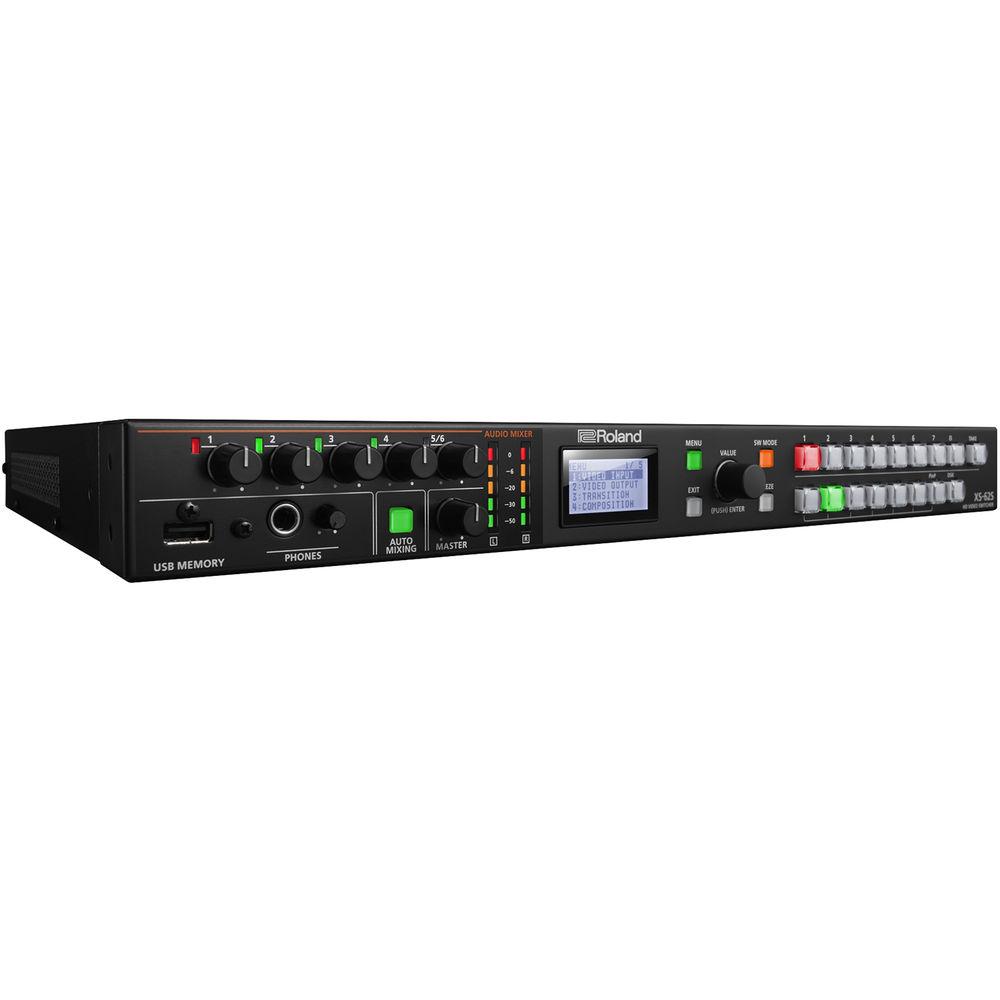
- The broadcast cross-point buttons are backlit with brightness control for use in bright daylight or dark performance spaces. A menu screen and volume knobs for adjusting audio are both accessible on the front panel.
- Switching Mode
- The XS-62S has multiple switching modes to best suit the app. The PGM/PST mode operates as a traditional video switcher complete with video compositions that enable grouping multiple images on one screen. The Dissolve mode allows for video switching and composition with cross dissolve to the PGM bus. Operated from the front panel, this mode is suitable for a system where the user directly operates the main unit in a meeting space or event. The Matrix mode allows for individual video input signals to be output to three different destinations on three buses. This mode is effective for routing signals and is ideal for events and using multiple screens.
- Video Composition
- The PiP function can select circle, heart, or diamond shapes in addition to traditional square or rectangle shapes. The DSK function allows you to overlay titles, lyrics, and logos on top of composited video. Both luminance key (black/white) and chroma key (blue/green) functions are available.
- Audio Mixer with Preamp and Dynamics (Compressor)
- The XS-62S preamp and dynamics effects include a high-pass filter, gate, compressor, 3-band EQ, delay, and an ability to select an audio-follows-video channel so the audio passes through when a specific video source is selected. Dynamics can be adjusted from the on-screen menu or accessed through the remote-control software for Windows or Mac.
- Auto-Mixing
- The included auto-mixing function ensures the correct mix for multiple panel participants at conferences by automatically adjusting levels across all audio sources. A priority weighting assignment that is channel-specific can be set giving the moderator or priority audio channel a higher volume level while using the auto-mixing function.
- Discrete Multichannel Audio Embedding
- Assign up to eight analog audio inputs to a separate audio embedded channel on the two SDI outputs to ensure a separate mix pre-effect (dry) or post-effect (wet) for correcting audio problems post-live event. This feature is additionally useful for multilanguage events to record the voice-over or language translation on its own audio channel to a separate master.
- Smart Tally
- The wireless tally system uses a wireless LAN router connected to the XS-62S to send tally information to iOS or Android devices on the network.
- PTZ Control
- Achieve multiple camera angles for fixed installations by controlling up to six PTZ cameras using VISCA protocol. You can save and recall seven position settings for each camera.
- Remote Control
- The RCS software application for Mac or Windows PC provides setup and control information for the switcher through a network port. You can copy, store, and recall memory (backup) and preset settings. The XS-62S is equipped with RS-232 and LAN ports for control and operation remotely from a touch panel or other programmable interface device.
UPC: 761294511619 In the Box Roland 6-Channel HD Video Switcher with Audio Mixer & PTZ Camera Control (1 RU) AC Adapter Power Cord 4 x Rubber Foot Limited 1-Year Warranty User Manual PDF 13.3mb Table of Contents
|
Upload User Manual
Have you got an user manual for the Roland 6-Channel HD Video Switcher with Audio Mixer & PTZ Camera Control in electronic form? Please send it to us and help us expand our library of instruction manuals.
Thank you, too, on behalf of other users.
To upload the product manual, we first need to check and make sure you are not a robot. After that, your "Submit Link" or "Upload File" will appear.
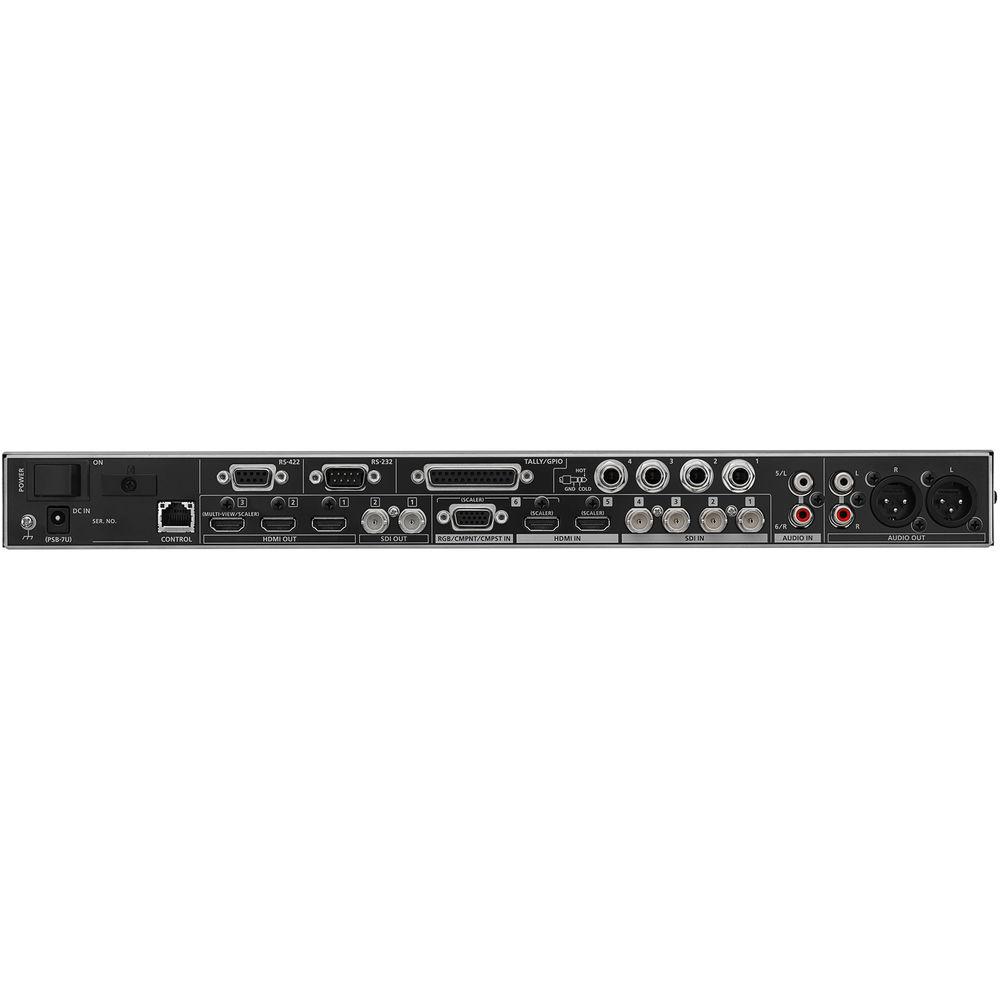
Technical parametersRoland XS-62S Specs | | | Video Processing | 4:2:2 (YPbPr), 8-bit | | Input Connectors | 4 x SDI BNC (conforms to SMPTE 424M (SMPTE 425M-AB), 292M)
2 x HDMI type A (HDCP and multi-format supported)
1 x HD DB-15, select either HDMI, RGB/component, or composite (multi-format supported) | | Output Connectors | 2 x SDI BNC (conforms to SMPTE 424M (SMPTE 425M-AB), 292M)
3 x HDMI type A (HDCP supported) | | Maximum Analog Input Level | RGB: 0.7 Vpp, 75 Ohms (H, V:5VTTL)
Component: 1.0 Vpp, 75 Ohms (bi-level sync/tri-level sync)
Composite: 1.0 Vpp (Y), 0.286 Vpp (C: NTSC), 0.3 Vpp (C: PAL), 75 Ohms | | Input Formats | SDI Input 1-4:
Conforms to SMPTE 296M, 274M
1080p: 59.94/50
1080i: 59.94/50
720p: 59.94/50
HDMI Input 5-6:
RGB/component/composite input 6
1080p: 59.94/50
1080i: 59.94/50
720p: 59.94/50
576p/i: 50
480p/i: 59.94
VGA (640 x 480, 60 Hz)
SVGA (800 x 600, 60 Hz)
XGA (1024 x 768, 60 Hz)
WXGA (1280 x 800, 60 Hz)
SXGA (1280 x 1024, 60 Hz)
FWXGA (1366 x 768, 60 Hz)
SXGA+ (1400 x 1050, 60 Hz)
UXGA (1600 x 1200, 60 Hz)
WUXGA (1920 x 1200, 60 Hz) | | Still Image | Bitmap (.bmp), 1920 x 1080 pixels (max), 24-bit color, uncompressed | | Output Formats | SDI Output 1-2:
Conforms to SMPTE 296M, 274M
HDMI Output 1-2:
1080p: 59.94/50
1080i: 59.94/50
720p: 59.94/50
HDMI Output 3 (Multiview):
1080p: 59.94/50
HDMI Output 3 (Scaler):
1080p: 59.94/50
720p: 59.94/50
576p: 50
480p: 59.94
SVGA (800 x 600, 60 Hz)
XGA (1024 x 768, 60 Hz)
WXGA (1280 x 800, 60 Hz)
SXGA (1280 x 1024, 60 Hz)
FWXGA (1366 x 768, 60 Hz)
SXGA+ (1400 x 1050, 60 Hz)
UXGA (1600 x 1200, 60 Hz)
WUXGA (1920 x 1200, 60 Hz) | | Video Effects | Output Mode: PGM-PST, dissolve, matrix
Transition: Cut, mix (dissolve/FAM/NAM), wipe (30 types)
Composition: PiP (square, circle, heart, diamond), split (4 types), DSK (luminance, chroma) | | | | Processing | Sampling Rate: 24-bit, 48 kHz | | Formats | SDI Input: Linear PCM, 24-bit, 48 kHz, 2-Ch (conforms to SMPTE 299M)
SDI Output: Linear PCM, 24-bit, 48 kHz, 8-Ch (conforms to SMPTE 299M)
HDMI Input/Output: Linear PCM, 24-bit, 48 kHz, 2-Ch | | Input Connectors | 4 x SDI BNC
2 x HDMI type A
4 x 1/4" TRS phone jack
2 x RCA phono type | | Output Connectors | 2 x SDI BNC
3 x HDMI type A
1 x XLR RCA phono
1 x 1/4" stereo phone jack | | Input Level | Audio Input 1-4:
-60 to 4 dBu (22 dBu max input level)
Audio Input 5-6:
-10 dBu (+8 dBu max input level) | | Input Impedance | Audio Input 1-4:
10 kOhms (0 to 23 dBu, head amp gain)
5 kOhms (24-to 64 dBu, head amp gain)
Audio Input 5-6:
15 kOhms | | Output Level | Audio Output:
4 dBu (XLR type, 22 dBu max input level)
-10 dBu (RCA phono type, 8 dBu max input level)
Phones: 92 mW + 92 mW (32 Ohms) | | Output Impedance | Audio Output: 600 Ohms (XLR type), 1 kOhm (RCA Phono type)
Phones: 10 Ohms | | Audio Effects | Auto-mixing, EQ, delay, compressor, HPF, gate, reverb, multiband compressor, limiter | | | | Other Connectors | 1 x USB Type-A memory port (USB flash drive)
1 x DB-25 tally/GPIO female port
1 x RS-232 male port, DB-9 type (remote control)
1 x RS-422 female port, DB-9 type (VISCA control)
1 x 100BASE-TX RJ45 port (remote control) | | Other Functions | Preset memory (8 types)
Panel lock function
EDID emulator
Smart tally
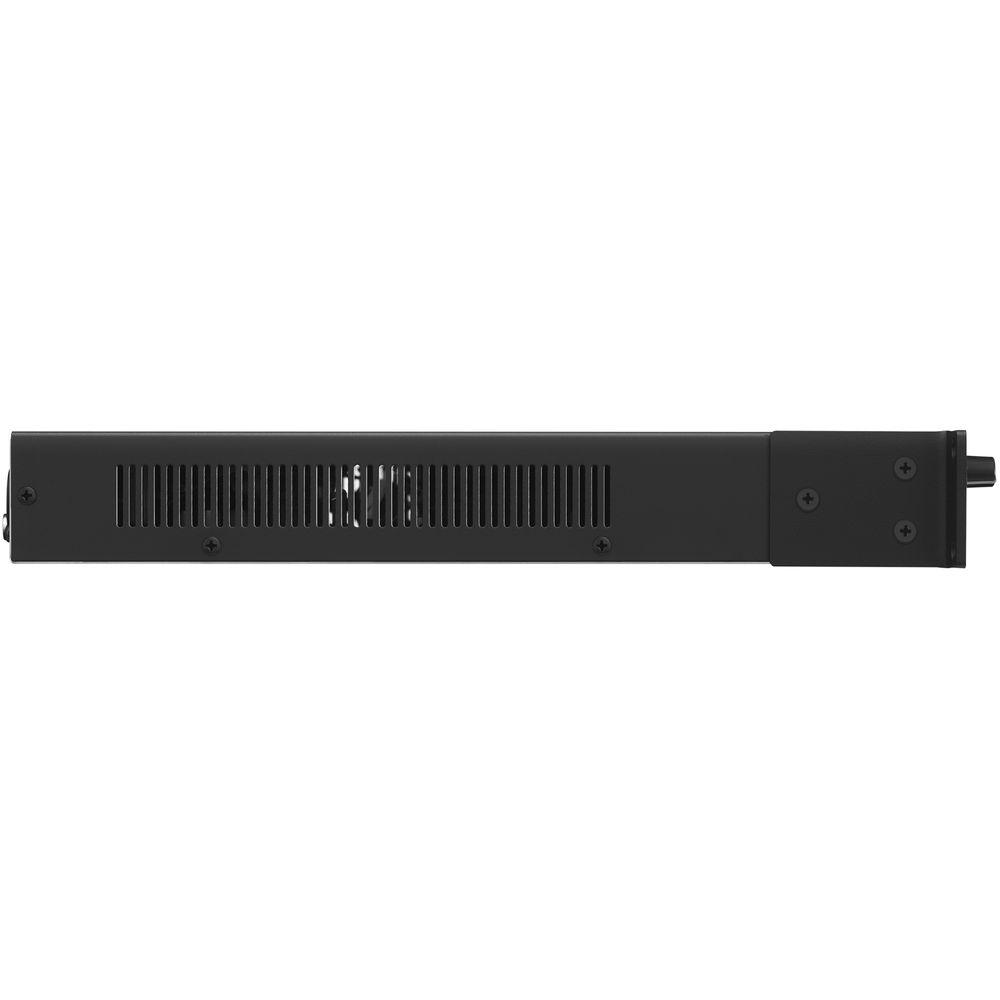
Remote camera control | | Display | Graphic LCD 128 x 64 dots | | Power Supply | AC adapter (included) | | Current Draw | 2.6 A | | Power Consumption | 31.0 W | | Operation Temperature | 32 to 104°F / 0 to 40°C | | Dimensions | 18.9 x 13.1 x 1.7" / 48.1 x 33.3 x 4.4 cm
1 RU | | Weight | 7.9 lb / 3.6 kg | | | | Package Weight | 12.05 lb | | Box Dimensions (LxWxH) | 22.4 x 17.8 x 6.5" |
Rating100% users recommend this product to others. And what about you?

This product has already been rated by 74 owners. Add your rating and experience with the product.
Discussion
 Ask our technicians if you have a problem with your settings,
or if anything is unclear in the user manual you have downloaded.
You can make use of our moderated discussion.
The discussion is public and helps other users of our website who may be encountering similar problems.
Ask our technicians if you have a problem with your settings,
or if anything is unclear in the user manual you have downloaded.
You can make use of our moderated discussion.
The discussion is public and helps other users of our website who may be encountering similar problems.
The discussion is empty - enter the first post
Post a new topic / query / comment:
|
|
|
| Request for user manual |
You can’t find the operation manual you are looking for? Let us know and we will try to add the missing manual:
I’m looking for a manual / Request for manual
Current requests for instruction manuals:
Call Of Duty World War Two For Xbox...
controller stratus XL...
stratus XL...
smart whatch serie S11 42mm...
Allen & Heath SQ-6 manual...
|
| Discussion |
Latest contributions to the discussion:
AEW R 4100
Name: MAURICIO ANGARITA
Audio-Technica AEW-R4100 UHF Diversity Receiver for
AEW R 4100 has the mute function blocked and does not allow audio to pass. I tried several times to turn off the mute from the transmitter but it does nothing, the mute stays on. Solution?
Thank you...
Instructions for assembling the 2015 Forecast Image Master Consoles GC3-A
Name: mike elam
Forecast Consoles GC3-A ImageMaster Editing Console
Looking for instructions for assembling this console. ...
EMPTY TONER ERROR MESSAGE AFTER REPLACING TONER
Name: LINDA BAD YELLOW EYES
Brother TN223BK Standard-Yield Toner
I HAD TO CHANGE OUT ALL THREE TONERS DUE TO LEAKS IN THE YELLOW AND CYAN. AFTER I REPLACED THEM, THE MACHINE KEEPS GIVING ME AN EMPTY TONER ERROR MESSAGE. HELP!!...
PS480D 20/24 pin Switching 480W Power Supply
Name: swkargo
Logisys 480W Power Supply
This item states in can run -5vdc .It is NOT listed on the board or I beleive is r4 is missing the resitior. Any body have thid issue. Shawn
...
Help needed
Name: Ann Carter
SanDisk 1TB Extreme Portable USB 3.1
When I click the link to download the user manual for my Sandisk Extreme external hard drive, it gives me the manual for the LG Cricket. Can you please change the link so I can download the Sandisk manual and begin using this drive? Thank you....
|
|


