|
User Manual for Roland AX-Edge 49-Key Keytar Synthesizer Click to enlarge the picture
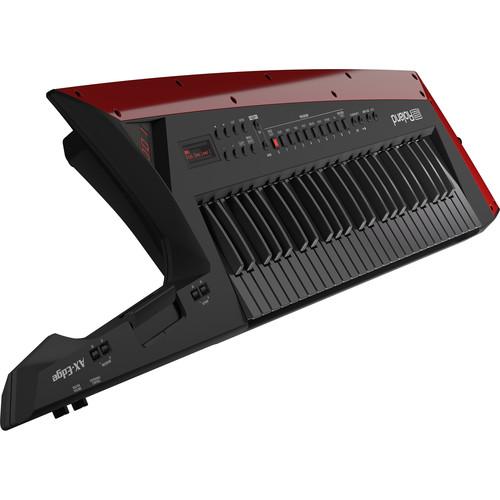 Contents of the user manual for the Roland AX-Edge 49-Key Keytar Synthesizer
- Product category: Synthesizer Keyboards Roland
- Brand: Roland
- Description and content of package
- Technical information and basic settings
- Frequently asked questions – FAQ
- Troubleshooting (does not switch on, does not respond, error message, what do I do if...)
- Authorized service for Roland Synthesizer Keyboards
 |
User manual for the Roland AX-Edge 49-Key Keytar Synthesizer contain basic instructions
that need to be followed during installation and operation.
Before starting your appliance, the user manual should be read through carefully.
Follow all the safety instructions and warnings, and be guided by the given recommendations.
User manual is an integral part of any Roland product,
and if it is sold or transferred, they should be handed over jointly with the product.
Following the instructions for use is an essential prerequisite for protecting
health and property during use, as well as recognition of liability on the part of the manufacturer
for possible defects should you make a warranty claim. Download an official Roland user manual in which you will find instructions on how to install, use, maintain and service your product.
And do not forget – unsuitable use of a Roland product will considerably shorten its lifespan!
|
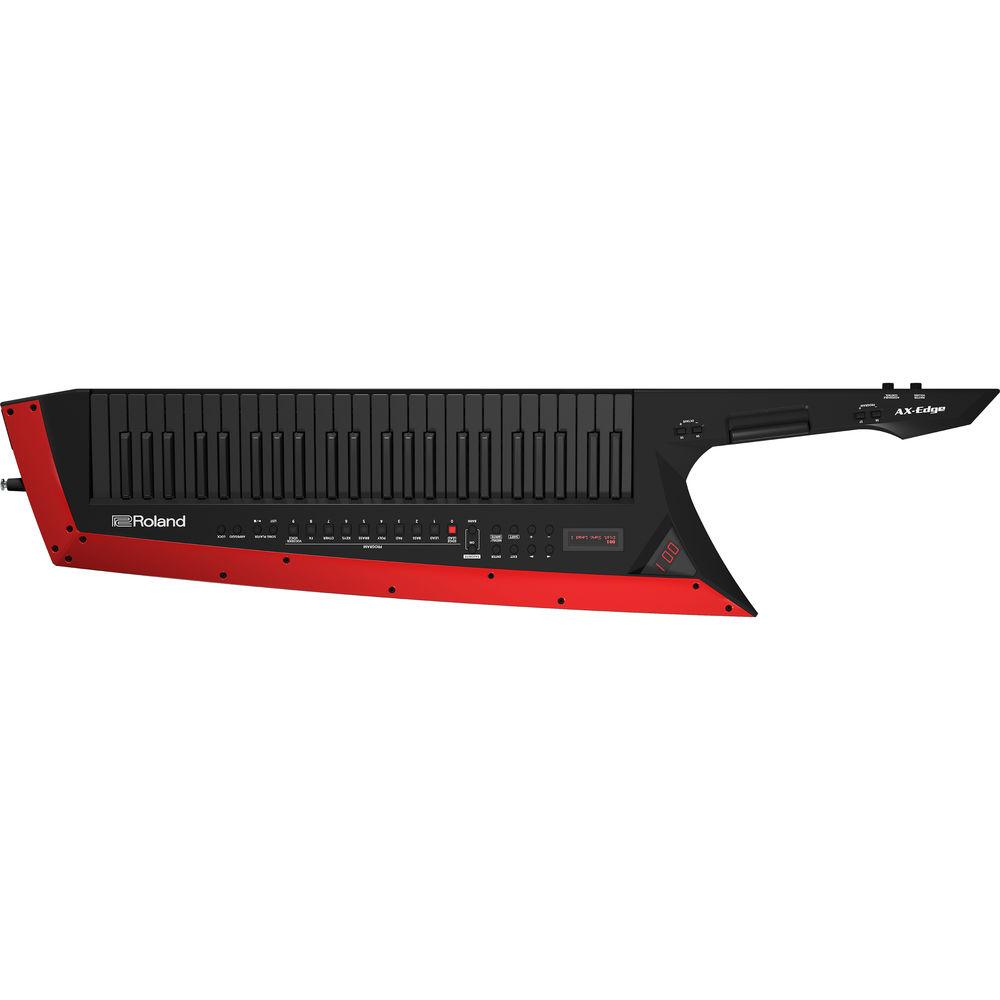
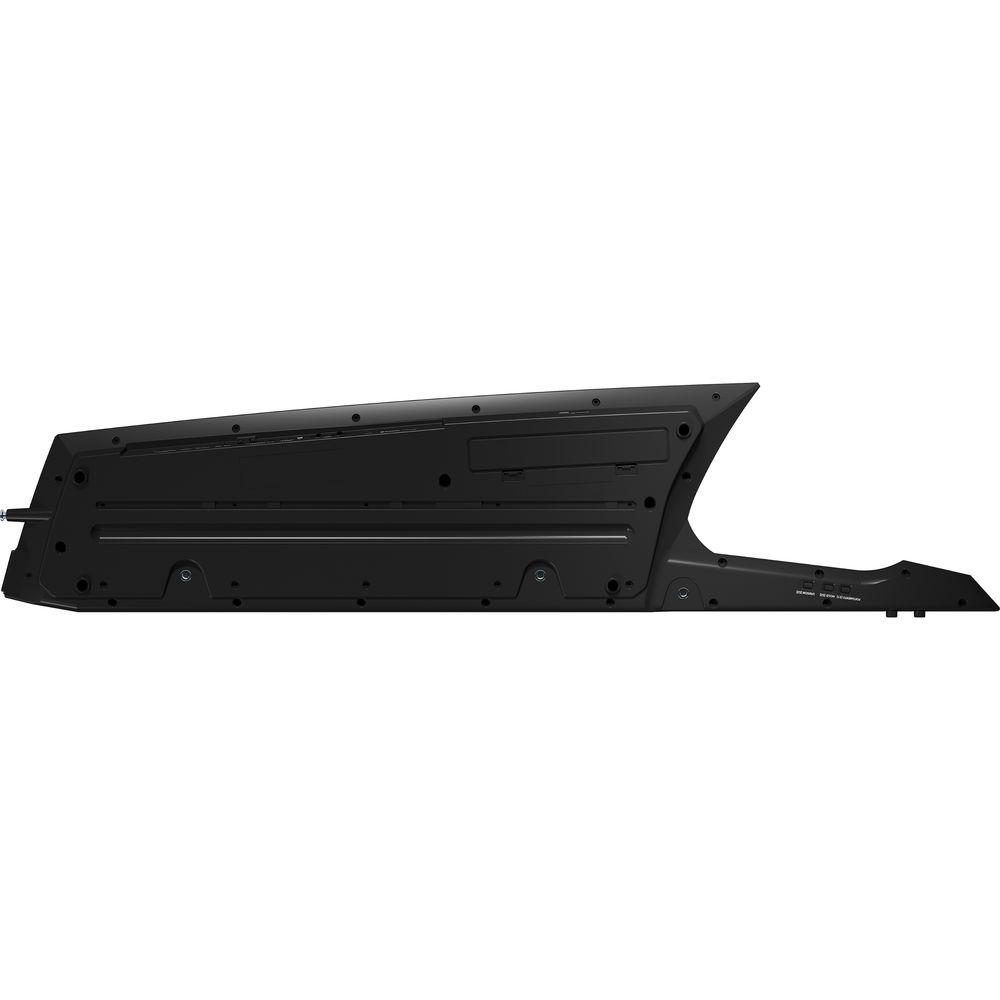
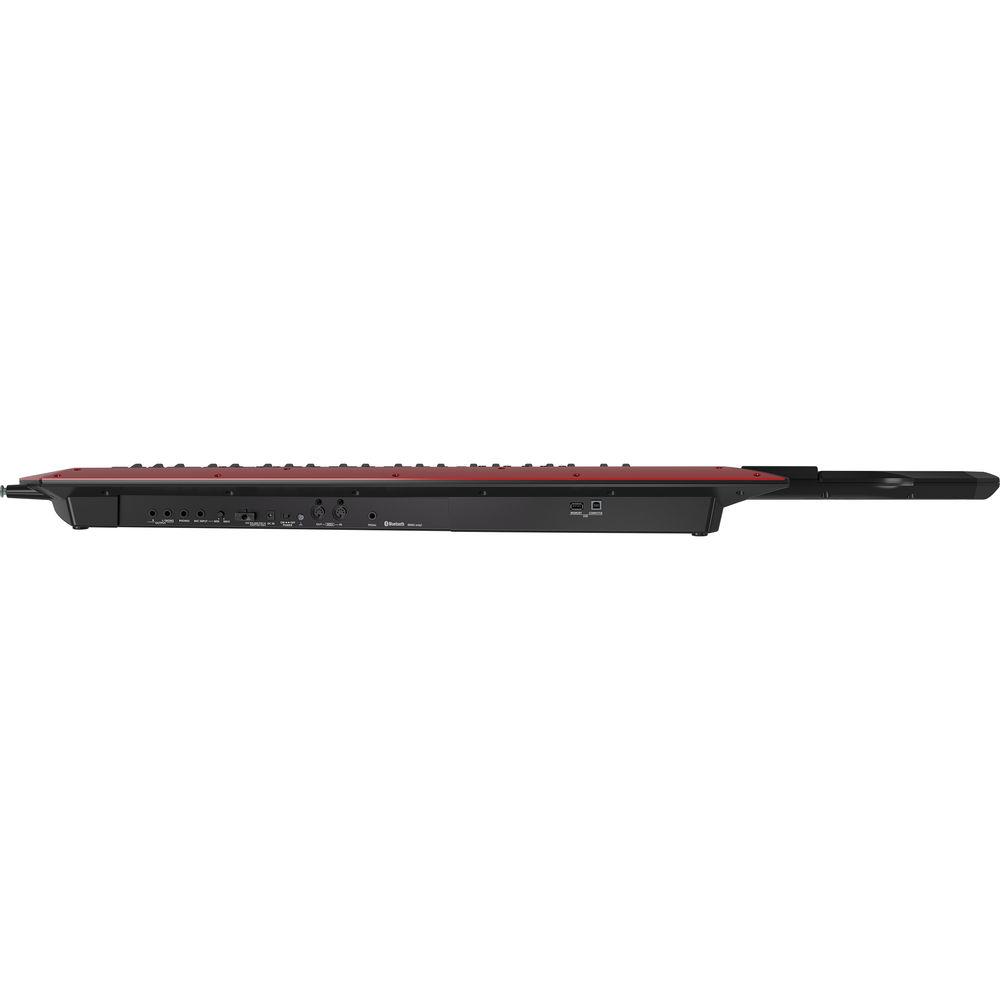
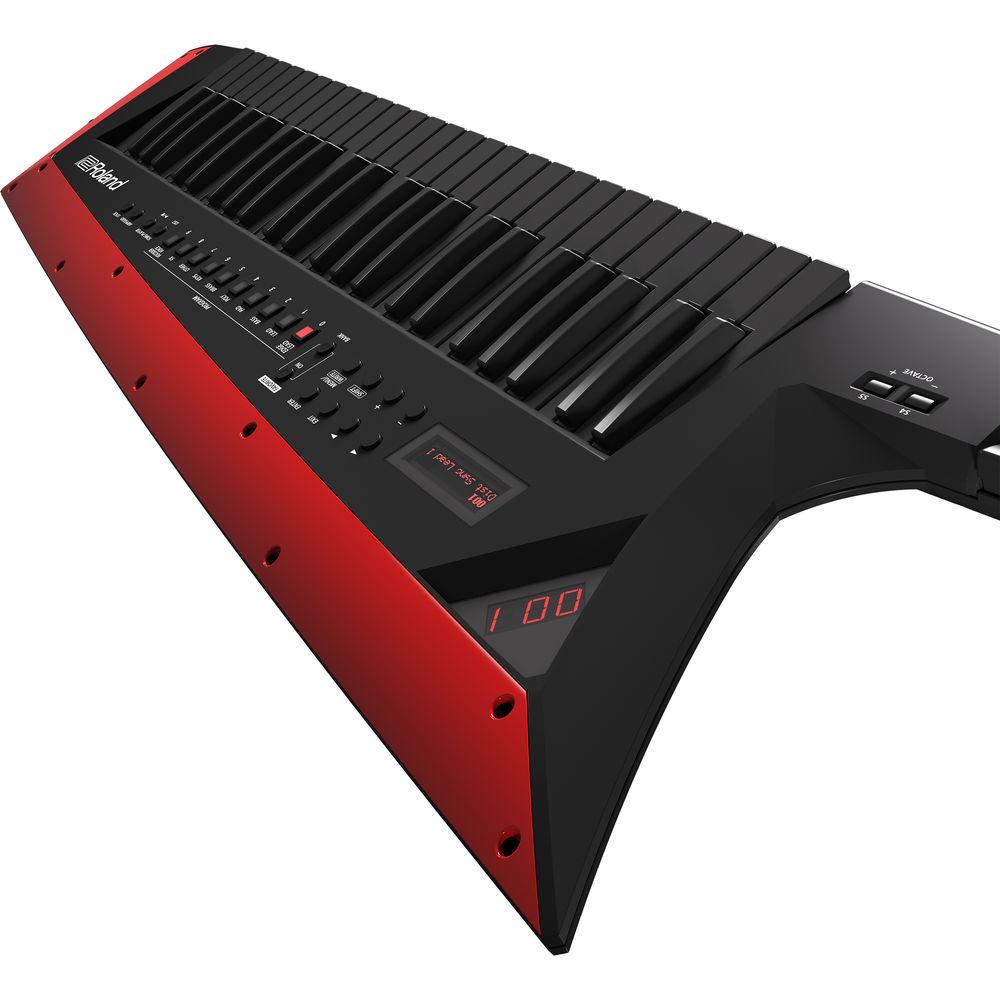
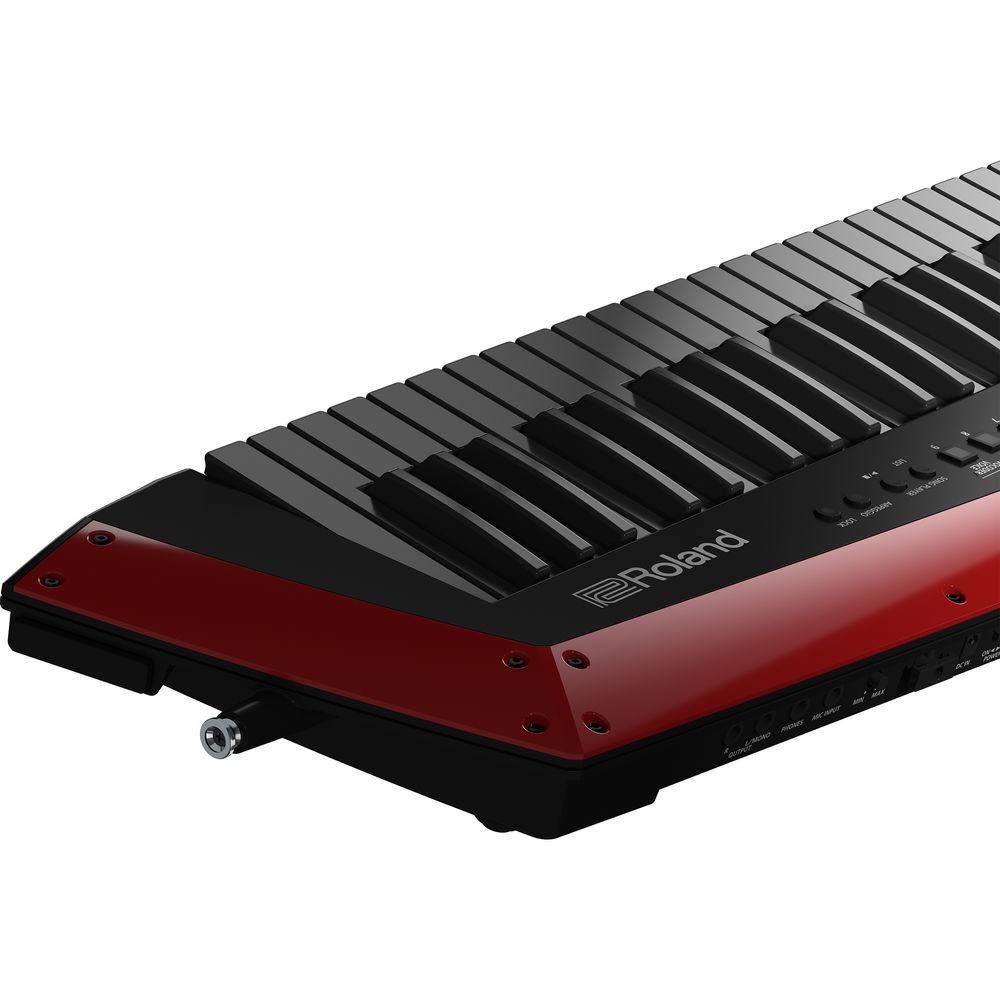
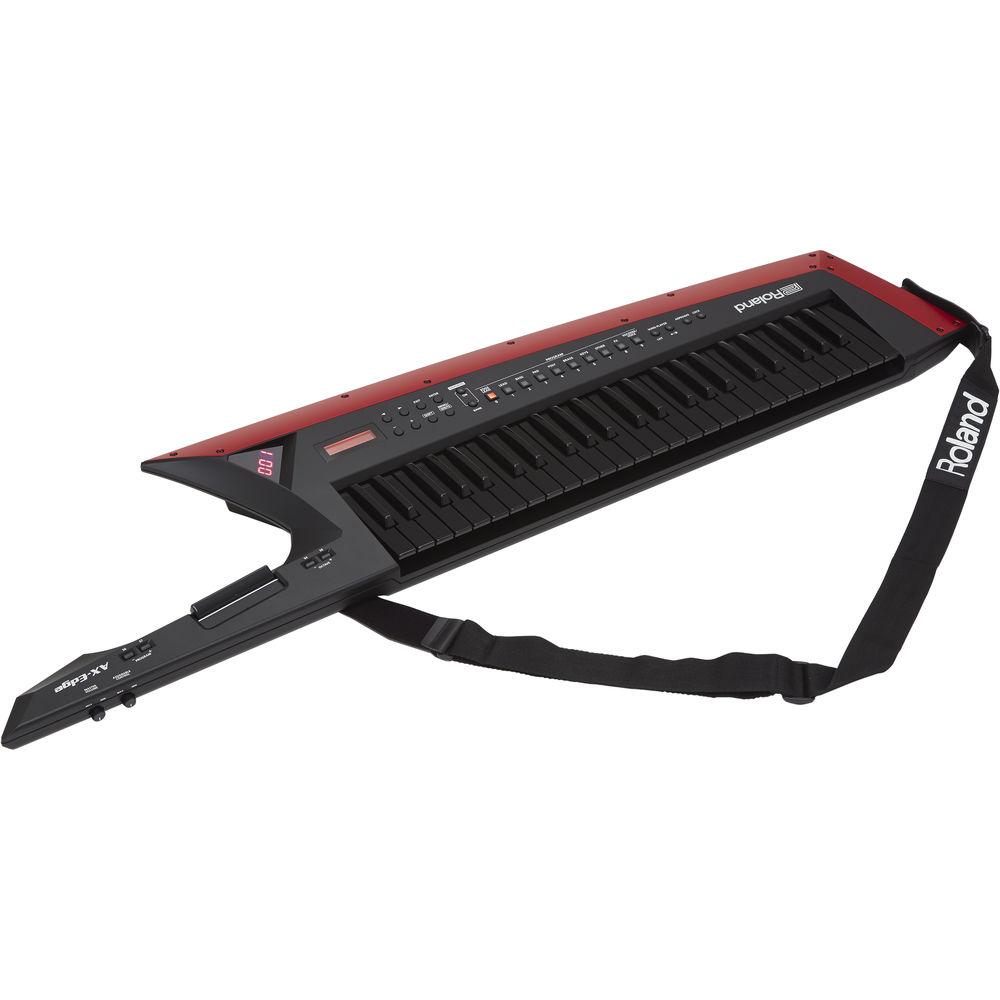
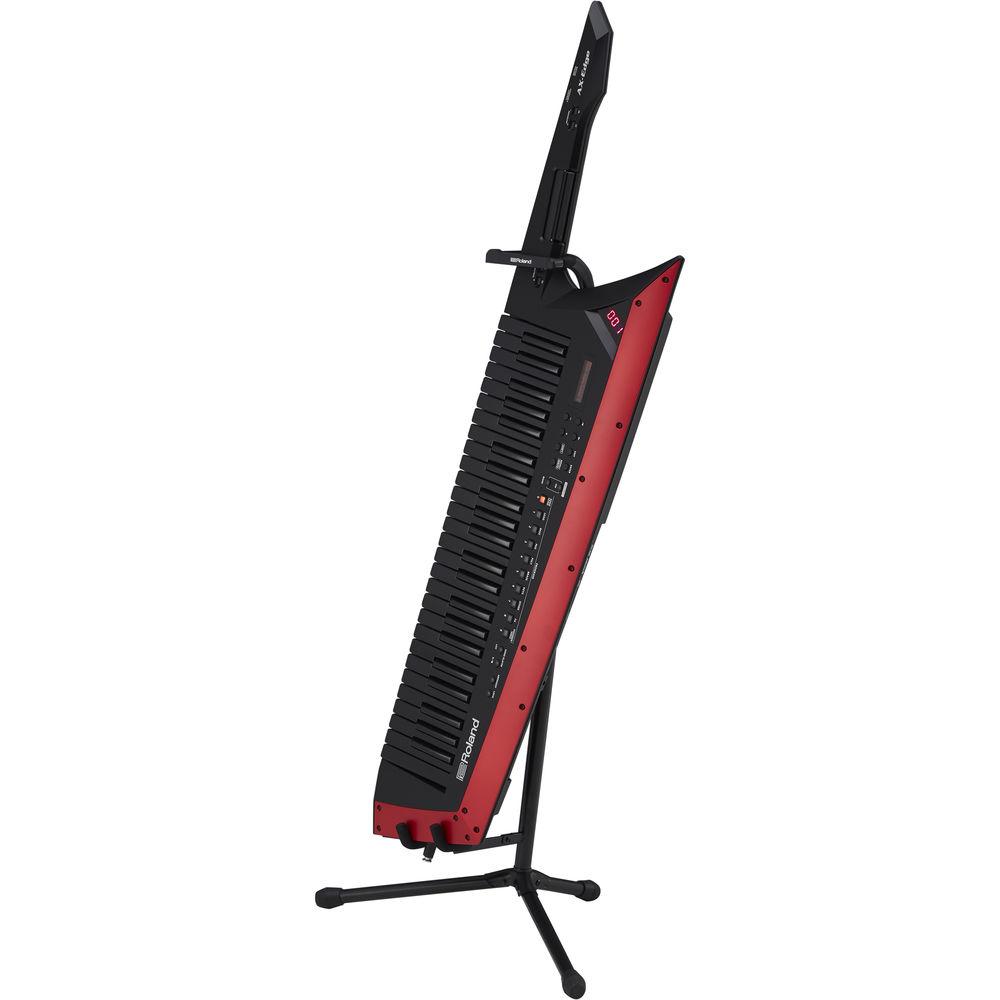
Product description The black Roland AX-Edge is a keytar synthesizer offering customizable looks and expressive playability for keyboardists on stage and in the studio. It features 49 full-sized, velocity-sensitive keys with channel aftertouch, over 500 preset tones, split and layer modes, and versatile controls including a modulation bar, a pressure-sensitive pitch ribbon, and an assignable knob. Dedicated buttons provide immediate access to the arpeggiator, song player, and programs such as leads, bases, brass, and the vocoder, which utilizes a 1/4" mic input with adjustable gain.Enhance your sounds with the built-in effects, EQ, and compression, and edit parameters wirelessly via the downloadable AX-Edge Editor iOS/Android app, and hook up an expression pedal (available separately) to the 1/4" pedal input for hands-free parameter adjustment. Connect the AX-Edge as a traditional controller or sound module using the MIDI I/O or USB Type-B computer port. Alternatively, utilize its Bluetooth MIDI capability to trigger a compatible virtual instrument. 1/4" main and headphone outputs allow easy routing to headphones and a mixing console or wireless transmitter.A second USB port (Type-A) accommodates a standard USB flash drive, which can be used to hold system data and playable songs. Power the AX-Edge via eight rechargeable AA NiMH batteries (available separately) for up to four hours of untethered operation, or connect the included AC adapter for extended performances. A silver Edge Blade trim piece is included for out-of-the-box visual customization. - Customizable Looks
- The AX-Edge comes with an extra Edge Blade in the box (a silver Edge Blade for the black model and a gold Edge Blade for the white) and you can even create your own original designs. Create a look that complements your band's style or swap out Edge Blades to keep things fresh.
- Versatile Tones
- The onboard sounds are optimized for stage performance to produce sounds that cut through, even in a loud band. Dedicated buttons for favorite sounds give you instant access to edgy leads, big fat basses, and all manner of keyboard sounds perfect for the performing keytarist, whether it's taking a solo or sharing the limelight with your bandmates. If you like to customize your sounds, you can connect to the AX-Edge Editor app with Bluetooth MIDI and tweak your sounds wirelessly. Splits and layers let you take full advantage of the full-sized keyboard, and a slew of built-in effects, including a master compressor and EQ, give you polished tone in any venue. Thanks to the Tone Remain function, you can switch sounds seamlessly on stage without notes or effect tails being cut off prematurely.
- Convenient Controls
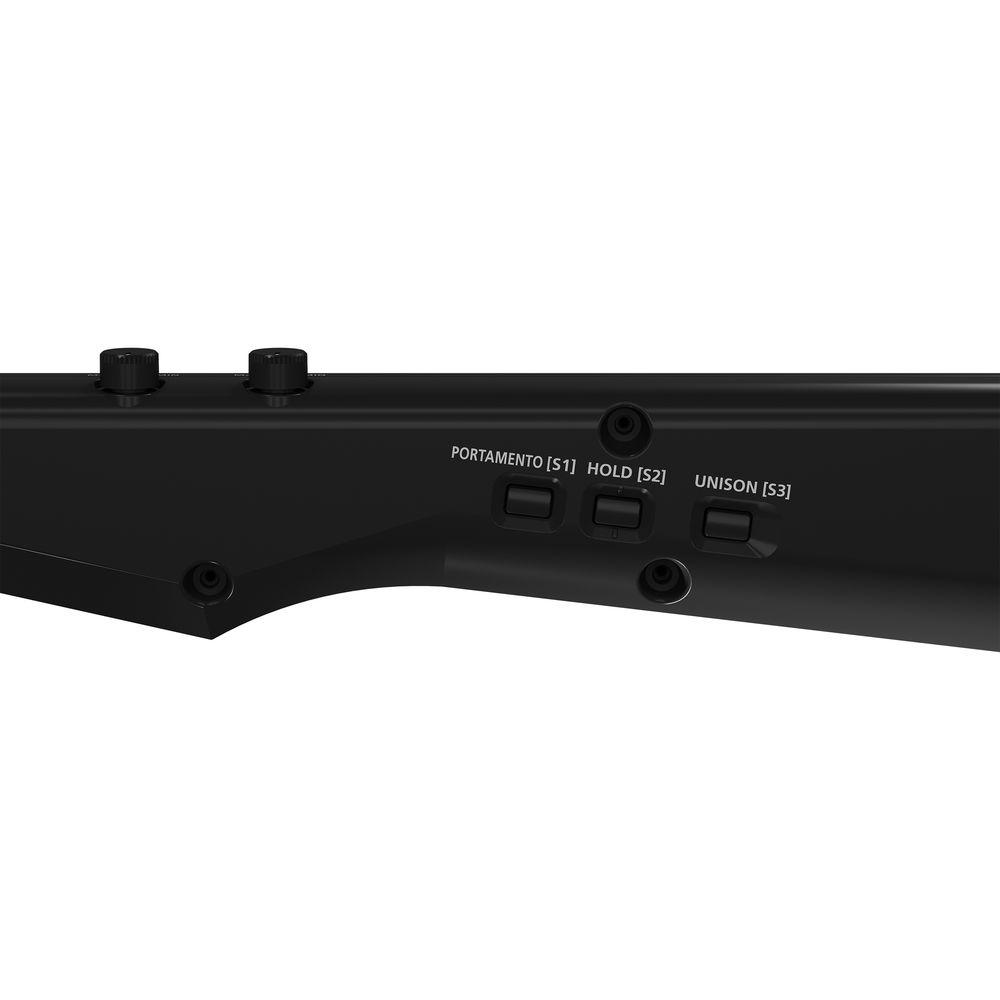
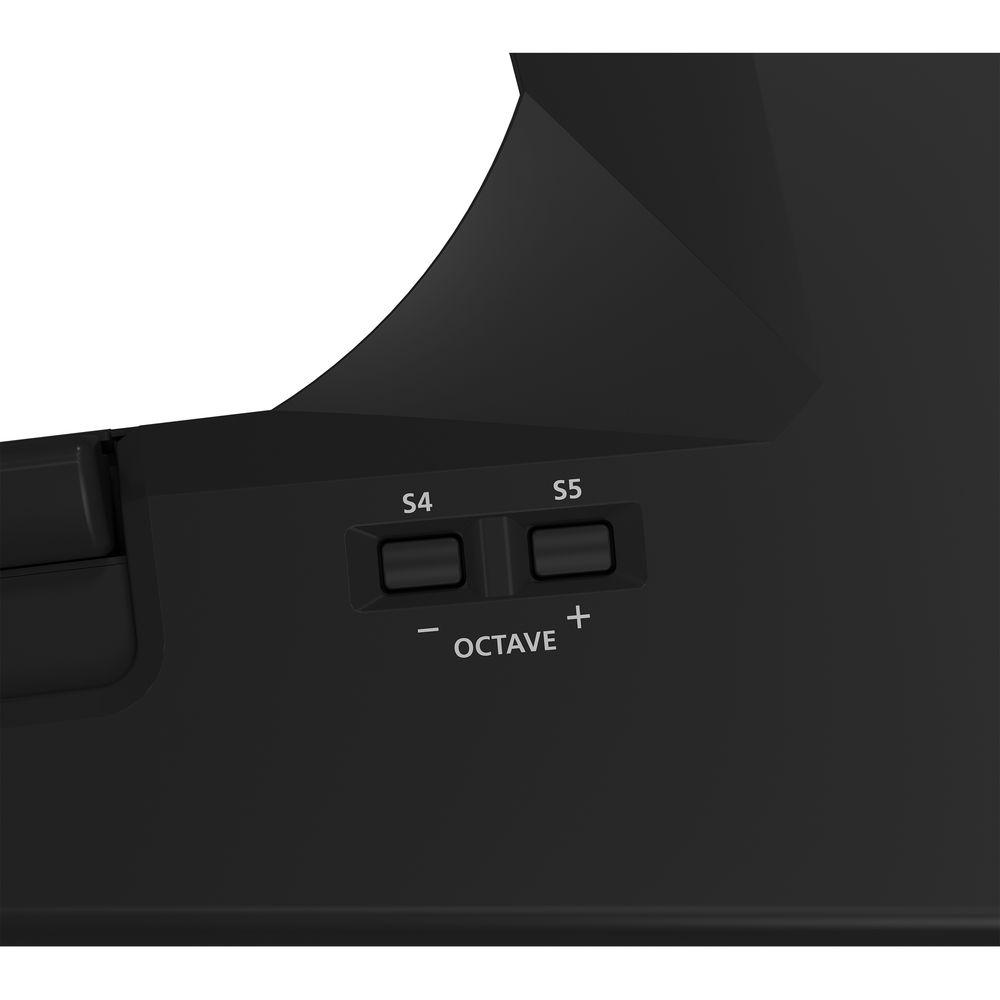
- The AX-Edge's neck controls, refined over years of development and artist feedback, are highly intuitive and truly take your performance to another level. While your right hand will appreciate the velocity-sensitive keyboard, your left hand will benefit from the modulation bar, pressure-sensitive pitch ribbon, and easy-to-reach controls for portamento, hold, octave switch, and program change. If desired, many controls can be reassigned to functions that perfectly suit your performance style.
- Informative Displays
- An innovative dual-display system keeps you in command at all times, while the on-board arpeggiator and song player can handle backing duties while you concentrate on your performance. The built-in vocoder, which can be layered with internal sounds, is just the thing for unique backing vocals or funky, retro lead parts.
UPC: 761294513118 In the Box Roland AX-Edge 49-Key Keytar Synthesizer (Black) AC Adapter Power Cable Strap Blade Panel with Hex Key and Screws Ferrite Core with Fastening Band Limited 1-Year Warranty on Parts Limited 90-Day Warranty on Labor Table of Contents
|
Upload User Manual
Have you got an user manual for the Roland AX-Edge 49-Key Keytar Synthesizer in electronic form? Please send it to us and help us expand our library of instruction manuals.
Thank you, too, on behalf of other users.
To upload the product manual, we first need to check and make sure you are not a robot. After that, your "Submit Link" or "Upload File" will appear.
Technical parametersRoland AX-Edge Specs | Keyboard | 49 full-sized keys with velocity and channel aftertouch | | Polyphony | Not specified by manufacturer | | Multitimbral | 4 parts plus Vocoder part | | Synthesis Method | Synth-EX | | Presets | User Programs: 320
Preset Tones: >500 | | User Memory | User Tones: 256 | | Effects | Part Multi-Effects: 79 types
Program Multi-Effects (IFX): 79 types
Chorus: 8 types
Reverb: 6 types
Part EQ
Master EQ
Master compressor
Vocoder | | Sequencer | None | | Controllers | Ribbon controller
Modulation bar
Assignable control knob
Master volume knob
7 x assignable buttons
Pedal
Aftertouch | | Expansion Slots | None | | Bluetooth | MIDI: Bluetooth version 4.1 (Bluetooth LE) | | Inputs | 1 x 1/4" microphone input | | Outputs | 2 x 1/4" main outputs
1 x 1/4" stereo headphone output | | MIDI | 1 x MIDI 5-pin input
1 x MIDI 5-pin output | | USB | 1 x USB Type-A memory port
1 x USB Type-B computer port (supports USB MIDI) | | Control Input | 1 x 1/4" pedal input | | Internal Storage | Not specified by manufacturer | | External Storage | USB flash drive | | Display | Two-line LCD with 16 characters per line
Segment LED (3 x 7) | | Current Draw | 1000 mA | | Power Requirements | 9 VDC via AC adapter or eight rechargeable NiMH (AA, HR6) batteries | | Battery Life (approx.) | Up to 4 hours
*Carbon-zinc or alkaline batteries cannot be used | | Dimensions (W x D x H) | 49.3 x 11.5 x 3.3" / 125.2 x 29.1 x 8.5 cm | | Weight | 9.3 lb / 4.2 kg (excluding AC adapter and batteries) | | Specialties | Favorite
Song player
Arpeggio
Vocoder
MIDI master keyboard
Sound edit | | | | Package Weight | 18.15 lb | | Box Dimensions (LxWxH) | 55.0 x 17.0 x 7.5" |
Rating80% users recommend this product to others. And what about you?

This product has already been rated by 67 owners. Add your rating and experience with the product.
Discussion
 Ask our technicians if you have a problem with your settings,
or if anything is unclear in the user manual you have downloaded.
You can make use of our moderated discussion.
The discussion is public and helps other users of our website who may be encountering similar problems.
Ask our technicians if you have a problem with your settings,
or if anything is unclear in the user manual you have downloaded.
You can make use of our moderated discussion.
The discussion is public and helps other users of our website who may be encountering similar problems.
The discussion is empty - enter the first post
Post a new topic / query / comment:
|
|
|
| Request for user manual |
You can’t find the operation manual you are looking for? Let us know and we will try to add the missing manual:
I’m looking for a manual / Request for manual
Current requests for instruction manuals:
Call Of Duty World War Two For Xbox...
controller stratus XL...
stratus XL...
smart whatch serie S11 42mm...
Allen & Heath SQ-6 manual...
|
| Discussion |
Latest contributions to the discussion:
AEW R 4100
Name: MAURICIO ANGARITA
Audio-Technica AEW-R4100 UHF Diversity Receiver for
AEW R 4100 has the mute function blocked and does not allow audio to pass. I tried several times to turn off the mute from the transmitter but it does nothing, the mute stays on. Solution?
Thank you...
Instructions for assembling the 2015 Forecast Image Master Consoles GC3-A
Name: mike elam
Forecast Consoles GC3-A ImageMaster Editing Console
Looking for instructions for assembling this console. ...
EMPTY TONER ERROR MESSAGE AFTER REPLACING TONER
Name: LINDA BAD YELLOW EYES
Brother TN223BK Standard-Yield Toner
I HAD TO CHANGE OUT ALL THREE TONERS DUE TO LEAKS IN THE YELLOW AND CYAN. AFTER I REPLACED THEM, THE MACHINE KEEPS GIVING ME AN EMPTY TONER ERROR MESSAGE. HELP!!...
PS480D 20/24 pin Switching 480W Power Supply
Name: swkargo
Logisys 480W Power Supply
This item states in can run -5vdc .It is NOT listed on the board or I beleive is r4 is missing the resitior. Any body have thid issue. Shawn
...
Help needed
Name: Ann Carter
SanDisk 1TB Extreme Portable USB 3.1
When I click the link to download the user manual for my Sandisk Extreme external hard drive, it gives me the manual for the LG Cricket. Can you please change the link so I can download the Sandisk manual and begin using this drive? Thank you....
|
|


