User Manual for Roland DJ-202 2-Channel, 4-Deck DJ Controller for Serato DJ Pro Click to enlarge the picture
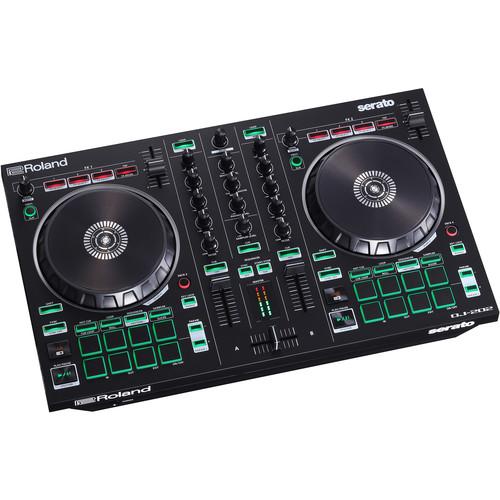 Contents of the user manual for the Roland DJ-202 2-Channel, 4-Deck DJ Controller
- Product category: DJ Controllers Roland
- Brand: Roland
- Description and content of package
- Technical information and basic settings
- Frequently asked questions – FAQ
- Troubleshooting (does not switch on, does not respond, error message, what do I do if...)
- Authorized service for Roland DJ Controllers
 |
User manual for the Roland DJ-202 2-Channel, 4-Deck DJ Controller contain basic instructions
that need to be followed during installation and operation.
Before starting your appliance, the user manual should be read through carefully.
Follow all the safety instructions and warnings, and be guided by the given recommendations.
User manual is an integral part of any Roland product,
and if it is sold or transferred, they should be handed over jointly with the product.
Following the instructions for use is an essential prerequisite for protecting
health and property during use, as well as recognition of liability on the part of the manufacturer
for possible defects should you make a warranty claim. Download an official Roland user manual in which you will find instructions on how to install, use, maintain and service your product.
And do not forget – unsuitable use of a Roland product will considerably shorten its lifespan!
|
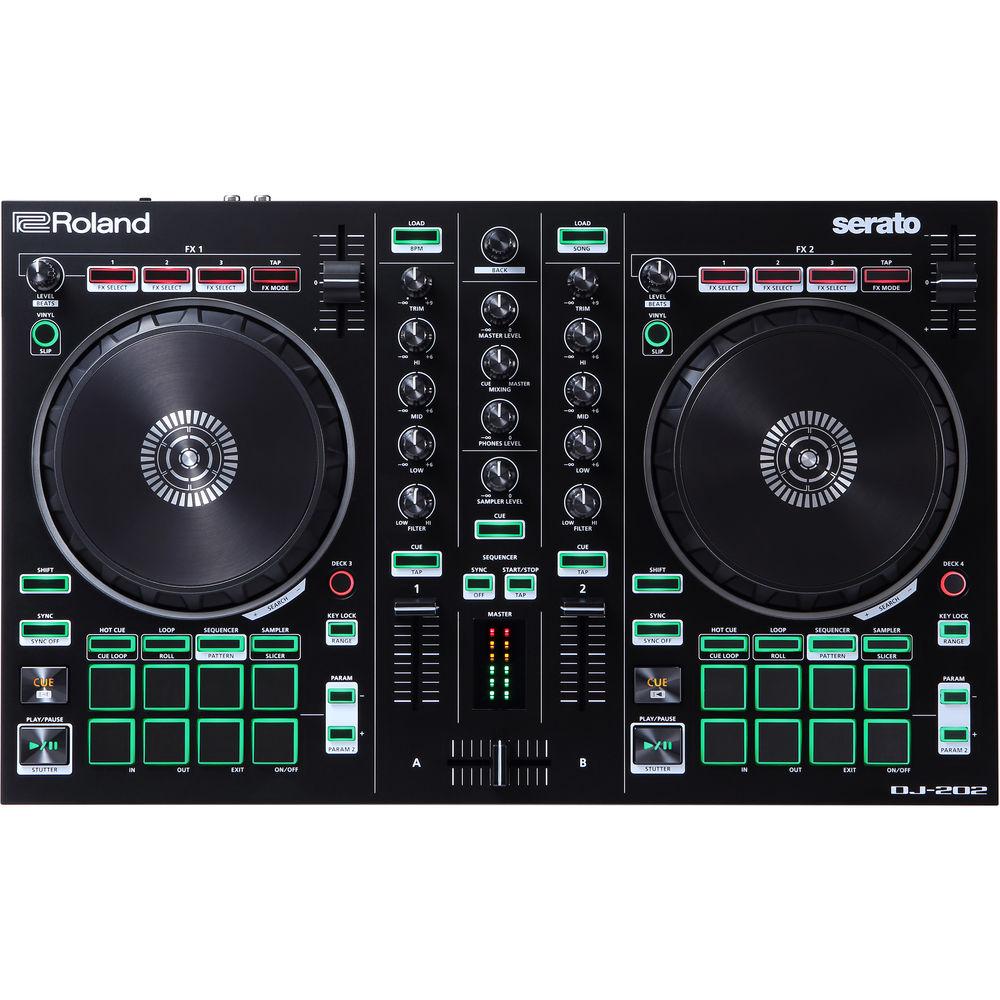
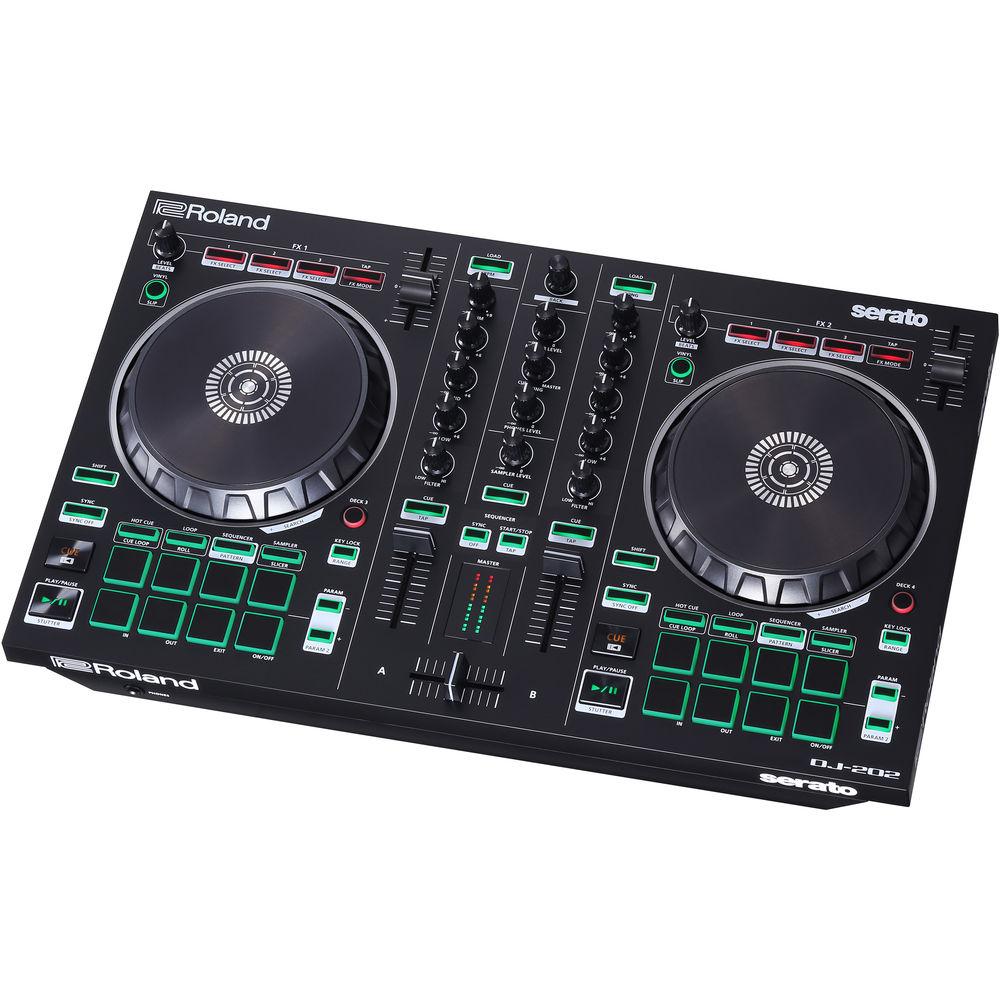
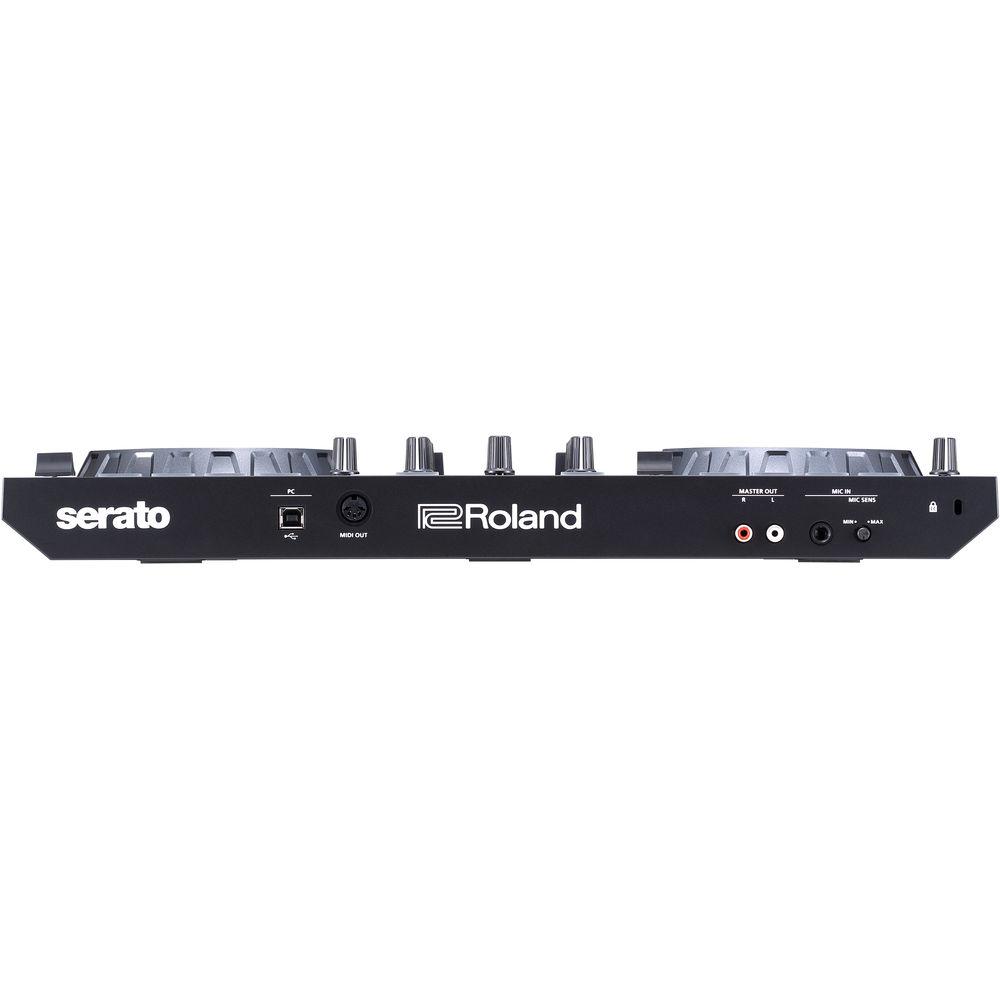
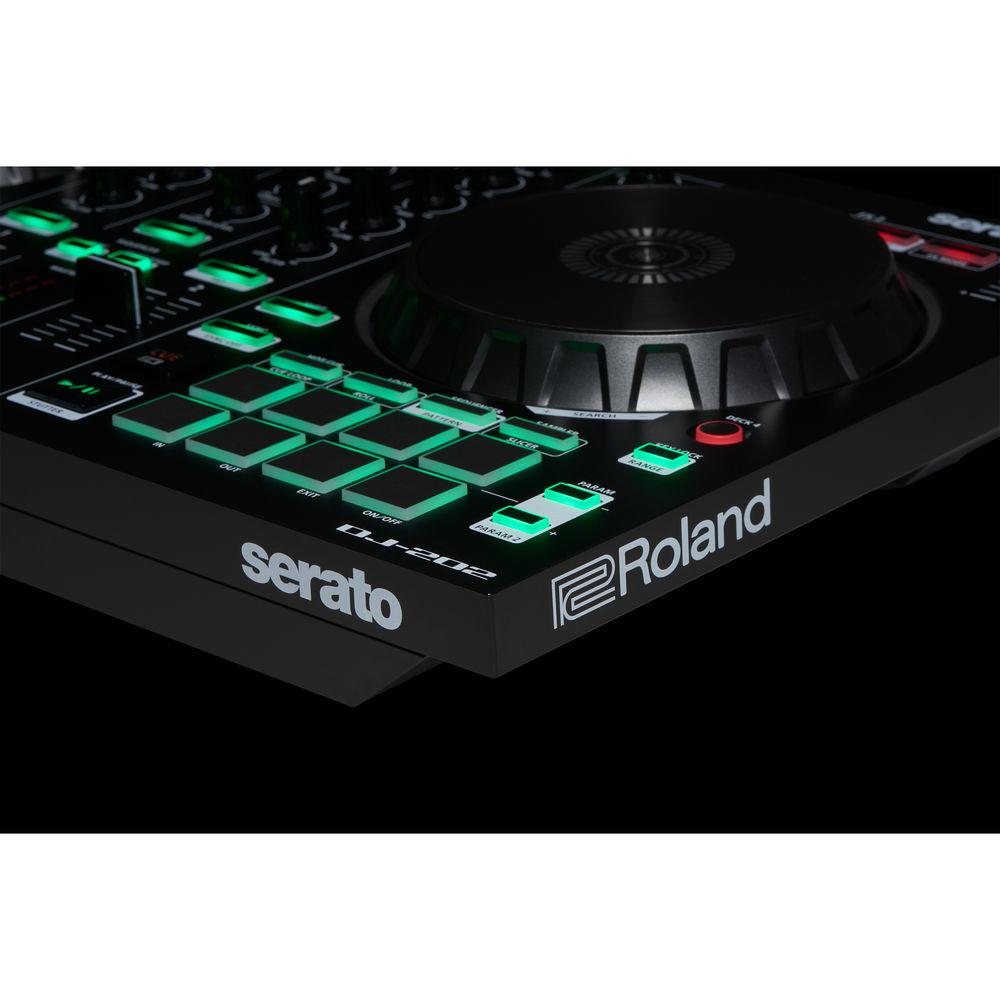
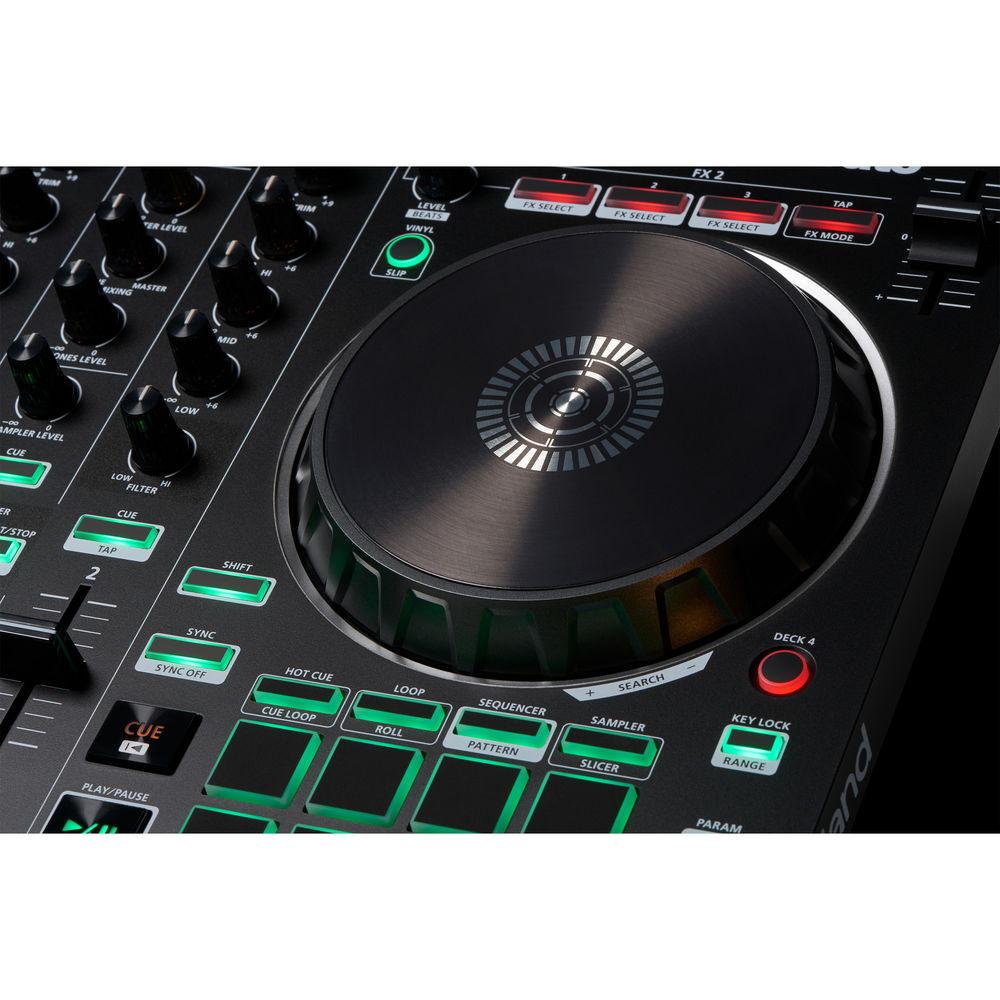
Product description B&H is Pleased to Offer New DJ Controllers from Roland! Read More The Roland DJ-202 is a compact Serato DJ controller, offering a wide variety of features in a rugged, portable enclosure that is well suited for mobile applications, house parties, clubs, and beat battles. Drawing on technology from the popular flagship DJ-808 controller, the DJ-202 features two large platters, dedicated pads and transport controls, an onboard sequencer, and a microphone input with professional vocal effects.
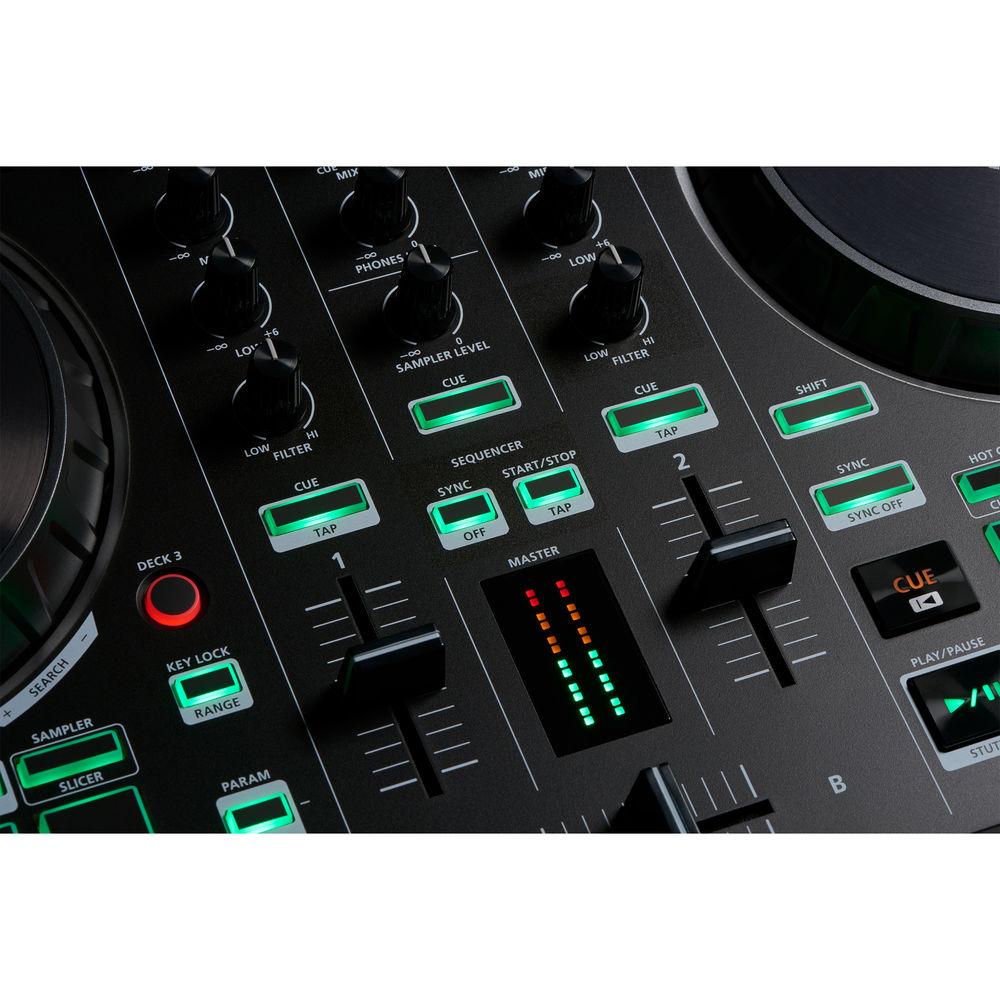
The two-channel, four-deck controller is USB bus-powered with a lightweight, compact enclosure with integrated easy-grab handles. The unit offers 24-bit / 48 kHz resolution for professional-sounding performance. The large platters offer low-latency performance for scratch performance and cuing, while the dedicated Serato DJ controls allow for quick creation and triggering of hot cues, loops, and samples, plus switching between four decks with dedicated Deck Select buttons. Each channel offers a trim knob, 3 bands of EQ control, high/low filter controls, and a level fader, while the master section provides knobs for master level, cue/master mixing, headphone level, sampler level, and a crossfader for smooth transitions between decks. There are also three Serato FX select buttons per deck for controlling Serato's onboard FX.
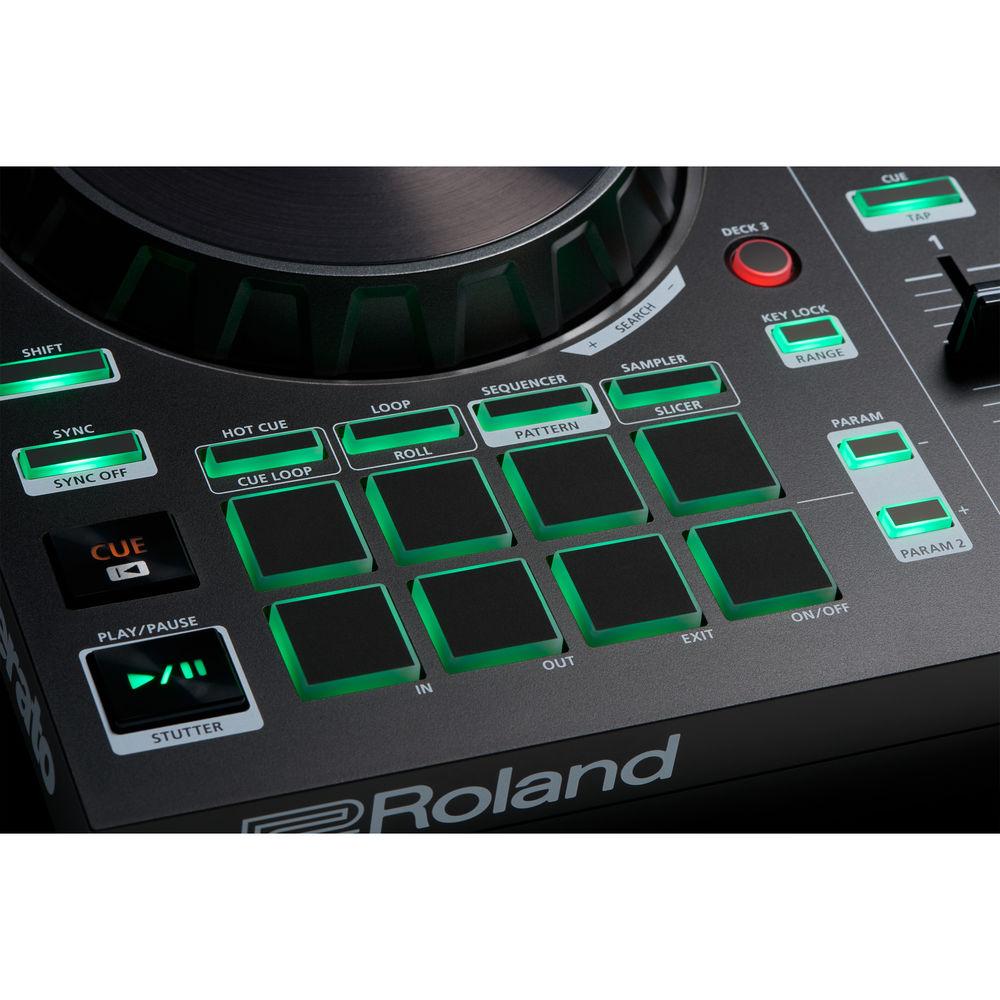
The Roland DJ-202 features sounds of the TR-808 and TR-909, which harness Roland's latest Analog Circuit Behavior (ACB) technology to faithfully recreate the original sounds of these machines, including bass drum, snare drum, closed hi-hat, open hi-hat, tom, rim, clap, and ride. Load your own sounds into Serato Sample to create remixes, beats, and live performances. Program the onboard, 16-step sequencer via the performance pads to create cutting-edge transitions, live remixes, and beefed up classic tracks. Additionally, the DJ-202 offers a standard MIDI (5-pin DIN) connector for connecting and synchronizing outboard gear including any of the Roland AIRA instruments and effects.
The Roland DJ-202 ships with Serato DJ Pro featuring 32 syncable sampler slots over four bands, the full collection of iZotope FX, and software recording capabilities. The Roland DJ-202 also ships with a USB cable. -
- Two-channel, four-deck controller for Serato DJ Pro
- Large platters with the lowest available latency, optimized for scratching
- Built-in drum kits from Roland’s TR-808, TR-909, realized with advanced ACB (Analog Circuit Behavior) technology
- Eight sounds in each TR kit: Bass drum, snare drum, closed hat, open hat, tom, rim, clap, and ride
- Onboard sequencer that controls Serato DJ Intro’s sampler for on-the-fly beat creation
- Independent sampler volume control
- Eight dedicated pads with Hot Cue, Loop, Sequencer, and Sampler modes for controlling Serato DJ Intro or Serato DJ software
- MIDI output for synchronizing external devices with tracks in Serato DJ Intro
- Mic input with gate, hi-pass, reverb, and echo FX
- 24-bit / 48 kHz audio fidelity with high-resolution, digital-to-analog converters
- Compact, rugged, and lightweight design with easy-grab handles for optimal portability
- Connect straight to your speakers or amplifier via RCA stereo outputs
- USB-powered for simple connectivity
- Serato DJ Pro included
- Use Serato DJ Pro to organize and build music libraries or integrate songs from iTunes. Just drag a track to the deck, set and trigger cues, loops, and samples, and apply basic FX
UPC: 761294511312 In the Box Roland DJ-202 2-Channel, 4-Deck DJ Controller for Serato DJ Pro USB Cable Serato DJ Pro Limited 1-Year Warranty on Parts Limited 90-Day Warranty on Labor Table of Contents
|
Upload User Manual
Have you got an user manual for the Roland DJ-202 2-Channel, 4-Deck DJ Controller for Serato DJ Pro in electronic form? Please send it to us and help us expand our library of instruction manuals.
Thank you, too, on behalf of other users.
To upload the product manual, we first need to check and make sure you are not a robot. After that, your "Submit Link" or "Upload File" will appear.
Technical parametersRoland DDJ-SB3 Specs | Connectors | Mic In: 1/4" / 6.35 mm phone type
Master Out: RCA phono type
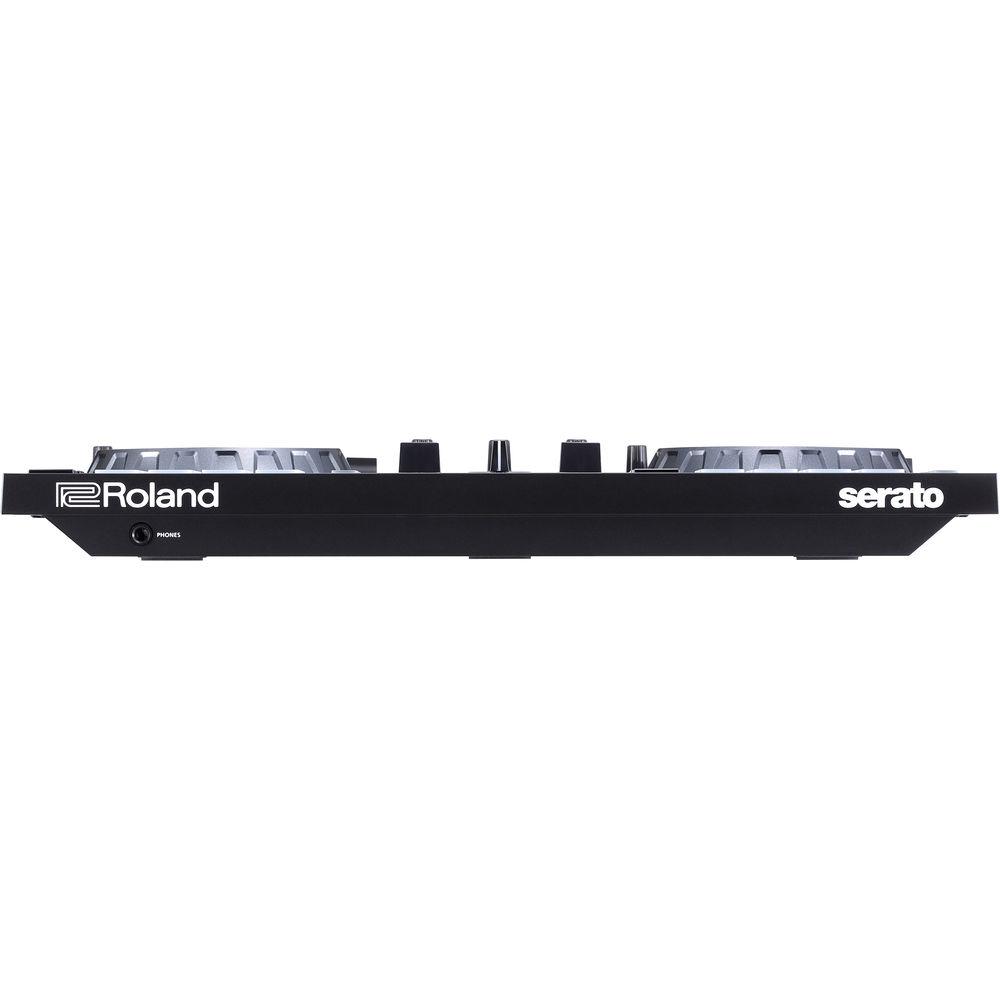
Phones: Stereo 1/4" / 6.35 mm
USB Port: USB Type-B
MIDI Out: 5-pin DIN | | Signal Processing | 24-bit / 48 kHz | | Nominal Input Level | Mic In (1/4" Type): -60 dBu | | Nominal Output Level | Master Out: 2.0 Vrms | | Input Impedance | Mic In: >7 kOhms | | Output Impedance | Master Out: 1 kOhm
Phones: 22 Ohms | | Frequency Response | 48.0 kHz: 20 Hz to 22 kHz (+0 / -2 dB) | | Power | USB bus power | | Current Draw | 500 mA | | Dimensions (W x D x H) | 18.8 x 11.7 x 2.4" / 478.0 x 297.0 x 62.0 mm | | Weight | 4.6 lb / 2.1 kg | | | | Package Weight | 7.0 lb | | Box Dimensions (LxWxH) | 23.0 x 15.0 x 11.0" |
Rating50% users recommend this product to others. And what about you?

This product has already been rated by 10 owners. Add your rating and experience with the product.
Discussion
 Ask our technicians if you have a problem with your settings,
or if anything is unclear in the user manual you have downloaded.
You can make use of our moderated discussion.
The discussion is public and helps other users of our website who may be encountering similar problems.
Ask our technicians if you have a problem with your settings,
or if anything is unclear in the user manual you have downloaded.
You can make use of our moderated discussion.
The discussion is public and helps other users of our website who may be encountering similar problems.
The discussion is empty - enter the first post
Post a new topic / query / comment:
|
|


