|
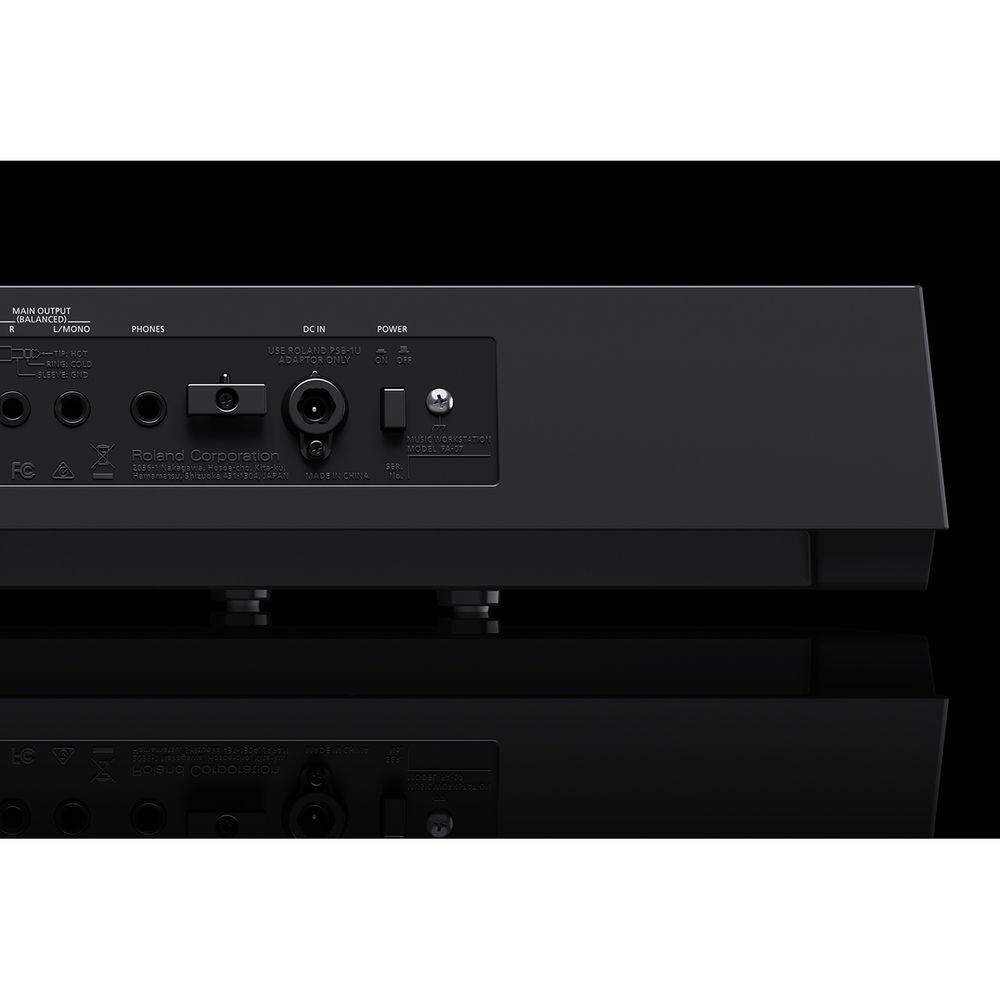
User Manual for Roland FA-07 Music Workstation Click to enlarge the picture
 Contents of the user manual for the Roland FA-07 Music Workstation
- Product category: Synthesizer Keyboards Roland
- Brand: Roland
- Description and content of package
- Technical information and basic settings
- Frequently asked questions – FAQ
- Troubleshooting (does not switch on, does not respond, error message, what do I do if...)
- Authorized service for Roland Synthesizer Keyboards

 |
User manual for the Roland FA-07 Music Workstation contain basic instructions
that need to be followed during installation and operation.
Before starting your appliance, the user manual should be read through carefully.
Follow all the safety instructions and warnings, and be guided by the given recommendations.
User manual is an integral part of any Roland product,
and if it is sold or transferred, they should be handed over jointly with the product.
Following the instructions for use is an essential prerequisite for protecting
health and property during use, as well as recognition of liability on the part of the manufacturer
for possible defects should you make a warranty claim. Download an official Roland user manual in which you will find instructions on how to install, use, maintain and service your product.
And do not forget – unsuitable use of a Roland product will considerably shorten its lifespan!
|
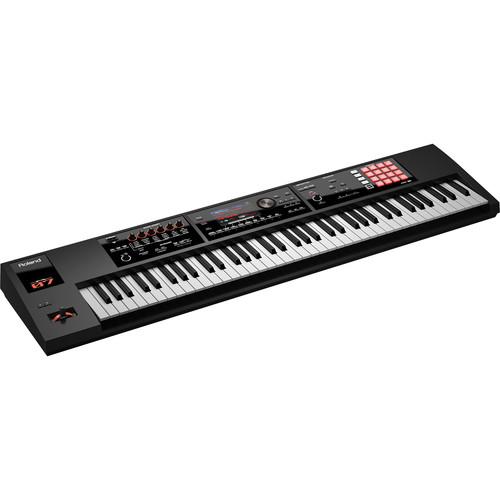
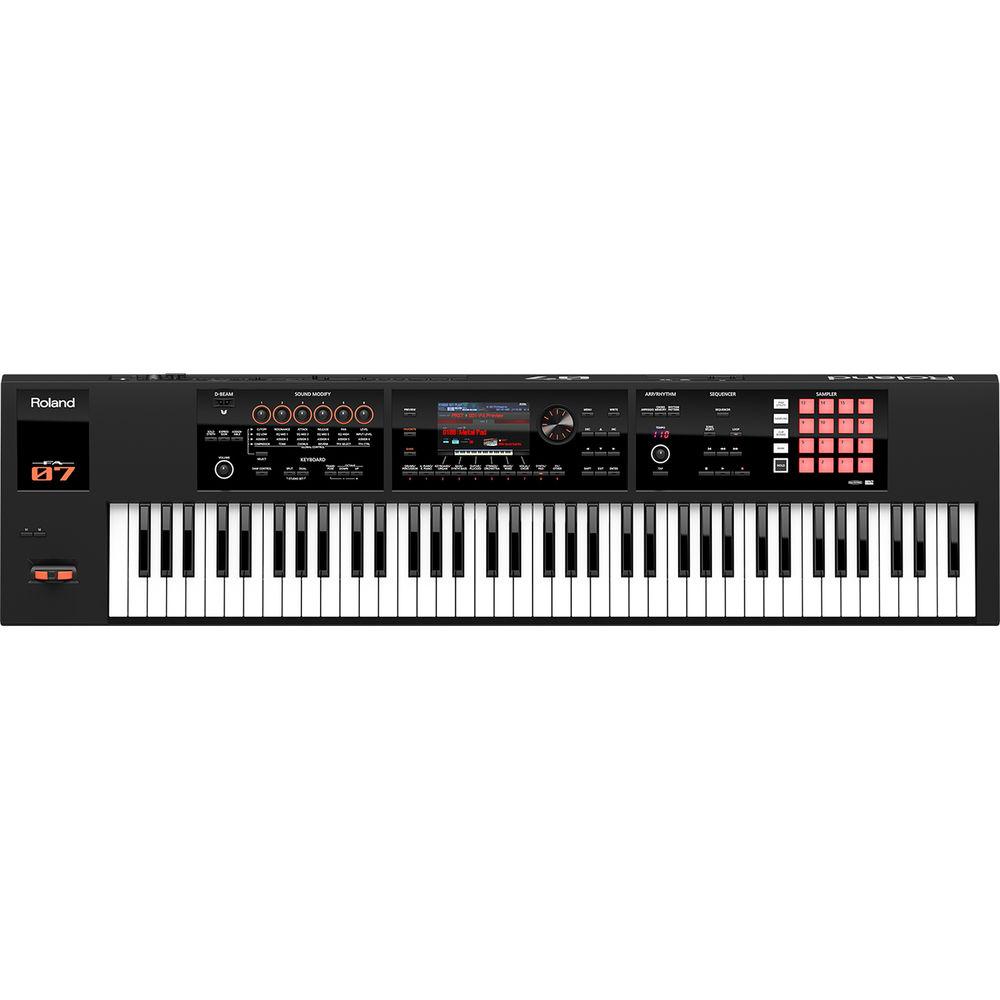
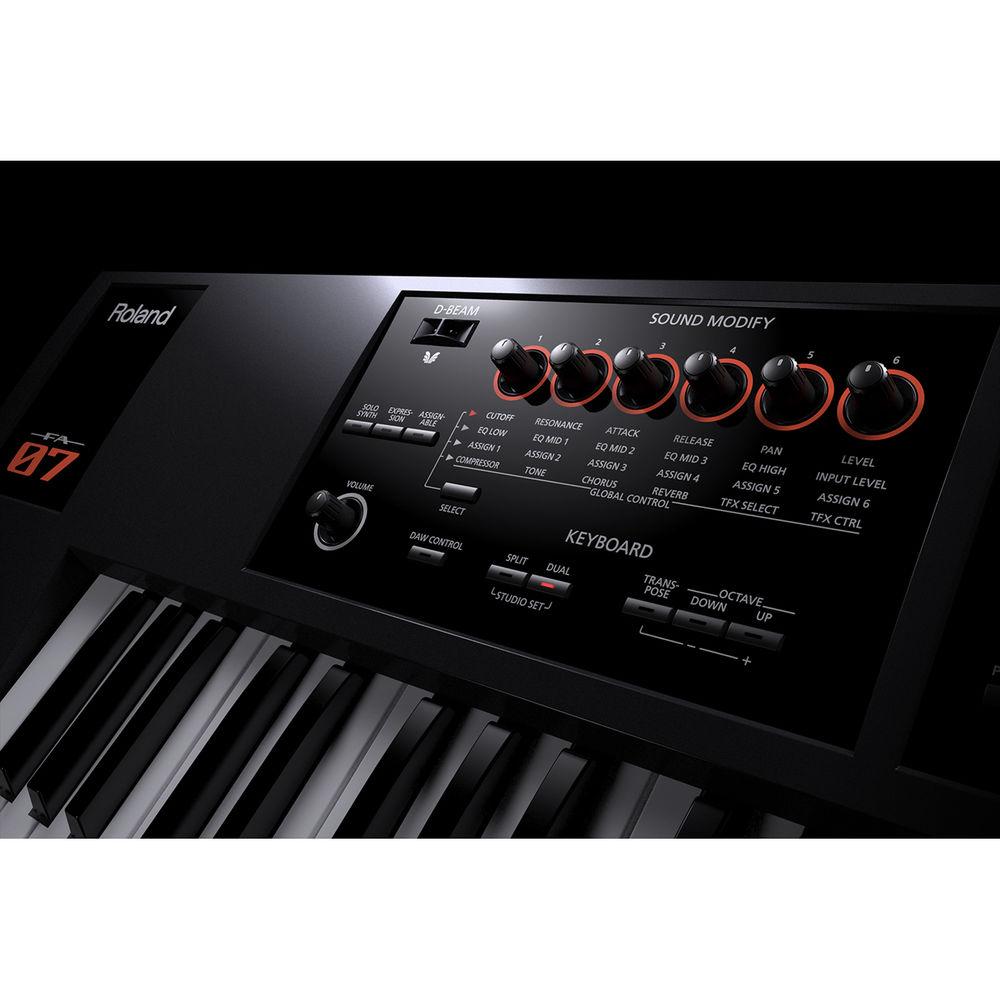
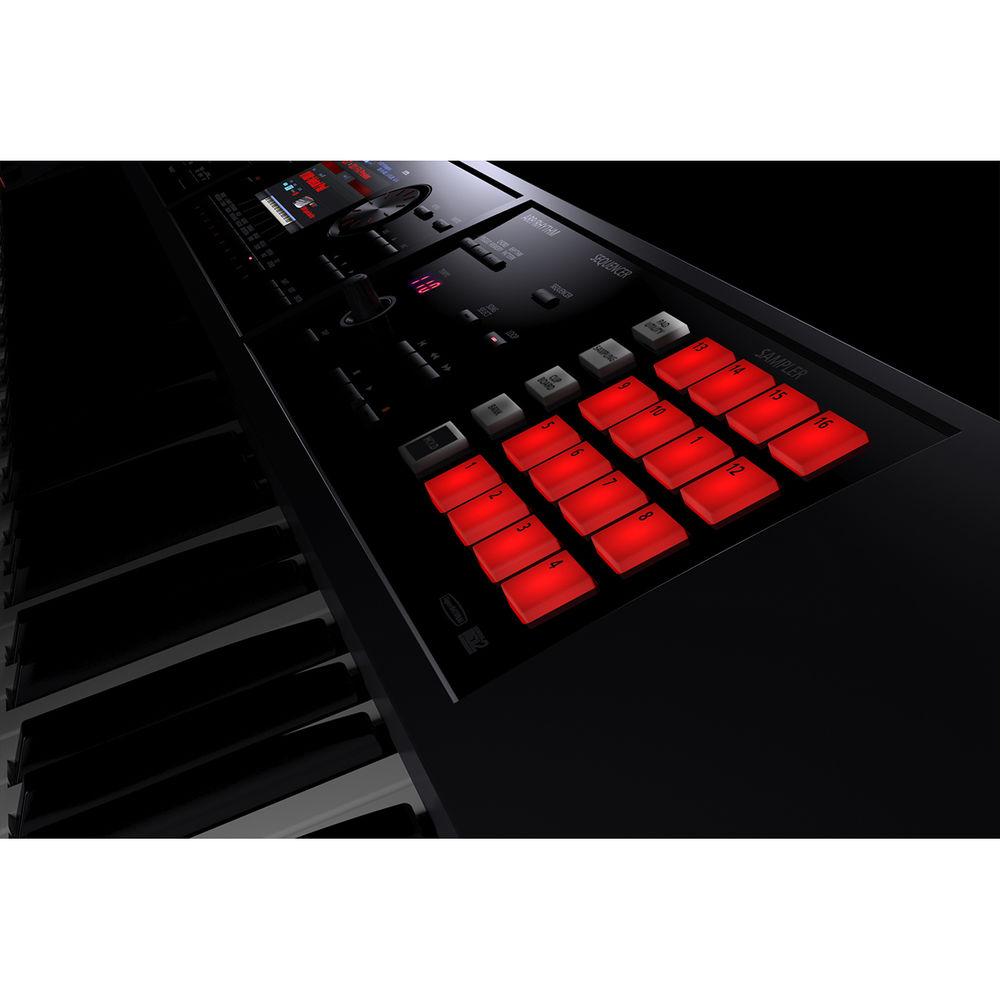
Product description New Products from Roland and BOSS for Music Producers and Musicians Read More The FA-07 from Roland is a music workstation featuring a 76-note, semi-weighted-action keyboard, along with a large sound collection inherited from the INTEGRA-7, studio-quality effects, real-time controls, plus onboard sampling for playback from sixteen backlit pads. The sequencer offers simple operation and non-stop loop recording, letting you instantly capture songs and ideas and export them as multi-track data to use with your DAW. All of the INTEGRA-7's SuperNATURAL synthesizer and XV-5080 PCM tones are onboard, plus a collection of SuperNATURAL acoustic tones that includes pianos, organs, drums, bass, strings, and more. It's also possible to expand the onboard sound set with FA-series wave sound expansion collections.
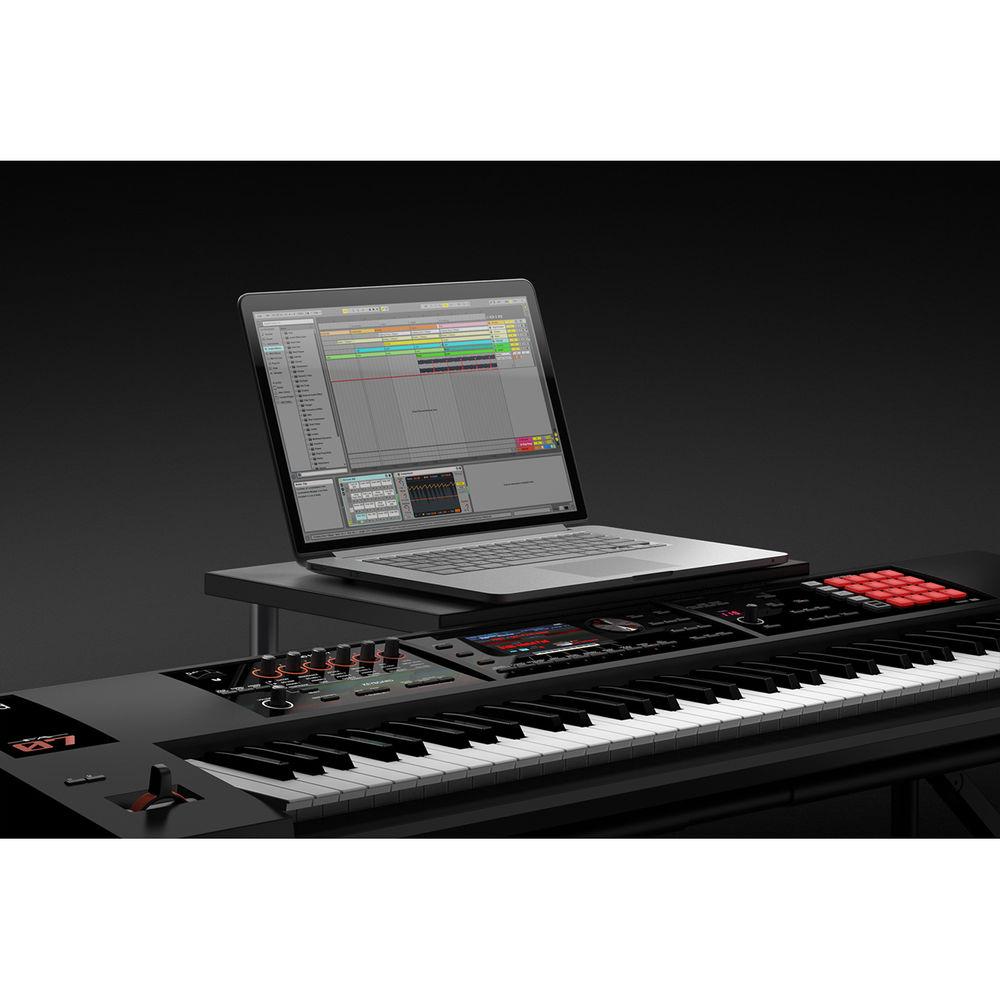
In addition to standalone use as a performance instrument and composing workstation, the Roland FA-07 is equally suited to computer-based music production. Simply press the dedicated DAW Control button to instantly set up the instrument to communicate with your computer via USB, letting you use the keyboard and knobs to send MIDI data to your DAW for playing software synthesizers, controlling plug-in effects, etc. Also included are control maps for popular DAWs, providing an easy setup to control transport functions in the software. You can even use the FA-08 as a USB audio interface to record audio directly into your DAW from a microphone, guitar, or stereo line-level device connected to the rear-panel input jacks.
The built-in sampler is based on the company's SP-404SX sampler and features saving and playback via SDHC cards. You can trigger audio samples directly from sixteen pads, making it easy to expand your productions with loops, backing tracks, one-shots, vocal phrases, sound FX, and more. The samples load instantly, and you can use the four pad banks and clipboard function to rearrange your samples as needed. It's possible to sample the internal sounds or external sources via the audio inputs, and you can play back WAV, AIFF, or MP3 files. A variety of editing features allow for tweaking the samples, and the pads can be used for other functions such as muting parts, entering numeric values, and more.
A large selection of effects can be used with both the sounds and sequencer tracks. Independent MFX engines are available for all sixteen parts of a Studio Set, with each MFX engine containing sixty-seven different effects types, with an additional option of a vocoder when MFX are used with part one. Six separate COMP+EQ processors are dedicated for individual drum sounds, while global EQ, chorus, and reverb are available for any parts as needed. With the TFX (Total Effects), you can also process the entire output of the instrument with effects such as DJ FX Looper, Isolator, and many others. All the effects can be tweaked in real time via the Sound Modify knobs. The Roland FA-07 ships with an SD card, an SD card protector, an AC adapter, and a power cord. -
- Music workstation designed to maximize your creative flow
- Light, mobile body with 76-note, semi-weighted keyboard
- Over 2000 sounds from the flagship INTEGRA-7 sound module, including SuperNATURAL synthesizer and acoustic tones and drums
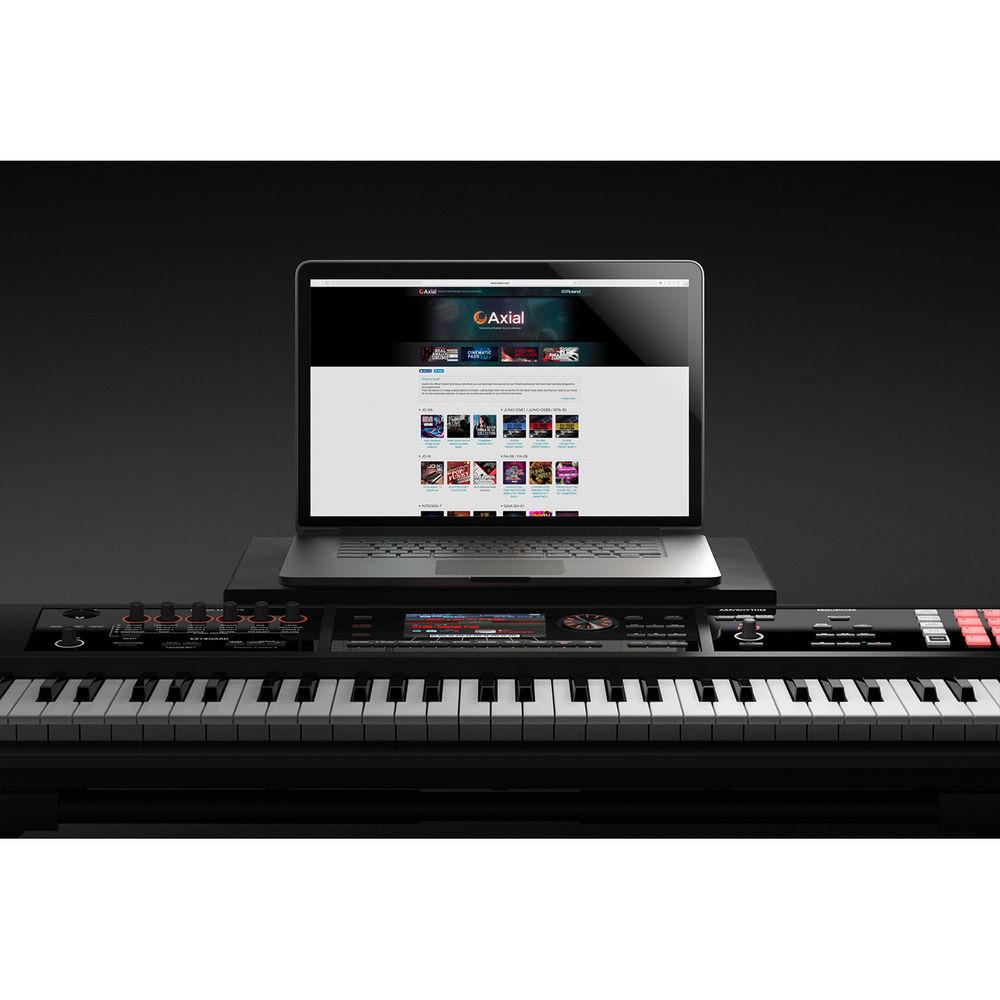
- Add more tones via internal wave sound expansion slots
- SuperNATURAL synth engine is fully compatible with the expansive collection of free INTEGRA-7 synthesizer tones available from Roland's Axial sound library site
- 16-track sequencer with non-stop loop recording makes it easy to build songs quickly
- Step recording is available
- Export your sequencer tracks to an SDHC card as a complete stereo mix, or as multi-track audio or MIDI data for use in your DAW
- Onboard sampler based on the SP-404SX features 4 banks of 16 pads and direct recording/playback via SDHC cards
- Studio-quality effects, including sixteen independent MFX engines, six COMP+EQ processors for drums, unique TFX (total effects), and global EQ, chorus, and reverb
- Tweak tones, effects, and external MIDI devices in real time with six user-assignable Sound Modify knobs
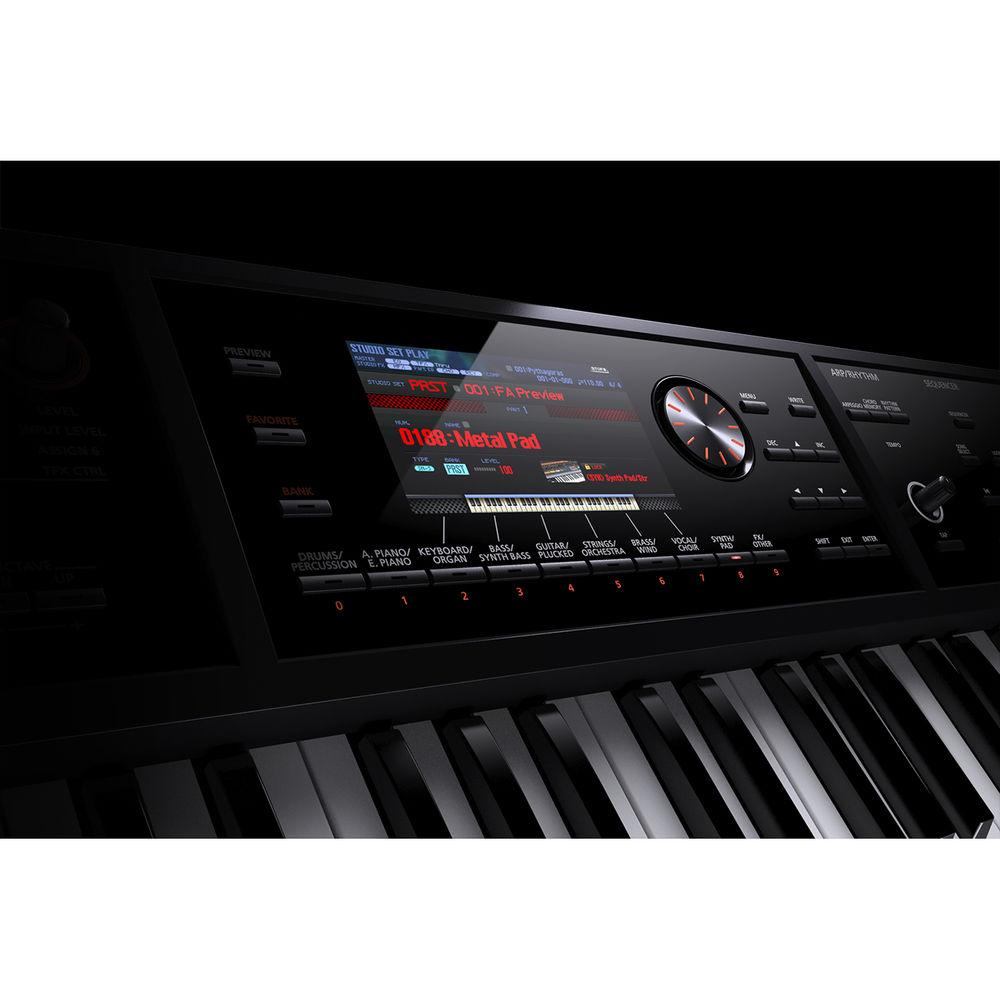
- Intuitive, streamlined interface with large color LCD
- Press one button to instantly configure the FA-08 for use with your DAW via USB
- D-Beam, rhythm pattern, arpeggiator, and chord memory functions to expand your creative palette
- Guitar/microphone and line input jacks for performing, sampling, and DAW audio recording
- Dedicated input reverb provides ambience for performing/recording
- USB ports for sound expansion data, updates, and audio/MIDI interfacing with a computer
- MIDI communication with the iPad is possible when using the optional Apple's iPad Camera Connection Kit
UPC: 761294511404 In the Box Roland FA-07 Music Workstation External Power Supply Power Cable SD Card SD Card Protector Limited 1-Year Warranty on Parts Limited 90-Day Warranty on Labor Table of Contents
|
Upload User Manual
Have you got an user manual for the Roland FA-07 Music Workstation in electronic form? Please send it to us and help us expand our library of instruction manuals.
Thank you, too, on behalf of other users.
To upload the product manual, we first need to check and make sure you are not a robot. After that, your "Submit Link" or "Upload File" will appear.
Technical parametersRoland FA-07 Specs | | | Keyboard | 76 keys (semi-weighted keyboard with velocity) | | | | Maximum Polyphony | 128 voices (varies according to the sound generator load) | | Parts | 16 parts | | Tones | SuperNATURAL Acoustic
SuperNATURAL Synth
SuperNATURAL Drum Kit
PCM Synth
PCM Drum Kit
(GM2 compatible sounds are included) | | Expansion Slots | 2 Slots: The wave expansion slots are rewritable internal waveform memory. You can download data from the Axial sound library site and write it via a USB flash drive into the FA's internal wave memory slot | | Favorite | Yes | | Effects | Multi-Effects: 16 systems, 68 types (vocoder can be used only on part 1)
Part EQ: 16 systems
Drum Part COMP+EQ: 6 systems
Chorus: 3 types
Reverb: 6 types
Master Compressor: This can be changed to Insert FX (78 types)
Master EQ
Total Effects (TFX): 29 types
Mic Input Reverb: 8 types | | | | MIDI Tracks | 16 | | File Format | Original, SMF export/import supported, WAV export supported
Sampler trigger data can be recorded | | | | Format | 16-bit linear, 44.1 kHz, WAV/AIFF/MP3 import supported | | Maximum Polyphony | 8 | | Number of Samples | 16 Pads x 4 Banks: (for each song)
Samples cannot be used as wave data for the sound engine | | | | Rhythm Patterns | Yes | | Arpeggio | Yes | | Chord | Chord Memory: Yes | | Controllers | D-BEAM controller
Pitch bend/modulation lever
2 x assignable switches (S1/S2)
6 x control knobs
Sample pad
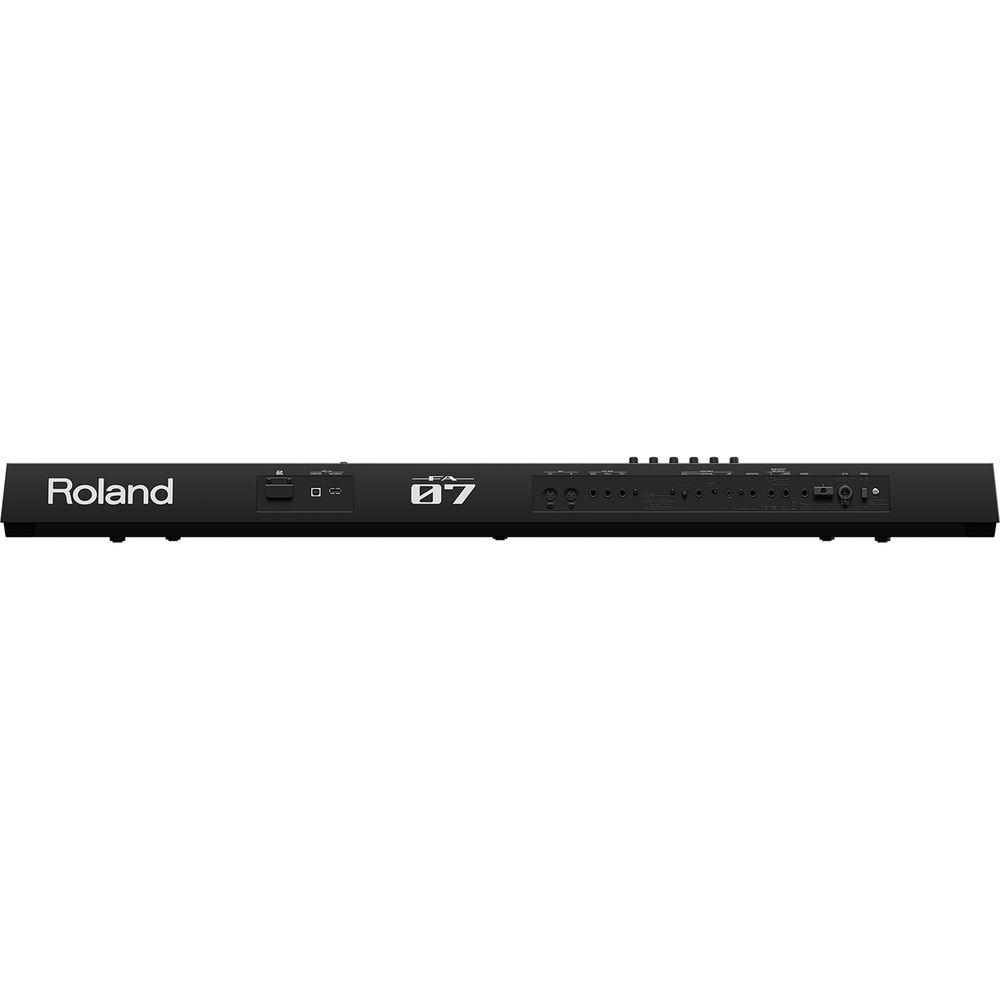
Tempo knob | | Display | 5" graphic color LCD | | External Memory | SD Card (SDHC supported) | | Connectors | Audio Output
Headphones: Stereo 1/4" / 6.35 mm
Main Output (L/MONO, R): 1/4" / 6.35 mm TRS
Sub Output: Stereo 1/4" / 6.35 mm TRS
Audio Input
Line: Stereo 1/8" / 3.5 mm
Guitar/Mic: 1/4" / 6.35 mmAdditional
Foot Pedal (CTRL 1, CTRL 2, HOLD): 1/4" / 6.35 mm
MIDI Connectors: 5-pin DIN (in and out)
USB: For update port
USB: Computer port (USB high-speed audio/MIDI)
Use a USB cable and a computer with a USB port that support USB 2.0 high-speed
DC in jack | | Power Requirements | Power Supply: AC adapter
Current Draw: 1300 mA | | Dimensions (WxDxH) | 48.5 x 12.2 x 4.2" / 1,231.0 x 311.0 x 107.0 mm | | Weight | 18.7 lb / 8.5 kg | | | | Package Weight | 25.0 lb | | Box Dimensions (LxWxH) | 52.0 x 17.0 x 8.0" |
Rating100% users recommend this product to others. And what about you?

This product has already been rated by 14 owners. Add your rating and experience with the product.
Discussion
 Ask our technicians if you have a problem with your settings,
or if anything is unclear in the user manual you have downloaded.
You can make use of our moderated discussion.
The discussion is public and helps other users of our website who may be encountering similar problems.
Ask our technicians if you have a problem with your settings,
or if anything is unclear in the user manual you have downloaded.
You can make use of our moderated discussion.
The discussion is public and helps other users of our website who may be encountering similar problems.
The discussion is empty - enter the first post
Post a new topic / query / comment:
|
|
|
| Request for user manual |
You can’t find the operation manual you are looking for? Let us know and we will try to add the missing manual:
I’m looking for a manual / Request for manual
Current requests for instruction manuals:
Call Of Duty World War Two For Xbox...
controller stratus XL...
stratus XL...
smart whatch serie S11 42mm...
Allen & Heath SQ-6 manual...
|
| Discussion |
Latest contributions to the discussion:
AEW R 4100
Name: MAURICIO ANGARITA
Audio-Technica AEW-R4100 UHF Diversity Receiver for
AEW R 4100 has the mute function blocked and does not allow audio to pass. I tried several times to turn off the mute from the transmitter but it does nothing, the mute stays on. Solution?
Thank you...
Instructions for assembling the 2015 Forecast Image Master Consoles GC3-A
Name: mike elam
Forecast Consoles GC3-A ImageMaster Editing Console
Looking for instructions for assembling this console. ...
EMPTY TONER ERROR MESSAGE AFTER REPLACING TONER
Name: LINDA BAD YELLOW EYES
Brother TN223BK Standard-Yield Toner
I HAD TO CHANGE OUT ALL THREE TONERS DUE TO LEAKS IN THE YELLOW AND CYAN. AFTER I REPLACED THEM, THE MACHINE KEEPS GIVING ME AN EMPTY TONER ERROR MESSAGE. HELP!!...
PS480D 20/24 pin Switching 480W Power Supply
Name: swkargo
Logisys 480W Power Supply
This item states in can run -5vdc .It is NOT listed on the board or I beleive is r4 is missing the resitior. Any body have thid issue. Shawn
...
Help needed
Name: Ann Carter
SanDisk 1TB Extreme Portable USB 3.1
When I click the link to download the user manual for my Sandisk Extreme external hard drive, it gives me the manual for the LG Cricket. Can you please change the link so I can download the Sandisk manual and begin using this drive? Thank you....
|
|


