|
User Manual for Roland INTEGRA-7: SuperNATURAL Sound Module Click to enlarge the picture
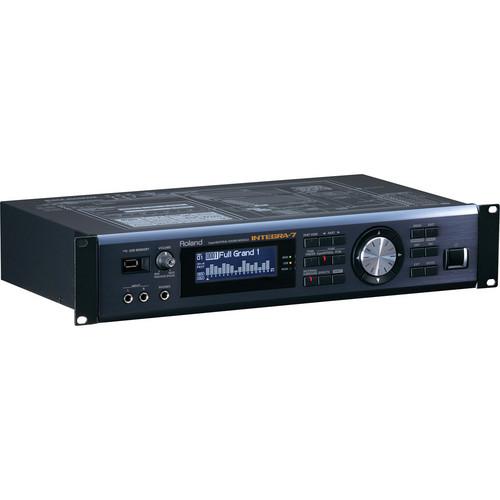 Contents of the user manual for the Roland INTEGRA-7: SuperNATURAL Sound Module
- Product category: Synthesizer Modules Roland
- Brand: Roland
- Description and content of package
- Technical information and basic settings
- Frequently asked questions – FAQ
- Troubleshooting (does not switch on, does not respond, error message, what do I do if...)
- Authorized service for Roland Synthesizer Modules
 |
User manual for the Roland INTEGRA-7: SuperNATURAL Sound Module contain basic instructions
that need to be followed during installation and operation.
Before starting your appliance, the user manual should be read through carefully.
Follow all the safety instructions and warnings, and be guided by the given recommendations.
User manual is an integral part of any Roland product,
and if it is sold or transferred, they should be handed over jointly with the product.
Following the instructions for use is an essential prerequisite for protecting
health and property during use, as well as recognition of liability on the part of the manufacturer
for possible defects should you make a warranty claim. Download an official Roland user manual in which you will find instructions on how to install, use, maintain and service your product.
And do not forget – unsuitable use of a Roland product will considerably shorten its lifespan!
|
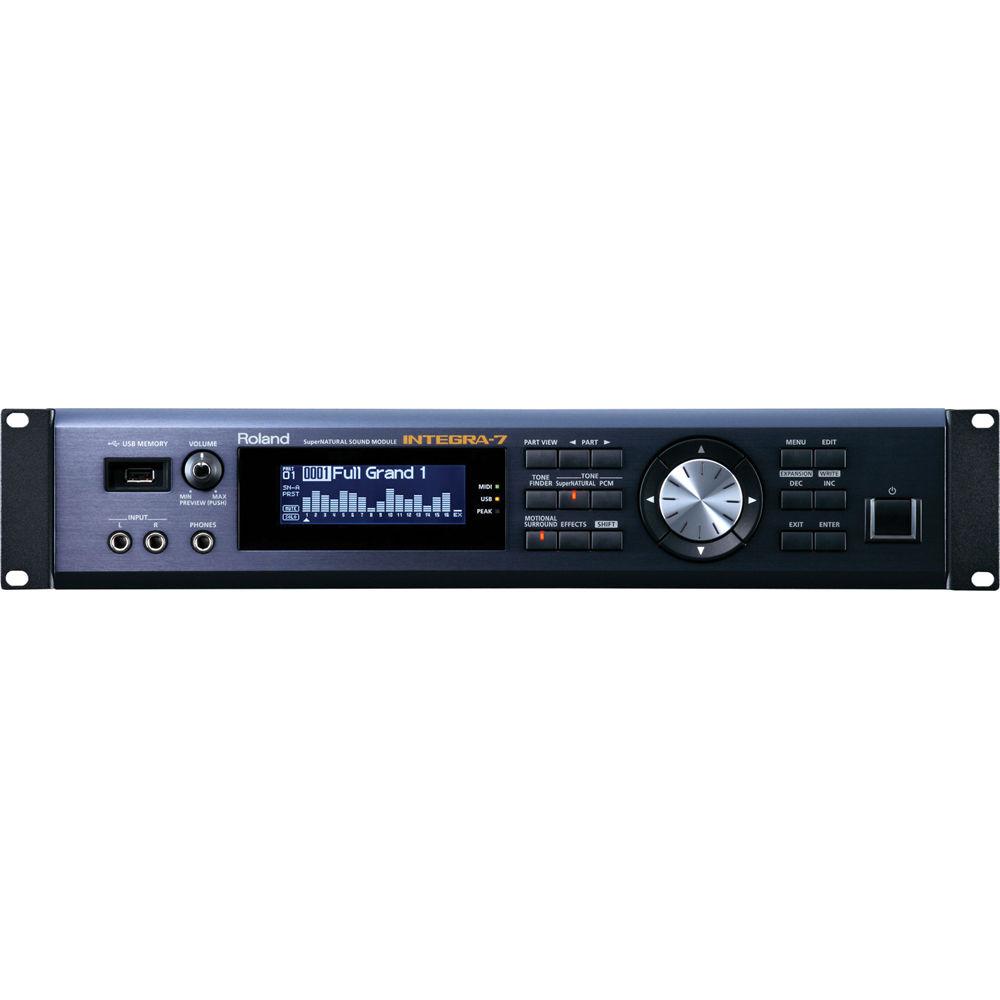
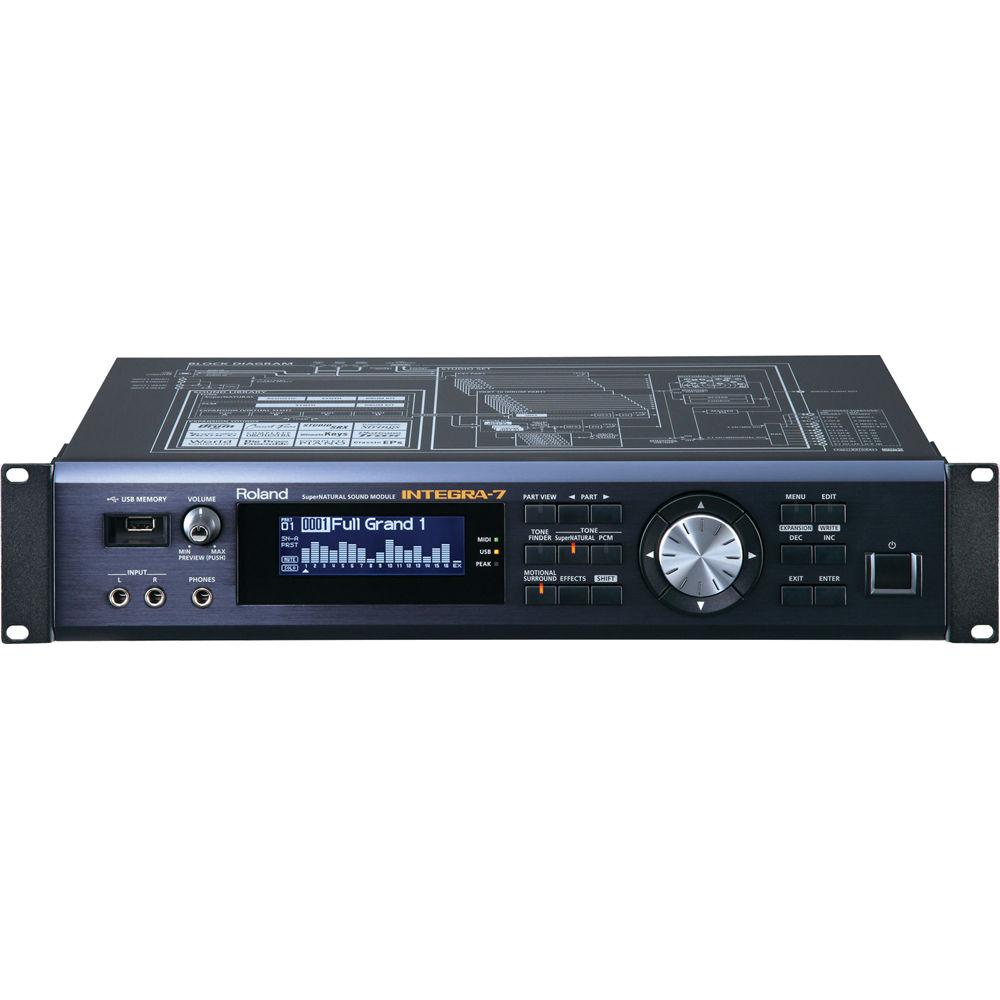
Product description The INTEGRA-7: SuperNATURAL Sound Module from Roland features SuperNATURAL sounds in a fast-access, fully stocked 16-part module. The 2-space rackmount unit includes Behavior Modeling acoustic instruments and a collection of sounds from Roland keyboards, V-Drums and the legacy SRX library. It also introduces Motional Surround, a 17-part ambience engine that controls the entire 360-degree sound field.
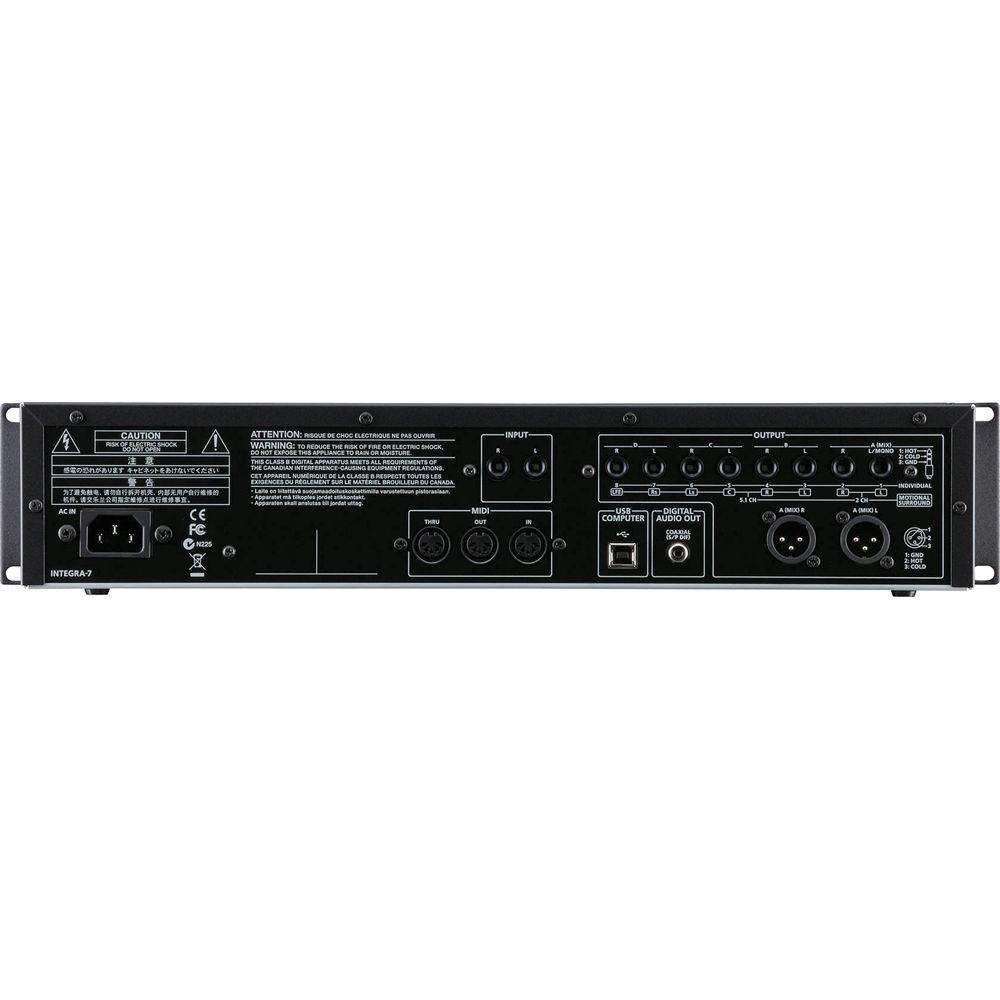
The INTEGRA-7's premium-grade internal components are housed in a rugged metal chassis. It's equipped with high-quality, low-noise D/A converters and dedicated effects engines. The front panel has dedicated buttons to access sounds and effects quickly, plus a large value dial surrounded by navigation keys. The rear panel features an array of analog, digital, MIDI, and USB connectors. - SuperNATURAL Acoustic Instruments with Behavior Modeling
- The SuperNATURAL sounds of the INTEGRA-7 feature Behavior Modeling technology. Each patch goes beyond simply playing samples taken from an instrument, reproducing natural articulation and response. Grand pianos, electric pianos, guitar, strings, brass, ethnic instruments and more ... even customize your own sounds inside the programming engine.
- A Vast Body of Synthesizer Sounds
- The INTEGRA-7 is loaded with SuperNATURAL recreations of vintage synthesizers. It captures their expressive filters and unique envelope behaviors. Digital synths from the 1980's and 90's can be replicated with the hundreds of PCM waveforms onboard. You can further customize and edit these sounds on the free INTEGRA-7 Editor iPad app. To take it all one step further, the INTEGRA-7 also includes a collection of Roland legacy synthesizers. The sounds of the XV-5080, plus all 12 SRX Expansion libraries are onboard. Four virtual expansion slots can be used to load up to four SRX libraries simultaneously.
- SuperNATURAL Drum Engine
- The onboard SuperNATURAL drum engine is derived from Roland V-Drums. Thanks to Behavior Modeling technology, drum kits respond smoothly and naturally to velocity, allowing seamless tonal transitions from soft to loud. In other words, fast drum fills won't sound like fake machine-gun fire. The drum engine has its own ambience effect, plus six COMP+EQ sets, which you can apply to the drum instruments individually.
- SFX Sound Design Kits
- The INTEGRA-7 includes the newly created SFX kits for sound design and film scoring. Some of the effects offer real-time control. For example, using the mod lever, you can control the sound of a virtual audience (the amount of clapping and cheering) or the sound of an ocean tide, rain, and wind.
- Introducing Motional Surround
- The INTEGRA-7 introduces Motional Surround. Derived from proprietary technology, it lets you control depth in addition to panning. A solo instrument can be placed nearby while a percussion instrument can be placed in the distance. Motional Surround's natural width and depth is particularly evident when applied to orchestral simulations. It can also be applied to external audio sources. Motional Surround supports stereo and 5.1 surround outputs. Parameters can be adjusted in real time via MIDI, with the iPad app, or the VSTi plug-in editor.
UPC: 761294502679 In the Box Roland INTEGRA-7: SuperNATURAL Sound Module Sonar LE DVD-ROM Limited Warranty: 1-Year Parts / 90-Days Labor Table of Contents
|
Upload User Manual
Have you got an user manual for the Roland INTEGRA-7: SuperNATURAL Sound Module in electronic form? Please send it to us and help us expand our library of instruction manuals.
Thank you, too, on behalf of other users.
To upload the product manual, we first need to check and make sure you are not a robot. After that, your "Submit Link" or "Upload File" will appear.
Technical parametersRoland INTEGRA-7 Specs | | | Polyphony | 128 voices max.
(varies according to the sound generator load) | | Parts | 16 parts | | Tones | SuperNATURAL Acoustic
SuperNATURAL Synth
SuperNATURAL Drum Kit
PCM Synth
PCM Drum Kit
GM2 compatible sounds are included | | Expansion Slots | 4 Virtual Slots Available
SRX Series:
SRX-01 Dynamic Drum Kits
SRX-02 Concert Piano
SRX-03 Studio SRX
SRX-04 Symphonique Strings
SRX-05 Supreme Dance
SRX-06 Complete Orchestra
SRX-07 Ultimate Keys
SRX-08 Platinum Trax
SRX-09 World Collection
SRX-10 Big Brass Ensemble
SRX-11 Complete Piano
SRX-12 Classic EPs
Expansion SuperNATURAL Sounds:
ExSN1 Ethnic
ExSN2 Wood Winds
ExSN3 Session
ExSN4 A.Guitar
ExSN5 Brass
ExSN6 SFX
Expansion Hi-Quality PCM Sounds:
ExPCM HQ GM2 + HQ PCM Sound Collection
The SRX Series and the Expansion SuperNATURAL Sounds use one virtual slot per title. The Expansion Hi-Quality PCM Sounds use all four virtual slots. | | Effects | Multi-Effects: 16 systems, 67 parts
Part EQ: 16 systems
Drum Part COMP+EQ: 6 systems
Motional Surround Chorus: 3 types
Reverb: 6 types
Master EQ | | | | Analog Audio I/O | 2 x 1/4" TS - Front Panel Input (1 x L/R)
2 x 1/4" TS - Rear Panel Input (1 x L/R)
2 x 1/4" TRS - Output A, Mix (1 x L/R)
2 x XLR - Output A, Mix (1 x L/R)
2 x 1/4" TS - Output B (1 x L/R)
2 x 1/4" TS - Output C (1 x L/R)
2 x 1/4" TS - Output D (1 x L/R) | | Digital Audio | 1 x RCA coaxial - Digital Audio Out | | Headphone Output | 1 x 1/4" TRS stereo | | USB Ports | 1 x USB-B
1 x USB-A | | MIDI Connectors | In / Out / Thru | | | | Display | 256 x 80 dots backlit graphic LCD | | Power Consumption | 18W | | Dimensions (W x D x H) | 19 x 10.3 x 3.5" (481 x 262 x 89 mm) | | Weight | 8.6 lb (3.9 kg) | | | | Package Weight | 12.25 lb | | Box Dimensions (LxWxH) | 22.2 x 13.9 x 8.0" |
Rating100% users recommend this product to others. And what about you?

This product has already been rated by 52 owners. Add your rating and experience with the product.
Discussion
 Ask our technicians if you have a problem with your settings,
or if anything is unclear in the user manual you have downloaded.
You can make use of our moderated discussion.
The discussion is public and helps other users of our website who may be encountering similar problems.
Ask our technicians if you have a problem with your settings,
or if anything is unclear in the user manual you have downloaded.
You can make use of our moderated discussion.
The discussion is public and helps other users of our website who may be encountering similar problems.
The discussion is empty - enter the first post
Post a new topic / query / comment:
|
|
|
| Request for user manual |
You can’t find the operation manual you are looking for? Let us know and we will try to add the missing manual:
I’m looking for a manual / Request for manual
Current requests for instruction manuals:
Call Of Duty World War Two For Xbox...
controller stratus XL...
stratus XL...
smart whatch serie S11 42mm...
Allen & Heath SQ-6 manual...
|
| Discussion |
Latest contributions to the discussion:
AEW R 4100
Name: MAURICIO ANGARITA
Audio-Technica AEW-R4100 UHF Diversity Receiver for
AEW R 4100 has the mute function blocked and does not allow audio to pass. I tried several times to turn off the mute from the transmitter but it does nothing, the mute stays on. Solution?
Thank you...
Instructions for assembling the 2015 Forecast Image Master Consoles GC3-A
Name: mike elam
Forecast Consoles GC3-A ImageMaster Editing Console
Looking for instructions for assembling this console. ...
EMPTY TONER ERROR MESSAGE AFTER REPLACING TONER
Name: LINDA BAD YELLOW EYES
Brother TN223BK Standard-Yield Toner
I HAD TO CHANGE OUT ALL THREE TONERS DUE TO LEAKS IN THE YELLOW AND CYAN. AFTER I REPLACED THEM, THE MACHINE KEEPS GIVING ME AN EMPTY TONER ERROR MESSAGE. HELP!!...
PS480D 20/24 pin Switching 480W Power Supply
Name: swkargo
Logisys 480W Power Supply
This item states in can run -5vdc .It is NOT listed on the board or I beleive is r4 is missing the resitior. Any body have thid issue. Shawn
...
Help needed
Name: Ann Carter
SanDisk 1TB Extreme Portable USB 3.1
When I click the link to download the user manual for my Sandisk Extreme external hard drive, it gives me the manual for the LG Cricket. Can you please change the link so I can download the Sandisk manual and begin using this drive? Thank you....
|
|


