|
User Manual for Samsung Galaxy A30 SM-A305G Dual-SIM 64GB Smartphone Click to enlarge the picture
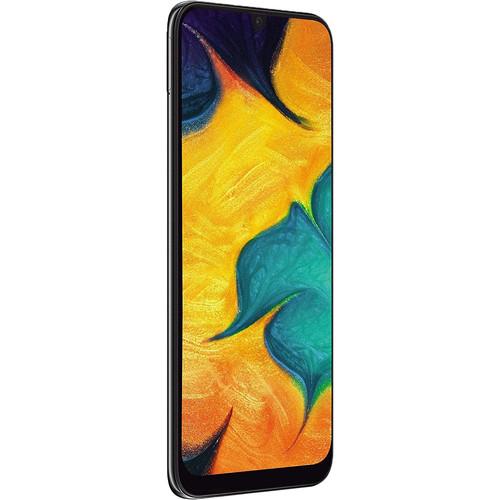 Contents of the user manual for the Samsung Galaxy A30 SM-A305G Dual-SIM 64GB
- Product category: Unlocked Cell Phones Samsung
- Brand: Samsung
- Description and content of package
- Technical information and basic settings
- Frequently asked questions – FAQ
- Troubleshooting (does not switch on, does not respond, error message, what do I do if...)
- Authorized service for Samsung Unlocked Cell Phones
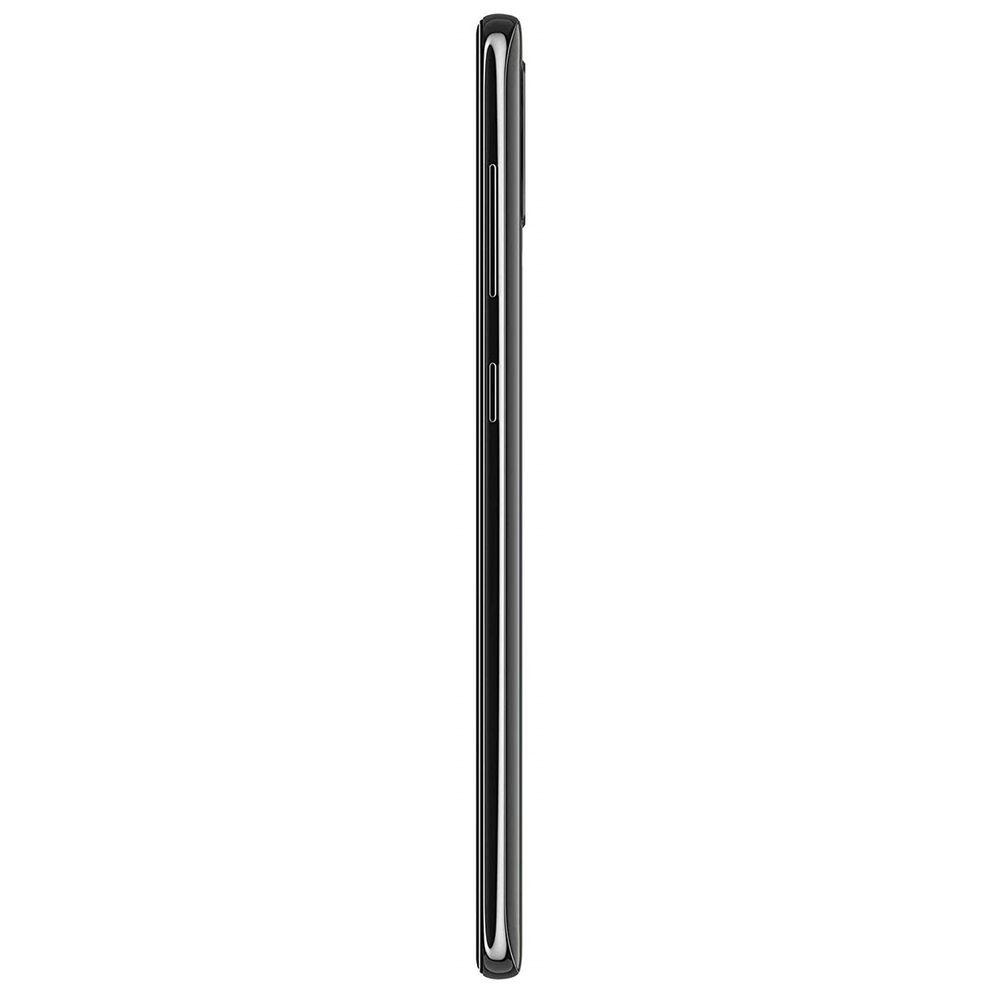
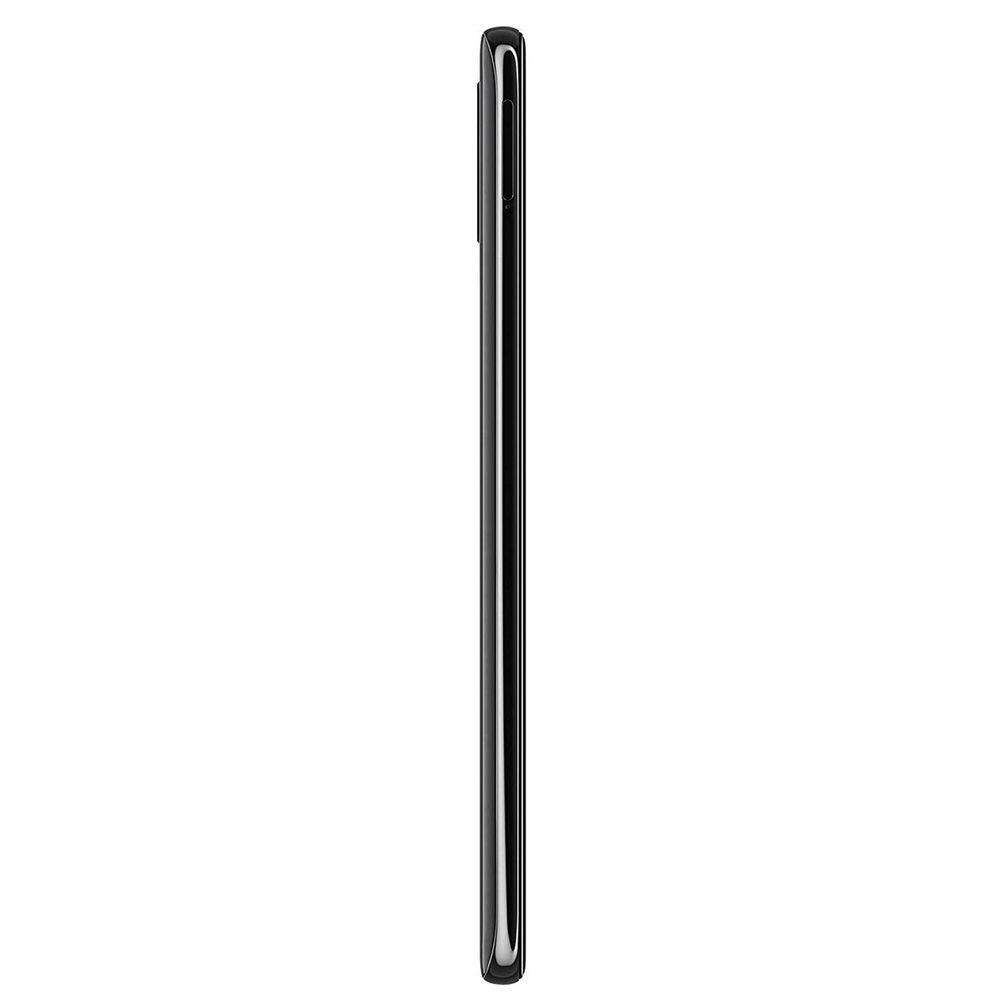 |
User manual for the Samsung Galaxy A30 SM-A305G Dual-SIM 64GB contain basic instructions
that need to be followed during installation and operation.
Before starting your appliance, the user manual should be read through carefully.
Follow all the safety instructions and warnings, and be guided by the given recommendations.
User manual is an integral part of any Samsung product,
and if it is sold or transferred, they should be handed over jointly with the product.
Following the instructions for use is an essential prerequisite for protecting
health and property during use, as well as recognition of liability on the part of the manufacturer
for possible defects should you make a warranty claim. Download an official Samsung user manual in which you will find instructions on how to install, use, maintain and service your product.
And do not forget – unsuitable use of a Samsung product will considerably shorten its lifespan!
|
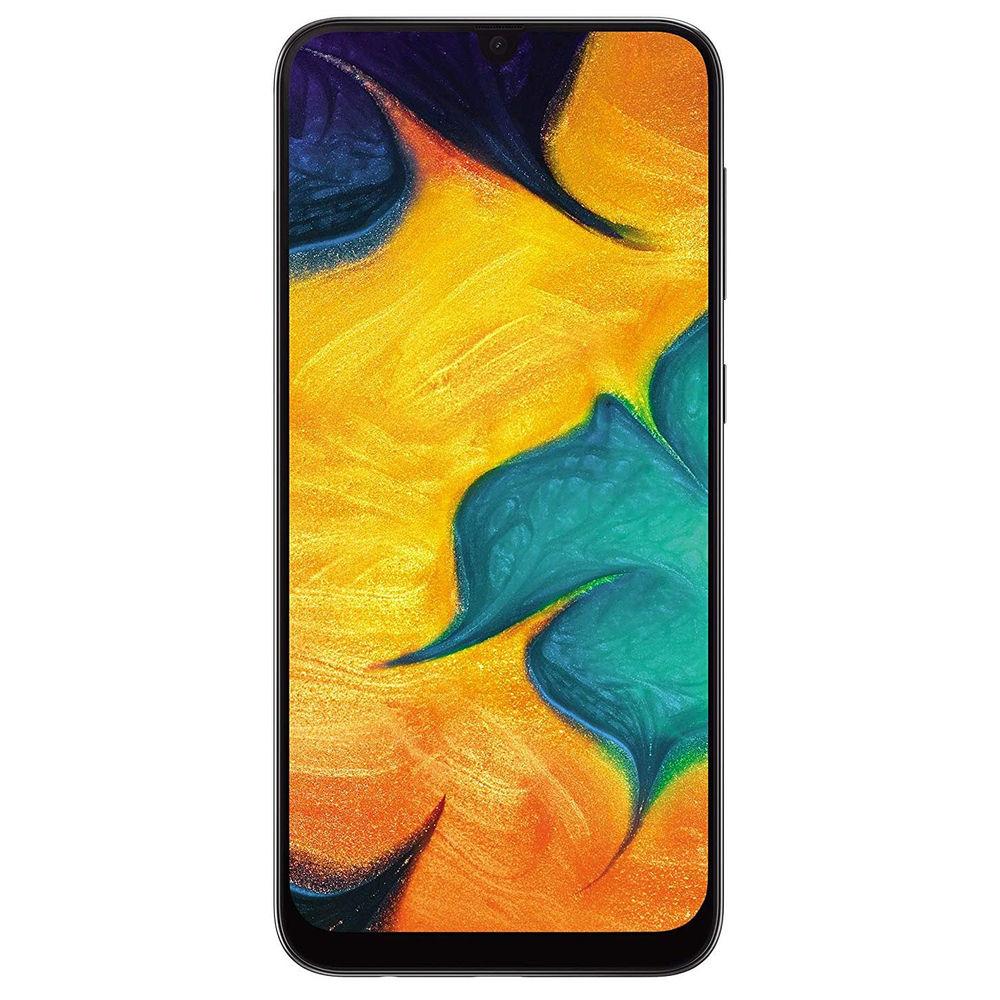
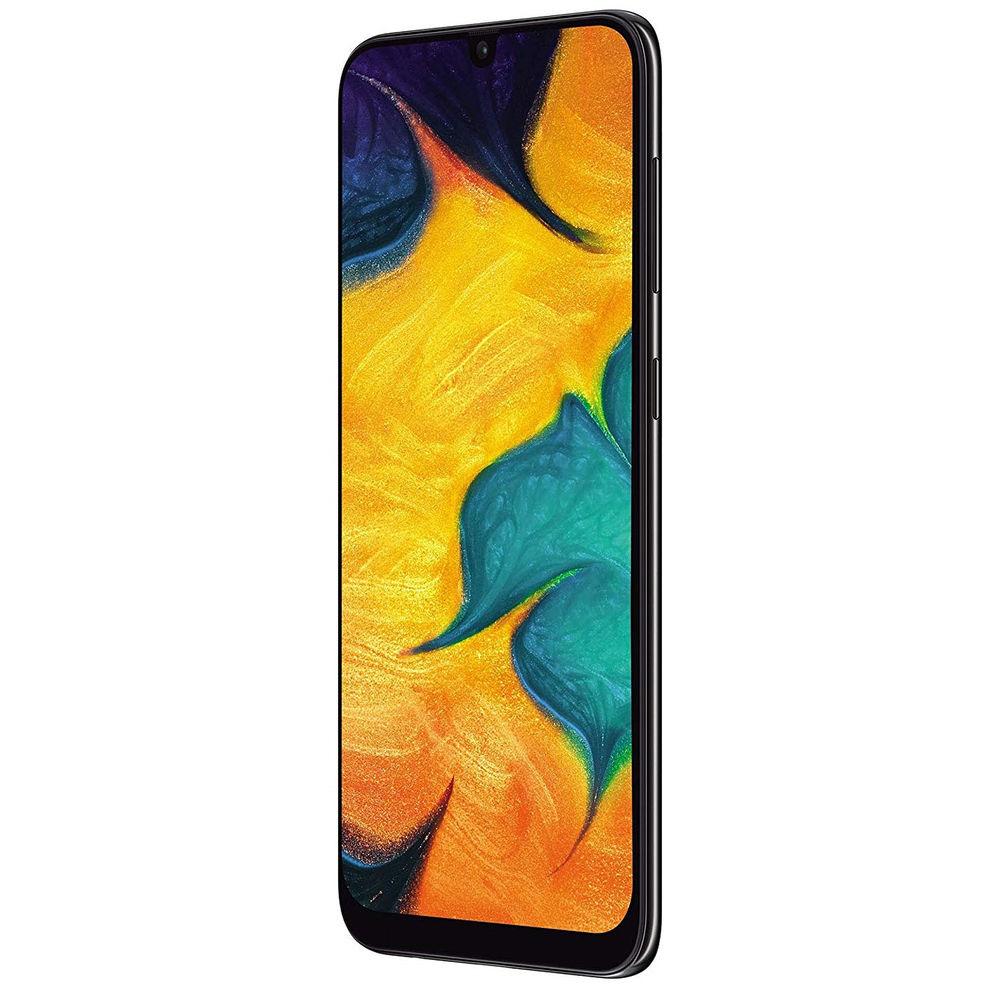
Product description The Best Smartphones of 2018 Read More Designed for those who you love gaming and streaming, the Galaxy A30 SM-A305G Dual-SIM 64GB Smartphone from Samsung features a giant 6.4" Super AMOLED Infinity-U touchscreen. With AMOLED technology, you get to enjoy vibrant colors, deep blacks, and rich contrast in your video and images.
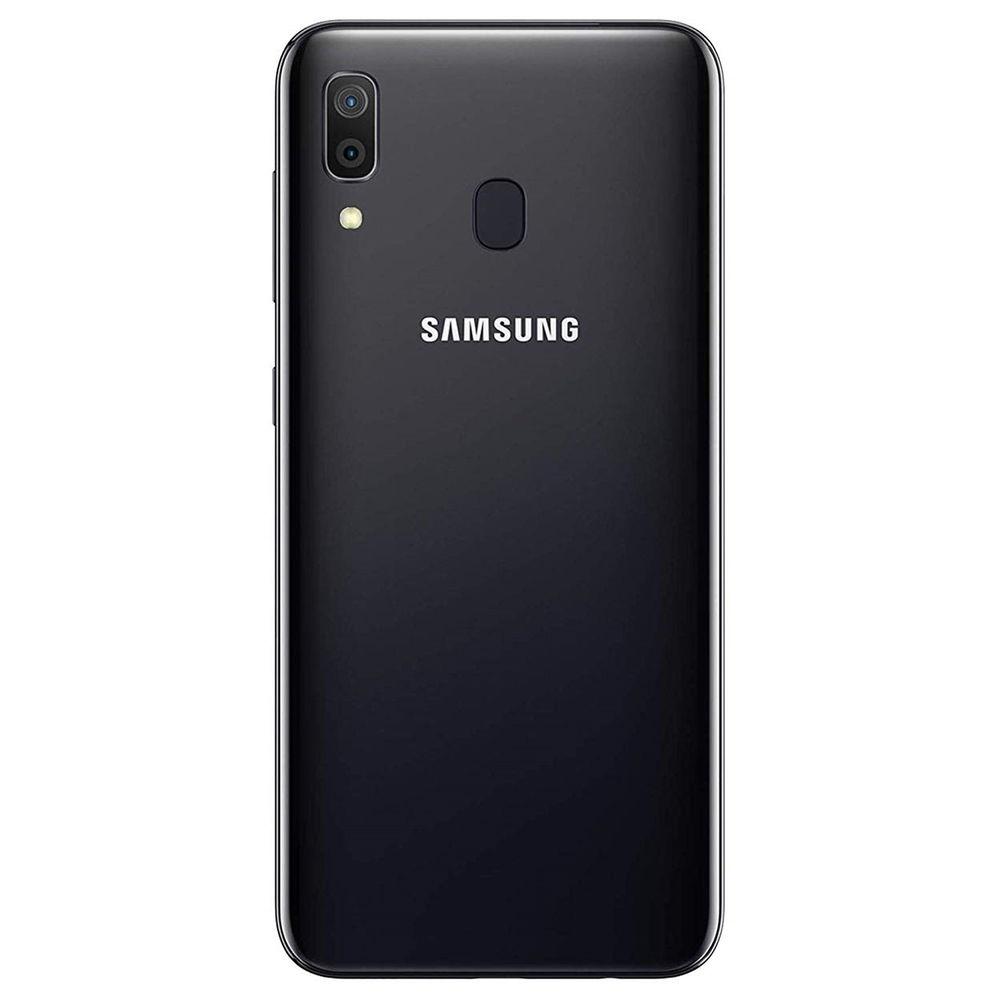
When it comes to mobile photography, the Galaxy A30 delivers with a dual rear camera setup and a single front-facing camera. You get a rear 16MP camera with fast PDAF focusing, and a 5MP ultrawide camera with panorama and HDR capabilities. On the front, a 16MP f/2.0 camera handles your selfie needs.
Based on Android Pie, this phone runs the Samsung One UI and is powered by a 1.8/1.6 GHz Octa-Core processor (2 x 1.8 GHz Cortex-A73, 6 x 1.6 GHz Cortex-A53) and 4GB of RAM. You can store your games, apps, and photos on 64GB of built-in storage, which can be expanded via a microSD card up to 512GB in size. A 64GB card is included for a total of 128GB in storage.
This phone is unlocked and compatible with GSM/4G LTE networks. If you travel a lot or have a separate work number, you can take advantage of the Dual SIM slots to access both accounts. Connect to the internet and other devices with built-in 2.4+5 GHz Wi-Fi 5 (802.11ac), Wi-Fi Direct, and Bluetooth 5.0. - Android 9.0 Pie
- The Android operating system integrates heavily with Google's services. It's a personalized and customizable OS, allowing you to add your favorite apps or widgets to your home screen. You can even download new themes using the Google Play Store, which offers access to millions of apps, games, books, music, movies, and more. Android 9.0 Pie adds a variety of predictive capabilities, navigation changes, and digital well-being enhancements that let you take control of your Android experience. By learning how you use your phone over time, Pie will automatically adjust certain features for you, such as battery usage and display brightness. With App Actions, Pie uses what it learns to get you to your next task quickly. For example, plug in your headphones and Pie will automatically bring up your last playlist. With Dashboard and App Timers, Pie lets you see your phone usage in detail, allowing you to set timers and reminders so you can better manage the time you spend using your smartphone.
- GSM / 4G LTE Wireless Connectivity
- This phone is designed to work on select GSM networks and is 4G LTE capable. LTE is an advanced cellular network data protocol capable of data speeds so fast that they compete with wired broadband Internet providers. With an LTE connection, this phone should have no problem streaming HD video, downloading apps, uploading photos, or anything else that requires a high-speed data connection. The phone is also backward compatible with 3G and 2G data for instances when you can't get LTE. In addition to cellular wireless, this phone also features Bluetooth and Wi-Fi connectivity.
Note: Not compatible with all cellular networks. Please make sure your provider uses a frequency or band that this phone supports. You can check which bands this phone works with in the Specifications. - Latin America Variant / US Compatible LTE
- The SM-A305G is a Latin America variant of the Galaxy A30. To ensure this phone will work with your carrier, please choose your country and carrier above. Because the SM-A305G is a Latin America, variant the language of the box and the default language of the phone may not be in English. A Latin America AC to USB adapter may also be included.
- Dual SIM Dual Standby (DSDS)
- Dual SIM Dual Standby (DSDS) allows you to lower your mobile costs when traveling while staying connected. Once your SIM cards are installed, you will be able to receive phone calls and text messages from either without needing to manually choose which one is active. When you want to make a call or send an SMS message, you can select the correct SIM card. When one SIM card is being used for a phone call, the other will not be active until you hang up. Operator charges may apply.
- Samsung One UI
- Samsung's One UI is a suite of apps built to help make using your new Samsung smartphone more natural and intuitive. For example, One UI's apps are designed to have selections reachable when using larger phones with one hand. There's also contextual interfaces that are meant to offer you options in context to what you're doing, and when you're doing it.
With Bixby, Samsung's digital assistant, this predictive ability can be further expanded by setting up Bixby Routines. Bixby Routines let you teach Bixby how you like to use your phone, so it can set things up without you even having to ask. Teach Bixby to turn off sounds when at a specific location, like work or school, or have it make your music available when you're in the car. Bixby Routines can even alter the lighting, sounds, and apps when you're done for the day.
Samsung's One UI offers this and much more. Below are some other features you can enjoy through the One UI:
- Bixby Vision: Point your camera at anything you want Bixby to search, translate, or purchase
- Night Mode: Give your phone a darker theme to go easier on your eyes at night, and not disturb anyone nearby
- Secure Folder: Put photos, files, and apps into a folder only you can access - even if the phone is unlocked
- Whole Page Screenshot: Take a screenshot of an entire site, top to bottom, and tap the image later to go back to the site
- Notification Control: Swipe away notifications, snooze them for later, or turn them off for individual apps
- Smart Switch: Gives you multiple options to transfer data to a Samsung device
In the Box Samsung Galaxy A30 SM-A305G Dual-SIM 64GB Smartphone (Unlocked, Black) USB Charger 64GB microSD Card Headphones Limited 1-Year Warranty Smart Assistants Roundup M. Brett Smith 12/14/2018 tdwqyxeeeydzfcruxdbbdvscaxfdtaucec The Camera Phone is 20 Years Old! Allan Weitz 06/11/2017 What Smartphones Should I Consider If I Care About Security? Chris Gold 05/01/2017 Why Buy an Unlocked Phone: A Primer Chris Gold 08/12/2015 Guide to Cleaning Your Smartphone M. Brett Smith 03/28/2019 A Look at Dual Camera Systems in Smartphones M. Brett Smith 05/03/2018 Table of Contents
|
Upload User Manual
Have you got an user manual for the Samsung Galaxy A30 SM-A305G Dual-SIM 64GB Smartphone in electronic form? Please send it to us and help us expand our library of instruction manuals.
Thank you, too, on behalf of other users.
To upload the product manual, we first need to check and make sure you are not a robot. After that, your "Submit Link" or "Upload File" will appear.
Technical parametersSamsung SM-A305G Specs | | | Operating System | Android 9.0 Pie | | Memory | 4 GB | | Chipset | Samsung Exynos 7904 | | CPU | 1.8 GHz ARM Cortex A73 Dual-Core
1.6 GHz ARM Cortex A53 Hexa-Core | | GPU | Mali-G71 MP2 | | Storage | 64 GB | | | | Size | 6.4" | | Native Resolution | 2340 x 1080 | | Display Colors | 16.0 Million | | Aspect Ratio | 19.5:9 | | Pixel Density | 403 ppi | | Display Technology | OLED | | Screen Coating | Gorilla Glass 3 | | | | Ports | 1 x USB - Type C (Input/Output) | | Audio | 1 x 1/8" / 3.5 mm Headphone/Microphone | | Flash Media Slot | 1 x microSDXC | | SIM Card Size | Card 1: Nano
Card 2: Nano | | | | GSM 2G | GSM, GPRS, EDGE: 850, 900, 1800, 1900 MHz | | GSM 3G/3.5G | UMTS, HSPA+: 850, 900, 1700, 1900, 2100 MHz | | 4G LTE | LTE: 1, 2, 3, 4, 5, 7, 8, 12, 13, 17, 20, 28, 66 Bands | | Wi-Fi | Yes, Wi-Fi 5 (802.11ac) | | Bluetooth | Bluetooth 5.0 + LE | | NFC | No | | Infrared | No | | GPS | Yes | | FM Radio | Yes | | | | Rear Camera | Standard: 16 MP Sensor with f/1.7 Lens
Ultra Wide: 5 MP Sensor with 12mm f/2.2 Lens | | Focus Type | Standard: Phase-Detect Autofocus | | Rear Camera Flash | 1 x LED | | Video Recording | 1080p at up to 30 fps | | | | Front Camera | Standard: 16 MP with f/2.0 Lens | | Video Recording | 1080p at up to 30 fps | | | | Biometric Authentication | Fingerprint | | Sensors | Accelerometer, Fingerprint, Proximity | | Water Resistance | None | | Keyboard | Virtual | | Battery | Internal Lithium-Ion (4000.0 mAh) | | Wireless Charging Technology | None | | Dimensions (W x H x D) | 2.9 x 6.2 x 0.3" / 74.7 x 158.5 x 7.7 mm | | Weight | 0.99 lb / 449 g | | | | Package Weight | 0.745 lb | | Box Dimensions (LxWxH) | 6.6 x 3.3 x 2.0" |
Rating70% users recommend this product to others. And what about you?

This product has already been rated by 21 owners. Add your rating and experience with the product.
Discussion
 Ask our technicians if you have a problem with your settings,
or if anything is unclear in the user manual you have downloaded.
You can make use of our moderated discussion.
The discussion is public and helps other users of our website who may be encountering similar problems.
Ask our technicians if you have a problem with your settings,
or if anything is unclear in the user manual you have downloaded.
You can make use of our moderated discussion.
The discussion is public and helps other users of our website who may be encountering similar problems.
The discussion is empty - enter the first post
Post a new topic / query / comment:
|
|
|
| Request for user manual |
You can’t find the operation manual you are looking for? Let us know and we will try to add the missing manual:
I’m looking for a manual / Request for manual
Current requests for instruction manuals:
Call Of Duty World War Two For Xbox...
controller stratus XL...
stratus XL...
smart whatch serie S11 42mm...
Allen & Heath SQ-6 manual...
|
| Discussion |
Latest contributions to the discussion:
AEW R 4100
Name: MAURICIO ANGARITA
Audio-Technica AEW-R4100 UHF Diversity Receiver for
AEW R 4100 has the mute function blocked and does not allow audio to pass. I tried several times to turn off the mute from the transmitter but it does nothing, the mute stays on. Solution?
Thank you...
Instructions for assembling the 2015 Forecast Image Master Consoles GC3-A
Name: mike elam
Forecast Consoles GC3-A ImageMaster Editing Console
Looking for instructions for assembling this console. ...
EMPTY TONER ERROR MESSAGE AFTER REPLACING TONER
Name: LINDA BAD YELLOW EYES
Brother TN223BK Standard-Yield Toner
I HAD TO CHANGE OUT ALL THREE TONERS DUE TO LEAKS IN THE YELLOW AND CYAN. AFTER I REPLACED THEM, THE MACHINE KEEPS GIVING ME AN EMPTY TONER ERROR MESSAGE. HELP!!...
PS480D 20/24 pin Switching 480W Power Supply
Name: swkargo
Logisys 480W Power Supply
This item states in can run -5vdc .It is NOT listed on the board or I beleive is r4 is missing the resitior. Any body have thid issue. Shawn
...
Help needed
Name: Ann Carter
SanDisk 1TB Extreme Portable USB 3.1
When I click the link to download the user manual for my Sandisk Extreme external hard drive, it gives me the manual for the LG Cricket. Can you please change the link so I can download the Sandisk manual and begin using this drive? Thank you....
|
|


