User Manual for Samsung Galaxy Note8 SM-N950F 64GB Smartphone Click to enlarge the picture
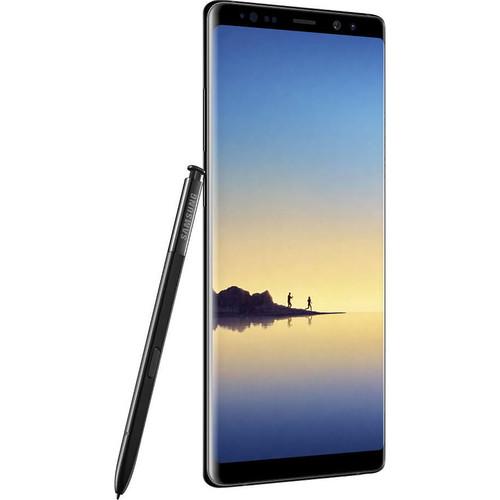 Contents of the user manual for the Samsung Galaxy Note8 SM-N950F 64GB Smartphone
- Product category: Unlocked Cell Phones Samsung
- Brand: Samsung
- Description and content of package
- Technical information and basic settings
- Frequently asked questions – FAQ
- Troubleshooting (does not switch on, does not respond, error message, what do I do if...)
- Authorized service for Samsung Unlocked Cell Phones
 |
User manual for the Samsung Galaxy Note8 SM-N950F 64GB Smartphone contain basic instructions
that need to be followed during installation and operation.
Before starting your appliance, the user manual should be read through carefully.
Follow all the safety instructions and warnings, and be guided by the given recommendations.
User manual is an integral part of any Samsung product,
and if it is sold or transferred, they should be handed over jointly with the product.
Following the instructions for use is an essential prerequisite for protecting
health and property during use, as well as recognition of liability on the part of the manufacturer
for possible defects should you make a warranty claim. Download an official Samsung user manual in which you will find instructions on how to install, use, maintain and service your product.
And do not forget – unsuitable use of a Samsung product will considerably shorten its lifespan!
|
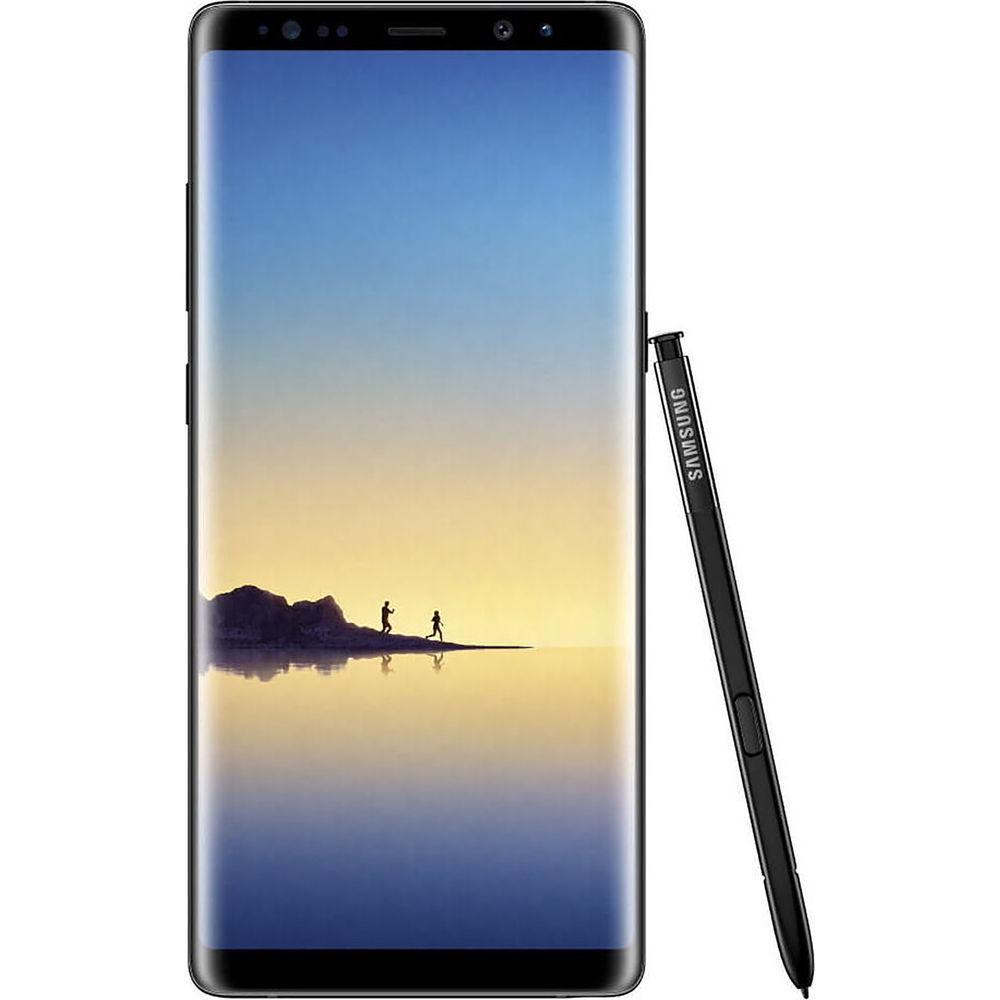
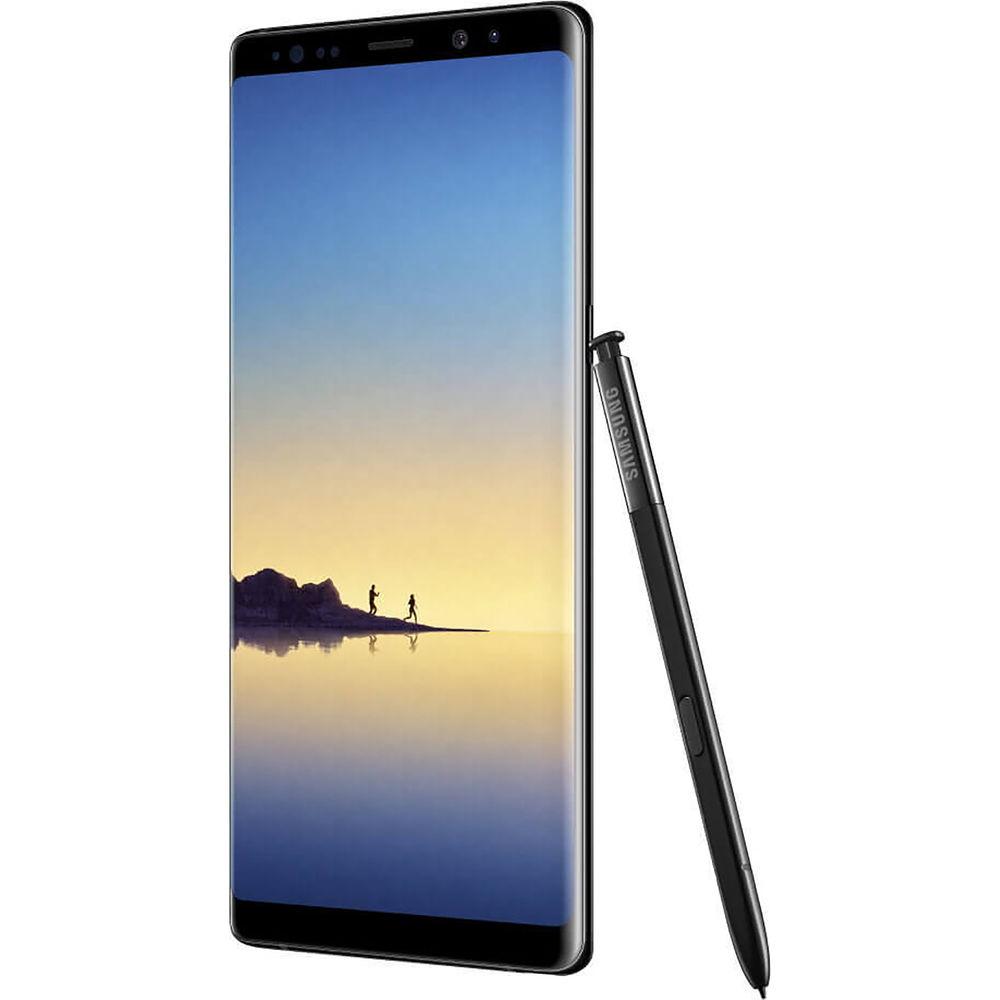
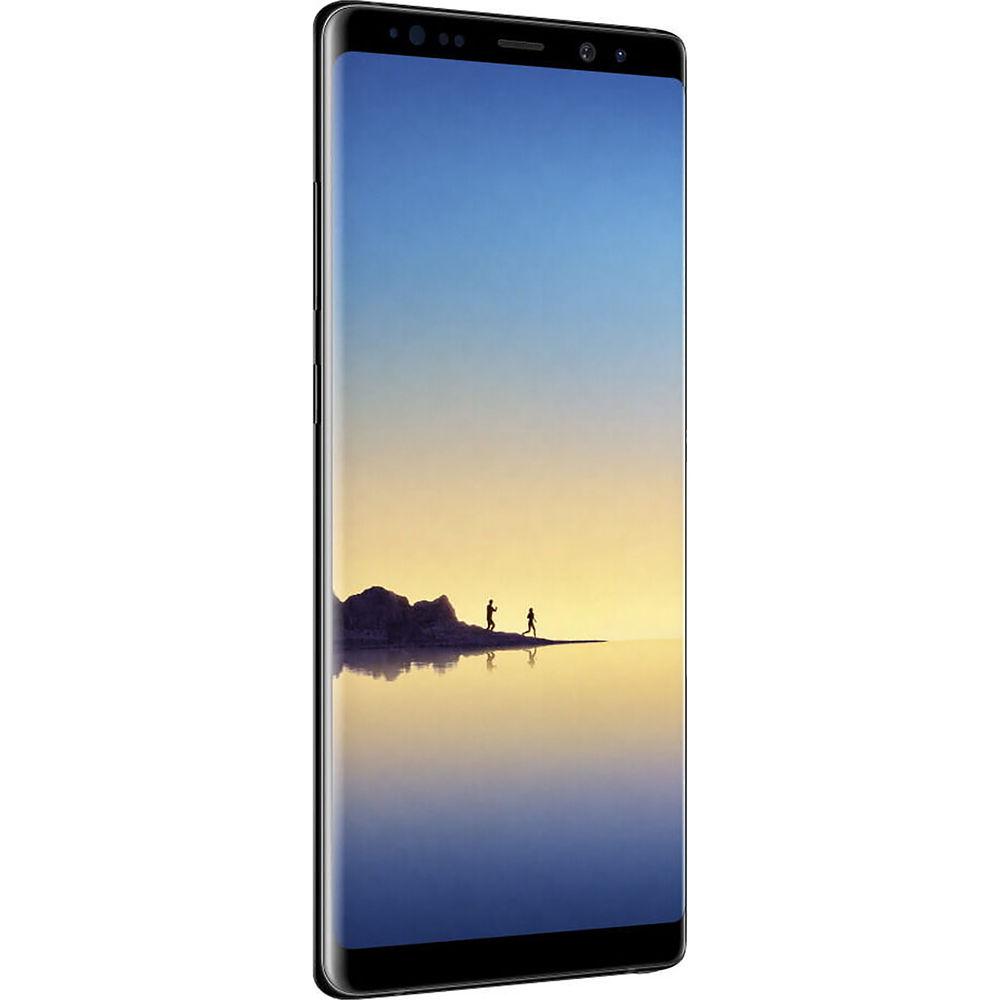
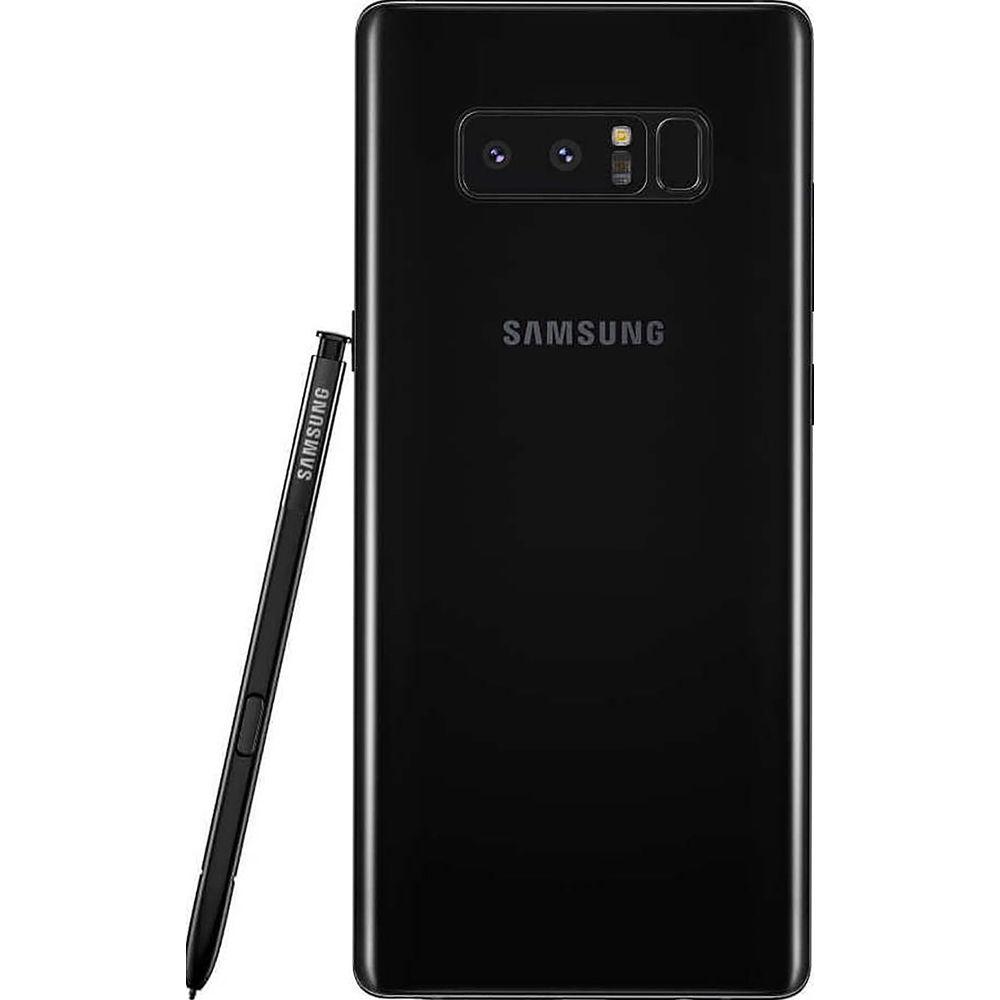
Product description The Best Smartphones of 2018 Read More Connect, entertain, work, and play with the unlocked Samsung Galaxy Note 8 SM-N950F 64GB Smartphone in midnight black. This device comes with the S Pen stylus, dual 12MP cameras, waterproofing, and Samsung's Bixby personal assistant. The phone is powered by an Exynos 8895 processor with one 2.3 GHz quad-core processor and one 1.9 GHz quad-core processor along with 6GB of RAM. The 64GB of onboard storage can be augmented via the microSD card slot.
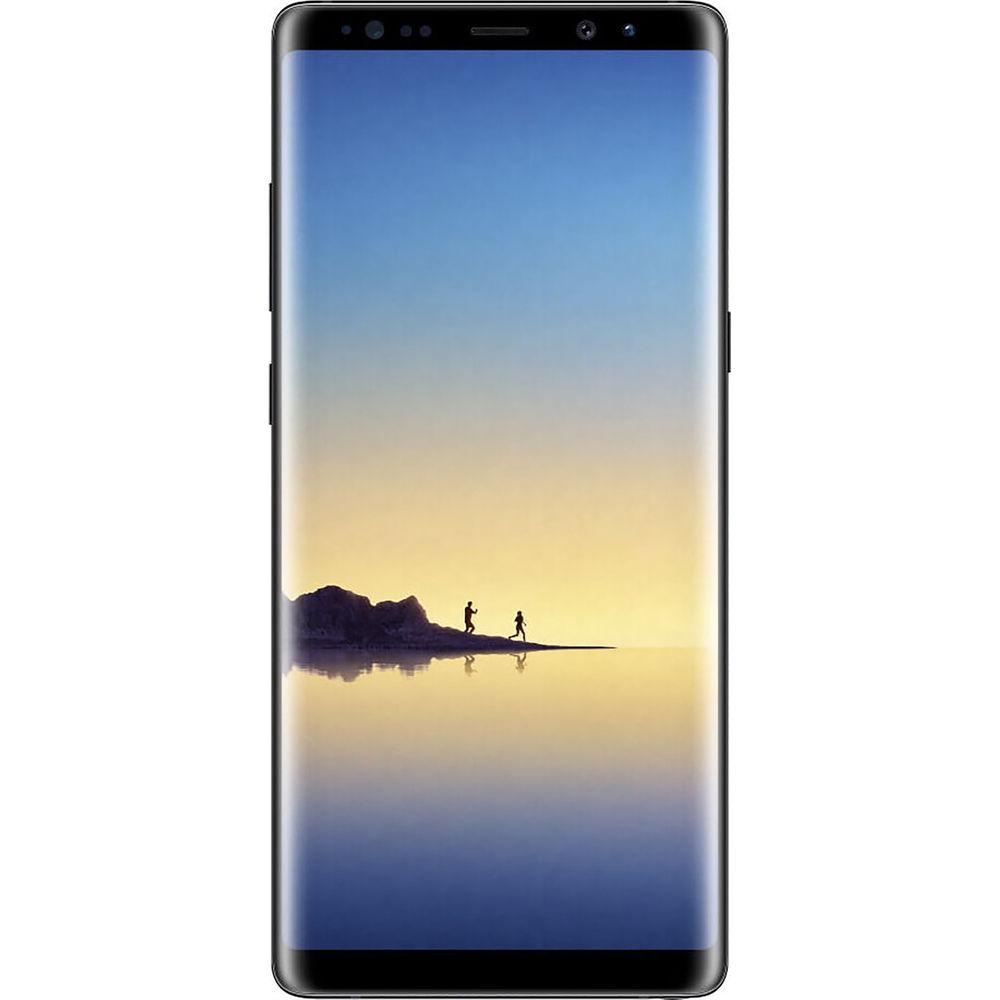
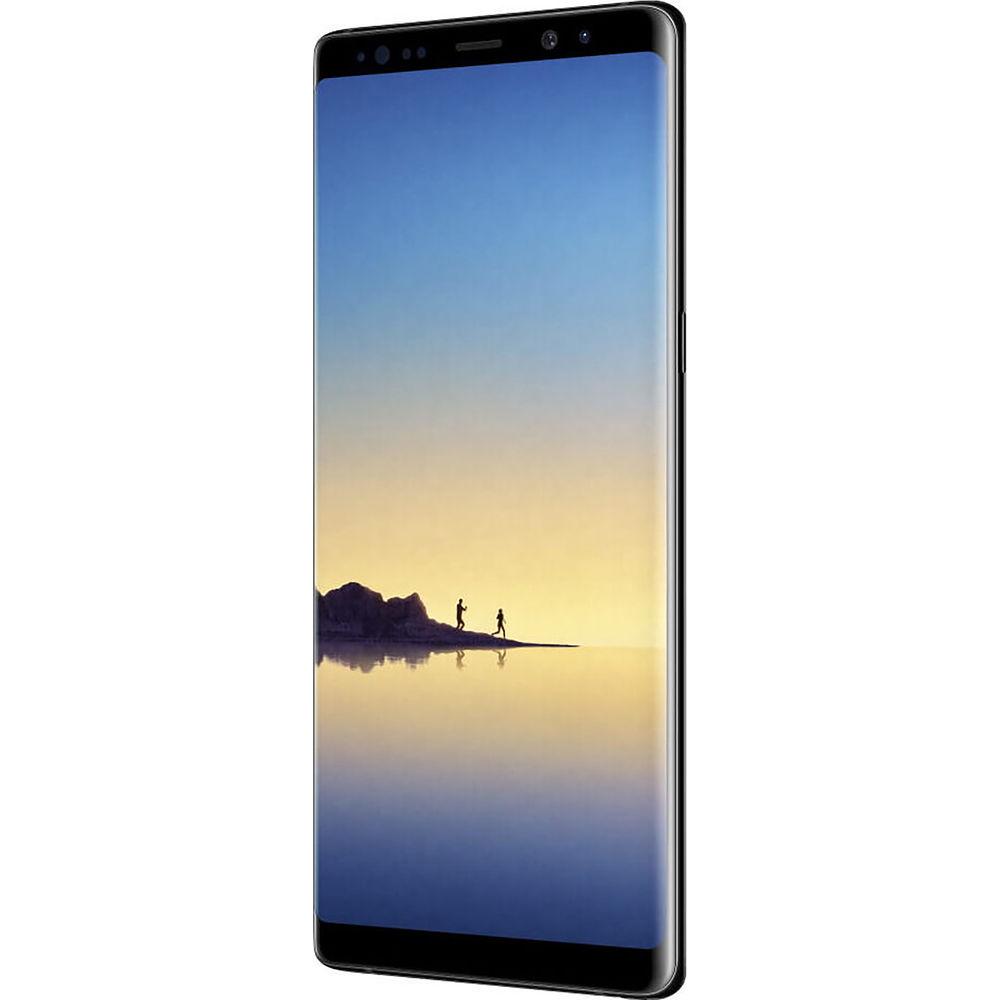
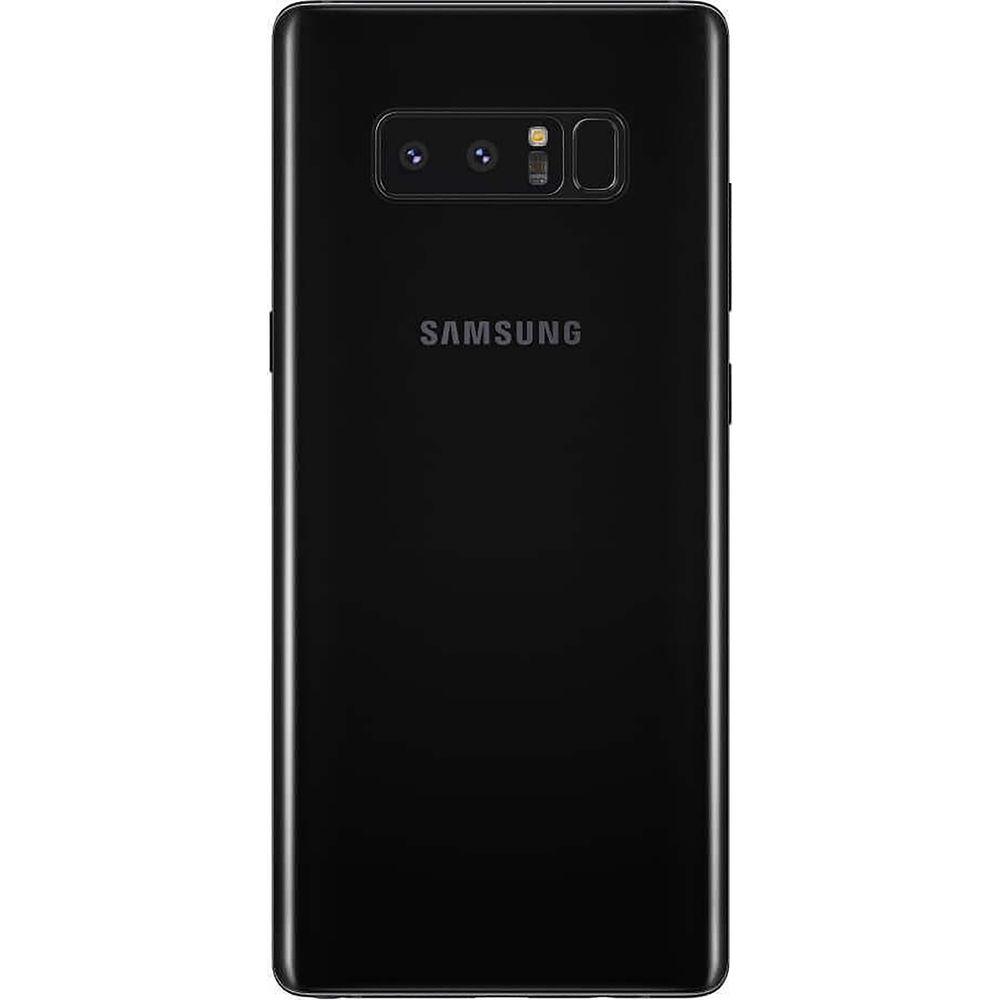
The front of the Note 8 is dominated by a 6.3" AMOLED 2960 x 1440 Infinity Display, which curves around the edges for a bezel-less look. Above the screen is an 8MP f/1.7 front-facing camera with HDR and QHD video capability. There are two 12MP cameras around back, one f/1.7 with a 26mm-equivalent lens and the other f/2.4 with a 52mm-equivalent lens, enabling 2x zoom and simultaneous video and photo recording.
The Samsung Galaxy Note 8 has Bluetooth 5.0 built-in for pairing with other Bluetooth-enabled devices, and dual-band 802.11a/b/g/n/ac Wi-Fi for high-speed Internet connectivity. Integrated Wi-Fi Direct and NFC give you the ability to connect to compatible devices for wirelessly sharing content like photos and music. The Samsung Galaxy Note 8 is powered by a 3300mAh lithium-ion battery that can be quickly recharged thanks to on-board Fast Charging technology through the reversible USB Type-C port or through Qi and PMA wireless charging. A pair of earbuds are included, as are a USB cable, micro-USB adapter, charger, and SIM key. - Cameras
- Rear-Facing Camera Features:
- 2X optical zoom
- Live Focus: Adjust depth of field in real-time
- Dual Pixel Sensor: Improved low-light photography
- Dual-LED, dual-tone flash
- Simultaneous 4K video recording and 9MP image capture
- Face/smile detection
- Auto-HDR
- Panorama
- Geotagging
- 4K video capture at 60 fps, 720p at 240 fps
Rear Camera 1: - 12MP
- f/1.7
- PDAF
- 26mm-equivalent
- 1/2.55" sensor
- 1.4
|
Upload User Manual
Have you got an user manual for the Samsung Galaxy Note8 SM-N950F 64GB Smartphone in electronic form? Please send it to us and help us expand our library of instruction manuals.
Thank you, too, on behalf of other users.
To upload the product manual, we first need to check and make sure you are not a robot. After that, your "Submit Link" or "Upload File" will appear.
Technical parametersSamsung SM-N950F Specs | | | Operating System | Android 7.1.1 Nougat | | Memory | 6 GB | | Chipset | Samsung Exynos 8895 | | CPU | 2.3 GHz Samsung M2 Quad-Core
1.7 GHz ARM Cortex A53 Quad-Core | | GPU | Mali G71 MP20 | | Storage | 64 GB | | | | Size | 6.3" | | Native Resolution | 2960 x 1440 | | Display Colors | 16.0 Million | | Aspect Ratio | 18.5:9 | | Pixel Density | 521 ppi | | Display Technology | OLED | | Screen Coating | Gorilla Glass 5 | | | | Ports | 1 x USB 3.1 - Type C (Input/Output) | | Audio | 1 x 1/8" / 3.5 mm Headphone/Microphone
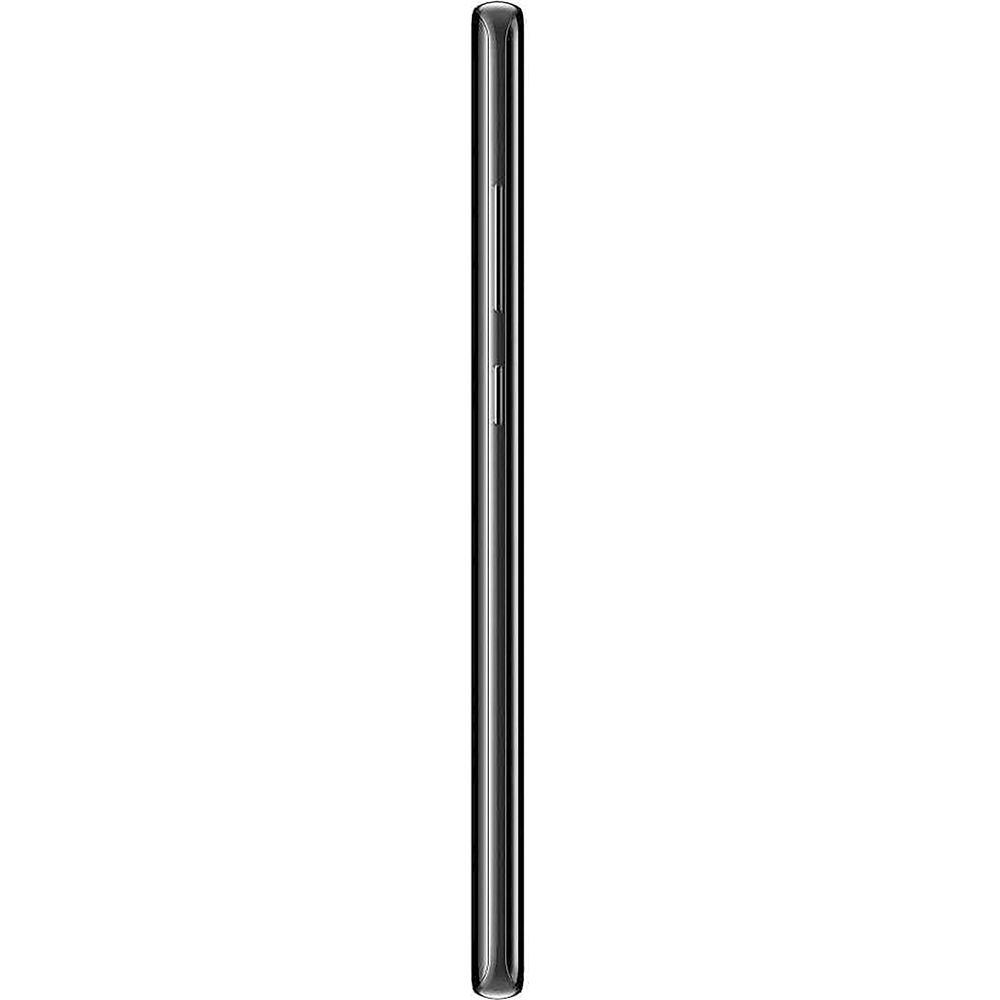
1 x Integrated Speaker | | Flash Media Slot | 1 x microSDXC | | SIM Card Size | Card 1: Nano | | | | GSM 2G | GSM, GPRS, EDGE: 850, 900, 1800, 1900 MHz | | GSM 3G/3.5G | UMTS, HSPA+: 850, 900, 1700, 1900, 2100 MHz | | 4G LTE | LTE: 1, 2, 3, 4, 5, 7, 8, 12, 13, 17, 18, 19, 20, 25, 26, 28, 32, 38, 39, 40, 41, 66 Bands | | Wi-Fi | Yes, Wi-Fi 5 (802.11ac) | | Bluetooth | Bluetooth 5.0 + EDR | | NFC | Yes | | Infrared | No | | GPS | Yes | | FM Radio | No | | | | Sensors | Accelerometer, Ambient Light Sensor, Barometer (Altimeter), Compass, Fingerprint, Gyroscope, Optical Heart Rate, Iris Scanner, Proximity, Pulse Oximeter (Sp02) | | Water Resistance | Submersible | | IP Rating | IP68 | | Keyboard | Virtual | | Pointing Device | Stylus | | Battery | Internal Lithium-Ion (3300.0 mAh) | | Fast Charging Technology | Samsung Adaptive Fast Charger | | Wireless Charging Technology | Qi, PMA | | Dimensions (W x H x D) | 2.9 x 6.4 x 0.3" / 74.8 x 162.5 x 8.6 mm | | Weight | 6.88 oz / 195 g | | | | Package Weight | 1.2 lb | | Box Dimensions (LxWxH) | 6.9 x 3.7 x 2.3" |
Rating82% users recommend this product to others. And what about you?

This product has already been rated by 25 owners. Add your rating and experience with the product.
Discussion
 Ask our technicians if you have a problem with your settings,
or if anything is unclear in the user manual you have downloaded.
You can make use of our moderated discussion.
The discussion is public and helps other users of our website who may be encountering similar problems.
Ask our technicians if you have a problem with your settings,
or if anything is unclear in the user manual you have downloaded.
You can make use of our moderated discussion.
The discussion is public and helps other users of our website who may be encountering similar problems.
The discussion is empty - enter the first post
Post a new topic / query / comment:
|
|


