|
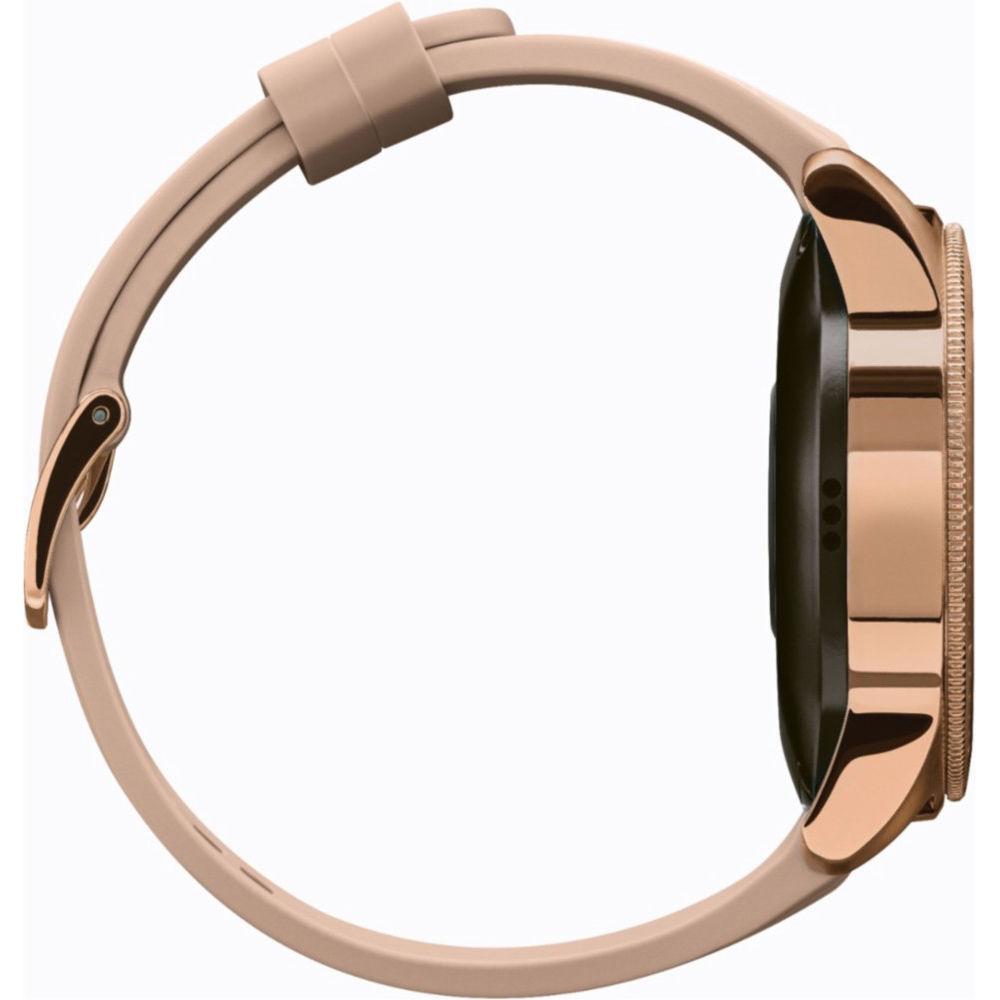
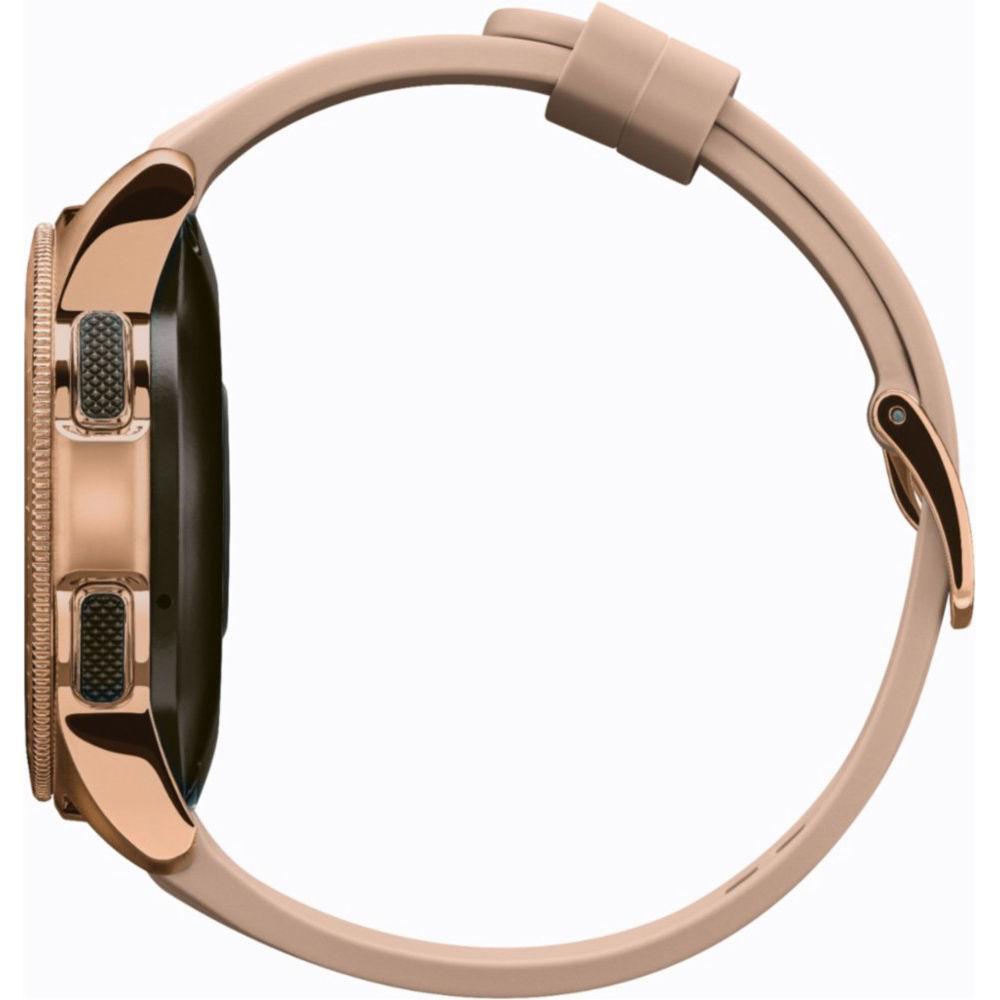
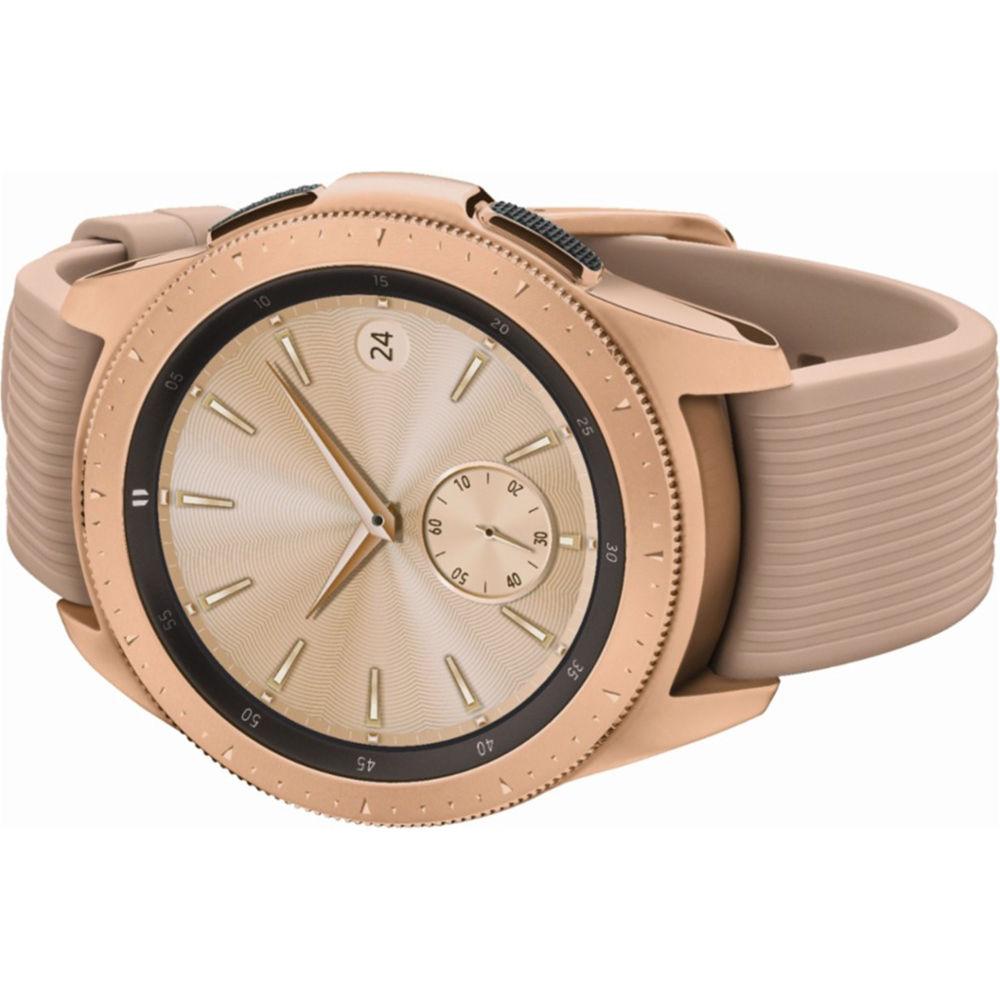
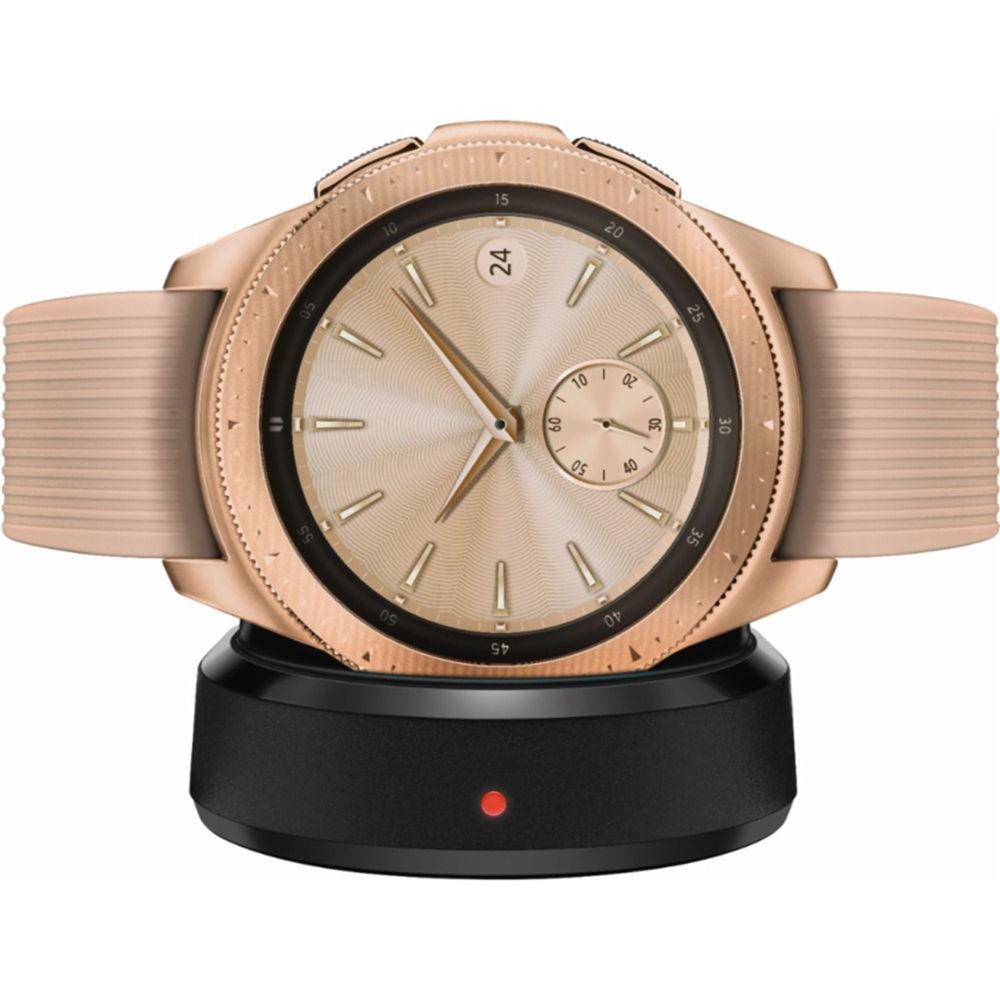
User Manual for Samsung Galaxy Watch Click to enlarge the picture
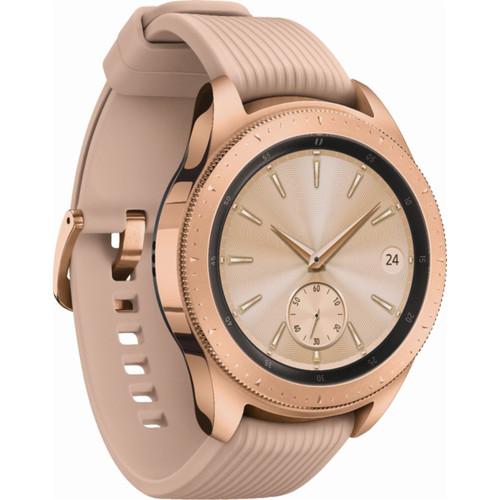 Contents of the user manual for the Samsung Galaxy Watch
- Product category: Smartwatches Samsung
- Brand: Samsung
- Description and content of package
- Technical information and basic settings
- Frequently asked questions – FAQ
- Troubleshooting (does not switch on, does not respond, error message, what do I do if...)
- Authorized service for Samsung Smartwatches
 |
User manual for the Samsung Galaxy Watch contain basic instructions
that need to be followed during installation and operation.
Before starting your appliance, the user manual should be read through carefully.
Follow all the safety instructions and warnings, and be guided by the given recommendations.
User manual is an integral part of any Samsung product,
and if it is sold or transferred, they should be handed over jointly with the product.
Following the instructions for use is an essential prerequisite for protecting
health and property during use, as well as recognition of liability on the part of the manufacturer
for possible defects should you make a warranty claim. Download an official Samsung user manual in which you will find instructions on how to install, use, maintain and service your product.
And do not forget – unsuitable use of a Samsung product will considerably shorten its lifespan!
|
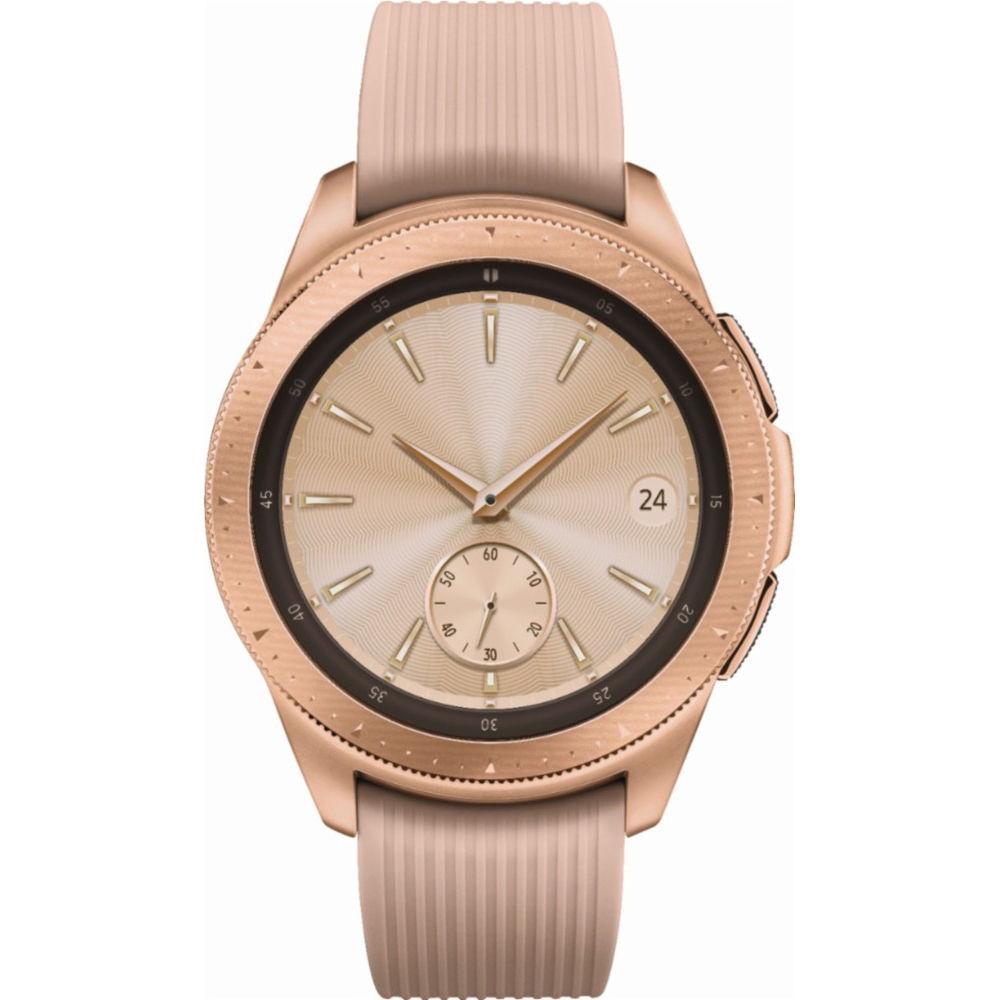
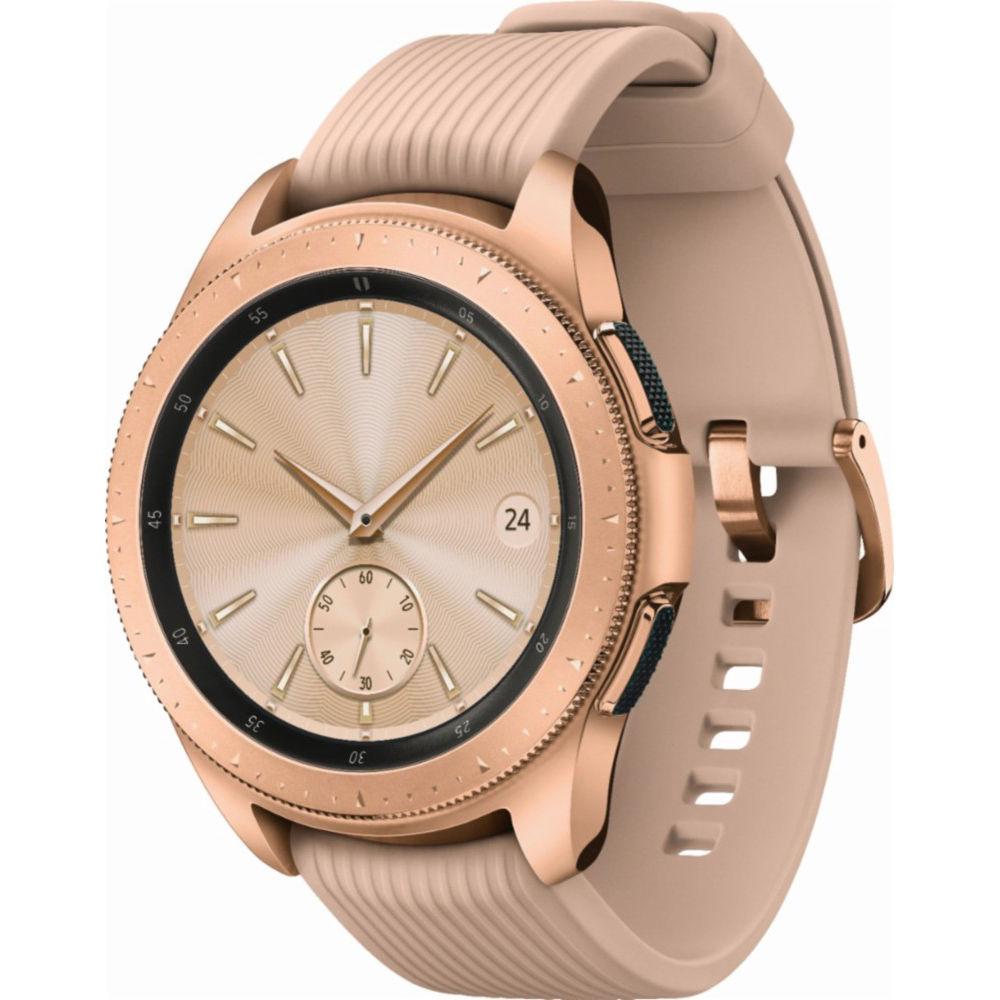
Product description Samsung Unveils Galaxy Note 9, Galaxy Watch, and Galaxy Home Read More The Galaxy Watch from Samsung is more than just a typical smartwatch, it's a time piece. Choose from multiple elegant style watch faces, one to suit nearly any occasion. In addition to being a fashion accessory, the Galaxy Watch connects to your Android or iOS smartphone via its Bluetooth connection allowing you to receive up to the minute notifications, as well as all of the things like news updates, sports scores, and more via downloadable apps.
The Samsung Galaxy watch features a 1.2" 360 x 360 resolution AMOLED display complete with a 1.15 GHz dual core processor, 4GB of storage, 768MB of RAM memory, and runs on Samsung's Tizen 4.0 operating system. Furthermore, this Watch supports mobile payments via NFC, it features standalone A-GPS/Glonass functionality, comes with a rotating bezel, and supports offline music allowing you to listen to your songs even when you're disconnected from your phone or cell service.
You thought that was it? Wait because there's more. The Galaxy comes packed with health tracking features as it has the ability to track up to 40 workouts along with continuous workout tracking, it tracks your heart rate and alerts you to an elevated resting heart rate, and helps you in tracking your overall fitness and wellness. The durable Galaxy is even water resistant up to 5 ATM and supports the MIL 810 specification so you can take it from the office to the pool. - Connected Health
- Everyone has different health, wellness, and fitness goals; no matter what they are, Galaxy Watch helps you meet them. With a new stress management tracker, Galaxy Watch tracks your heart rate, and provides breathing exercises to help users stay focused. In addition, the Galaxy Watch's advanced sleep tracking monitors all levels of sleep, including REM cycles, to help users get the rest they need to take on their day.
The Galaxy Watch's advanced fitness tracking features keep you motivated, and on track. It automatically tracks six of the most popular exercises - walking, running, cycling, elliptical, training, rowing, and dynamic workouts - and features 21 new indoor exercises from a selection of 39 activities. And because balanced nutrition is as important as exercise, the Galaxy Watch is designed to help users track food and water intake. Input your meals and get personalized alerts from Samsung Health, or, use Bixby on your Galaxy device to automatically count calories, and get a personalized summary on your Galaxy Watch. - Personalization to Match Any Lifestyle
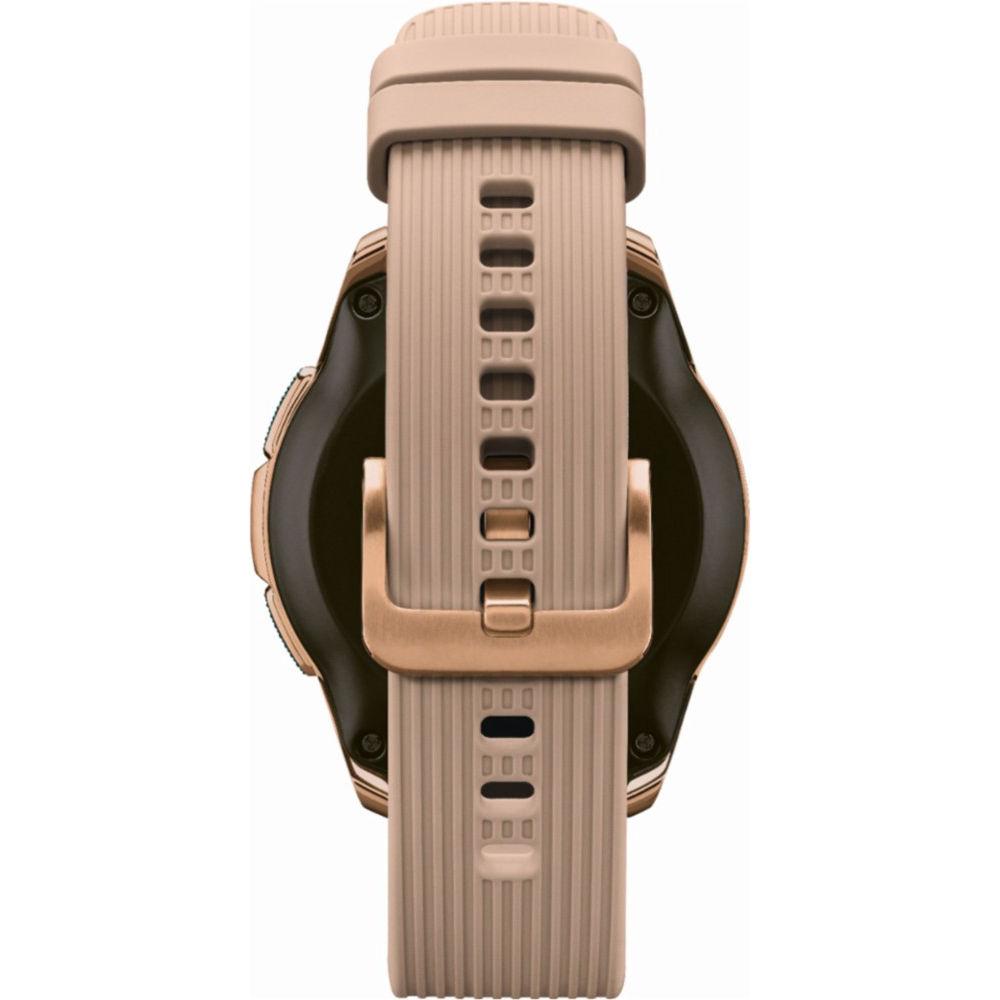
- A watch is the classic fashion accessory, and the Galaxy Watch lets users express their own unique style. Users can customize their Galaxy Watch with a selection of watch faces and watch band options available on Samsung.com. The Galaxy Watch is designed with Samsung's signature, circular rotating bezels while embracing the digital look with Always On Display, in addition to improved usability - making it easier to get the most out of the device, with the look of a traditional timepiece. And the Galaxy Watch is ready to go where you go. It is certified military-level durability with Corning Gorilla Glass DX+ and 5 ATM water resistance, so it can go from the swimming pool to the shower without leaving your wrist.
- Experience the Best of Samsung's Galaxy Ecosystem
- The Galaxy Watch is more than a smartwatch, it's part of the Galaxy Ecosystem. Users can enjoy a seamless experience with Samsung Health, Samsung Pay, Bixby, SmartThings, and select third-party partnerships such as Spotify and Under Armour. Easily access and control your IoT compatible devices on the Galaxy Watch with SmartThings - turn on the lights in the morning or adjust the temperature before bed. Samsung makes music and multimedia control even easier on the Galaxy Watch with Spotify, allowing users to listen to songs offline or without a smartphone. It's also easy to keep information secure thanks to Samsung Knox, and unlock PCs or tablets using Samsung Flow.
- Lasts for Days
- The Galaxy Watch is designed with your active lifestyle in mind and has improved battery life that gets days of power on a single charge - as well as low-energy architecture, so you can recharge on your schedule, not your watch's.
UPC: 887276279565 In the Box Samsung Galaxy Watch (Rose Gold, 42mm, Bluetooth) Additional Strap (Small Size) Wireless Charging Dock Travel Adapter Limited 1-Year Warranty More info from Samsung Table of Contents
|
Upload User Manual
Have you got an user manual for the Samsung Galaxy Watch in electronic form? Please send it to us and help us expand our library of instruction manuals.
Thank you, too, on behalf of other users.
To upload the product manual, we first need to check and make sure you are not a robot. After that, your "Submit Link" or "Upload File" will appear.
Technical parametersSamsung SM-R810 Specs | | | Watch Operating System | Tizen OS 4 | | Compatible Operating System | Android 5.0 and later
iOS 9.0 and later | | CPU | 1.15 GHz Dual-Core | | RAM | 768 MB | | Storage Capacity | 4 GB | | Sensors | Accelerometer, Barometer, Gyroscope, Heart Rate, Light Sensor | | Activity Tracker | Yes | | | | Connectivity | Bluetooth, Wi-Fi, NFC | | Bluetooth Protocol | Bluetooth | | Bluetooth | 4.2 | | Wi-Fi Standard | Wi-Fi 4 (802.11n) | | GPS | Yes, with GLONASS | | | | Dial Shape | Round | | Dial Size | 1.2" / 30.5 mm | | Dial Type | Digital | | Display Technology | OLED | | Display Resolution | 360 x 360 | | | | Battery Capacity | 270 mAh | | Charging Method | Wireless Charging | | | | IP Rating | IP68 | | Water Rating | 5 ATM | | Band Width | 20 mm | | Case Dimensions | 1.65 x 1.8 x 0.5" / 41.9 x 45.7 x 12.7 mm | | Weight | 1.7 oz / 49 g (Watch Only) | | | | Package Weight | 0.895 lb | | Box Dimensions (LxWxH) | 5.25 x 5.15 x 2.85" |
Rating78% users recommend this product to others. And what about you?

This product has already been rated by 55 owners. Add your rating and experience with the product.
Discussion
 Ask our technicians if you have a problem with your settings,
or if anything is unclear in the user manual you have downloaded.
You can make use of our moderated discussion.
The discussion is public and helps other users of our website who may be encountering similar problems.
Ask our technicians if you have a problem with your settings,
or if anything is unclear in the user manual you have downloaded.
You can make use of our moderated discussion.
The discussion is public and helps other users of our website who may be encountering similar problems.
The discussion is empty - enter the first post
Post a new topic / query / comment:
|
|
|
| Request for user manual |
You can’t find the operation manual you are looking for? Let us know and we will try to add the missing manual:
I’m looking for a manual / Request for manual
Current requests for instruction manuals:
Call Of Duty World War Two For Xbox...
controller stratus XL...
stratus XL...
smart whatch serie S11 42mm...
Allen & Heath SQ-6 manual...
|
| Discussion |
Latest contributions to the discussion:
AEW R 4100
Name: MAURICIO ANGARITA
Audio-Technica AEW-R4100 UHF Diversity Receiver for
AEW R 4100 has the mute function blocked and does not allow audio to pass. I tried several times to turn off the mute from the transmitter but it does nothing, the mute stays on. Solution?
Thank you...
Instructions for assembling the 2015 Forecast Image Master Consoles GC3-A
Name: mike elam
Forecast Consoles GC3-A ImageMaster Editing Console
Looking for instructions for assembling this console. ...
EMPTY TONER ERROR MESSAGE AFTER REPLACING TONER
Name: LINDA BAD YELLOW EYES
Brother TN223BK Standard-Yield Toner
I HAD TO CHANGE OUT ALL THREE TONERS DUE TO LEAKS IN THE YELLOW AND CYAN. AFTER I REPLACED THEM, THE MACHINE KEEPS GIVING ME AN EMPTY TONER ERROR MESSAGE. HELP!!...
PS480D 20/24 pin Switching 480W Power Supply
Name: swkargo
Logisys 480W Power Supply
This item states in can run -5vdc .It is NOT listed on the board or I beleive is r4 is missing the resitior. Any body have thid issue. Shawn
...
Help needed
Name: Ann Carter
SanDisk 1TB Extreme Portable USB 3.1
When I click the link to download the user manual for my Sandisk Extreme external hard drive, it gives me the manual for the LG Cricket. Can you please change the link so I can download the Sandisk manual and begin using this drive? Thank you....
|
|


