|
User Manual for Sea & Sea MDX-7D Mark II Underwater Housing for Canon EOS 7D Mark II DSLR Camera Click to enlarge the picture
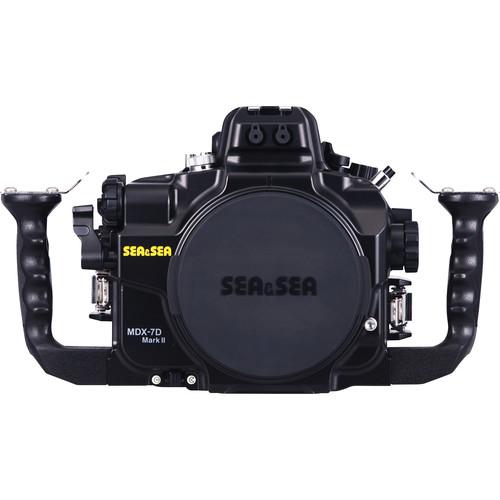 Contents of the user manual for the Sea & Sea MDX-7D Mark II
- Product category: Still Cameras & Housings Sea & Sea
- Brand: Sea & Sea
- Description and content of package
- Technical information and basic settings
- Frequently asked questions – FAQ
- Troubleshooting (does not switch on, does not respond, error message, what do I do if...)
- Authorized service for Sea & Sea Still Cameras & Housings
 |
User manual for the Sea & Sea MDX-7D Mark II contain basic instructions
that need to be followed during installation and operation.
Before starting your appliance, the user manual should be read through carefully.
Follow all the safety instructions and warnings, and be guided by the given recommendations.
User manual is an integral part of any Sea & Sea product,
and if it is sold or transferred, they should be handed over jointly with the product.
Following the instructions for use is an essential prerequisite for protecting
health and property during use, as well as recognition of liability on the part of the manufacturer
for possible defects should you make a warranty claim. Download an official Sea & Sea user manual in which you will find instructions on how to install, use, maintain and service your product.
And do not forget – unsuitable use of a Sea & Sea product will considerably shorten its lifespan!
|
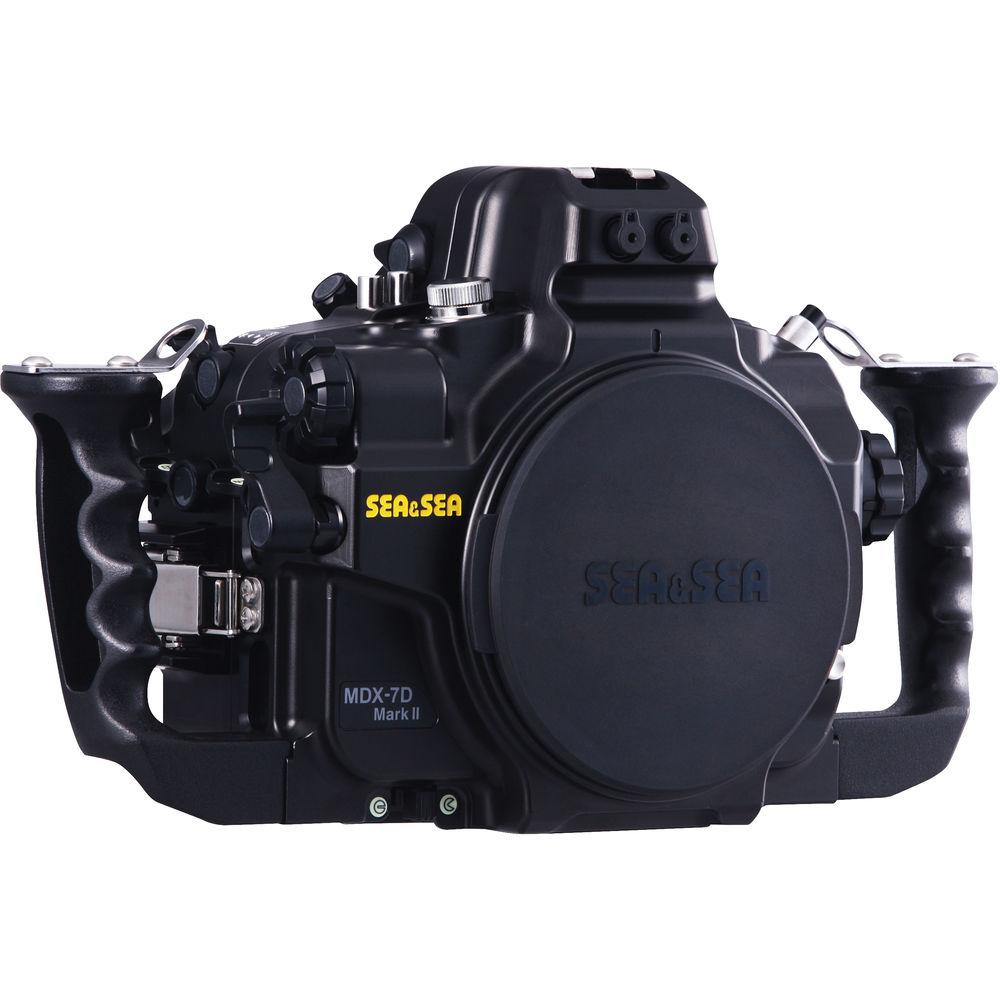
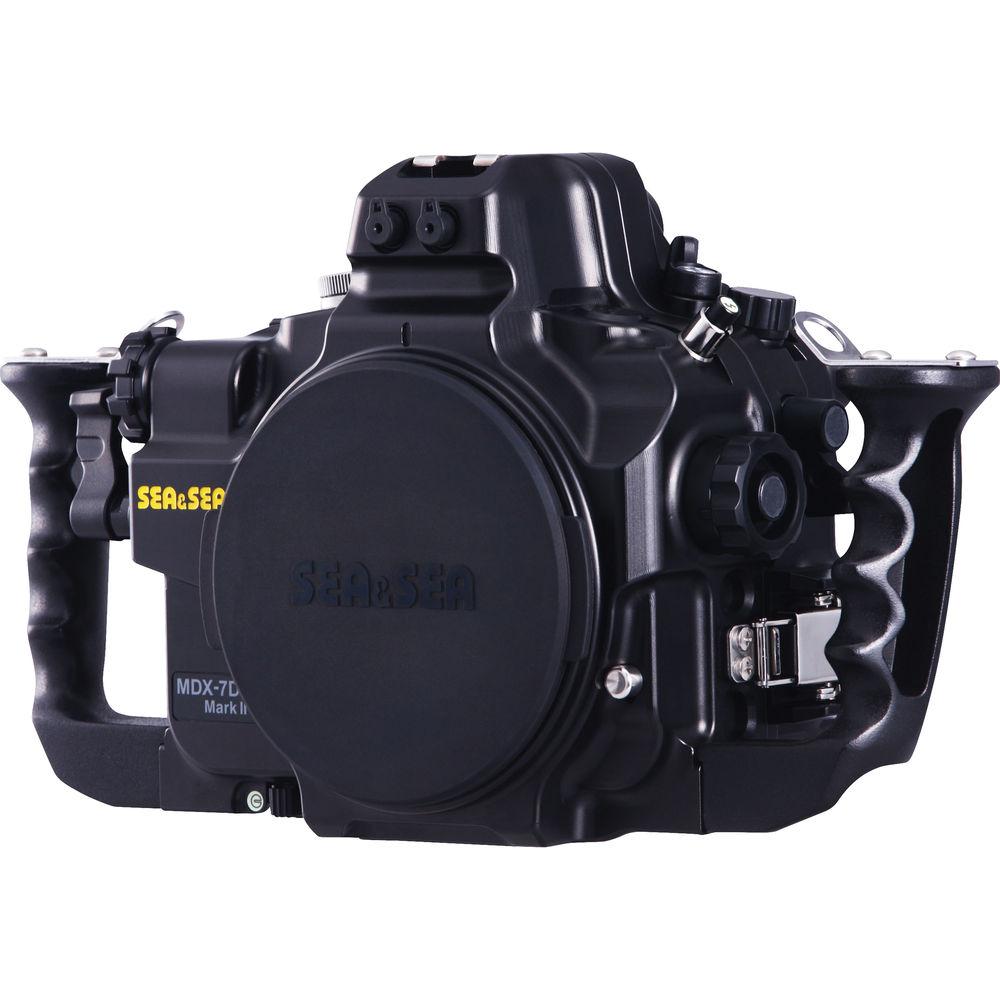
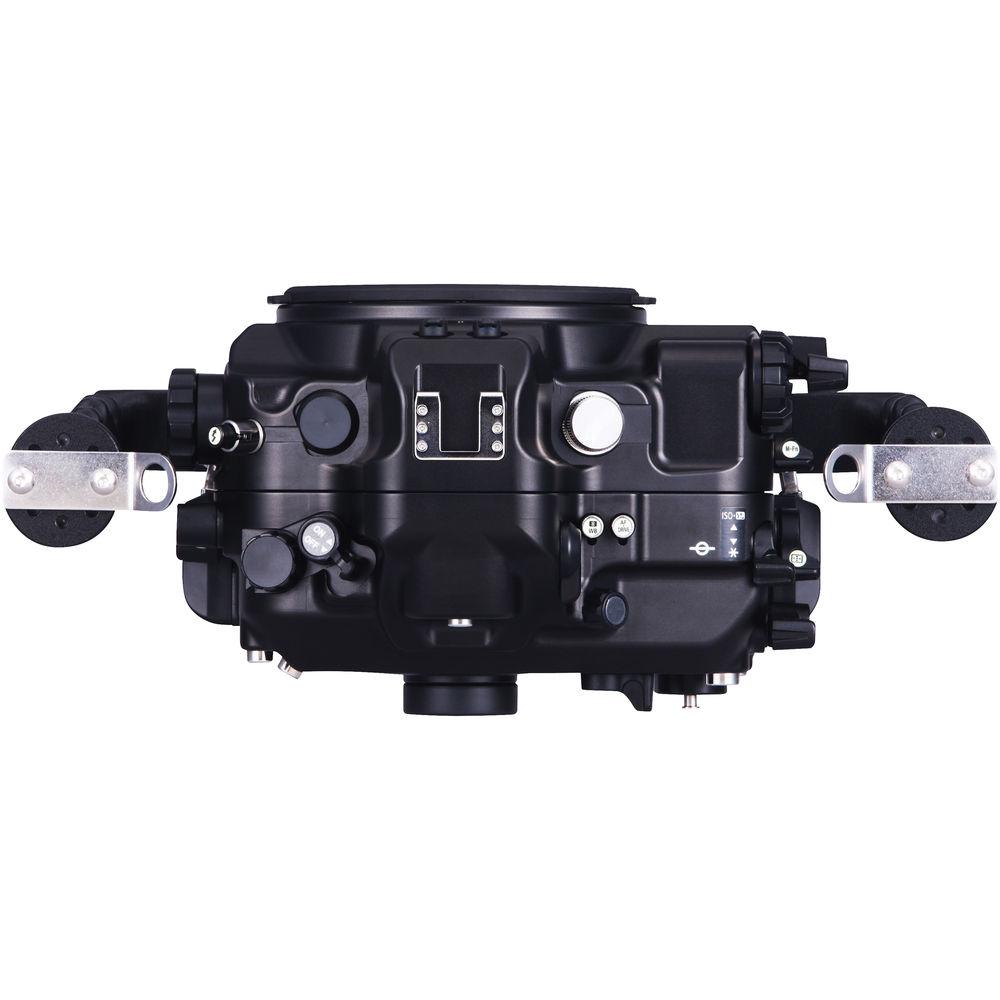
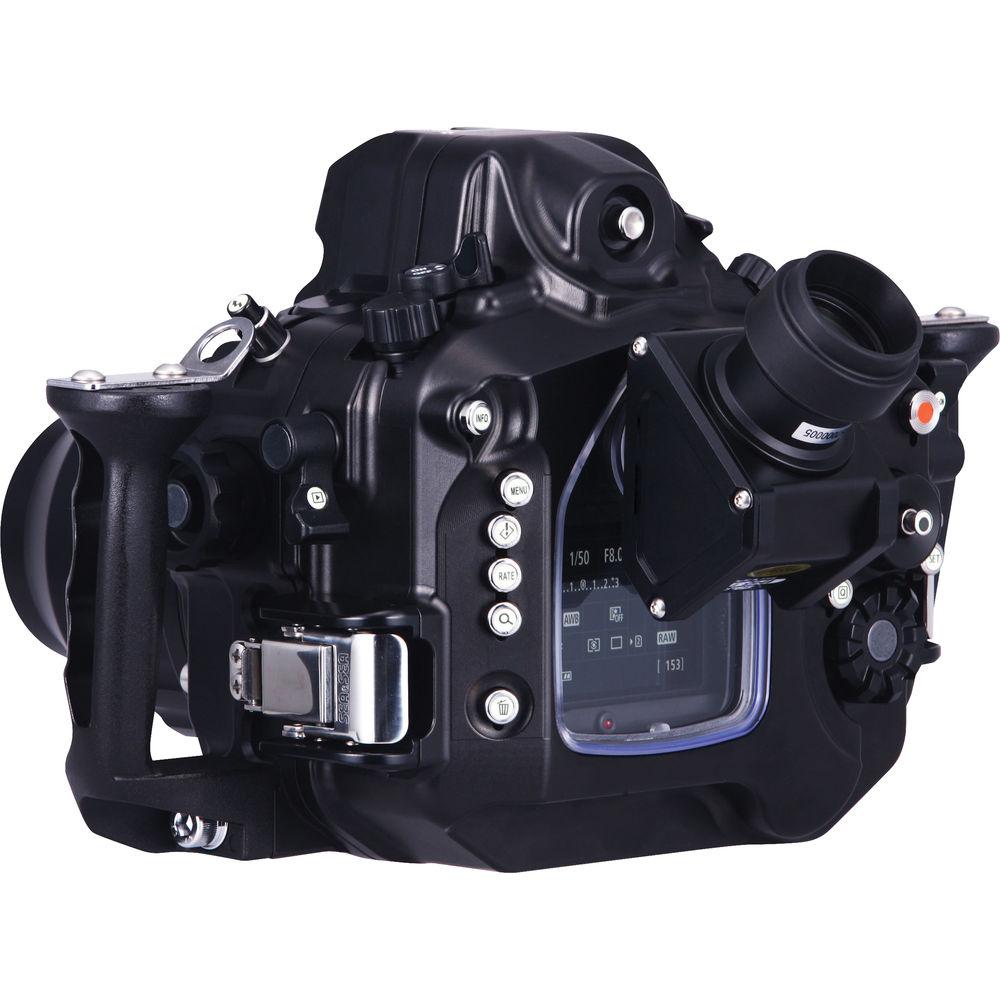
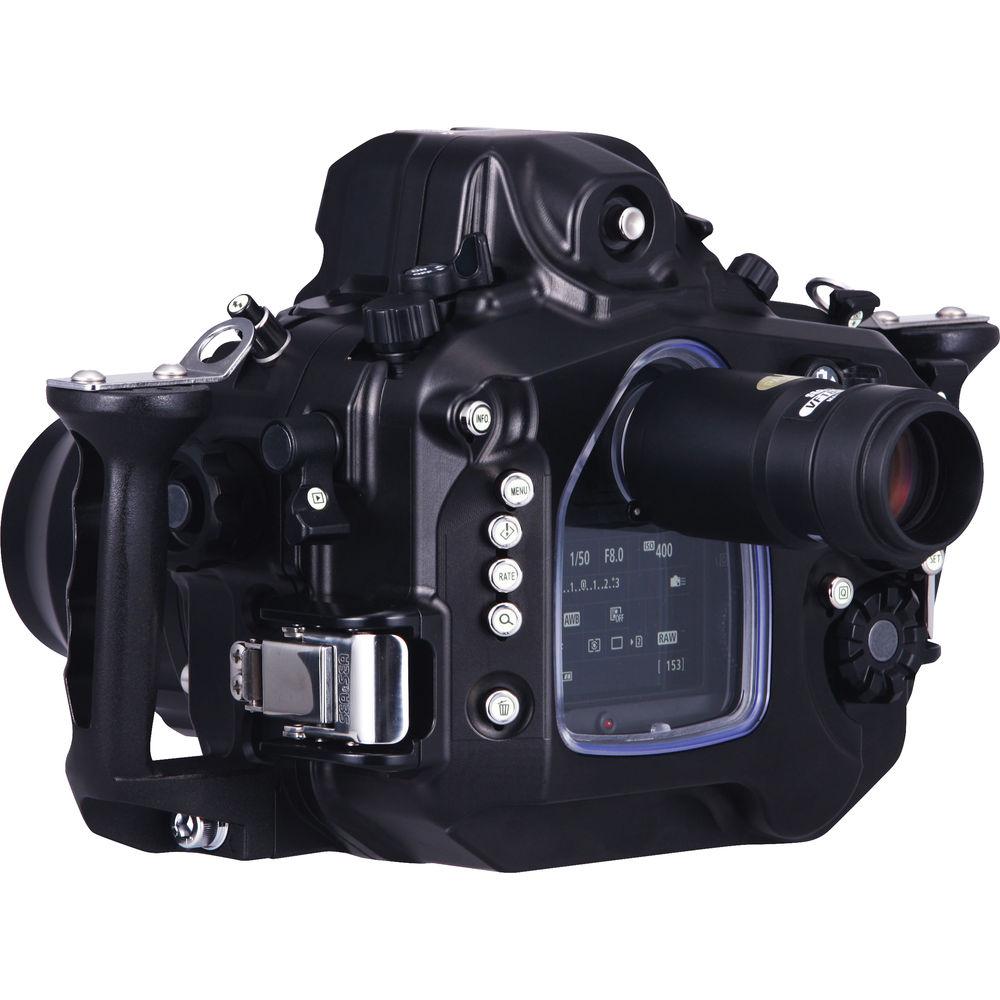
Product description Capture the beauty and variety of sea life at depths up to 328' with your Canon EOS 7D Mark II DSLR camera, thanks to the MDX-7D Mark II Underwater Housing from Sea & Sea. This unit is compatible with the optional Optical YS Converter/C1 for connecting external strobes. It also accepts an optional 2-pin sync cord connector and has dual fiber-optic cable ports for the same purpose.
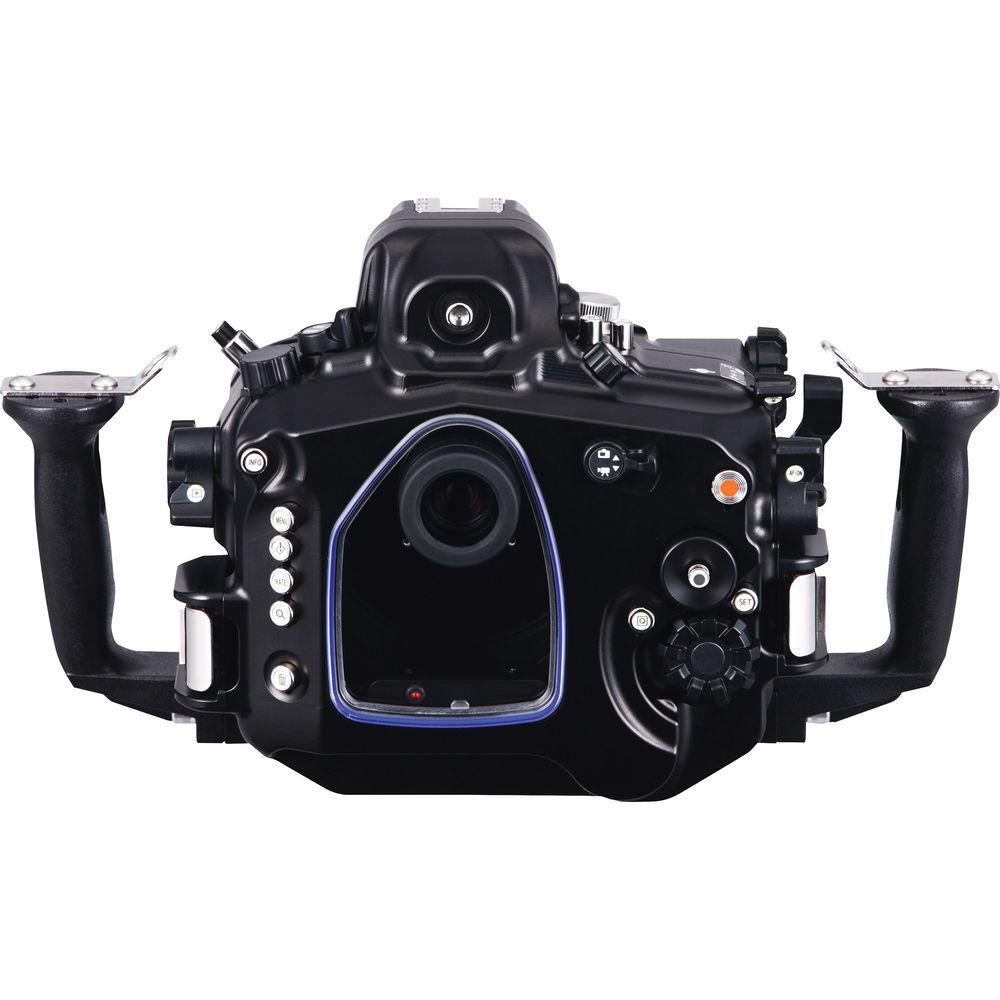
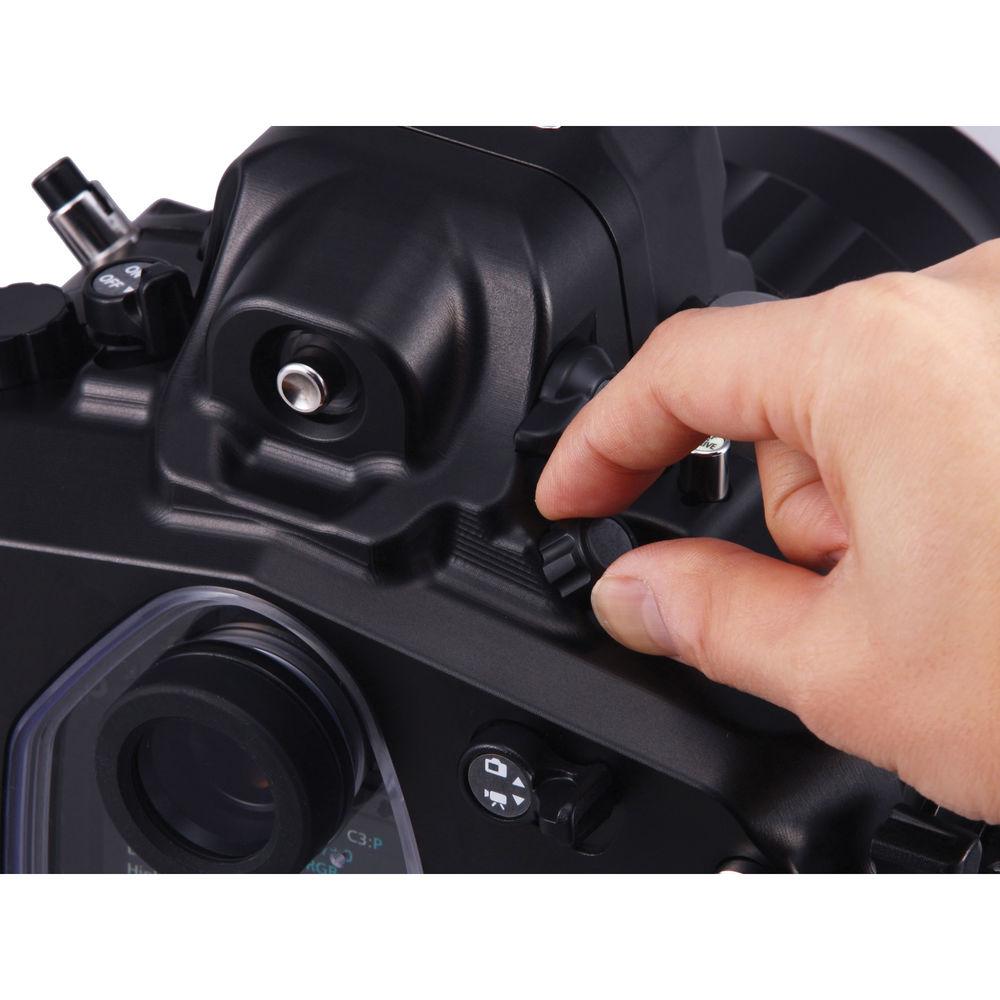
The convenient quick shoe makes it easy to install and remove the camera. Mechanical controls provide access to virtually all camera functions. With both hands on the ergonomic grips, you can easily reach both the main and sub-command dials, as well as video recording controls. Additionally, the rear buttons are angled for ease of use. The housing includes a 0.5x optical viewfinder and is also compatible with two optional OVFs offering 1.2x magnification.
Built for durability, the housing is precision machined from a solid block of anodized aluminum alloy for corrosion resistance. A supplied moisture alarm senses when a breach occurs in the housing's waterproof seal and notifies you immediately. The housing ships without a required lens port, and accepts a system of interchangeable ports for a broad array of different lenses. For compatibility, see Port Chart.
- Construction Details
-
- Depth Rating: 328'
- Built-in leak sensor immediately alerts you in the unlikely event of a breach in the waterproof seal, lighting up in red when it detects leakage
- Built to be durable, housing is precision-machined from solid block of anodized aluminum alloy for resistance to corrosion
- Grip is made from a die-cast aluminum alloy, which is also corrosion-resistant
- Equipped with two sacrificial zinc anodes that will corrode to protect sensitive parts of housing. One is on front and one is on rear
- Locking latches for security
- Cold shoe mount for connecting lighting arms and other accessories
- Threaded mounting holes on bottom for optional tripod, tray, or bracket
- Strobe Connection and Use
-
- Configured with dual ports for optional fiber-optic cables, which allow for attaching external strobes
- Optional 2-pin sync cord connector allows for direct attachment of strobes for manual exposure
- Optical YS Converter/C1 can be installed to convert camera's TTL signal into a light signal, which allows for external flash triggering via fiber-optic cables
- Converter allows you to switch between TTL and manual flash exposure control with optional, external YS series strobes
- Controls, Handling, and Operation
-
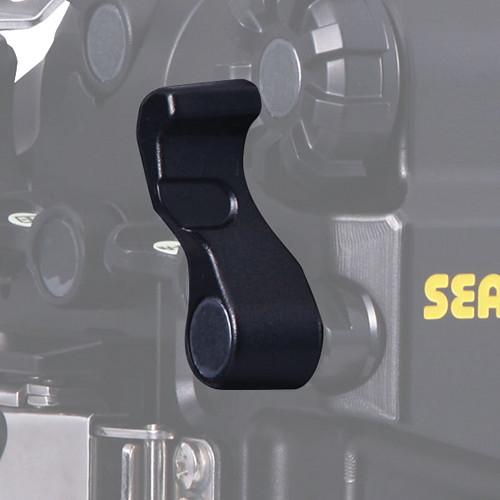
- Mechanical controls, such as push-buttons, dials/knobs, and levers, provide access to virtually all camera functions. See Specs for full list
- Ergonomically designed with dual grooved handles for comfort and ease of use
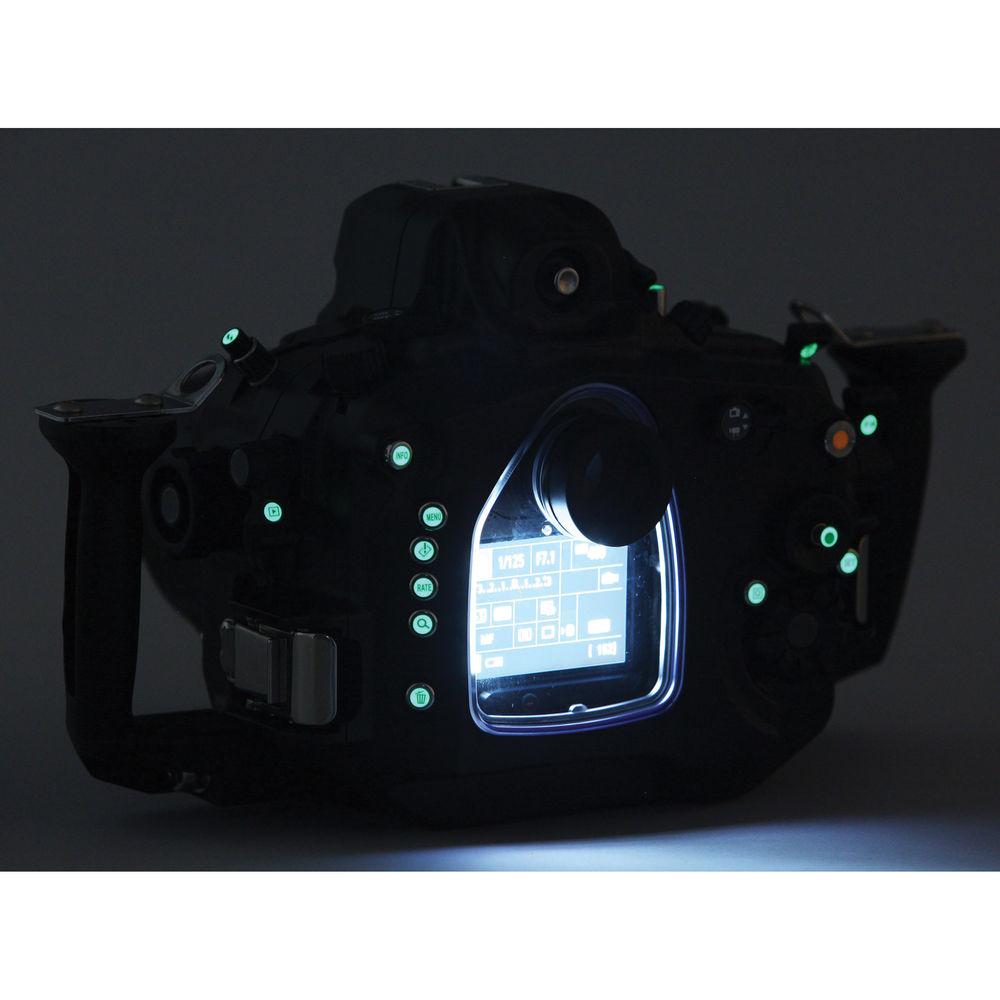
- Major controls, including levers and buttons, will glow in dark conditions thanks to luminescent stickers
- Main dial, quick control dial, diopter adjustment dial and live view/movie lever have a spring-loaded damper to prevent slipping
- Shutter sensitivity can be adjusted by changing location of adjustment plate
- Lens-lock release button accessible from outside of housing
- Optical Viewfinders
-
- An optical viewfinder providing 0.5x magnification is supplied
- Optional VF180 straight prism finder with 1.2x magnification can be attached by replacing original VF, and will not sacrifice field of view
- VF180 Contains 8 elements in 6 groups, which help reproduce natural colors
- Optional VF45 prism finder offers same 1.2x magnification and full field of view, and rotates 360° in increments of 90°
- VF45 especially designed for situations where subject is below you, such as in macro work
- Lens Port System
-
- Ships without a required lens port
- Accepts a system of interchangeable bayonet-mount ports for a broad array of different lenses. For compatibility, see System Chart linked above
UPC: 752221061758 In the Box Sea & Sea MDX-7D Mark II Underwater Housing for Canon EOS 7D Mark II DSLR Camera 0.5x Optical Viewfinder Moisture Alarm Silicone Grease O-Ring O-Ring Remover 6mm Hex Wrench for Grip Dismounting 3mm Hex Wrench for Lanyard Bolt Housing Body Cap Limited 1-Year Warranty Compatibility chart PDF 221.6kb Table of Contents
|
Upload User Manual
Have you got an user manual for the Sea & Sea MDX-7D Mark II Underwater Housing for Canon EOS 7D Mark II DSLR Camera in electronic form? Please send it to us and help us expand our library of instruction manuals.
Thank you, too, on behalf of other users.
To upload the product manual, we first need to check and make sure you are not a robot. After that, your "Submit Link" or "Upload File" will appear.
Technical parametersSea & Sea SS-06175 Specs | Depth Rating | 328' (100 m) | | Control Type | Mechanical grooved knobs/dials, levers, and push-buttons | | Controls | Power switch, mode dial, flash button, flash closing lever, focus / zoom dial, lens release button, playback lever, port lock lever, shutter lever, main command dial, live view shooting / movie shooting switch, metering mode selection / white balance selection button, AF mode selection / drive mode selection button, start / stop video recording button, viewfinder / diopter adjustment dial, ISO speed setting / flash exposure compensation / AE lock lever, multi-function lever, AF point selection lever, AF start lever, quick control button, setting button, sub-command dial, multi-controller, info button, menu button, creative photo / comparative playback / direct print button, rating button, index / magnify / reduce button, erase button | | Construction | Housing: Anodized aluminum alloy
Grips: Die-cast, anodized aluminum alloy | | Lens Port | Ships without a required lens port
Accepts system of interchangeable bayonet-mount ports for various lenses
For compatibility, see System Chart linked in Overview | | Buoyancy | May vary based on selected port | | External Flash Connector | 2 fiber-optic cable ports
Optional 2-pin sync cord connector
Optional, internal Optical YS Converter/C1 | | Other Connectors | Accessory port for HDMI output to an external monitor | | Viewfinder | Optical finder with 0.5x magnification supplied
Optical VF180 and VF45 finders with 1.2x magnification (not included) | | Moisture Alarm | Included | | Mounting | Cold shoe mount for connecting optional lighting arms and other accessories | | Dimensions | Approx. 13.4 x 7.8 x 5.6" (34.1 x 19.8 x 14.2 cm) with grips | | Weight | Approx. 6.6 lb (3.0 kg) | | | | Package Weight | 9.15 lb | | Box Dimensions (LxWxH) | 17.3 x 10.8 x 9.6" |
Rating80% users recommend this product to others. And what about you?

This product has already been rated by 17 owners. Add your rating and experience with the product.
Discussion
 Ask our technicians if you have a problem with your settings,
or if anything is unclear in the user manual you have downloaded.
You can make use of our moderated discussion.
The discussion is public and helps other users of our website who may be encountering similar problems.
Ask our technicians if you have a problem with your settings,
or if anything is unclear in the user manual you have downloaded.
You can make use of our moderated discussion.
The discussion is public and helps other users of our website who may be encountering similar problems.
The discussion is empty - enter the first post
Post a new topic / query / comment:
|
|
|
| Request for user manual |
You can’t find the operation manual you are looking for? Let us know and we will try to add the missing manual:
I’m looking for a manual / Request for manual
Current requests for instruction manuals:
Call Of Duty World War Two For Xbox...
controller stratus XL...
stratus XL...
smart whatch serie S11 42mm...
Allen & Heath SQ-6 manual...
|
| Discussion |
Latest contributions to the discussion:
AEW R 4100
Name: MAURICIO ANGARITA
Audio-Technica AEW-R4100 UHF Diversity Receiver for
AEW R 4100 has the mute function blocked and does not allow audio to pass. I tried several times to turn off the mute from the transmitter but it does nothing, the mute stays on. Solution?
Thank you...
Instructions for assembling the 2015 Forecast Image Master Consoles GC3-A
Name: mike elam
Forecast Consoles GC3-A ImageMaster Editing Console
Looking for instructions for assembling this console. ...
EMPTY TONER ERROR MESSAGE AFTER REPLACING TONER
Name: LINDA BAD YELLOW EYES
Brother TN223BK Standard-Yield Toner
I HAD TO CHANGE OUT ALL THREE TONERS DUE TO LEAKS IN THE YELLOW AND CYAN. AFTER I REPLACED THEM, THE MACHINE KEEPS GIVING ME AN EMPTY TONER ERROR MESSAGE. HELP!!...
PS480D 20/24 pin Switching 480W Power Supply
Name: swkargo
Logisys 480W Power Supply
This item states in can run -5vdc .It is NOT listed on the board or I beleive is r4 is missing the resitior. Any body have thid issue. Shawn
...
Help needed
Name: Ann Carter
SanDisk 1TB Extreme Portable USB 3.1
When I click the link to download the user manual for my Sandisk Extreme external hard drive, it gives me the manual for the LG Cricket. Can you please change the link so I can download the Sandisk manual and begin using this drive? Thank you....
|
|


