User Manual for SHAPE NP-F980 Dual Charger with Two 6600mAh Lithium-Ion Batteries Click to enlarge the picture
 Contents of the user manual for the SHAPE NP-F980 Dual Charger with Two
- Product category: On Camera Batteries SHAPE
- Brand: SHAPE
- Description and content of package
- Technical information and basic settings
- Frequently asked questions – FAQ
- Troubleshooting (does not switch on, does not respond, error message, what do I do if...)
- Authorized service for SHAPE On Camera Batteries
 |
User manual for the SHAPE NP-F980 Dual Charger with Two contain basic instructions
that need to be followed during installation and operation.
Before starting your appliance, the user manual should be read through carefully.
Follow all the safety instructions and warnings, and be guided by the given recommendations.
User manual is an integral part of any SHAPE product,
and if it is sold or transferred, they should be handed over jointly with the product.
Following the instructions for use is an essential prerequisite for protecting
health and property during use, as well as recognition of liability on the part of the manufacturer
for possible defects should you make a warranty claim. Download an official SHAPE user manual in which you will find instructions on how to install, use, maintain and service your product.
And do not forget – unsuitable use of a SHAPE product will considerably shorten its lifespan!
|
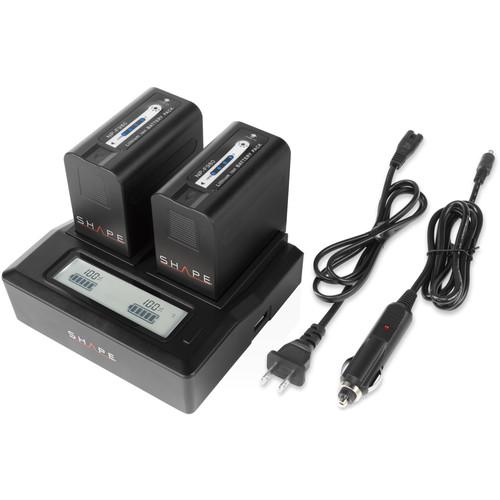
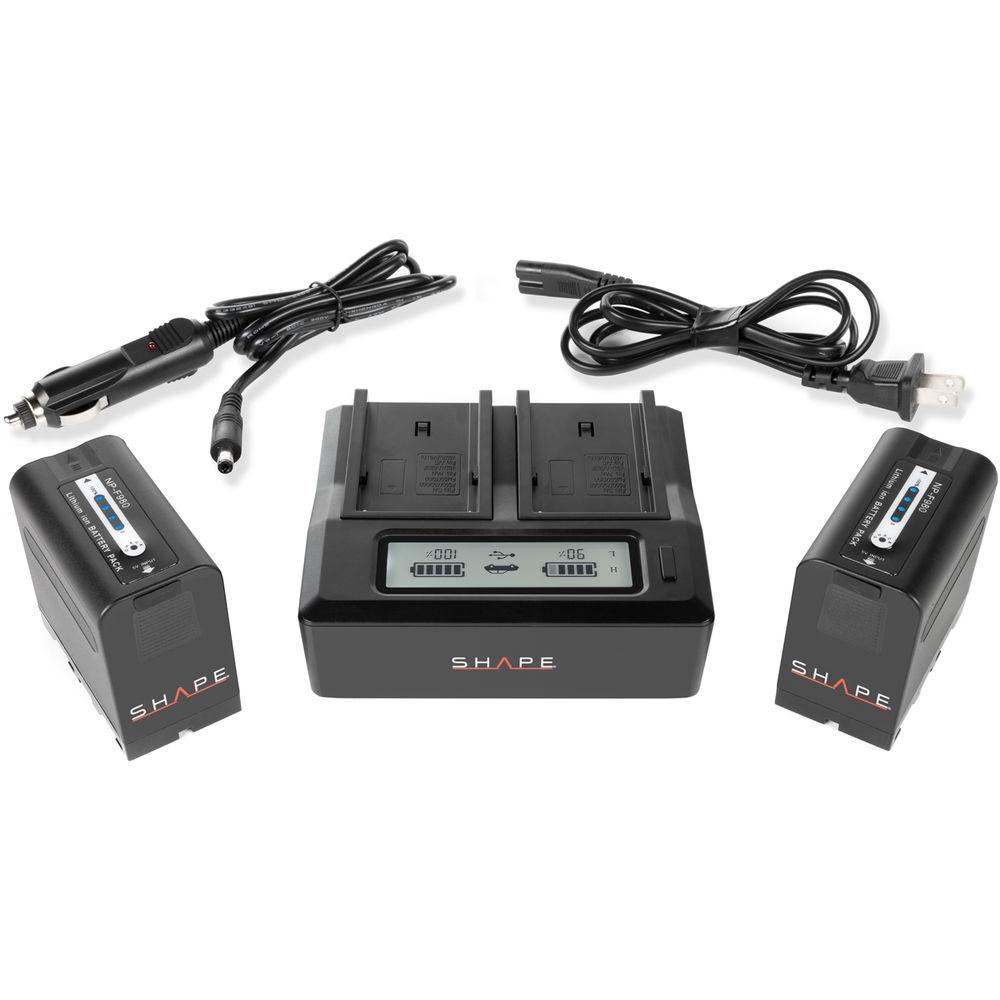
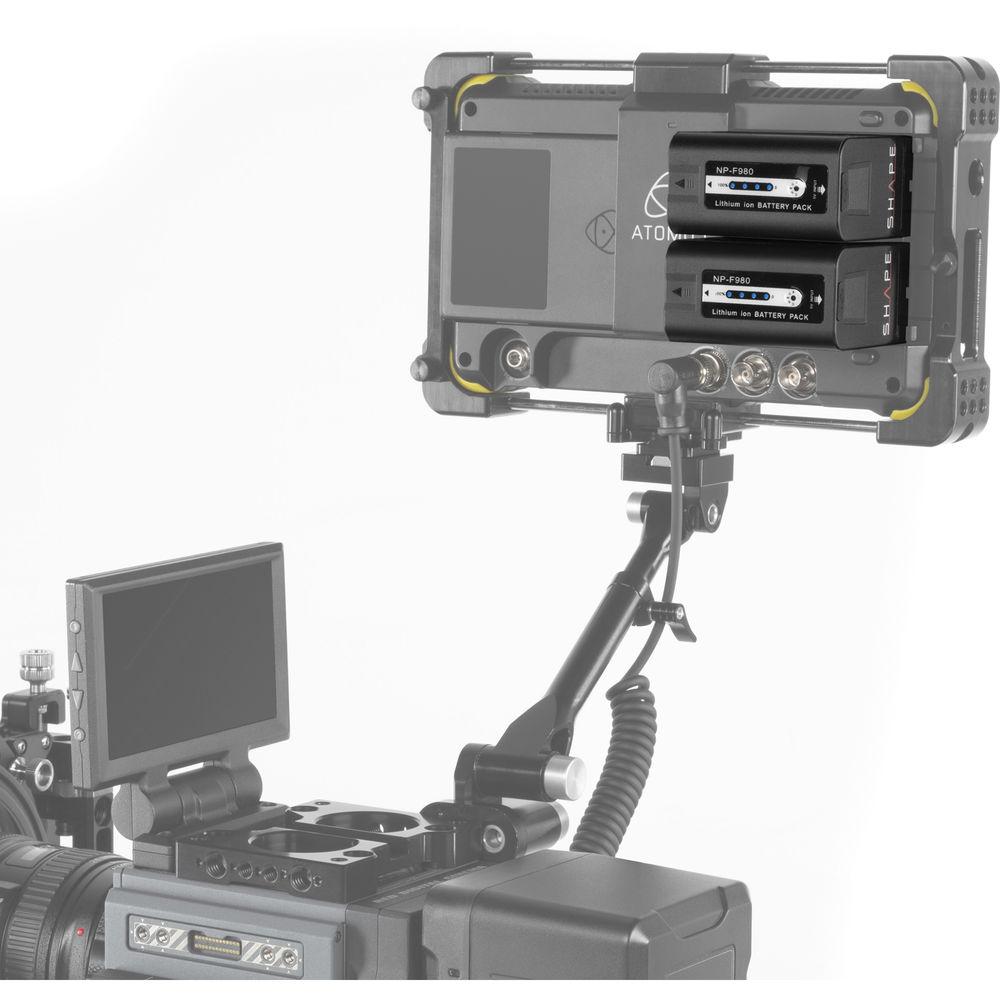
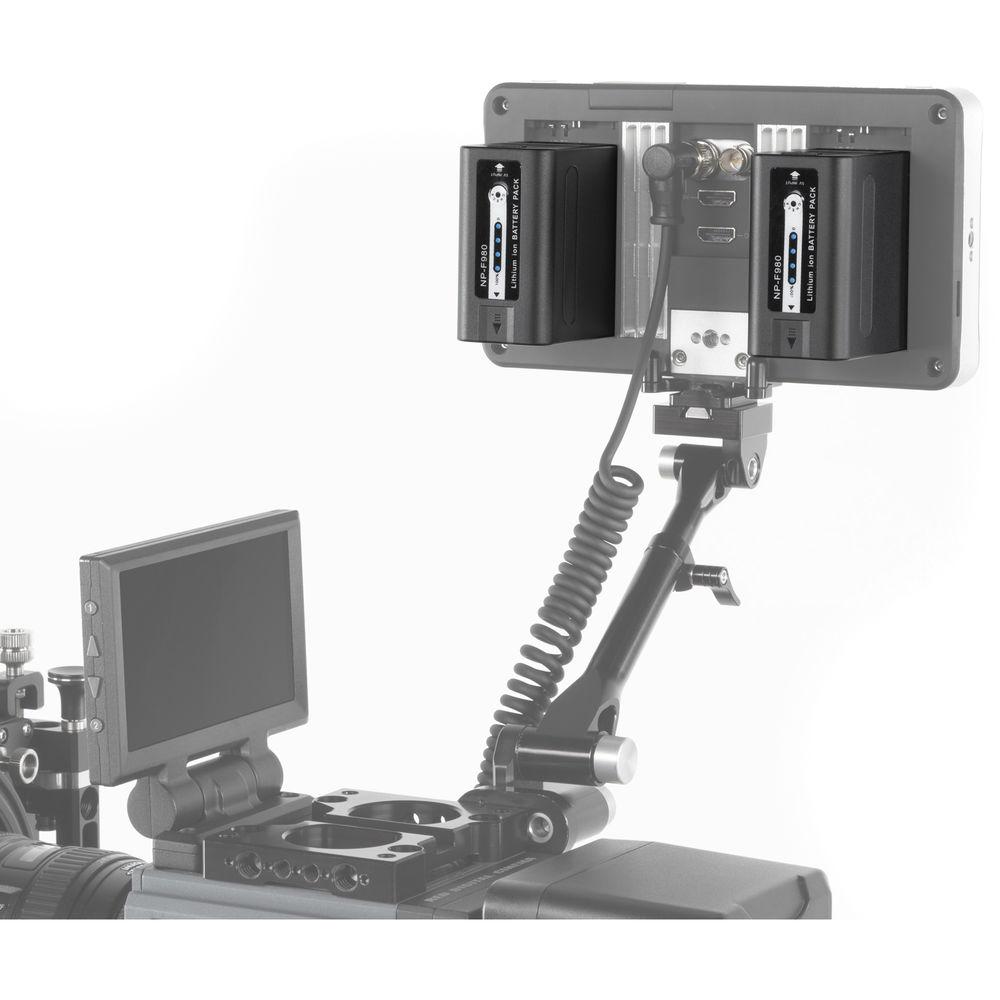
Product description The Shape NP-F980 Dual Charger with Two 6600mAh Lithium-Ion Batteries set is designed to provide all you need to power Sony L-series cameras, Atomos monitors, SmallHD monitors, or any equipment that accepts an L-series NP-F980 battery. This set includes a 16.8V charger and two 7.4V, 6600mAh batteries.
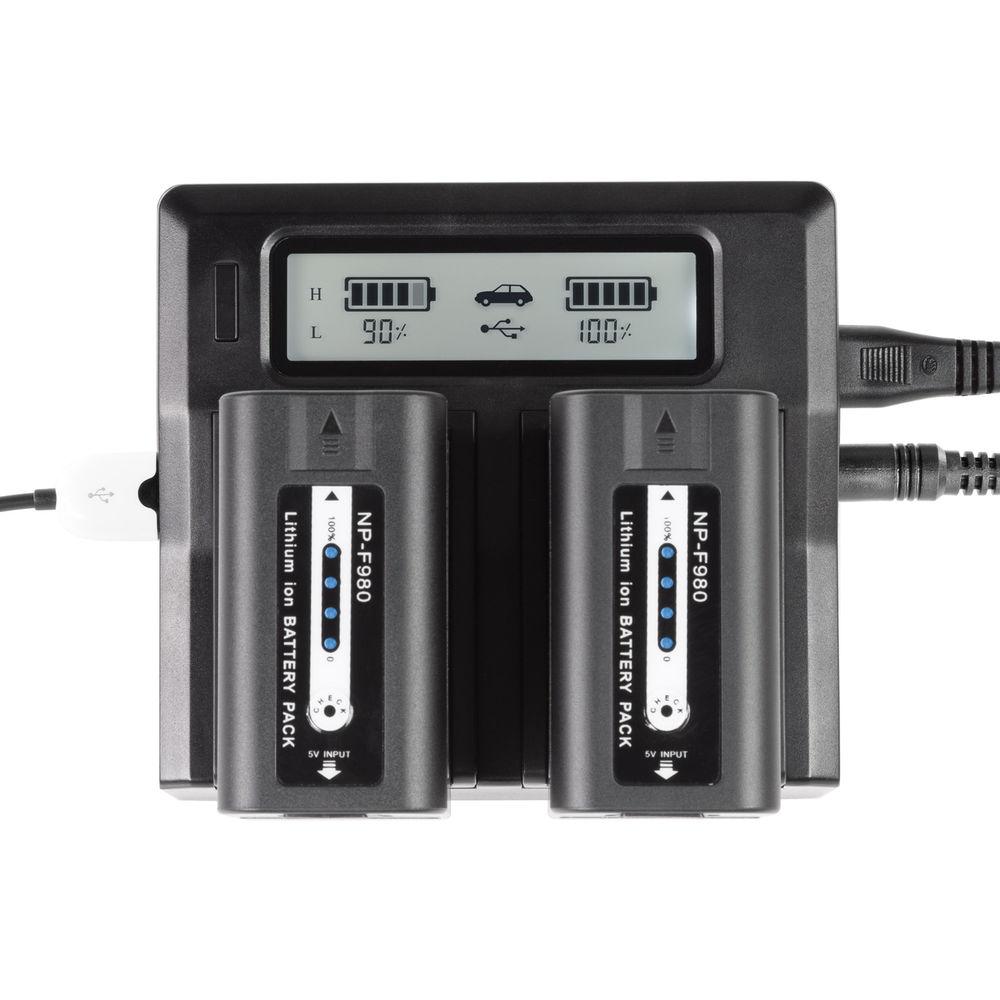
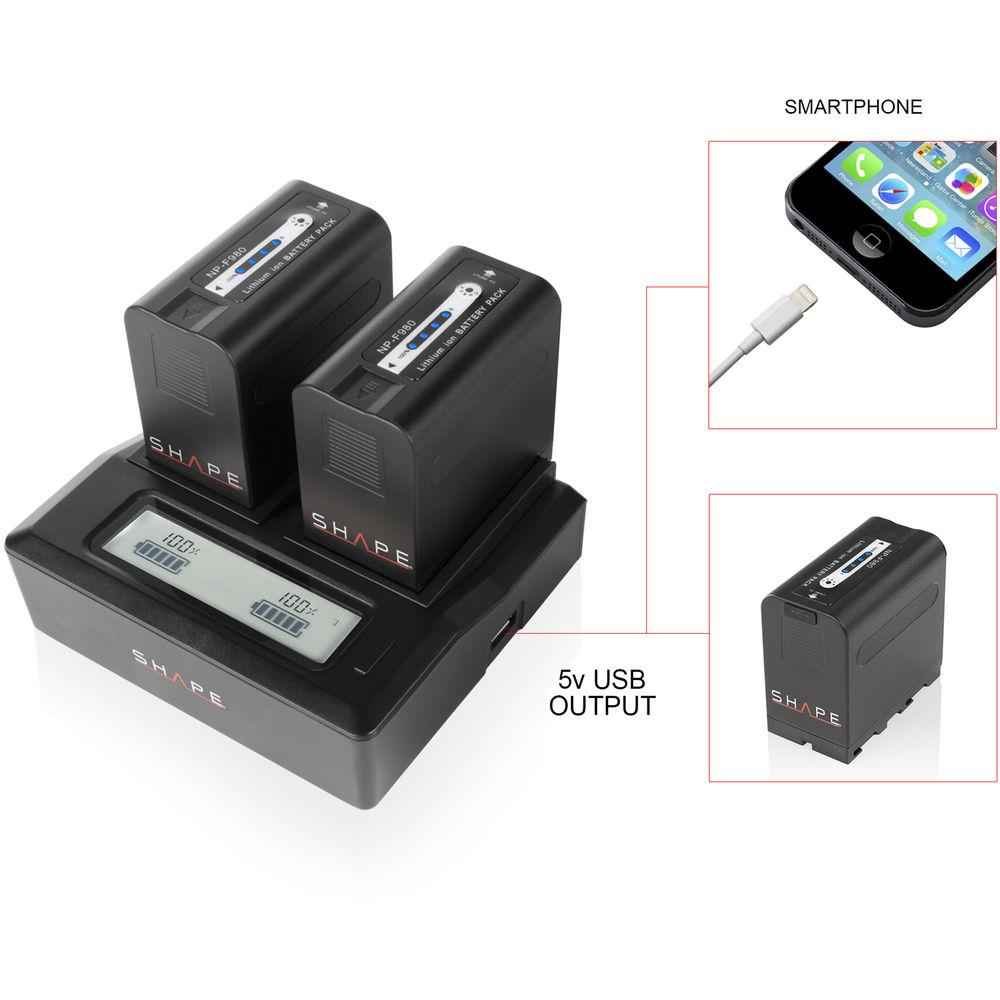
The 100-240V dual charger features two L-series NP-F980 battery plates and an LCD display which shows battery charging status. The charger provides 1.5A when a single battery is in the charger and provides 1A to each battery when both are charging simultaneously. The charger has a pre-charging feature which helps to extend your battery's life. It also features a USB output which provides 5V, 2100mA to a smartphone or small device while the charger is plugged into an AC source.
The batteries feature a 5V USB port which can be used to charge the battery with a wall plug or USB power source. Battery capacity can be quickly checked via the 4-segment LED meter. Their box-like design can be easily stacked for storage, or packed away in a case for transport. The batteries have no memory effect and are fully decoded so they can be fully charged with accurate power metering.
A wall AC cable and a DC car power cable are included with the charger. - NP-F980 6600mAh Lithium-Ion Battery The Shape NP-F980 6600mAh Lithium-Ion Battery is designed to power Sony L-series mount cameras, Atomos monitors, SmallHD monitors, or any equipment that accepts an L-series NP-F980 battery. This 7.4V, 6600mAh battery has no memory effect and is decoded so it can be fully charged with accurate power metering.
A 5V micro-USB port is provided which can be used to charge the battery with a separately available wall plug or USB power source. Battery capacity can be quickly checked via the 4-segment LED meter. The battery's box-like design can be easily stacked for storage, or packed away in a case for transport. - Compatible Cameras
- Sony CCD-TR (Hi8) Series
CCD-TR1, CCD-TR200, CCD-TR215, CCD-TR3, CCD-TR300, CCD-TR3000, CCD-TR3300, CCD-TR416, CCD-TR500, CCD-TR516, CCD-TR517, CCD-TR57, CCD-TR555, CCD-TR67, CCD-TR716, CCD-TR76, CCD-TR818, CCD-TR87, CCD-TR910, CD-TR917, CCD-TR930
Sony CCD-TRV (MiniDV) Series
CCD-TRV101, CCD-TRV119, CCD-TRV15, CCD-TRV16, CCD-TRV215, CCD-TRV25, CCD-TRV3000, CCD-TRV315, CCD-TRV35, CCD-TRV36, CCD-TRV37, CCD-TRV4, CCD-TRV41, CCD-TRV43, CCD-TRV46, CCD-TRV51, CCD-TRV517, CCD-TRV57, CCD-TRV58, CCD-TRV615, CCD-TRV62, CCD-TRV65, CCD-TRV66, CCD-TRV67, CCD-TRV68, CCD-TRV715, CCD-TRV716, CCD-TRV72, CCD-TRV720, CCD-TRV75, CCD-TRV78E, CCD-TRV81, CCD-TRV815, CCD-TRV82, CCD-TRV85, CCD-TRV87, CCD-TRV88, CCD-TRV90, CCD-TRV91, CCD-TRV93, CCD-TRV95, CCD-TRV98, CCD-TRV99
Sony InfoLithium L-Series
BC-V615, DCM-M1, DCR-TRU47E, MVC-CD1000, PLM-100, VCL-ES06A
Sony CCD-SC (Hi8)
CCD-SC5, CCD-SC55, CCD-SC65
Sony DCR-TR7, DCR-VX (MiniDV), DCR-TV
DCR-TR7000, DCR-VX1000, DCR-VX2000, DCR-VX2100, DCR-VX700, DCR-TV900, DCR-TV900E
Sony DCR-TRV (MiniDV) Series
DCR-TRV103, DCR-TRV110, DCR-TRV120, DCR-TRV130, DCR-TRV210, DCR-TRV310, DCR-TRV315, DCR-TRV320, DCR-TRV103, DCR-TRV110, DCR-TRV120, DCR-TRV130, DCR-TRV310, DCR-TRV315, DCR-TRV320, DCR-TRV210, DCR-TRV330, DCR-TRV340, DCR-TRV350, DCR-TRV460, DCR-TRV460E, DCR-TRV480, DCR-TRV480E, DCR-TRV530, DCR-TRV730, DCR-TRV740, DCR-TRV830, DCR-TRV840, DCR-TRV950, DCR-TRV5, DCR-TRV510, DCR-TRV820, DCR-TRV900, DCR-TRV360, DCR-TRV520, DCR-TRV525, DCR-TRV7, DCR-TRV720, DCR-TRV9
Sony DSC-CD, DSC-D (Cyber-Shot Point & Shoot) Series
DSC-CD100, DSC-CD250, DSC-CD400, DSC-D700, DSC-D770
Sony DSR, GV (Video Walkman), MVC-FD (Mavica)
DSR-200, DSR-300, DSR-PD100A, GV-A500, GV-A500E, GV-D200, GV-D800, MVC-FD100, MVC-FD200, MVC-FD5, MVC-FD51, MVC-FD7, MVC-FD71, MVC-FD73, MVC-FD75, MVC-FD81, MVC-FD83, MVC-FD85, MVC-FD87, MVC-FD88, MVC-FD90, MVC-FD91, MVC-FD91AOL, MVC-FD92, MVC-FD95, MVC-FD97 UPC: 629266009024 In the Box Bundle Items NP-F Dual LCD Charger 2 x NP-F980 6600mAh Lithium-Ion Battery
Also Includes - AC Power Cable
- DC Car Charging Cable
- Limited 2-Year Warranty
Table of Contents
|
Upload User Manual
Have you got an user manual for the SHAPE NP-F980 Dual Charger with Two 6600mAh Lithium-Ion Batteries in electronic form? Please send it to us and help us expand our library of instruction manuals.
Thank you, too, on behalf of other users.
To upload the product manual, we first need to check and make sure you are not a robot. After that, your "Submit Link" or "Upload File" will appear.
Technical parameters - NP-F980 6600mAh Lithium-Ion Battery
| Mount / Series Type | Sony L-Series | | Chemistry | Lithium-Ion | | Amp-Hours | 6600 mAh | | Output Voltage | 7.4 VDC | | Accessory Port | 1 x USB Micro-B Input | | Accessory Mounting Thread | None | | Dimensions (W x H x D) | 2.8 x 1.5 x 2.6" / 7.0 x 3.8 x 6.5 cm | | Weight | 0.7 lb / 0.3 kg | | | | Box Dimensions (LxWxH) | 4.7 x 3.5 x 3.3" |
Rating70% users recommend this product to others. And what about you?

This product has already been rated by 38 owners. Add your rating and experience with the product.
Discussion
 Ask our technicians if you have a problem with your settings,
or if anything is unclear in the user manual you have downloaded.
You can make use of our moderated discussion.
The discussion is public and helps other users of our website who may be encountering similar problems.
Ask our technicians if you have a problem with your settings,
or if anything is unclear in the user manual you have downloaded.
You can make use of our moderated discussion.
The discussion is public and helps other users of our website who may be encountering similar problems.
The discussion is empty - enter the first post
Post a new topic / query / comment:
|
|


