User Manual for Sharp AQUOS BOARD PN-L803CA 80"-Class Full HD Commercial Smart Touchscreen LED Display Click to enlarge the picture
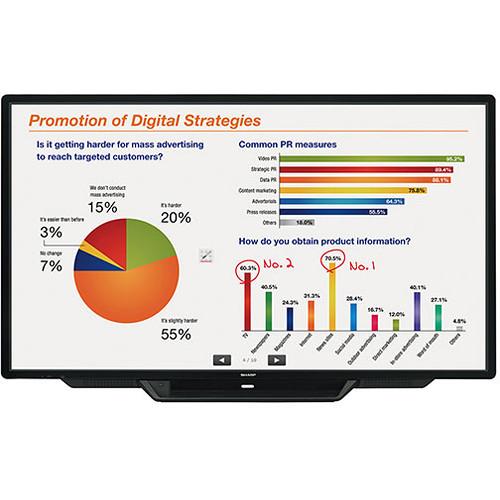 Contents of the user manual for the Sharp AQUOS BOARD PN-L803CA 80"-Class Full
- Product category: Commercial Monitors Sharp
- Brand: Sharp
- Description and content of package
- Technical information and basic settings
- Frequently asked questions – FAQ
- Troubleshooting (does not switch on, does not respond, error message, what do I do if...)
- Authorized service for Sharp Commercial Monitors

 |
User manual for the Sharp AQUOS BOARD PN-L803CA 80"-Class Full contain basic instructions
that need to be followed during installation and operation.
Before starting your appliance, the user manual should be read through carefully.
Follow all the safety instructions and warnings, and be guided by the given recommendations.
User manual is an integral part of any Sharp product,
and if it is sold or transferred, they should be handed over jointly with the product.
Following the instructions for use is an essential prerequisite for protecting
health and property during use, as well as recognition of liability on the part of the manufacturer
for possible defects should you make a warranty claim. Download an official Sharp user manual in which you will find instructions on how to install, use, maintain and service your product.
And do not forget – unsuitable use of a Sharp product will considerably shorten its lifespan!
|
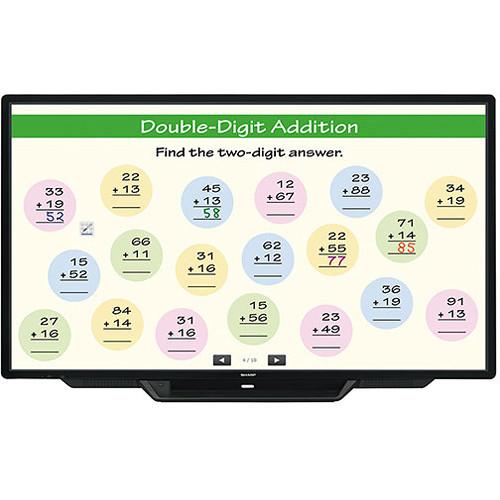
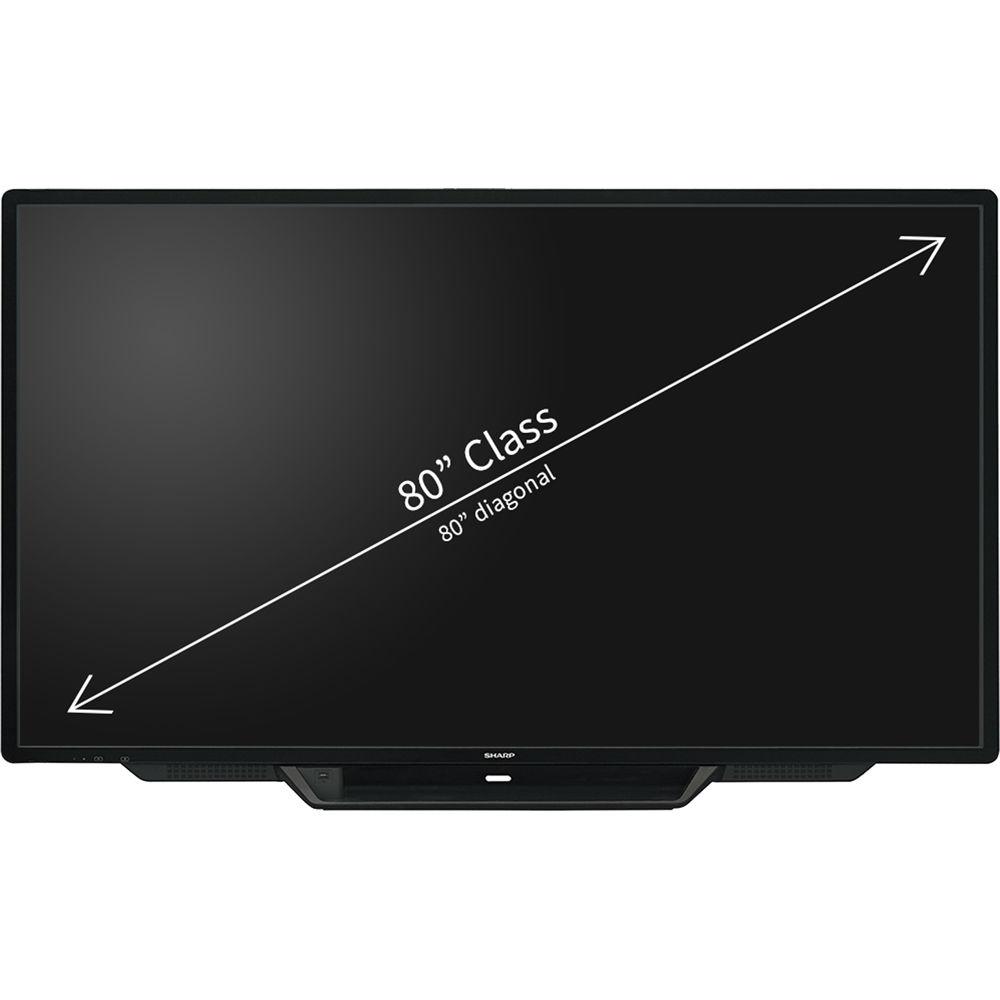
Product description Interact and annotate your lessons or presentations with the Sharp AQUOS BOARD PN-L803CA 80"-Class Full HD Commercial Smart Touchscreen LED Display. It includes two interactive pens for on-screen collaboration, and recognizes up to 10 touch points. The display sports Full HD 1920 x 1080 resolution for viewing detailed images and a 4000:1 contrast ratio for enhanced black levels.
The display is controllable via Ethernet or RS-232 and transmits touch data via USB. It accepts both analog and digital signals with its DisplayPort, RCA, two VGA, and three HDMI inputs. It has two 10W speakers built-in and a pair of spring-clip outputs for connecting external speakers. - Simultaneous Writing for up to Four People
- The PN-L803CA recognizes up to 10 touch points and allows up to four people to write at the same time with a finger or touch pen. Each pen has an 1/8" tip designed for detailed annotations that remain legible when printed out.
- Featherlight Touch for Enhanced Precision and Smooth Operation
- Thanks to the precise position detection of the PN-L803CA, only intentional input from fingers and touch pens appear on the display. Employing capacitive touch technology for high sensitivity and precision, the PN-L803CA virtually eliminates unwanted noise to deliver a clear onscreen signal.
- Sharp Touch Viewer Software
- Sharp Touch Viewer software is a touch-operated onscreen user interface that lets you manipulate different types of files, including Microsoft Office applications, videos, and web pages. This software is available for download via the included download application.
- Fluid, Smart, Responsive Interface Design
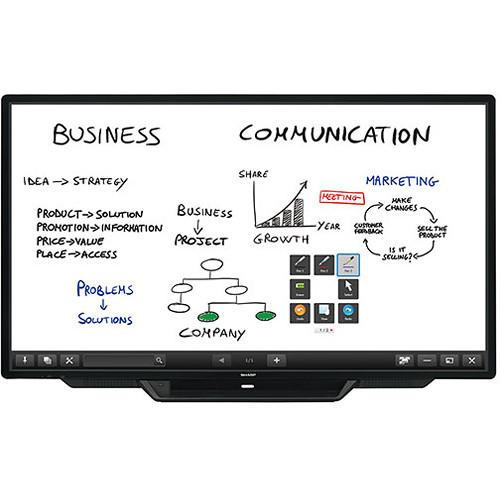
- The touch pen links with Sharp Pen software to help you write with an uninterrupted flow. You can also use the included eraser to delete unwanted content without switching functions, just as you would with a traditional whiteboard.
- Display, Write, and Share Information
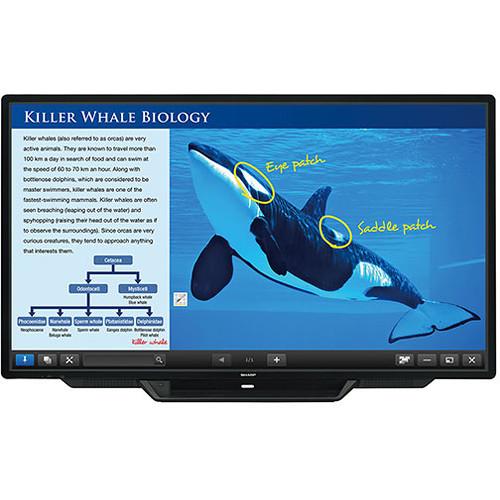
- In overlay mode, you can write onscreen annotations directly onto photos, videos, PDFs, and documents such as Microsoft Excel, Word, and PowerPoint. Text and graphics written on the board can be stored in USB memory or sent directly via email to selected recipients.
- Handwriting Recognition
- The PN-L803CA features a handwriting recognition function that converts selected onscreen handwriting into standard text. It can also automatically recognize and reproduce handwritten shapes such as circles, triangles, and squares, making it easier to utilize onscreen content to make a legible record of your meeting or lesson. This function works with languages supported by Sharp Pen software.
- Presentation Support Tool
- Sharp Pen Software is designed to link smoothly with select versions of the PowerPoint application. During slideshow presentations, you can perform various control operations, such as returning to a previous slide without using a right-click.
- Multi Board Function
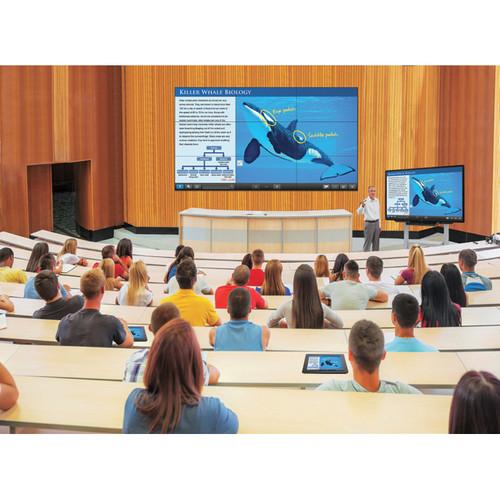
- Up to three PN-LC803CA displays can be connected and used to display sequential pages that can be navigated by swiping side to side. With the Multi Board Function, which requires a compatible version of Sharp Pen software, meeting participants are better able to grasp the overall flow of a presentation.
- Touch-Operated Onscreen Display
- Pressing the Touch Menu button brings up an onscreen menu that lets you switch input sources, change volume level, or turn the touchscreen function on and off, all from the front of the display, and without the need for a remote control.
- Front-Facing USB Port
- For added convenience when the panel is mounted on a wall, the PN-L803CA features a USB input on the front that connects to the computer on the back of the unit, eliminating the need to reach around the back of the display when you want to connect a peripheral device.
- Web Camera Installation
- The PN-L803CA supports installation of a web camera in any one of seven positions (six if the pen tray is attached), giving you the flexibility to find the optimal setup to match your room layout and seating arrangements.
- Side- and Bottom-Mounted Input Terminals
- The PN-L803CA is equipped with input terminals both on the side and the bottom, providing flexibility and simplified access, whether the display is mounted in portrait or landscape mode.
- MFP Connectivity
- Documents and color images scanned from a compatible Sharp MFP (multi-function printer) can be imported directly to the Pen Software for display on the PN-L803CA. For added convenience, image data shown onscreen, including notations, can be saved to a computer or sent directly to an MFP for printout.
- SHARP Display Connect Software
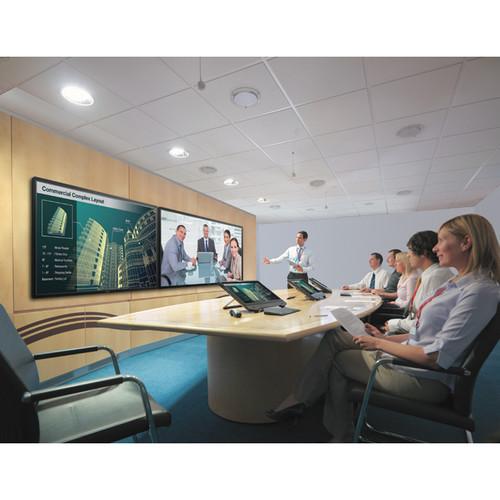
- SHARP Display Connect software is designed to enable connection with mobile devices, facilitating interactive presentations, discussions, and paperless meetings in both business and educational settings.
- SHARP Display Connect enables sharing of onscreen content, transfer of files, interactive onscreen writing/drawing, and remote control of the display from mobile devices, with all compatible mobile devices connected via wireless LAN
- Up to 50 mobile devices can be connected simultaneously, depending on host OS and number of LAN access points
- Files can be transferred between mobile devices even if they are not connected to the display
- Users can capture onscreen images and save them on their mobile devices to make personally annotated memos
- SHARP Display Connect also connects two AQUOS BOARD displays on the same network to enable larger-scale interactive communications
- Additional Features
-
- Rounded corners for a streamlined design
- Anti-glare film to minimize reflections
- Edge-to-edge glass
- Engineered for 24/7 use
- Enhanced fingerprint and scratch resistance
UPC: 074000066687 In the Box Sharp AQUOS BOARD PN-L803CA 80"-Class Full HD Commercial Smart Touchscreen LED Display Remote Control 2 x AA Batteries for Remote Control 2 x Touch Pens 2 x AAA Batteries for Touch Pens 8 x Pen Tips for Touch Pens 8 x ID Labels for Touch Pens Capacitive Eraser Pen Adapter with Screw 9.8' USB Cable 5.9' USB Extension Cable RS-232C Conversion Cable Camera Mount with Screw Pen Tray 2 x Speaker Covers with Screws 7 x Cable Clamps Logo Cover Sticker Vertical Logo Sticker SHARP Display Connect Software Power Cord Limited 3-Year Warranty Table of Contents
|
Upload User Manual
Have you got an user manual for the Sharp AQUOS BOARD PN-L803CA 80"-Class Full HD Commercial Smart Touchscreen LED Display in electronic form? Please send it to us and help us expand our library of instruction manuals.
Thank you, too, on behalf of other users.
To upload the product manual, we first need to check and make sure you are not a robot. After that, your "Submit Link" or "Upload File" will appear.
Technical parametersSharp PN-L803CA Specs | | | Screen Size (Diagonal) | 80" | | Resolution | 1920 x 1080 | | Panel Type | VA LCD | | Bit Depth / Color Support | 8-Bit+FRC (1.07 Billion Colors) | | Brightness | 300 cd/m
Rating50% users recommend this product to others. And what about you?

This product has already been rated by 50 owners. Add your rating and experience with the product.
Discussion
 Ask our technicians if you have a problem with your settings,
or if anything is unclear in the user manual you have downloaded.
You can make use of our moderated discussion.
The discussion is public and helps other users of our website who may be encountering similar problems.
Ask our technicians if you have a problem with your settings,
or if anything is unclear in the user manual you have downloaded.
You can make use of our moderated discussion.
The discussion is public and helps other users of our website who may be encountering similar problems.
The discussion is empty - enter the first post
Post a new topic / query / comment:
|
|
|
| Request for user manual |
You can’t find the operation manual you are looking for? Let us know and we will try to add the missing manual:
I’m looking for a manual / Request for manual
Current requests for instruction manuals:
Call Of Duty World War Two For Xbox...
controller stratus XL...
stratus XL...
smart whatch serie S11 42mm...
Allen & Heath SQ-6 manual...
|
| Discussion |
Latest contributions to the discussion:
AEW R 4100
Name: MAURICIO ANGARITA
Audio-Technica AEW-R4100 UHF Diversity Receiver for
AEW R 4100 has the mute function blocked and does not allow audio to pass. I tried several times to turn off the mute from the transmitter but it does nothing, the mute stays on. Solution?
Thank you...
Instructions for assembling the 2015 Forecast Image Master Consoles GC3-A
Name: mike elam
Forecast Consoles GC3-A ImageMaster Editing Console
Looking for instructions for assembling this console. ...
EMPTY TONER ERROR MESSAGE AFTER REPLACING TONER
Name: LINDA BAD YELLOW EYES
Brother TN223BK Standard-Yield Toner
I HAD TO CHANGE OUT ALL THREE TONERS DUE TO LEAKS IN THE YELLOW AND CYAN. AFTER I REPLACED THEM, THE MACHINE KEEPS GIVING ME AN EMPTY TONER ERROR MESSAGE. HELP!!...
PS480D 20/24 pin Switching 480W Power Supply
Name: swkargo
Logisys 480W Power Supply
This item states in can run -5vdc .It is NOT listed on the board or I beleive is r4 is missing the resitior. Any body have thid issue. Shawn
...
Help needed
Name: Ann Carter
SanDisk 1TB Extreme Portable USB 3.1
When I click the link to download the user manual for my Sandisk Extreme external hard drive, it gives me the manual for the LG Cricket. Can you please change the link so I can download the Sandisk manual and begin using this drive? Thank you....
|
|


