|
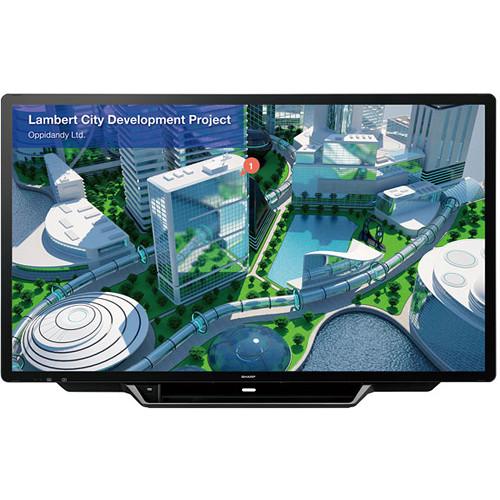
User Manual for Sharp PN-L705H 70" AQUOS BOARD UHD Interactive Display System Click to enlarge the picture
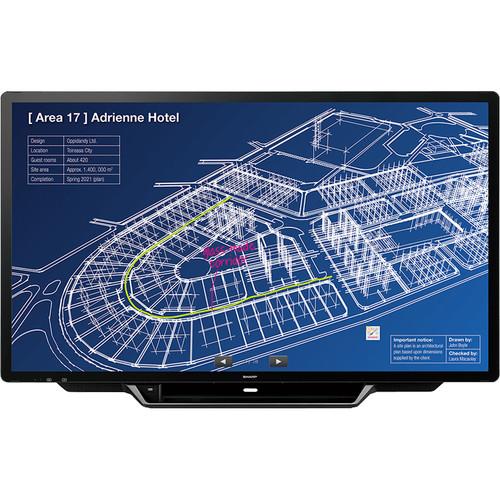 Contents of the user manual for the Sharp PN-L705H 70" AQUOS BOARD UHD
- Product category: Commercial Monitors Sharp
- Brand: Sharp
- Description and content of package
- Technical information and basic settings
- Frequently asked questions – FAQ
- Troubleshooting (does not switch on, does not respond, error message, what do I do if...)
- Authorized service for Sharp Commercial Monitors
 |
User manual for the Sharp PN-L705H 70" AQUOS BOARD UHD contain basic instructions
that need to be followed during installation and operation.
Before starting your appliance, the user manual should be read through carefully.
Follow all the safety instructions and warnings, and be guided by the given recommendations.
User manual is an integral part of any Sharp product,
and if it is sold or transferred, they should be handed over jointly with the product.
Following the instructions for use is an essential prerequisite for protecting
health and property during use, as well as recognition of liability on the part of the manufacturer
for possible defects should you make a warranty claim. Download an official Sharp user manual in which you will find instructions on how to install, use, maintain and service your product.
And do not forget – unsuitable use of a Sharp product will considerably shorten its lifespan!
|
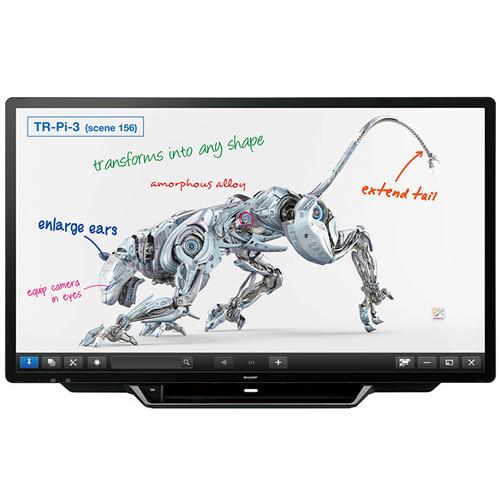
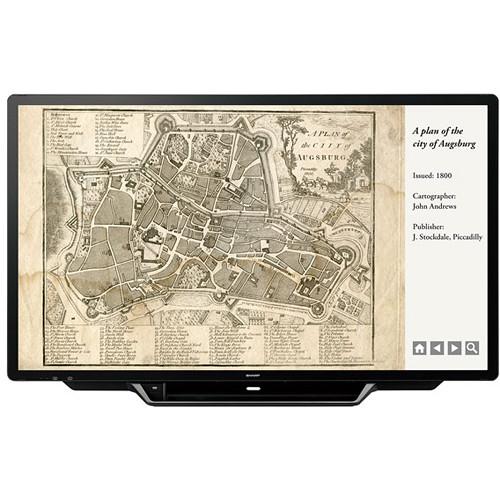
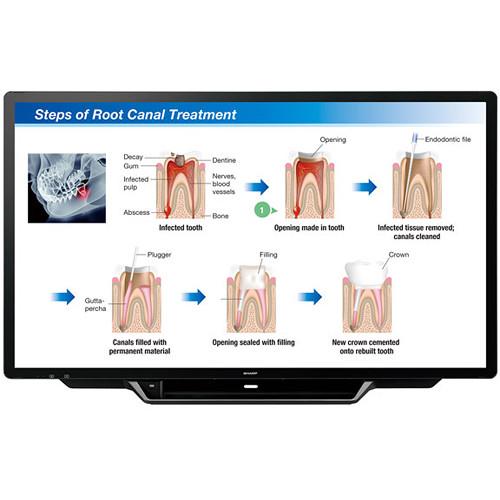
Product description Make your meetings and lessons more engaging and interactive with the PN-L705H 70" AQUOS BOARD UHD Interactive Display System from Sharp. Featuring 4K Ultra-HD resolution, this display reproduces your content with precise color and detail. The display's 30-point capacitive touch screen enables up to four users to write at the same time using touch pens or fingers. Versatile in use, the PN-L705H easily switches between single-screen and quad-screen modes and also has a Multi-Board function for linking up to three units side-by-side to display complex information such as roadmaps and spreadsheets. - 4K Ultra-HD Quality
- The PN-L705H interactive display uses an LCD panel with 4K Ultra-HD 3840 x 2160 resolution that reproduces the fine details of small text and intricate graphics.
- Capacitive Touch Technology
- This interactive display allows precise multiple-touch inputs to be detected on the X and Y conductive grids etched onto its layers. Low noise levels translate into high sensitivity and precision.
- Direct Bonding Technology
- Featuring direct bonding technology, the PN-L705H interactive display provides a consistent and natural feeling when you write on the screen. The LCD panel is bonded directly to the protective glass layer, minimizing the parallax difference and reducing the reflection and refraction of light. As a result, onscreen touch and writing operations are smooth, and the display looks natural with clear visibility.
- Simultaneous Writing
- The PN-L705H interactive display recognizes 30 touch points, allowing up to four people to use a touch pen or finger simultaneously to add their creative input.
- Minimize Glare and Fingerprints
- The PN-L705H's surface is covered by an anti-glare film that reduces glare and reflections and helps minimize fingerprint soiling.
- Choice of Expansion Boards
- An expansion slot compatible with the Intel Mini Open Pluggable specification (Mini OPS) allows you to slide in an additional board (available separately) for greater convenience and expanded functionality.
- MFP Connectivity
- The PN-L705H interactive display is compatible with Sharp multifunction peripherals. Scanned documents can be directly imported to Sharp Pen Software from a compatible MFP. Onscreen image data, including handwriting, can be sent to a computer for storage or to an MFP for printing.
- Crestron Connected
- Compatibility with Crestron Connected software enables you to remotely control and manage the display via a LAN.
- High-Precision Touch Pen with Pointer
- Featuring a 2mm tip, the included pressure-sensitive pointer pen enables you to draw thin lines or write fine text with precision. The pen's buttons give access to frequently used functions including page up/down and right mouse click, as well as to the Sharp Pen Software link. The pen also has an LED indicator that is synchronized with the selected pen color. The pen's pointer function enables you to indicate specific items on the PN-L705H interactive display from a distance. Up to four people can use pointer pens simultaneously and customize the shape, size, and color of their own pointer icon.
- Palm Cancellation Function
- This function prioritizes pen recognition. It allows you to write with your palm resting on the screen, making it easy to write fine text or draw detailed graphics with stability.
- Touch OSD Menu
- The Touch OSD Menu is designed for easy and intuitive access to frequently used functions and settings such as brightness, contrast, language selection, backlight on/off, and freeze/unfreeze screen.
- Multi-Board Function
- Up to three PN-L705H interactive displays can be linked side-by-side to display sequential pages. The Multi-Board Function enhances the presentation of complex information such as roadmaps and spreadsheets. 1
Please Note: Only permits one unit to be touch-operated at the same time. In a Multi-Board configuration, Sharp recommends limiting the display resolution to Full HD for the purpose of stable operation. close - Versatile Installation
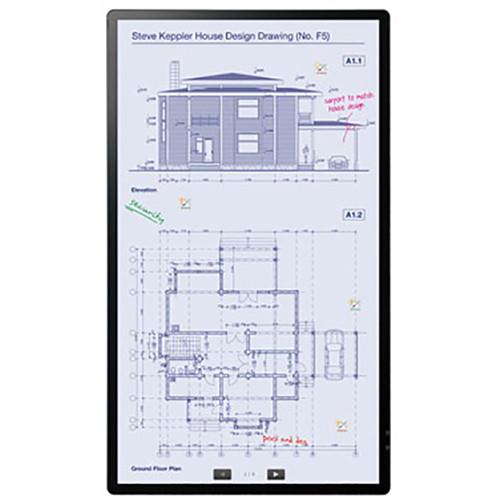
- The PN-L705H interactive display can be installed at various angles in landscape, portrait, or face-up orientation to fit a diverse range of installation spaces and purposes. For example, face-up installation facilitates group discussions in offices and classrooms by letting participants look down at the screen and write on it simultaneously.
- Quad-Screen Display
- You can display four screens in Full HD resolution simultaneously by simply connecting four computers to the PN-L705H interactive display via video cables. The display is switchable between single-screen and quad-screen.
- Sharp Touch Viewer Software
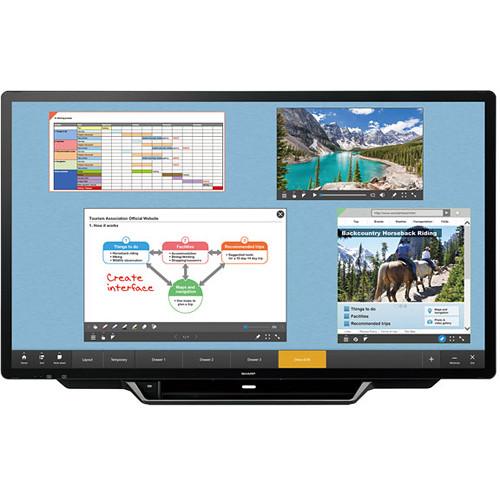
- This software (available for download) is a touch-operated onscreen user interface that lets you easily manipulate different types of files, including Microsoft Office applications, videos, and web pages. The files are displayed onscreen as "sheets" and can be stored in onscreen virtual "drawers."
- Sharp Display Connect
- Multifaceted wireless communication allows content on the PN-L705H to be shared with up to 50 devices simultaneously. Also, files can be exchanged between connected devices.
- 4K Interactive Signage
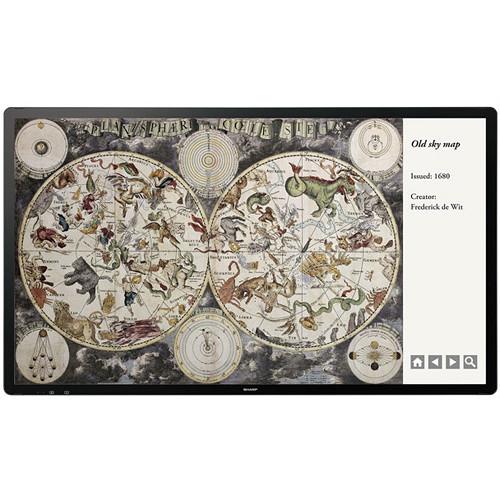
- The PN-L705H can be used for 4K interactive digital signage in business, educational, and residential contexts.
In the Box Sharp PN-L705H 70" AQUOS BOARD UHD Interactive Display System Remote Control Unit 7 x Cable Clamps Power Cord 2 x R-03 AAA Batteries for Remote Control Unit CD-ROM Sharp Display Connect License Wireless Touch Pen for PN-70TH5, PN-80TH5, PN-L705H, and PN-L805H Touch Pen Adapter Tray 2 x Speaker Covers USB Cable USB Extension Cable RS-232C Conversion Cable with 3.5mm Mini Jack Eraser Camera Mount Camera Screw 6 x M3 Screws for Speaker Cover & Camera Mount M3 Step Screw for Touch Pen Adapter Logo Sticker with Cover Limited 3-Year Warranty Table of Contents
|
Upload User Manual
Have you got an user manual for the Sharp PN-L705H 70" AQUOS BOARD UHD Interactive Display System in electronic form? Please send it to us and help us expand our library of instruction manuals.
Thank you, too, on behalf of other users.
To upload the product manual, we first need to check and make sure you are not a robot. After that, your "Submit Link" or "Upload File" will appear.
Technical parametersSharp PN-L705H Specs | | | LCD Panel | 69.5" (176.5 cm) diagonal UV²A (ultraviolet-induced, multi-domain vertical alignment) LCD | | Number of Colors | Approximately 1.06 billion | | Resolution | 4K Ultra-HD 3840 x 2160 | | Pixel Pitch (HxV) | 0.401 x 0.401 mm | | Brightness | 300 cd/m², average | | Contrast Ratio | 4000:1 | | Viewing Angle (H/V) | 176 x 176° (CR≥10) | | Active Screen Area | 60.6 x 34.1" (153.9 x 86.6 cm) | | Response Time | 6 ms (gray to gray, average) | | Backlight | Edge-lit LED | | | | Touch Technology | Capacitive touch | | PC Connection | Port: 2 x USB 2.0 Type-B | | Power Supply | Supplied from main unit | | Multi-Touch | 30 points | | Glass | Thickness: Approximately 0.07" (1.9 mm), including AG film
Shock Resistance: 51.1" (130 cm) | | | | Communication | Wireless | | Function Buttons | Yes | | | | Video | Analog RGB (0.7 Vp-p) 75 Ohms, HDMI, DisplayPort 1.2a | | Synchronization | Horizontal/vertical separation (positive/negative TTL), sync on green (D-Sub), composite sync (positive/negative TTL) | | Plug & Play | VESA DDC2B | | Power Management | VESA DPMS | | | | Input | 1 x mini D-sub 15-pin (component video capable with optional adapter)
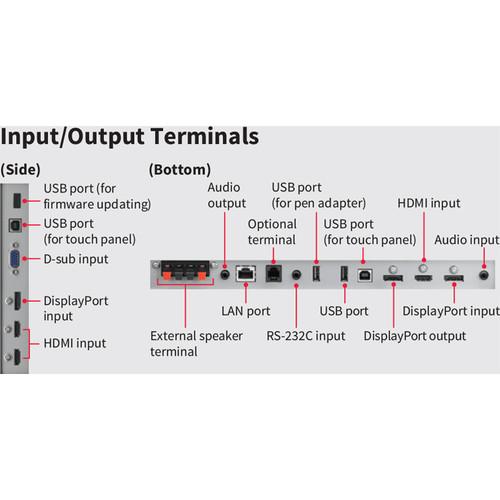
3 x HDMI Type-A (HDCP and PC/AV signal compatible)
1 x 3.5 mm mini stereo jack
2 x DisplayPort (HDCP compatible, PC/AC signal compatible)
1 x RS-232
3 x USB Type-A (1 for firmware update, 1 for pen adapter) | | Output | 1 x 3.5 mm mini stereo jack
1 x DisplayPort (HDCP compatible)
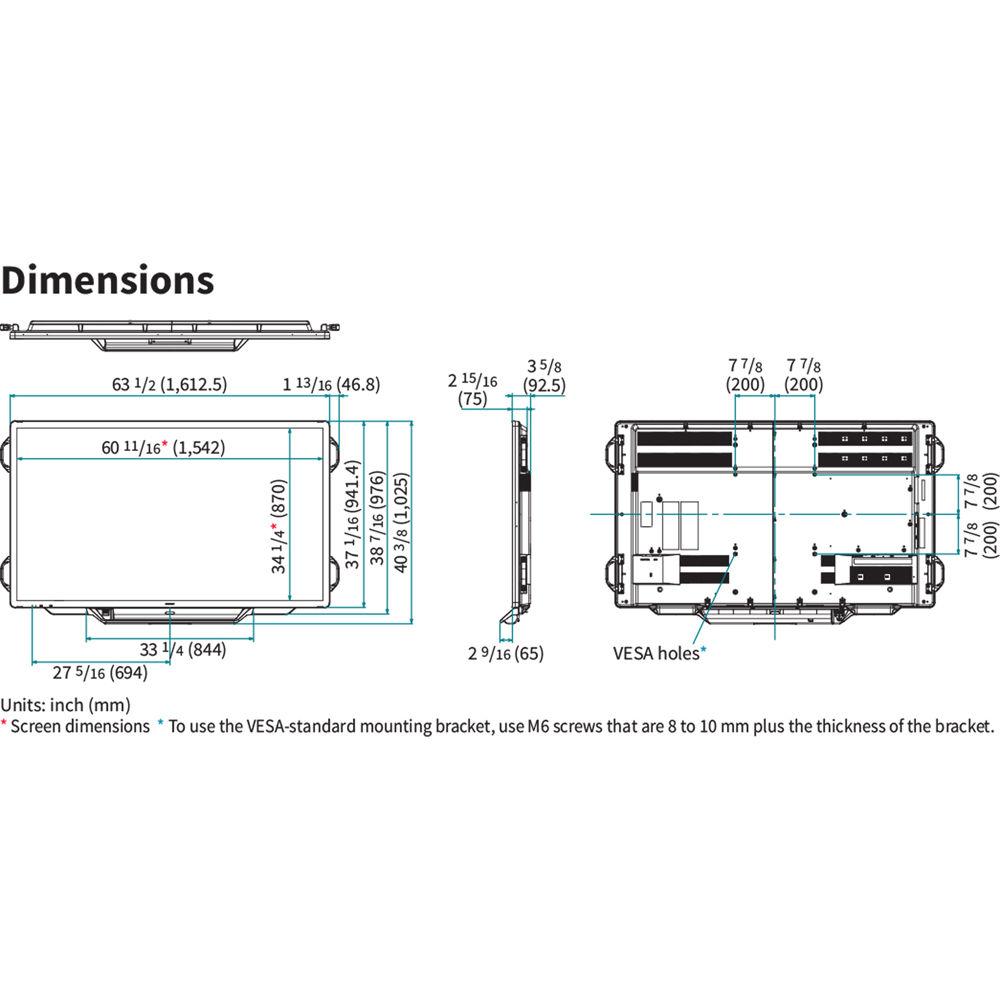
4 x speaker push terminals | | In/Out Terminal | 1 x LAN port (10BASE-T/100BASE-TX) | | Expansion Slot | 13 V, 2.4 A (power supplied when expanding the functions with an optional part) | | Speaker Output | 10 W + 10 W | | | | Remote Control | Via LAN and remote control unit (included) | | | | Installation | Landscape / portrait / face-up | | VESA Mounting | 400 x 400 mm pitch, M6 screw | | Power Consumption | 215 W | | Power Source | 100 to 240 VAC, 50/60 Hz | | | | Operating Temperature | 41 to 95°F (5 to 35°C) | | Operating Humidity | 20 to 80% RH (no condensation) | | | | Dimensions | 63.50 x 3.63 x 37.06" (161.29 x 9.21 x 94.13 cm) | | Weight | 126 lb (57 kg) |
Rating70% users recommend this product to others. And what about you?

This product has already been rated by 21 owners. Add your rating and experience with the product.
Discussion
 Ask our technicians if you have a problem with your settings,
or if anything is unclear in the user manual you have downloaded.
You can make use of our moderated discussion.
The discussion is public and helps other users of our website who may be encountering similar problems.
Ask our technicians if you have a problem with your settings,
or if anything is unclear in the user manual you have downloaded.
You can make use of our moderated discussion.
The discussion is public and helps other users of our website who may be encountering similar problems.
The discussion is empty - enter the first post
Post a new topic / query / comment:
|
|
|
| Request for user manual |
You can’t find the operation manual you are looking for? Let us know and we will try to add the missing manual:
I’m looking for a manual / Request for manual
Current requests for instruction manuals:
Call Of Duty World War Two For Xbox...
controller stratus XL...
stratus XL...
smart whatch serie S11 42mm...
Allen & Heath SQ-6 manual...
|
| Discussion |
Latest contributions to the discussion:
AEW R 4100
Name: MAURICIO ANGARITA
Audio-Technica AEW-R4100 UHF Diversity Receiver for
AEW R 4100 has the mute function blocked and does not allow audio to pass. I tried several times to turn off the mute from the transmitter but it does nothing, the mute stays on. Solution?
Thank you...
Instructions for assembling the 2015 Forecast Image Master Consoles GC3-A
Name: mike elam
Forecast Consoles GC3-A ImageMaster Editing Console
Looking for instructions for assembling this console. ...
EMPTY TONER ERROR MESSAGE AFTER REPLACING TONER
Name: LINDA BAD YELLOW EYES
Brother TN223BK Standard-Yield Toner
I HAD TO CHANGE OUT ALL THREE TONERS DUE TO LEAKS IN THE YELLOW AND CYAN. AFTER I REPLACED THEM, THE MACHINE KEEPS GIVING ME AN EMPTY TONER ERROR MESSAGE. HELP!!...
PS480D 20/24 pin Switching 480W Power Supply
Name: swkargo
Logisys 480W Power Supply
This item states in can run -5vdc .It is NOT listed on the board or I beleive is r4 is missing the resitior. Any body have thid issue. Shawn
...
Help needed
Name: Ann Carter
SanDisk 1TB Extreme Portable USB 3.1
When I click the link to download the user manual for my Sandisk Extreme external hard drive, it gives me the manual for the LG Cricket. Can you please change the link so I can download the Sandisk manual and begin using this drive? Thank you....
|
|


