|
User Manual for Sigma sd Quattro Mirrorless Digital Camera Click to enlarge the picture
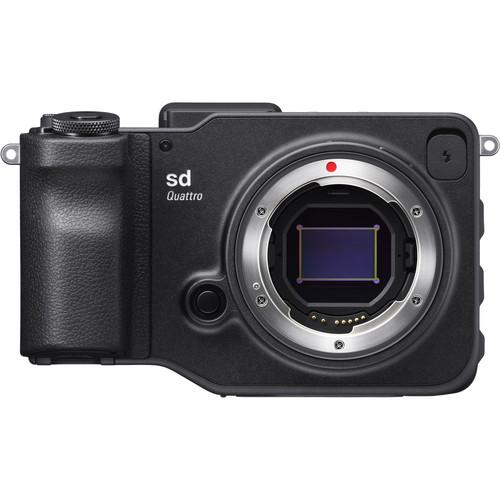 Contents of the user manual for the Sigma sd Quattro Mirrorless Digital Camera
- Product category: Mirrorless System Cameras Sigma
- Brand: Sigma
- Description and content of package
- Technical information and basic settings
- Frequently asked questions – FAQ
- Troubleshooting (does not switch on, does not respond, error message, what do I do if...)
- Authorized service for Sigma Mirrorless System Cameras
 |
User manual for the Sigma sd Quattro Mirrorless Digital Camera contain basic instructions
that need to be followed during installation and operation.
Before starting your appliance, the user manual should be read through carefully.
Follow all the safety instructions and warnings, and be guided by the given recommendations.
User manual is an integral part of any Sigma product,
and if it is sold or transferred, they should be handed over jointly with the product.
Following the instructions for use is an essential prerequisite for protecting
health and property during use, as well as recognition of liability on the part of the manufacturer
for possible defects should you make a warranty claim. Download an official Sigma user manual in which you will find instructions on how to install, use, maintain and service your product.
And do not forget – unsuitable use of a Sigma product will considerably shorten its lifespan!
|
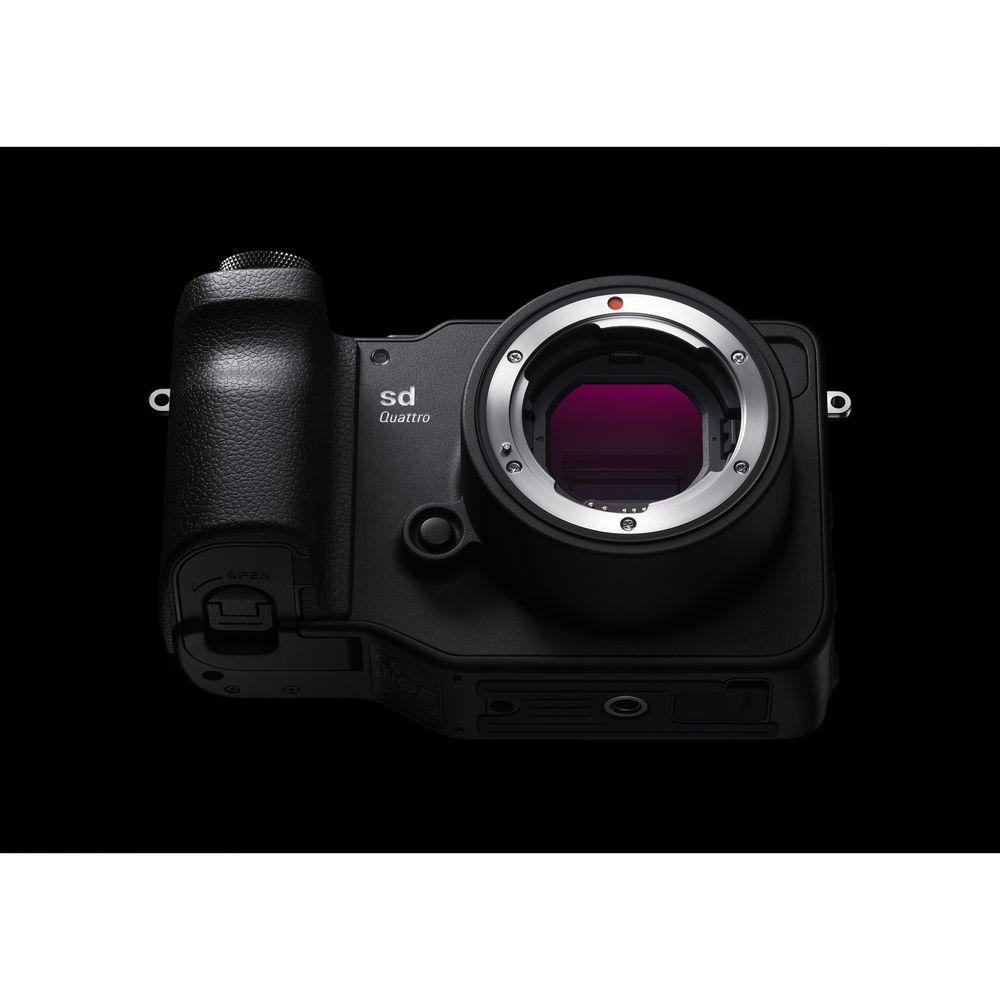
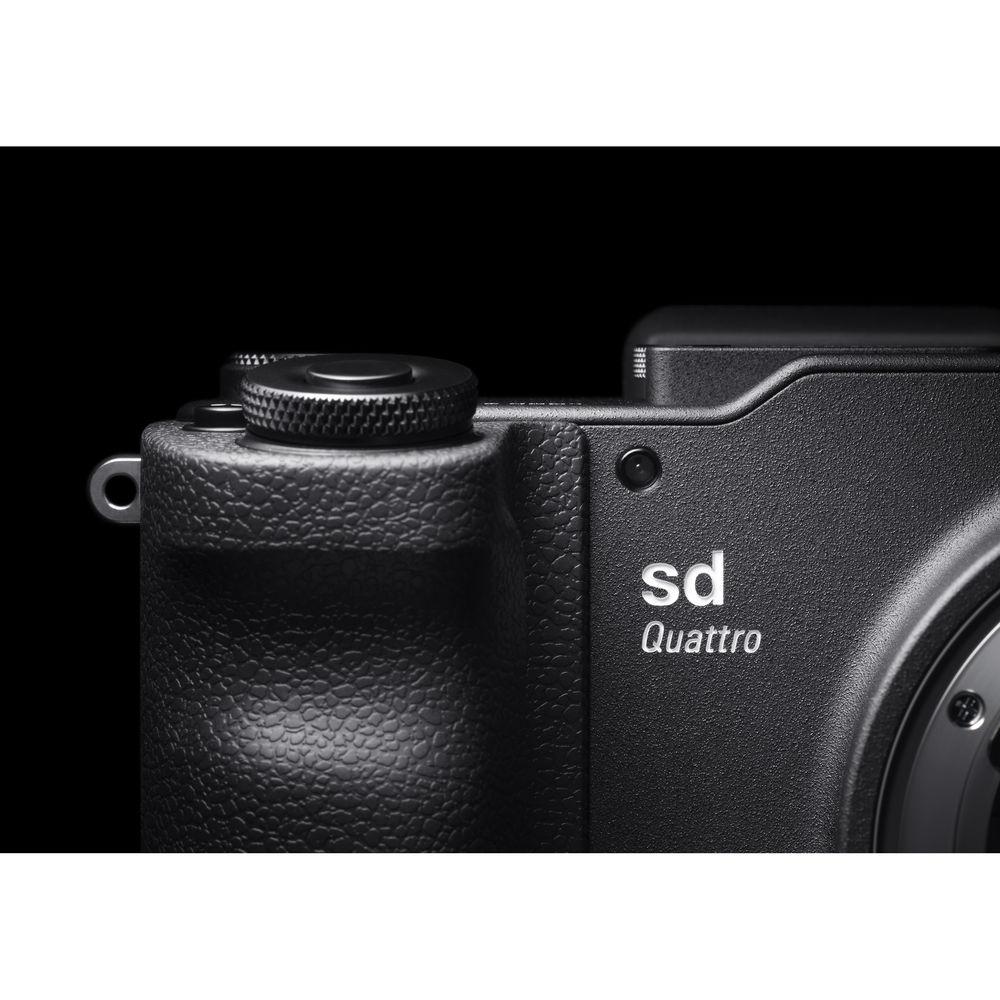
Product description Sigma sd Quattro Mirrorless Camera and EF-630 Flash Now Open for Pre-Orders! Read More eqbazcwexyqtbuuuxvrcvabdys Sigma is turning camera development on its head by developing a camera specifically to take full advantage of the Global Vision lens series with the release of the sd Quattro Mirrorless Digital Camera with a Sigma SA lens mount. This camera offers the utmost in resolution with a 29MP APS-C Foveon X3 Quattro CMOS sensor that uses a unique stacked design to deliver full color information at every single pixel without interpolation. By using a 1:1:4 RGB pixel ratio with a layered design, this eliminates the need for an optical low-pass filter, the sd Quattro can create 19.6MP lossless compressed raw images with a spatial resolution equivalent to, and with richer colors, than that of a 39MP Bayer sensor. These vast quantities of image data are handled quickly and efficiently thanks to a Dual TRUE III image processing engine. Additionally, the APS-C size provides a 1.5x crop factor when compared to a full-frame 35mm sensor.
Image quality is the key advantage of the Foveon sensor, with the processing and available feature set allowing photographers to benefit as much as possible from the technology. Ensuring sharp imagery, this newly designed sensor has a hybrid phase- and contrast-detect autofocus system with nine selectable points. There is even focus peaking for shooters who prefer the precision of manual focus. Users will also be able to shoot at up to 3.6 fps in High quality and with a sensitivity reaching up to ISO 6400. Also, a Super-Fine Detail exposure mode is available which will take seven exposures and blend them into one exceptionally clean raw image file with a wide dynamic range.
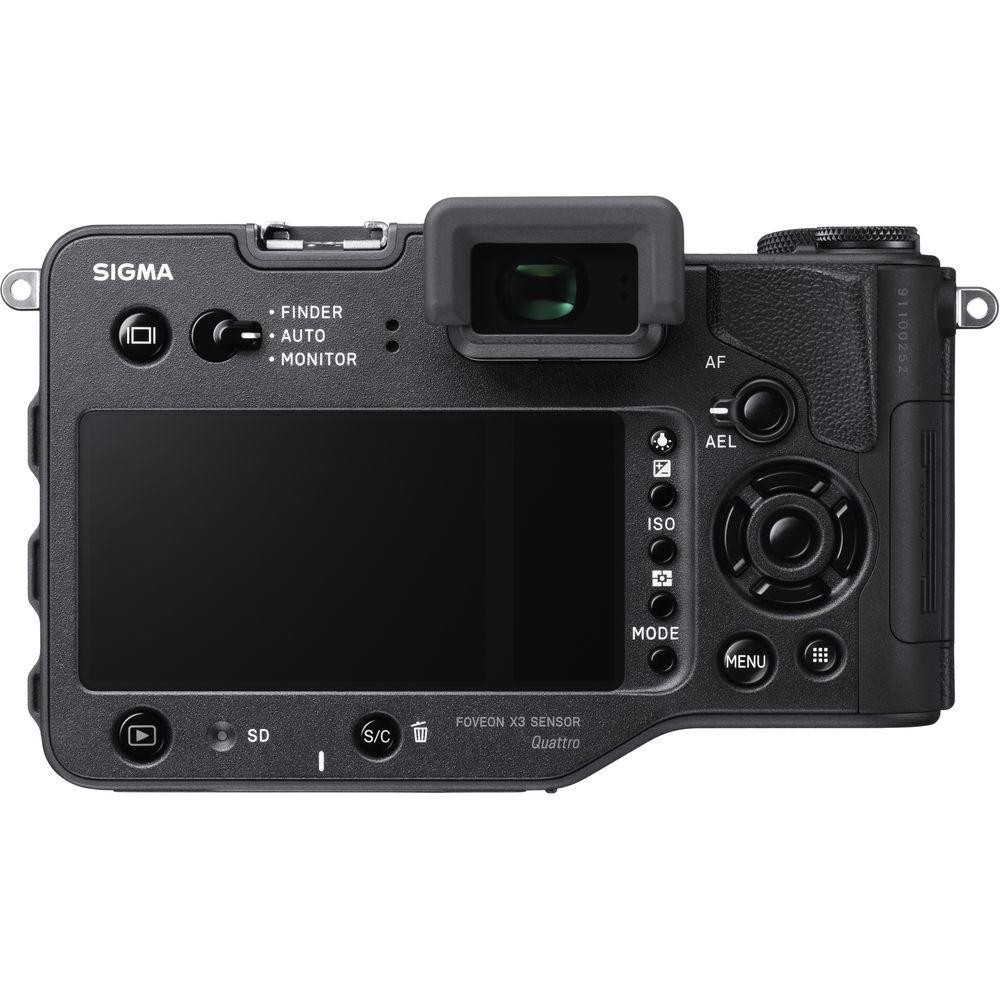
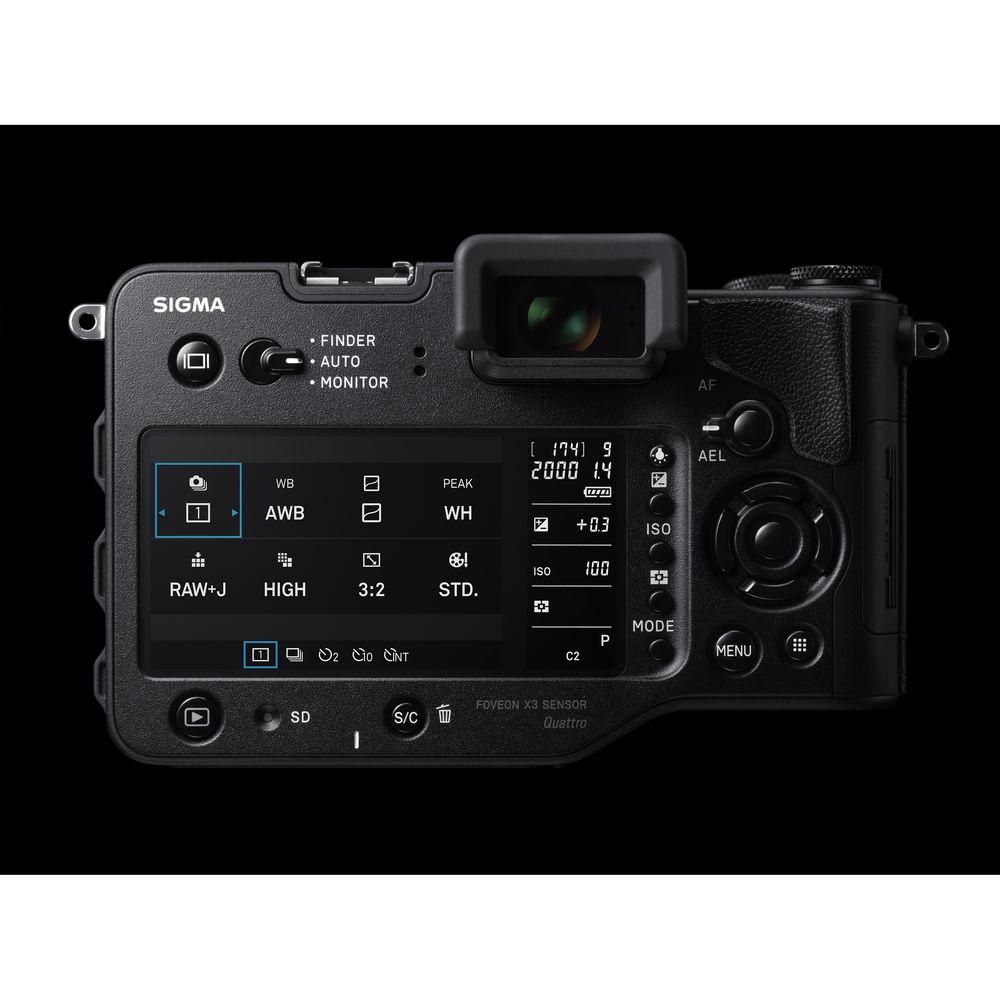
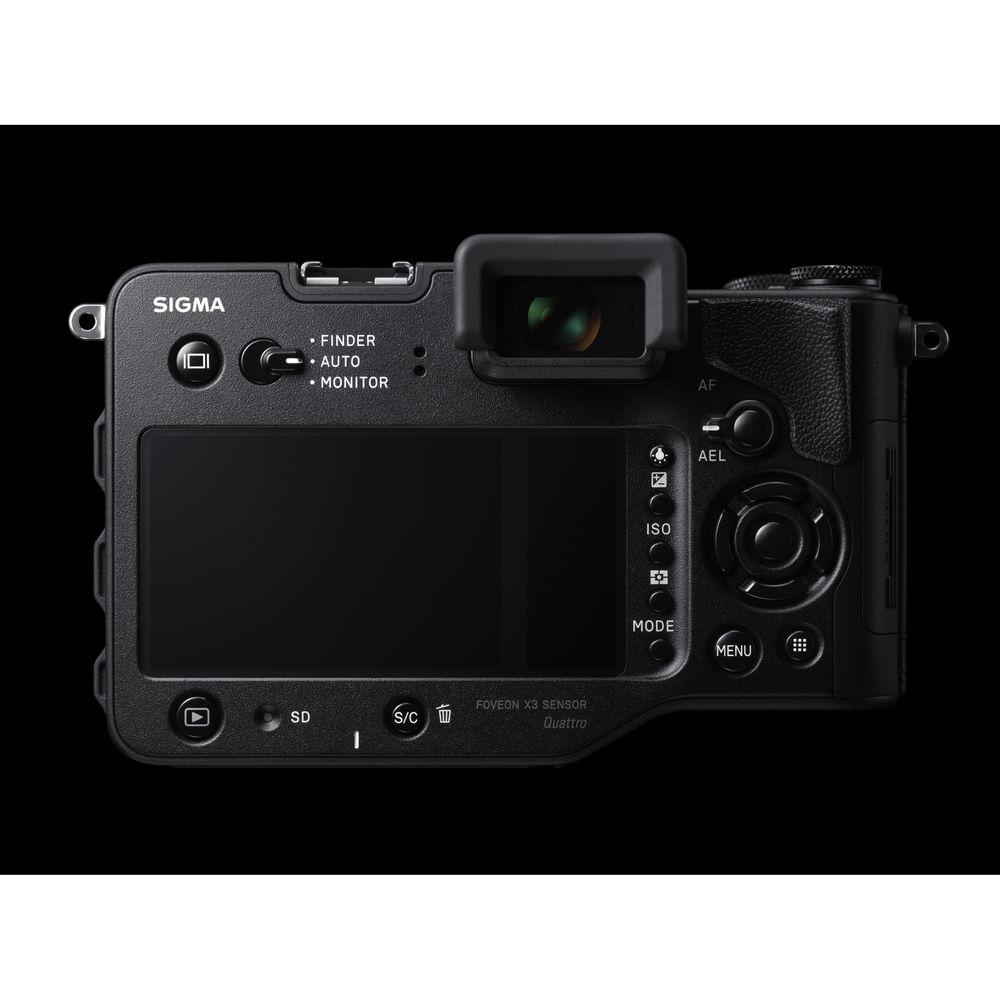
Although optimized for lenses, the sd Quattro still caters to the needs of photographers by offering a plethora of physical controls along with an integrated 2.36m-dot electronic viewfinder for precise eye-level monitoring. Moving down the back of the camera, Sigma has also introduced a dual monitor system comprised of a 3.0" 1.62m-dot main LCD and a sub LCD screen that displays your basic exposure information and more for constant access to your critical settings. Other controls include a dedicated Quick Set button for bringing up the Quick Set Menu at a moment's notice and a lock switch to prevent accidental changes. - 29MP APS-C Foveon X3 Quattro CMOS Sensor & Dual TRUE III Processing Engine
- At the heart of Sigma's digital imaging system there has always been a Foveon sensor. This 29MP APS-C format Foveon X3 Quattro CMOS sensor represents the latest in this technology, offering outstanding resolution and rich color with smooth gradations and a wide dynamic range by using a layered pixel array. This system stacks the red, green, and blue pixels vertically with a 1:1:4 pixel ratio, allowing full color information to be collected at every photosite and a resolution equivalent to that of a 39MP Bayer array. Additionally, the top layer of blue pixels has a 19.6MP array, resulting in natural raw image data of 5424 x 3616 pixels.
Ensuring the vast amount of image data is handled efficiently and quickly, the sd Quattro utilizes a Dual TRUE III image processing engine. This allows for continuous shooting rates of up to 3.6 fps in High quality for 14 frames as well as working sensitivities up to ISO 6400. It also enables features like the Super-Fine Detail mode, which takes seven unique exposures and blends them into one clean and detailed raw image with a wide dynamic range. - Sigma SA Lens System
- Featuring Sigma's SA interchangeable lens mount, nearly every single one of their respected Global Vision series of lenses will be available for use with the sd Quattro. This model features an APS-C size sensor which has a crop factor of approximately 1.5x, meaning that a 50mm lens will have the equivalent field of view of a 75mm lens on a full-frame sensor. Additionally, the lens mount has complete electronic communication, ensuring all functions and features, including autofocus, optical stabilization, and more work correctly.
Current owners of Sigma Global Vision lenses can take advantage of the company's Mount Conversion Service to have lenses converted for use on different mounts. This ensures that a large library of glass will never become obsolete in the event a user invests in a new camera system. - Dual LCD Monitors & Electronic Viewfinder
- For composing images and reviewing settings, a bright 3.0" 1.62m-dot LCD is available on the back of the camera. Unique to the sd Quattro series is a sub monitor adjacent to the main LCD which provides constant access to your most critical settings, including aperture, shutter speed, and more. These screens are covered by the same sheet of protective glass for a seamless appearance. For users looking for a more natural eye-level shooting stance, the sd Quattro is also equipped with a 2.36m-dot electronic viewfinder with a 1.09x magnification. A dedicated switch is available for quickly changing between the monitor, viewfinder, or an automatic switching setting.
- Hybrid AF System
- Equipped with both phase-detect and contrast-detect points, the sd Quattro can capture moving subjects with ease and lock on in no time at all. The system has up to 9 selectable points as well as free move and face detection. Additionally, it has been optimized to function in a range of shooting conditions with an operating range of -1 to 18 EV.
- Super-Fine Detail Exposure Mode
- Maximizing the performance of the stellar Foveon sensor technology is the Super-Fine Detail exposure mode. This creates seven different exposures of the scene which are then blended into one raw file in X3I format. Combined with processing form the Sigma Photo Pro software, a photographer can work with image data that is super clean and with a wide dynamic range. This can greatly benefit studio and tripod-based work.
- Body Design
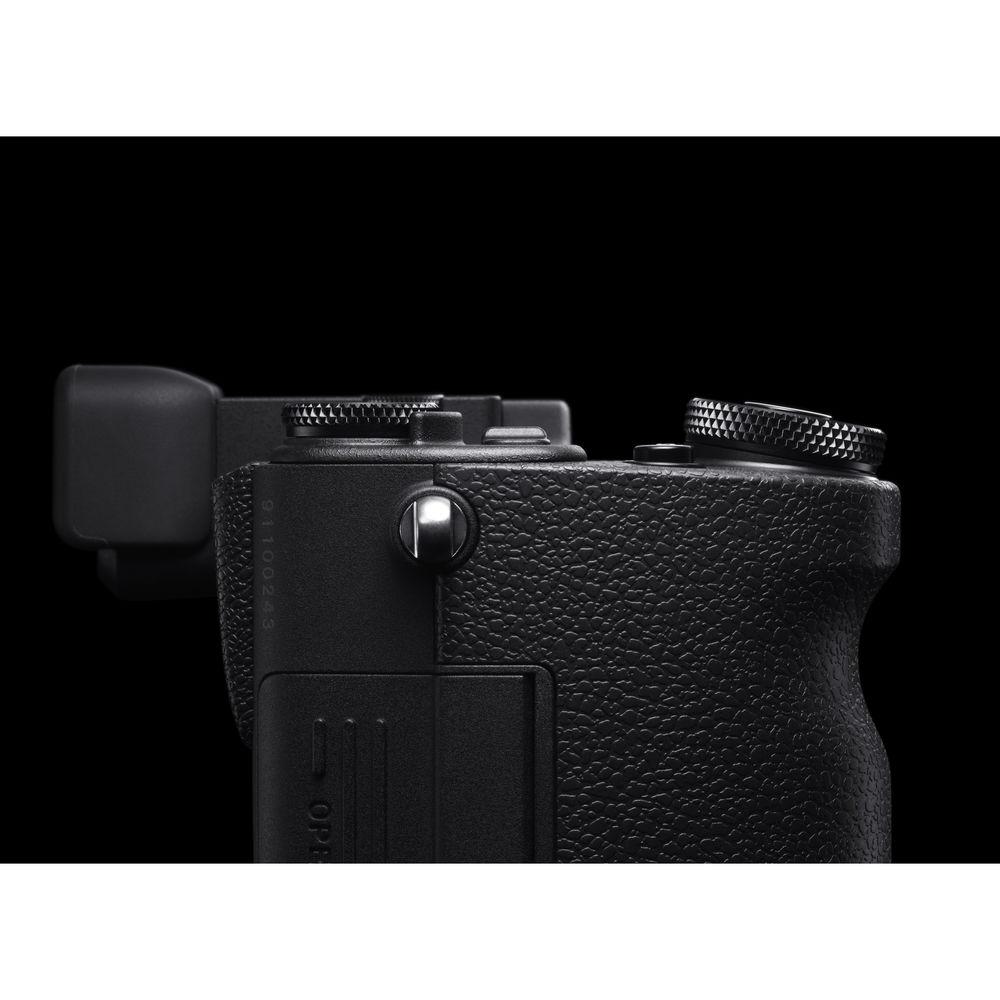
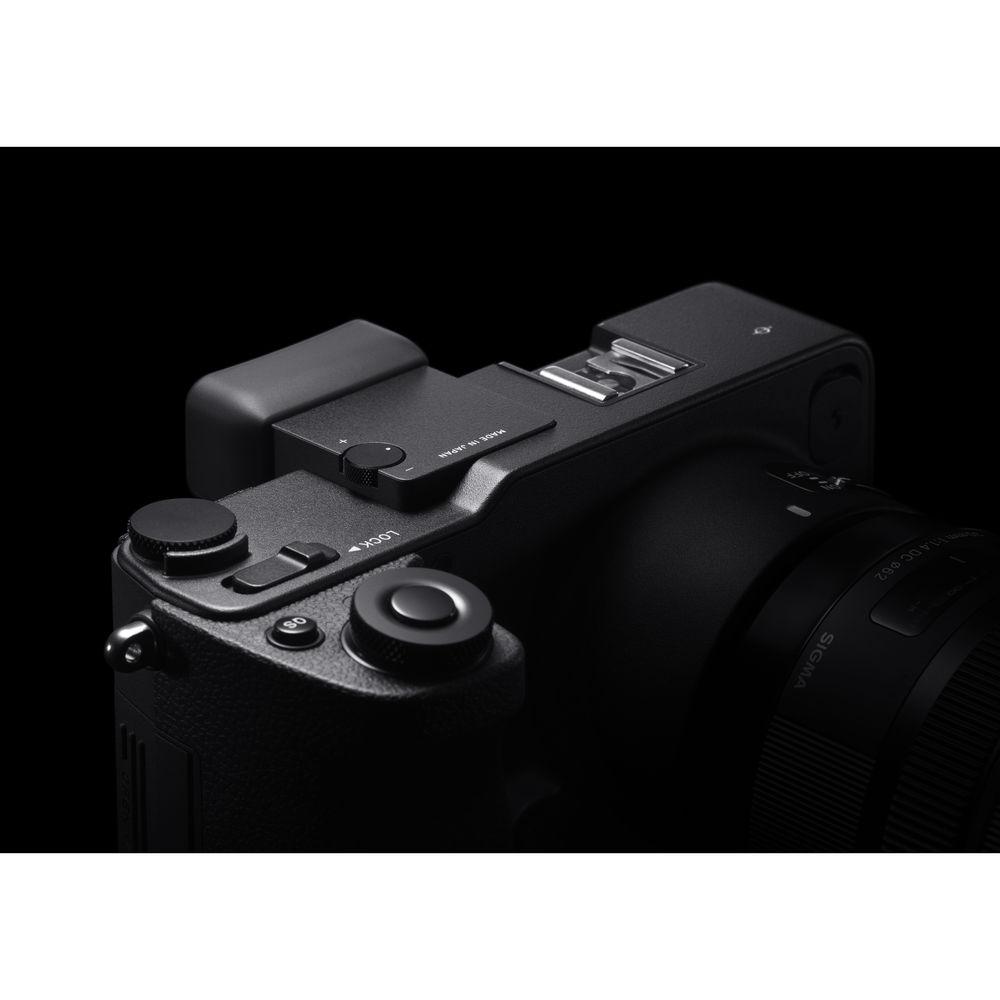
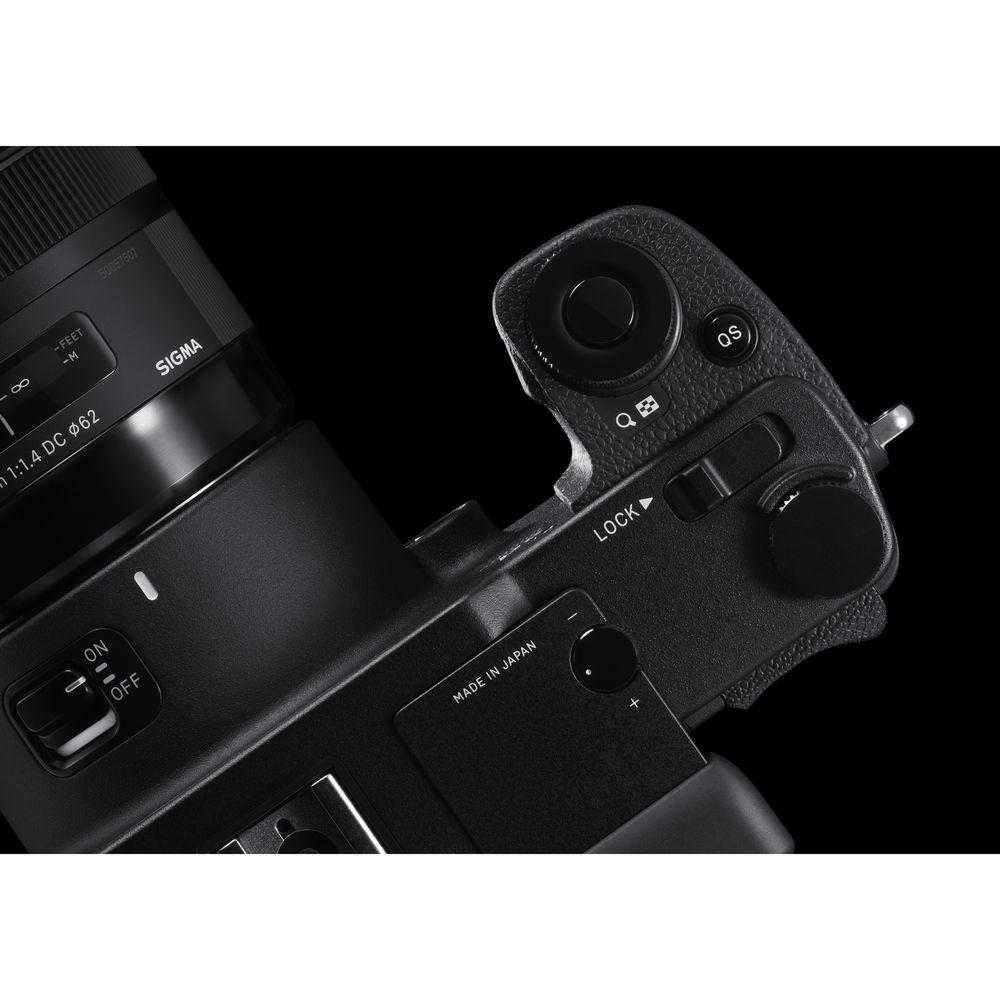
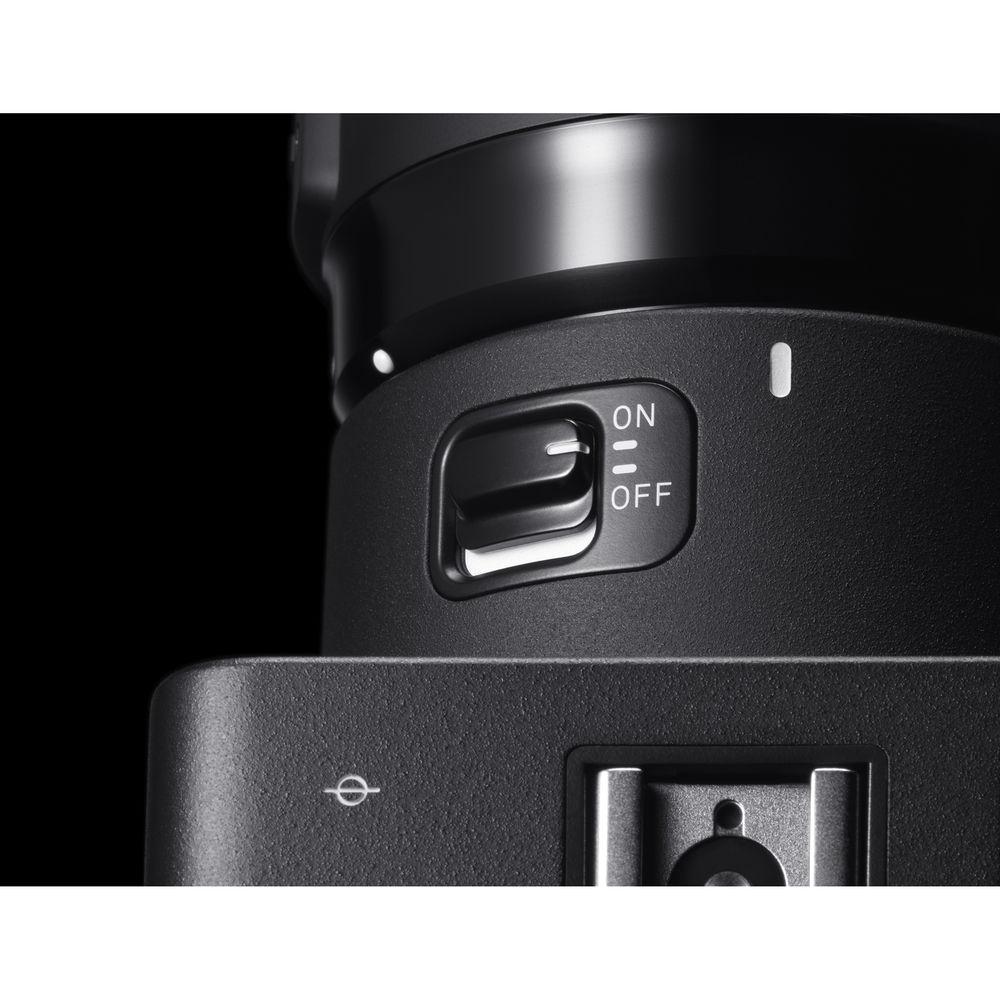
- Known for distinctive camera designs, Sigma's sd Quattro series sports a very unique design with a comfortable grip and physical controls designed for intuitive control. This includes a Quick Set button near the shutter that instantly brings up the Quick Set Menu for access to your most commonly used settings while continuing to look through the viewfinder. On the top of the body, in addition to two command dials, is a Lock switch that prevents accidental changing of settings. This can be further customized to lock only select buttons for ideal functionality. On the rear of the camera are several additional buttons all easily reachable by the right thumb, including the menu button, focus frame button, and AEL/AF button with lever.
- Other Features
-
- Low size continuous shooting can boost performance to 5.1 fps for up to 28 images.
- With a 39MP equivalent resolution, the dp Quattro has a setting which can produce Super-High size JPEG images of 7680 x 5120 pixels.
- Focus peaking function puts a colored outline of white, black, red, or yellow around the in-focus subject matter for confirmation during manual focus.
- Selectable aspect ratios of 21:9, 16:9, 3:2, 4:3, 7:6, 1:1.
- Supports the optional PG-41 Power Grip.
- Auto exposure bracketing of 3 or 5 shots in 1/3 EV steps up to ±3 EV.
- Remote terminal for using dedicated shutter releases.
- Micro-USB 3.0 terminal for fast data transfer.
- PC sync terminal for connecting to external flash or strobe units.
- Accepts SD, SDHC, and SDXC memory cards and is compatible with Eye-Fi technology.
- Supported Languages: English, Japanese, German, French, Spanish, Italian, Simplified Chinese, Traditional Chinese, Korean, Russian, Dutch, Polish, Portuguese, Danish, Swedish, Norwegian, and Finnish.
UPC: 085126932138 In the Box Sigma sd Quattro Mirrorless Digital Camera - BP-61 Rechargeable Li-Ion Battery Pack
- BC-61 Battery Charger with AC Cable
- USB Cable
- Strap
- Body Cap
- Limited 1-Year Warranty
User Manual PDF 17.4mb Table of Contents
|
Upload User Manual
Have you got an user manual for the Sigma sd Quattro Mirrorless Digital Camera in electronic form? Please send it to us and help us expand our library of instruction manuals.
Thank you, too, on behalf of other users.
To upload the product manual, we first need to check and make sure you are not a robot. After that, your "Submit Link" or "Upload File" will appear.
Technical parametersSigma sd Quattro Specs | | | Lens Mount | Sigma SA | | Camera Format | APS-C (1.5x Crop Factor) | | Pixels | Actual: 33 Megapixel
Effective: 29 Megapixel | | Maximum Resolution | 5424 x 3616 | | Aspect Ratio | 3:2 | | Sensor Type | CMOS | | Sensor Size | 23.5 x 15.5 mm | | Image File Format | JPEG, RAW | | Bit Depth | 14-Bit | | Image Stabilization | None | | | | ISO Sensitivity | Auto, 100 to 6400 | | Shutter Speed | Electronic Front Curtain Shutter
1/4000 to 30 Seconds
Bulb Mode | | Metering Method | Center-Weighted Average, Evaluative, Spot | | Exposure Modes | Aperture Priority, Manual, Program, Shutter Priority | | Exposure Compensation | -5 to +5 EV (1/3 EV Steps) | | Metering Range | 0 to 17 EV | | White Balance | Auto, Color Temperature, Custom, Daylight, Flash, Fluorescent, Incandescent, Overcast, Shade | | Continuous Shooting | Up to 3.6 fps at 19.6 MP for up to 14 Exposures (Raw Format)
Up to 5.1 fps at 4.9 MP for up to 28 Exposures (Raw Format) | | | | Focus Type | Auto and Manual Focus | | Focus Mode | Automatic (A), Continuous-Servo AF (C), Single-Servo AF (S) | | Autofocus Points | Phase Detection: 9 | | Autofocus Sensitivity | -1 to +18 EV | | | | Viewfinder Type | Electronic | | Viewfinder Resolution | 2,360,000 Dot | | Viewfinder Eye Point | 21 mm | | Viewfinder Coverage | 100% | | Viewfinder Magnification | Approx. 1.09x | | Diopter Adjustment | -4 to +2 m | | Monitor Size | 3" | | Monitor Resolution | 1,620,000 Dot | | Monitor Type | LCD | | | | Built-in Flash | None | | Maximum Sync Speed | 1/180 Second | | Dedicated Flash System | TTL | | External Flash Connection | Hot Shoe, PC Terminal | | | | Memory Card Slot | 1 x SD/SDHC/SDXC | | Internal Memory | None | | Connectivity | HDMI C (Mini), USB 2.0 Micro-B, Wired Remote Port | | Wireless | None | | GPS | None | | | | Operating Temperature | 32 to 104°F / 0 to 40°C | | | | Battery | 1 x BP-61 Rechargeable Lithium-Ion | | Dimensions (W x H x D) | 5.8 x 3.7 x 3.6" / 147.0 x 95.1 x 90.8 mm | | Weight | 22.05 oz / 625 g (Body Only) | | | | Package Weight | 3.65 lb | | Box Dimensions (LxWxH) | 7.8 x 7.8 x 5.5" |
Rating88% users recommend this product to others. And what about you?

This product has already been rated by 58 owners. Add your rating and experience with the product.
Discussion
 Ask our technicians if you have a problem with your settings,
or if anything is unclear in the user manual you have downloaded.
You can make use of our moderated discussion.
The discussion is public and helps other users of our website who may be encountering similar problems.
Ask our technicians if you have a problem with your settings,
or if anything is unclear in the user manual you have downloaded.
You can make use of our moderated discussion.
The discussion is public and helps other users of our website who may be encountering similar problems.
The discussion is empty - enter the first post
Post a new topic / query / comment:
|
|
|
| Request for user manual |
You can’t find the operation manual you are looking for? Let us know and we will try to add the missing manual:
I’m looking for a manual / Request for manual
Current requests for instruction manuals:
Call Of Duty World War Two For Xbox...
controller stratus XL...
stratus XL...
smart whatch serie S11 42mm...
Allen & Heath SQ-6 manual...
|
| Discussion |
Latest contributions to the discussion:
AEW R 4100
Name: MAURICIO ANGARITA
Audio-Technica AEW-R4100 UHF Diversity Receiver for
AEW R 4100 has the mute function blocked and does not allow audio to pass. I tried several times to turn off the mute from the transmitter but it does nothing, the mute stays on. Solution?
Thank you...
Instructions for assembling the 2015 Forecast Image Master Consoles GC3-A
Name: mike elam
Forecast Consoles GC3-A ImageMaster Editing Console
Looking for instructions for assembling this console. ...
EMPTY TONER ERROR MESSAGE AFTER REPLACING TONER
Name: LINDA BAD YELLOW EYES
Brother TN223BK Standard-Yield Toner
I HAD TO CHANGE OUT ALL THREE TONERS DUE TO LEAKS IN THE YELLOW AND CYAN. AFTER I REPLACED THEM, THE MACHINE KEEPS GIVING ME AN EMPTY TONER ERROR MESSAGE. HELP!!...
PS480D 20/24 pin Switching 480W Power Supply
Name: swkargo
Logisys 480W Power Supply
This item states in can run -5vdc .It is NOT listed on the board or I beleive is r4 is missing the resitior. Any body have thid issue. Shawn
...
Help needed
Name: Ann Carter
SanDisk 1TB Extreme Portable USB 3.1
When I click the link to download the user manual for my Sandisk Extreme external hard drive, it gives me the manual for the LG Cricket. Can you please change the link so I can download the Sandisk manual and begin using this drive? Thank you....
|
|


