|
User Manual for Slate Digital RAVEN MTI2 Multi-Touch Control Screen for Pro Audio Applications Click to enlarge the picture
 Contents of the user manual for the Slate Digital RAVEN MTI2 Multi-Touch Control
- Product category: Control Surfaces Slate Digital
- Brand: Slate Digital
- Description and content of package
- Technical information and basic settings
- Frequently asked questions – FAQ
- Troubleshooting (does not switch on, does not respond, error message, what do I do if...)
- Authorized service for Slate Digital Control Surfaces
 |
User manual for the Slate Digital RAVEN MTI2 Multi-Touch Control contain basic instructions
that need to be followed during installation and operation.
Before starting your appliance, the user manual should be read through carefully.
Follow all the safety instructions and warnings, and be guided by the given recommendations.
User manual is an integral part of any Slate Digital product,
and if it is sold or transferred, they should be handed over jointly with the product.
Following the instructions for use is an essential prerequisite for protecting
health and property during use, as well as recognition of liability on the part of the manufacturer
for possible defects should you make a warranty claim. Download an official Slate Digital user manual in which you will find instructions on how to install, use, maintain and service your product.
And do not forget – unsuitable use of a Slate Digital product will considerably shorten its lifespan!
|
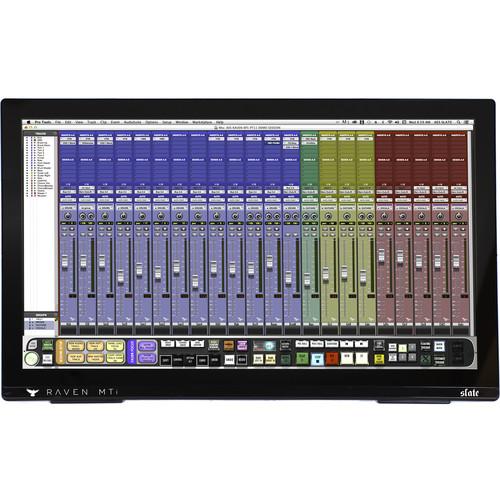
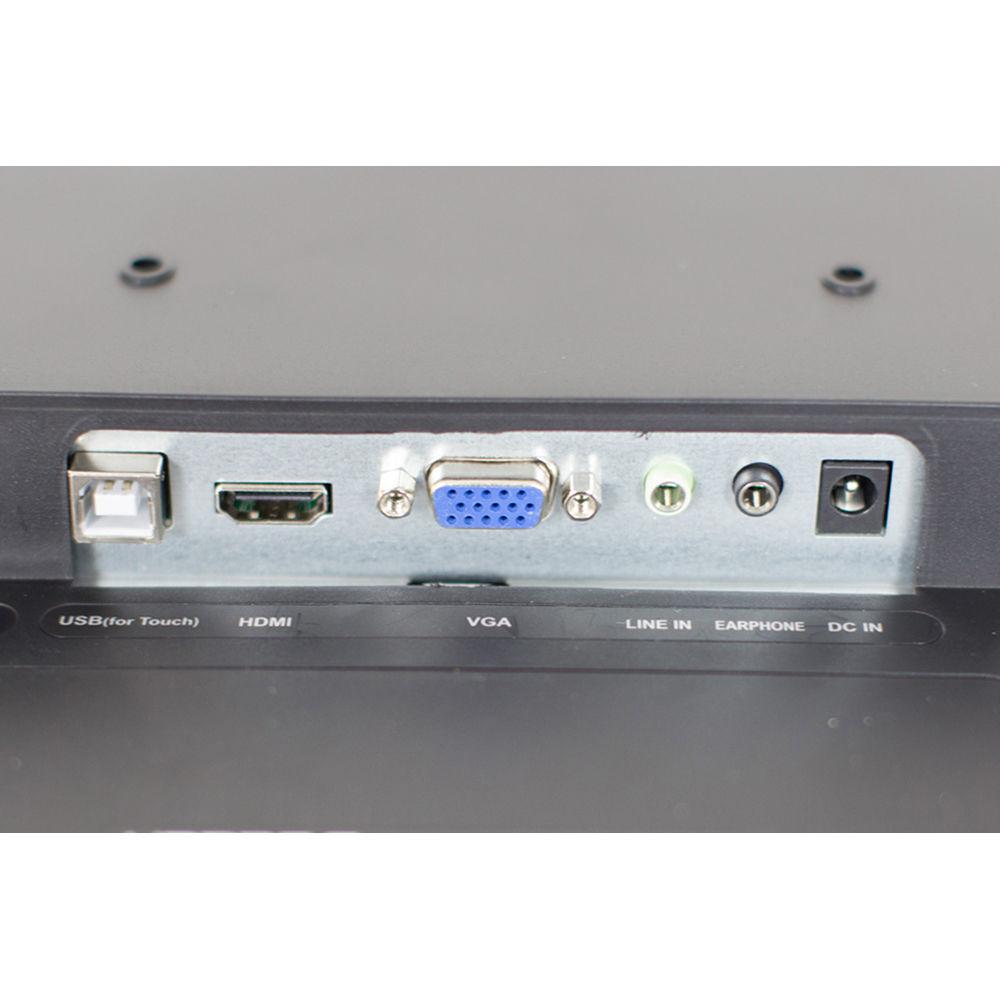
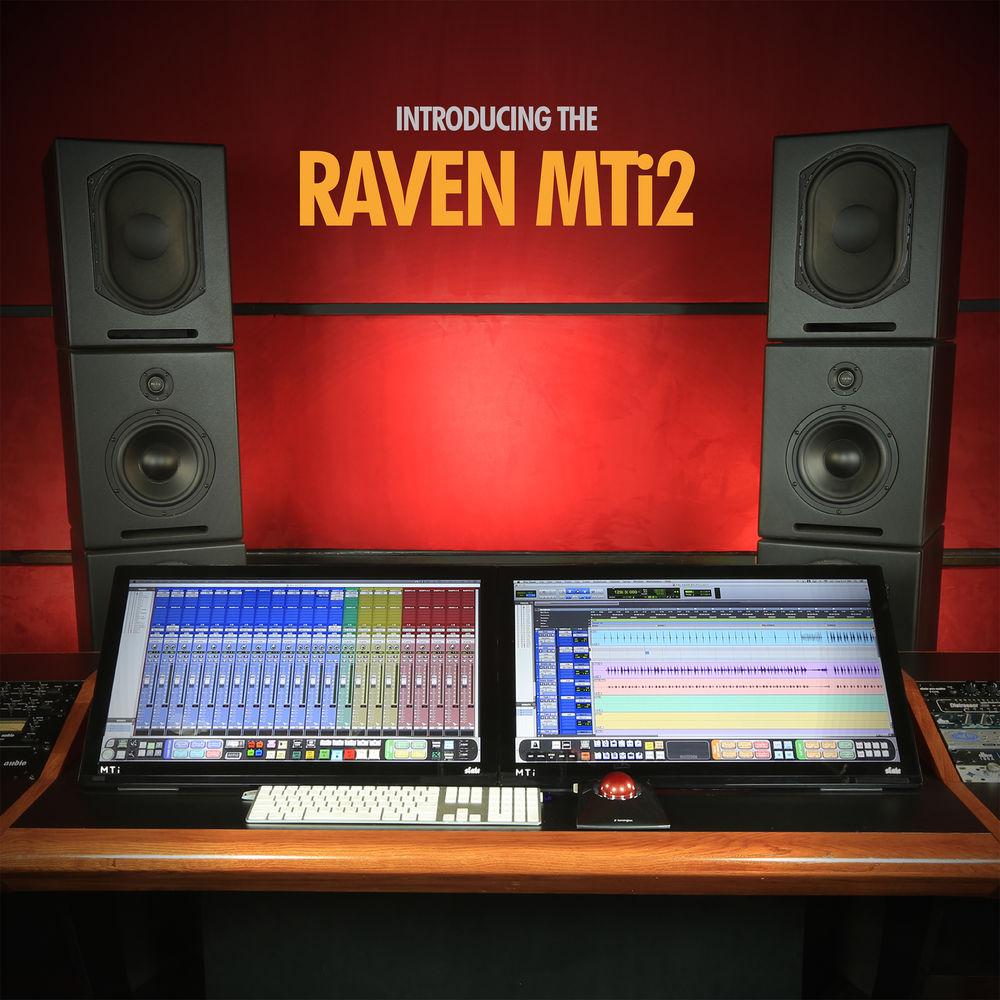
Product description The Slate Digital RAVEN MTI2 marries the tactile control of yesterday’s mixing consoles with the convenience of today’s tablet technology. With the RAVEN, nevermore do you have to rely on your mouse for controlling your DAW. Instead, the RAVEN provides a tablet-like control-surface that can raise and lower faders, facilitate touch-control over plug-ins, operate all the buttons of a traditional transport, and more.The MTI2 represents the current iteration of RAVEN technology, putting it all in a 27” screen that supports multi-touch, gestural control. The screen sits on an included stand that is angle-adjustable. With the MTI2, you can control many faders at once, manipulate pans and sends, and set up recording sessions quickly and efficiently.The latter function achieves its expediency by means of the Batch Command System, which can execute a whole series of key commands with the press of one virtual button. By default, 100s of presets are included for most major DAWs. However, you can program your own custom commands yourself, housing up to 1000 functions in one command.The RAVEN MTI2 interfaces with most computers and most DAWs, though for a list of general compatibilities, please see the specification section. Connections can be made to your computer by means of a standard HDMI cable (available separately) and a USB 2.0 connection. An iLok 2 dongle—also available separately—is required for operating the Raven. - Key Features at a Glance
-
- 27″ multi-touch display
- HD resolution of 1920×1080
- Backlit, energy-efficient LED
- 10-touch display allows various multitouch features like fader control
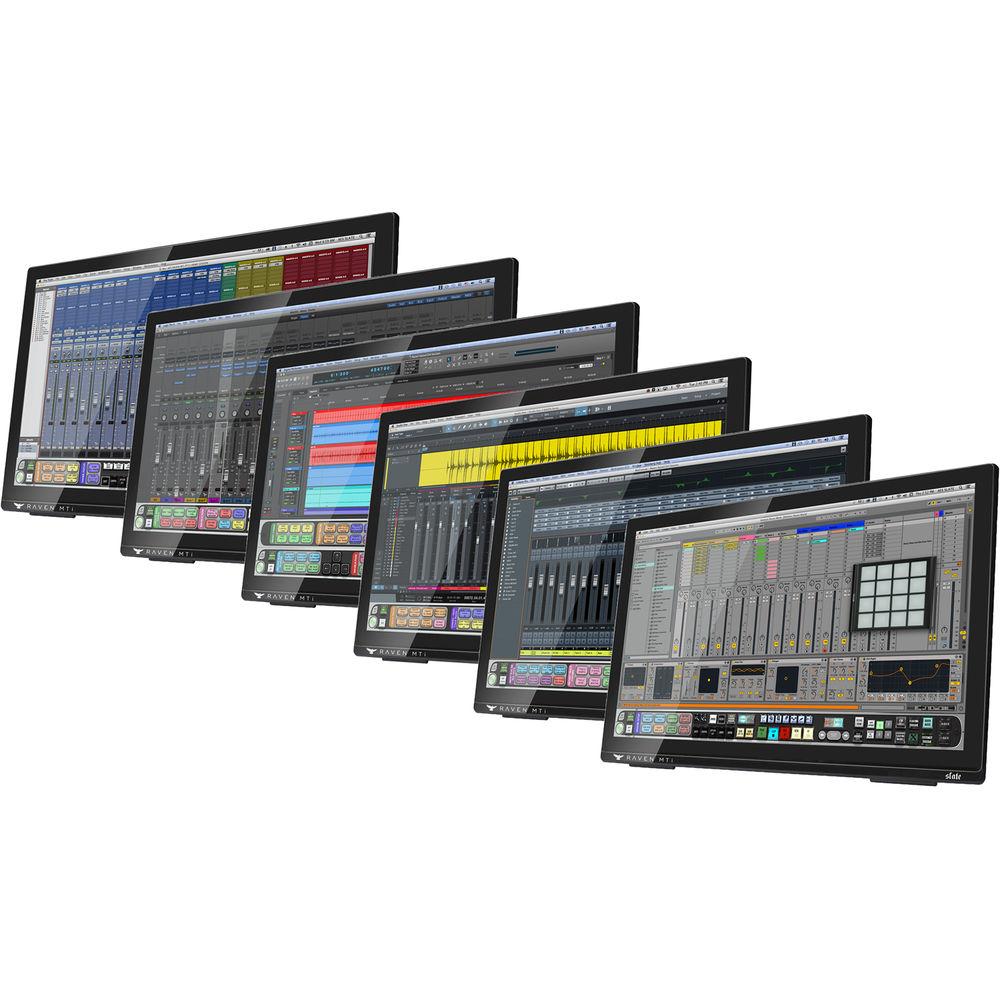
- Instant integration with most major DAWs
- Hands-on control of all your DAWs parameters
- Acts as your computer’s main touch-capable display
- Flexible and user-customizable
- multifunction TOOLBAR
- Easy compatibility using a standard HDMI cable and a USB 2.0 connection
- FADERS 3.0
- FADERS 3.0 provides multi-touch virtual faders that allow precise control of your DAW's faders. By integrating multi-touch 100mm virtual faders directly into each DAW, you now have control over mix levels and automation over more than one track at a time. The FADERS 3.0 algorithm offers a naturalistic control over your faders—control that is both comfortable and fun to implement. A FINE FADER mode is on hand, which can quadruple the resolution of the faders to facilitate especially miniscule moves.
- GESTURES
- RAVEN control software now carries a technology called GESTURES, which facilitates classic, multi-touch gestures to control important elements of your DAW. Opening and closing plug-ins, muting and unmuting tracks, zooming in and out—all of this and more can be accomplished with familiar gestures.
- Toolbar
- In Toolbar mode, your DAW controls are more accessible, laid out right in front of you. You'll notice Transport, Edit/Mix window selector, and convenient tools for tracking such as Record Looping, Click, Create Group, and Undo. Use intuitive multi-touch gestures on the RAVEN NAVPAD to perform Scrub/Shuttle, Waveform Zoom, Track Zoom, and Track Banking, and RAVEN Batch Commands. Because the RAVEN Toolbar is virtual, it's user-customizable, so you can put the controls you want where you want them.
- Batch Command System
- The Batch Command System is a series of preset and customizable buttons that can execute up to 1,000 key commands and mouse clicks automatically. With just one button, the Batch Command System allows you to create instant headphone sends, to name tracks, to put entire drum tracks on the grid, to export stems, and more. The Batch Command System comes pre-programmed with 100 preset batch commands in every supported DAW, with layouts for Music, Mastering, Post Production and more. Record your own mouse click automation or program user commands with QUICKLIST, which features hundreds of predefined DAW operations. Just touch and hold on a Batch Command button to edit, and you'll have access to almost limitless possibilities.
- Slate Remote
- Slate Remote expands your workflow to your iOS-compatible. Slate Remote is a free app for iOS users and available at the app store to anyone with a RAVEN. Slate Remote automatically synchronizes with your RAVEN session via Wi-Fi and gives you access to your custom Batch Commands, allowing it to remotely perform time-saving tasks for you from the palm of your hand.
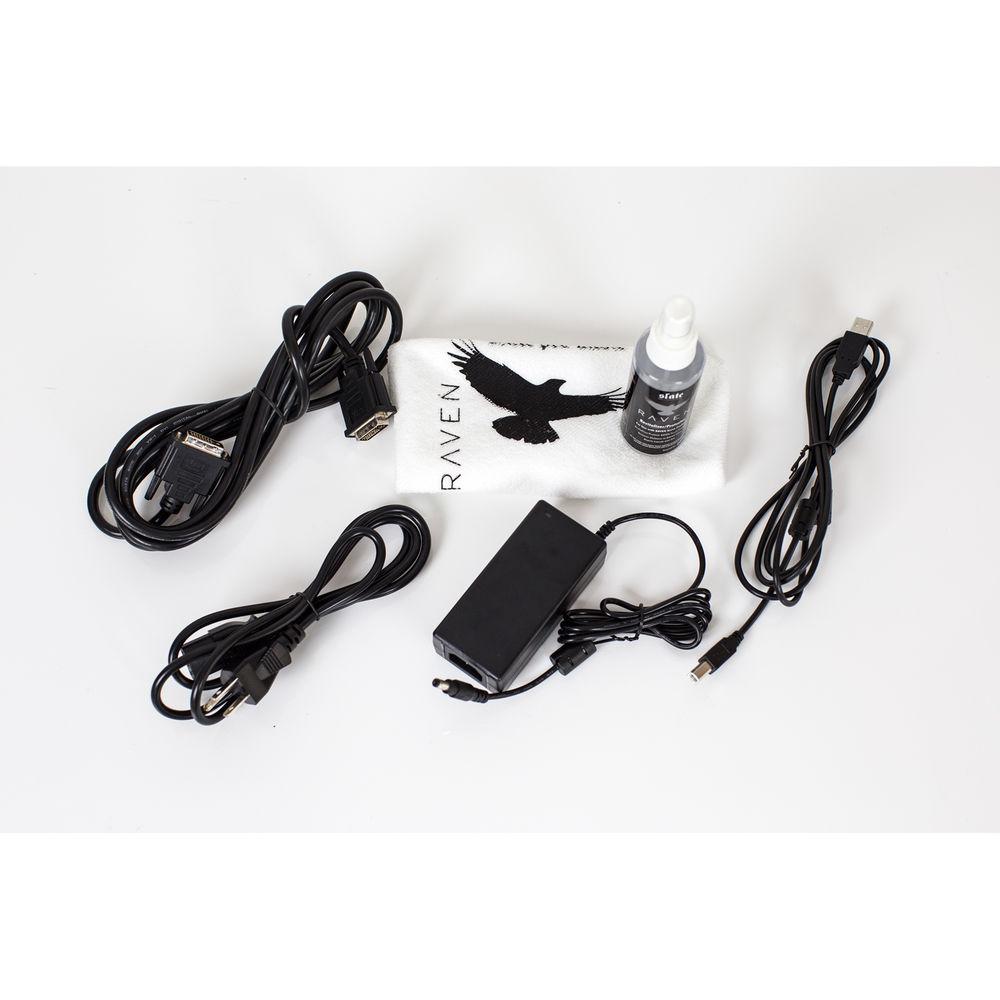
UPC: 887239007341 In the Box Slate Digital RAVEN MTI2 Multi-Touch Control Screen for Pro Audio Applications Power Supply (12 VDC, 3.3A) VESA Standard Mount DAW Authorization License Postcard Limited 1-Year Warranty Table of Contents
|
Upload User Manual
Have you got an user manual for the Slate Digital RAVEN MTI2 Multi-Touch Control Screen for Pro Audio Applications in electronic form? Please send it to us and help us expand our library of instruction manuals.
Thank you, too, on behalf of other users.
To upload the product manual, we first need to check and make sure you are not a robot. After that, your "Submit Link" or "Upload File" will appear.
Technical parametersSlate Digital Raven Specs | Screen Size (Diagonal) | 27.0" / 68.6 cm | | Screen Type | LED backlit IPS, 10-point multi-touch display | | Resolution | 1920 x 1080 ppi | | Compatible Software | DAWs
Pro Tools 10 and higher
Logic Pro X
Cubase and Nuendo (Mac only)
Digital Performer (Mac only)
Ableton Live (Mac only)
RAVEN hardware comes with your choice of one supported DAW. Additional DAW support licenses can be purchased for a nominal fee. | | General Requirements | Computer with USB 2.0 connection
iLok2 Dongle
HDMI Port is available, cable available separately | | Mac Requirements | Minimum Mac Mini and MacBook Pro Requirements
i5 processor or later
Intel HD 4000 Graphics Card (512 MB VRAM)
4 GB RAM
Minimum Mac Pro Requirements
macOS 10.7 and later
2.5 GHz Xeon processor
Intel HD 4000 Graphics Card (512 MB VRAM)
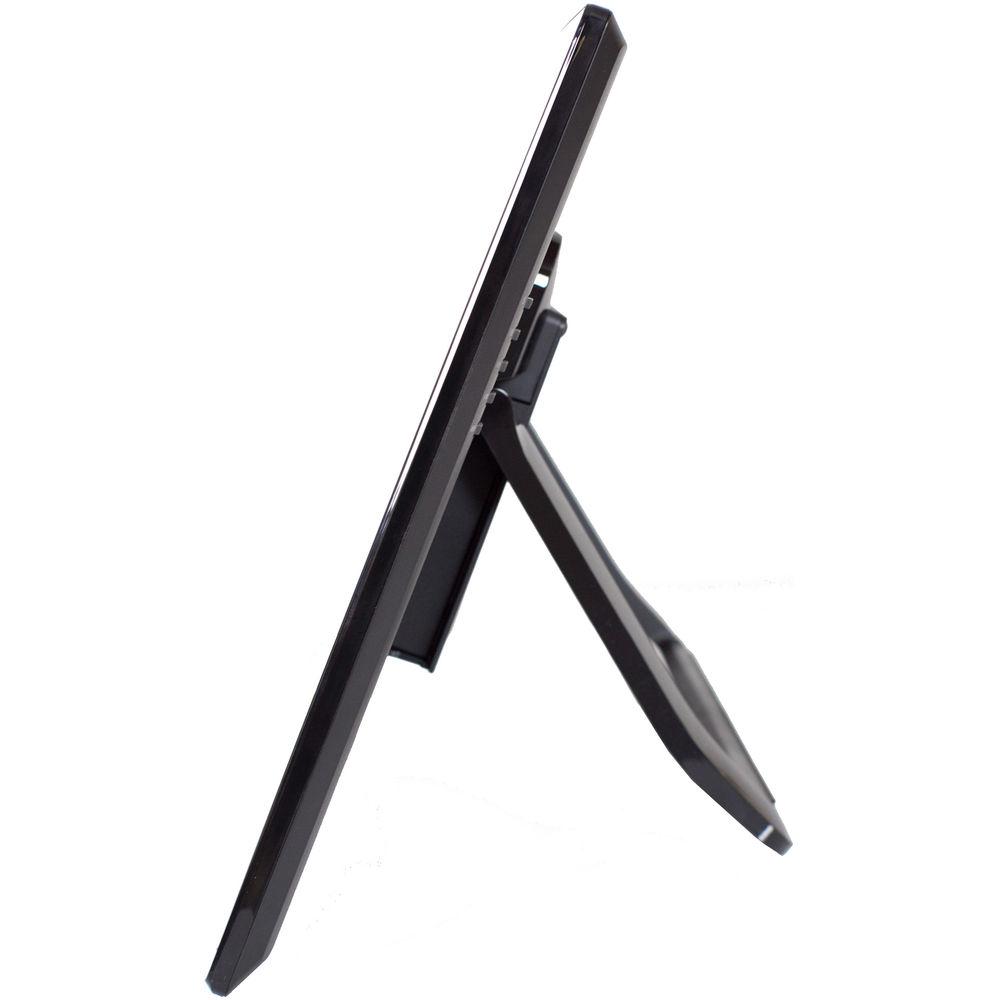
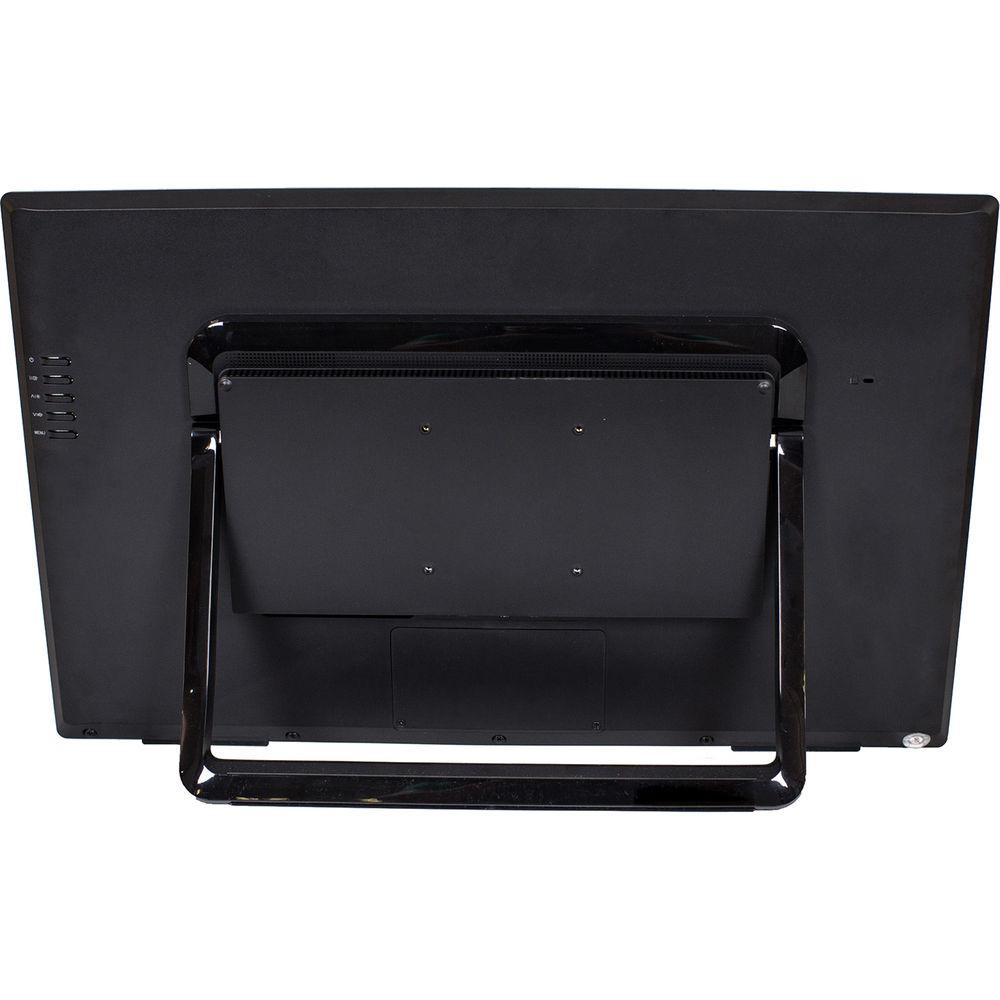
4 GB RAM | | Power Supply | 12 VDC, 3.3 A with 110 to 220 VAC input (included) | | Stand Included | VESA Standard Mount | | Angle Adjustment Range | Angle Adjustment: 10 to 55°
Ideal Angle: 40° | | Dimensions | Screen: 16.2 x 25.7 x 2.1" / 411 x 653 x 52 mm
VESA Standard Mount: 3.9" / 100 mm | | Weight | 18.0 lb / 8.2 kg | | | | Package Weight | 18.45 lb | | Box Dimensions (LxWxH) | 29.0 x 20.4 x 5.8" |
Rating90% users recommend this product to others. And what about you?

This product has already been rated by 86 owners. Add your rating and experience with the product.
Discussion
 Ask our technicians if you have a problem with your settings,
or if anything is unclear in the user manual you have downloaded.
You can make use of our moderated discussion.
The discussion is public and helps other users of our website who may be encountering similar problems.
Ask our technicians if you have a problem with your settings,
or if anything is unclear in the user manual you have downloaded.
You can make use of our moderated discussion.
The discussion is public and helps other users of our website who may be encountering similar problems.
The discussion is empty - enter the first post
Post a new topic / query / comment:
|
|
|
| Request for user manual |
You can’t find the operation manual you are looking for? Let us know and we will try to add the missing manual:
I’m looking for a manual / Request for manual
Current requests for instruction manuals:
Call Of Duty World War Two For Xbox...
controller stratus XL...
stratus XL...
smart whatch serie S11 42mm...
Allen & Heath SQ-6 manual...
|
| Discussion |
Latest contributions to the discussion:
AEW R 4100
Name: MAURICIO ANGARITA
Audio-Technica AEW-R4100 UHF Diversity Receiver for
AEW R 4100 has the mute function blocked and does not allow audio to pass. I tried several times to turn off the mute from the transmitter but it does nothing, the mute stays on. Solution?
Thank you...
Instructions for assembling the 2015 Forecast Image Master Consoles GC3-A
Name: mike elam
Forecast Consoles GC3-A ImageMaster Editing Console
Looking for instructions for assembling this console. ...
EMPTY TONER ERROR MESSAGE AFTER REPLACING TONER
Name: LINDA BAD YELLOW EYES
Brother TN223BK Standard-Yield Toner
I HAD TO CHANGE OUT ALL THREE TONERS DUE TO LEAKS IN THE YELLOW AND CYAN. AFTER I REPLACED THEM, THE MACHINE KEEPS GIVING ME AN EMPTY TONER ERROR MESSAGE. HELP!!...
PS480D 20/24 pin Switching 480W Power Supply
Name: swkargo
Logisys 480W Power Supply
This item states in can run -5vdc .It is NOT listed on the board or I beleive is r4 is missing the resitior. Any body have thid issue. Shawn
...
Help needed
Name: Ann Carter
SanDisk 1TB Extreme Portable USB 3.1
When I click the link to download the user manual for my Sandisk Extreme external hard drive, it gives me the manual for the LG Cricket. Can you please change the link so I can download the Sandisk manual and begin using this drive? Thank you....
|
|


