User Manual for SmallHD 502 HDMI & SDI On-Camera Field Monitor Kit Click to enlarge the picture
 Contents of the user manual for the SmallHD 502 HDMI & SDI On-Camera
- Product category: On Camera Monitors SmallHD
- Brand: SmallHD
- Description and content of package
- Technical information and basic settings
- Frequently asked questions – FAQ
- Troubleshooting (does not switch on, does not respond, error message, what do I do if...)
- Authorized service for SmallHD On Camera Monitors
 |
User manual for the SmallHD 502 HDMI & SDI On-Camera contain basic instructions
that need to be followed during installation and operation.
Before starting your appliance, the user manual should be read through carefully.
Follow all the safety instructions and warnings, and be guided by the given recommendations.
User manual is an integral part of any SmallHD product,
and if it is sold or transferred, they should be handed over jointly with the product.
Following the instructions for use is an essential prerequisite for protecting
health and property during use, as well as recognition of liability on the part of the manufacturer
for possible defects should you make a warranty claim. Download an official SmallHD user manual in which you will find instructions on how to install, use, maintain and service your product.
And do not forget – unsuitable use of a SmallHD product will considerably shorten its lifespan!
|
Product description Hands-On Review: SmallHD 502 On-Camera Monitor Read More - SmallHD 502 HDMI & SDI On-Camera Monitor: Quick Look
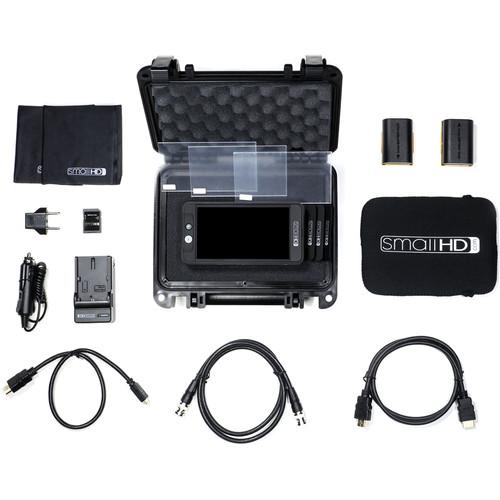
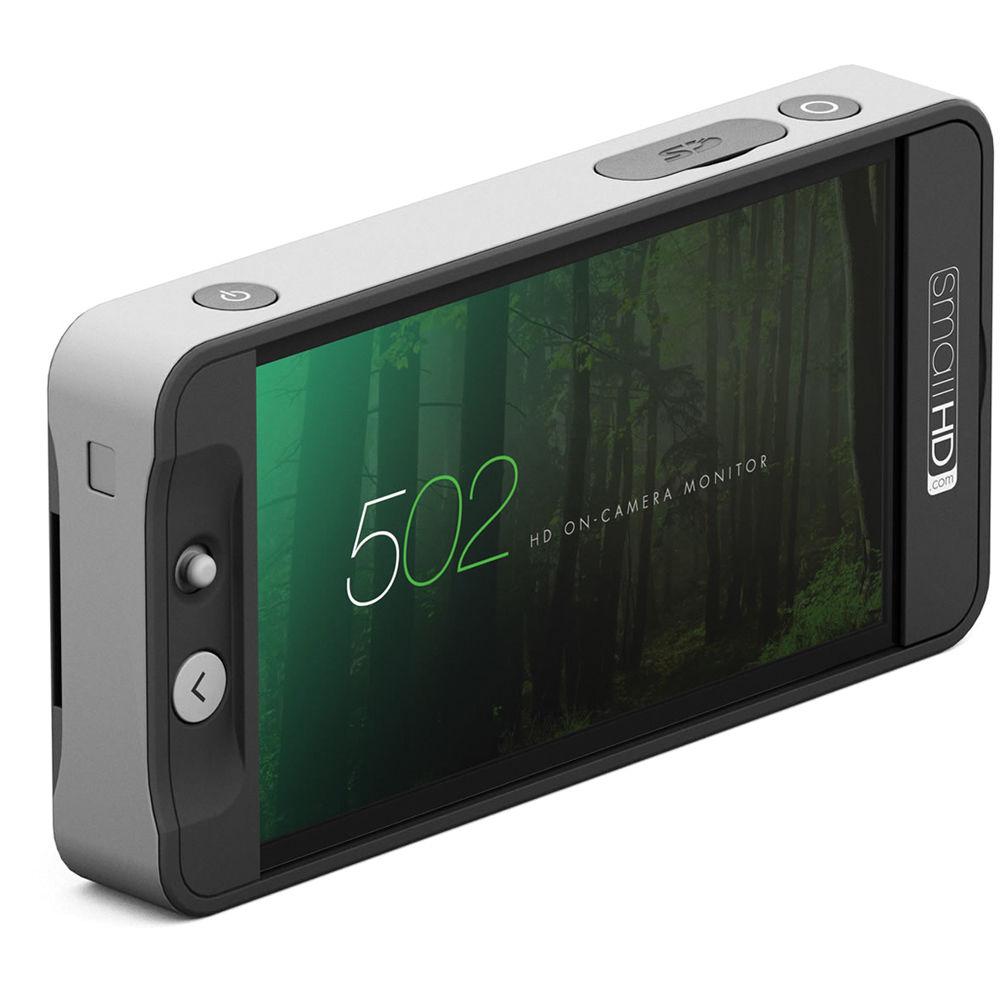
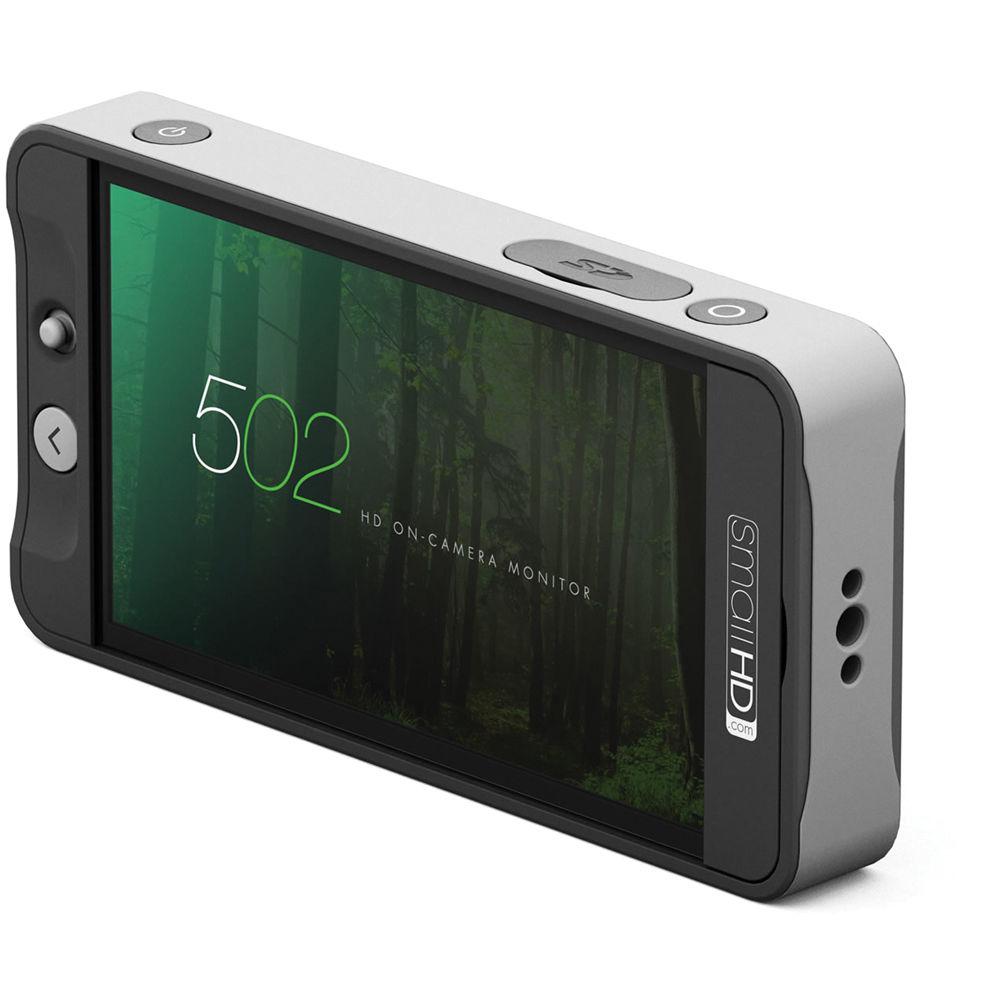
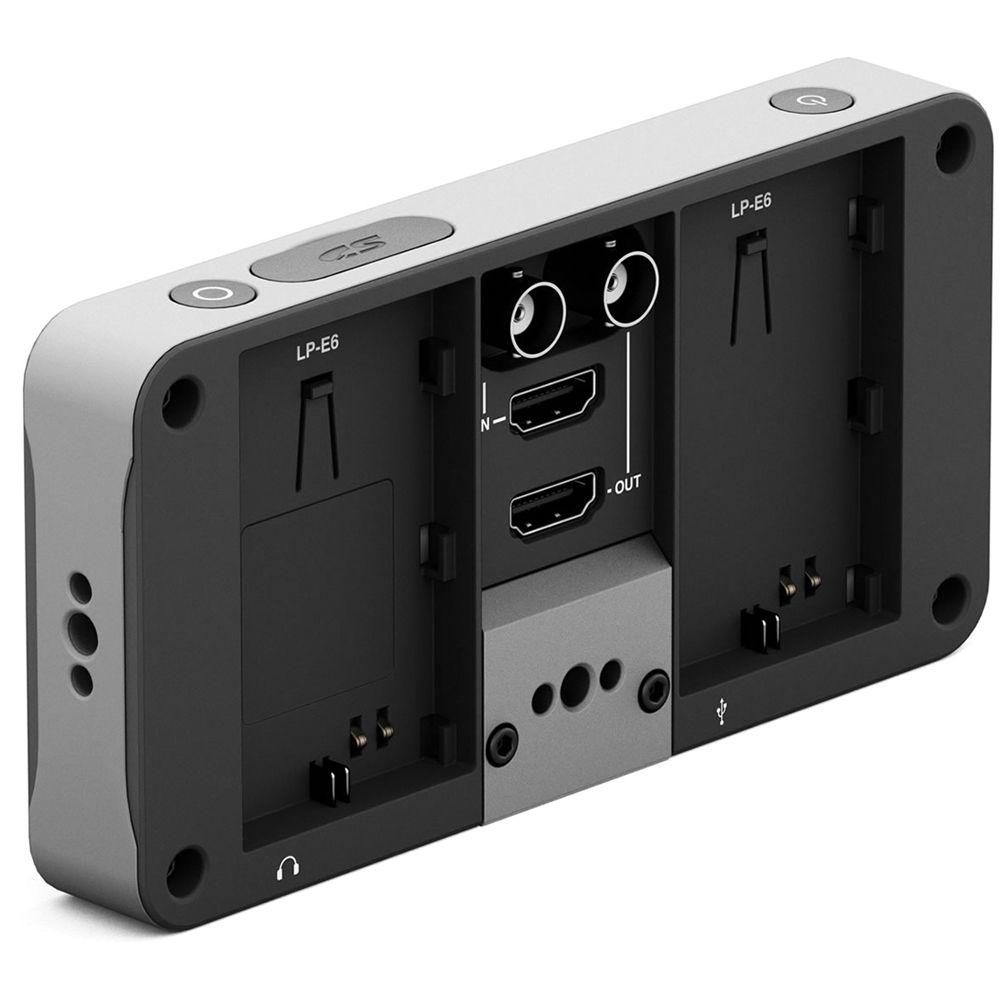
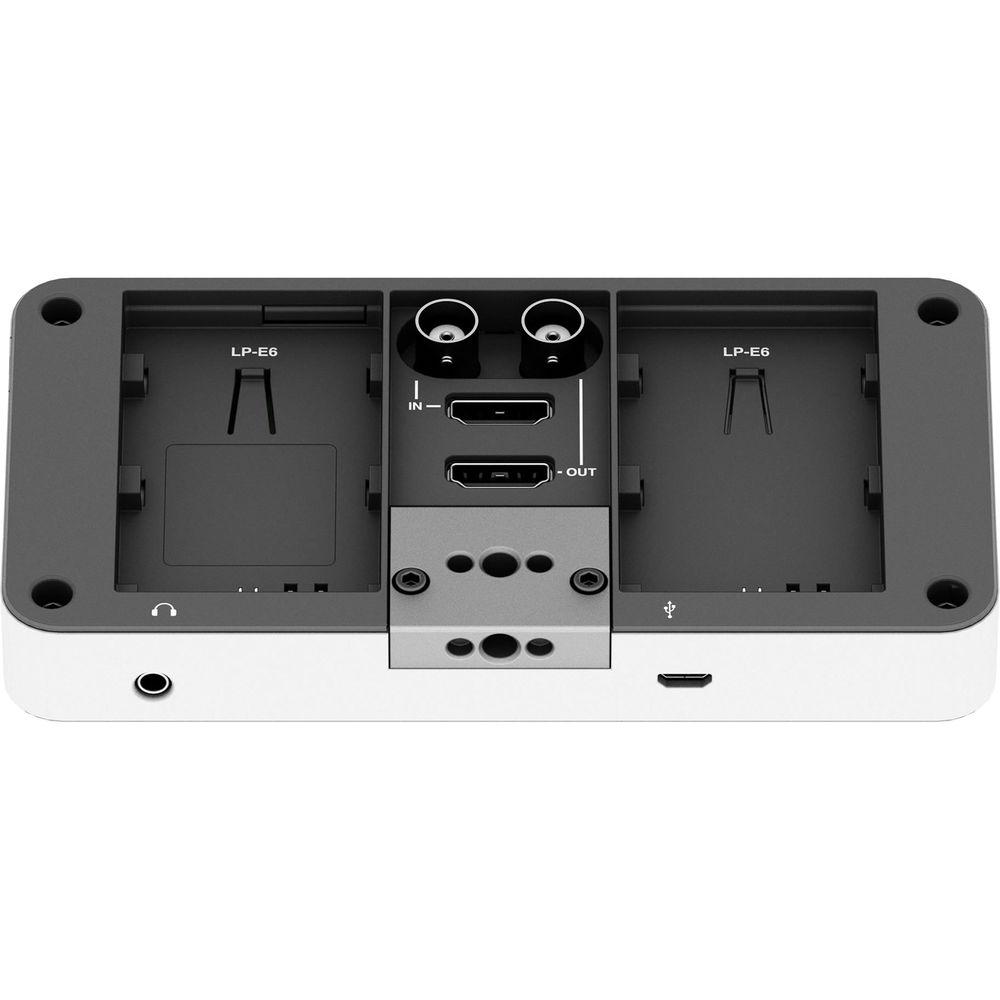
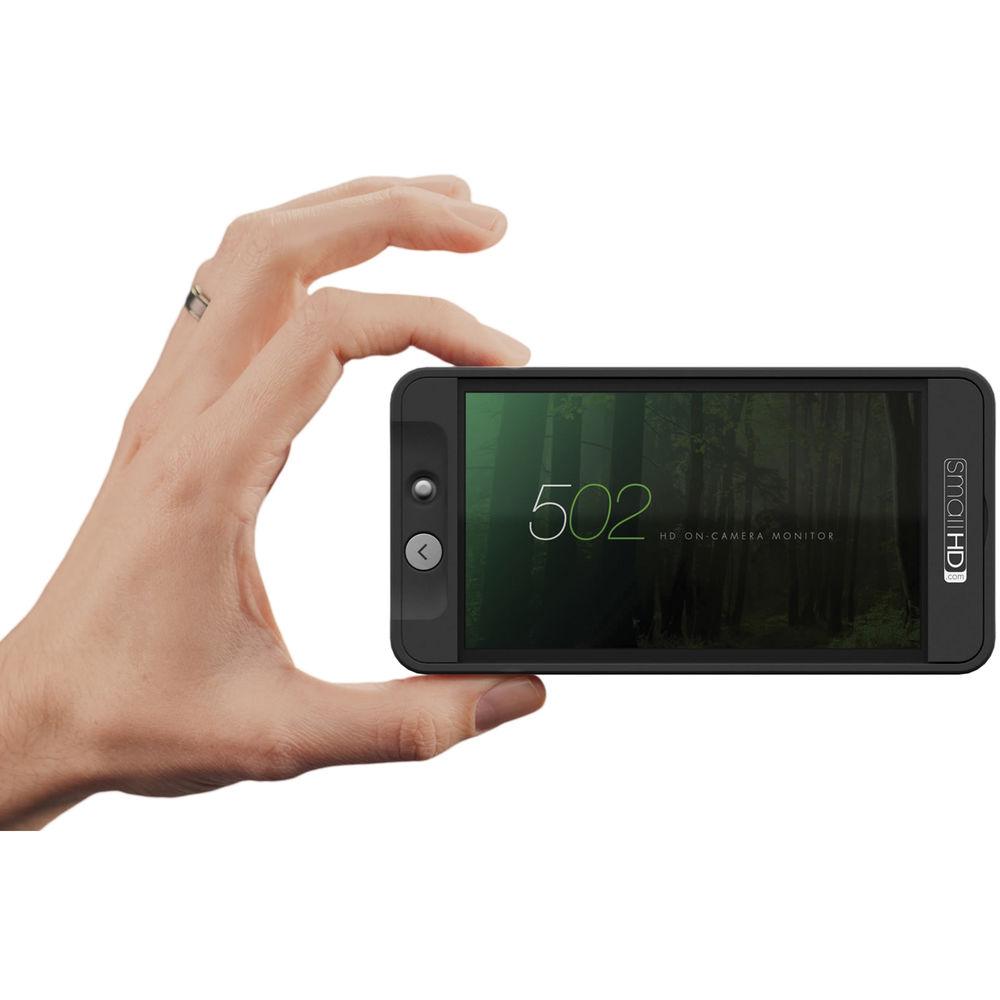
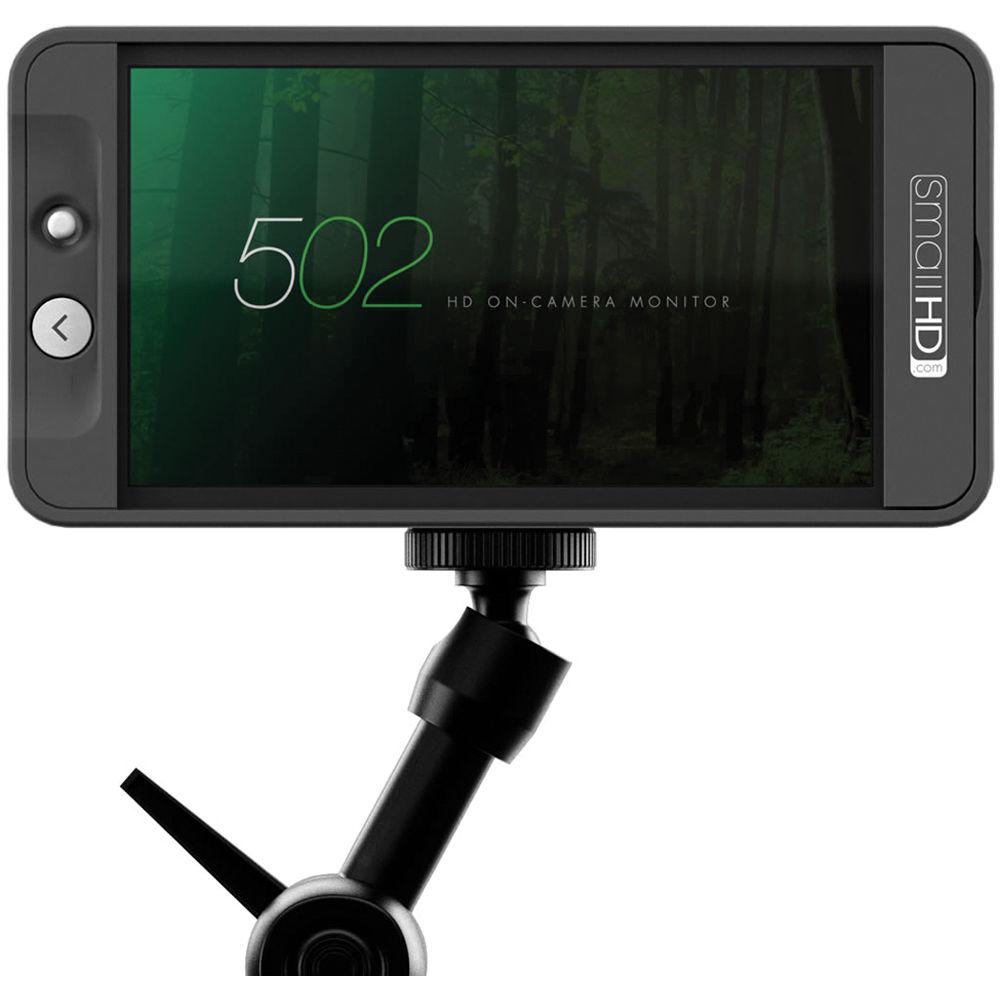
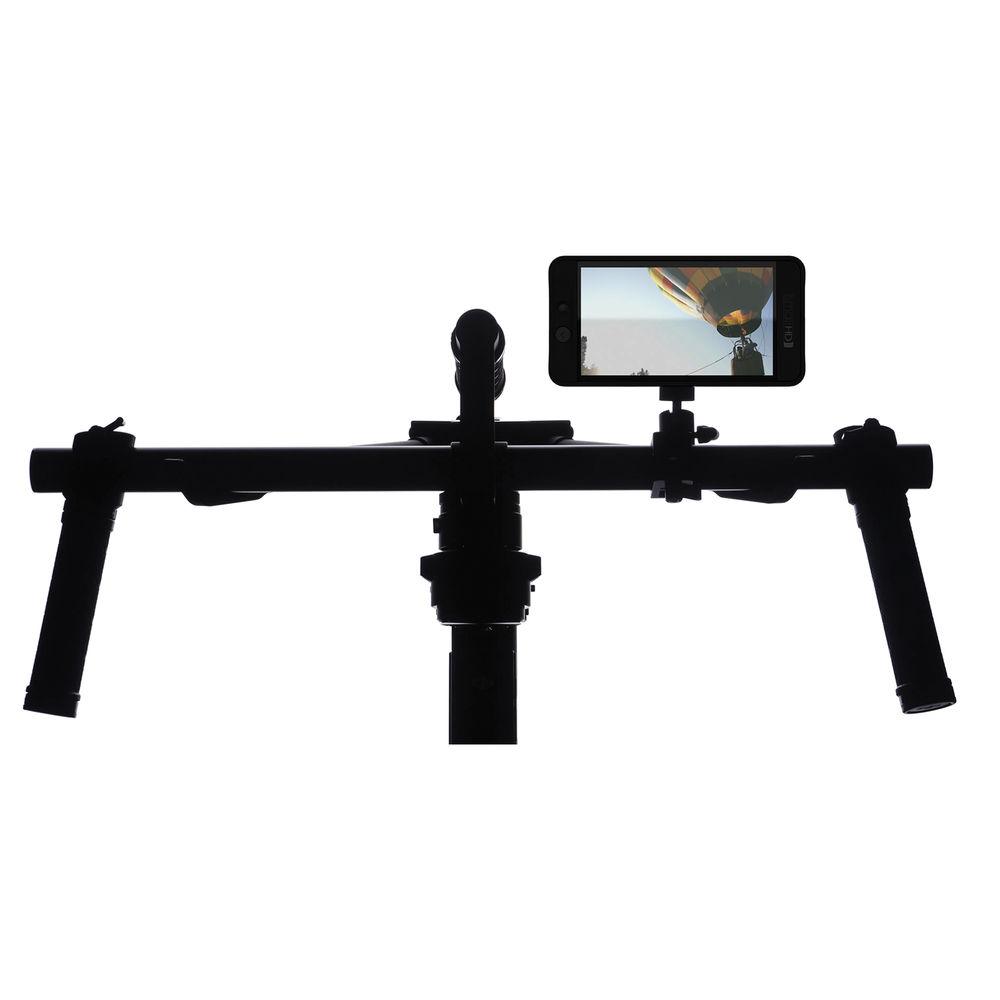
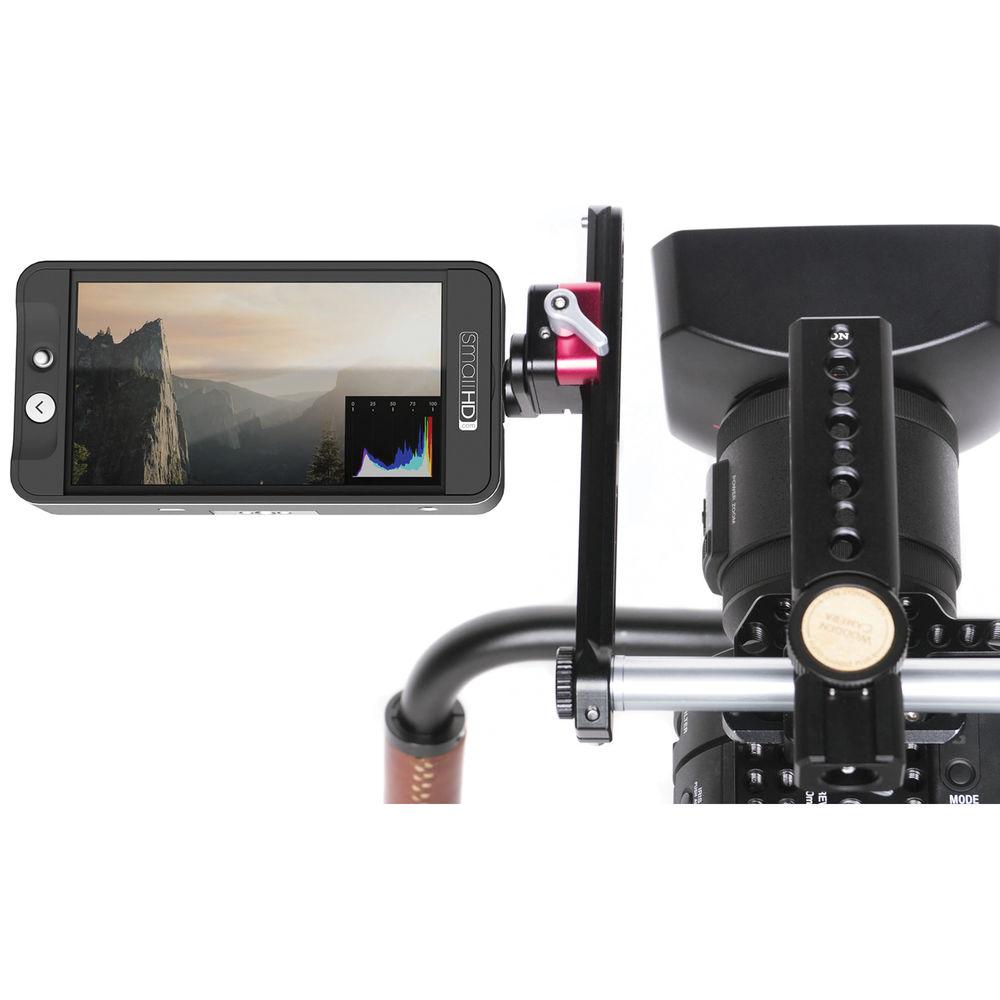
Small HD's 502 HDMI & SDI On-Camera Field Monitor Kit includes the SmalHD 502, SmallHD LP-E6-Type Battery and Charger Kit , an SDI Cable, HDMI cables, acrylic screen protectors, a neoprene sleeve, ball mount, a 4 GB SD card, a cleaning cloth, and a hard-sided storage case. The 502 brings full HD resolution to an on-camera monitor the size of a smartphone. The screen packs 441 pixels per inch, providing a sharp clear image on such a small screen. It features HDMI and 3G-SDI input, HDMI and 3G-SDI output with cross conversion, and it takes just 3 seconds to boot-up. The unit is 3/4" thick and weighs about 9 ounces, so it is light enough to mount to your camera without weighing you down.
Small HD has developed a menu system designed to be easy to navigate with the built-in joystick. Within the system is the Pages system, which allows you to create and store up to 8 preset configurations. You can easily see the effect of your configurations on the image, swiping between the configurations using the joystick. The 501 supports 3D LUTs, and you can save those as a configuration page as well. It is worth pointing out that you can apply a configuration page setting to either the monitor's screen, the output, or both at the same time. You can also assign a different configuration set up to the monitor's screen and the output. - The SmallHD 502 on-camera monitor features a Full HD, 1920x1080, LCD display, with a pixel density of 441 PPI. The 501's LCD display is able to produce 85% NTSC Color Gamut (greater than the REC. 709 color standard), rivaling the color capabilities of OLED technology.
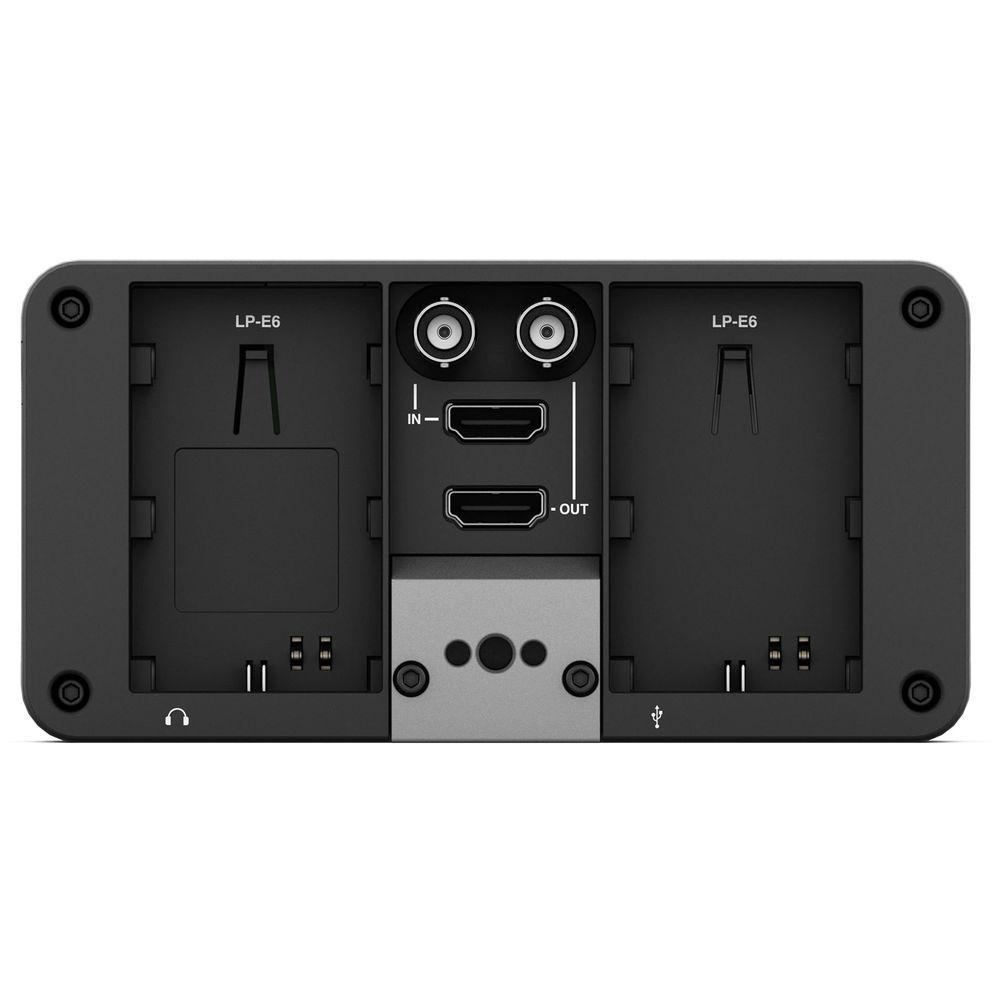
- The monitor supports HDMI and SDI inputs and outputs, and cross converts between them.
- You can apply a 3D LUT to the monitor and still view your video in real-time.
- The configuration system, Pages, allows you to create and store up to 8 presets. Presets can include focus aids, exposure aids, camera metadata, 3D LUTs. Once created, you can navigate between the presets merely by swiping the built-in joystick. You can see up to three presets displayed on the screen at the same time as you swipe between the presets, which is different than having to engage a menu system and trying to remember what the name of the preset means. You can see the effect of your configuration on the video.
- The hard sided storage case holds the 502 monitor and accessories, providing protection during transport and storage.
UPC: 850246006003 In the Box SmallHD 502 HDMI & SDI On-Camera Field Monitor Kit 502 HDMI & SDI On-Camera Monitor with 3D LUT Support LP-E6 Battery and Charger Kit SDI Cable (3 ft) HDMI Cable (3') Mini-HDMI to HDMI Cable (1.5') 3 x Acrylic Screen Protector Neoprene Sleeve for DP4 Monitor Hot Shoe Ball Mount 4GB SD Card 2 x Microfiber Cleaning Cloth Small Hard Case for 500-Series Monitors Table of Contents
|
Upload User Manual
Have you got an user manual for the SmallHD 502 HDMI & SDI On-Camera Field Monitor Kit in electronic form? Please send it to us and help us expand our library of instruction manuals.
Thank you, too, on behalf of other users.
To upload the product manual, we first need to check and make sure you are not a robot. After that, your "Submit Link" or "Upload File" will appear.
Technical parametersSmallHD MON-502 Specs | | | Application | On-Camera | | LCD Size | 5" Diagonal | | Resolution | 1920 x 1080 | | Pixel Density | 441 | | Aspect Ratio | 16:9 Native | | Active Area | 5.0" / 12.7 cm | | Brightness | 400 cd/m2 | | Contrast Ratio | 1500:1 | | Color Gamut | NTSC: 85%
Rec 709: 100% | | Input and Output Connectors | Input
SDI
HDMI
Output
SDI
HDMI
Audio
1/8" stereo mini jack | | Viewing Angle | 179° | | Backlight Type | LED | | Color | Temperature Adaptive Color | | | | Input Signal | Video
HD-SDI: RGB/YCC 4:2:2 and 4:4:4,1080i60,1080i59.94,1080i50, 1080p30, 1080p25, 1080p24, 1080p23.98, 1080pSF23.98, 1080pSF24, 1080pSF25 , 1080pSF29.97, 720p60, 720p59.94, 720p50
HDMI: Supports YCC 4:2:2, 8/10/12 bit color in RGB & YCC 4:4:4 1080p60, 1080p59.94, 1080p50, 1080p30, 1080p29.97 1080p25, 1080p24, 1080p23.98, 1080i120, 1080i119.88, 1080i100, 1080i60, 1080i59.94, 1080i50, 720p120, 720p119.88, 720p100, 720p60, 720p59.94, 720p50, 720p30, 720p29.97, 720p25, 720p24, 720p23.98, 480p59.94, 480p60, 480p100, 480p119.88, 480p120, 480p239.76, 480p240, 576p50, 576p100, 576p200, 480i59.94, 480i60, 480i119.88, 480i120, 480i239.76, 480i240, 576i50, 576i100, 576i200
Audio
HDMI and SDI | | Output Signal | Video
HD-SDI: RGB/YCC 4:2:2 and 4:4:4,1080i60,1080i59.94,1080i50, 1080p30, 1080p25, 1080p24, 1080p23.98, 1080pSF23.98, 1080pSF24, 1080pSF25 , 1080pSF29.97, 720p60, 720p59.94, 720p50
HDMI: Supports YCC 4:2:2, 8/10/12 bit color in RGB & YCC 4:4:4 1080p60, 1080p59.94, 1080p50, 1080p30, 1080p29.97 1080p25, 1080p24, 1080p23.98, 1080i120, 1080i119.88, 1080i100, 1080i60, 1080i59.94, 1080i50, 720p120, 720p119.88, 720p100, 720p60, 720p59.94, 720p50, 720p30, 720p29.97, 720p25, 720p24, 720p23.98, 480p59.94, 480p60, 480p100, 480p119.88, 480p120, 480p239.76, 480p240, 576p50, 576p100, 576p200, 480i59.94, 480i60, 480i119.88, 480i120, 480i239.76, 480i240, 576i50, 576i100, 576i200
Audio
Stereo Out (headphones) | | Data I/O | Storage: SD Card (Full Size)
USB: Factory use and future user functionality | | Power | Voltage Range: 6.0 to 8.4 VDC
Consumption: 6 W
Connector: Canon LP-E6
Overload Protection: Yes
Smart Battery Compliant: Yes | | Compliance | CE, FCC, IC | | Operating Temperature | 30 to 90°F / -1 to 32°C | | Dimensions | 2.9 x 5.8 x 0.8" / 7.4 x 14.7 x 2.0 cm | | Weight | 9.0 oz / 255 g | | | | Package Weight | 4.8 lb | | Box Dimensions (LxWxH) | 13.1 x 9.2 x 6.9" |
Rating74% users recommend this product to others. And what about you?

This product has already been rated by 07 owners. Add your rating and experience with the product.
Discussion
 Ask our technicians if you have a problem with your settings,
or if anything is unclear in the user manual you have downloaded.
You can make use of our moderated discussion.
The discussion is public and helps other users of our website who may be encountering similar problems.
Ask our technicians if you have a problem with your settings,
or if anything is unclear in the user manual you have downloaded.
You can make use of our moderated discussion.
The discussion is public and helps other users of our website who may be encountering similar problems.
The discussion is empty - enter the first post
Post a new topic / query / comment:
|
|


