|
User Manual for Softron M|8R Bundle Click to enlarge the picture
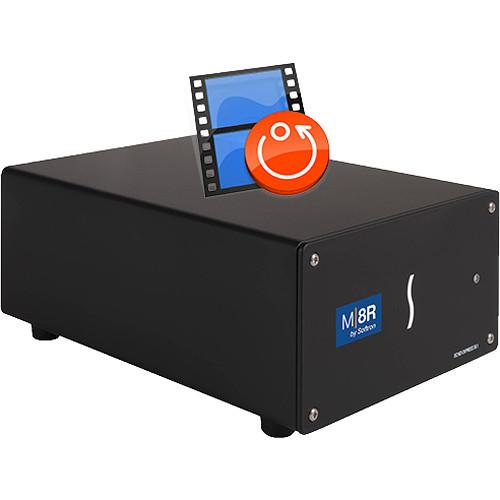 Contents of the user manual for the Softron M|8R Bundle
- Product category: Streaming Media Solutions Softron
- Brand: Softron
- Description and content of package
- Technical information and basic settings
- Frequently asked questions – FAQ
- Troubleshooting (does not switch on, does not respond, error message, what do I do if...)
- Authorized service for Softron Streaming Media Solutions
 |
User manual for the Softron M|8R Bundle contain basic instructions
that need to be followed during installation and operation.
Before starting your appliance, the user manual should be read through carefully.
Follow all the safety instructions and warnings, and be guided by the given recommendations.
User manual is an integral part of any Softron product,
and if it is sold or transferred, they should be handed over jointly with the product.
Following the instructions for use is an essential prerequisite for protecting
health and property during use, as well as recognition of liability on the part of the manufacturer
for possible defects should you make a warranty claim. Download an official Softron user manual in which you will find instructions on how to install, use, maintain and service your product.
And do not forget – unsuitable use of a Softron product will considerably shorten its lifespan!
|
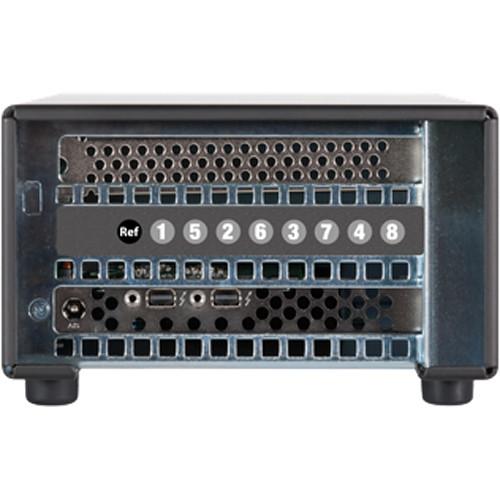
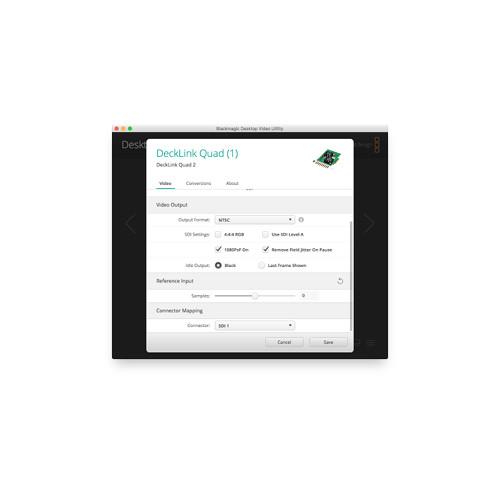
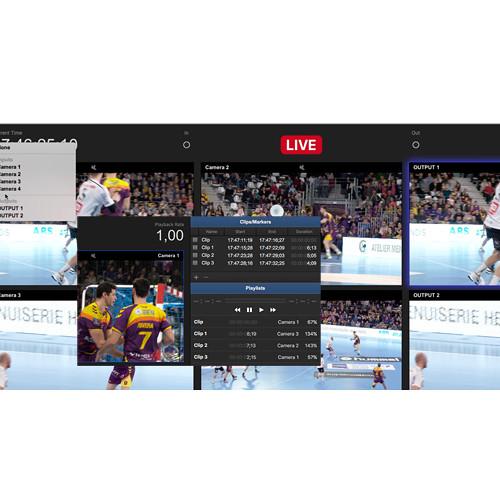
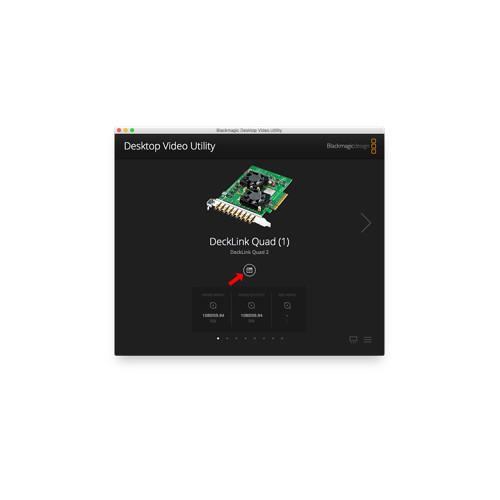
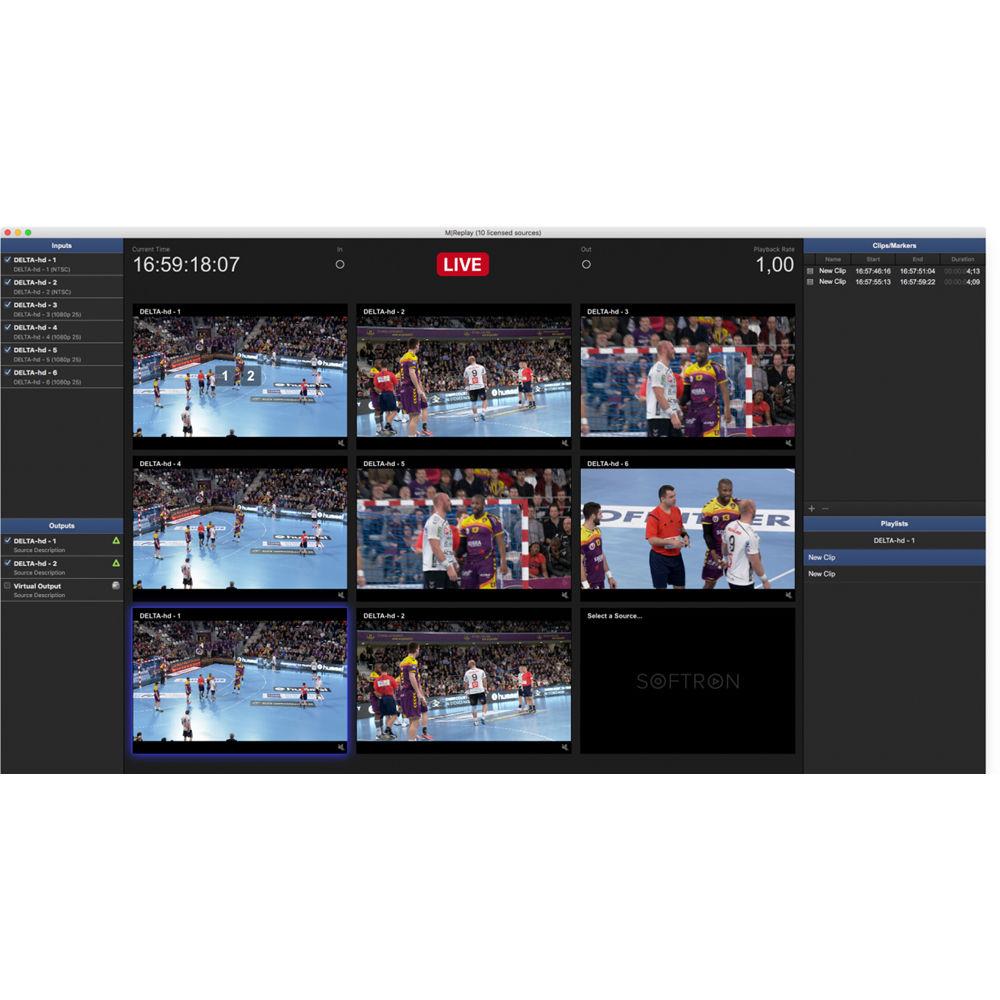
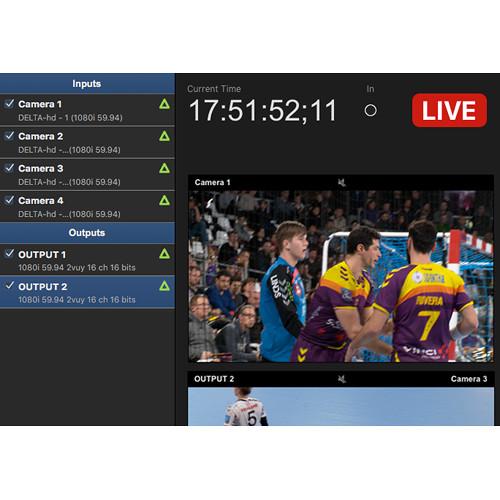
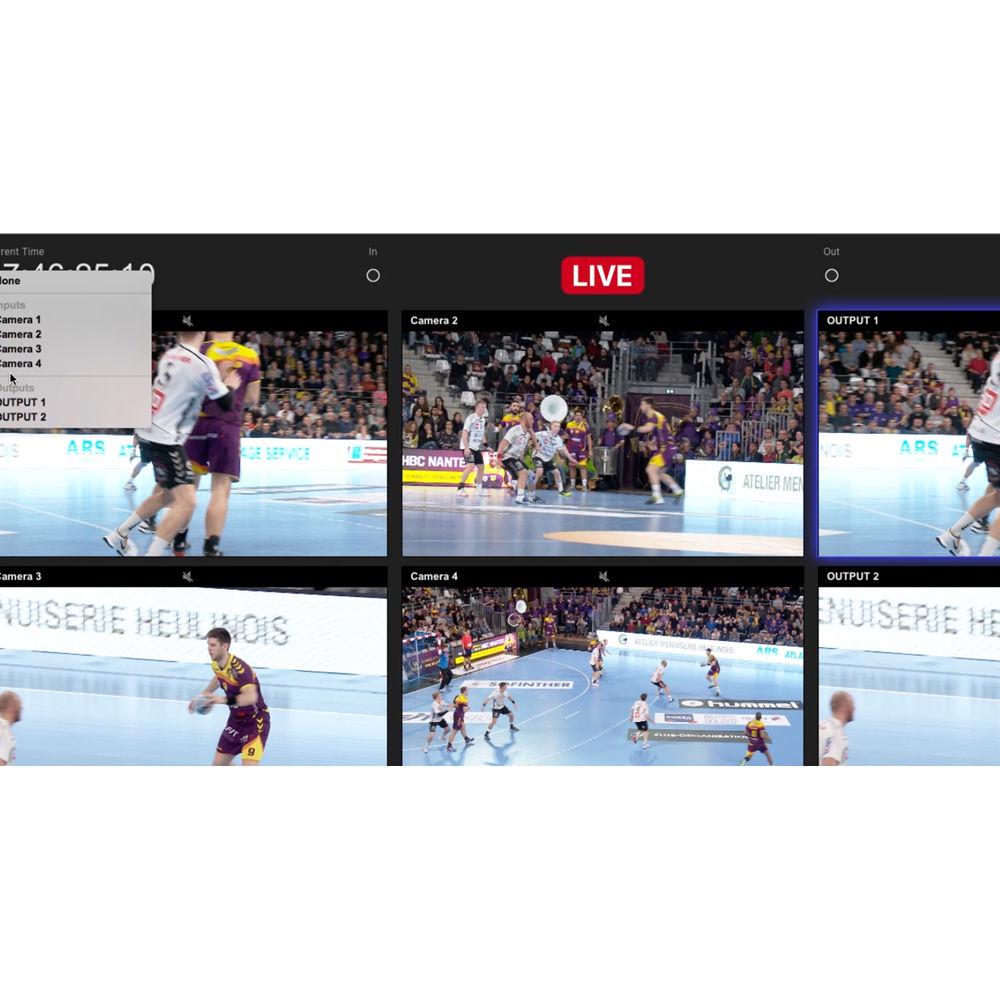
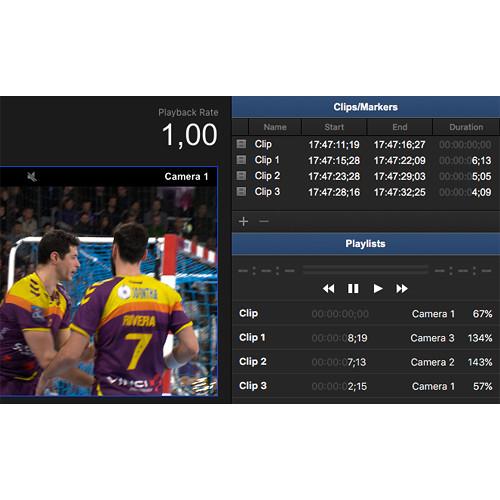
Product description The M|8R Bundle from Softron is a hardware and software bundle. You simply need to connect the M|8R box to one of the Thunderbolt 2 ports of the 2013 Mac Pro and you can immediately start ingesting and performing instant replay using the provided 8 licenses of M|Replay. Connectors can serve as inputs or outputs and can be configured on-the-fly, so the 8 channels can be used in any configuration you want like four inputs / 4 outputs, 6 inputs / 2 outputs, or whatever combination you need. Since the licenses are provided on the dongle (included), they cannot be split for use on different computers. Note: Not compatible with the M|Case. In the Box Softron M|8R Bundle 8-Channel License for M|Replay Dongle with the Licenses Thunderbolt 2 Expansion Chassis 8 Input/Output BMD Quad 2 Video Card 8 x 1' BNC Female to DIN 1.0/2.3 RG-59 SDI Cable Table of Contents
|
Upload User Manual
Have you got an user manual for the Softron M|8R Bundle in electronic form? Please send it to us and help us expand our library of instruction manuals.
Thank you, too, on behalf of other users.
To upload the product manual, we first need to check and make sure you are not a robot. After that, your "Submit Link" or "Upload File" will appear.
Rating90% users recommend this product to others. And what about you?

This product has already been rated by 03 owners. Add your rating and experience with the product.
Discussion
 Ask our technicians if you have a problem with your settings,
or if anything is unclear in the user manual you have downloaded.
You can make use of our moderated discussion.
The discussion is public and helps other users of our website who may be encountering similar problems.
Ask our technicians if you have a problem with your settings,
or if anything is unclear in the user manual you have downloaded.
You can make use of our moderated discussion.
The discussion is public and helps other users of our website who may be encountering similar problems.
The discussion is empty - enter the first post
Post a new topic / query / comment:
|
|
|
| Request for user manual |
You can’t find the operation manual you are looking for? Let us know and we will try to add the missing manual:
I’m looking for a manual / Request for manual
Current requests for instruction manuals:
Night Detective Quest 5M 5x Night Vision Monocular ...
Ibanez AM93QM User Manual....
I have a SanDisk Ultra Dual Drive Go USB Type-C and a 2016 iphone. I need instructions. I plug the device into my iphone, where to go from there? How...
Hp pro m102w...
Blackmagic Design ATEM Television Studio video switcher
This is NOT the ATEM Television Studio HD, nor the ATEM Television Studio M/E
It is the orig...
|
| Discussion |
Latest contributions to the discussion:
Philips classic 388
Name: Pauline
Philips Classic 388 Mini-Cassette Recorder
cassette recorder works properly during recordings and the recorded messages can be transferred to 720 Transcription System Executive, Philips with proper sound - but you cannot hear sound on the actual recorder. Any tips how to solve this?
...
LOREX acbatt2 SPECS
Name: Walt Breitigam
Lorex ACBATT2 2-Cell Power Pack for
WHAT ARE THE VOLTAGE/ AMP SPECS/ REQUIREMENTS ...
I need all,technical install info.Iwill down load and print all I can get fr :weaver.
Name: Earl Craig bodiford
Weaver 4-16x44 Kaspa Riflescope
This is one very ,very fine scope,! Thanks again to weaver for you’re attention to customers needs and diligence to quality!again, thank you Earl Craig Bodiford,. Ecbodiford @gmail.com...
Explainer Video for your website?
Name: Jo Riggs
Salamander Designs Keyboard Storage Shelf for
Hi,
I just visited search-manual.com and wondered if you've ever considered an impactful video to advertise your business? Our videos can generate impressive results on both your website and across social media.
Our prices start from just $195.
Let me know if you're inte...
Rear camera go blank
Name: Roy
Papago GoSafe S780 2-Channel 1080p Dash
Hi,
I have been using GoSafe S780 (front and rear cameras) in my car for over 7 years and is working fine until a few days ago the rear camera no show; I've tried unplug the cables and the power supply but with no avail, now only the front cam is on; what could be the problem?...
|
|


