User Manual for Sony BDP-S6700 4K-Upscaling Blu-ray Disc Player with Wi-Fi Click to enlarge the picture
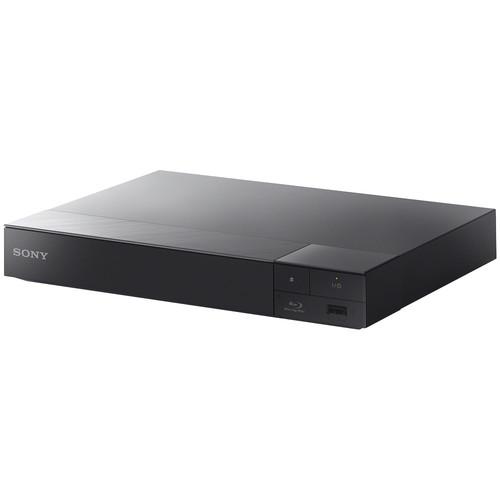 Contents of the user manual for the Sony BDP-S6700 4K-Upscaling Blu-ray Disc Player
- Product category: Blu-ray Disc Players Sony
- Brand: Sony
- Description and content of package
- Technical information and basic settings
- Frequently asked questions – FAQ
- Troubleshooting (does not switch on, does not respond, error message, what do I do if...)
- Authorized service for Sony Blu-ray Disc Players
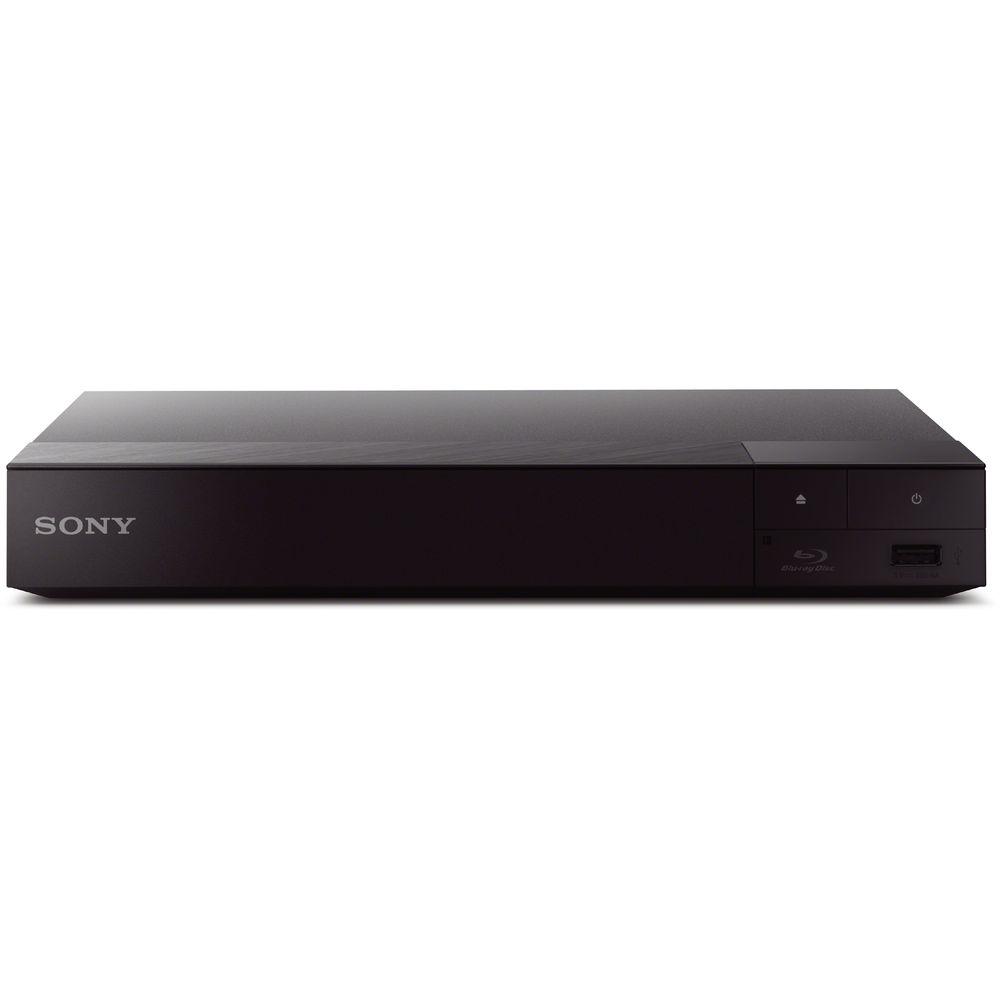
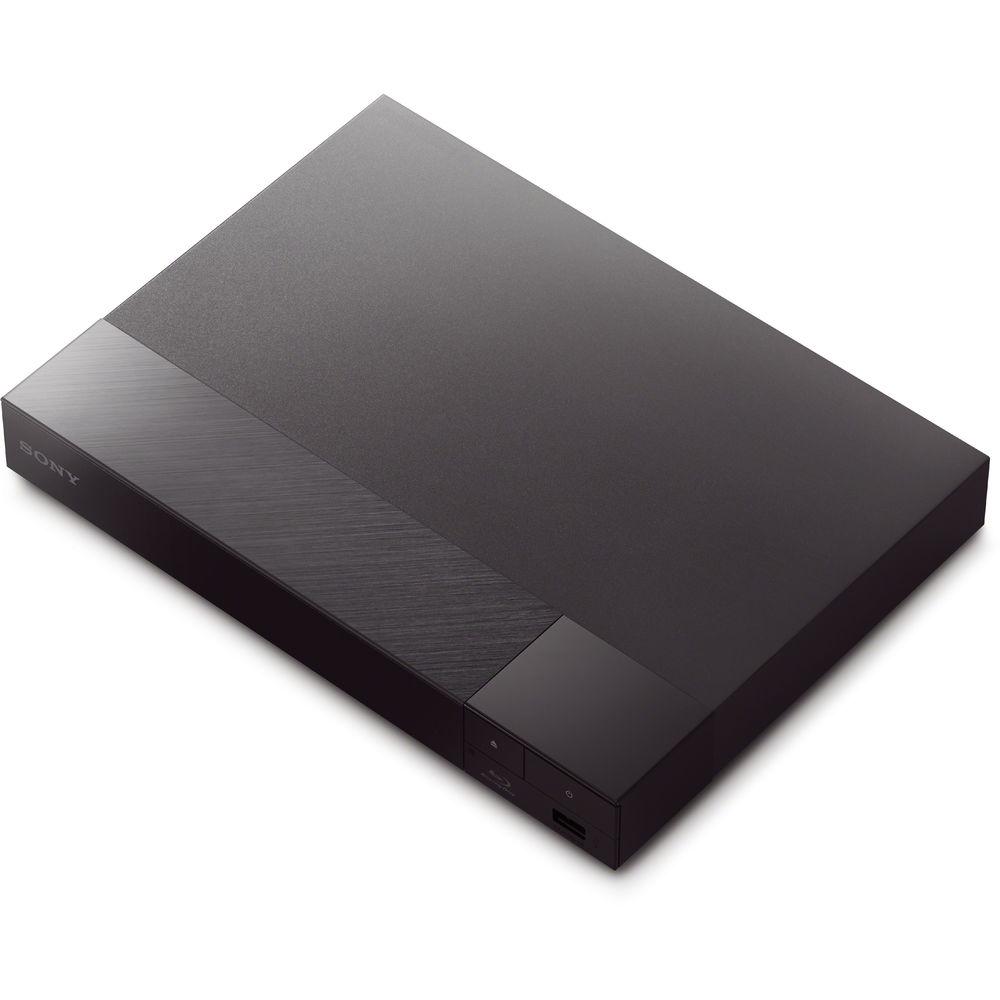
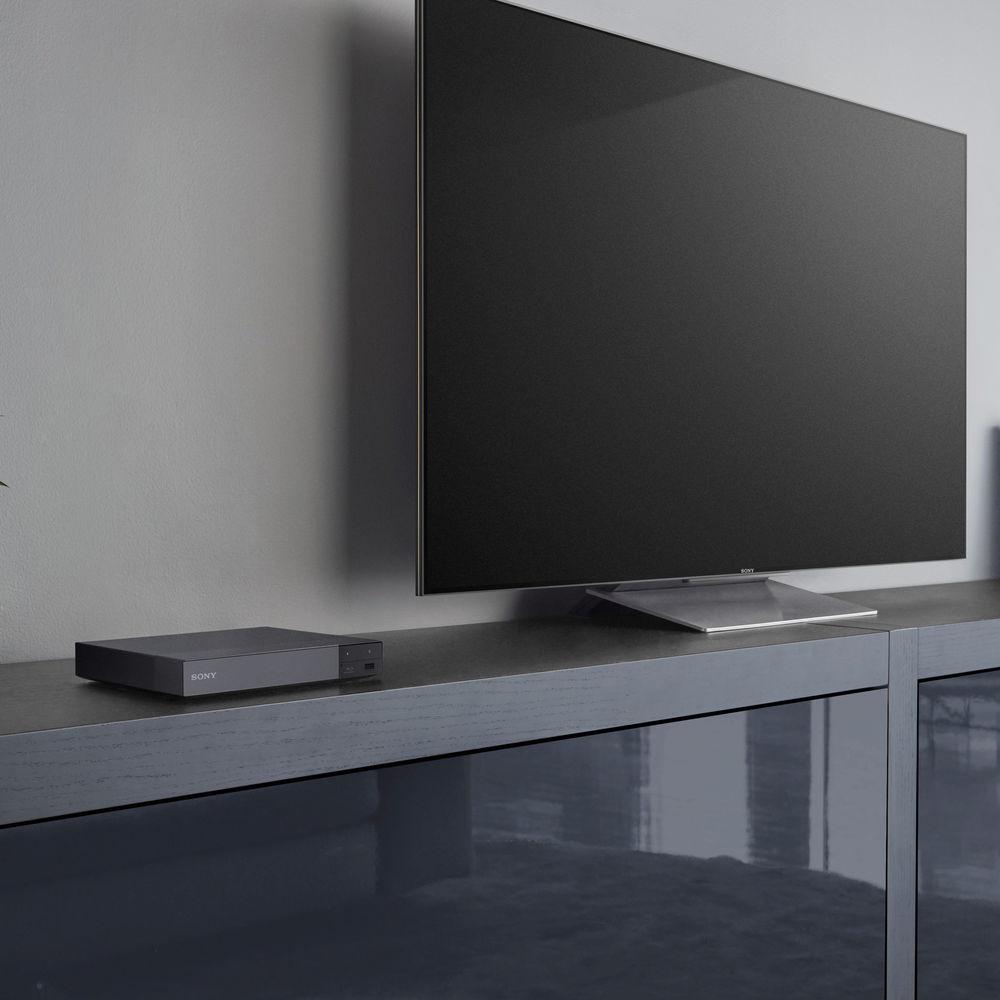 |
User manual for the Sony BDP-S6700 4K-Upscaling Blu-ray Disc Player contain basic instructions
that need to be followed during installation and operation.
Before starting your appliance, the user manual should be read through carefully.
Follow all the safety instructions and warnings, and be guided by the given recommendations.
User manual is an integral part of any Sony product,
and if it is sold or transferred, they should be handed over jointly with the product.
Following the instructions for use is an essential prerequisite for protecting
health and property during use, as well as recognition of liability on the part of the manufacturer
for possible defects should you make a warranty claim. Download an official Sony user manual in which you will find instructions on how to install, use, maintain and service your product.
And do not forget – unsuitable use of a Sony product will considerably shorten its lifespan!
|
Product description Play PlayStation 3 games without a console and watch Blu-ray and HD content through the Sony BDP-S6700 4K-Upscaling Blu-ray Disc Player with Wi-Fi. This Blu-ray player supports full HD 1080p Blu-ray disc playback from its HDMI output and upscales standard DVDs to near-4K quality. Converting 2D videos to 3D and lower resolutions to near-4K is just another way that it will enhance your home theater experience.
It provides access to over 300 streaming services that can allow you to play movies, TV shows, music, and more with a valid subscription and broadband connection. For the tech-savvy, the free Sony SideView app will allow you to control the Blu-ray player from portable devices such as a smartphone or tablet, one at a time. If you're looking to have your Android device shown on the big screen, on-board Miracast support will allow you to do so. Additionally, the BDP-S6700 is compatible with many file and audio formats such as Dolby TrueHD and DTS-HD Master Audio for a dynamic surround sound experience. The USB port supports peripherals such as thumb drives for easy playback of a variety of file types. - Stream from Your Favorite Apps in Full HD
- Access over 300 streaming services and enjoy endless entertainment including movies, TV shows, music, and more from your favorite apps like Netflix, YouTube, Hulu Plus, Pandora, Amazon Instant Video, and others.
- Upscale Your Entertainment to Near-4K Quality
- Boost your Blu-ray movies, DVDs, and photos to near-4K quality.
- Wireless Bluetooth Connectivity with LDAC
- Listen to music, watch movies, and play games through Bluetooth headphones, game controllers, and more. LDAC is an audio technology that allows you to enjoy high-quality wireless audio via Bluetooth. With 3x the data transmitted, LDAC is designed to provide an enhanced wireless listening experience for all your music.
- Cast Content from Your Smart Device to Your TV
- With Miracast screen mirroring technology, you can mirror the screen of your Android compatible mobile devices to your TV.
- Multi-Room Streaming with SongPal Link
- Enjoy multi-room streaming and functionality between your favorite Sony audio and video devices. Connect wirelessly throughout your home and stream CDs and other popular file formats via USB. Enable simultaneous playback through speakers and sound bars, create listening zones, and stream to different rooms with SongPal Link. You can also use your smartphone or tablet to control it all via the SongPan app.
- Smooth Video Streaming with Super Wi-Fi
- This Blu-ray Disc player features a Wi-Fi module that is optimally positioned for maximum signal strength. A multi-antenna design also ensures a more reliable signal than conventional Wi-Fi for a smoother video streaming experience with a wider range.
- Upscale Your DVDs and Blu-ray Discs to 3D
- Enjoy 3D Blu-ray Disc movies in Full HD 1080p and upscale the visual quality of DVDs to near HD quality. The 2D to 3D conversion feature allows your DVDs or Blu-ray Disc movies to be automatically converted into 3D for playback on your 3D TV.
- Brighter, More Lifelike Picture
- Sony's TRILUMINOS color technology is designed to create a heightened sense of depth and natural shades of colors.
- Easy Navigation with a Customizable, User-Friendly Interface
- Finding apps and features is quick and simple with a graphical user interface. Browse on your TV screen with easy-to-navigate panels – content is divided into featured apps on one side and your favorite apps on the other. Everything is neatly organized and quick to launch.
- Enrich Your Viewing with the TV SideView App
- Use your Android or iOS smartphone or tablet to control your Blu-ray player and learn more about what you're watching without disrupting your viewing experience. The SideView app also lets you instantly access content from devices on your local network or from the online services available to the player.
- Super Quick Start Gets You Watching Faster
- With Quick Start mode and Fast Loading, it takes less than 1 second to boot up your Blu-ray Disc player. You'll be able to get to the action quicker with even interactive discs loading in as little as 30 seconds once the tray is closed. If you're not watching Blu-ray, you can launch Internet content even faster, too.
- Enjoy Your Videos, Photos, and Digital Music with USB Connectivity
- Easily display your videos and photos on your TV or listen to your digital music by simply connecting your USB storage device to the Blu-ray player's front USB slot.
- Dolby TrueHD for Sound as the Director Intended
- Enjoy peerless audio quality with Dolby TrueHD, which delivers lossless sound across movies and music. By reproducing sound identical to original studio masters, it offers unparalleled audio fidelity for Blu-ray Discs, DVDs, and downloaded content.
- Learn More About Your Movies with Gracenote
- Gracenote searches across Internet apps and external services such as YouTube and Video Unlimited to provide you with detailed information on a variety of movies.
- Reduce Energy Costs with an Energy Star 3.0 Rating
- With an Energy Star 3.0 rating, the player will consume less energy during its use and when it's in standby mode.
- Content acquired via certain apps may require subscription to a service.
UPC: 027242892187 In the Box Sony BDP-S6700 4K-Upscaling Blu-ray Disc Player with Wi-Fi Remote Control 2 x AAA Batteries Limited 1-Year Warranty More from Manufacturer Table of Contents
|
Upload User Manual
Have you got an user manual for the Sony BDP-S6700 4K-Upscaling Blu-ray Disc Player with Wi-Fi in electronic form? Please send it to us and help us expand our library of instruction manuals.
Thank you, too, on behalf of other users.
To upload the product manual, we first need to check and make sure you are not a robot. After that, your "Submit Link" or "Upload File" will appear.
Technical parametersSony BDP-S6700 Specs | | | System | NTSC | | Region | Blu-ray: A
DVD: 1 | | HD Upconversion | Yes, 720p, 1080i, 1080p, 4K | | | | Dolby Digital/DTS Compatibility | DTS, DTS-HD Master Audio, Dolby Digital, Dolby TrueHD | | Built-in Decoder | Yes | | LPCM | Yes | | | | Video | BD-R, BD-RE, DVD+R, DVD+R DL, DVD+RW, DVD-R, DVD-R DL, DVD-RW, DVD-Video, VCD | | Audio | CD, CD-R, CD-RW | | Pictures | CD-R
CD-RW
DVD+R
DVD+R DL
DVD+RW
DVD-R
DVD-R DL
DVD-RW | | File Formats Supported | 3G2, 3GP, 3GPP, 3GPP2, AAC, AC3, ASF, AVCHD, AVI, FLA, FLAC, FLV, GIF, JPEG, LPCM, M2TS, M4A, MKA, MOV, MP3, MP4, MPEG-1 PS, MPEG1, MPEG2, MPEG2 PS, MPG, MTS, PNG, VC-1, WAV, WMA, WMA9, XVID | | | | Slow Motion Playback | Yes | | Frame-by-Frame Playback | Yes | | | | Network Access | Yes, Built-in Wi-Fi | | BD-Live | Yes | | BONUSVIEW | Yes | | Support for Streaming Services | Yes | | Mobile Device Control | Yes | | DLNA Home Network Sharing | Yes | | | | Digital | 1 x HDMI Audio/Video Output
1 x USB Input
1 x Digital Coaxial Audio Output
1 x Ethernet Input | | | | Remote | Yes | | Power Requirements | 120 VAC, 60 Hz | | Power Consumption | Operational: 12 W
Standby: 0.3 W | | Dimensions (W x H x D) | 10.1 x 1.6 x 7.6" / 25.7 x 4.1 x 19.3 cm | | Weight | 1.98 lb / .90 kg | | | | Package Weight | 2.8 lb | | Box Dimensions (LxWxH) | 11.4 x 10.7 x 2.7" |
Rating94% users recommend this product to others. And what about you?

This product has already been rated by 41 owners. Add your rating and experience with the product.
Discussion
 Ask our technicians if you have a problem with your settings,
or if anything is unclear in the user manual you have downloaded.
You can make use of our moderated discussion.
The discussion is public and helps other users of our website who may be encountering similar problems.
Ask our technicians if you have a problem with your settings,
or if anything is unclear in the user manual you have downloaded.
You can make use of our moderated discussion.
The discussion is public and helps other users of our website who may be encountering similar problems.
Post new comment to Sony BDP-S6700 4K-Upscaling Blu-ray Disc Player with Wi-Fi
| Subject: Hmdicable doiuse?Sony brand/bdpssony6700/brdvd | | Date: 07.06.2022 19:27:19 | Name: Larry | | Sonybdps6700Br/dvdSpecificationsforhmdi cable | | Post reply |
Post a new topic / query / comment:
|
|


