|
User Manual for Sony HDR-CX150 16GB HD Handycam Camcorder - Refurbished Click to enlarge the picture
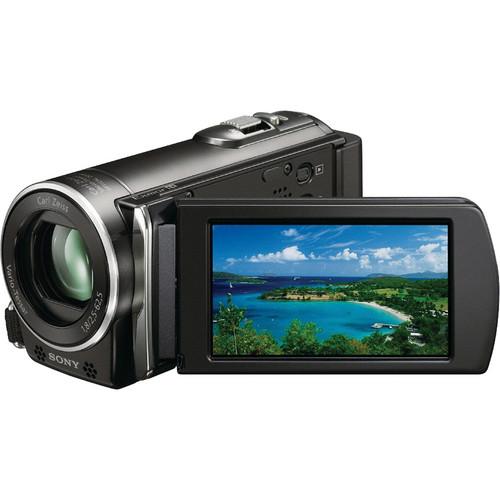 Contents of the user manual for the Sony HDR-CX150 16GB HD Handycam Camcorder
- Product category: Uncategorized Sony
- Brand: Sony
- Description and content of package
- Technical information and basic settings
- Frequently asked questions – FAQ
- Troubleshooting (does not switch on, does not respond, error message, what do I do if...)
- Authorized service for Sony Uncategorized

 |
User manual for the Sony HDR-CX150 16GB HD Handycam Camcorder contain basic instructions
that need to be followed during installation and operation.
Before starting your appliance, the user manual should be read through carefully.
Follow all the safety instructions and warnings, and be guided by the given recommendations.
User manual is an integral part of any Sony product,
and if it is sold or transferred, they should be handed over jointly with the product.
Following the instructions for use is an essential prerequisite for protecting
health and property during use, as well as recognition of liability on the part of the manufacturer
for possible defects should you make a warranty claim. Download an official Sony user manual in which you will find instructions on how to install, use, maintain and service your product.
And do not forget – unsuitable use of a Sony product will considerably shorten its lifespan!
|
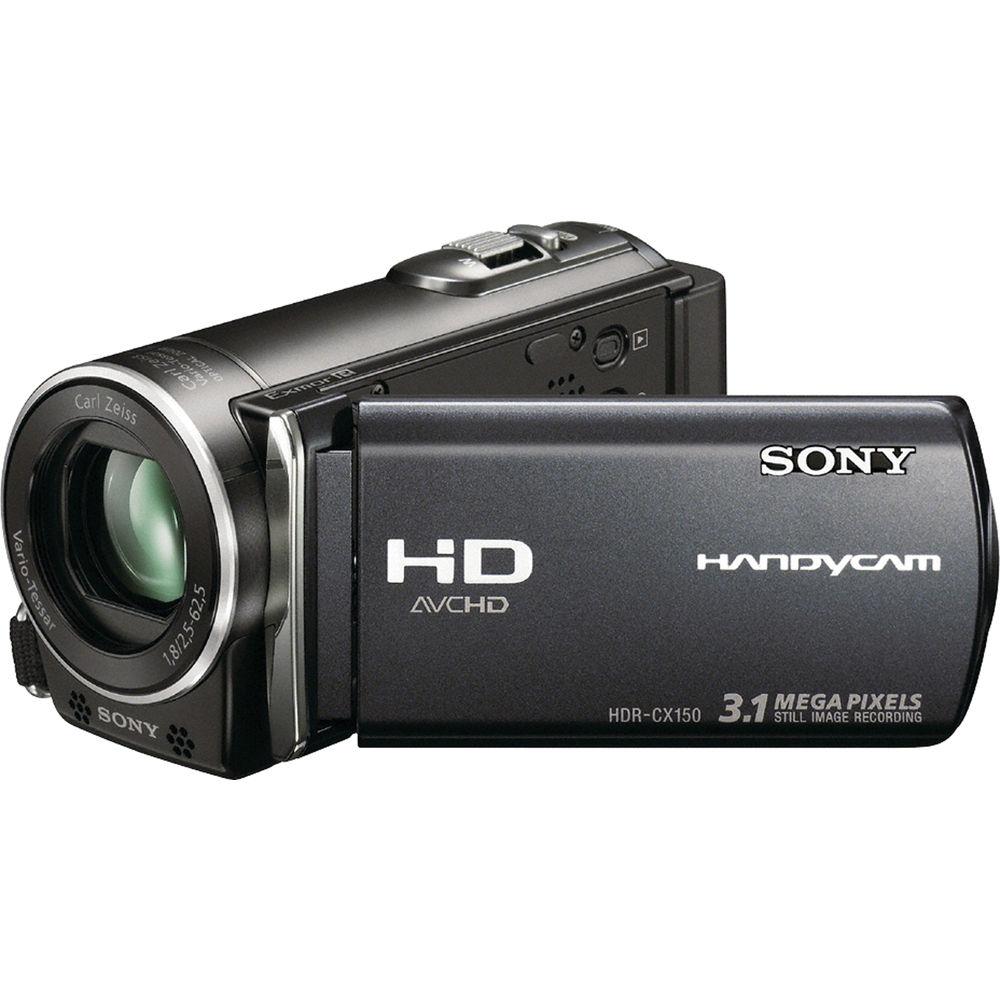
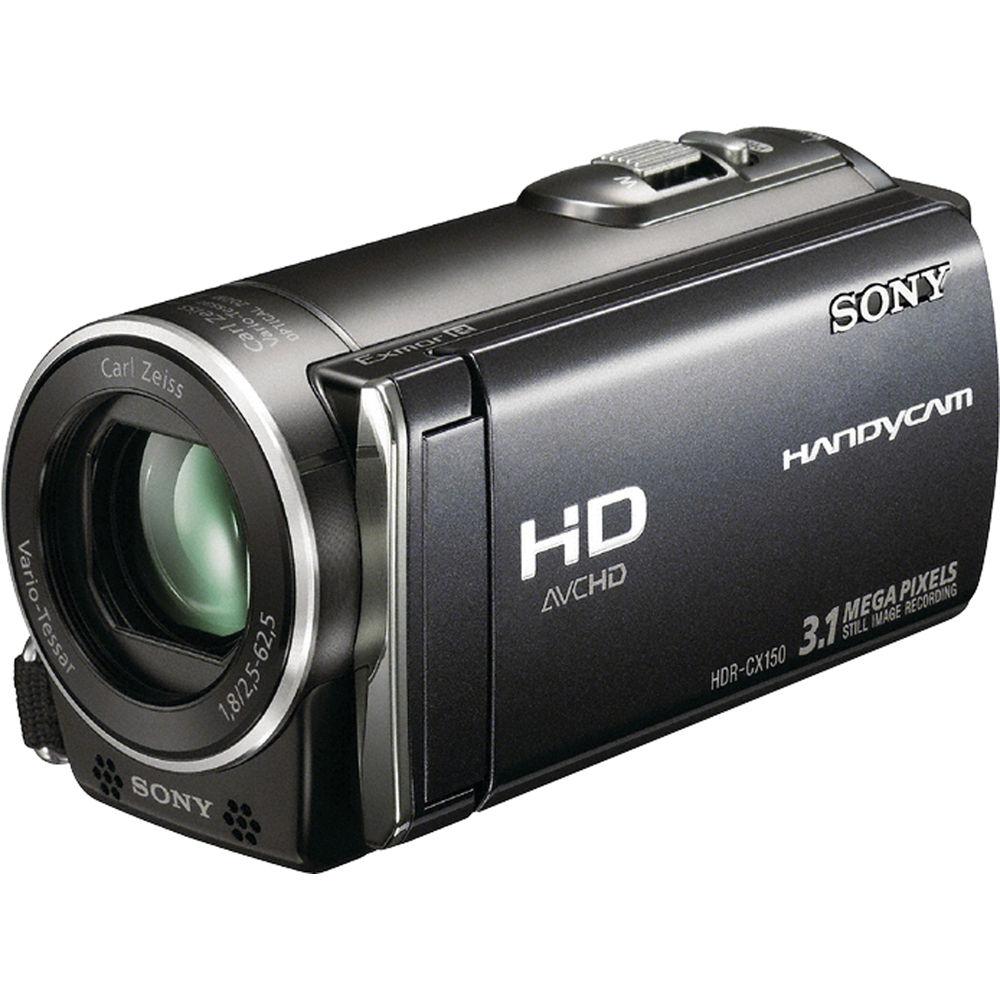
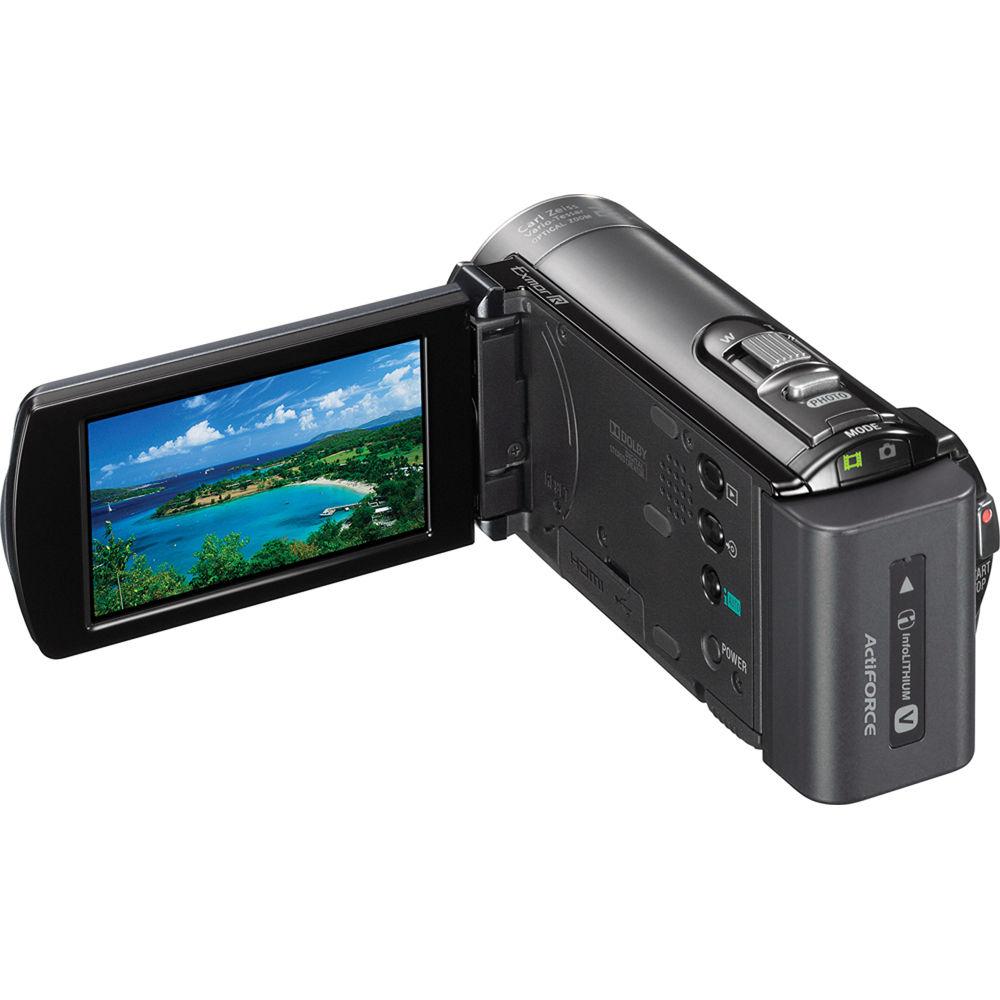
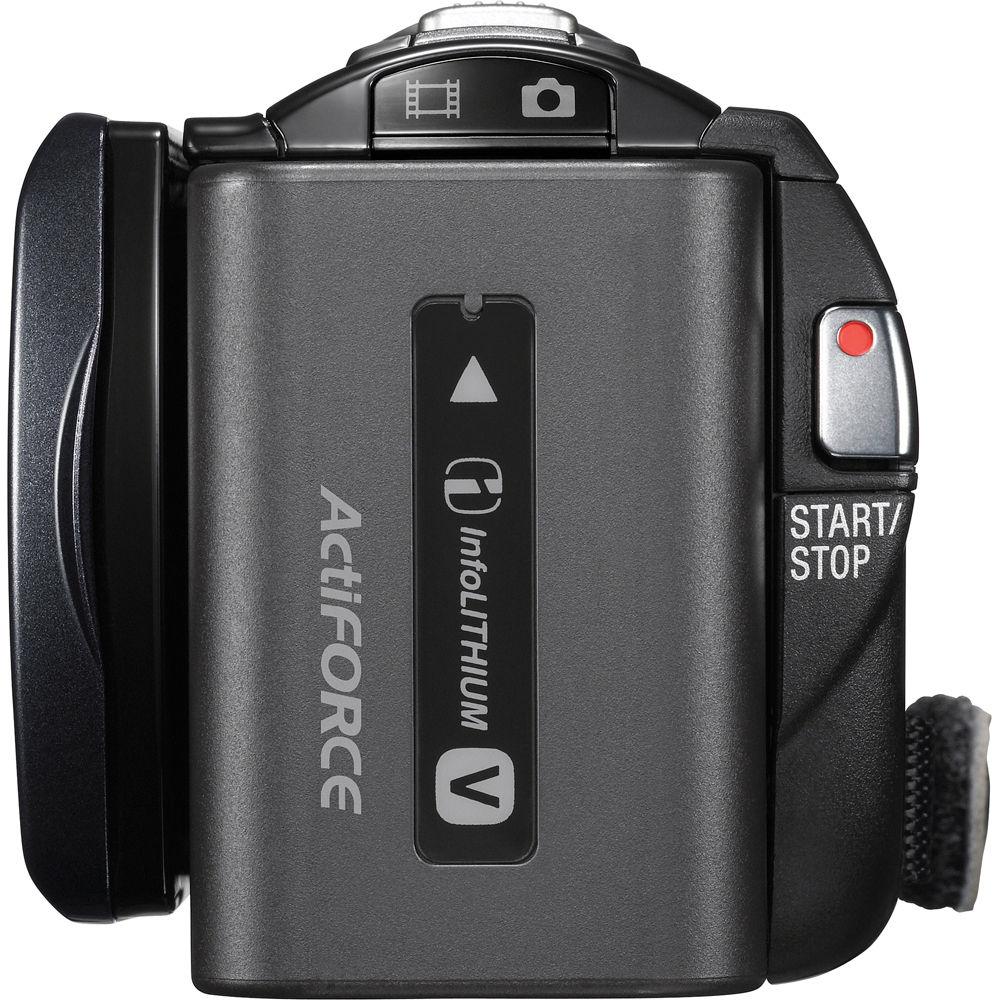
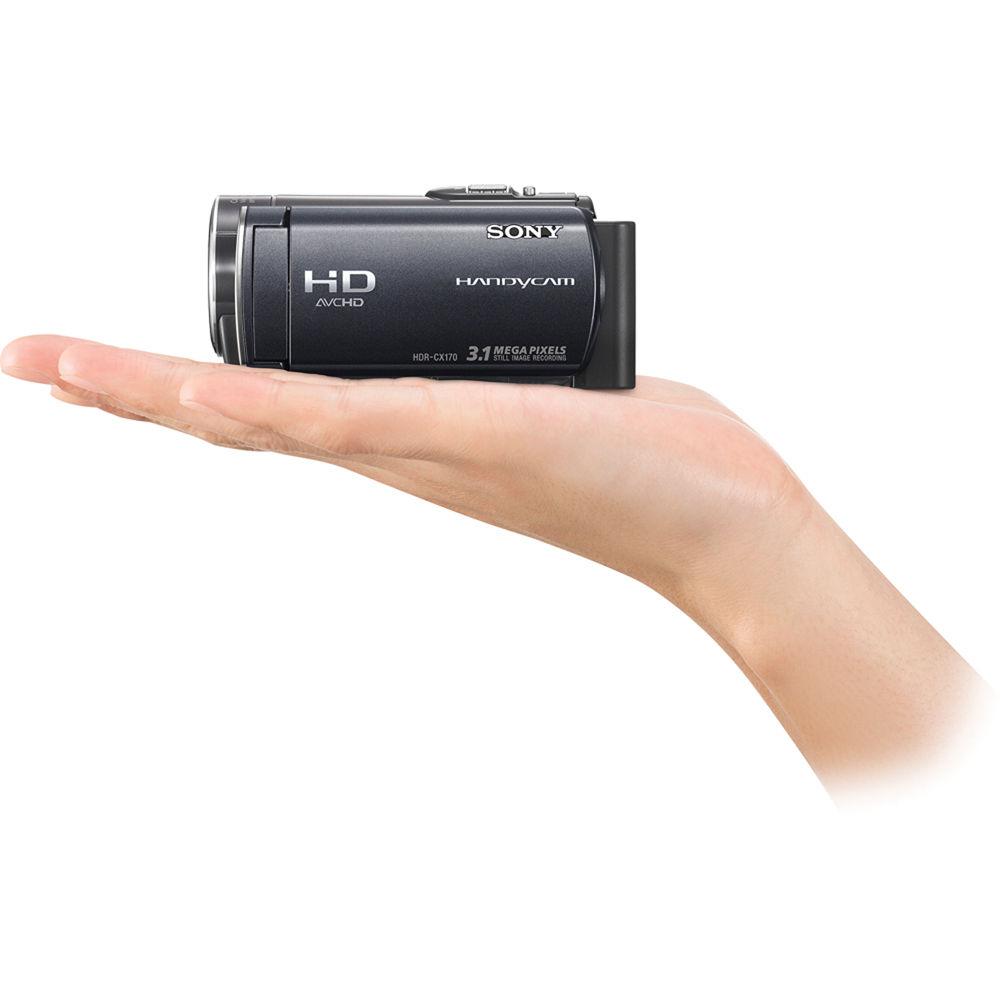
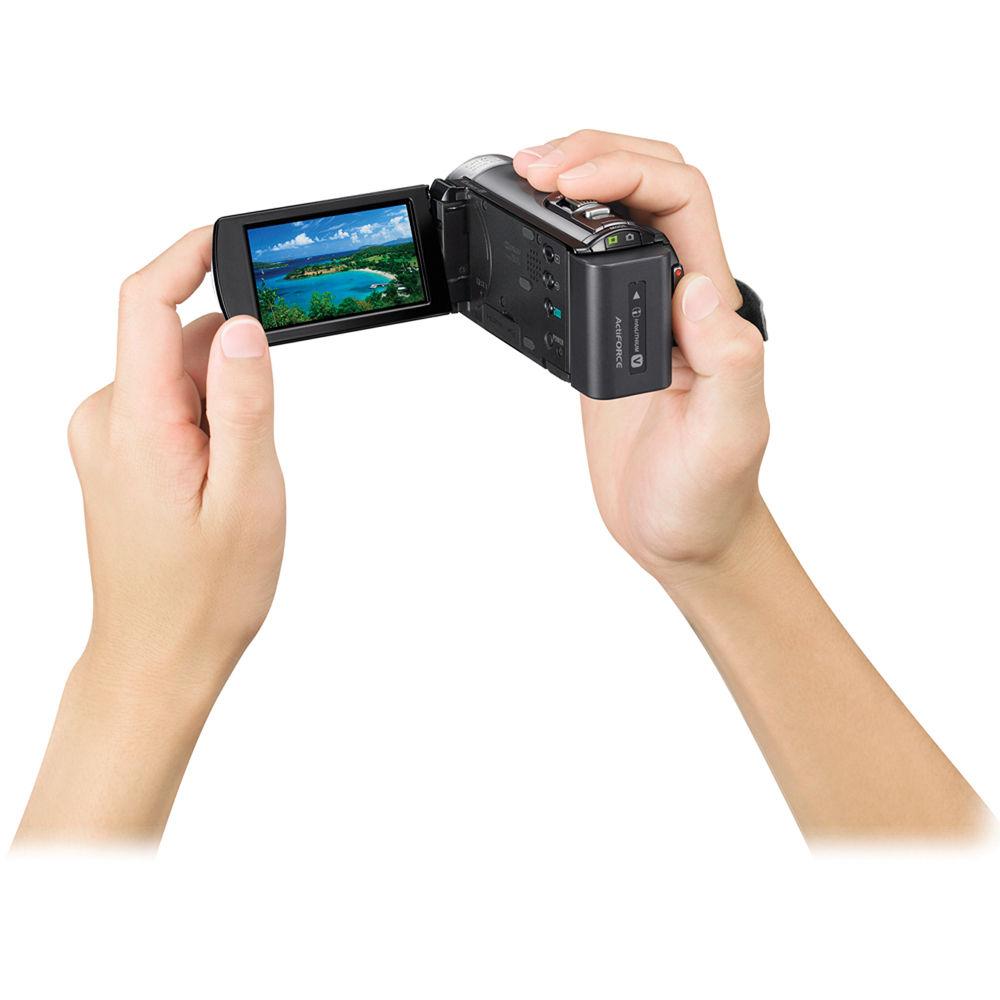
Product description Sony's HDR-CX150 16GB Handycam Camcorder is a mid-range high def camcorder that provides numerous features and functions. First and foremost among those features would be the storage options that the camera offers. Aside from recording to a 16GB internal flash memory the CX150 can record to optional Memory Stick Media or SD/SDHC memory cards. In addition, you can copy video and stills from the internal memory onto the removal flash memory cards for easy transfer. The core functions of the CX150 include a 1/4" back-illuminated Exmor R CMOS sensor that helps to capture detailed video in low light situations. The sensor also helps capture 3MP digital still images, and works together with the BIONZ Image Processor for reduced visual noise, faster processing speeds, and data compression. The BIONZ additionally powers Face Detection and the Dynamic Range Optimizer function. Another important feature, the 2.7" Clear Photo LCD, helps you to record with its widescreen platform for composition and playback, its touch screen capabilities, and its ability to rotate up to 270°. Other functions such as 25x optical zoom, a Carl Zeiss Vario-Tessar lens, and SteadyShot image stabilization with Active Mode round out this set of standard functions.The CX150 provides a myriad of additional features and functions, including some of the most sought after on camcorders today. You'll benefit from Face Detection and Smile Shutter, along with other related features, as well as user-friendly features like a personalized menu system, Face Index, and Film Roll Index playback tools. Video capture up to 24Mbps enables compatibility for recording to Blu-ray, while the 1080/60p playback via HDMI, to a compatible HDTV, ups your viewing experience. View all the great extras on the HDR-CX150 below. - 1920 x 1080 High Definition Video Recording
- 1920 x 1080 high definition resolution lets you record your memories in exceptional high definition quality. Capable of 1080/60p playback via HDMI and compatible HDTV providing stunning clarity and incredibly detailed playback of your memories
- 16GB Internal Flash Memory
- The built-in 16GB embedded flash memory can record and store up to 6 hours of high definition video footage (HD LP mode), or up to 4 hours of standard definition footage (SD HQ mode)
- Hybrid Recording to 16GB Internal Memory or Memory Stick Media
- Hybrid recording technology delivers a new level of flexibility of capturing and transferring your video footage and digital photos from the camcorder to compatible viewing devices. Record to 16GB embedded flash memory or choose instead to record to removable Memory Stick PRO Duo media (optional). You can even select from various dubbing functions to easily copy video or still images from the embedded flash media to the Memory Stick PRO Duo media - without using a PC
- Media Card Slot
- For convenient storage and sharing of your images and videos, the camera accepts Memory Stick Duo / Memory Stick PRO Duo / Memory Stick PRO-HG Duo media and SD/SDHC media (optional)
- 1/4" Back-Illuminated "Exmor R" CMOS Sensor
- Experience low-light sensitivity with improved image clarity and drastically reduced grain with the back-illuminated "Exmor R" sensor. Designed for compact cameras and camcorders, the "Exmor R" sensor relocates the photo diodes above the support circuitry, maximizing the light gathering area per pixel so you can shoot with better results in lower lighting conditions 1
Please Note: Approximately 2x increase in sensitivity compared to Sony's previous front-illuminated CMOS sensors at f/2.0 close - Carl Zeiss Vario-Tessar Lens
- Carl Zeiss Vario-Tessar lenses use advanced optics to deliver vivid image brilliance, and true-to-life color saturation and renditions of subtle tones
- 25x Optical / 300x Digital Zoom
- 25x optical zoom helps to bring the action close up from far away. In addition, Digital Zoom Interpolation means that digital zooming (up to 300x) is clearer, with less distortion than previous types of digital zoom
- 2.7" Clear Photo LCD Display
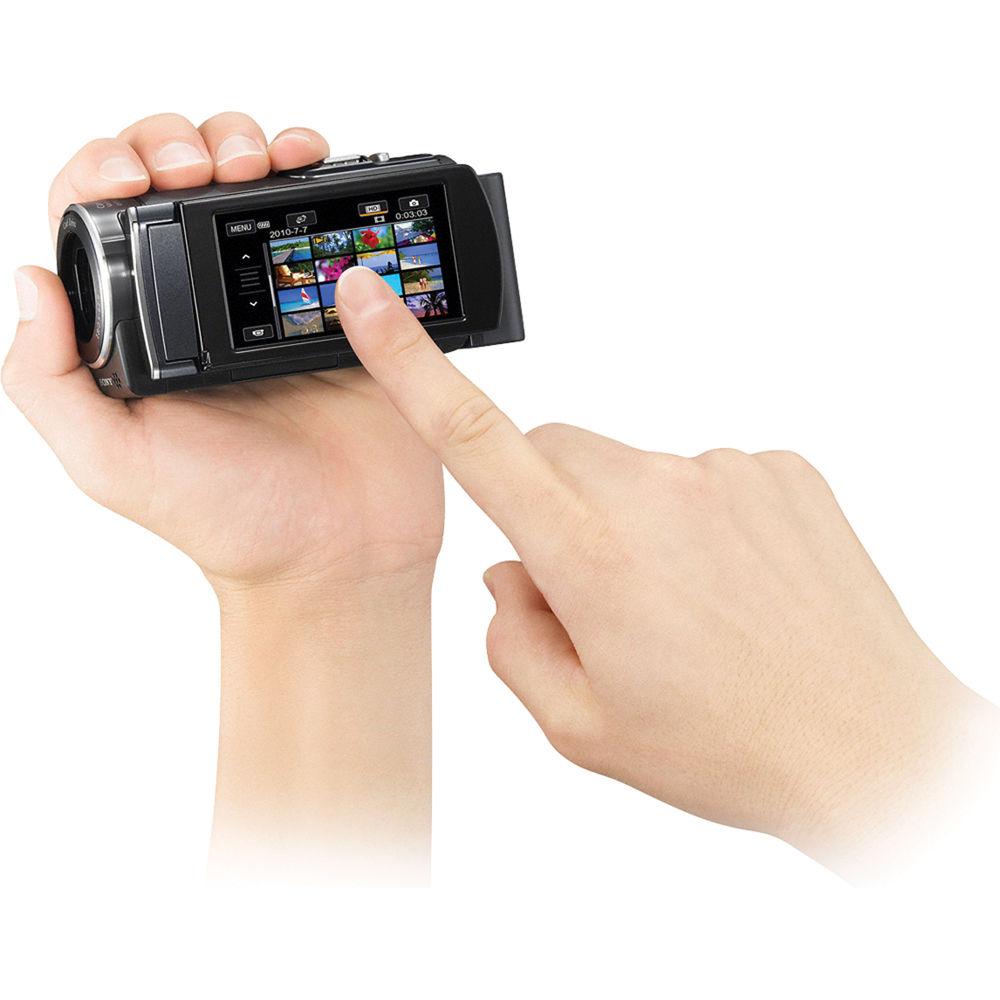
- The 2.7" Clear Photo LCD (230K) display provides exceptional viewing clarity with 123K pixels resolution. The display rotates up to 270 degrees for multiple viewing angles, as well as provides sharp, detailed images for monitoring or playback. The convenient touch panel allows easy access to menus and additional functionality such as spot focus and spot metering
- 3MP Digital Still Capture
- The HDR-CX150's 3 megapixel still image capture lets you take high resolution digital photos
- 2x Faster Quick AF
- With the improved autofocus (AF) system, Quick AF, the focusing speed is twice as fast compared to previous models. Whether in bright daylight or in a dimly lit environment, Quick AF ensures fast, accurate, and consistent focus lock, enabling users to shoot in a wide range of scenes without missing any important moment. Especially when shooting night scenes where conventional AF might struggle to focus, thanks to the much improved AF algorithm in Quick AF, users can now capture crisp images, fast
- 1080/60p Playback Via HDMI and Compatible HDTV
- 1080/60p playback via HDMI and compatible HDTV providing stunning clarity and incredibly detailed playback of your memories
- Face Detection with Face Priority
- With Face Priority, your camcorder optimizes focus, color, exposure, and Smile Shutter technology for the face you prioritize. Just touch the preferred face on the LCD display and the camcorder will assign it priority, even if it leaves and returns to the frame
- Smile Shutter for Still and Dual Capture
- Smile Shutter technology lets the camcorder automatically take still photos when your subject smiles, even while shooting high definition video. You can also set the sensitivity and choose child, adult, or auto priority
- Direct Copy to External HDD without a PC
- Store your memories in a whole new way with the ability to copy videos from your camcorder directly to an external hard disk drive (optional), all without a computer. Your camcorder can also access videos stored on the external hard drive for playback on your HDTV, allowing you to utilize the camcorder's handy playback features
- Highlight Playback with Highlight Scenario Playback
- With Highlight Playback, your camcorder automatically creates short movies by identifying and compiling key scenes into a short, entertaining movie complete with music and transitions. In addition, the Highlight Scenario feature lets you save up to eight of these movies for later playback
- Intelligent Auto (9 iAUTO modes)
- Intelligent Auto mode goes a step beyond traditional auto modes by analyzing your shot and then automatically selecting the appropriate settings from nine distinct scene modes (60 different combinations possible): Portrait Mode, Smile Shutter, Backlight Control, Scenery, Night Scenery Mode, High Sensitivity Mode, Macro Mode, Baby Mode, Tripod, and Low Light Mode
- Up to 24Mbps AVCHD Video
- The HDR-CX150 can capture video at up to 24Mbps for clarity and detail, ideal for recording on to Blu-ray media since the AVCHD codec is highly compatible with the Blu-ray format
- SteadyShot Image Stabilization with Active Mode
- SteadyShot image stabilization with Active Mode represents the next step forward in Sony image stabilization technology. Active Mode improves on existing SteadyShot image stabilization by allowing the camera to compensate for greater degrees of camera shake and deliver a stunning level of image smoothness
- Personalized "My Menu" System
- New user friendly interface uses touch screen technology to allow users to scroll through menus quickly and easily and even create a personalized "My Menu" to bring together the functions they use most. Users can spend more time recording memories and less time in menus
- Face Index Function
- Face Index makes it easy to find and play back the right video scene. Using Face Detection technology, Face Index indexes your video footage according to the faces detected in each scene. When it's time to play back video, simply search for what you want by selecting from among the detected faces displayed in the index
- Film Roll Index
- Like chapters in a book, Film Roll Index helps you easily find desired scenes in video footage. When using this feature, the camcorder previews the beginning of scenes and can create scene indexes set at specified display intervals (3, 6, or 12 seconds and 1 or 5 minutes)
- Dual Record with Still Image Capture
- Dual record capability lets you capture 3MP still images while shooting high definition video, so you can capture those special moments without having to switch recording modes
- Smooth Slow Record
- The Smooth Slow Record mode increases the record rate from 60 frames per second (fps) to 240 fps, allowing you to capture 3 seconds of fast motion and play the video back in 12 seconds. This is a great tool for analyzing a golf swing or a viewing a bird in flight. In addition, you record an audio track to narrate the video footage
- Sony PMB (Picture Motion Browser) Software
- Sony Picture Motion Browser software offers a simple, intuitive way to transfer, sort, and view your video and still images on your compatible PC. In addition, multiple output options let you burn your memories to DVD (optional), as well as take advantage of one click upload to a number of popular video and photo sharing sites
- Dynamic Range Optimizer
- The D-Range (Dynamic Range) Optimizer function adjusts the exposure and contrast of an image to counter the effects of high-contrast shooting condition, allowing for a great shot. The D-Range Optimizer suppresses "blackout" in dark areas such as shadows and "whiteout" in bright areas such as skies. As a result, the captured image appears as natural as the original scene
- x.v. Color Technology
- x.v. Color technology enables the HDR-CX150 to capture nearly twice (1.8x) as many viewable colors as the standard RGB color range, resulting in more natural, life-like images. You can even experience this expanded color range on the big screen when you connect your camcorder to x.v. Color capable displays, including a wide range of Sony BRAVIA HDTVs
- BIONZ Image Processor
- The BIONZ Image Processor works in conjunction with the Exmor CMOS sensor with ClearVid array for pristine imaging. The BIONZ Image Processor provides Data Noise Reduction, Fast Image processing, and Data compression to preserve videos and images. In addition, the BIONZ Image Processor enables Face Detection technology and Sony's Dynamic Range Optimizer for both video and still image capture. The higher processing speed also allows Dual Recording to capture still images while recording video
- BRAVIA Sync Technology
- BRAVIA Sync technology offers great ease of use in controlling compatible Sony products connected via an HDMI (CEC) connection. HDMI connectivity provides a simple, high-quality video and audio connection, with the ability to transmit HD video and up to 5.1 channel audio directly from the camcorder to compatible HDTVs via a single HDMI cable (not included). With BRAVIA Sync (CEC) technology, the HDMI connection also delivers the ability to control both the camcorder and HDTV using a single BRAVIA TV remote and displays the camcorder's playback menu on screen for easier navigation
- Additional Creative Control and Workflow Features
-
- Power on your camcorder by simply opening the camera's LCD display
- USB 2.0 provides an easy connection between your camcorder and PC for fast transfer of video and stills
- Record and zoom controls on LCD for more control and flexibility, especially for overhead or low angle shots
- Dolby Digital stereo recording with built-in zoom mic focuses on subject for clear dialogue and crisp, discrete sounds
- One Touch Disc Burn for easy copy of footage using the PMB software and the One Touch Disc Burn Button and a compatible PC
In the Box Sony HDR-CX150 16GB HD Handycam Camcorder (Black) USB Cable AC Adapter Component A/V Cable A/V Cable NP-FV50 Battery Pack Lithium Battery Application Software/USB Driver/CD-ROM 90-Day Refurbished Warranty Table of Contents
|
Upload User Manual
Have you got an user manual for the Sony HDR-CX150 16GB HD Handycam Camcorder - Refurbished in electronic form? Please send it to us and help us expand our library of instruction manuals.
Thank you, too, on behalf of other users.
To upload the product manual, we first need to check and make sure you are not a robot. After that, your "Submit Link" or "Upload File" will appear.
Technical parametersSony HDR-CX150 Specs | | | Zoom | Optical: 25x
Digital: 300x | | Filter Size | 30 mm | | | | System | NTSC | | Recording Media | x Internal Flash Memory (16 GB Maximum)
x SD/SDHC, Memory Stick PRO, Memory Stick PRO Duo Also supports Memory Stick PRO-HG Duo media | | Recording Time | Internal Flash Memory GB
HD: FX: 85 minutes
HD: HQ: 230 minutes
HD: LP: 395 minutes
SD: HQ: 235 minutes | | Still Image Resolution | JPEG: 3 Megapixel | | Channels | 2.0-Channel Stereo | | | | Display Type | LCD | | Touchscreen | Yes | | Screen Size | 2.7" | | | | Image Stabilization | Digital | | Lux | 3 (Auto Slow Shutter ON, 1/30 Shutter Speed) | | Built-In Mic | Yes | | Built-In Speaker | Yes | | Built-In Light/Flash | Light - No
Flash - No | | Accessory Shoe | None | | Tripod Mount | 1/4" | | | | Outputs | 1 x USB 2.0
1 x Mini-HDMI (Type C)
1 x
1 x Component Video Analog A/V: Via A/V Remote Terminal
Digital A/V: HDMI mini
Component Video Out: Via A/V Remote Jack
S-Video: Via optional A/V Remote Jack | | Microphone Input | No | | Headphone Jack | No | | | | Battery | Rechargeable Lithium-Ion Battery Pack | | Dimensions (W x H x D) | 2.0 x 2.2 x 4.5" / 50.8 x 55.9 x 114.3 mm | | Weight | 9.0 oz / 255.2 g | | | | Package Weight | 2.4 lb | | Box Dimensions (LxWxH) | 9.6 x 9.6 x 4.6" |
Rating86% users recommend this product to others. And what about you?

This product has already been rated by 79 owners. Add your rating and experience with the product.
Discussion
 Ask our technicians if you have a problem with your settings,
or if anything is unclear in the user manual you have downloaded.
You can make use of our moderated discussion.
The discussion is public and helps other users of our website who may be encountering similar problems.
Ask our technicians if you have a problem with your settings,
or if anything is unclear in the user manual you have downloaded.
You can make use of our moderated discussion.
The discussion is public and helps other users of our website who may be encountering similar problems.
The discussion is empty - enter the first post
Post a new topic / query / comment:
|
|
|
| Request for user manual |
You can’t find the operation manual you are looking for? Let us know and we will try to add the missing manual:
I’m looking for a manual / Request for manual
Current requests for instruction manuals:
Call Of Duty World War Two For Xbox...
controller stratus XL...
stratus XL...
smart whatch serie S11 42mm...
Allen & Heath SQ-6 manual...
|
| Discussion |
Latest contributions to the discussion:
AEW R 4100
Name: MAURICIO ANGARITA
Audio-Technica AEW-R4100 UHF Diversity Receiver for
AEW R 4100 has the mute function blocked and does not allow audio to pass. I tried several times to turn off the mute from the transmitter but it does nothing, the mute stays on. Solution?
Thank you...
Instructions for assembling the 2015 Forecast Image Master Consoles GC3-A
Name: mike elam
Forecast Consoles GC3-A ImageMaster Editing Console
Looking for instructions for assembling this console. ...
EMPTY TONER ERROR MESSAGE AFTER REPLACING TONER
Name: LINDA BAD YELLOW EYES
Brother TN223BK Standard-Yield Toner
I HAD TO CHANGE OUT ALL THREE TONERS DUE TO LEAKS IN THE YELLOW AND CYAN. AFTER I REPLACED THEM, THE MACHINE KEEPS GIVING ME AN EMPTY TONER ERROR MESSAGE. HELP!!...
PS480D 20/24 pin Switching 480W Power Supply
Name: swkargo
Logisys 480W Power Supply
This item states in can run -5vdc .It is NOT listed on the board or I beleive is r4 is missing the resitior. Any body have thid issue. Shawn
...
Help needed
Name: Ann Carter
SanDisk 1TB Extreme Portable USB 3.1
When I click the link to download the user manual for my Sandisk Extreme external hard drive, it gives me the manual for the LG Cricket. Can you please change the link so I can download the Sandisk manual and begin using this drive? Thank you....
|
|


