|
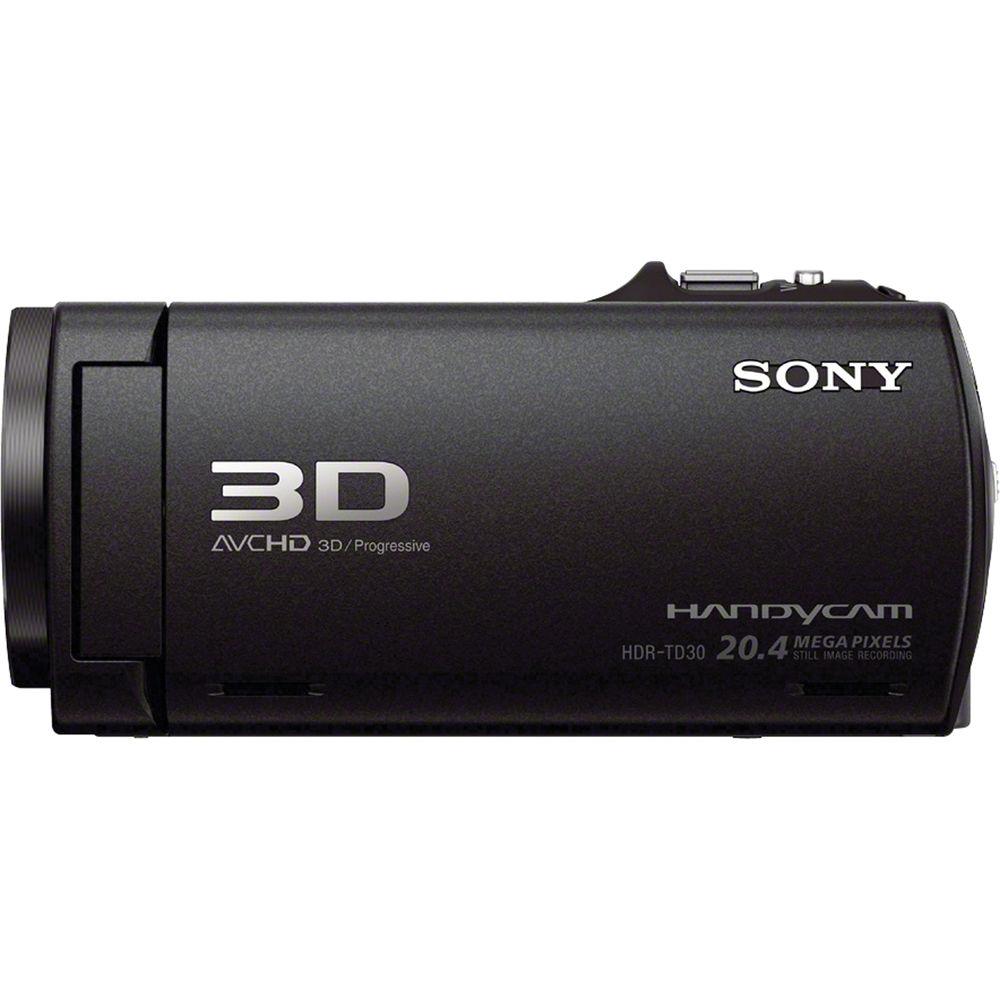
User Manual for Sony HDR-TD30V HD 3D Handycam Camcorder - Refurbished Click to enlarge the picture
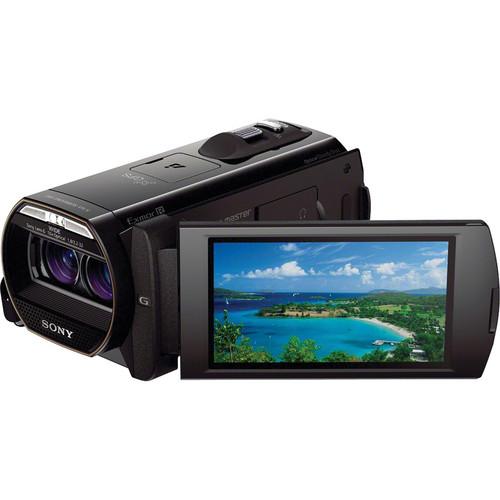 Contents of the user manual for the Sony HDR-TD30V HD 3D Handycam Camcorder
- Product category: Uncategorized Sony
- Brand: Sony
- Description and content of package
- Technical information and basic settings
- Frequently asked questions – FAQ
- Troubleshooting (does not switch on, does not respond, error message, what do I do if...)
- Authorized service for Sony Uncategorized
 |
User manual for the Sony HDR-TD30V HD 3D Handycam Camcorder contain basic instructions
that need to be followed during installation and operation.
Before starting your appliance, the user manual should be read through carefully.
Follow all the safety instructions and warnings, and be guided by the given recommendations.
User manual is an integral part of any Sony product,
and if it is sold or transferred, they should be handed over jointly with the product.
Following the instructions for use is an essential prerequisite for protecting
health and property during use, as well as recognition of liability on the part of the manufacturer
for possible defects should you make a warranty claim. Download an official Sony user manual in which you will find instructions on how to install, use, maintain and service your product.
And do not forget – unsuitable use of a Sony product will considerably shorten its lifespan!
|
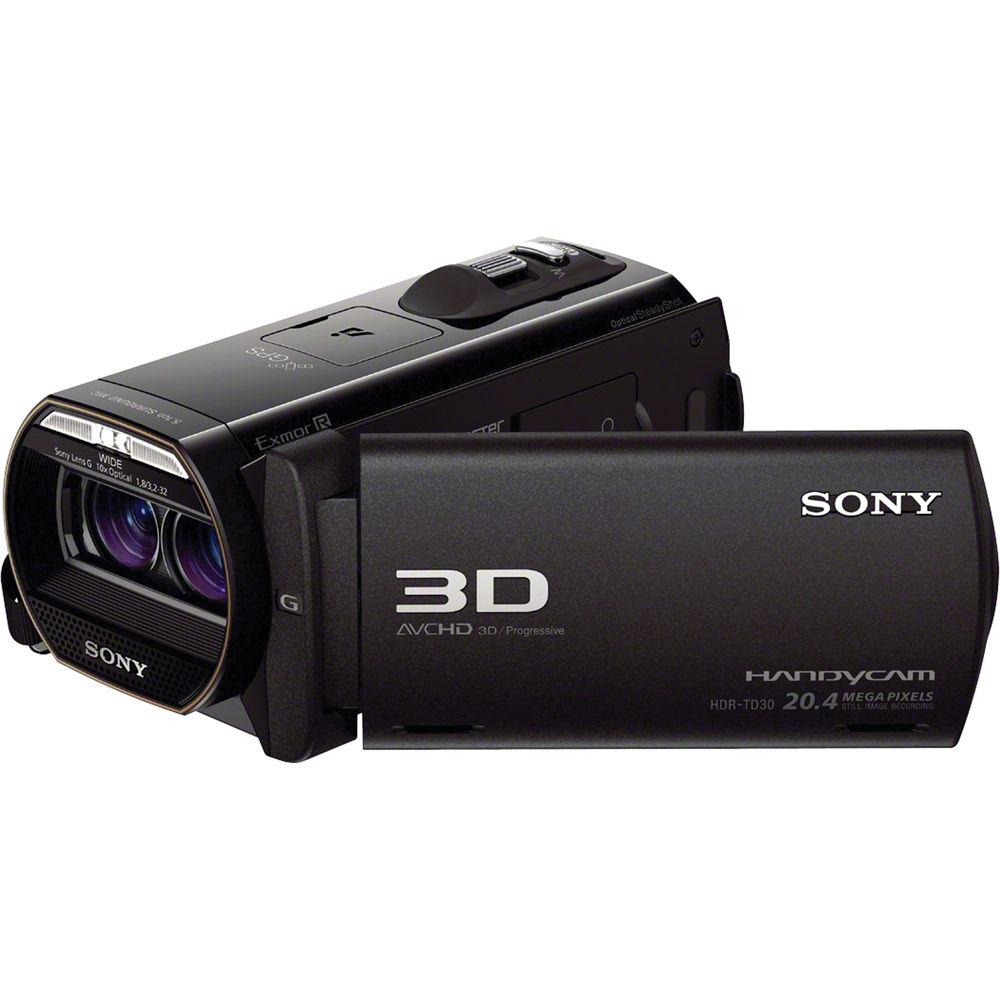
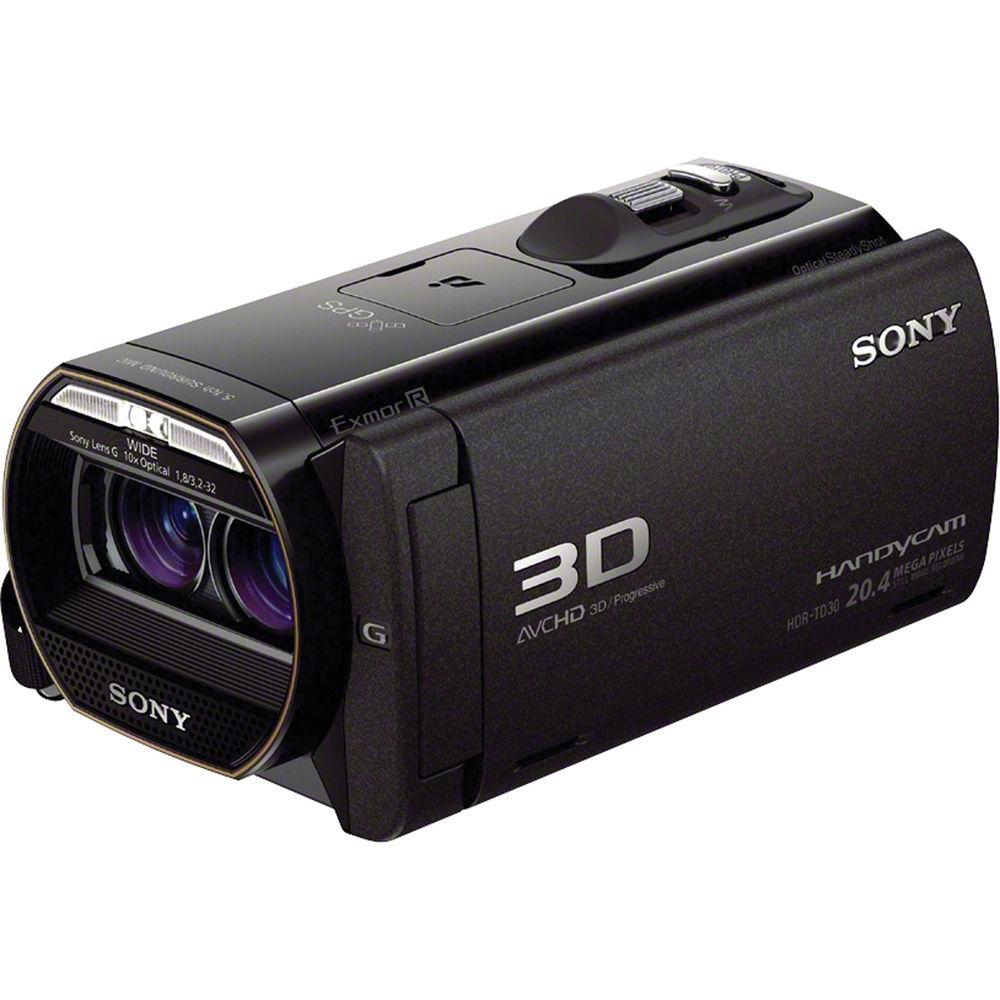
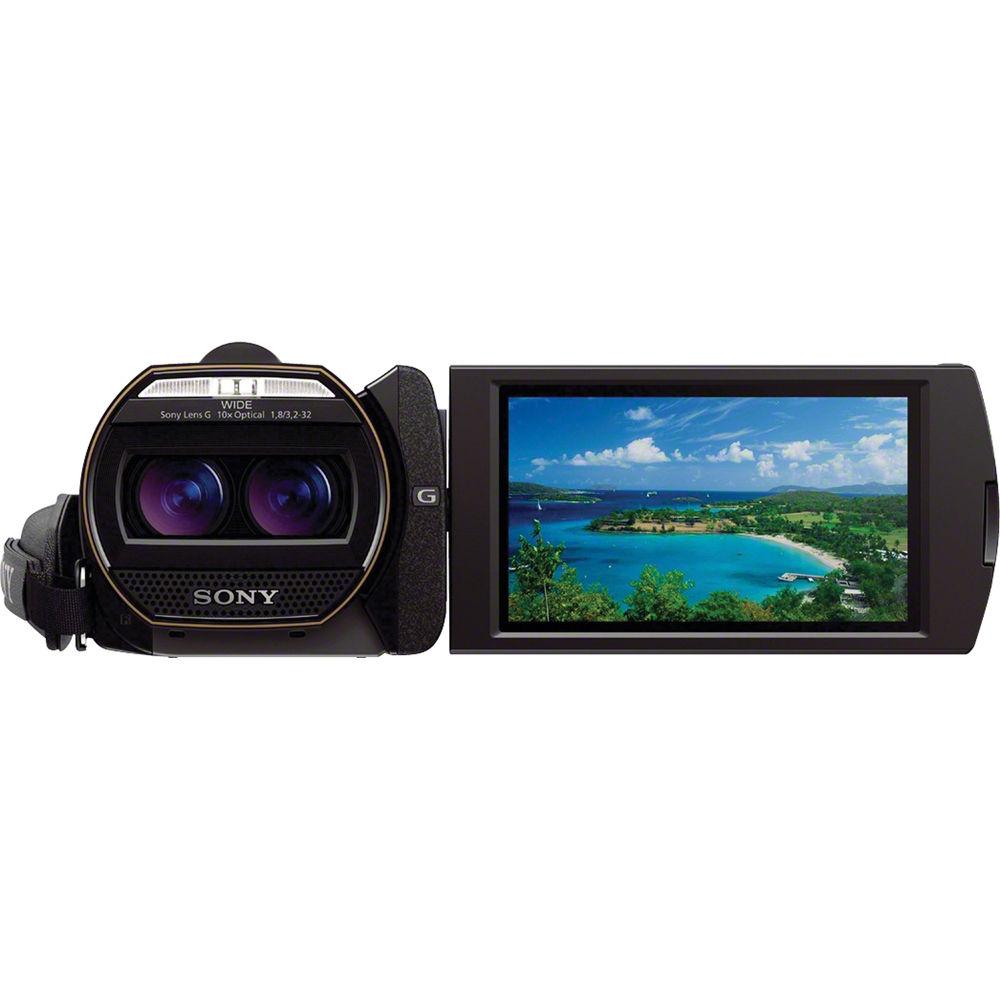
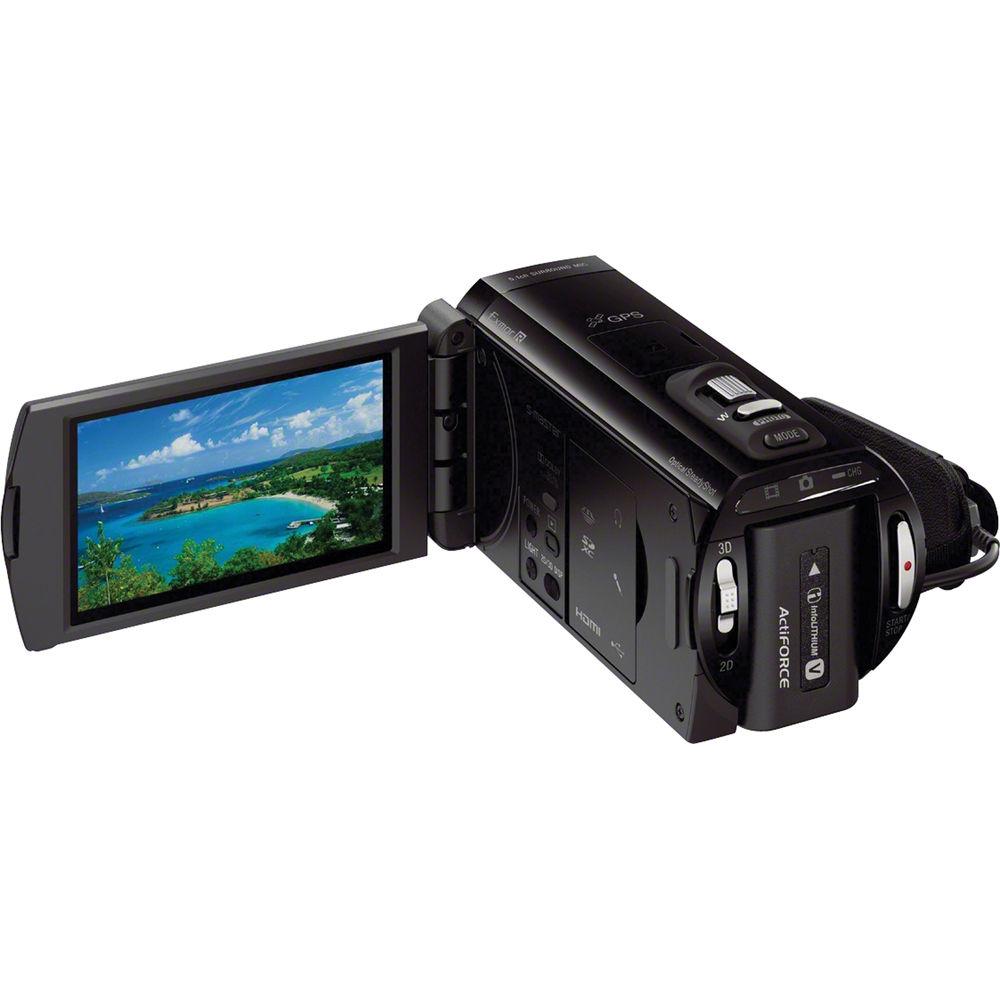
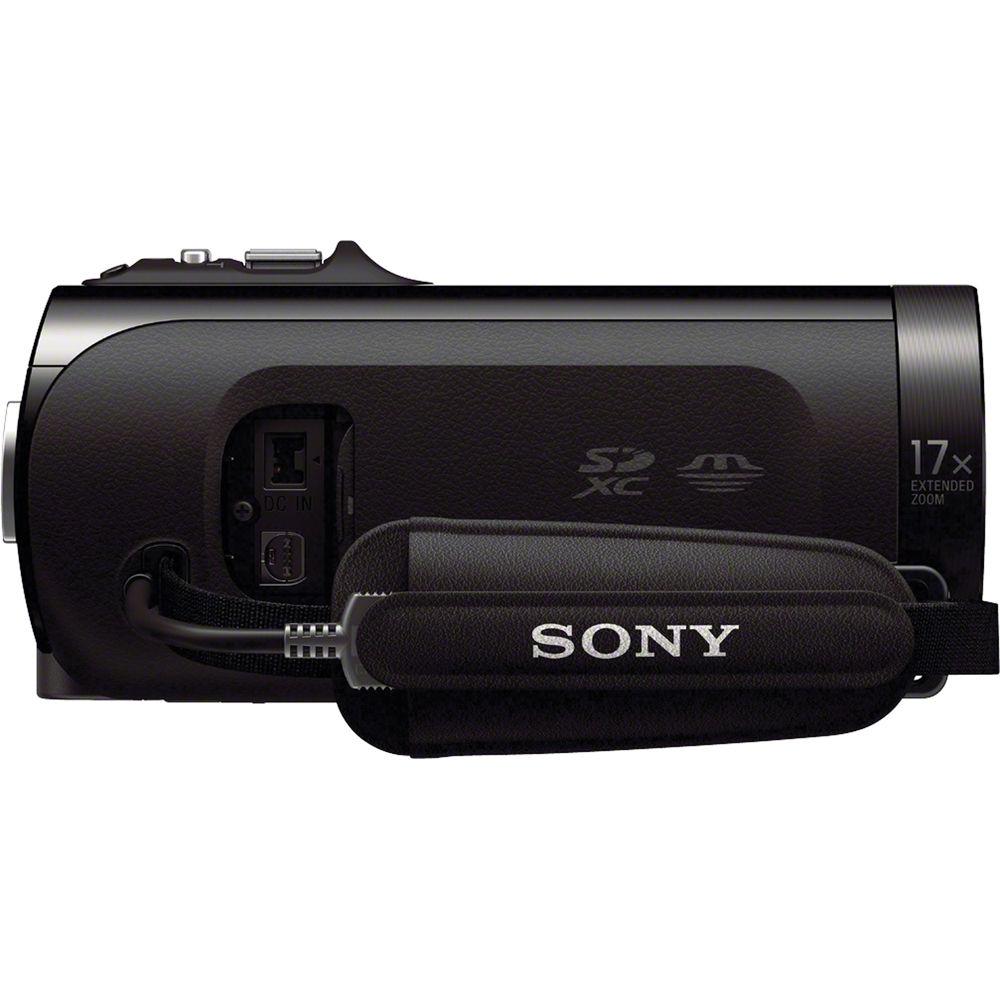
Product description The Sony HDR-TD30V HD 3D Handycam Camcorder features two 20.4MP Exmore R CMOS sensors and dual, stereoscopic Sony G lenses, a configuration designed for capturing true 1920 x 1080 3D video. The TD30V is capable of recording 1080/60p and 24p in 2D and 3D. The 3.5" Xtra Fine LCD display has 1229K resolution and allows users to monitor and playback 2D/3D footage without glasses.
Optical SteadyShot image stabilization with Active Mode compensates for camera shake to deliver smooth video in 2D and 3D. In addition to the TD30V's imaging capabilities, a 5.1 surround sound microphone and wind noise reduction enable high quality audio recordings. Other key features include an Active Interface Shoe, Intelligent Auto Mode, and a built-in USB cable. - Dual Sensors and Sony G Lenses
- The Sony Handycam HDR-TD30V utilizes two Full HD 20.4MP sensors to capture true 1920 x 1080 3D video. Most 3D cameras achieve the 3D affect by splitting a single 1920 x 1080 signal into two 960 x 540 channels, thereby limiting resolution on the final output. In addition, dual Sony G lenses deliver accurate color reproduction, sharp, detailed images, and wide angle shooting.
- 1920x1080 Full HD 24p/60p
- Capturing 1920 x 1080 resolution lets you record your memories in Full High Definition quality. The TD30V is capable of 60p recording and playback on a compatible HDTV via HDMI, and users looking for film-like video will appreciate the 24p recording mode.
- 3D Ready 3.5" Xtra Fine LCD Display
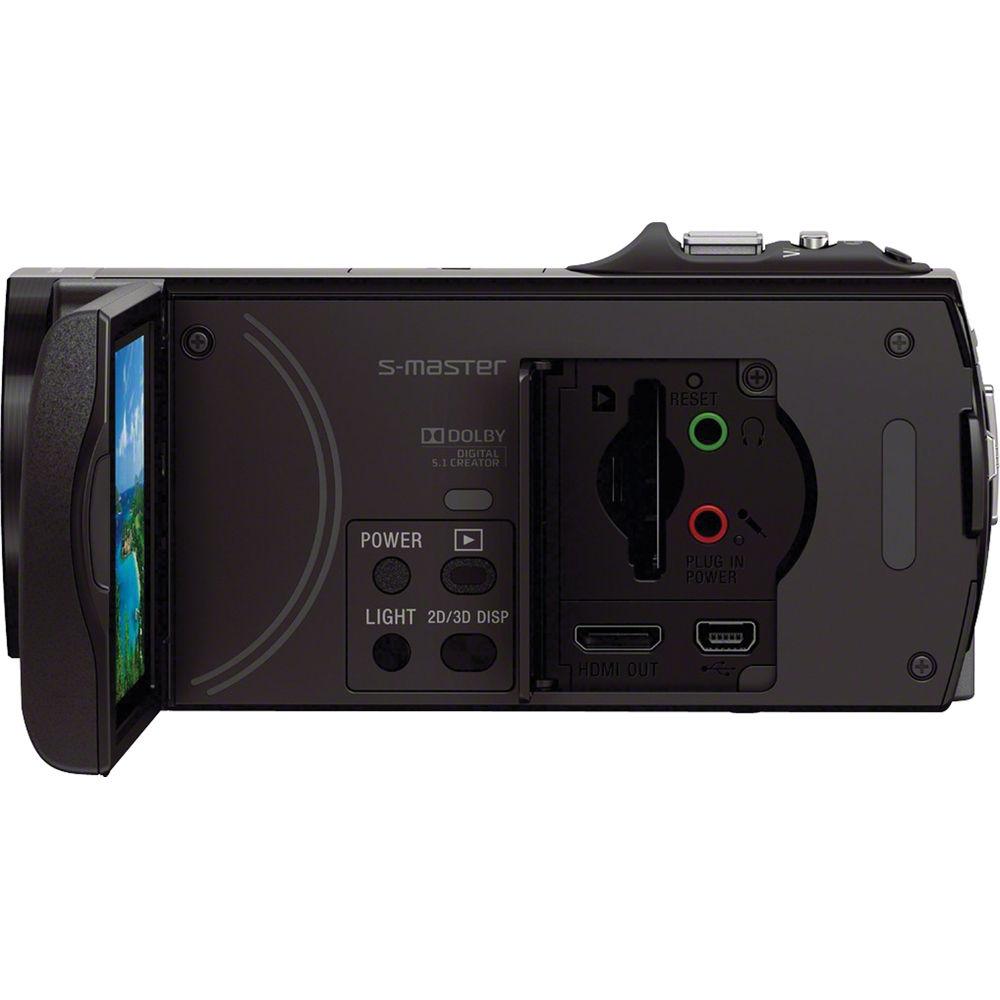
- The 3.5" Xtra Fine LCD touchscreen display has 1229K dot resolution and allows users to view 3D content without the need for 3D glasses.
- Optical SteadyShot with Active Mode
- Optical SteadyShot image stabilization with Active Mode compensates for camera shake to deliver smooth video, whether you're shooting in 3D or 2D.
- 10x Optical Zoom and 17x Extended Zoom
- A 17x Extended Zoom works in conjunction with a 10x optical zoom to get even closer to the action while maintaining HD image quality.
- Tracking Focus and Face Detection
- Tracking Focus works as an extension of Face Detection to allow you to select an object with a touch of the LCD and have the focus follow the selected object.
- 5.1 Surround Sound Microphone
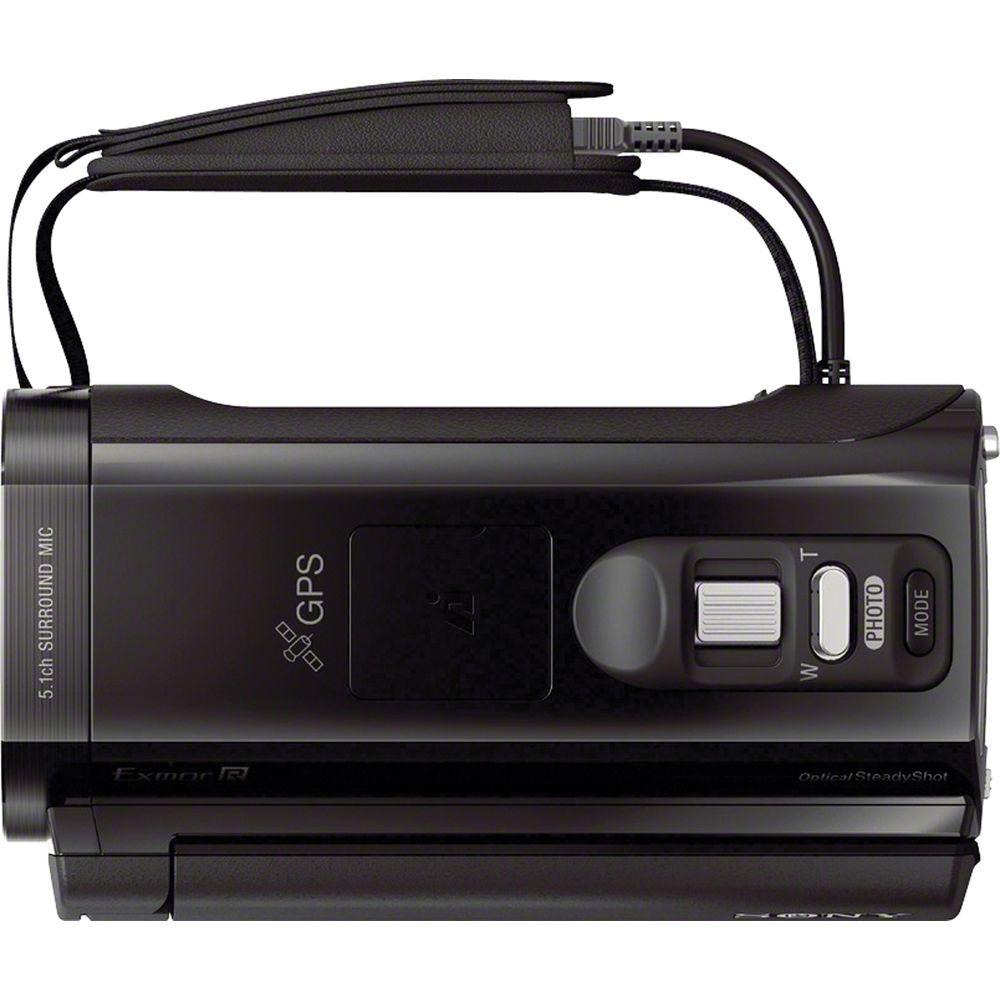
- Dolby Digital 5.1 channel recording captures active sounds coming from all directions, so you can experience your home movies the way you experienced them while recording.
- Active Interface Shoe
- The Active Interface Shoe lets you mount Intelligent Accessories, such as external lights and microphones, which can help extend the capabilities of your camcorder.
- Easily Switch Between 2D and 3D
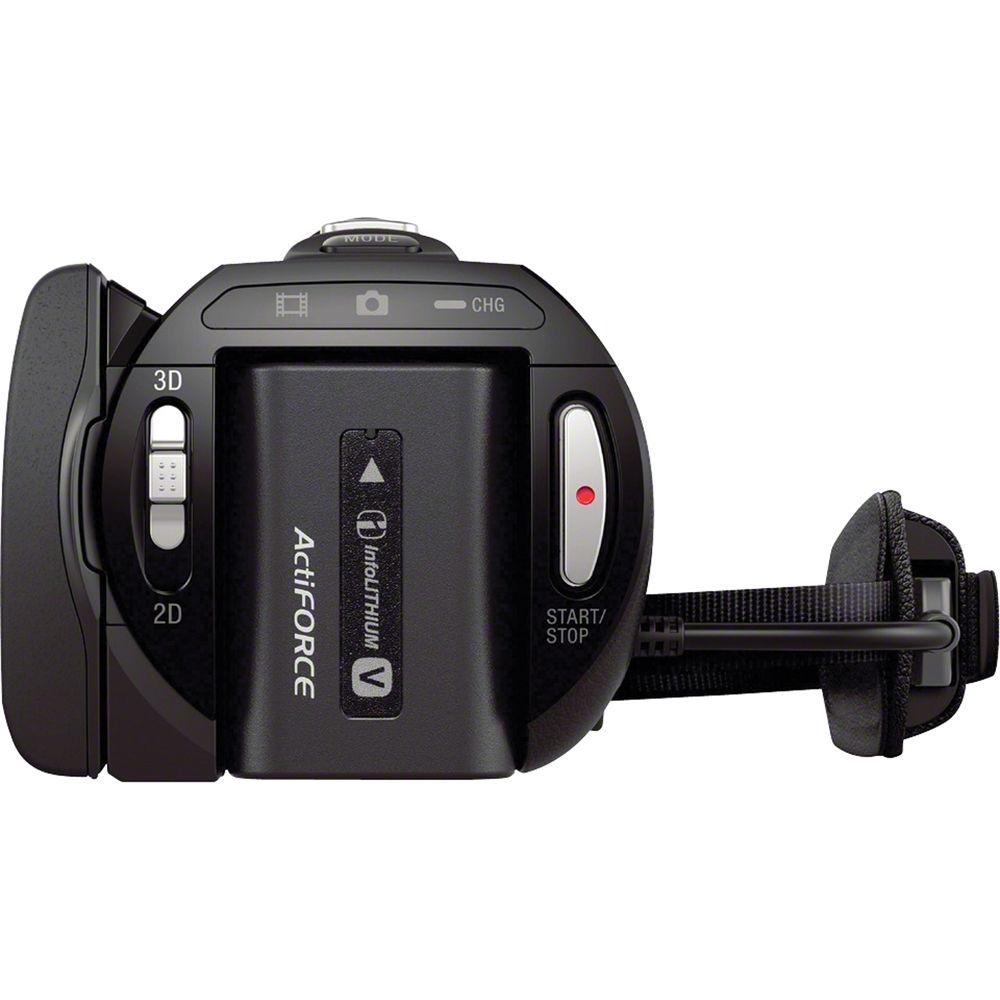
- A dedicated switch allows for easy switching from 2D to 3D recording. In 3D mode, only 3D content will be displayed for playback, however when in 2D mode, all content will be displayed and played back in 2D. This allows you to record all your video in 3D and choose later whether or not you want to playback in 2D or 3D.
- Intelligent Auto Mode
- Intelligent Auto mode goes a step beyond traditional auto modes by analyzing your shot and then automatically selecting the appropriate settings from ten distinct scene modes. There are 180 different combinations possible: Portrait, Baby, Walk, Tripod, Backlight, Landscape, Spotlight, Twilight, Macro, Low light, Auto Wind Noise Reduction.
- Sequential Still Photos with Golf Shot
- Golf Shot captures a few seconds of motion as a sequence of up to 22 still images, which can be viewed/printed individually or as a composite "sequence shot" image, perfect for analyzing the nuances of a golf swing, tennis serve, and other fast action.
- Wind Noise Reduction
- Wind Reduction reduces noise and interference that is produced when wind passes over the microphone. The camcorder utilizes an advanced sound processor and sophisticated noise reduction algorithms to reduce wind noise by up to 10dB compared to other models. In addition to reducing low frequency noise, iAuto also suppresses mid- and upper-frequency noise, resulting in clearer, more enjoyable sound.
- Mic and Headphone Jacks
- The TD30V features dedicated mic and headphone inputs for expanded audio recording options and convenient monitoring of audio with headphones (external microphones and headphones sold separately).
- Clear Phase Stereo Speakers
- Clear Phase stereo speakers with linear phase correction bring your video alive. Drawing on Sony's high-end audio expertise, S-Master digital amplifier technology is utilized to produce more true-to-life sound.
- Built-in Flash
- The built-in flash will help you shed light on your subjects when shooting still images, giving you more flexibility when capturing memories.
- Built-in USB
- The built-in, high-speed USB 2.0 cable provides a connection to your computer for charging or file transfer, without having to remember separate cables. It also fits conveniently into the hand strap so it is out of the way until you need it. Charging your camcorder is faster than ever now; for every two minutes of charge time you get approximately one minute of recording time.
- Supplied HDMI Cable
- A 3D ready HDMI (mini to full) cable is supplied for viewing on a compatible HDTV.
- Geotagging with Built-in GPS
- A built-in GPS receiver makes the TD30V an ideal choice for travelers. The receiver gives you the ability to view your current location on the LCD map display, as well as "tag" your shooting locations. Tagged videos and still images can be reviewed and played back using the Map Index function on the camcorder or once downloaded to your computer using PlayMemories Home software. Additionally, the receiver automatically adjusts your camcorder's clock to the proper time zone. The map service requires a computer with an Internet connection.
- Direct Copy to External HDD without PC
- Store your memories in a whole new way with the ability to copy videos from your camcorder directly to an external hard disk drive (sold separately), all without a computer.
- Event Browse
- Event Browse conveniently groups your images and videos together for easier viewing. The date range that Event Browse groups your pictures and videos is easily adjusted to suit your needs. When used with the Highlight Playback feature, making and sharing a highlight reel from your event is easy and fun.
- Highlight Playback
- Highlight Playback identifies and compiles key scenes into a short, entertaining movie complete with music and transitions. You can even pinpoint the exact scene you want to include in the highlight reel.
In the Box Sony HDR-TD30V HD 3D Handycam Camcorder (Black) RMT-835 Remote Commander CR2025 Battery (for Remote) NP-FV50 Rechargeable Battery Pack AC-L200 AC Adapter HDMI Cable (Mini to Full) USB Connection Support Cable Power Cord 90-Day Refurbished Warranty Table of Contents
|
Upload User Manual
Have you got an user manual for the Sony HDR-TD30V HD 3D Handycam Camcorder - Refurbished in electronic form? Please send it to us and help us expand our library of instruction manuals.
Thank you, too, on behalf of other users.
To upload the product manual, we first need to check and make sure you are not a robot. After that, your "Submit Link" or "Upload File" will appear.
Technical parametersSony HDRTD30VB Specs | | | Zoom | Optical: 10x (in HD)
Digital: 17x (in HD) | | | | Recording Media | x Memory Stick PRO-HG Duo, Memory Stick Pro Duo (Mark 2), Memory Stick XC-HG Duo, SD/SDHC/SDXC (64 GB Maximum) | | Audio Format | Dolby Digital 5.1 | | | | Display Type | LCD | | Touchscreen | Yes | | Screen Size | 3.5" | | | | Image Stabilization | Optical | | Built-In Mic | Yes | | Built-In Speaker | Yes | | Built-In Light/Flash | Light - No
Flash - Yes | | Accessory Shoe | Hot | | | | Outputs | 1 x Mini-HDMI (Type C) | | Microphone Input | Yes | | Headphone Jack | Yes | | | | Package Weight | 2.55 lb | | Box Dimensions (LxWxH) | 9.606 x 9.37 x 4.724" |
Rating86% users recommend this product to others. And what about you?

This product has already been rated by 65 owners. Add your rating and experience with the product.
Discussion
 Ask our technicians if you have a problem with your settings,
or if anything is unclear in the user manual you have downloaded.
You can make use of our moderated discussion.
The discussion is public and helps other users of our website who may be encountering similar problems.
Ask our technicians if you have a problem with your settings,
or if anything is unclear in the user manual you have downloaded.
You can make use of our moderated discussion.
The discussion is public and helps other users of our website who may be encountering similar problems.
The discussion is empty - enter the first post
Post a new topic / query / comment:
|
|
|
| Request for user manual |
You can’t find the operation manual you are looking for? Let us know and we will try to add the missing manual:
I’m looking for a manual / Request for manual
Current requests for instruction manuals:
Call Of Duty World War Two For Xbox...
controller stratus XL...
stratus XL...
smart whatch serie S11 42mm...
Allen & Heath SQ-6 manual...
|
| Discussion |
Latest contributions to the discussion:
AEW R 4100
Name: MAURICIO ANGARITA
Audio-Technica AEW-R4100 UHF Diversity Receiver for
AEW R 4100 has the mute function blocked and does not allow audio to pass. I tried several times to turn off the mute from the transmitter but it does nothing, the mute stays on. Solution?
Thank you...
Instructions for assembling the 2015 Forecast Image Master Consoles GC3-A
Name: mike elam
Forecast Consoles GC3-A ImageMaster Editing Console
Looking for instructions for assembling this console. ...
EMPTY TONER ERROR MESSAGE AFTER REPLACING TONER
Name: LINDA BAD YELLOW EYES
Brother TN223BK Standard-Yield Toner
I HAD TO CHANGE OUT ALL THREE TONERS DUE TO LEAKS IN THE YELLOW AND CYAN. AFTER I REPLACED THEM, THE MACHINE KEEPS GIVING ME AN EMPTY TONER ERROR MESSAGE. HELP!!...
PS480D 20/24 pin Switching 480W Power Supply
Name: swkargo
Logisys 480W Power Supply
This item states in can run -5vdc .It is NOT listed on the board or I beleive is r4 is missing the resitior. Any body have thid issue. Shawn
...
Help needed
Name: Ann Carter
SanDisk 1TB Extreme Portable USB 3.1
When I click the link to download the user manual for my Sandisk Extreme external hard drive, it gives me the manual for the LG Cricket. Can you please change the link so I can download the Sandisk manual and begin using this drive? Thank you....
|
|


