|
User Manual for Sony SRX-T105 4K SXRD 5,500-Lumen Projector Click to enlarge the picture
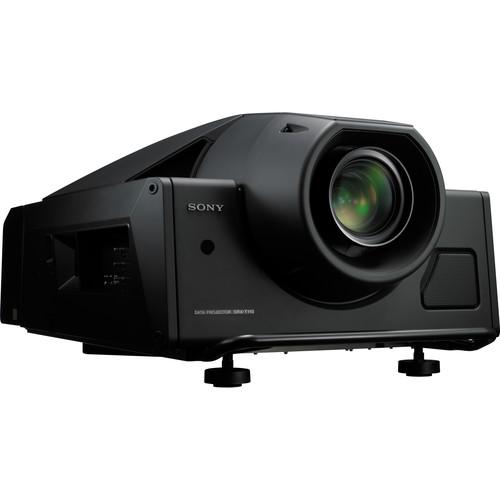 Contents of the user manual for the Sony SRX-T105 4K SXRD 5,500-Lumen Projector
- Product category: Multimedia Projectors Sony
- Brand: Sony
- Description and content of package
- Technical information and basic settings
- Frequently asked questions – FAQ
- Troubleshooting (does not switch on, does not respond, error message, what do I do if...)
- Authorized service for Sony Multimedia Projectors
 |
User manual for the Sony SRX-T105 4K SXRD 5,500-Lumen Projector contain basic instructions
that need to be followed during installation and operation.
Before starting your appliance, the user manual should be read through carefully.
Follow all the safety instructions and warnings, and be guided by the given recommendations.
User manual is an integral part of any Sony product,
and if it is sold or transferred, they should be handed over jointly with the product.
Following the instructions for use is an essential prerequisite for protecting
health and property during use, as well as recognition of liability on the part of the manufacturer
for possible defects should you make a warranty claim. Download an official Sony user manual in which you will find instructions on how to install, use, maintain and service your product.
And do not forget – unsuitable use of a Sony product will considerably shorten its lifespan!
|
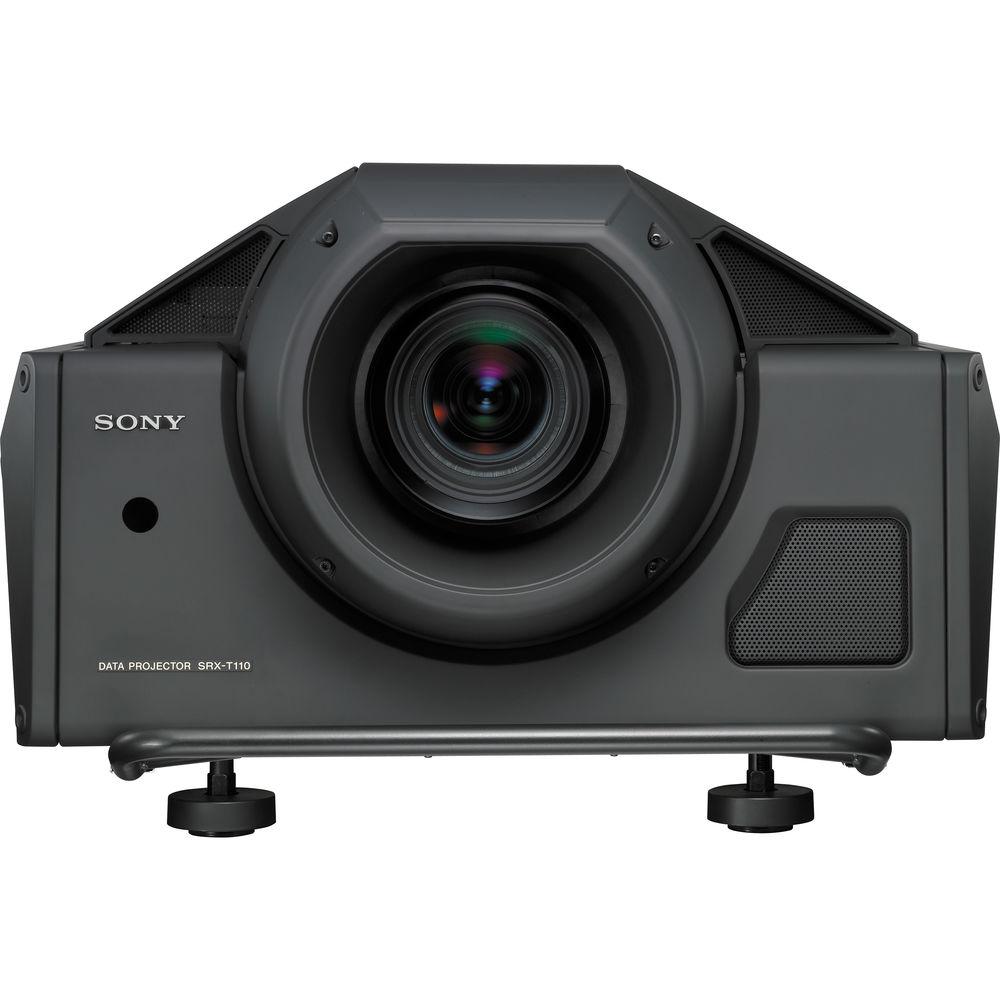
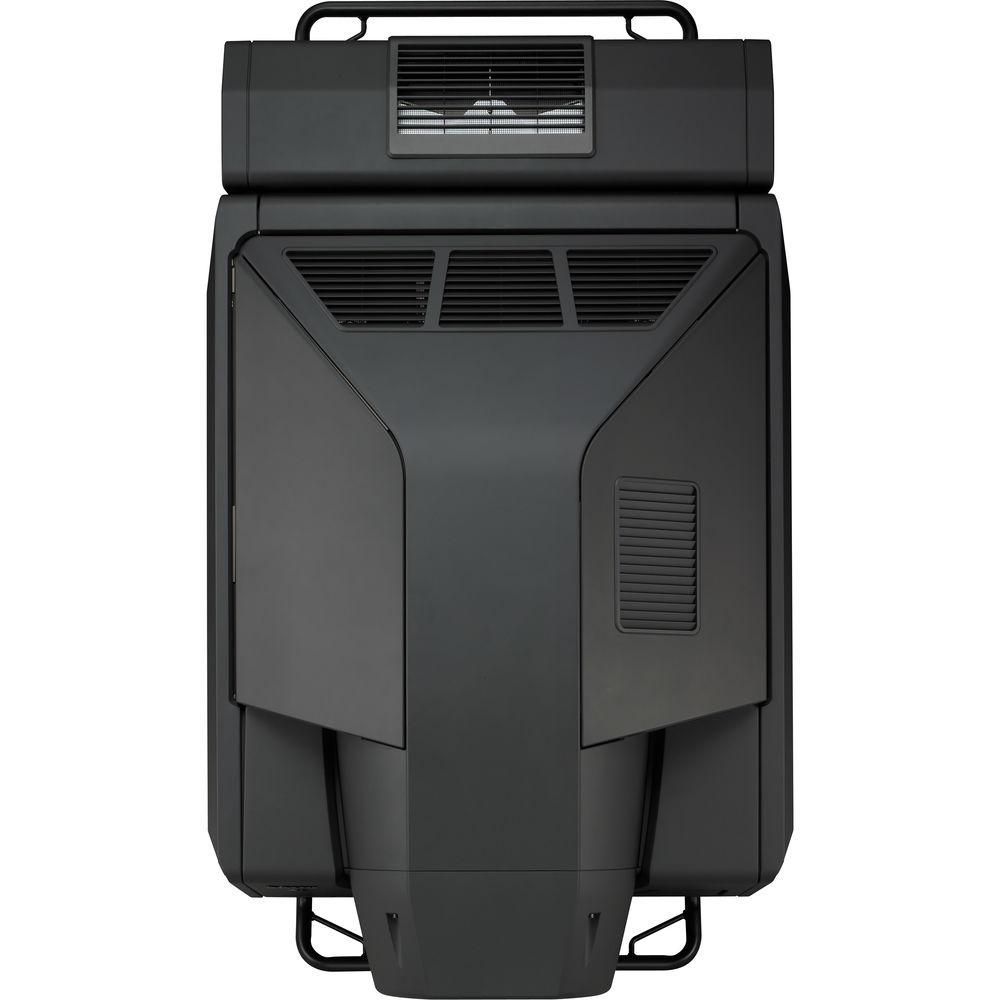
Product description Show multiple high-definition images at once with the Sony SRX-T105 4K SXRD 5,500-Lumen Projector. It is equipped with three SXRD (Silicon X-tal Reflective Display) devices and delivers a resolution of 4096 x 2160 pixels, more than four times the resolution of consumer HDTV (1920 x 1080). It also allows 2K (2048 x 1080) images to be displayed simultaneously in four quadrants or on a twin side-by-side display. The projector has a contrast ratio of 2500:1 and provides a brightness of 5,500 lumens. It uses twin 1kWh Xenon lamps, combined with multiple gamma curves of 2.2, 2.6, and user-defined values. Through the GUI, these values are selectable, allowing you to adjust the color tone as you see fit.
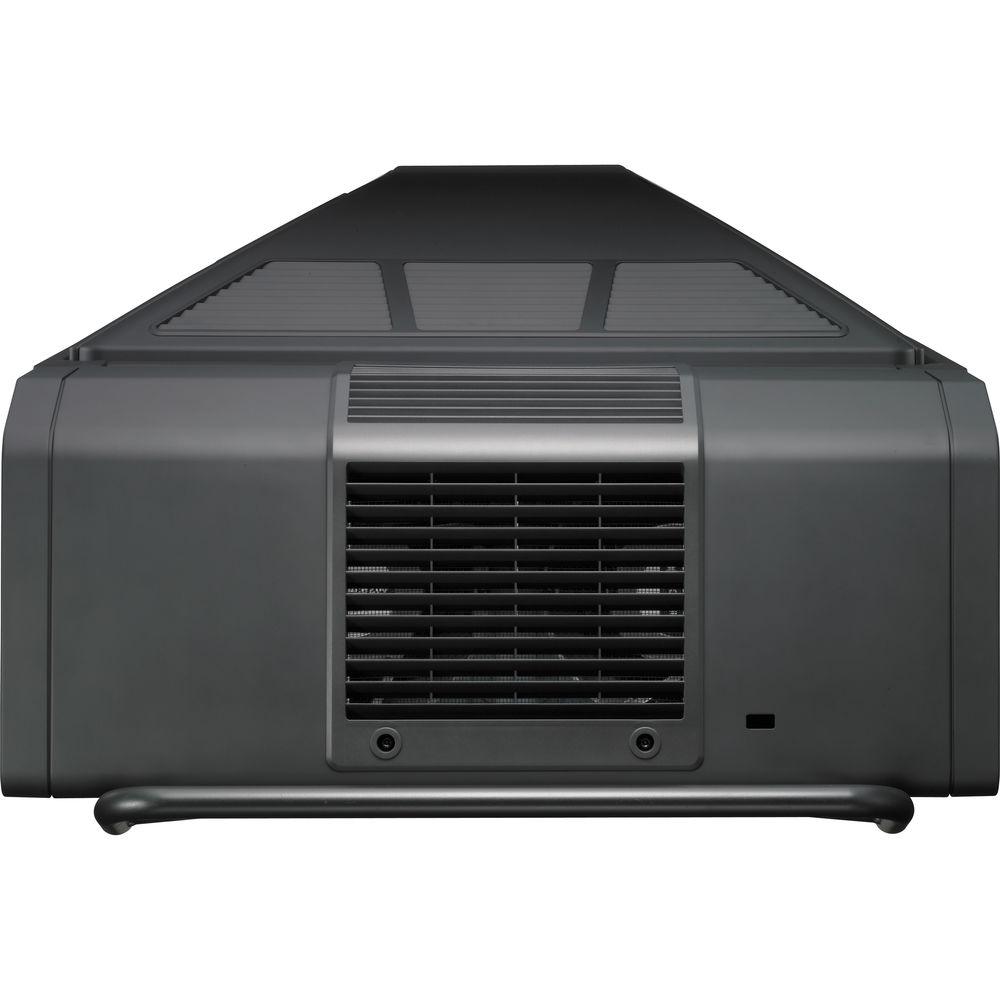
The SRX-T105 operates quietly, thanks to an intelligent cooling fan system which adjusts the speed of the fans, turning off unnecessary fans based on the internal temperature. Since the fans aren't always running at full speed, or at all, they will produce overall less noise. Lenses are sold separately, so you can select the ones that are best for how you plan to use the projector. Like the lenses, the lamps are also sold separately. The SRX-T105 is designed for use in a wide range of applications, including command and control, computer visualization demonstrations, exhibitions for museums or planetariums, and more. - Silicon X-tal Reflective Display (SXRD) Device
- The SRX-T105 uses a 1.55" diagonal liquid crystal on silicon-based display device designed to create high-quality, accurate visuals.
- 4K Resolution
- The SXRD device helps achieve 4K resolution by incorporating nearly 8.85 million pixels per device, at a pitch of 8.5 micrometers. These high-density pixels are one-quarter the size of pixels projected using typical 2K x 1K resolution projection systems (2.2 million pixels). In multi-screen mode, full 2K resolution per quadrant can be achieved.
- 2500:1 Native Contrast Ratio
- The SRX-T105 offers a contrast ratio of 2500:1, which is achieved through two key technologies - the Normally Black Mode system, and a thin liquid crystal cell gap.
- Normally Black Mode System
- The Normally Black Mode system displays black when the electric field is not applied, and because all molecules are in the correct alignment, the polarized light alignment is also optimized. This is designed to create a deep black level and high contrast ratio.
- Spacer-Less Design Improves Contrast
- The SXRD device also adopts a structure that does not use "spacers". Spacers are columns found in conventional reflective liquid crystal devices that maintain a constant gap between the liquid cell floor and the top of the device. Spacers tend to both scatter and reflect light, which can impair high contrast pictures. In the spacer-less SXRD device, these artifacts are no longer seen.
- Xenon Lamp Provides a Bright Light Source
- The SRX-T105 provides a brightness of 5,500 lumens by employing two 1kWh Xenon lamps. The Xenon lamps utilized by the SRX-T105 are designed to achieve a wide color range by dispersing a very flat and wide light spectrum.
- Short Response Time
- The cell gap structure of less than 2μm in SXRD devices also contributes to a response time of 2.5 ms for both rise and fall. The SXRD device reacts promptly to an instantaneous change of picture content, enabling the SRX-T105 to display smoothly. This virtually eliminates motion blur, a particularly significant benefit for visuals that include fast-moving objects.
- Consistent Display Device
- The inorganic materials utilized for the alignment layer of the SXRD device are intended to be resistant to deterioration or deformities that could occur due to the intense heat and light generated by the twin lamp system.
- Color Space Conversion (CSC) Function
- The SRX-T105 features a CSC function to help users adjust the projector's color space to that defined by the ITU-R BT.709-3 standards for digital HDTV studio color space, the DCDM (Digital Cinema Distribution Master) color space, and the Adobe RGB color space. The target color gamut parameters satisfying the ITU-R BT. 709-3 standards, DCDM, or Adobe RGB specifications are automatically calculated from settings on the supplied SRX Controller software, then applied to the projector. The internal test generator simplifies adjustment and lets the operator align the projector in minutes. White point and color primary points can be aligned to either of these standards or to your application needs.
- 12-bit SXRD Panel Driver
- The SRX-T105 utilizes a 12-bit SXRD panel driver that is designed to reproduce natural-looking images.
- Gamma Curve Selection
- The SRX-T105 provides three preset gamma curve values. You can select an optimum value of 2.2, 2.6, or user-defined values according to the desired gray scale.
- Dual-Lamp System with Selectable Lamp Modes
- The SRX-T105 adopts a lamp system that uses two lamps for a flexible and efficient use of light sources. With this dual lamp system, you can operate the projector using both lamps for full brightness, or less brightness by selecting one lamp. The dual-lamp mode provides maximum lamp power, and at the same time enables virtually fail-safe operation. If one bulb burns out, the other can keep projecting images. In single-lamp mode, users can select either of the two lamps manually, or the projector can automatically select a lamp based on each lamp's estimated life left. Another automatic mode is provided to make the lamps operate alternately at user-defined intervals, selectable from four to twelve hours in one-hour increments. This feature is useful when lamp life needs to be maximized. The lamp power can be set between 100% and 51%, in eight steps. This function, combined with the selectable lamp modes, contributes to achieving longer lamp life.
- Zoom/Focus Memory Function
- The SRX-T105 is equipped with zoom and focus memory functions that make iteasy to switch the projection between two types of aspect ratios. When used with the optional LKRL-Z117 and LKRL-Z122 zoom lenses, any seven zoom and focus positions can be memorized and instantly recalled via the SRX Controller software. This feature allows for full screen display regardless of the aspect ratio. An electronic vertical alignment feature is included in the same memory to compensate for vertical changes in the image, should the projector be mounted at a downward angle.
- Multiple Screen Capability
- The SRX-T105 offers a choice of single-mode, dual-mode, and quad-mode displays. In quad-mode, four quadrants of images are projected. At maximum resolution, these four quadrants can project four different 2K (2048 x 1080) images simultaneously, or a single 4K (4096 x 2160) image made up of four 2K images.
- Variety of Lenses
- Five optional zoom lenses and a short throw lens are available for the SRX-T105. They are designed to project images of maximum resolution and contrast, with minimal chromatic aberration. The short throw lens is intended for special applications, such as rear projection, where minimal space behind the screen is desired.
- Input Signal Flexibility
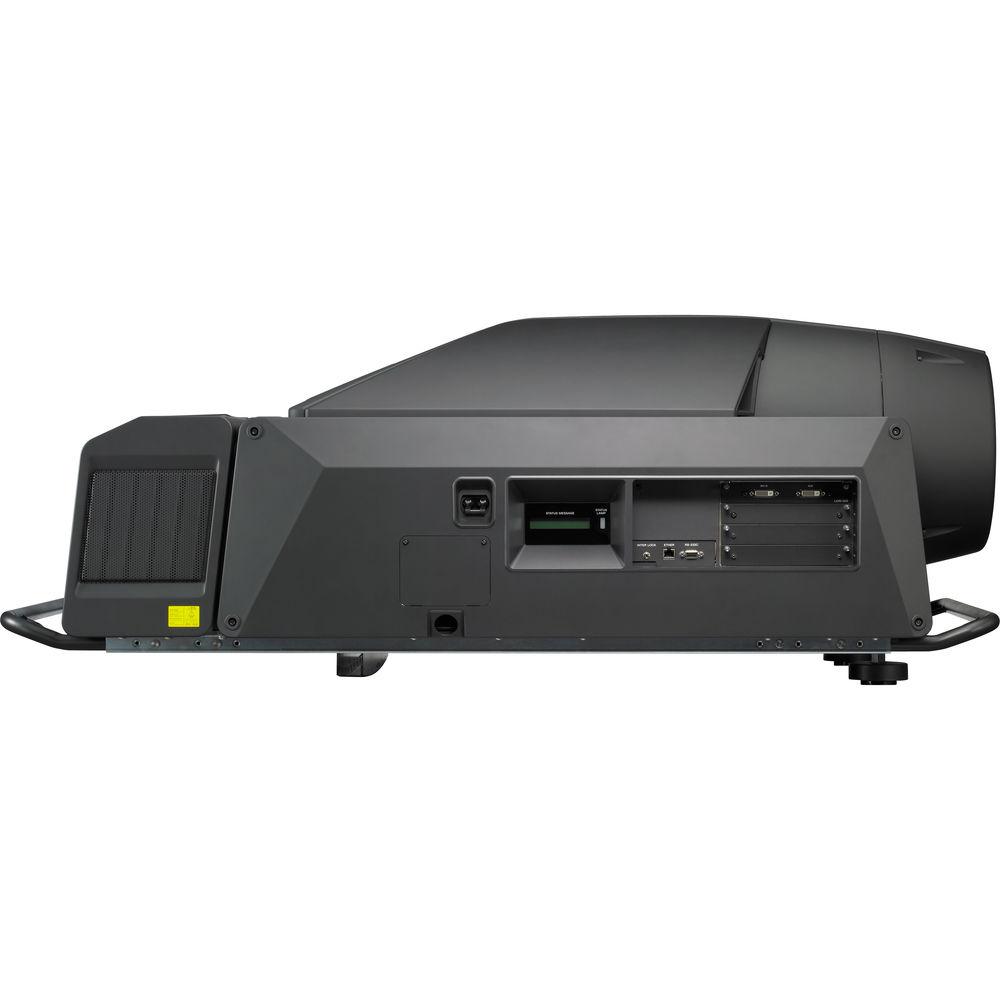
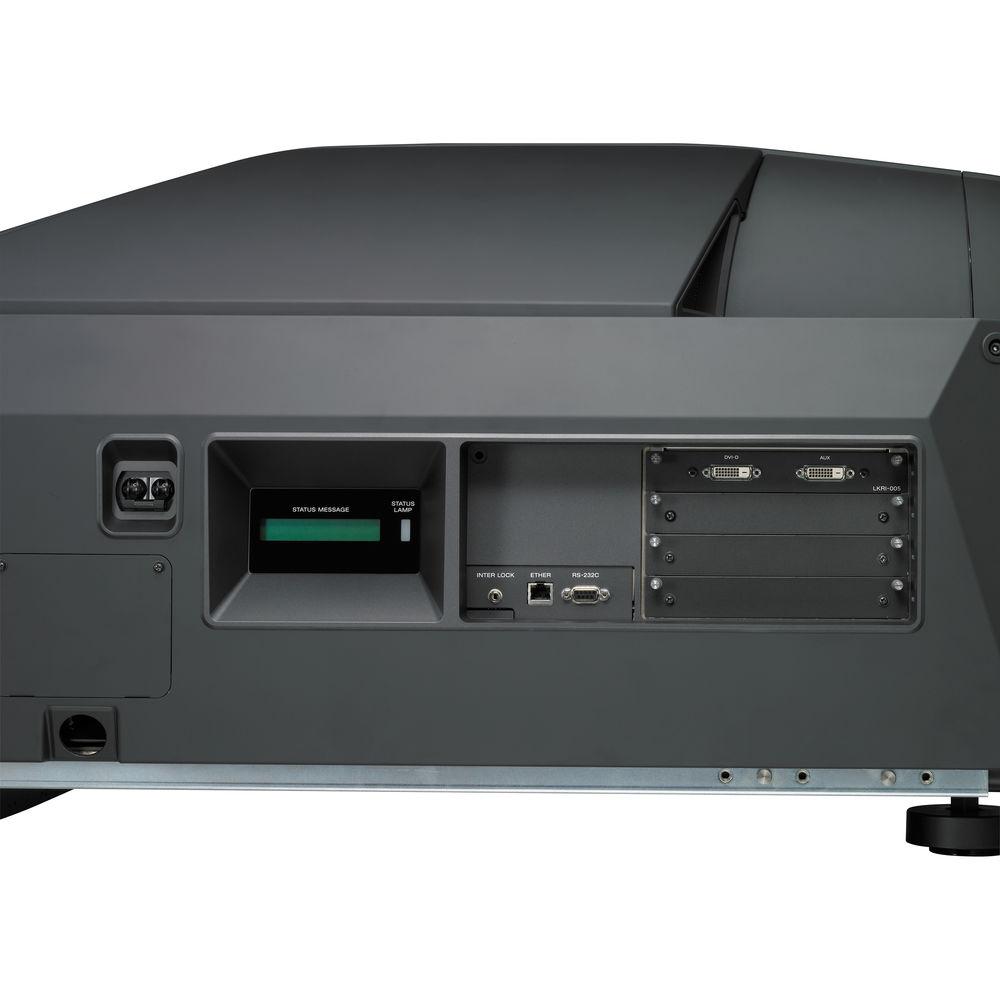
- To increase the configuration flexibility of the SRX-T105, slots are available to accommodate four different optional boards that connect to various types of connectors. The projector comes pre-installed with an LKRI-005 HDCP DVI board which can accept two DVI signals and offers digital copy protection capability. You can select from single, dual, and quad-screen modes, assigning the appropriate signal board to each quadrant.
- Adaptable Installation
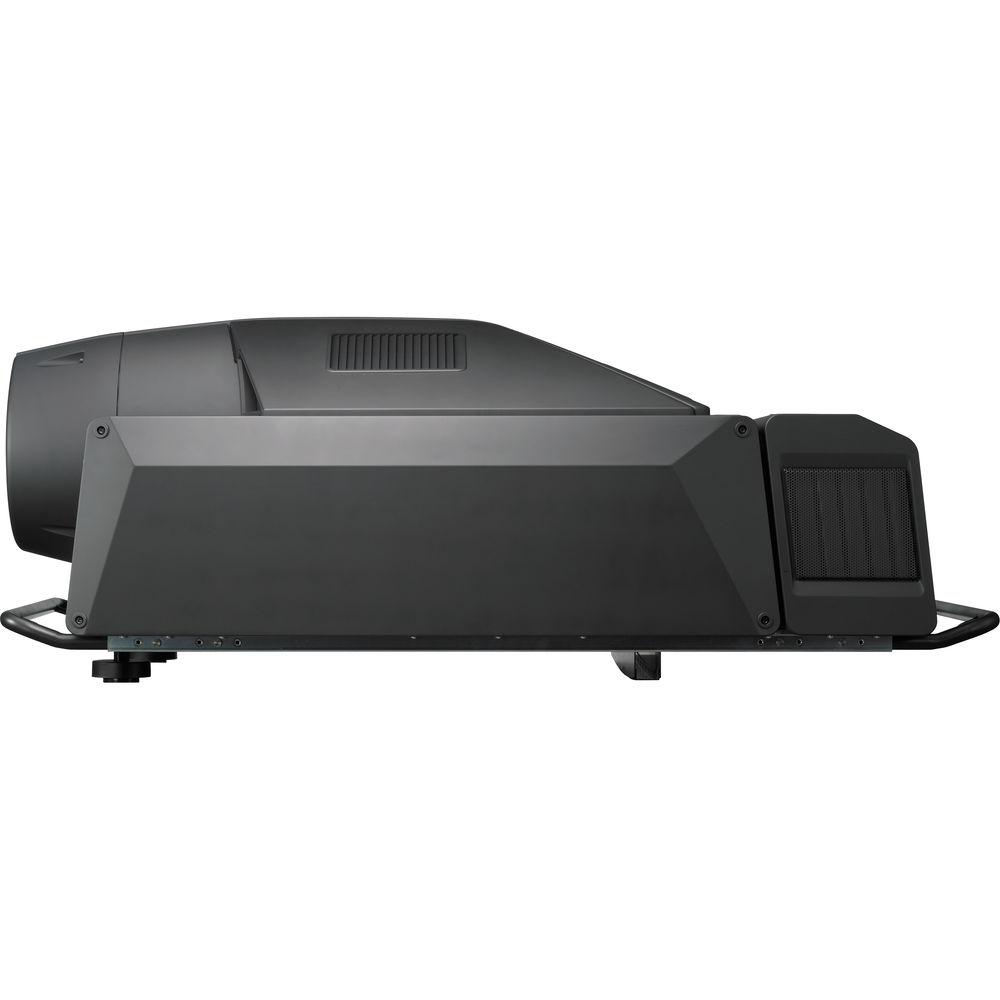
- The SRX-T105 can be tilted 90 degrees upward or downward. In addition, it can turn projected images upside down. This flexibility allows the projector to be used in several different ways, including rear projection. To aid effective cooling at 90-degree tilt installation, an optional LKRA-001 exhaust duct adapter is required, which allows the projectors to be easily connected to an 8"-type duct system.
- Quiet Operation by the Intelligent Cooling Fan System
- The SRX-T105 employs an intelligent cooling system that automatically controls multiple cooling fans in the unit. This system automatically adjusts the rotating speed of the fans according to the heat generated inside the unit, which varies depending on the brightness level of the lamps. In addition, when single-lamp mode is selected, this system automatically stops fan operation for the unused lamp.
- Easy Setup on a PC Using Supplied Software
- The SRX-T105 comes equipped with the SRX Controller software, allowing for easy setup and adjustments via its GUIs on a connected computer running Microsoft Windows XP Professional SP2. These projectors can be controlled either through Ethernet or RS-232C interfaces, and up to four projectors can be controlled on the same GUI from a single Ethernet connection. A comprehensive range of setup parameters, including input configurations, colorimetry controls, installation adjustments, and maintenance settings can be controlled via this software. These setup parameters can be saved to a computer as a data file and reused for another SRX-T110 or SRX-T105 projector.
- Simple Remote Control
- The SRX-T105 includes a remote control that can perform various simple functions such as turning the lamp power on/off, adjusting the zoom/focus, and controlling the lens shift.
- Easy Maintenance
- The supplied setup software is designed to be a convenient maintenance tool which allows operators to easily verify each lamp's operating time. Automatic email alerts from the projector provide you with maintenance reminders, as well as error messages.
In the Box Sony SRX-T105 4K SXRD 5,500-Lumen Projector (No Lens or Lamps) SRX Controller Remote Control with Batteries Ethernet Cable 4 x M8 Screws for Lens Mounting Limited 1-Year Warranty User Manual PDF 1.1mb Table of Contents
|
Upload User Manual
Have you got an user manual for the Sony SRX-T105 4K SXRD 5,500-Lumen Projector in electronic form? Please send it to us and help us expand our library of instruction manuals.
Thank you, too, on behalf of other users.
To upload the product manual, we first need to check and make sure you are not a robot. After that, your "Submit Link" or "Upload File" will appear.
Technical parametersSony SRXT105 Specs | | | Display System | 3-Chip 0.55" LCD | | Native Chip Resolution | 4128 x 2176 | | Supported Resolutions | 600 x 1200
1920 x 1080
2048 x 1080
3840 x 2160
4096 x 2160 | | Max Brightness | 5500 Lumens | | Contrast Ratio | 2500:1 | | Dynamic Contrast Ratio | 4000:1 | | DLP Link 3D | None | | Supported 3D Formats | None | | | | Lens | None Depends on lens used; sold separately | | | | Keystone Correction | None | | Picture-in-Picture | None | | Ceiling Mountable | Yes | | Rear Screen Projection | Yes | | Built-In Speaker | None | | Closed Captioning | None | | | | Inputs/Outputs | 2 x DVI Video (Input) | | Number of Expansion Slots | 3 | | Internal Storage | None | | Wireless LAN / Wi-Fi | None | | | | Light Source | Lamp (2 x Xenon) | | Color Temperature | 9300K Selectable | | Lamp Power | 2000 W Total | | Expected Lamp Life | Medium Brightness: 1000 Hours | | AC Input Power | 120 to 240 VAC, 50 / 60 Hz | | Power Consumption | Medium Brightness: 3000 W
Standby Mode (Lamp Off): 40 W | | Operating Temperature | 41 to 95°F / 5 to 35°C | | Storage Temperature | -4 to 140°F / -20 to 60°C | | Operating Humidity | 35 - 85% | | Storage Humidity | 10 - 90% | | Dimensions (W x H x D) | 29.2 x 19.6 x 52.3" / 74.2 x 49.8 x 132.8 cm | | Weight | 265.0 lb / 120.2 kg Excluding optional lamps and lens |
Rating60% users recommend this product to others. And what about you?

This product has already been rated by 89 owners. Add your rating and experience with the product.
Discussion
 Ask our technicians if you have a problem with your settings,
or if anything is unclear in the user manual you have downloaded.
You can make use of our moderated discussion.
The discussion is public and helps other users of our website who may be encountering similar problems.
Ask our technicians if you have a problem with your settings,
or if anything is unclear in the user manual you have downloaded.
You can make use of our moderated discussion.
The discussion is public and helps other users of our website who may be encountering similar problems.
The discussion is empty - enter the first post
Post a new topic / query / comment:
|
|
|
| Request for user manual |
You can’t find the operation manual you are looking for? Let us know and we will try to add the missing manual:
I’m looking for a manual / Request for manual
Current requests for instruction manuals:
Call Of Duty World War Two For Xbox...
controller stratus XL...
stratus XL...
smart whatch serie S11 42mm...
Allen & Heath SQ-6 manual...
|
| Discussion |
Latest contributions to the discussion:
AEW R 4100
Name: MAURICIO ANGARITA
Audio-Technica AEW-R4100 UHF Diversity Receiver for
AEW R 4100 has the mute function blocked and does not allow audio to pass. I tried several times to turn off the mute from the transmitter but it does nothing, the mute stays on. Solution?
Thank you...
Instructions for assembling the 2015 Forecast Image Master Consoles GC3-A
Name: mike elam
Forecast Consoles GC3-A ImageMaster Editing Console
Looking for instructions for assembling this console. ...
EMPTY TONER ERROR MESSAGE AFTER REPLACING TONER
Name: LINDA BAD YELLOW EYES
Brother TN223BK Standard-Yield Toner
I HAD TO CHANGE OUT ALL THREE TONERS DUE TO LEAKS IN THE YELLOW AND CYAN. AFTER I REPLACED THEM, THE MACHINE KEEPS GIVING ME AN EMPTY TONER ERROR MESSAGE. HELP!!...
PS480D 20/24 pin Switching 480W Power Supply
Name: swkargo
Logisys 480W Power Supply
This item states in can run -5vdc .It is NOT listed on the board or I beleive is r4 is missing the resitior. Any body have thid issue. Shawn
...
Help needed
Name: Ann Carter
SanDisk 1TB Extreme Portable USB 3.1
When I click the link to download the user manual for my Sandisk Extreme external hard drive, it gives me the manual for the LG Cricket. Can you please change the link so I can download the Sandisk manual and begin using this drive? Thank you....
|
|


