User Manual for SPL GainStation 8 Mk2 - 8-Channel Class A Tube Preamplifier Click to enlarge the picture
 Contents of the user manual for the SPL GainStation 8 Mk2 - 8-Channel
- Product category: Microphone Preamps SPL
- Brand: SPL
- Description and content of package
- Technical information and basic settings
- Frequently asked questions – FAQ
- Troubleshooting (does not switch on, does not respond, error message, what do I do if...)
- Authorized service for SPL Microphone Preamps
 |
User manual for the SPL GainStation 8 Mk2 - 8-Channel contain basic instructions
that need to be followed during installation and operation.
Before starting your appliance, the user manual should be read through carefully.
Follow all the safety instructions and warnings, and be guided by the given recommendations.
User manual is an integral part of any SPL product,
and if it is sold or transferred, they should be handed over jointly with the product.
Following the instructions for use is an essential prerequisite for protecting
health and property during use, as well as recognition of liability on the part of the manufacturer
for possible defects should you make a warranty claim. Download an official SPL user manual in which you will find instructions on how to install, use, maintain and service your product.
And do not forget – unsuitable use of a SPL product will considerably shorten its lifespan!
|
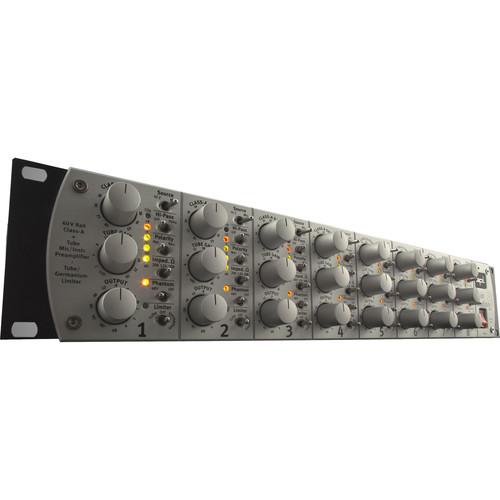
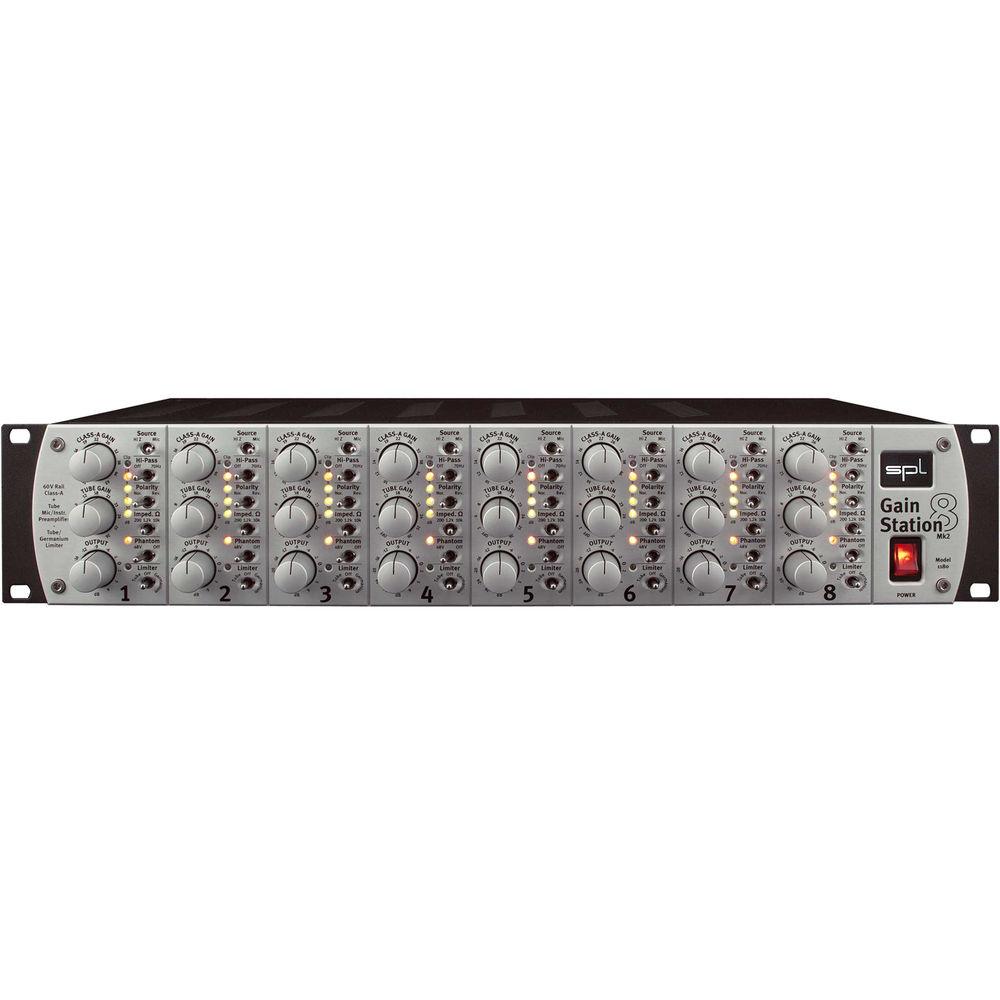
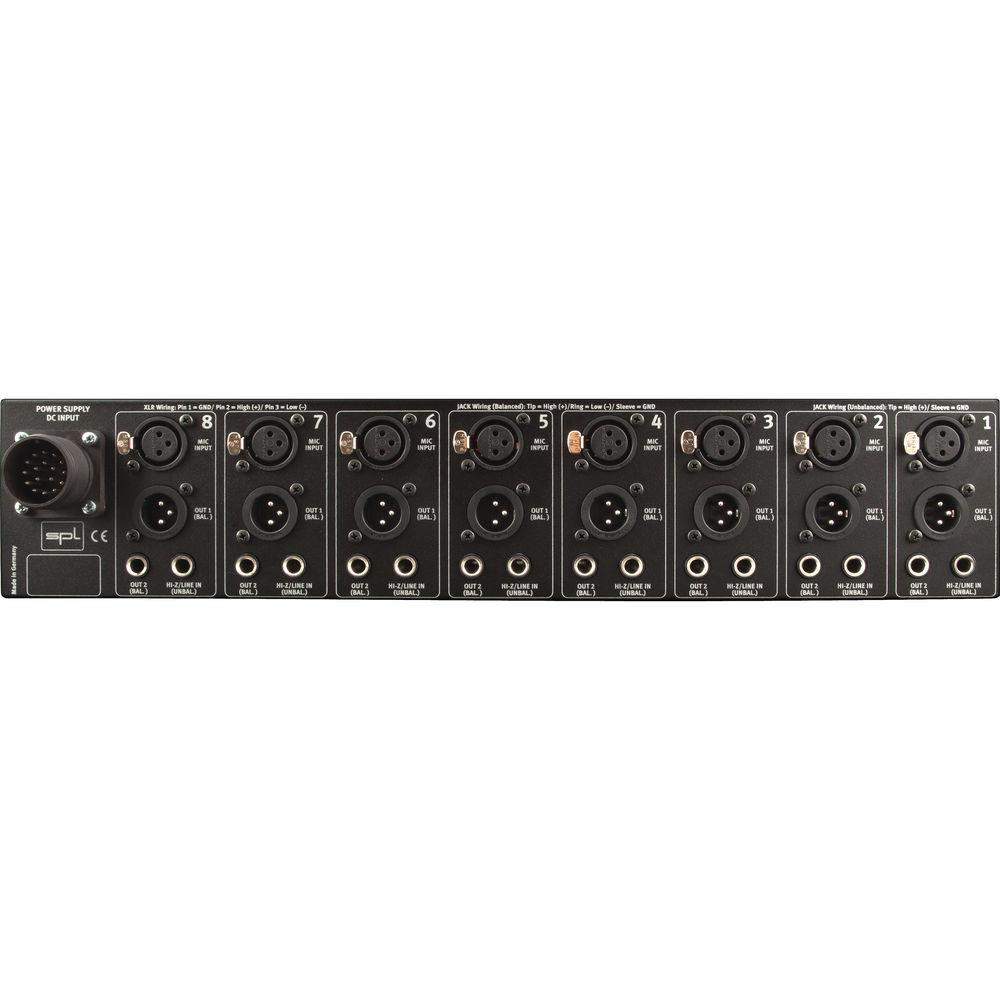
Product description Featuring inputs switchable from mic to instrument (Hi-Z) on every path, the GainStation 8 Mk 2 from SPL is a class A eight-channel preamp with a whole host of options per channel, including high-pass filters, polarity switches, selectable impedance controls for tone shaping, phantom power, and lastly—but definitely not least—a switchable peak/FET limiter to protect against clipping at the conversion stage, or to add a bit more color, depending on your preference.
The GainStation 8 provides separate solid-state and tube preamps with level controls for both options before each output attenuator; thus you can instantiate clean, colored, or downright dirty tones at your own discretion. Furthermore, each preamp stage is based upon discrete, class A op-amps operating on a 60V rail, the result of which is 130 dB of dynamic range. This allows you to capture every nuance from an instrument or mic'd sound-source. With eight channels of such circuitry, the GainStation 8 works equally well for an entire drum kit as it does for vocals, guitars, or indeed, anything else you'd wish to throw at it. - Notable Features
-
- Separated solid state and tube preamps. The tube preamp can be used additionally to the solid state stage to add tube saturations, and for clean recordings it can be switched off
- Peak/FET limiter
- Switchable mic input impedance (200 Ohms, 1, 2 & 10 kOhms)
- Discrete, class A op-amps with an operating range of 60V for enhanced dynamic range
- All switching functions are handled by encapsulated relays with gold-plated contacts
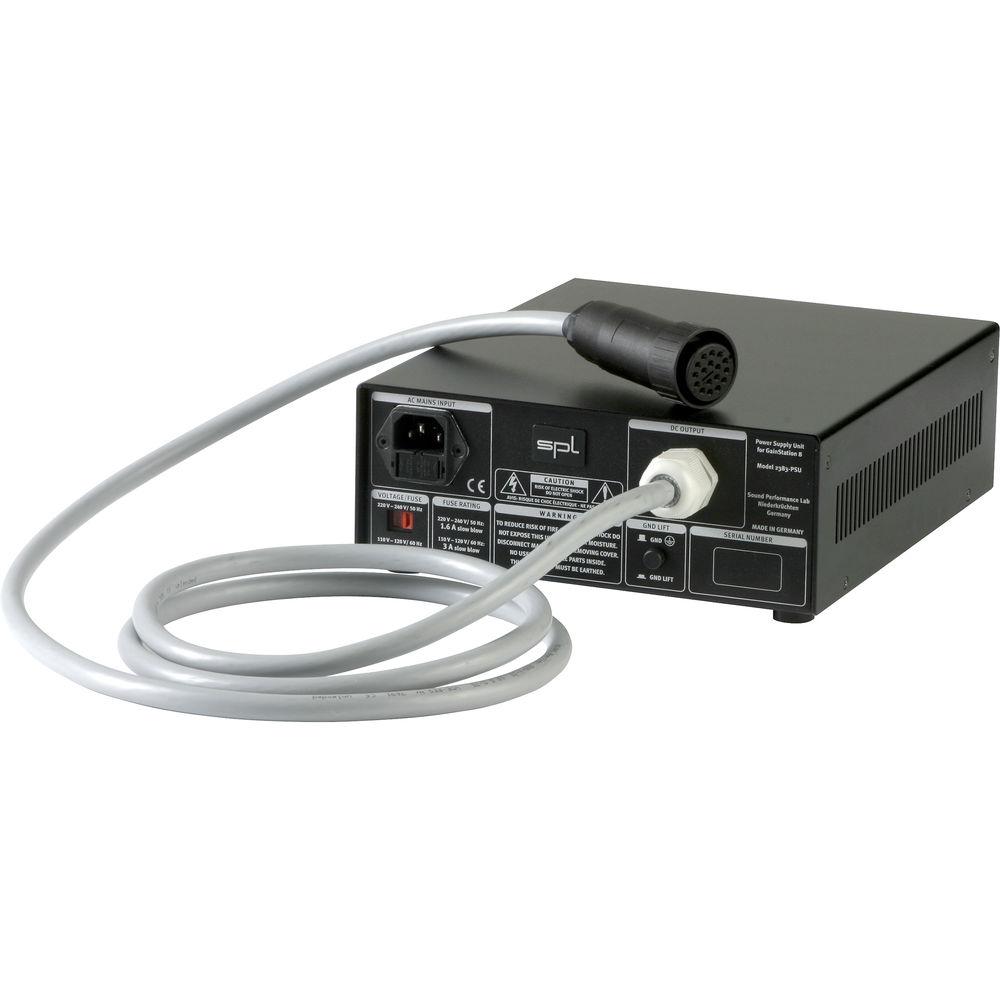
- Included external power supply with extensive shielding and seven separately wound, regulated voltages
In the Box SPL GainStation 8 Mk2 - 8-Channel Class A Tube Preamplifier External Power Supply Limited 2-Year Warranty Limited 90-Day Warranty on Tubes Table of Contents
|
Upload User Manual
Have you got an user manual for the SPL GainStation 8 Mk2 - 8-Channel Class A Tube Preamplifier in electronic form? Please send it to us and help us expand our library of instruction manuals.
Thank you, too, on behalf of other users.
To upload the product manual, we first need to check and make sure you are not a robot. After that, your "Submit Link" or "Upload File" will appear.
Technical parametersSPL Mk2 Specs | Frequency Range | ‹ 1 Hz to 125 kHz (clean gain 30 dB, tube gain off, ±0.5 dB)
‹ 1 Hz to 310 kHz (clean gain 30 dB, tube gain off, +/- 3 dB)
‹ 1 Hz to 125 kHz (clean gain 30 dB, tube 1 dB, ±0.5 dB) | | THD + N | 0,00038 % (clean gain 24 dB, tube gain out, 20 to 22 kHz, +25 dBu output level)
0,032% (clean gain 23 dB, tube gain 1 dB, 20-22 kHz, +25 dBu output level) | | Noise | -99.6 dBu (clean gain 10 dB, tube gain out, 20 to 22 kHz, A-weighted)
-94.6 dBu (clean gain 30 dB, tube gain out, 20 to 22 kHz, A-weighted)
-68.4 dBu (clean gain 60 dB, tube gain out, 20 to 22 kHz, A-weighted)
-86.5 dBu (clean gain 20 dB, tube gain 10 dB, 20 to 22 kHz, A-weighted) | | EIN | 28.4 dB (clean gain 60 dB, tube gain out, 20 to 22 kHz, A-weighted, 40 Ohms) | | Dynamic Range | (20 to 22 kHz, A-weighted): › 130 dB | | CCMR | ›80 dB (clean gain 30 dB, tube gain out, 1 kHz, input -30 dBu, without Lundahl transformer) | | Maximum Output Level | +34 dBu
Mic and Hi-Z input: +17 dBu | | Input Impedance | Instrument: 1 MOhm | | Output Impedance | > 75 Ohms | | Phantom Power | 48 V (±2 V) | | Power Consumption | 140 W | | Dimensions (W × H × D) | Preamp: 19.0 x 3.5 x 9.3" / 48.2 x 8.8 x 23.7 cm
External power supply: 8.6 x 3.3 x 10.1" / 21.9 x 8.5 x 25.7 cm | | Weight | Preamp: 13.9 lb / 6.3 kg
External power supply: 15.0 lb / 6.8 kg | | | | Package Weight | 34.9 lb | | Box Dimensions (LxWxH) | 21.0 x 16.0 x 15.0" |
Rating90% users recommend this product to others. And what about you?

This product has already been rated by 33 owners. Add your rating and experience with the product.
Discussion
 Ask our technicians if you have a problem with your settings,
or if anything is unclear in the user manual you have downloaded.
You can make use of our moderated discussion.
The discussion is public and helps other users of our website who may be encountering similar problems.
Ask our technicians if you have a problem with your settings,
or if anything is unclear in the user manual you have downloaded.
You can make use of our moderated discussion.
The discussion is public and helps other users of our website who may be encountering similar problems.
The discussion is empty - enter the first post
Post a new topic / query / comment:
|
|


