|
User Manual for Starlight Xpress Trius SX-694 6MP Mono CCD Imaging Camera Kit Click to enlarge the picture
 Contents of the user manual for the Starlight Xpress Trius SX-694 6MP Mono
- Product category: Accessories Starlight Xpress
- Brand: Starlight Xpress
- Description and content of package
- Technical information and basic settings
- Frequently asked questions – FAQ
- Troubleshooting (does not switch on, does not respond, error message, what do I do if...)
- Authorized service for Starlight Xpress Accessories
 |
User manual for the Starlight Xpress Trius SX-694 6MP Mono contain basic instructions
that need to be followed during installation and operation.
Before starting your appliance, the user manual should be read through carefully.
Follow all the safety instructions and warnings, and be guided by the given recommendations.
User manual is an integral part of any Starlight Xpress product,
and if it is sold or transferred, they should be handed over jointly with the product.
Following the instructions for use is an essential prerequisite for protecting
health and property during use, as well as recognition of liability on the part of the manufacturer
for possible defects should you make a warranty claim. Download an official Starlight Xpress user manual in which you will find instructions on how to install, use, maintain and service your product.
And do not forget – unsuitable use of a Starlight Xpress product will considerably shorten its lifespan!
|
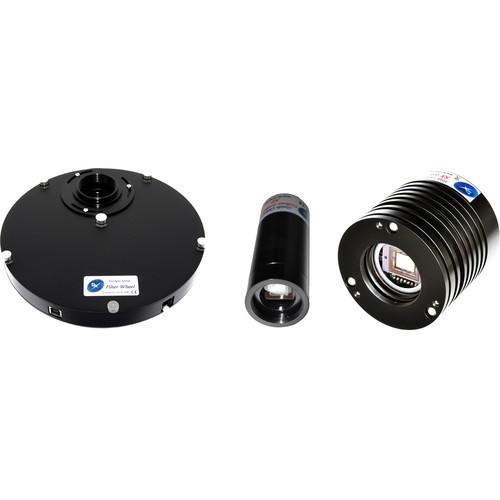
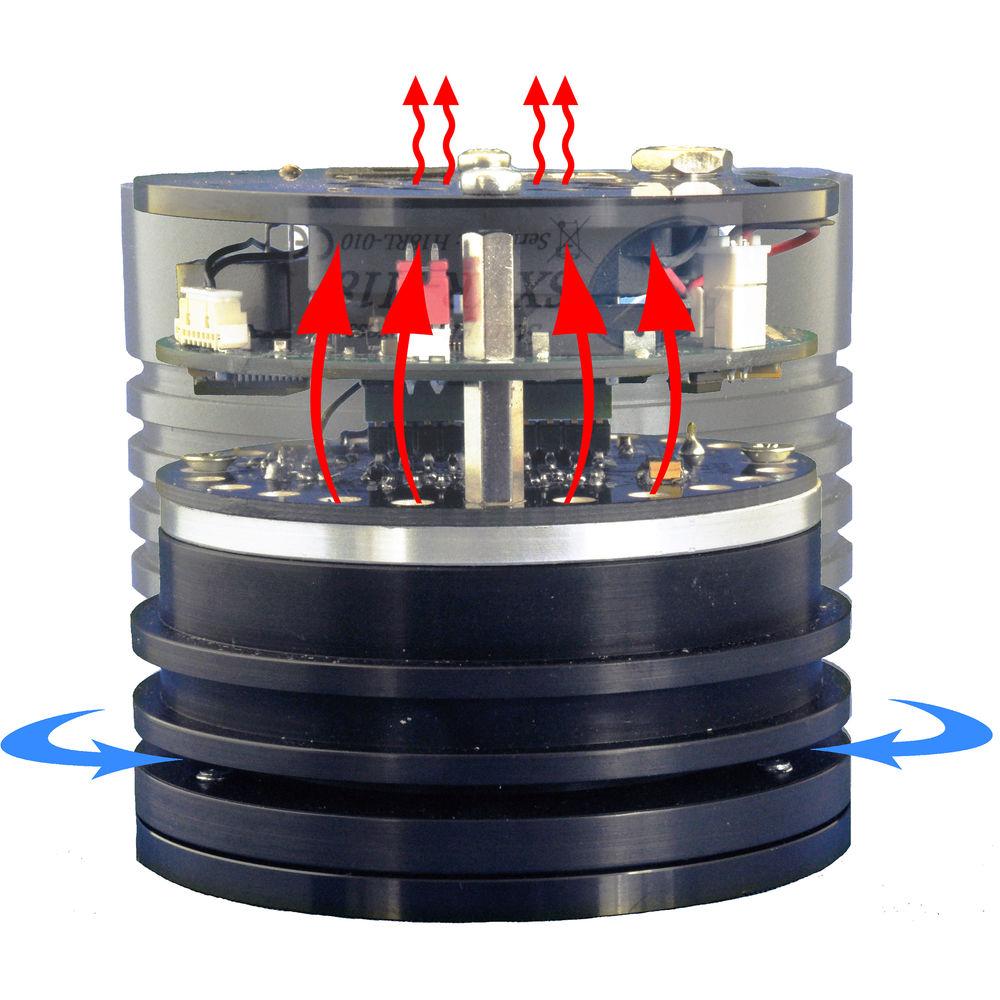
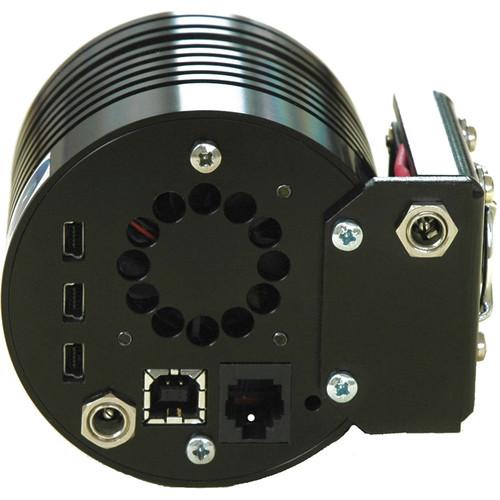
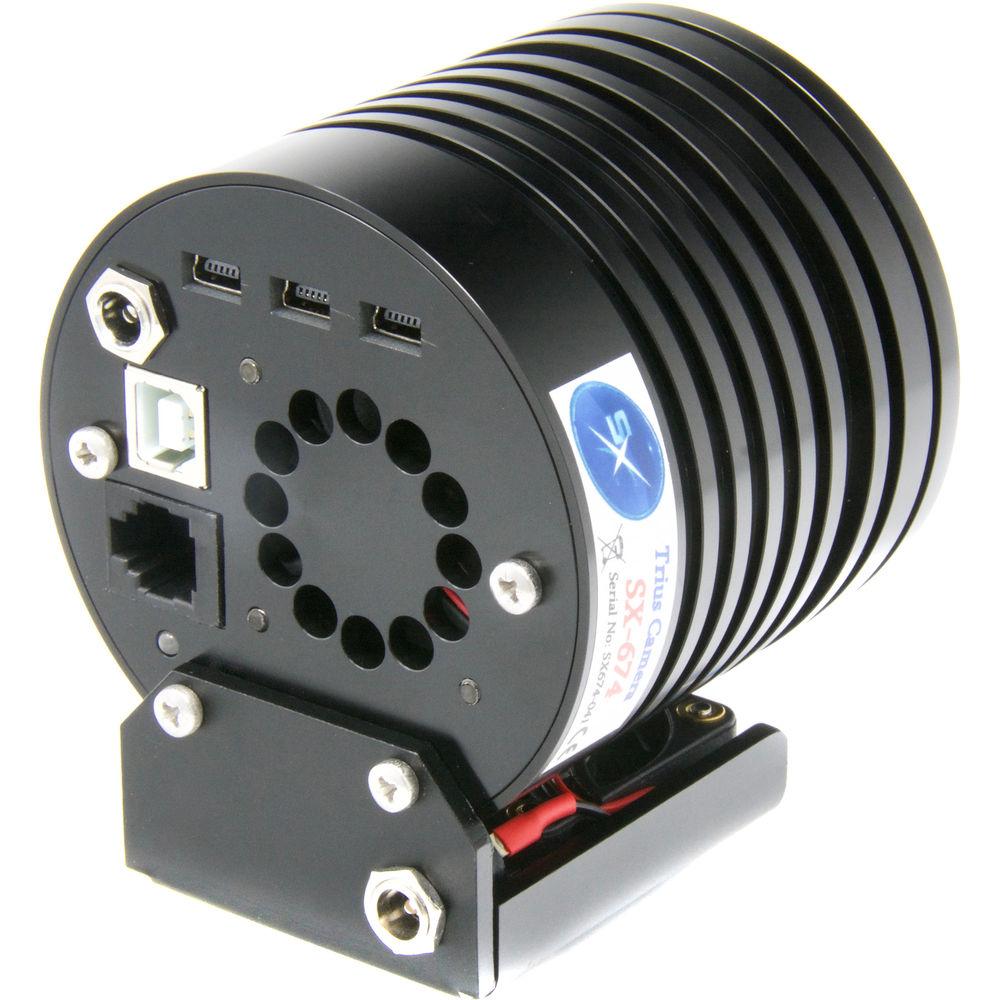
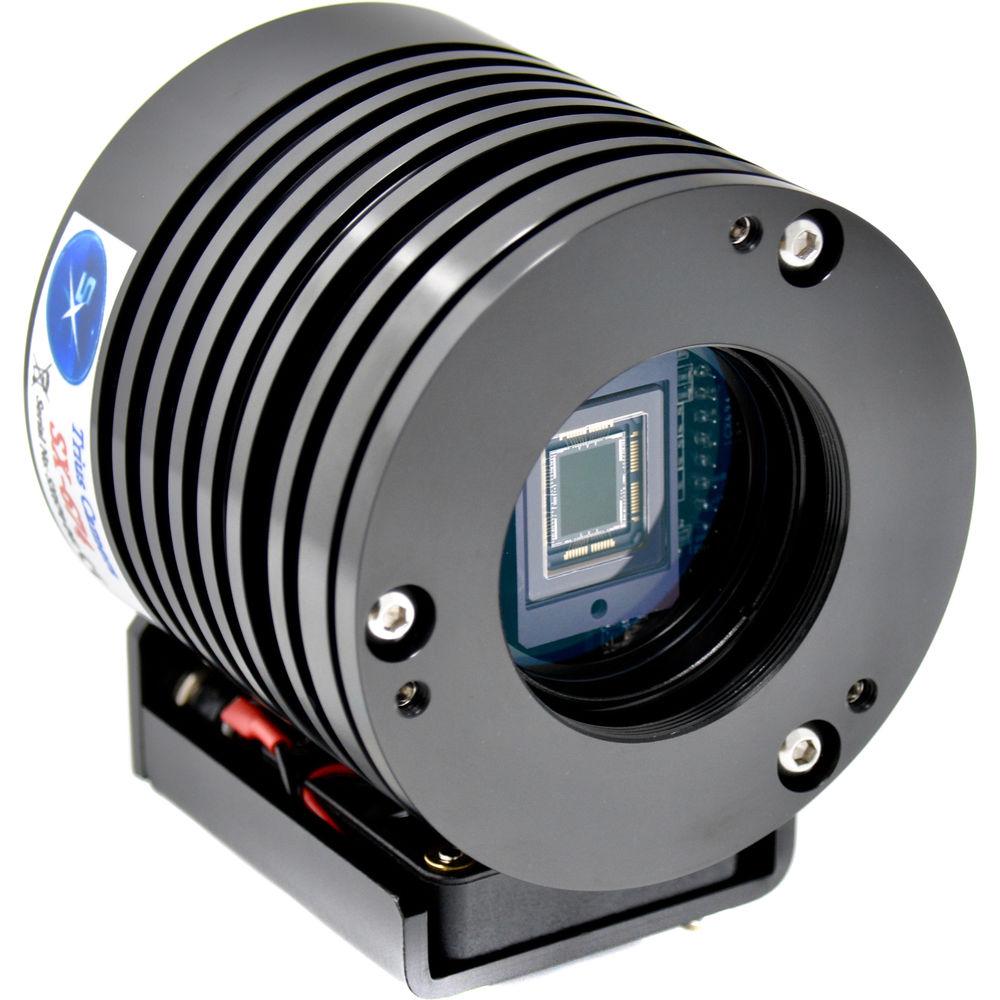
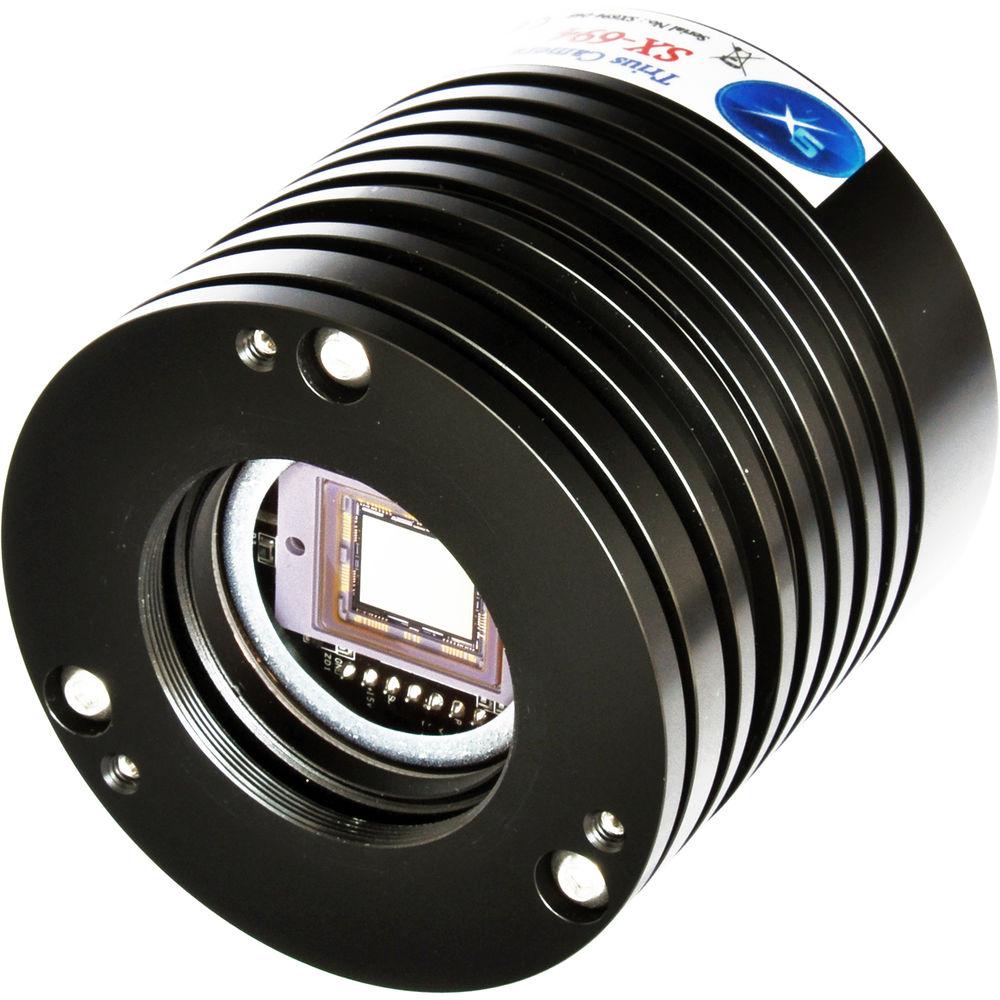
Product description Eyepiece Imagers: Capture the Universe and Share, Tweet, or Whatever It Read More Take your astro-imaging to the next level with the Starlight Xpress Trius SX-694 6MP Mono CCD Imaging Camera Kit. This kit provides a complete imaging system: The Trius imaging camera, a five-position filter wheel, and an autoguider. This is the imaging rig only; you need to provide the telescope or astrograph, standard 1.25" eyepiece filters, and a control computer. - Trius SX-694 6MP Mono CCD Imaging Camera with USB Hub The Starlight Xpress Trius SX-694 6MP Mono CCD Imaging Camera features a large 1" Sony ICX694AL Exview CCD sensor to capture views of the cosmos in stunning 2750x2200 resolution through your telescope or astrograph. Utilizing a monochrome sensor allows the use of filters and wheels to capture multiple shots of the same subject in different targeted wavelengths to more easily stack in post and create custom pictures with greater details revealed. An integrated auto-guider output port allows you to easily tether it to your off-axis guider (OAG) to improve tracking accuracy and precision during long imaging sessions.Its high sensitivity, measuring a 60% peak quantum efficiency (QE) at the 540nm green wavelength with 50% roll-off at 400nm and 650nm, provides an excellent signal-to-noise ratio so there is little background interference and images are cleaner. This is complemented by a low dark signal and exceptional antiblooming. The anodized aluminum housing has natural heat-dissipation properties, and additionally it is argon filled and sealed to help the integrated two-stage thermoelectric cooler maintain the optimal temperature, being capable of cooling the sensor up 35°C below ambient air temperature.The camera comes outfitted with standard T2 threads on the front for fast, easy, and stable connection to visual backs or drawtubes without the need for complicated adapter systems that can add excessive optical length—so mounting the camera with widely available spacers will allow you to achieve the correct focal distance. Adjustment screws on the housing allow you to set the chip parallel to the focal plane so images remain flat and without distortion. The SX-694 includes two adapters to make mounting easier. First is a 1.25" drawtube adapter for easy mounting into eyepiece holders on many telescopes, and the adapter has standard 1.25" filter threads to refine your image capture. Second is a larger 2" adapter with M42 threads that accept threaded Pentax lenses to use the Trius as a wide-field imaging system without a telescope.To limit cables and potential interference by excessive cords from other peripherals like auto guiders, the Trius is outfitted with three mini-B USB power ports, so only the 110 VAC power supply cord and USB cable between the camera and the control computer are required. A USB 2.0 computer interface enables fast full-resolution image downloads of about 5 seconds, and it is backward compatible with USB 1.1 but download time is slower. Engineered for ease of use, it has a compact and lightweight design that is easy to set up and break down on your telescope.
- Computer System Requirements
-
- Windows XP, Vista, Windows 7, or Windows 8 installed
- One USB 2.0 port available
- At least 256 MB of memory
- Between 1 GHz and 4 GHz Pentium processor speed is recommended
- Minimum of 1024x768 resolution monitor with 24-bit color
- Recommend good-quality cable with a maximum length of 16.5' (5m). Cables longer than this may require boosters or extra powered hubs
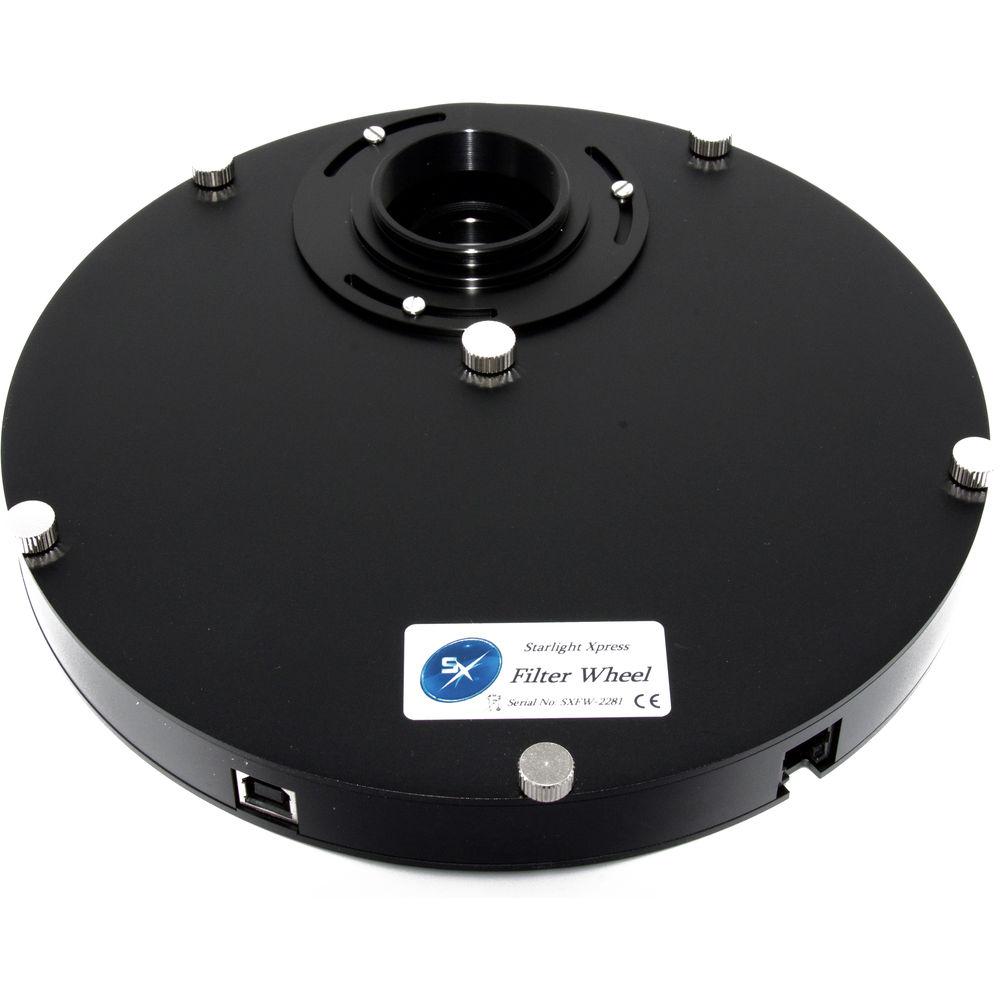
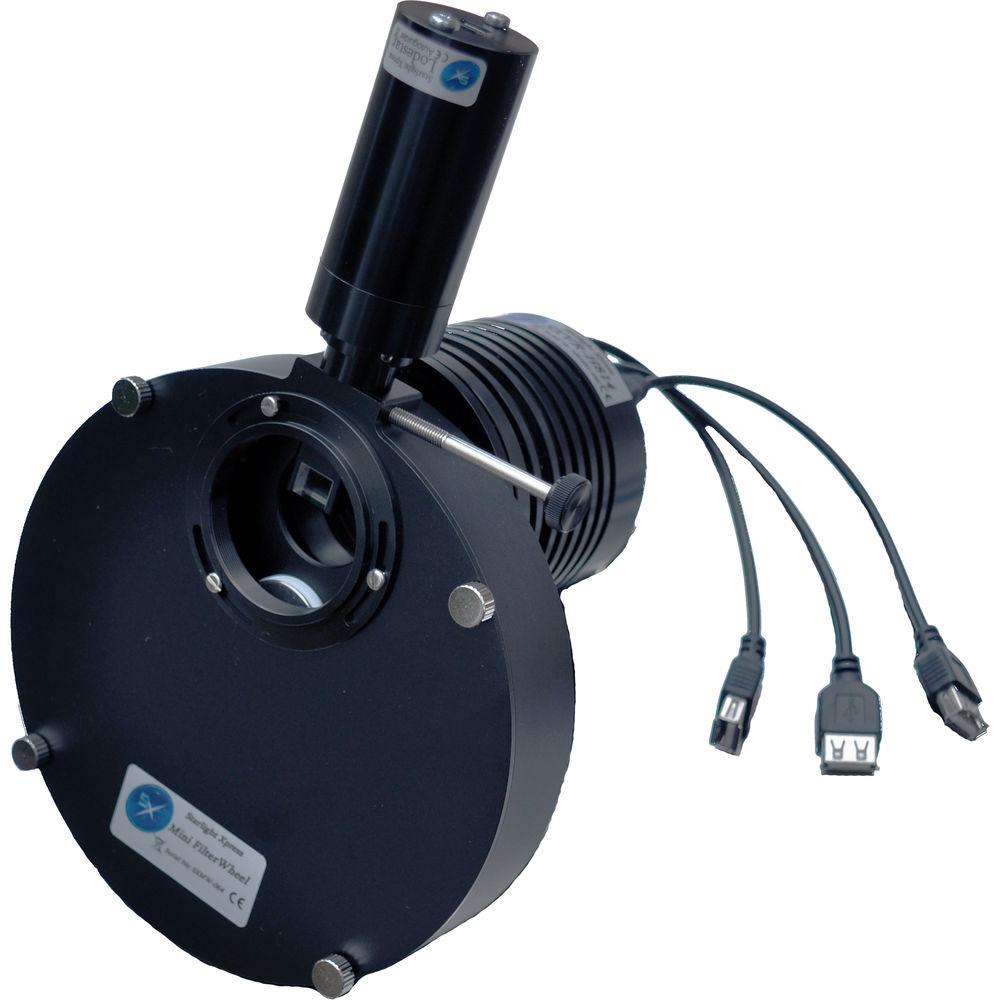
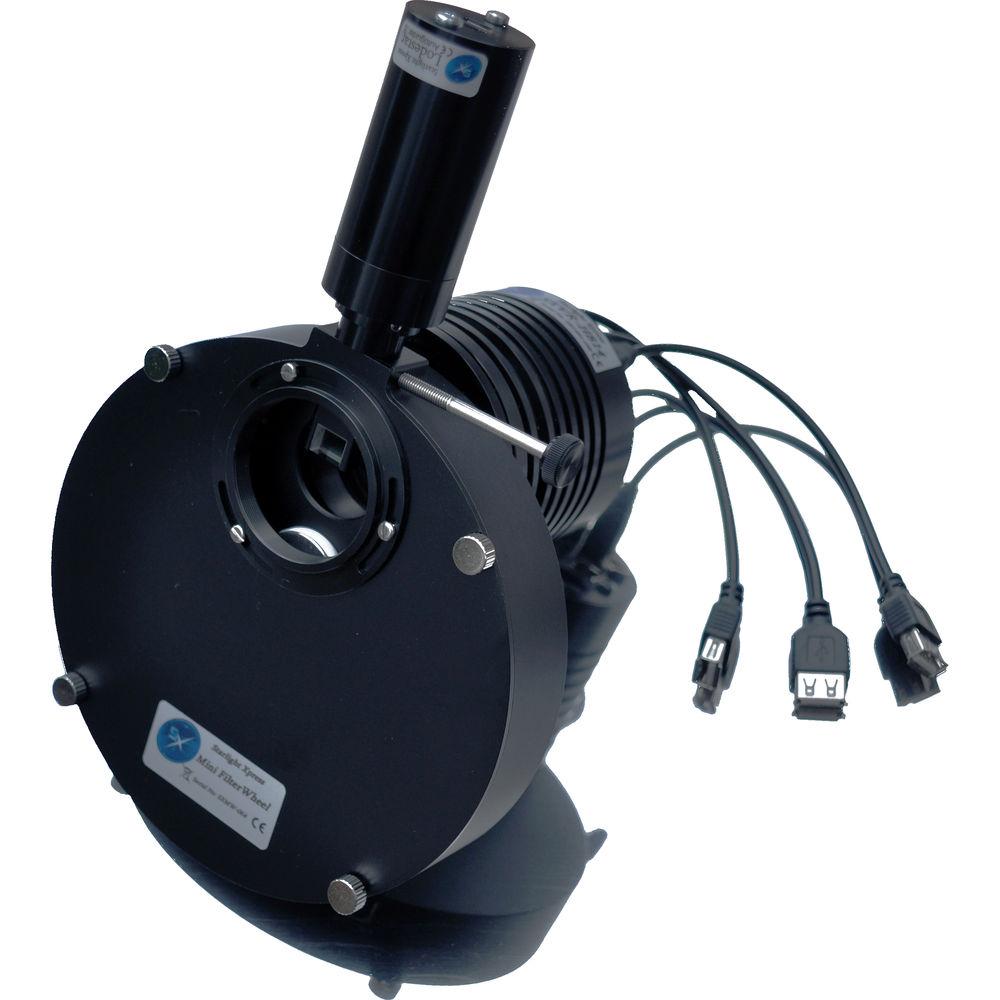
- Mini Filter Wheel with 1.25" Eyepiece Carousel Ideal for portable rigs, the Starlight Xpress Mini Filter Wheel with 1.25" Eyepiece Carousel is an invaluable astrophotography companion for capturing views of planets, nebulae, and other celestial objects in targeted wavelengths using up to five standard 1.25" eyepiece filters. This is just the filter wheel assembly; user-supplied filters are required to be loaded into the carousel for use.The Mini Filter Wheel is ASCOM compatible and controlled using the included software as well as most popular third-party Windows astrophotography software, such as Sky X, AstroArt, and MaximDL, and does not require special drivers to be recognized. Simple commands program up to five positions to set a capture sequence and to ensure that there is no confusion as to the current filter selection. A miniature DC motor drive rotates the filter carousel and is powered by standard 5V USB computer ports.An integrated off-axis guider assembly accepts autoguiders such as SX's Lodestar X2 to feed data to the software to ensure you stay on target by making tracking adjustments in real time throughout the photography session. To connect the wheel to your telescope or integrate it into your imaging system—such as to field-flatteners, coma correctors, and other gear—it comes with a standard female T-2 ring on the telescope-dedicated side and a male T-2 ring on the camera-dedicated side.
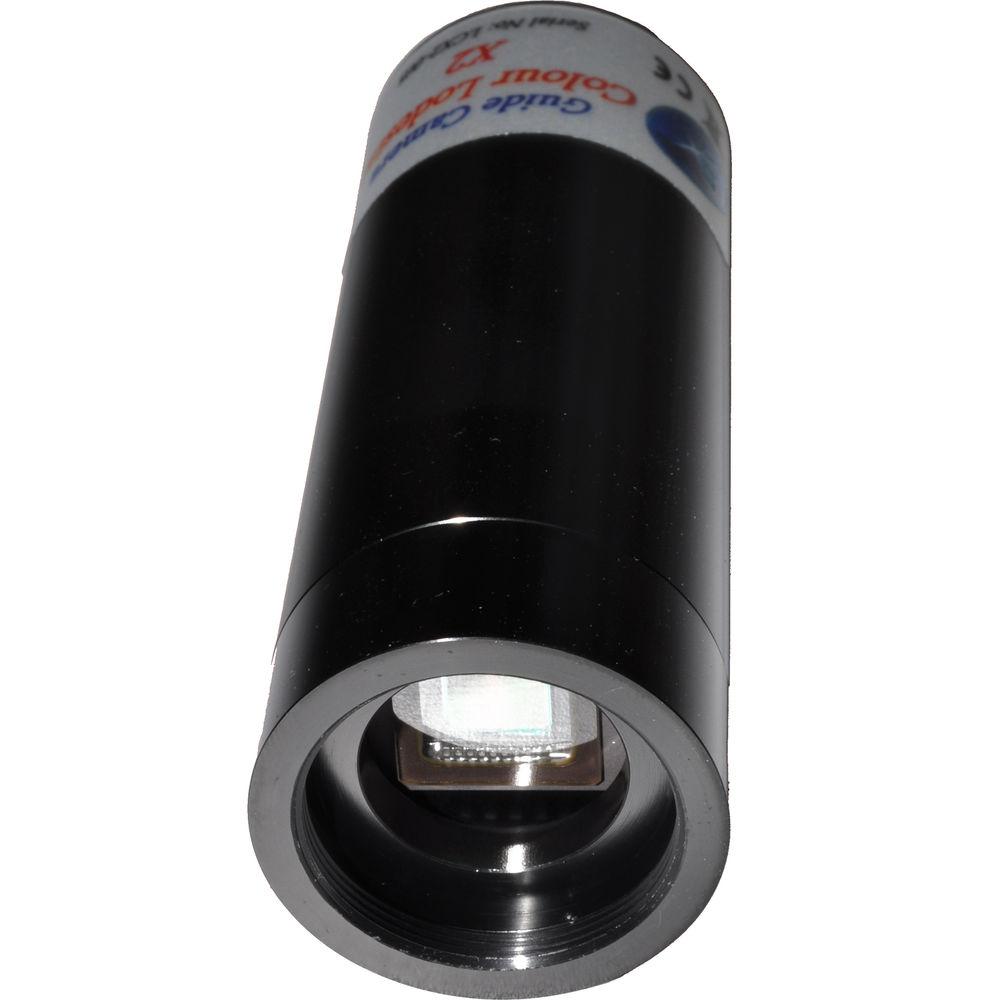
- Lodestar X2 Monochrome Autoguider (1.25") The redesigned and upgraded Starlight Xpress Lodestar X2 Monochrome Autoguider will help you take your astrophotography to the next level. Its upgraded Sony ICX829AL ExView2 monochrome sensor has improved quantum efficiency with greater sensitivity than the original Lodestar sensor that adds nearly a full star magnitude to the minimum guide star brightness. The redesign also changes the small ZH guide cable to a more robust and standard ST4-compatible RJ12 style. The Lodestar X2 supports remote mount control from your computer through the autoguider to your mount allowing you to make adjustments without having to touch the mount or leaving your remote location.It is powered and controlled via a single Mini-B USB 2.0 cable connected to your Windows computer and running the included guide software. The RJ12 out socket is used to connect the Lodestar to your GoTo mount's autoguider port—located on the mount or hand controller depending on model—to directly control the mount for accurate long-duration tracking during your astrophotography sessions. This stand-alone autoguider is made to be used in smaller guide scopes piggybacked on your larger imaging rig and simply fits into 1.25" drawtubes. Auxiliary CS-mount threads allow you to directly connect the Lodestar X2 to smaller CCTV lenses, or more standard C-mount lenses with the addition of an optional adapter.
In the Box Bundle Items Trius SX-694 6MP Mono CCD Imaging Camera with USB Hub zystbquyvztyzwvwusyuuvzt - Guider Output to Guider Port RJ12 Lead
Mini Filter Wheel with 1.25" Eyepiece Carousel zystbquyvztyzwvwusyuuvzt - 5-Position Mini Filter Wheel Carousel (1.25")
- Ultra-Slimline Off Axis Guider Assembly
- Control Software for Windows
Lodestar X2 Monochrome Autoguider (1.25") Table of Contents
|
Upload User Manual
Have you got an user manual for the Starlight Xpress Trius SX-694 6MP Mono CCD Imaging Camera Kit in electronic form? Please send it to us and help us expand our library of instruction manuals.
Thank you, too, on behalf of other users.
To upload the product manual, we first need to check and make sure you are not a robot. After that, your "Submit Link" or "Upload File" will appear.
Technical parameters - Trius SX-694 6MP Mono CCD Imaging Camera with USB Hub
| Imaging Sensor | 6 MP 1" Sony ICX694AL Exview CCD, monochrome | | Resolution | 2750 x 2200 | | Pixel Size | 4.54 µm x 4.54 µm | | Sensor Size | 12.94 x 9.99 mm | | Spectral Response | 360 nm - 1100 nm | | Back Focus | 17 mm +/-1 mm | | Mounting | 42 mm/T2 | | Computer Interface | USB 2.0 (recommended)
USB 1.1 backward compatible | | Power Requirement | 115 - 240 VAC @ 12 VA
12 VDC @ 1.5 A, max | | Material | Aluminum | | Dimensions | 3.9 x 3.0" / 10.0 x 7.5 cm | | Weight | 14.1 oz / 400.0 g | - Mini Filter Wheel with 1.25" Eyepiece Carousel
| Filter Size | 5 x 1.25" Eyepiece Filters | | Power Requirement | 5 VDC USB Computer Port | | Dimensions | Diameter: 5.9" / 150.0 mm
Depth: 1.1" / 28.2 mm | - Lodestar X2 Monochrome Autoguider (1.25")
| Sensor | Sony ICX829AL ExView2 Monochrome CCD | | Resolution | 752x580 | | Pixel Size | 8.6 x 8.3 µ | | Eyepiece Barrel Diameter | 1.25" | | Input Connection | Mini-B USB 2.0 | | Output Connection | RJ12 ST4 Autoguider |
Rating80% users recommend this product to others. And what about you?

This product has already been rated by 12 owners. Add your rating and experience with the product.
Discussion
 Ask our technicians if you have a problem with your settings,
or if anything is unclear in the user manual you have downloaded.
You can make use of our moderated discussion.
The discussion is public and helps other users of our website who may be encountering similar problems.
Ask our technicians if you have a problem with your settings,
or if anything is unclear in the user manual you have downloaded.
You can make use of our moderated discussion.
The discussion is public and helps other users of our website who may be encountering similar problems.
The discussion is empty - enter the first post
Post a new topic / query / comment:
|
|
|
| Request for user manual |
You can’t find the operation manual you are looking for? Let us know and we will try to add the missing manual:
I’m looking for a manual / Request for manual
Current requests for instruction manuals:
Call Of Duty World War Two For Xbox...
controller stratus XL...
stratus XL...
smart whatch serie S11 42mm...
Allen & Heath SQ-6 manual...
|
| Discussion |
Latest contributions to the discussion:
AEW R 4100
Name: MAURICIO ANGARITA
Audio-Technica AEW-R4100 UHF Diversity Receiver for
AEW R 4100 has the mute function blocked and does not allow audio to pass. I tried several times to turn off the mute from the transmitter but it does nothing, the mute stays on. Solution?
Thank you...
Instructions for assembling the 2015 Forecast Image Master Consoles GC3-A
Name: mike elam
Forecast Consoles GC3-A ImageMaster Editing Console
Looking for instructions for assembling this console. ...
EMPTY TONER ERROR MESSAGE AFTER REPLACING TONER
Name: LINDA BAD YELLOW EYES
Brother TN223BK Standard-Yield Toner
I HAD TO CHANGE OUT ALL THREE TONERS DUE TO LEAKS IN THE YELLOW AND CYAN. AFTER I REPLACED THEM, THE MACHINE KEEPS GIVING ME AN EMPTY TONER ERROR MESSAGE. HELP!!...
PS480D 20/24 pin Switching 480W Power Supply
Name: swkargo
Logisys 480W Power Supply
This item states in can run -5vdc .It is NOT listed on the board or I beleive is r4 is missing the resitior. Any body have thid issue. Shawn
...
Help needed
Name: Ann Carter
SanDisk 1TB Extreme Portable USB 3.1
When I click the link to download the user manual for my Sandisk Extreme external hard drive, it gives me the manual for the LG Cricket. Can you please change the link so I can download the Sandisk manual and begin using this drive? Thank you....
|
|


