|
User Manual for Steinberg Groove Agent 5 - Virtual Drum Workstation Click to enlarge the picture
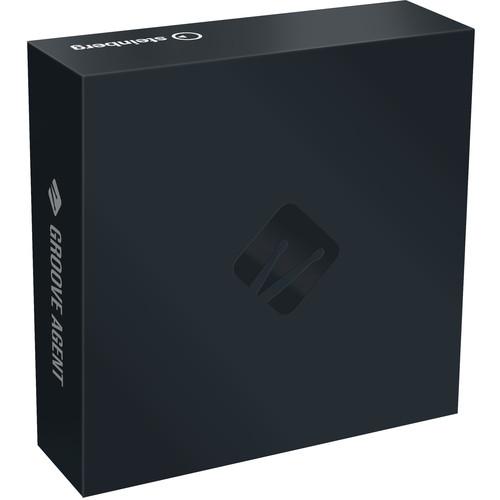 Contents of the user manual for the Steinberg Groove Agent 5 - Virtual
- Product category: Virtual Instruments Steinberg
- Brand: Steinberg
- Description and content of package
- Technical information and basic settings
- Frequently asked questions – FAQ
- Troubleshooting (does not switch on, does not respond, error message, what do I do if...)
- Authorized service for Steinberg Virtual Instruments
 |
User manual for the Steinberg Groove Agent 5 - Virtual contain basic instructions
that need to be followed during installation and operation.
Before starting your appliance, the user manual should be read through carefully.
Follow all the safety instructions and warnings, and be guided by the given recommendations.
User manual is an integral part of any Steinberg product,
and if it is sold or transferred, they should be handed over jointly with the product.
Following the instructions for use is an essential prerequisite for protecting
health and property during use, as well as recognition of liability on the part of the manufacturer
for possible defects should you make a warranty claim. Download an official Steinberg user manual in which you will find instructions on how to install, use, maintain and service your product.
And do not forget – unsuitable use of a Steinberg product will considerably shorten its lifespan!
|
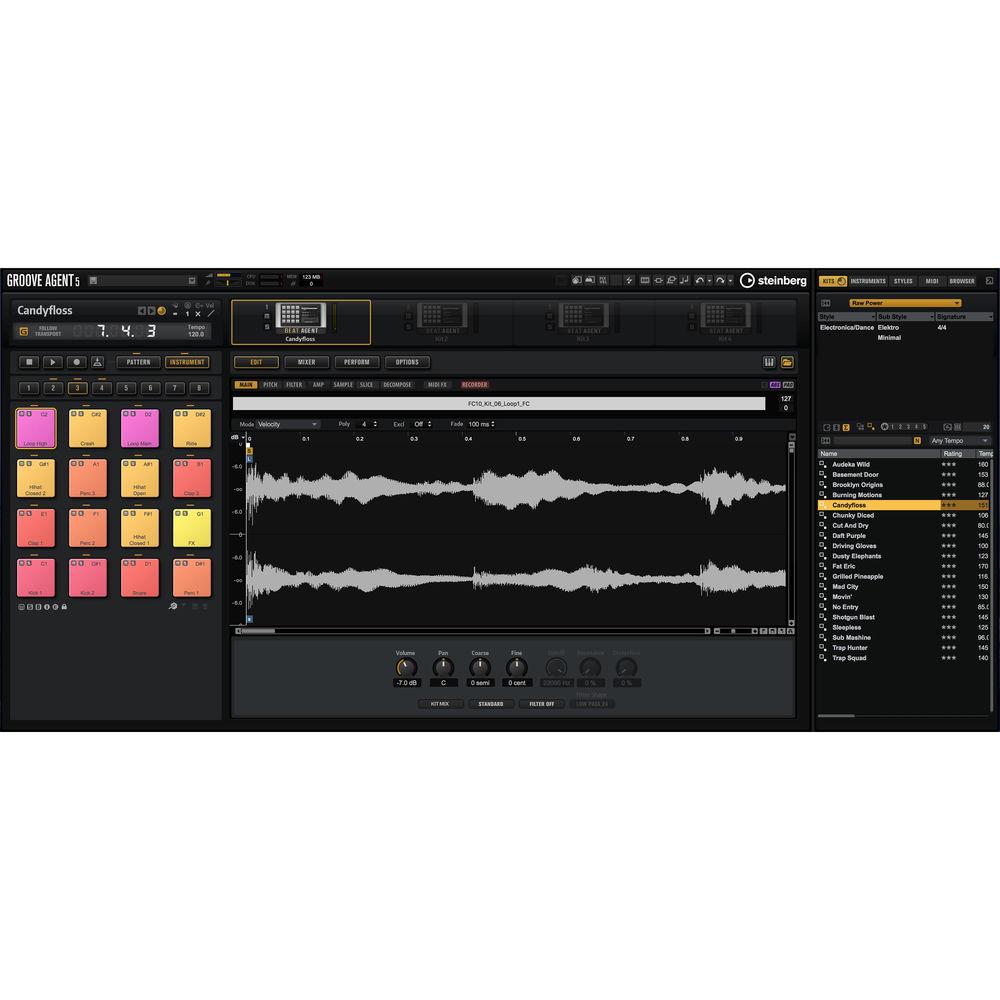
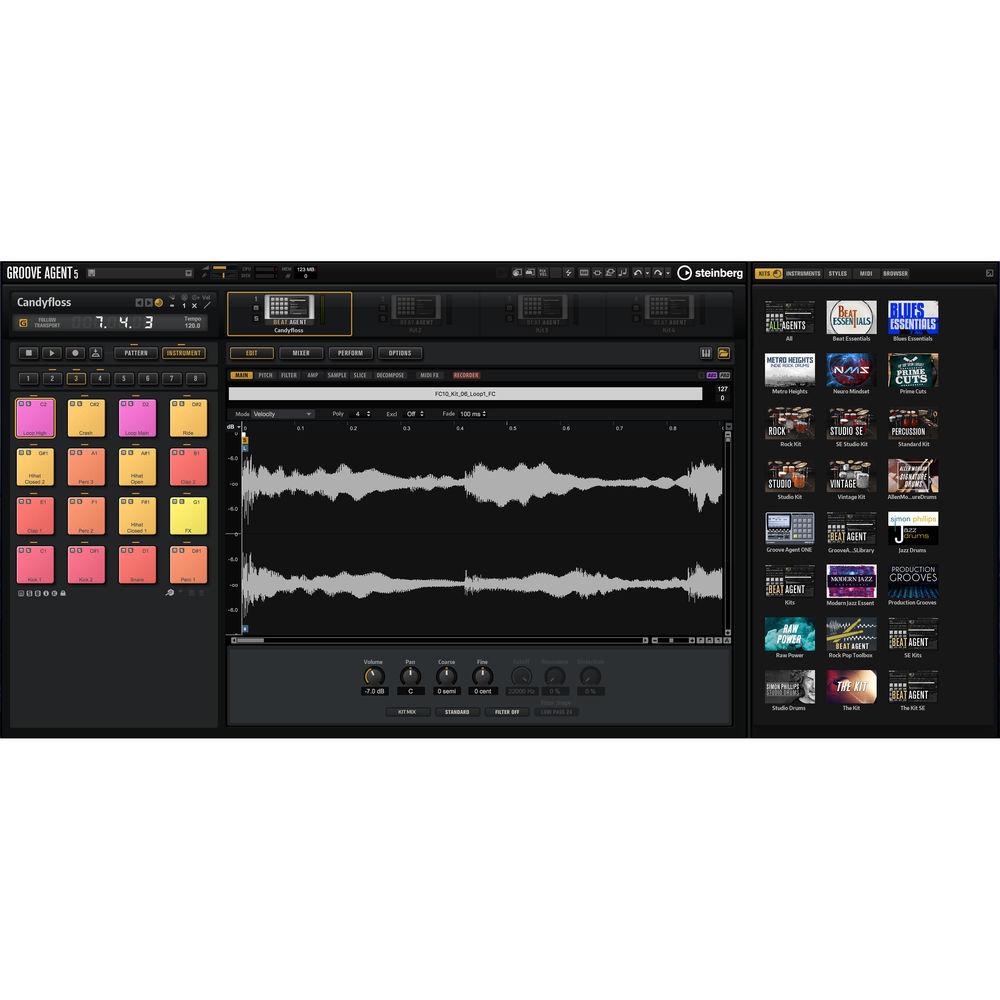
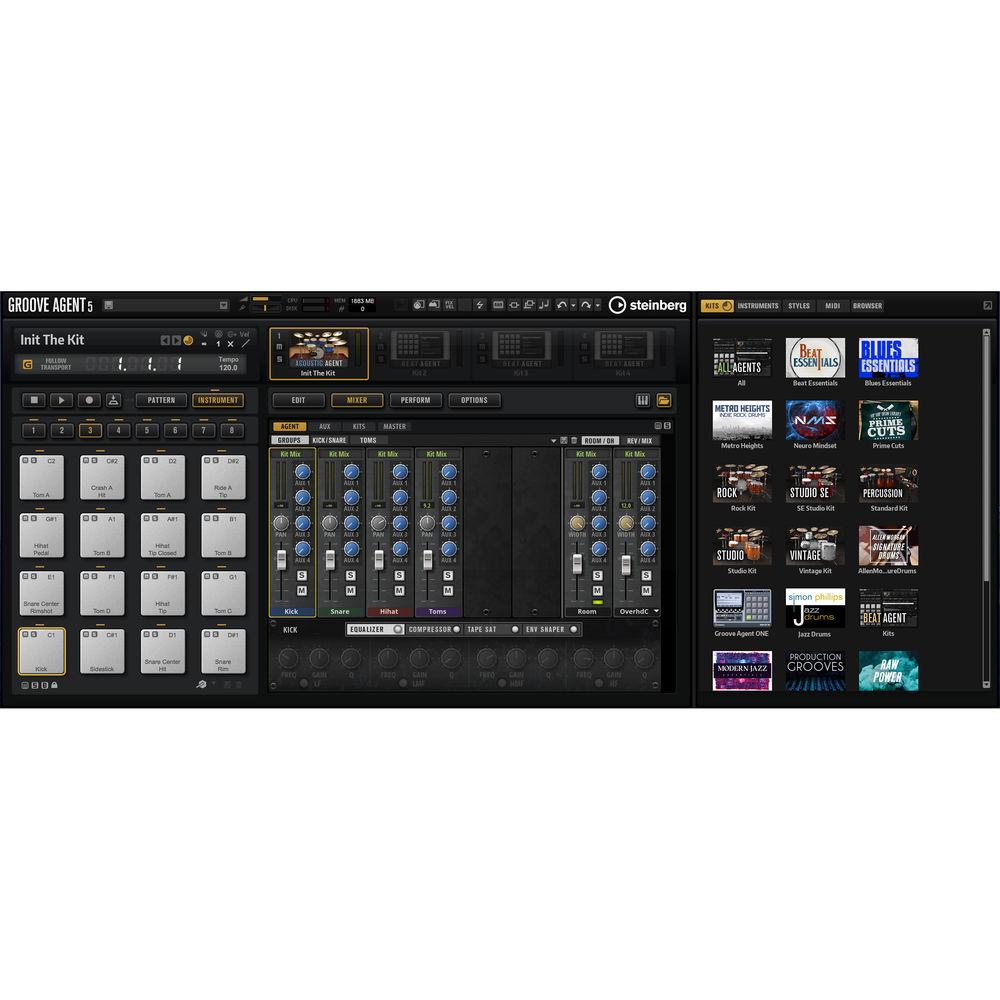
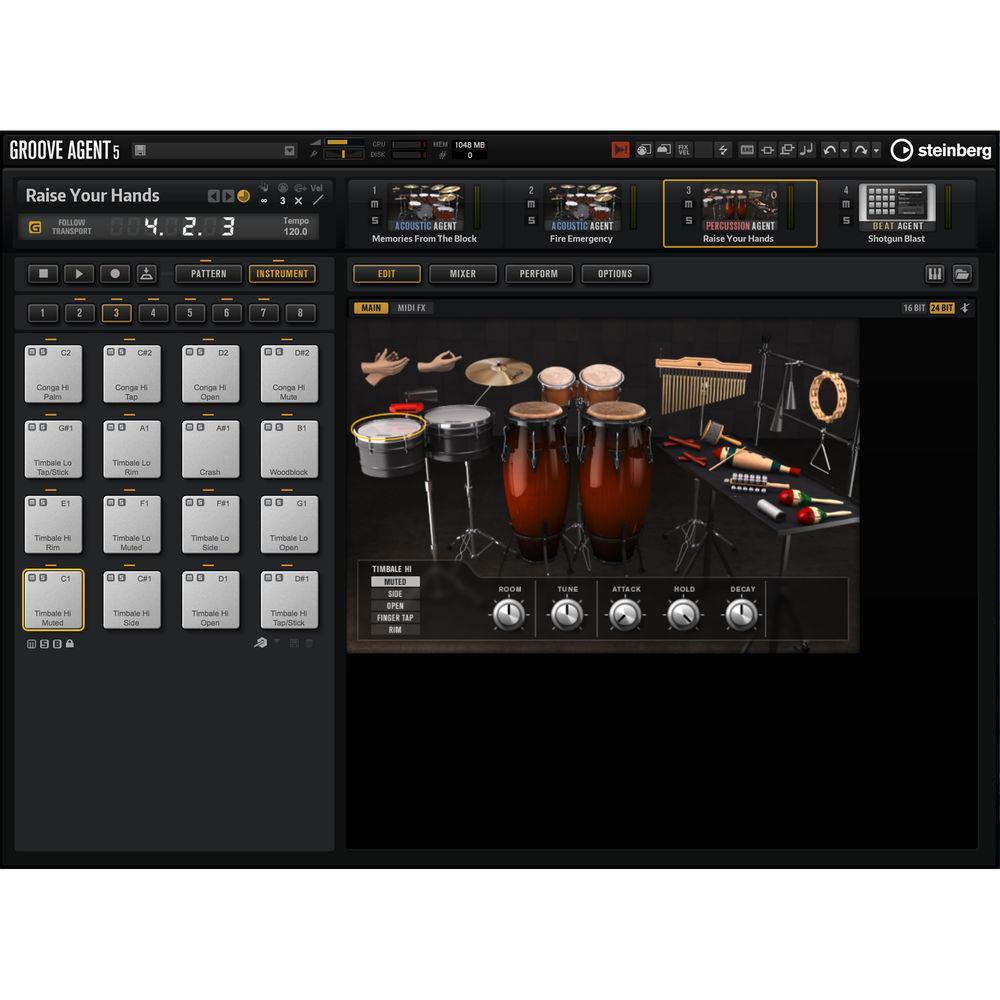
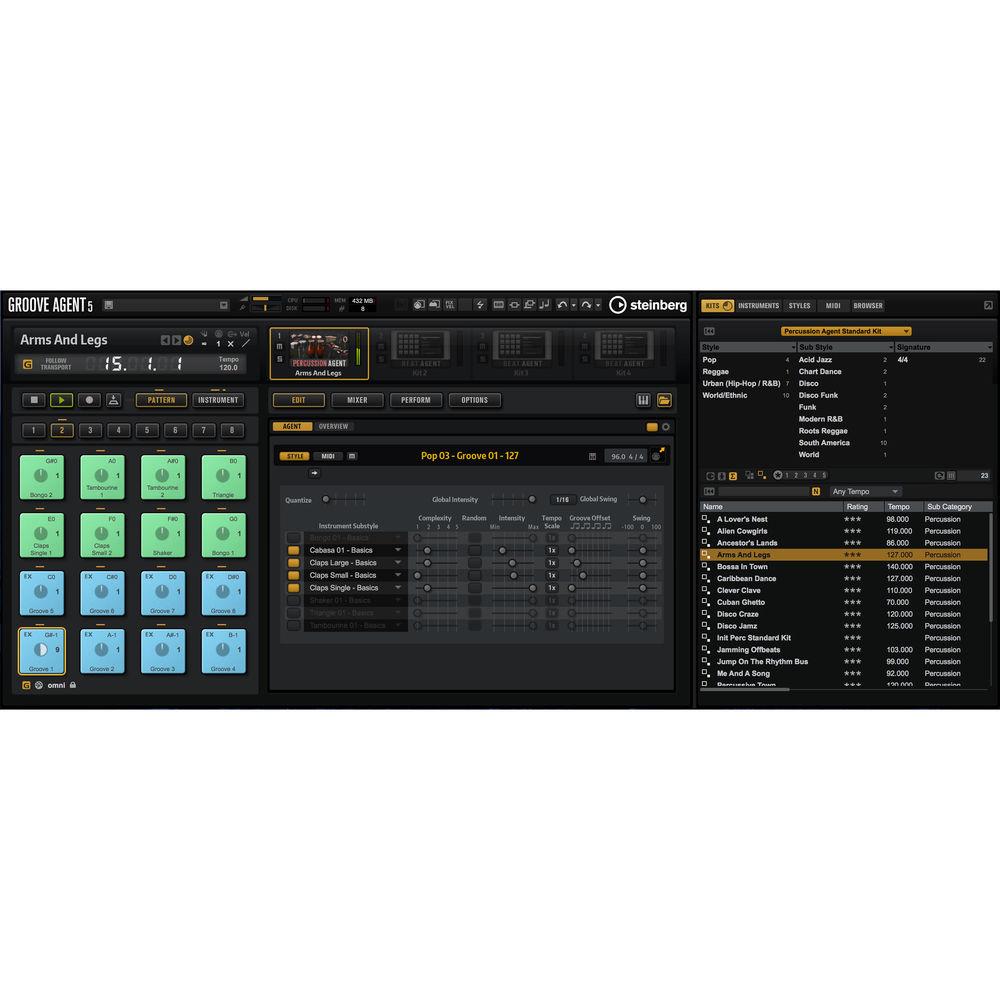
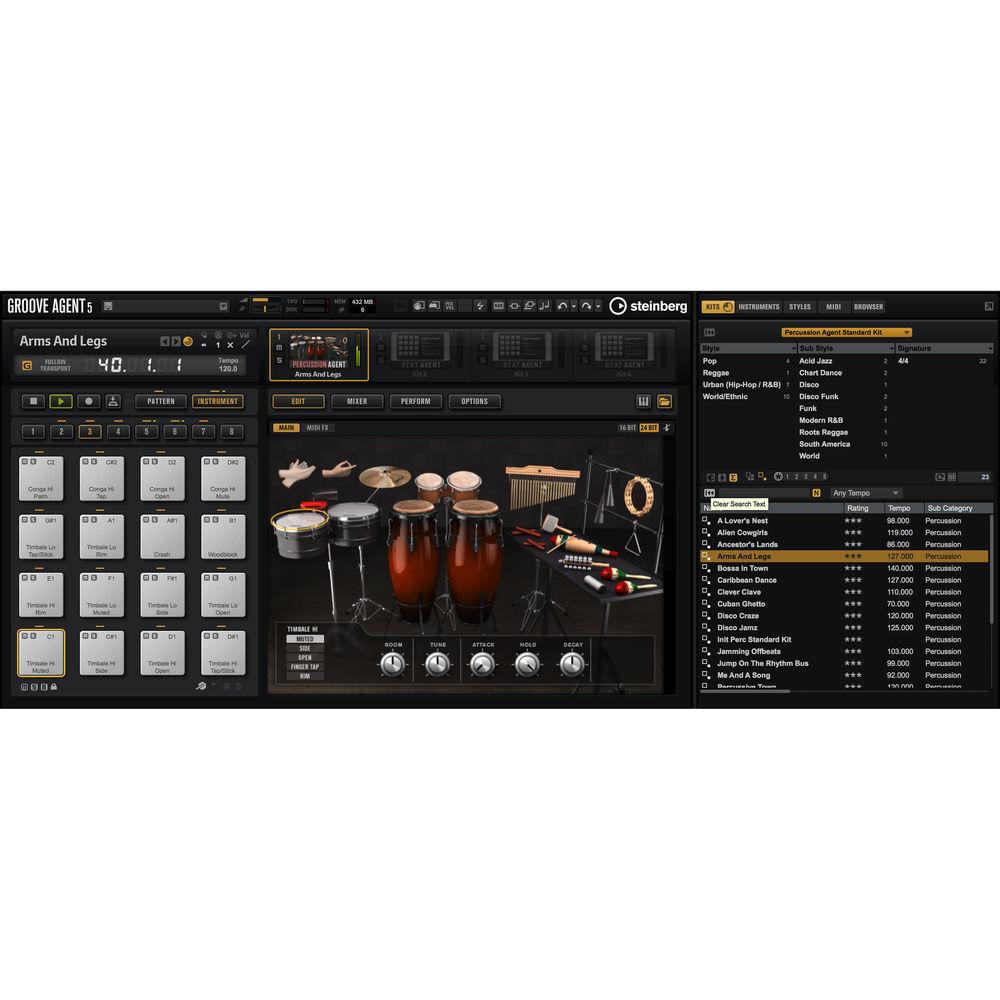
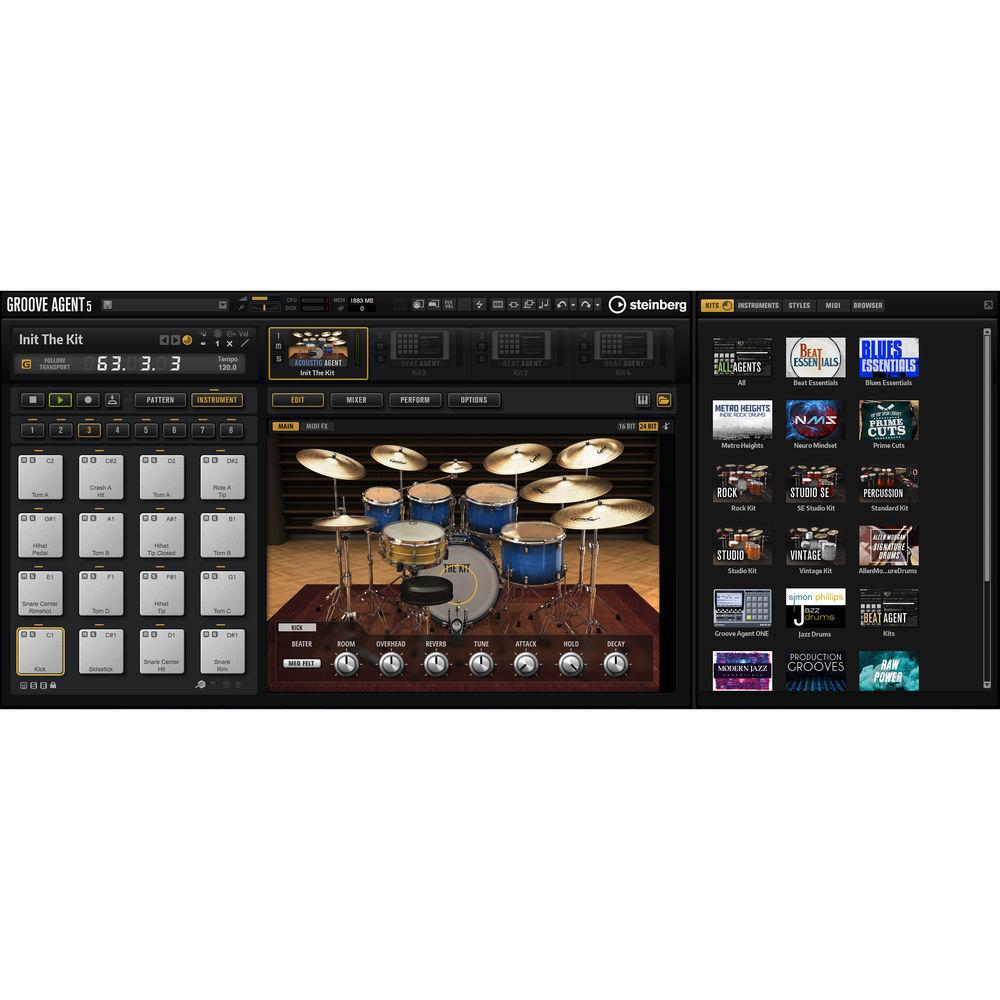
Product description Steinberg Groove Agent 5 is a virtual drum workstation that combines a library of high-quality acoustic drums, electronic drums, and percussion organized in 130 kits with over 1000 MIDI grooves played by top drummers. It offers modern producers, beat-makers, and songwriters an all-in-one solution with a suite of rhythmic-composition tools well-suited for creating drum tracks in just about any genre, from jazz, funk, reggae, and rock, to Trap and EDM.This fifth generation of Groove Agent still features three drum modules, also known as Agents (Acoustic, Beat, and Percussion), but with a new acoustic drum kit referred-to as The Kit. Recorded with high-end studio equipment at Teldex Studios in Berlin, The Kit provides a large collection of realistic drum samples and articulations captured with up to 20 velocities. As in previous versions, the pattern editor enables you to program complex rhythms in the timing of your choice, simply by clicking in the grid.There are more than 30 new kits created for Groove Agent 5 by top electronic artists including Rawtekk, Audeka, zKlang, Joe Ford, and more. The kits come with not only beat patterns but also small melody parts, miscellaneous hits, and other noises. Songwriters can quickly build sophisticated backing tracks using MIDI grooves with intros, outros, fills, and different complexities, for the practical purpose of improvising, practicing, or sketching songs in all genres of music.For sound-design applications, you have access to the Decompose tool, which lets you load a sample and easily separate it into its tonal and noise components. The tonal part can be pitched independently from the noise. Drag and drop each component onto Groove Agent, and create your own signature sounds.Groove Agent 5 comes with an improved user interface resizable to fit the real estate of your display and supporting high-resolution HiDPI for clearer details when working on complex arrangements. Note: This product is an educational discounted version available to qualified students, faculty/staff, and accredited academic institutions only. Proof of current educational status is required. Software requires a USB-eLicenser USB copy protection device (available separately), if one is not already on the system. What's New in Version 5 - The Kit
-
- The Kit offers a collection of acoustic drums
- Recorded with high-end Neumann microphones and outboard gear in Berlin’s Teldex Studios with its classic reverb chamber
- Pearl kick and snare
- Four Yamaha Maple Custom toms
- Four Zildjian cymbals with Istanbul ride
- Paiste splash cymbals
- 47 articulations
- Five round-robins
- Up to 20 velocities
- 14GB of compressed audio with 37,000 samples
- Three different overhead microphone positions
- 30 New Beat Agent Kits
-
- 30 new kits for a total of 130 Beat Agent kits
- For EDM, Trap, Future Bass, Drum ‘n’ Bass, Modern Funk, and more
- Created for Groove Agent 5 by top electronic artists including Rawtekk, Audeka, zKlang, Joe Ford, and more
- Kits also include samples like basses, small melody parts, miscellaneous hits, and other noises
- 20 New MIDI Styles for Songwriters
-
- 20 new grooves for a total of 1000 MIDI drum grooves
- Genres include rock, progressive rock, blues rock, alternative rock, indie, funk, soul, jazz, crossover, and reggae
- Every style is played by a top drummer and exclusively mixed for the kit
- Sound Design with Decompose
-
- Load a sample and easily separate it into its tonal and noise components
- Easily drag-and-drop each part onto Groove Agent pads to layer your drums
- Change the Pitch of Samples
-
- Pitch only the tonal part and leave the noise unpitched
- Create new drum sounds by changing the pitch envelope of a sample
- Great for pitch adjustments of prerecorded drums
- Live Sampling
-
- Record your own samples directly to pads in Groove Agent
- Style Player for Beat Agent
-
- Acoustic MIDI styles can now be played by electronic kits
- Pre-Listen to Styles and Pads
-
- Even during playback you can switch instruments or grooves and hear if they fit in your composition
- Drag-and-Drop Samples on Pads
-
- Build your own kits of single instruments with recorded or Decomposed samples
- Drag and Drop to Cubase
-
- Drag samples or MIDI grooves from Groove Agent to Cubase
- Filter Content by Instrument
-
- New Beat Agent kits are also available as single instrument presets
- Improved Style Player
-
- New auto-complexity mode, with export options for complexities and fills
- Selectable Auto Fills
-
- In the Style Player, you can now select only the auto fills you want to use
- Solo per Layer
-
- Solo listening of samples on pads with more than one layer
- New User Interface
-
- Resizable, undockable
- Supports high-resolution HiDPI screens
- Sample View in Envelope Editors
-
- Show samples in the background of envelope editors
- Other New Features
-
- 32 plug-in outputs for more audio outputs
- Now handles up to 32 velocity layers
- Revised pitch envelope offers more control over sound
- Load styles and MIDI with a simple double click
- AAX support
Key Features - Three Agent Rhythm Modules
-
- Acoustic, Beat, and Percussion Agents
- Each Agent can be combined with any of the others for layering drums
- MIDI Grooves
-
- Every MIDI part can be exported to your DAW or manipulated in Groove Agent's Style Player
- Jam Mode
-
- Create backing tracks with intro, outro, fills, and various complexities, perfect for practice, song sketches, and more
- World of Percussion
-
- Large collection of percussive loops and instruments
- Bongos, congas, claps, shakers, chimes, and more
- Perform mode lets you create completely new rhythm sections
Table of Contents
|
Upload User Manual
Have you got an user manual for the Steinberg Groove Agent 5 - Virtual Drum Workstation in electronic form? Please send it to us and help us expand our library of instruction manuals.
Thank you, too, on behalf of other users.
To upload the product manual, we first need to check and make sure you are not a robot. After that, your "Submit Link" or "Upload File" will appear.
Technical parametersSteinberg Groove Agent 5 Specs | System Requirements | Windows 10, 7, 8 (64-bit)
Download Size: 32 GB
macOS High Sierra, macOS Sierra
Download Size: 32 GB
RAM: 4 GB RAM Minimum; 8 GB RAM or More Recommended
Storage Space: 35 GB or more
Copy Protection Device: USB-eLicenser USB (Available Separately)
Internet Connection Required for: Account Sign Up; Product Registration; License Activation; Additional Downloads | | Plug-In Compatibility | VST, AU, AAX, Standalone |
Rating70% users recommend this product to others. And what about you?

This product has already been rated by 61 owners. Add your rating and experience with the product.
Discussion
 Ask our technicians if you have a problem with your settings,
or if anything is unclear in the user manual you have downloaded.
You can make use of our moderated discussion.
The discussion is public and helps other users of our website who may be encountering similar problems.
Ask our technicians if you have a problem with your settings,
or if anything is unclear in the user manual you have downloaded.
You can make use of our moderated discussion.
The discussion is public and helps other users of our website who may be encountering similar problems.
The discussion is empty - enter the first post
Post a new topic / query / comment:
|
|
|
| Request for user manual |
You can’t find the operation manual you are looking for? Let us know and we will try to add the missing manual:
I’m looking for a manual / Request for manual
Current requests for instruction manuals:
Call Of Duty World War Two For Xbox...
controller stratus XL...
stratus XL...
smart whatch serie S11 42mm...
Allen & Heath SQ-6 manual...
|
| Discussion |
Latest contributions to the discussion:
AEW R 4100
Name: MAURICIO ANGARITA
Audio-Technica AEW-R4100 UHF Diversity Receiver for
AEW R 4100 has the mute function blocked and does not allow audio to pass. I tried several times to turn off the mute from the transmitter but it does nothing, the mute stays on. Solution?
Thank you...
Instructions for assembling the 2015 Forecast Image Master Consoles GC3-A
Name: mike elam
Forecast Consoles GC3-A ImageMaster Editing Console
Looking for instructions for assembling this console. ...
EMPTY TONER ERROR MESSAGE AFTER REPLACING TONER
Name: LINDA BAD YELLOW EYES
Brother TN223BK Standard-Yield Toner
I HAD TO CHANGE OUT ALL THREE TONERS DUE TO LEAKS IN THE YELLOW AND CYAN. AFTER I REPLACED THEM, THE MACHINE KEEPS GIVING ME AN EMPTY TONER ERROR MESSAGE. HELP!!...
PS480D 20/24 pin Switching 480W Power Supply
Name: swkargo
Logisys 480W Power Supply
This item states in can run -5vdc .It is NOT listed on the board or I beleive is r4 is missing the resitior. Any body have thid issue. Shawn
...
Help needed
Name: Ann Carter
SanDisk 1TB Extreme Portable USB 3.1
When I click the link to download the user manual for my Sandisk Extreme external hard drive, it gives me the manual for the LG Cricket. Can you please change the link so I can download the Sandisk manual and begin using this drive? Thank you....
|
|


